Any tips on finding animals in World photographer mode?
When I take a photo in camera mode where is the file stored? II can’t find any taken pictures on Xbox X.
Is there a way to disable the camera HUD to make a clean screenshot?
Any tips on finding animals in World photographer mode?
When I take a photo in camera mode where is the file stored? II can’t find any taken pictures on Xbox X.
Is there a way to disable the camera HUD to make a clean screenshot?
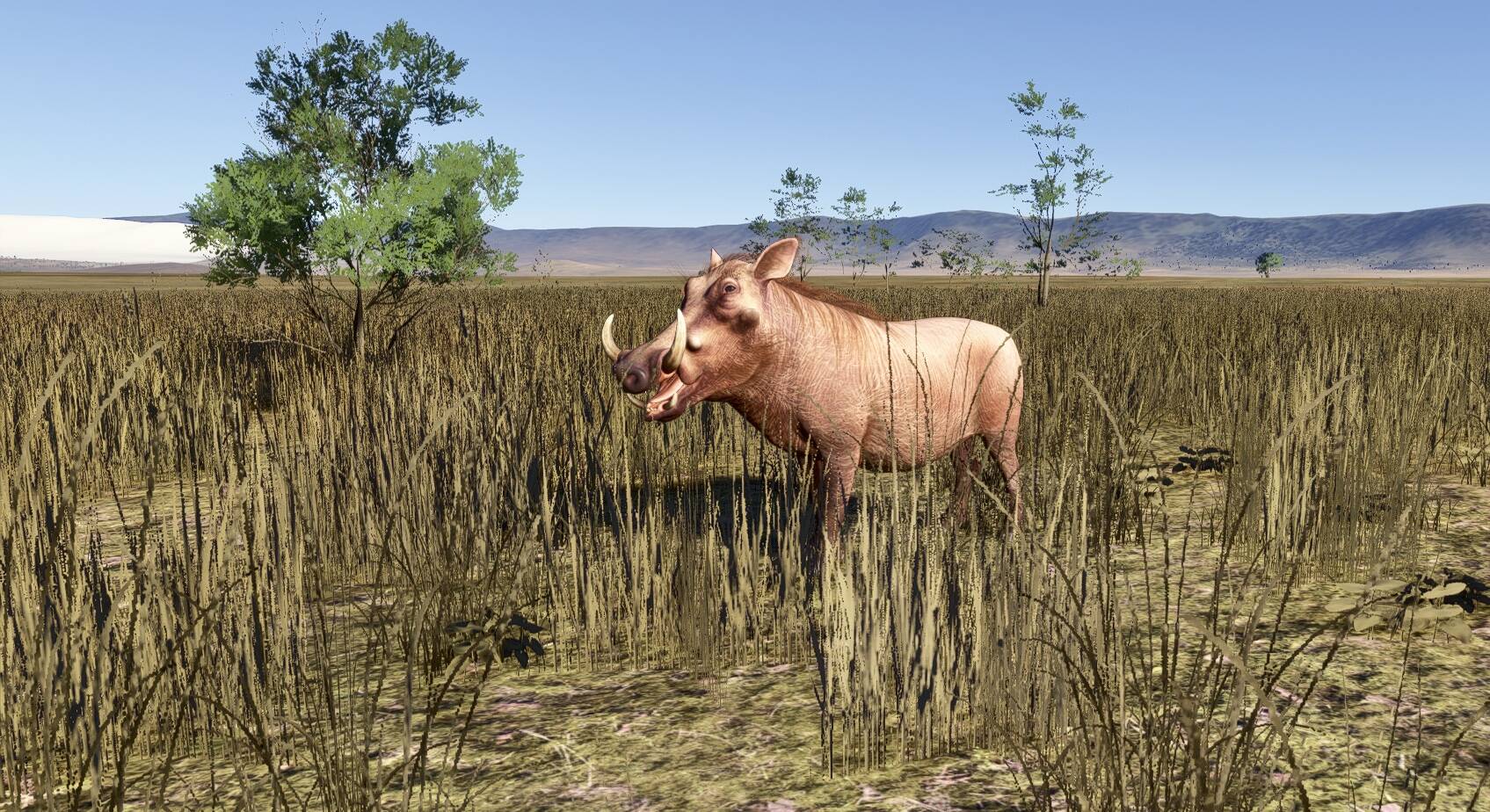
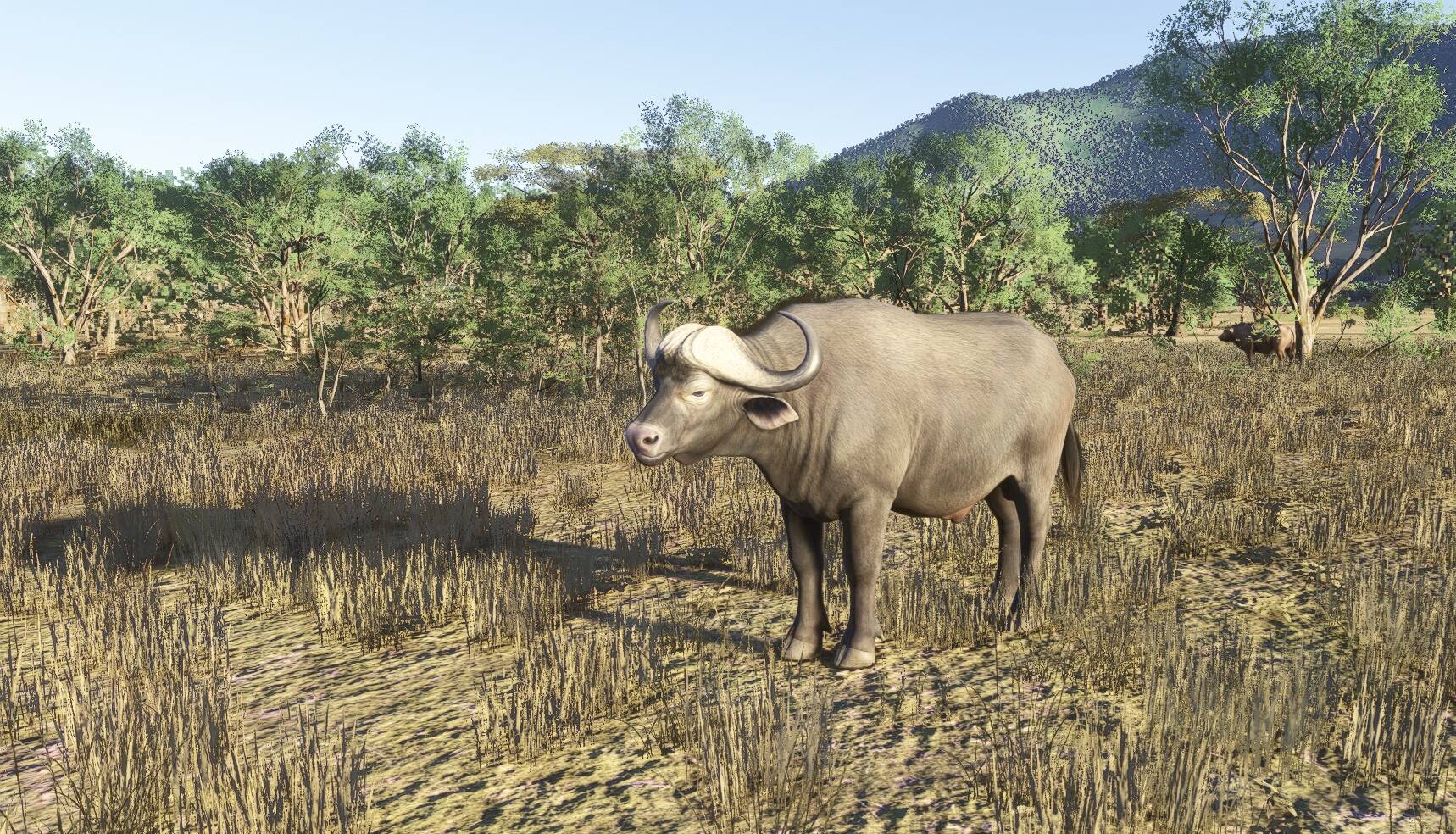
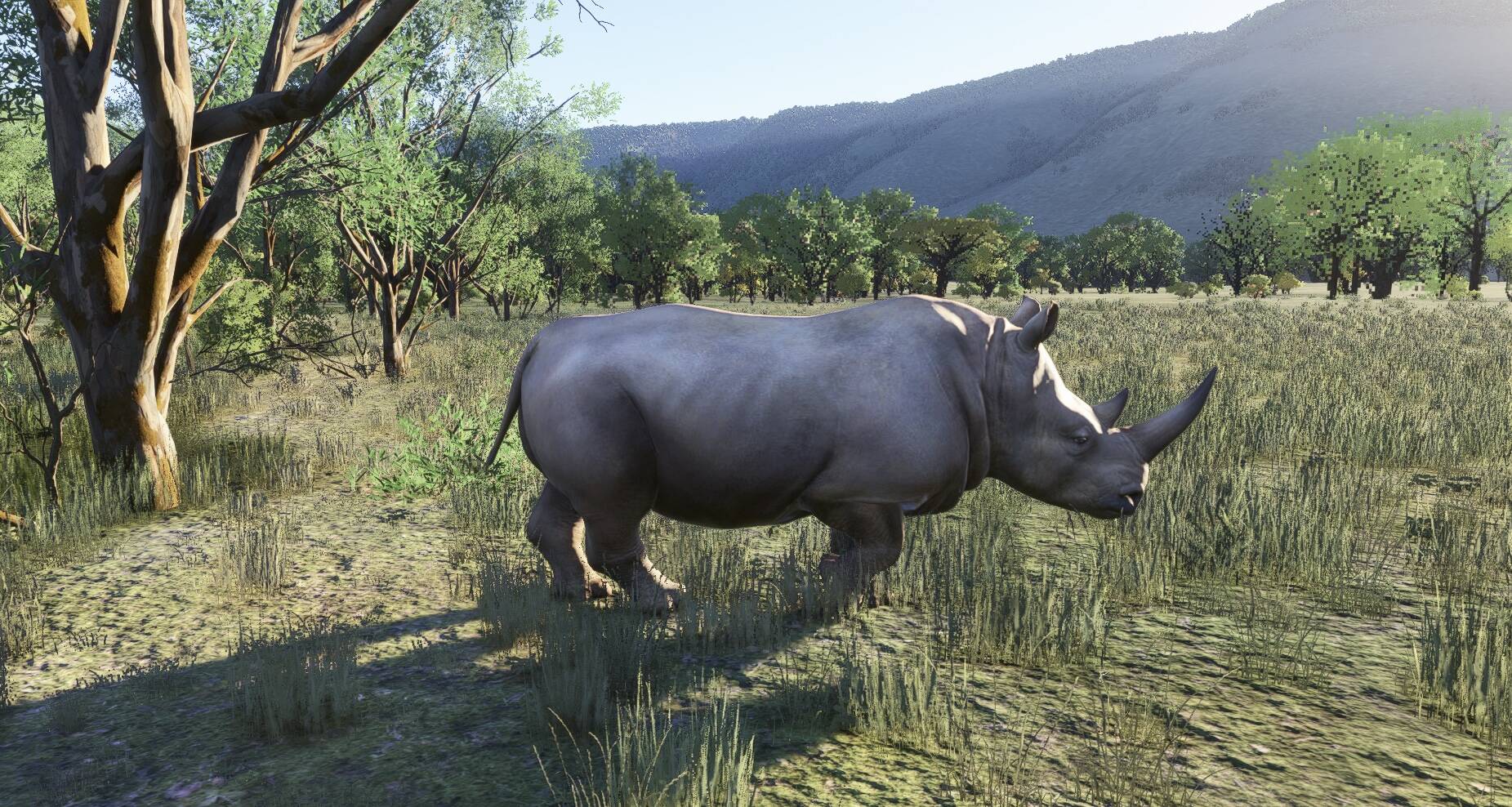
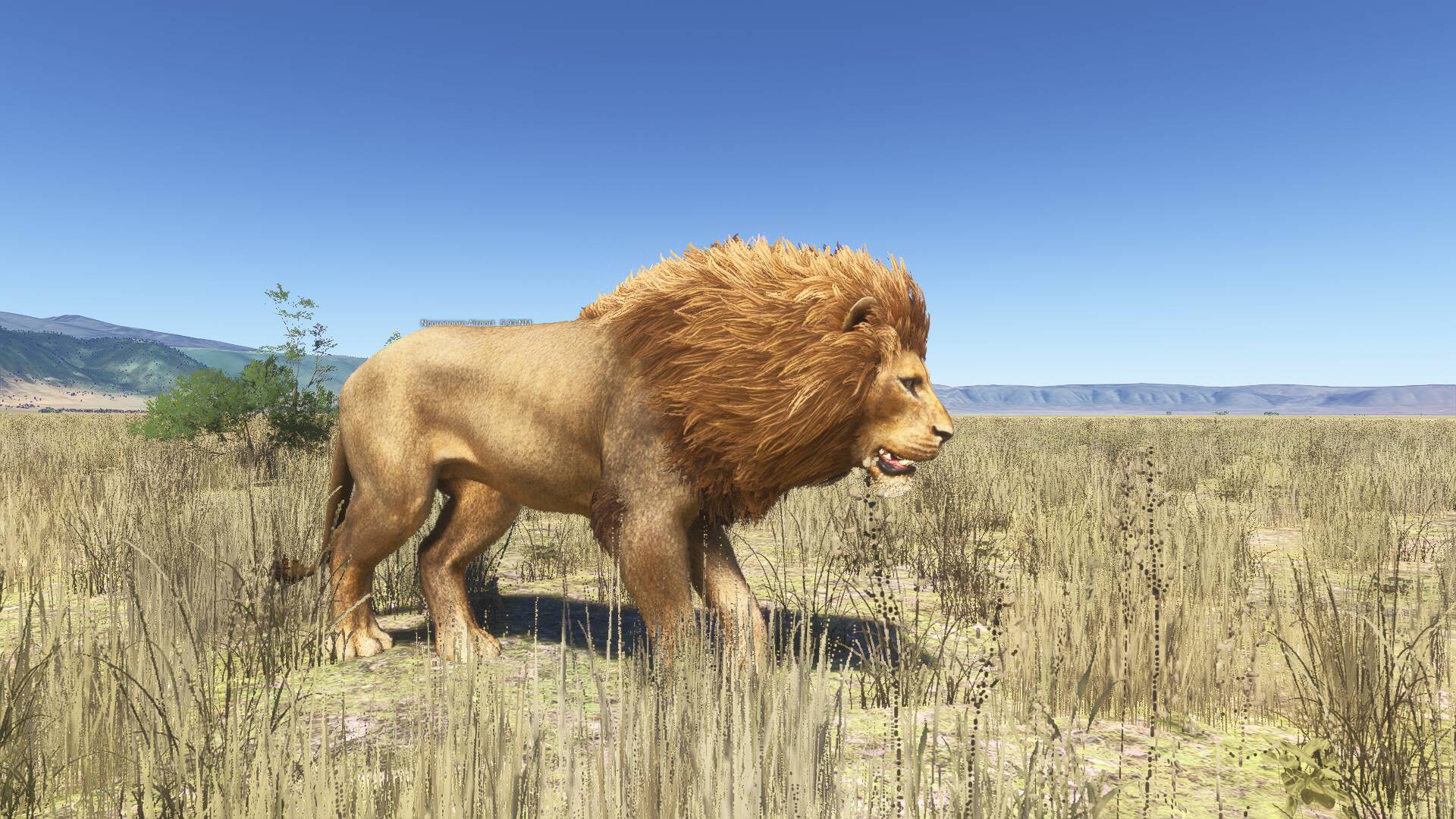
If you pick one of the animals, rhino for example the world map shows likely areas. I then flew around this area and did find a rhino , but also lots of other African mammals, really cool feature. Here’s a few. This was flying out HTNV Ngorogoro crater.
Are there no markers or pointers on the animals when flying the plane? This is not very children friendly and I thought this mode was made for kids to have fun.
Hi. There’s no markers, you need to keep your eyes peeled! It helps flying low and slow in either the Optica or Jetson. The animals respond to the plane, i.e. they run away! So it is fairly easy to pick them out from the bush. I’m not a kid, just a big kid and found it great fun! I’m off to look for some lions next!
Thank you. Can you explain how camera works? I took some pictures but can’t find the pictures anywhere.
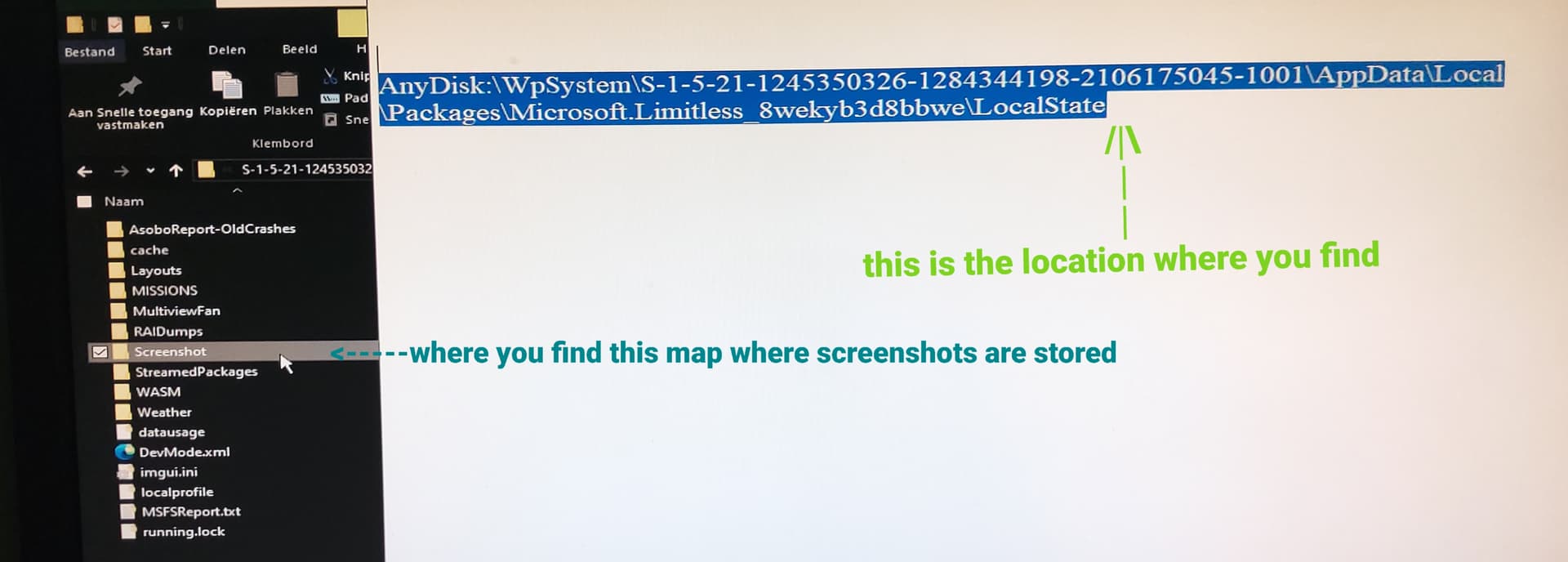
Pictures can be found on the disk where you installed the sim
In the localstate map and than screenshots
Fashion by phsepp
Now this is on pc, if you are on xbox i dont know but i think it is in some base menu somewhere i do not know xbox
I’m on Xbox and there is no menu to access pictures…
And heavy object popin on Xbox might make detecting Animals very hard. That’s why I thought there would be some POI markers.
You can access your photos on Xbox by clicking in the right stick on the main menu and highlighting your profile pic at the top right of the screen.
You can check out your photos and see your flight stats and other info in this section.
I haven’t figured out a way to disable the camera HUD, unfortunately.
Wish there was a way to remove the toggle EFB prompt at the bottom of the screen while exploring on foot.
I do not know anything about xbox s/x so i cannot help you there for i do not know this
For poi markers,
you can try activate in settings-> general-> flightinterface, under global setting you find this line ( display labels for all on screen POIs ) with a checkbox switch to turn it Off or On so if its off switch it to on (read the description next to it) and retry to see if you can find some.
You are a legend. Thank you all for helping out. This UI is so confusing.
I like this mode too. I could find animals in Africa but could not in North America in forest and even tundra environments : moose, black bear and polar bear.
How could you take pictures so close if all those guys were running from you? If could barely recognize the species from the air.
Good question! If you are flying along and see something, it is hard. I think what the sim wants you to do is land nearby, get out and walk and then sneak up on them, like real life.
My “cheat” is to explore the area using the drone camera, the animals don’t “see” it. That’s how I got the previous posted animals. Hope this helps.
It’s a safari requiring tactics and planning!
Exactly!! 
We need markers and hints to find them…
This was supposed to be casual friendly. But they fumbled even in this regard. I can’t imagine a casual player flying for hours looking for a monkey or lion.
The popin/LOD on Xbox prevents from seeing animals from distance.
Yeh this is bad. I’ve almost done the African animal collection with only the Lion left. To start with, i thought just finding a giraffe was time consuming but it’s the 3 big cats that take the longest (Lion, Hyena & Cheetah)
I’ve spent longer doing the African animal collection than i did 9 other collections combined and have been searching for a Lion for almost 10hrs of playtime (no exhaggeration) without seeing a single one
The ‘targeted areas’ are too vast with the spawn rate being far too low. I can’t believe that in probably 20 hours of doing this collection which is obviously all based in Africa, i haven’t seen a single Lion. Seen just 1 collection of Cheetah and probably 3 lots of Hyenas (the rest are seen very regularly)
Something needs to be done
The Lions take some finding to be sure! Finally ran into a group of 5 in Ngorogoro Crater. Unfortunately they didn’t want to pose as a group for the 3  but it was nice to see them!
I managed to find it by searching “datemodified: today” in the windows file explorer. Do this right after you take a picture in MSFS. It should be on top in the search result.
Thank you very much. I was able to find the folder on my PC right where you said to find it. I checked with AI and Copilot said we will have to wait until the store opens in March to find out where it will put addons. Orbx is saying they have addons working with it, but I can’t see how. Right now, I know where I installed the game because it let me select a drive and it put it in the XboxGames folder as expected, but it didn’t ask me where to put the Community folder, so I don’t know at this point where it will show up. I’m also having the same disappearing toolbar issue that so many people have said was an issue for them too.
I guess despite being able to move the game install to a larger drive, you still can’t move everything there. Some of it is hardwired to go into your User account AppData folder. I should have expected that because that’s why there is an AppData folder. Originally it was to allow anything that needed Read/Write permission to go into because Windows denied that access to software in Program Files.