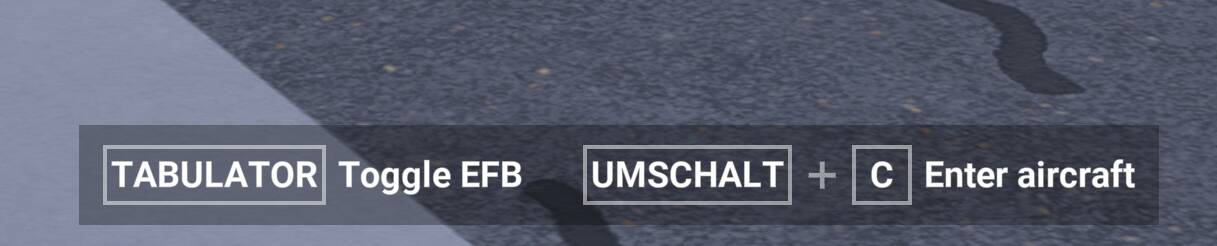
I am talking about these, they are always shown when I leave the plane to walk around:
In VR, it only shows the “Tabulator - Toggle EFB” tool tip (or whatever these things are called in this context) , but it’s still very immersion breaking. I haven’t found the option to disable these. But surely such an option exists?
Thanks!
Yes, Asobo really built a feature to allow exploring the digital twin in avatar mode and then totally ruined it with stupid UI choices, but that is how they roll. You should know this by now. AFIK there is not a way to turn it off, but there is a wishlist item for that somewhere. And don’t call me Shirley! 
3 Likes
There is not an existing option to remove those labels from the walk-around screen.
See existing wish: Can I hide "Toggle" prompts?
1 Like
You can get rid of it while walking around by using a simple hack. As the direction you move in depends on where you are looking in VR (while holding the W key), simply look away to the side as you walk and the pop up will go from centre to out of view, then centre your view while holding the the mouse right button and keep walking, it should stay out of view then. That worked for me today when I tried it.
1 Like
Woah. Sounds like using a bug to fix a missing feature 
And I also consider the fact that looking somewhere changes your walking direction a missing feature too.
So in your workaround, what’s right mouse button? Center view? I’ve mapped RMB to run.
1 Like
My mouse buttons are on default. I just click and move the mouse to rotate. Er, assuming my crummy memory is correct!
1 Like