Any report of similar problems with TRX40 motherboards ?
.i had enough… issues and sudden “restarts” with back to desktop and need to unplugg usb…
returned my PC to shop to change motherboard and CPU to Intel . No more AMD “try and error” test person…
I had the same problem with a TRX40 motherboard, and an AMD laptop.
Fortunately I’ve found a workaround by using an external USB-C hub in between the PC and the G2. Please note not all hubs work. This one from Amazon works for me.
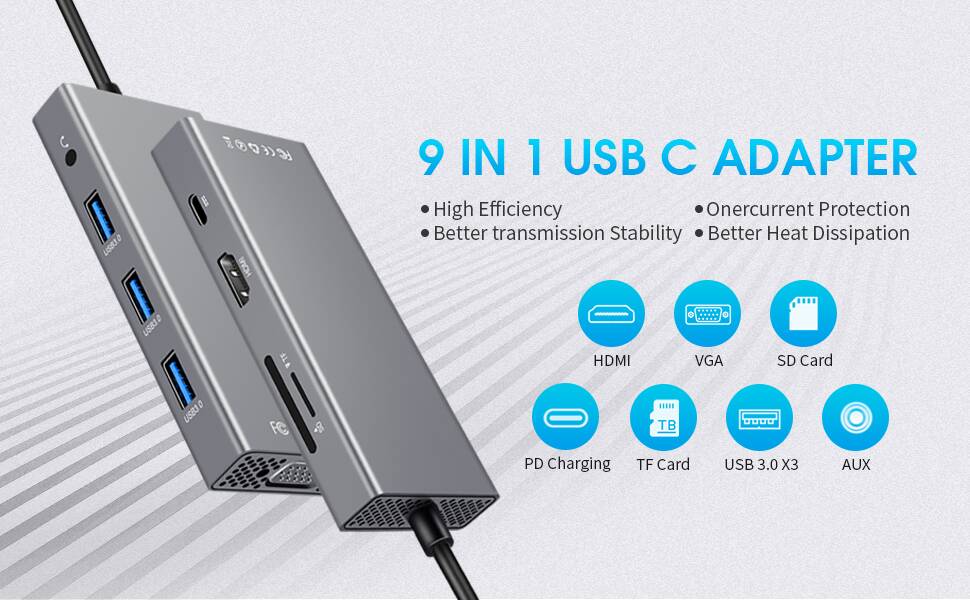
Good luck.
I had been running a G2 on my B450 based mobo (MSI B450M A Pro Max) without a problem. USB connected using the USB-C adapter on the USB3 port on front of my PC.
I updated to the latest BIOS (dated 20210209). Then Error 7-14 every time, regardless of USB port used. As far as I could tell all settings were as before.
I flashed back to the old BIOS (dated 20200618) and now the G2 works fine again.
Thought this might help someone else encountering similar issues. Old BIOS versions could be worth a try (assuming they’re compatible with your hardware).
Rejoice! AMD have fixed this in AGESA 1.2.0.2 to be rolled out in April!
1 Like
This topic was automatically closed 30 days after the last reply. New replies are no longer allowed.