Your comment on Hyperthreading reminded me I’d been into BIOS recently to check USB settings after some weird behavior plugging some external USB drives into my system.
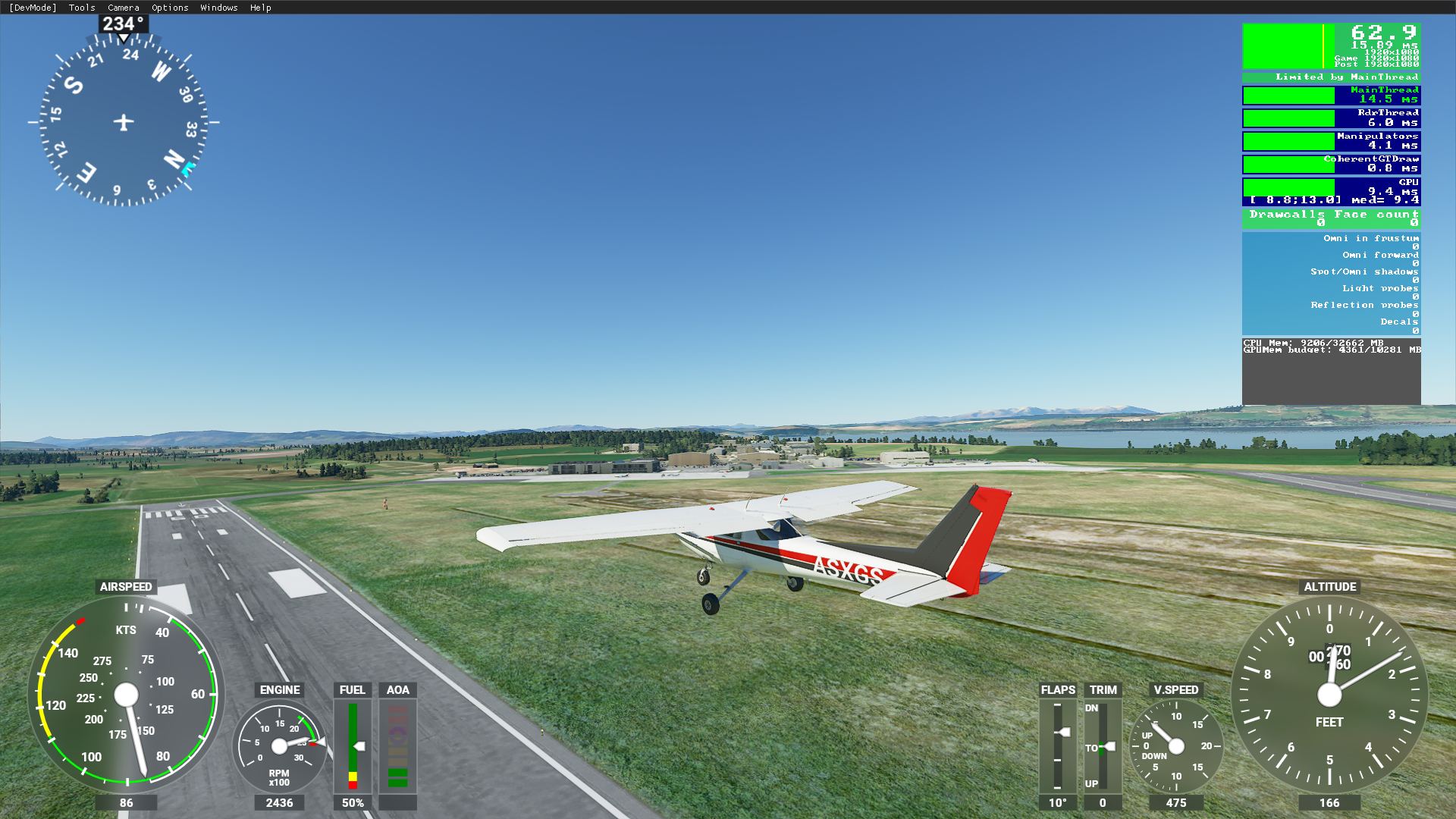
I did indeed disable hyperthreading but also noticed I had mistakenly left my overclock profile back to default. I set it back to the overclocked profile and I now get this 
Thanks for encouraging me back into BIOS to discover things were misconfigured.
After realizing my system was misconfigured out of it’s overclocked profile and fixing that, here’s a video out of the most densely populated airport in my package which has Orbx EGLC Airport (which is great) and Orbx Landmarks London installed, which isn’t so great at this moment. Framerates are not too bad considering. Shortly after takeoff I set everything to Ultra preset in Graphics settings. Previously I was getting 31 FPS here with my misconfigured system.
I really wish the Marketplace version of Orbx Landmarks would get updated. It’s still at 1.0.0 and Orbx has their store version at 1.0.1, which fixes many things, including the excessively bright night-flying textures I show at 5:05 in the video. Moral of the story seems to be buy straight from Orbx website to avoid any delay in updates getting vetted before publishing to Marketplace.
Waaait, you get 75-80 fps with render scaling at 200? How many frames do you get with render scaling at 100? That slider should have the highest impact on fps.
I wonder what his Traffic settings are?
I just thought I’d comment why people keep chasing FPS.
I do not use FPS as a measurer I look for quality and smoothness.
During Closed Beta I had a constant 30FPS with Ultra settings
on a 32" monitor at UHD 2560X1440
Computer
i9 9900K O/C 4.7Ghz
32GB Asus Memory @3200
Asus Z390 H-Gaming Mobo
Gigabyte 1070 GTX 8GB
P/S Corsair 850H Watts
Corsair watercooler 240mm
2 Intel 960 SSD’s 1TB each
Seagate 2TB HHD
Corsair 275 case
Perhaps he know a cheat technique 
Are we to read that, at any location, with any plane? If so, did we get a worse version released? 
High FPS to me means responsiveness of flight controls, instrument updates and responsive mouse clicks in cockpit. Not so much the visual updates.
No sure the release version as I have not bought it.
I’m waiting for some issues to get fixed before I buy MSFS2020.
I don’t see the sense in that statement. Could you elaborate. I don’t see why you need more than 20-25 FPS for that. Are you talking about your eye comfort or system response? Subjective?
But you said during beta. Do you then still have that beta version to use?
No, my access ended on August 18th.
Thanks for answer.
Could you answer the other part of the question.
Most of my tests were done in North America
NY City, San Francisco, Los Angelos, Las Vegas, Paficic Northwest.
Rockies, Grand Canyon, parts of Alaska, and Canada.
Caribbean St. Barts, Saba, “St. Maarten disapointed as this was not with same quality of Saba and St. Barts”
Europe, and some Asia, and New Zealand and Australia.
Some builds were better then others and I found the last Close Beta build was a regress, but from what I’ve read it was not the release version.
Perhaps I did not express myself properly
Are you saying that even with an airliner you always had a constant (or never less than 30FPs) at any airport and over major cities?
I just don’t want the readers to get the wrong impressions from your post.
@VeryOldPilot, did I say I wasn’t happy? My frame rates are perfectly fine.
What my post says:
On a pretty modern 8-core CPU with RTX 2080 at 1080p, only two threads are getting hammered and the rest of the CPU is barely utilised, causign the CPU to be the bottleneck. The only time the GPU becomes the bottleneck is when Render Scaling is 180 or above.
It doesn’t matter whether I set the sim to Ultra, with all settings at their best or set to Lowest possible, I get the same framerates due to this (until Render Scaling gets to 180 it drops a little but still playable).
This has been an issue for a very long time and nothing has been done to address it.
Buying a 28 core CPU won’t make a bit of difference. A 4-core CPU at 6Ghz would.
The only airliners we had in Beta was A320NEO and B747-8i and didn’t fly them much because of issues with A/P and LNAV but did fly a few circuits and not much different from other aircraft.
Just remember the beta did not have the full functioning systems.
Oh yes I understand. That means people who have your issue just need to set the Render Scaling to 100 for 1080p and understand that FS2020 is a flight sim (like x-plane) where 30-60 FPS is acceptable and not a shooter game where every FPS counts. I don’t see an issue that needs addressing in that case.
It’s all about the increased/overclocked cpu clock speed if core/thread limited.
No running away from that, so yes get the highest clock cpu or overlock and see the difference.
Correct me if I’m wrong, but the number next to the D3D indication in the first post is 81.3ms, not fps right?
I have a i9-9900k, 1080ti, 32GB 3200, 2 TB nvme on render scaling of 100 on 3840x1600.
I’m steady at about 50fps on a mix of high and ultra settings. Render scaling is 100. If i go to 200 it turns into a chop show. Im guessing that’s because its scaling for 7680x3200.
Am I missing something?