The version I have is the A300 premium edition, bought from the inibuilds store (released for MSFS2024, the model listed in the topic heading).
You are referring to the store bought MS2020 version.
The version I have is the A300 premium edition, bought from the inibuilds store (released for MSFS2024, the model listed in the topic heading).
You are referring to the store bought MS2020 version.
Got it, thanks!
I have no issues with A300-600R Premium in MSFS2024. I even consider it their best aircraft addon to date. Maybe try to delete the WASM folder and let it recompile? I do that after every update.
Many thanks, I’ll give it a try.
I really enjoyed the A300 in MSFS2020, so quite disappointed to have these issues in MS2024.
I have the issue that simbrief fight plan is loading fine, but for some reason I cannot select any departure in the plan. I tried in LEBL and in LFBO with different plan imports and I can only select STAR when I click the lsk next to the departure airport. Anyone knows what could cause this?
Removed “Released” from the title as it has been on the market for over six months.
How is the 2024 native Premium A300 nowadays? I saw reports in another thread that the IniManager insisted on downloading a ‘fake’ update that kept reverting the product to the more basic Compatible version?
Performance in FS2020 was never bad for me but are there improvements with the Premium? Has the flight model been refined as claimed?
Owning the original version nets me an upgrade price of only £11.99 at Ini’s store but, curiously, an upgrade offer doesn’t seem to be available at the Marketplace?
I just bought the Premium upgrade (from the 2020 Compatible version). Apparently there’s an issue with just the cargo version, where I get like 15 fps just sitting at the stand after spawning a new flight. I tried taking off from KMEM, and it was so bad I stopped the flight during the TO roll.
Apparently it’s a known bug, and there’s a dedicated thread on this in the Ini discord. I’ve reverted to the 2020 version which works fine. I’d simply fly the passenger version, but my Fedex VA has strict model and livery matching. I’ll keep an eye out for a fix.
New update dropped today:
Nice! Yeah, I had horrible FPS with the cargo version as mentioned in the previous post some weeks ago. Hopefully this is now fixed. I’ll give this a go this weekend.
Still really disappointed with the landing sounds. The 2020 version of the A300 has sounds that make the plane feel alive when it touches down. You can hear the runway underneath the tires as well as the shaking of the plane… for whatever reason, that’s completely missing in the 2024 version. I was hoping since this update addressed some of the landing sounds it would be fixed, but still isn’t. I’d at least like to know the reason of why it was removed… trivial for some but I really enjoyed those sounds.
video for reference: https://www.youtube-nocookie.com/embed/YpCb-uw63EE
Is performance any better? I know the Premium 2024 version had a lot of issues — I have the 2024 compatible (i.e. original 2020) version and it performs pretty solidly, so I only want to pay the upgrade price if things are significantly improved.
I only did one flight yesterday (Cargo variant), and it was rock solid for me, KDEN to KPHX, both custom sceneries, with SayIntentions traffic = 10. I limit my FPS to 25 with 2x frame gen (net 50 fps) and I didn’t notice it ever dropping. (My specs are in my profile.)
My issue was specifically with the 2024 premium cargo version, which dropped to like 15 (x2) FPS when taxiing with no traffic, and became unflyable on takeoff roll. The passenger version purportedly had no issues. There is a now-locked thread on Ini’s discord page regarding this.
I use this plane almost exclusively for a Fedex cargo VA which enforces model and livery, so I reverted to the 2020 (aka 2024 compatible) version until yesterday’s update.
Complicating the matter was that SU4 in its final form helped my overall sim performance significantly, but some of the interim SU4 builds were sub-optimal, and that was about when I experienced the A300 cargo problems.
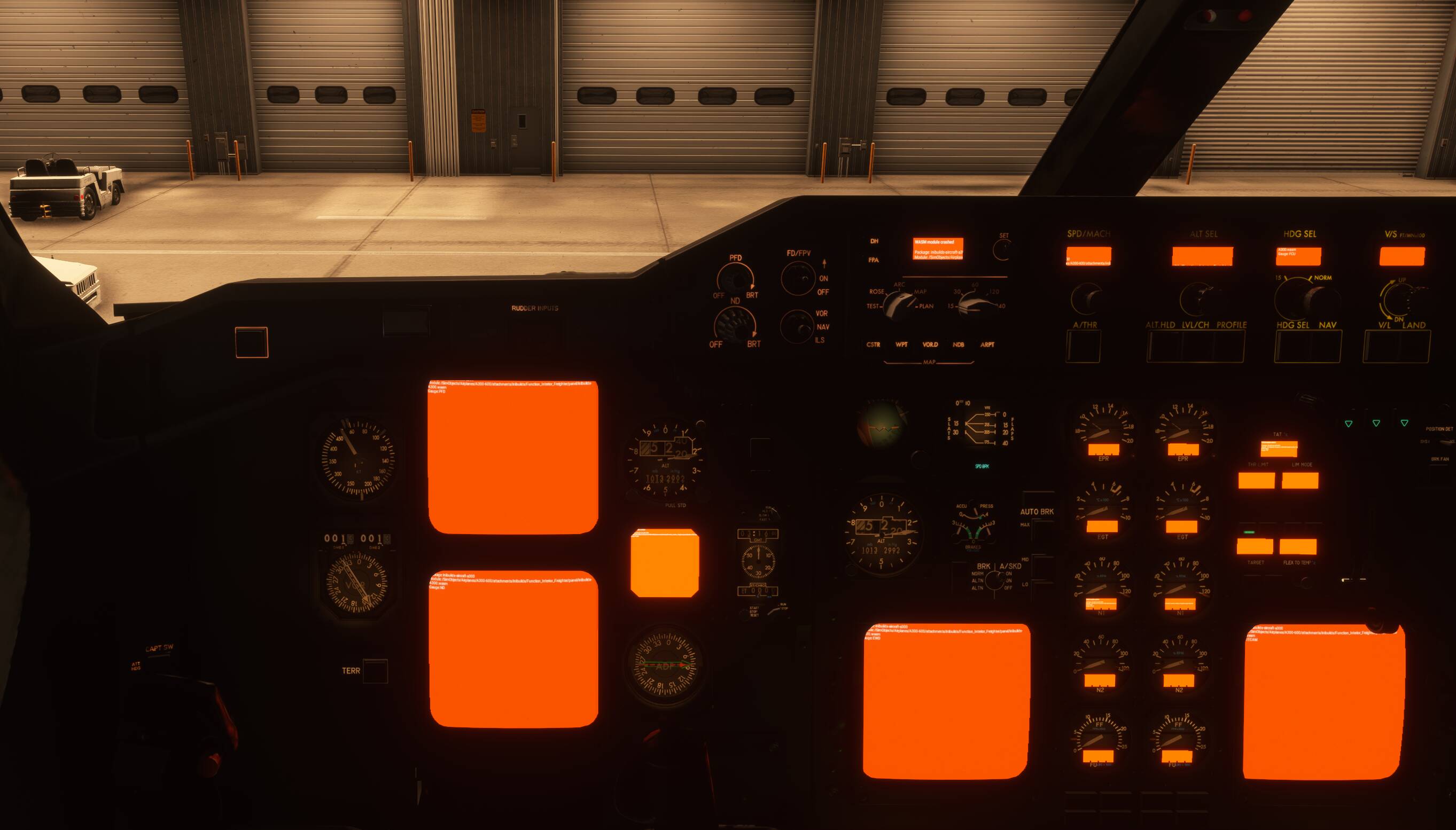
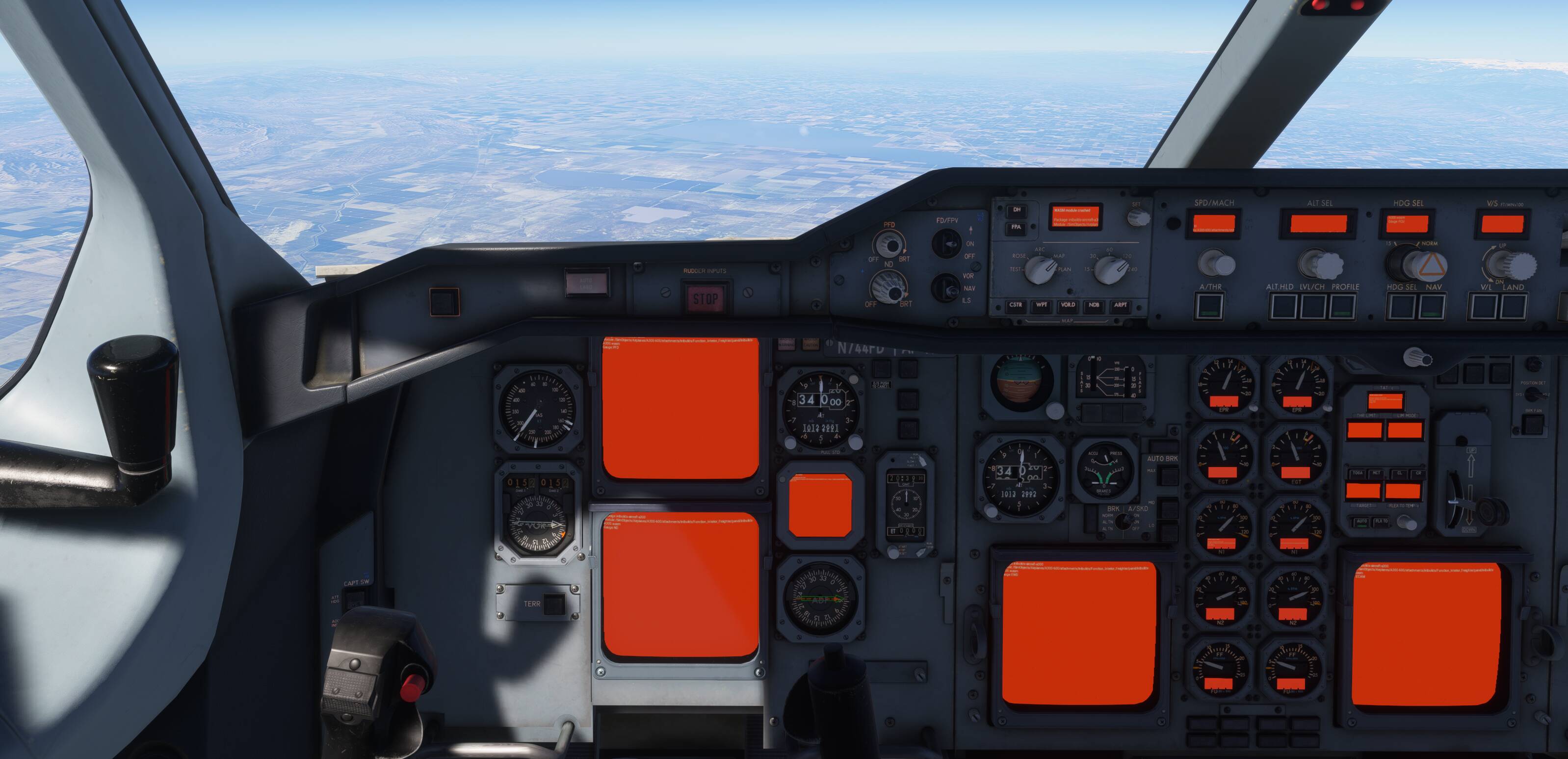
I’ll try to give it another go this weekend. (The Orange Screens of Death above didn’t recur on my second attempt.)
I did a pax flight in Asia yesterday with the newly updated A300 for MSFS2024 and I can’t complain. Smooth in performance for me. One of my most favourite aircraft in the sim.
Seems as though all inibuilds aircraft don’t like any changes to the departure or arrival routing once one has been set
This aircraft is very broken and I’ll likely be pursuing a refund from IniBuilds. I’ve attempted two flights so far and both have resulted in the orange screen phenomenon right at TOD. Both times I decided to try and salvage the flight but the aircraft subsequently began nosediving towards the ground at 12,000fpm!
The first flight, I did mess about with the routing post-departure but for the second, I kept it as straight-forward as possible — i.e. no changes. There’s zero fun in flying a plane that’s probably not going to allow you to complete your flight…
EDIT
It’s been suggested that simply clearing the WASM folder may solve this issue. We shall see… attempt no.3…
I also deleted my WASM folder after my last OSOD, but I haven’t flown this since. It shouldn’t make a difference, since it’s just compiling code that should be identical each time, but maybe it’s more nuanced than that.
Similarly to you…we shall see, maybe later this week.
I’m liaising with IniBuilds on their Discord. Seems that in my instance, there’s an issue with a specific STAR that’s causing the A300 to crash. If that’s the case, presumably every other example of the orange screens reported here is down to an incompatible STAR. Must be an aircraft issue since I’ve not had anything similar with any other third-party aircraft.