In fact, RJTT RW04 is NOT use for departure… VAMOS SID is used with RW05, RW22, RW16L/R.
I’m telling you I found a way I can replicate the WASM bug, and your reply is that it’s not a real world procedure? OK, I bet if I go to a real A321 and put it that flight plan all my screens will not go red. How’s that?
Depends on you lmfao
I can attempt. Which Airbus? (I only have the default MSFS first party IniBuilds A330, A320, A310)… And I’m in SU5 Beta, but will report.
I used the default A321LR IniBuilds. Maybe try the A320 otherwise.
Can you copy and paste your exact flight plan (from Simbrief?), and to confirm, you are not importing from Simbrief, but entering manually on the MCDU?
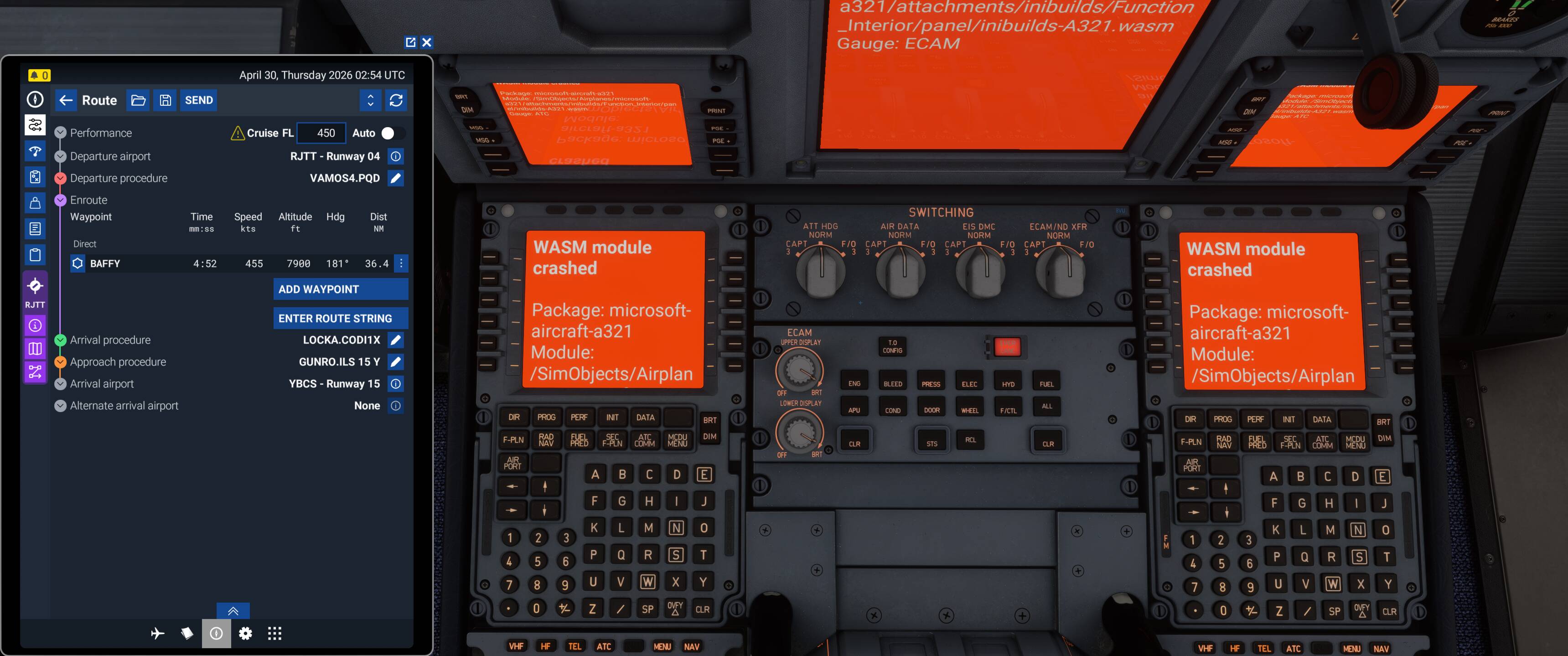
Can replicate in SU5 (1.7.24.0). Included the prescribed route shown on the EFB but everything was entered manually into the MCDU directly.
I’m wondering if it’s the ILS Y approach causing the issue as every database I can find only shows an ILS Z/LOC Z for 15 (and Navigraph has a LOC Y for 15 but with no chart). My next two tests will be to try importing this route rather than manually entering it, and then trying manual entry with a different approach - probably the ILS Z for 15.
UPDATE: Upon restarting the flight post-WASM crash, the flight plan as shown above was still in the EFB which caused that flight plan to load into the aircraft upon spawn - with no WASM crash. After resetting the FMC on the DATA page and then using the Send to Avionics function from Planner I still wasn’t able to trigger a WASM crash until I deleted BAFFY and re-entered it, then instant crash as originally happened with the full manual entry.
UPDATE 2: Manual entry of the above but with ILS Z instead of ILS Y (as I cannot find ILS Y documented anywhere so I thought it might be an error) still triggered the WASM crash after manual entry of BAFFY.
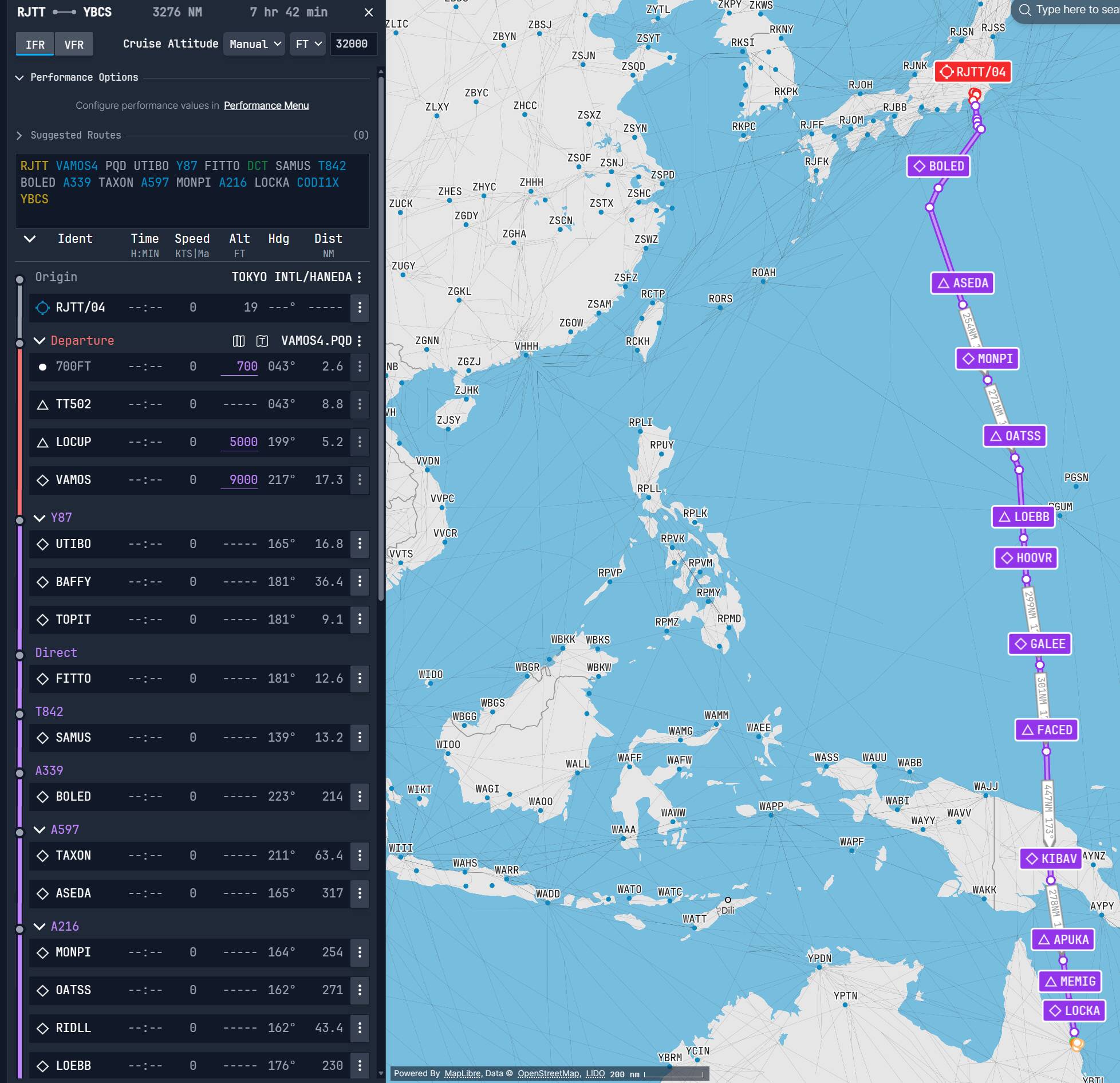
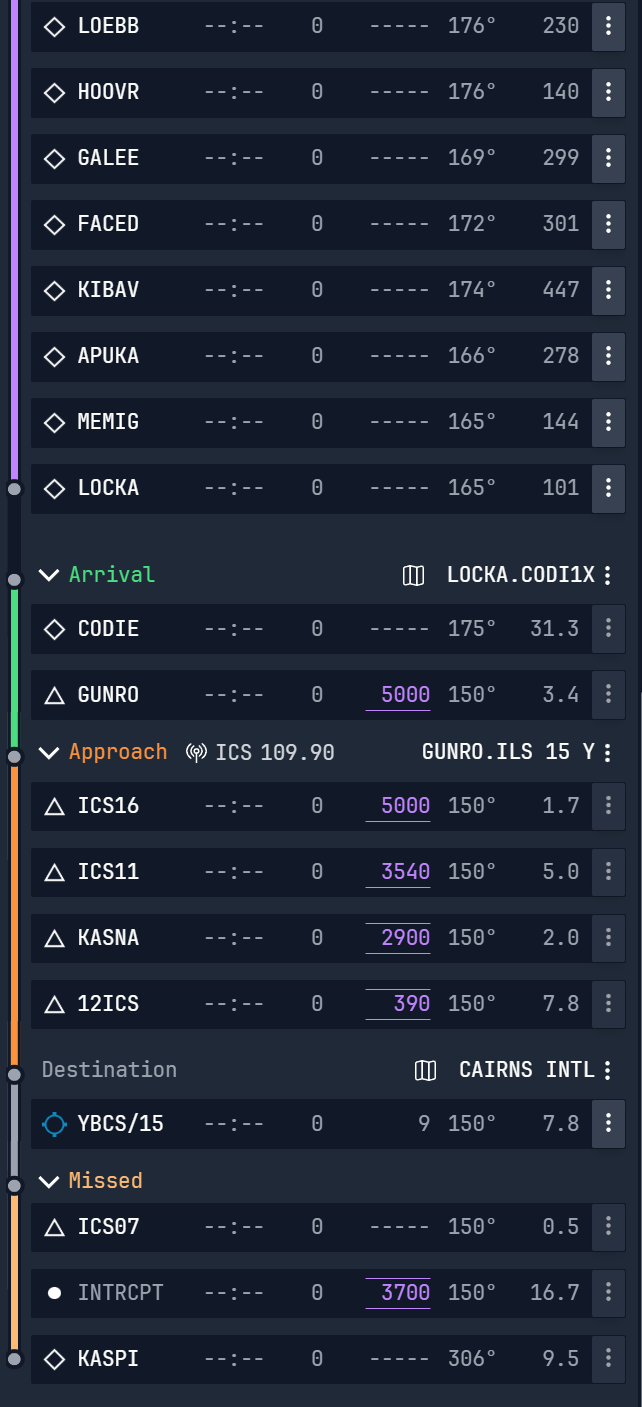
I was using the MSFS flight planner, no issues with it there, but when loading it into the game one of the waypoints was way out there. So I just tried to put in the DEPT/ARR along with the SID/STARS manually, then when entering the first way point BAFFY, got the thing to crash. Looks like UTIBO is part of the VAMOS4 PQD departure so I didn’t enter that.
I had Simbrief create a flight plan, but I’m manually entering the following in to the A321LR MCDU directly, without WASM crash:
RJTT/34R VAMOS4 PQD DCT BAFFY DCT MOE A590 YOSHI A339 MAKDA DCT SABGU A339 KEITH/N0469F340 DCT 1544N13517E 1547N13511E/N0473F330 1500N13520E 04N136E/N0469F350 DCT BIK G459 WP B473 OVLET CODI1Z YBCS/15
MSFS SU5 Beta 1.7.24.0 MS-Store, no addons.
I’ll try your route
I’m now going to try OP’s exact route and process (enter departure info, then arrival info, then first waypoint after departure) in a few other aircraft. I won’t bother with the Asobo Boeings as I don’t believe they utilize WASM and the Fenix does so outside of the sim so seem to be basically impervious to WASM crashes. Will report back with findings.
iniBuilds/Microsoft A310-300: No issue with manual entry
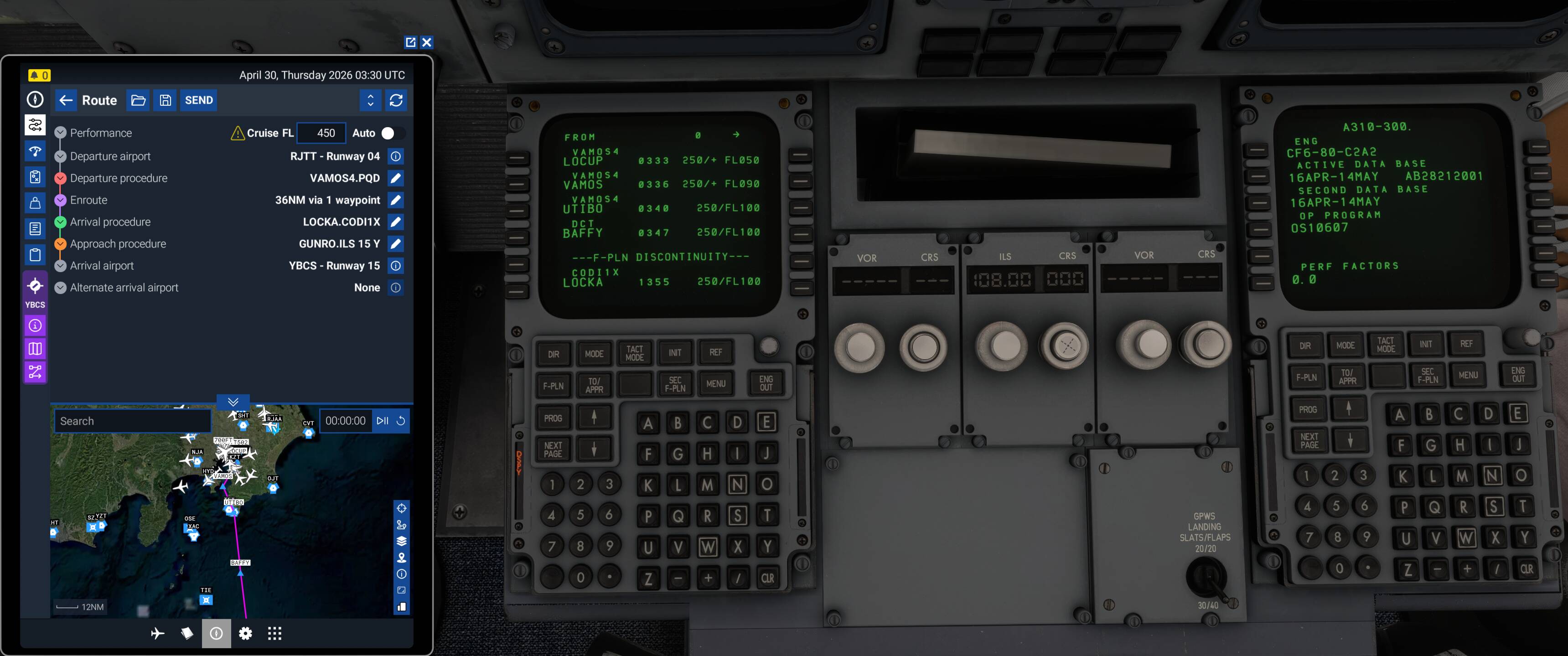
iniBuilds/Microsoft A320neo V2: Same as A321LR
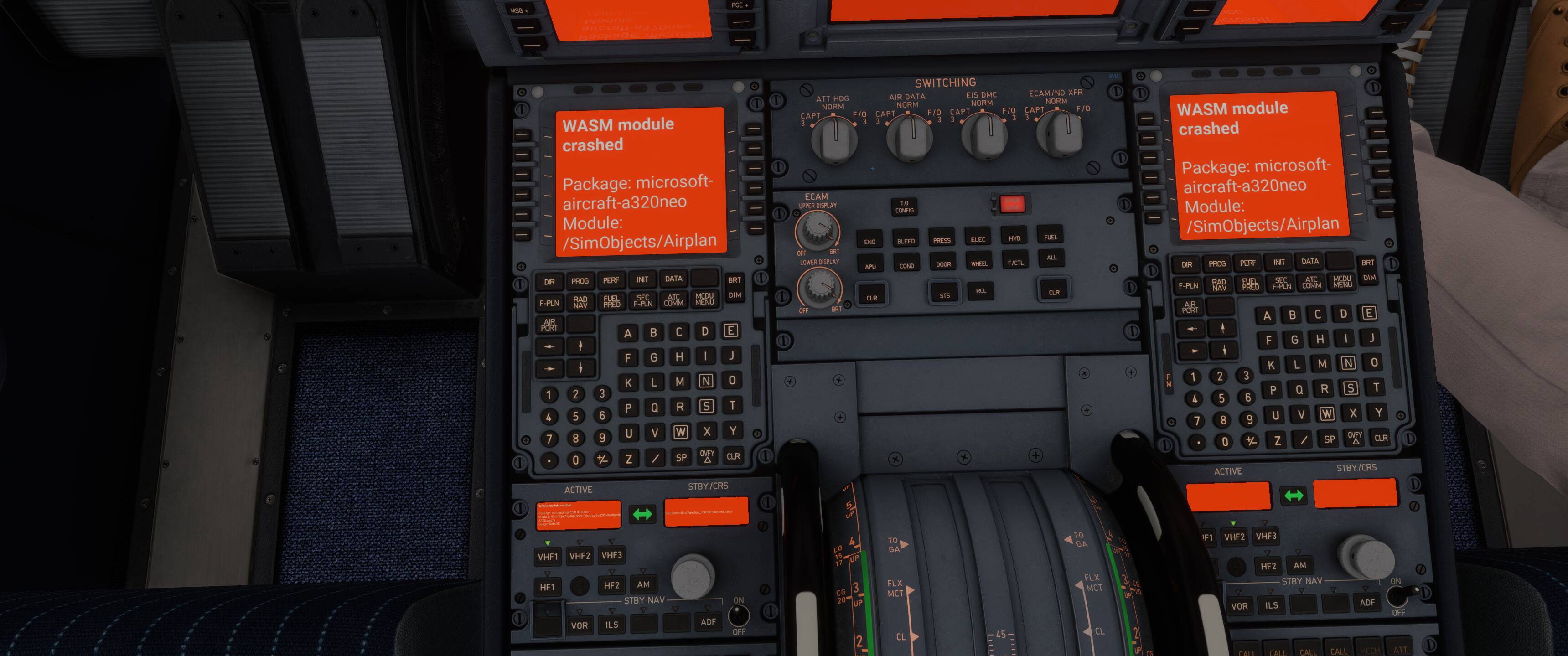
iniBuilds/Microsoft A330-300: Same as A320neo and A321LR (but smaller font)
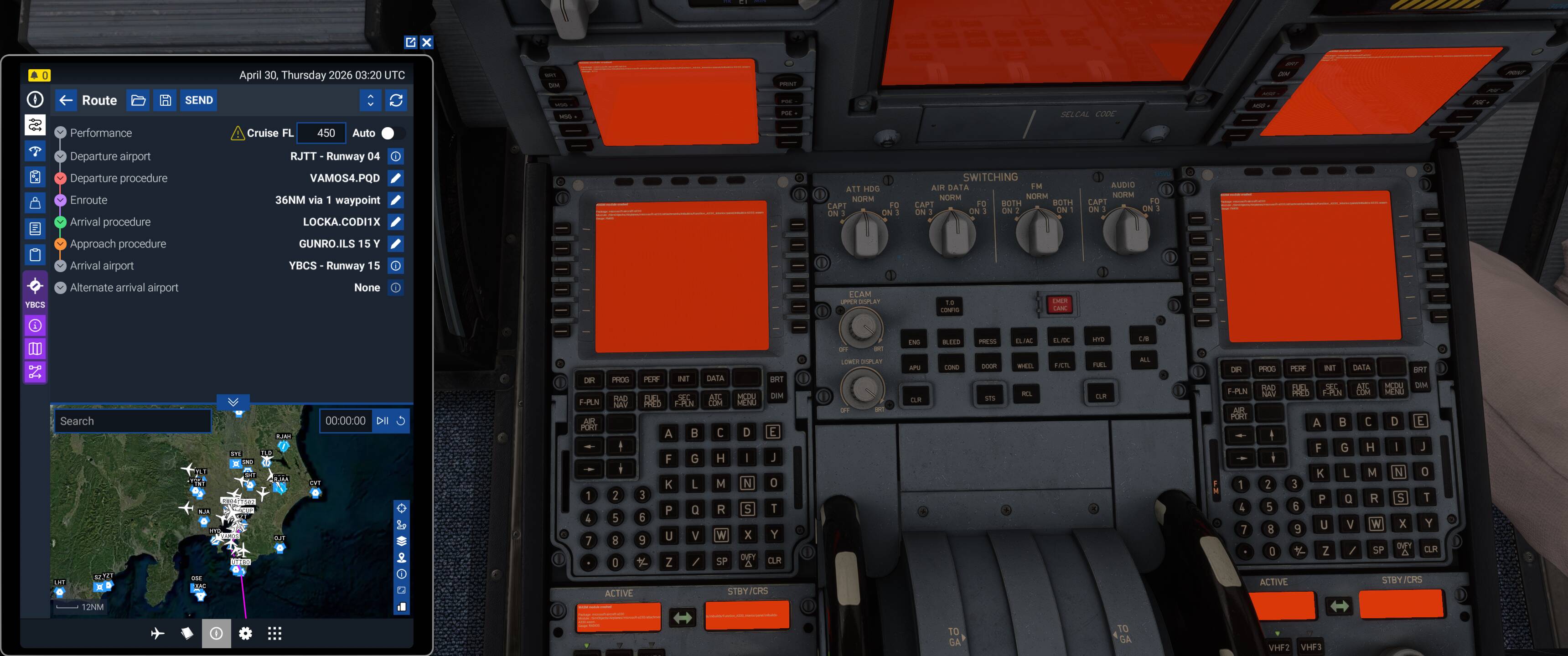
iniBuilds/Microsoft A400M Atlas: No issue with manual entry
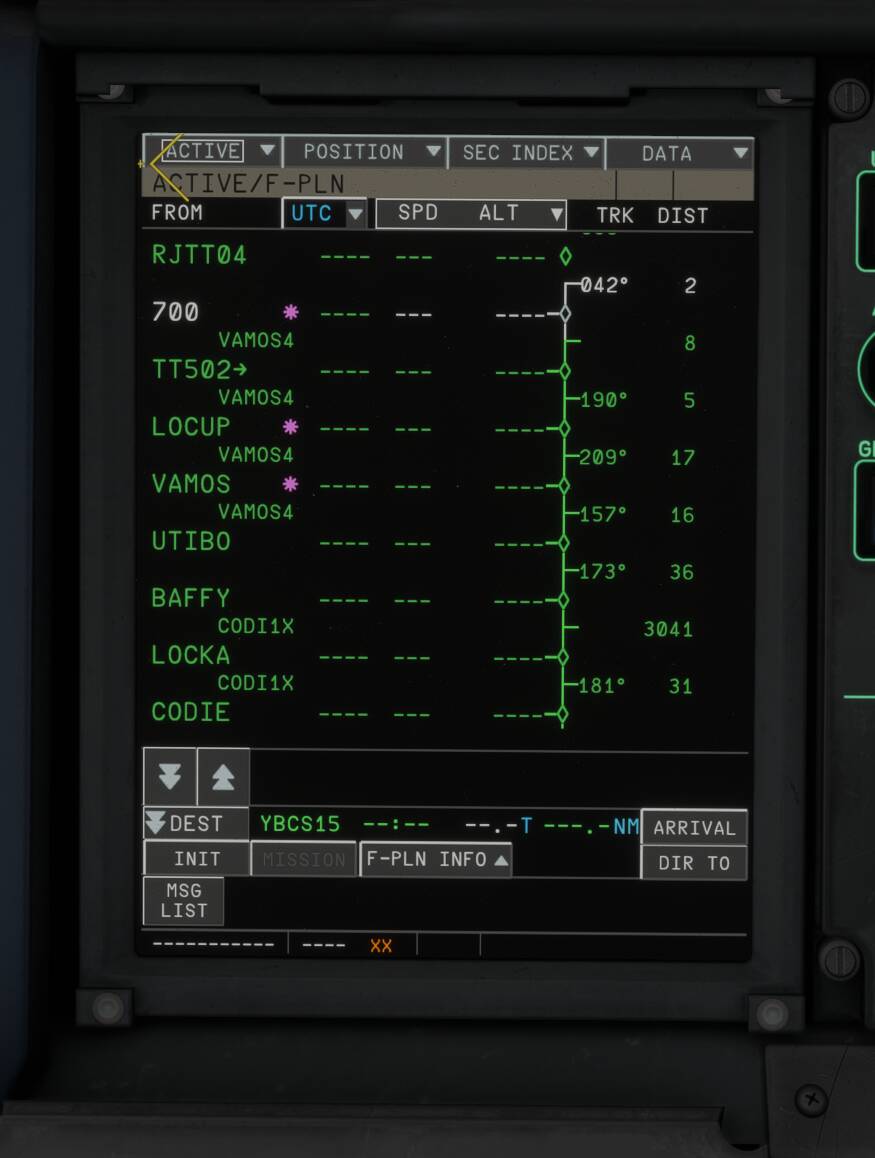
iniBuilds A350-900: No issue with manual entry
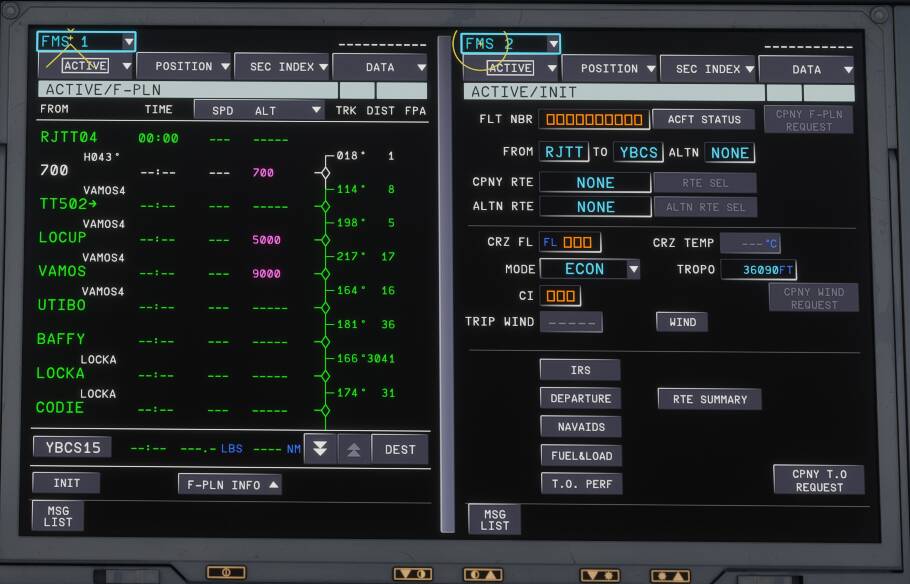
Unable to replicate in PMDG aircraft (which use WASM) as Navigraph navdata contains different SID transitions (no option for the PQD/UTIBO transition nor are any ILS approaches shown). Since I couldn’t recreate the route exactly, I didn’t bother with a complete test of any aircraft which uses Navigraph data.
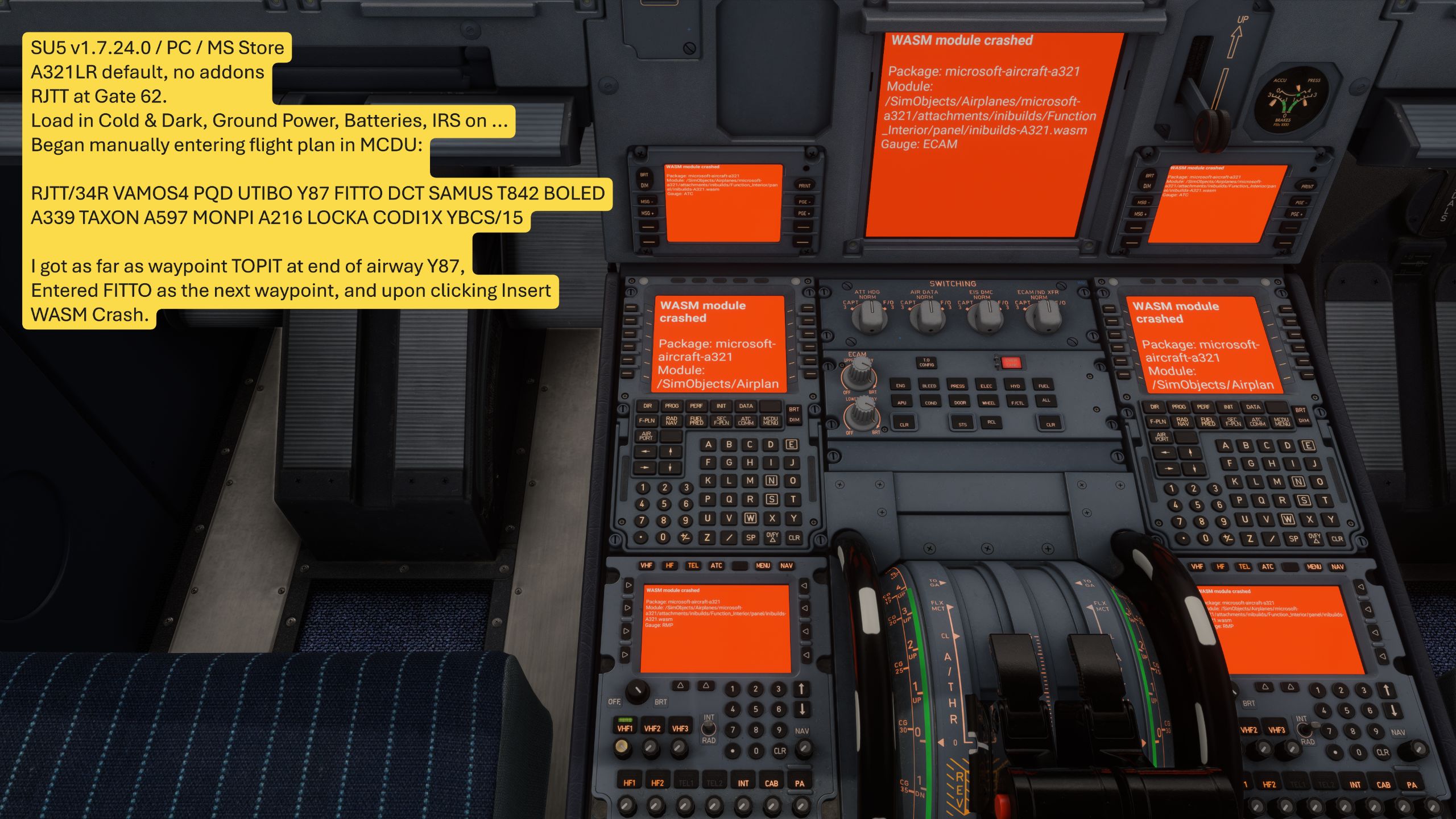
Can confirm:
- MSFS v1.7.24.0 (SU5 Beta) / PC / MS Store / no addons
- A321LR default
- Load in at RJTT Gate 62 cold and dark
- Batteries, GPU, IRS turned on
- Flight Plan (RWY 34R b/c RWY 04 not used…)
RJTT/34R VAMOS4 PQD UTIBO Y87 FITTO DCT SAMUS T842 BOLED A339 TAXON A597 MONPI A216 LOCKA CODI1X YBCS/15
- Manually entering on MCDU, I entered Departure, and got as far as airway Y87
- Upon entering the next waypoint FITTO and clicking insert, WASM crash:
This bug report is 8 months old, and IniBuilds is a 1st Party Dev/Partner, and these are 1st Party planes. Is the problem with the SDK, or with IniBuilds?
I think that’s inibuilds’ own problem. I’ve tested with PMDG 737 and 777, iFly and Aerosoft A346, with no problems. And inibuilds dares to shirking responsibility to the sim, saying it’s problem within the sim. But the truth is quite the opposite. FSS’ E-Jets have a very high WASM crash rates. That’s proofing WASM is the plane’s problem. I’ve lost my patients and hope towards inibuilds.
And is any MS/Asobo devs focusing on this? Where’s mods gone? This is your FIRST PARTY planes!!! They have FULL responsibility to fix this.
The main problem is the game. Planes from PMDG, TFDi, Toliss/Aerosoft also suffer from this bug.
But with far less frequency or almost never in the case of PMDG
I got nothing WASM crashes on PMDG. I can say it’s inibuilds’ bug
Are you entering these individually? Because in the Scarebus FMS you should be selecting the current waypoint from the F-PLN page, go to AIRWAYS, then enter the airway on the left and the exit waypoint on the right. You wouldn’t enter the waypoints along Y87 individually, it’s loaded as a segment with an end.
Just a thought.
This is just your personal experience, I also don’t have many issues with PMDG planes but many people do. There are players who fly inibuilds planes all the time without any WASM crashes but can’t do a single flight in PMDG 737 or 777 because of WASM crash.
Yes, I know, and that is how I entered the flight plan
How bizarre. Well if it’s worth anything, SU5 does seem much less prone to WASM crashes. The only downside is that they’ve been replaced by out of memory warnings and black screens on the ground 