Not sure if pilots are overclocking these cards, but I am. “GPU performance boost” 22, “GPU voltage offset” 160mV. ‘[GPU core power limit’ to 228w (tried to increase this to no avail using Bifrost method), then crank up the fan. It gives a considerable boost to FPS. Seems stable enough.
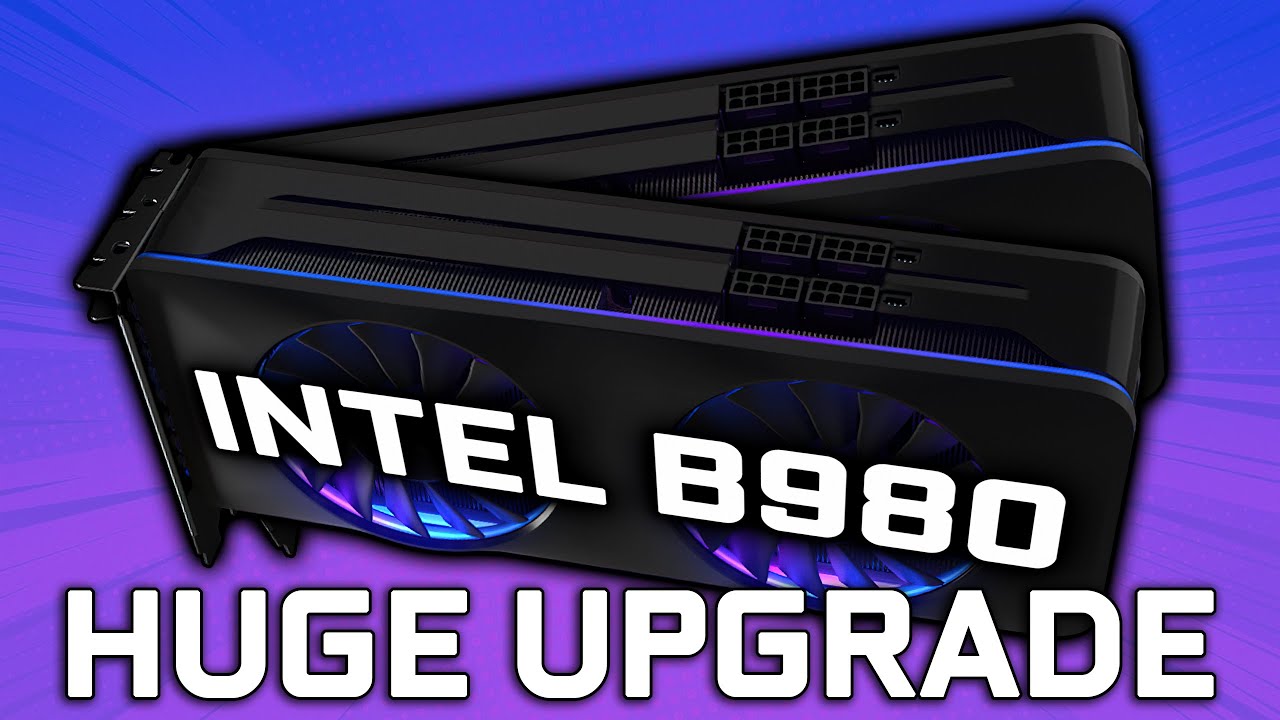
"As per the latest disclosed client PC roadmap, Intel is steadfast in its plans to introduce the Xe2 independent graphics, codenamed “Battlemage,” in the year 2024. The recently unveiled roadmap includes a mention of Intel’s latest addition, the Arc A580 GPU, within the GPU section. The Battlemage series of desktop graphics cards will employ the Xe2-HPG microarchitecture and encompass two distinct GPUs: BMG-G10 (with a power rating of up to 225W) and BMG-G21 (with a power rating of up to 150W). The high-end BMG-G10 GPU is scheduled for launch in the second quarter of 2024.
The specifications disclosed thus far are as follows:
Xe² HPG Architecture
56 Xe cores
448 XVE (EU)
Each XVE unit comprises 2 shaders
112MB Adamantine cache
16GB 256-bit GDDR6X video memory
Power consumption of up to 225W
Expected launch in Q2 2024
This roadmap solidifies Intel’s commitment to the upcoming “Battlemage” GPU release, offering insights into its architecture and expected features."
Today built in a intel arc 770 phanthom 16gb gaming card as an upgrade for my oldest system
X79A GD65 (8D) mobo with i7-3930K 3.20Ghz processor and 32gb 1600Mhz ram windows 10
And it is totally worth it
Though i struggle to get more than 1 monitor working on this card
Im very pleased with this upgrade while flying smooth above New York Manhattan with headtracking
and when putting head set on the table after landing
I noticed its very clear visuals for cockpit.
Has anyone else been affected by this error:
“Display driver igfxnd stopped responding and has successfully recovered.”
I upgraded to 5333 WHQL yesterday. I’m running the SU15 beta - now at v1.37.5.0.
The sim has frozen twice tonight - see this thread for details, inc. PC specs & flight configurations.
The sim has also frozen on the previous SU15 beta v1.37.4.0 with the same error.
I’ve followed the instructions on the Intel website to do a clean re-install (Select “Customize” then execute a "Clean Install”), but this has not resolved the issue.
Thanks - I re-installed the driver when I posted that message, but it did not resolve the issue. I’ve not had a freeze on the .8 build, but there have been a whole bunch of Windows & MS Store updates since then too…