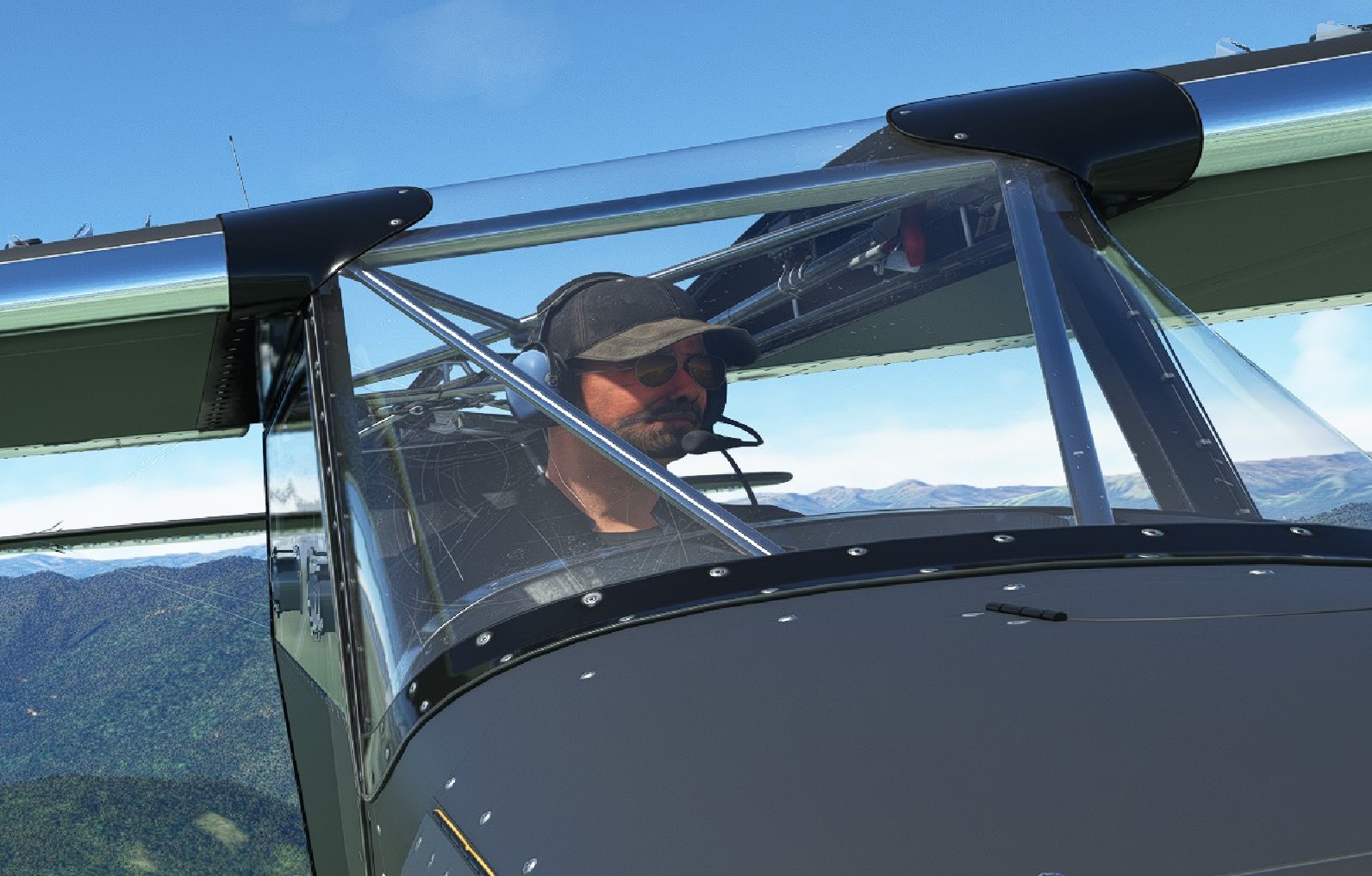
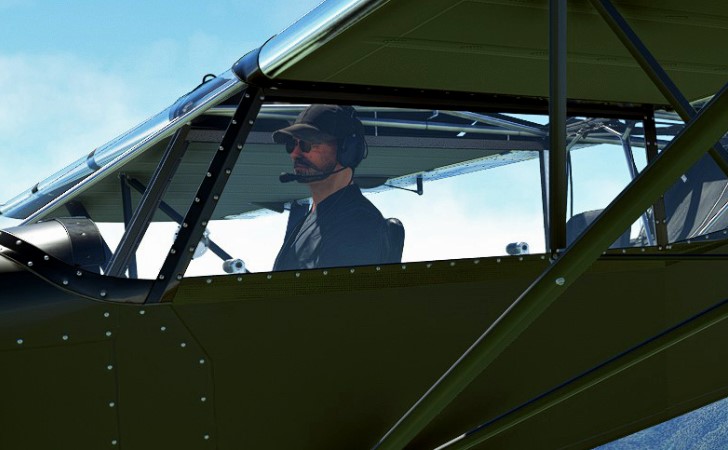
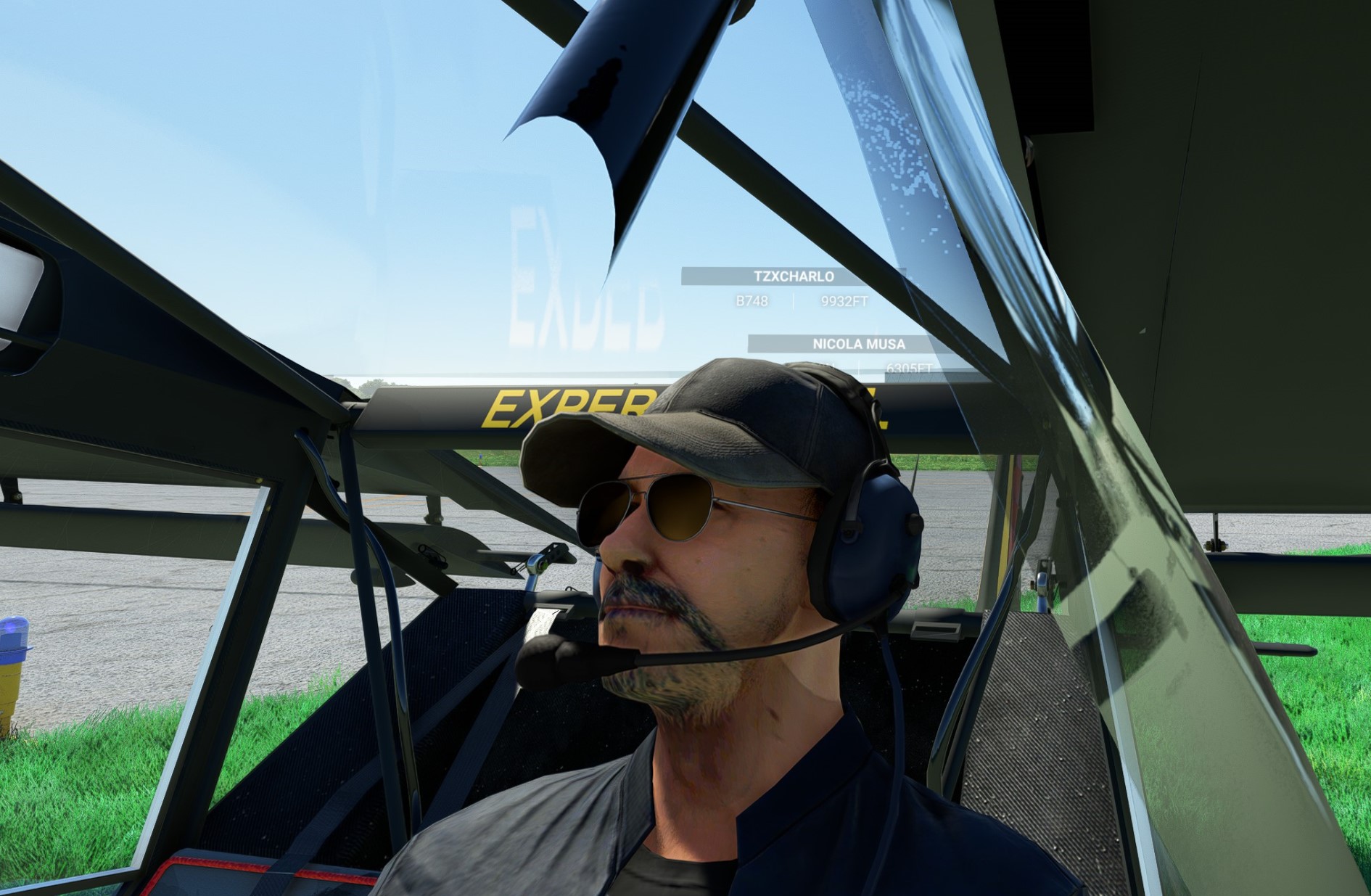
At first,I think make a 3d head could using Blender & facebuild plug-in, which allow one to build a head via several pictures and fine tune the given 3d head. But the free version of plug -in could not export the texture, made this method a waste…
Hi
I saved the picture of the head, changed the picture of the head of one of the pilots OK and returned it back however
Peoples heads are different shapes and sizes
We recognize people from the shape as well as their texture
So just changing the texture won’t always work, as the features of their face need to match the the 3d model of the head for it to work
I have exported a Posed model from a Genesis figure into Blender that lets you save it as glTF
Daz Studio doesn’t export in this format but they do now have an export to Blender
I however haven’t been able to import a Pilot into Blender
There are a number of parts to the Pilot
If you just change a selected Pilot’s face I would think only you could see it others may not
We need to ask Microsoft Flight Simulator if it’s OK to do this, it would be great if we had our own folder with are own models that could be used leaving their’ s completely alone
There may also be License and Permissions required to use the models in games
where as you don’t need that for generating a picture IE digital art
Today I tried to create a face in Blender, You need the plugin and at least 5 photos, no expression
front, side a, side b , back left, back right and top
It successfully created a lifelike head and produced a butterfly png and a remodeled 3d head that you can save in the same format, unluckily the 3d butterfly heads ears are in the wrong place on the side where you would expect them to be, but not as they are in the pilot textures as the ears are at the bottom
Also at 512k x 512 k there is a loss of detail looks OK at 2k x 2k
At this time unfortunately I can’t import the Pilot model to see what’s in it.
Yes that’s what I found
At least you know how to pose a model and what size it is
It would be better if Microsoft made a personal folder for us to use so we could try it out and a bit of info would be helpful
If Microsoft Flight Simulator is updated and you use their models and textures all your hard work will be gone. also I have no wish or incline to breach any copyrights etc. The other issue is only you would see it. Steam and a few programs allow you to overcome this by allowing you to upload items into a community folder for all to see and use
I recently saw a video of the Carenado C338 and the pilot and passenger were NOT default MSS2020 figures. The pilot was an older gent (I’d guess 50’s) and the passenger looked to be a younger man (20’s?).
So I asked myself if there was some way I could put my ugly mug on the pilot and my wife’s angelic face on the passenger. That’s what brought me to this old thread, and I thought that maybe there might have been some progress in this area.
The previous suggestion and YT video is interesting, but didn’t really show the results, other than displaying a pilot who used way too much PF-80 sunscreen before the flight.
SO - has anyone actually done this successfully, with some screen shots to show us how it works? And are there any other apps since this one that you might suggest?
I just started trying this. It’s a struggle following the guide since it is German and the visuals are hard to see. However, I have managed to decipher the procedures to a finished though imperfect product. Understanding Paint-net is most of the problem. I got around that by saving the Paint-net MSFS DDS face file to JPG. Imported into PaintShop Pro (doesn’t read DDS), processed, then passed the finished JPG to Paint-net for DDS output. More than one way.