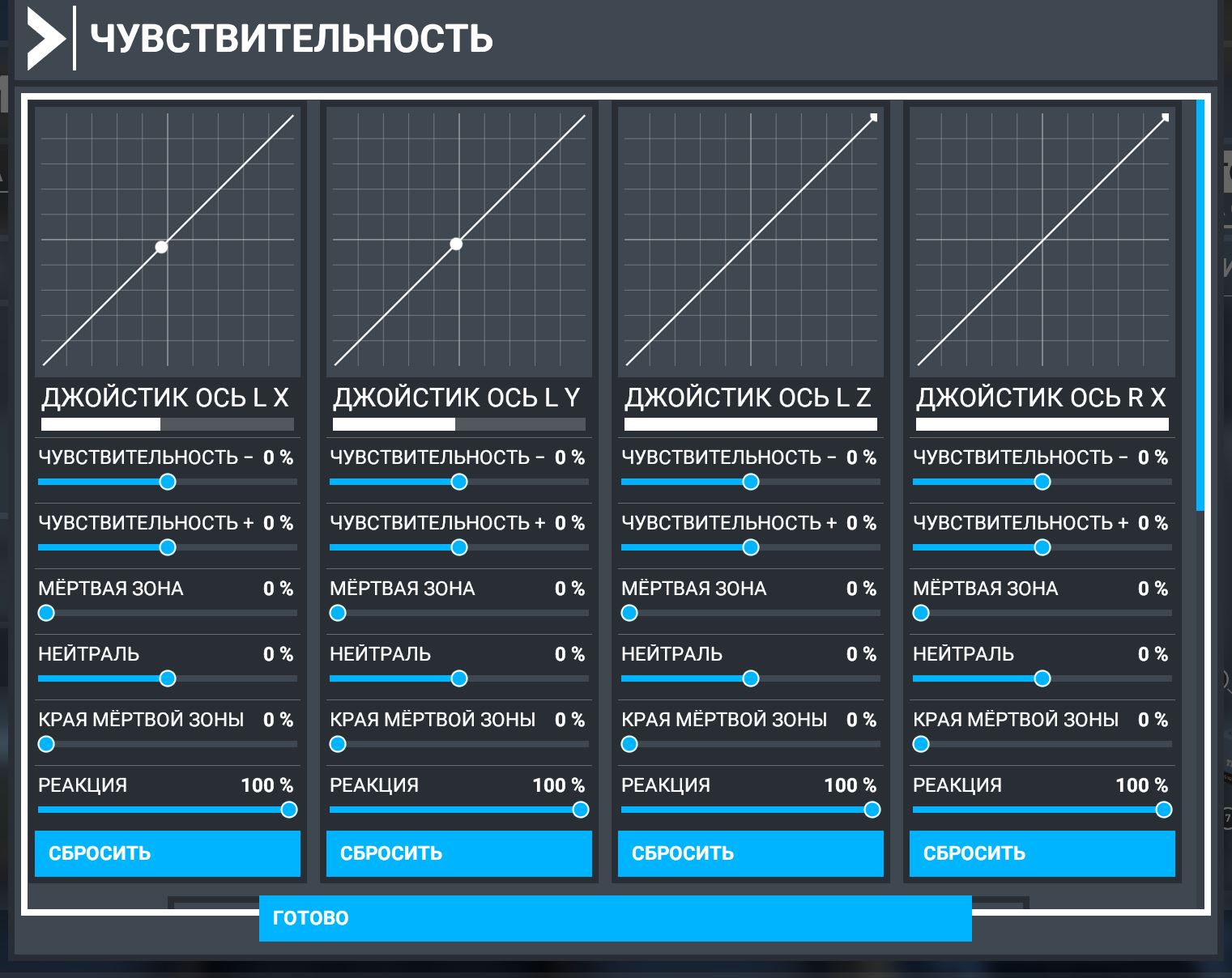
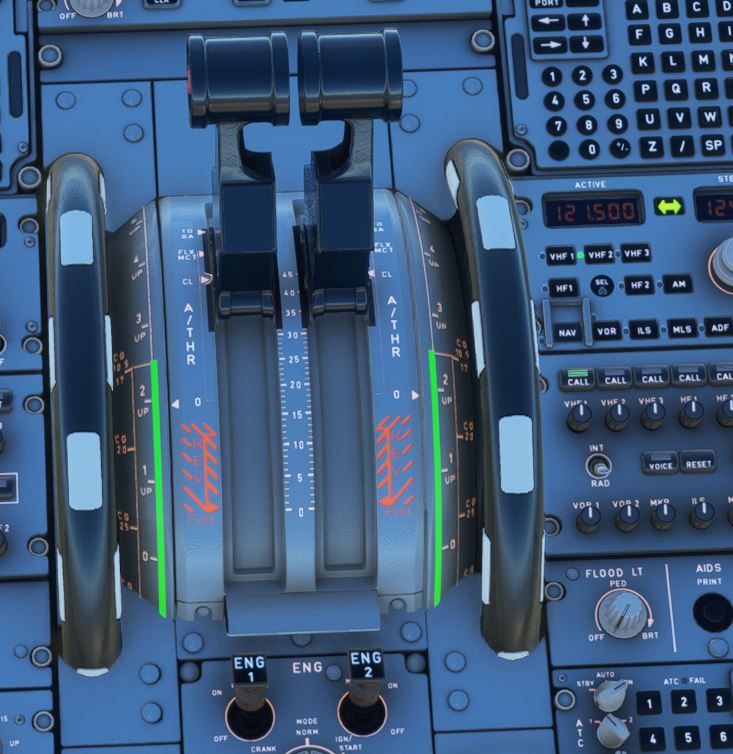
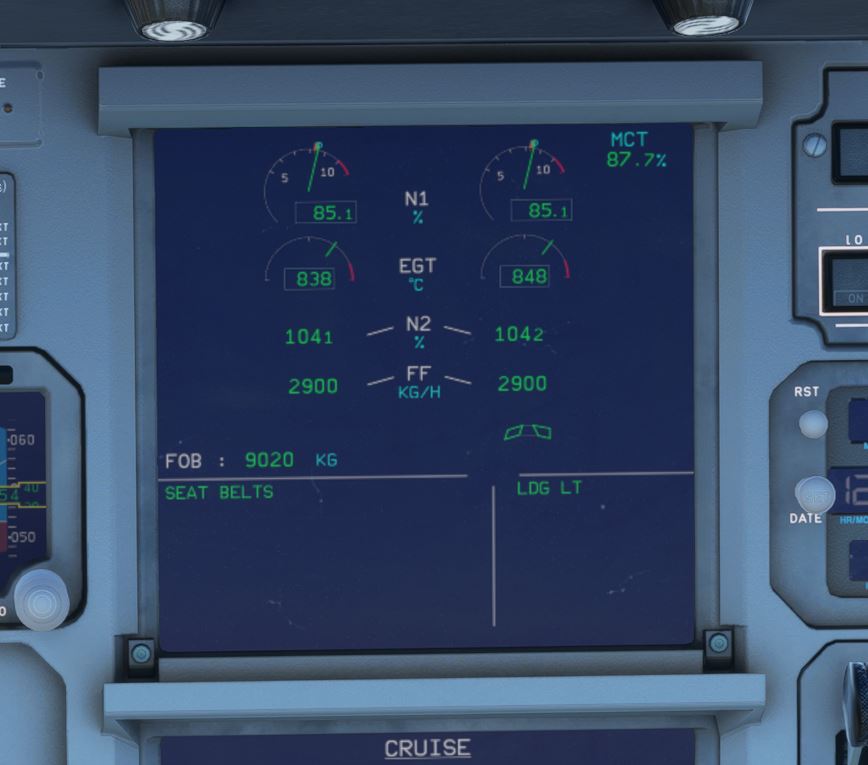
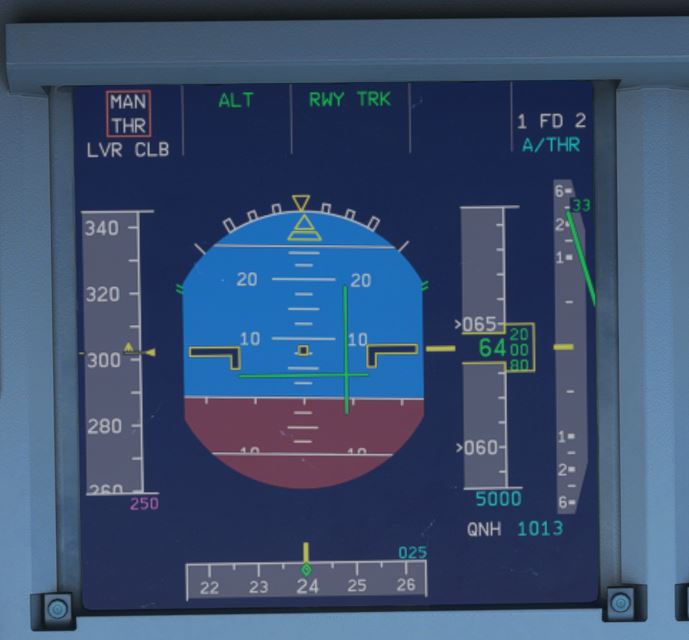
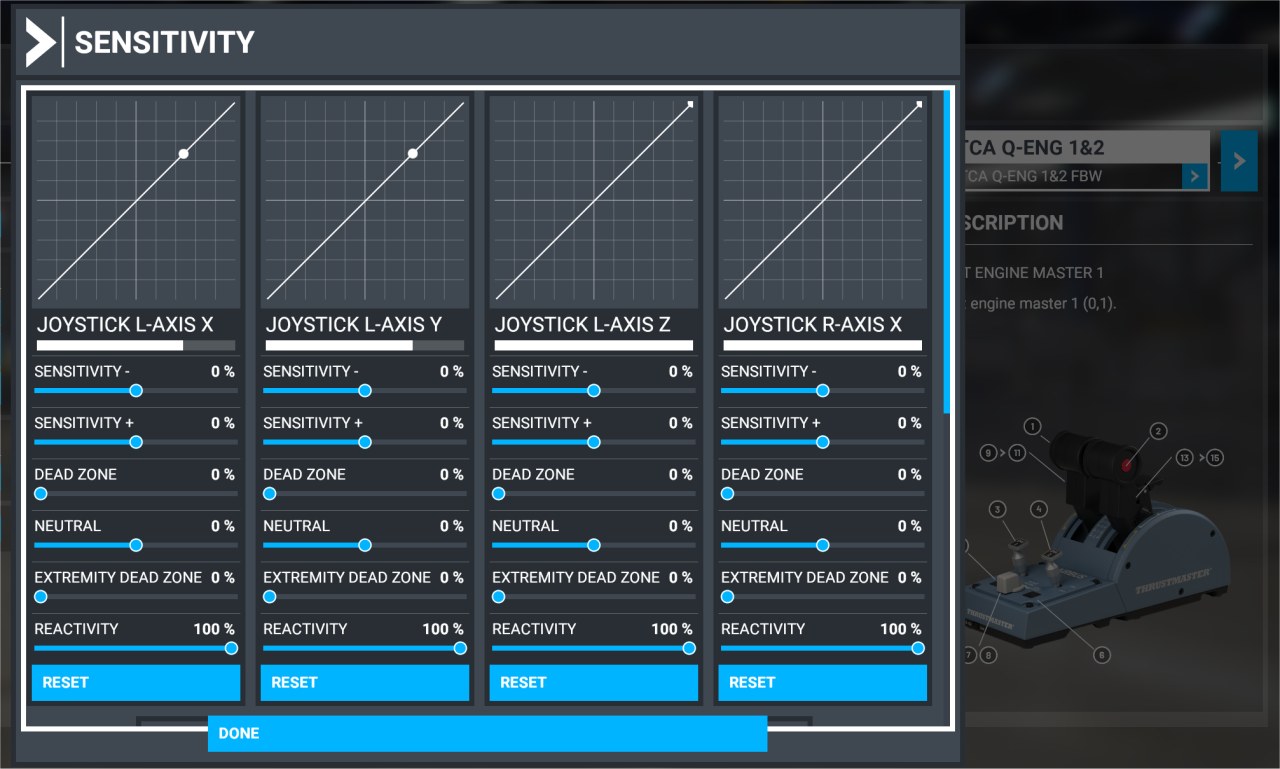
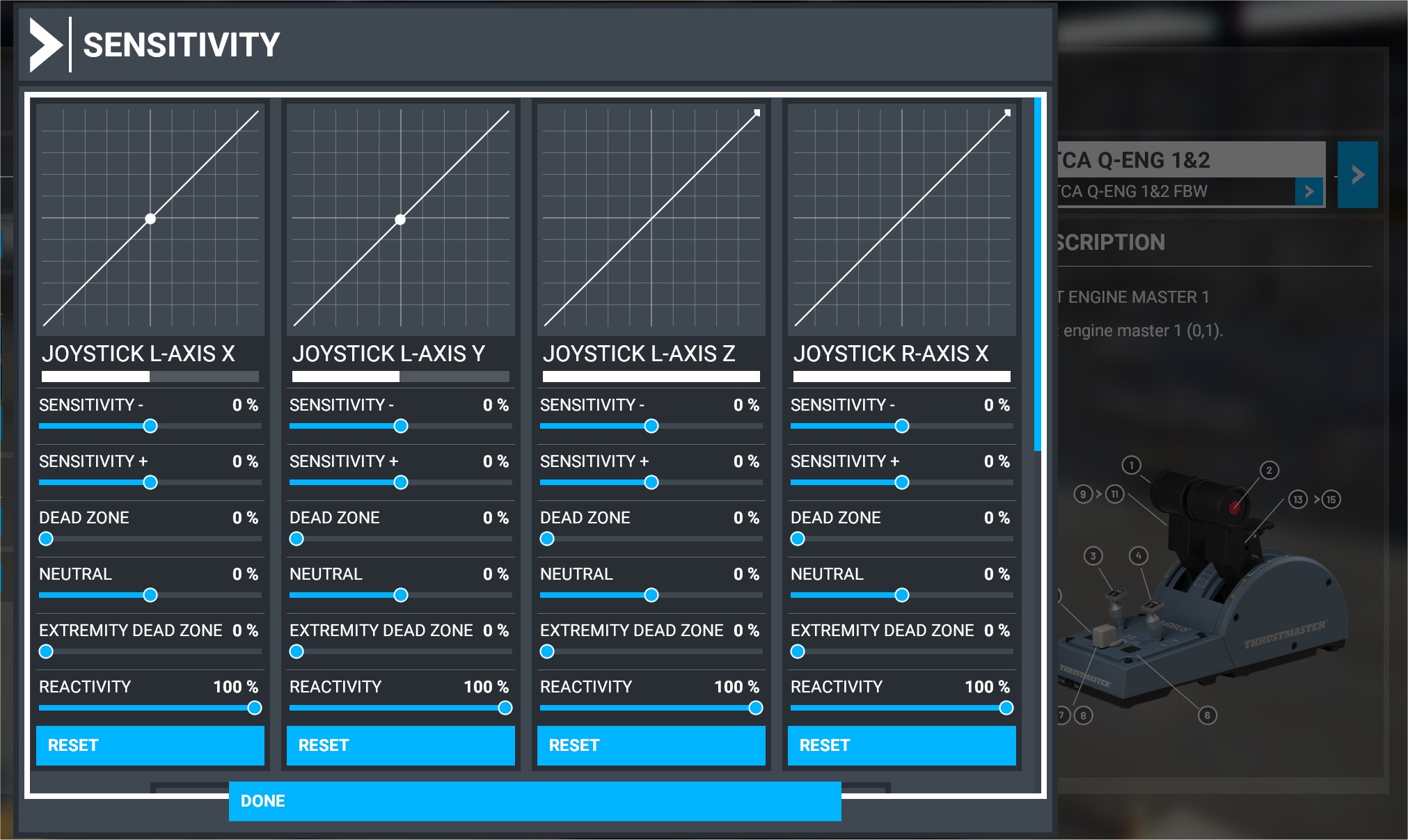
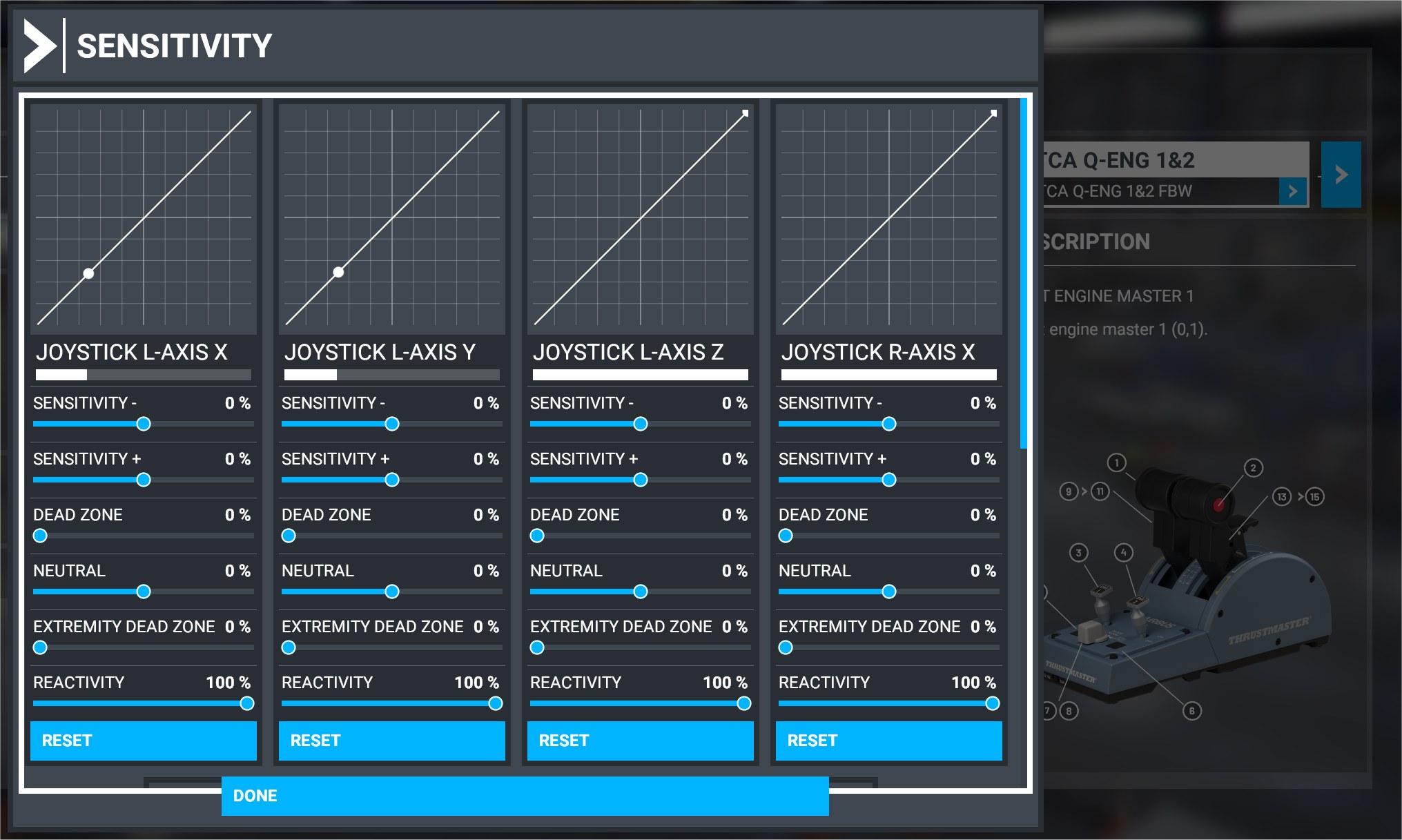
Just tried the settings you posted, it works for idle and reverse but moves just short of climb detent, flex again is half way between climb and flex. Toga on thrustmaster only achieves flex in game.
I am at a total loss what to try next.
Just tried the settings you posted, it works for idle and reverse but moves just short of climb detent, flex again is half way between climb and flex. Toga on thrustmaster only achieves flex in game.
I am at a total loss what to try next.
I’ve just done another tweak and a quick test flight. With the cfg file i posted, and a 2% dead zone on the quadrant which i added just before the flight, this worked for me.
I only have one other issue now, which I don’t think is quadrant related… I have a fuel flow imbalance on the No.2 engine! it appears to be drinking for fuel than the No.1 engine for some reason.
You cure one issue and get another. I’ve not giving up on it though, I love flying this airbus, FBW have done a sterling job with this mod.
Thank you for all your help in this forum. I will do a reinstall of the FBW installer and Mod and take it from there.
Seems like a sensible option given the issues.
Fingers crossed starting again solves it for me as the FBW mod is great!
Are you sure you calibrated the hardware quadrant properly? Note that if you do a factory calibration process, there’s a missing step in the official Thrustmaster guide.
In the official guide, you press the red buttons 4x but this is wrong. You have to press the red button 5x one for each detent starting on TOGA and ends on full reverse.
Hello All,
This thread has helped me tremendously, cant thank you all enough. Quick question, I cant seem to find it anywhere. I have my a320 throttles set perfectly with the above help, i decide to fly the CRJ so I load that mod up. I come back to the a320 say the next day and my throttles are all out of wack again and i have to do the whole above process again. Do i need to load the throttle profile BEFORE I load the plane? Whenever I try to switch from my CRJ profile to the a320 once the plane is loaded it never seems to work. I see above people have a bunch of different profiles setup for different planes so I am intrigued how you guys are switching. I feel dumb, I should not be making it this difficult on myself.
You shouldn’t need to. I can switch between A320 and A333 profiles anytime and it’ll use that active profile directly.
But when you make changes to your control settings, make sure you load the profile first before making the configuration changes. Otherwise, you’ll end up changing for the wrong profile.
So strange, today redownloaded the experimental model and was going through the steps again and I dont see a throttle config file like I used to.
You don’t need to do the throttle config file anymore. The throttle configuration is done on the EFB Flypad now.
Hi Neo
I do not have throttle ini file, the A32nx does not create it. Everything was working well until recent updates.
May I ask you to instruct fully how to resume the proper work of the quadrant. Thanks
You have to use the fly pad inside the sim.
Click on the right upper corner and inside you can configure the throttle.
The flypad did create a new ThrottleConfiguration.ini file, for me it’s in …
C:\Users\xxxxx\AppData\Local\Packages\Microsoft.FlightSimulator_8wekyb3d8bbwe\LocalState\packages\flybywire-aircraft-a320-neo\work
Where xxxxx is your username.
Look at 10:20 in the video …
A32NX EFB Update, Throttle Setup and New Sounds! With a Real Airbus Pilot - YouTube
Hi, I can set the A320 up in the Experimental A320 EFB but there is no option to set up throttles in the EFB on the development version, any help for that version, i think that where people are getting confused as the above only works on the EXP version
Hi guys,
Updated to last EXP version with updated 1.1.3. Have following structure of directories. Created also new ThrottleConfiguration.ini from Sim Ipad. Here is the my config:
[Throttle]
Log = true
Enabled = true
ReverseOnAxis = true
ReverseIdle = true
DetentDeadZone = 2.5
DetentReverseIdle = -0.90
DetentReverseFull = -1.00
DetentIdle = -0.42
DetentClimb = 0.06
DetentFlexMct = 0.53
DetentTakeOffGoAround = 1.00
[throttle_common]
reverse_on_axis = true

[throttle_axis_1]
reverse_low = -1.000000
reverse_high = -0.900000
reverse_idle_low = -0.750000
reverse_idle_high = -0.650000
idle_low = -0.550000
idle_high = -0.450000
climb_low = -0.050000
climb_high = 0.050000
flex_mct_low = 0.450000
flex_mct_high = 0.550000
toga_low = 0.900000
toga_high = 1.000000

[throttle_axis_2]
reverse_low = -1.000000
reverse_high = -0.900000
reverse_idle_low = -0.750000
reverse_idle_high = -0.650000
idle_low = -0.550000
idle_high = -0.450000
climb_low = -0.050000
climb_high = 0.050000
flex_mct_low = 0.450000
flex_mct_high = 0.550000
toga_low = 0.900000
toga_high = 1.000000
Four months i fly and everything is ok , then with this update and everything is broken.
Do i need also to remove folder because there is also throttleConfig.ini is located C:\Users\XXXX\AppData\Local\Packages\Microsoft.FlightSimulator_8wekyb3d8bbwe\LocalState\packages\a32nx\work
Can any suggest how to resolve it or give correct configuration for ini file and i just copy that to folder.
I deleted the a32nx folder as it’s no longer required. I take it you have calibrated your TCA at “all detents” with the latest firmware?
This is the throttle config I use, you are welcome to try it, but it may not work for you as it is calibrated for my throttles. It is located in …
C:\Users\xxxxx\AppData\Local\Packages\Microsoft.FlightSimulator_8wekyb3d8bbwe\LocalState\packages\flybywire-aircraft-a320-neo\work
[Throttle]
Log = true
Enabled = true
ReverseOnAxis = true
ReverseIdle = true
DetentDeadZone = 2.5
DetentReverseFull = -1.00
DetentReverseIdle = -0.90
DetentIdle = -0.40
DetentClimb = 0.00
DetentFlexMct = 0.50
DetentTakeOffGoAround = 1.00
[throttle_common]
reverse_on_axis = true
[throttle_axis_1]
reverse_low = -1.000000
reverse_high = -0.980000
reverse_idle_low = -0.900000
reverse_idle_high = -0.750000
idle_low = -0.510000
idle_high = -0.440000
climb_low = -0.030000
climb_high = 0.030000
flex_mct_low = 0.470000
flex_mct_high = 0.550000
toga_low = 0.960000
toga_high = 1.000000
[throttle_axis_2]
reverse_low = -1.000000
reverse_high = -0.980000
reverse_idle_low = -0.900000
reverse_idle_high = -0.750000
idle_low = -0.510000
idle_high = -0.440000
climb_low = -0.030000
climb_high = 0.030000
flex_mct_low = 0.470000
flex_mct_high = 0.550000
toga_low = 0.960000
toga_high = 1.000000
Thanks for reply. And what about throttle sensitivity. Is it like mine configuration?
And these values are the same for CLB and FLX?
I’m also guessing you are using the experimental version?
Have you calibrated you TCA as per post # 457?
That’s because Experimental version has a custom FlyByWire controls and custom AutoPilot. The throttle configuration is leveraging that custom flybywire controls. Something that’s not in the development version because that version leverages teh default flight controls from the sim.
I think it was pretty clear that the custom throttle calibration is only available in the experimental version for now, at least until the custom FBW and Custom AP is deployed as the main systems in the next version of the mod where they will be separating it to become a standalone aircraft compared to modding the existing A320.