But i was sitting on EXP version for already 3-4 months. I was using the dev version until the moment when i bought TCA THROTTLE QUADRANT. Then i moved to EXP (it was called Custom in Updater if im not wrong) and then configured pretty easy. Now , i updated cause didn’t touch for two weeks about… and got first positions are wrong when start, but this is i handled. So only issue for me is when i take off in FLX and then pull back to CLB , then on Screen i see that still MCT mode.
If i pull bak little bit more on my TCA then it switches to CLB.
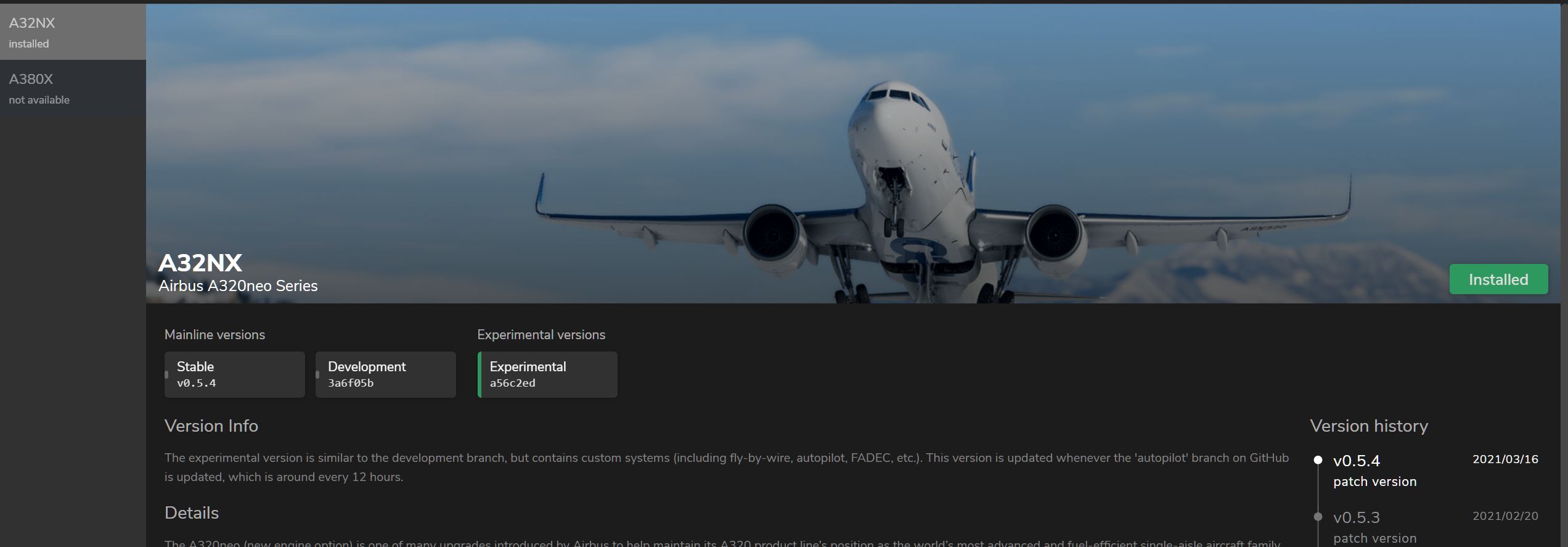
I’m little bit confused. Experimental version is a custom? Correct? So i always use only custom/experimental. And no any instructions per post #457
The experimental version changes itself up to 10x a day. When you fly the mod in the morning, you could get a completely different experience in the evening. So if you haven’t touched it for two weeks, there’s probably about 100+ build changes since then.
The experimental version that was updated a week ago was introducing the new custom autopilot feature, and a new throttle calibration process. This means the previous setup that you’ve used in the custom/experimental version (yes, they’re the same) now no longer applies, because they have a new way of doing it through the EFB FlyPad.
You can follow the tutorial on how to calibrate the throttle now using the new calibration feature.
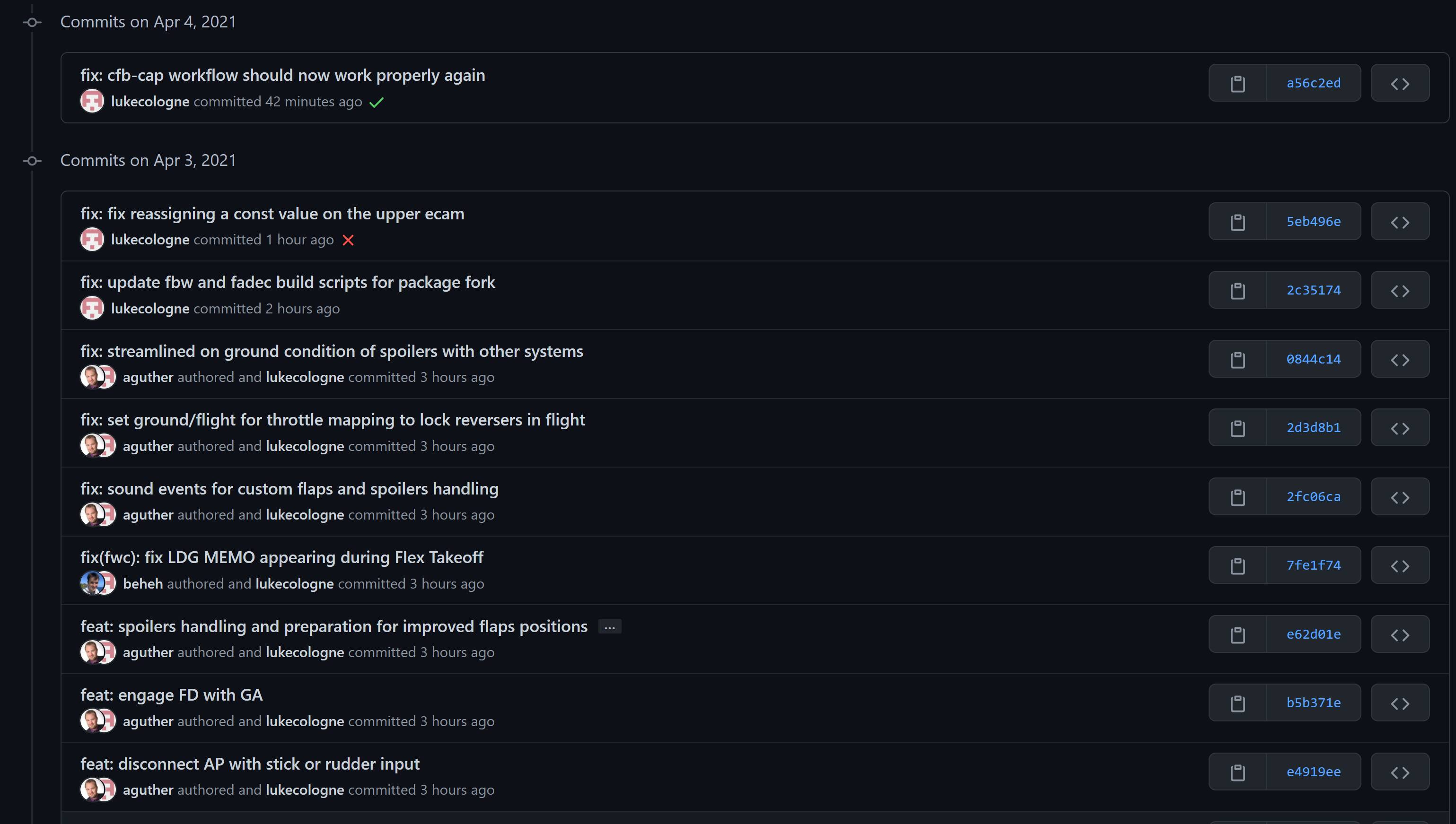
yes i understand this. But why i see other details on fbw branch of a32nx github
https://github.com/flybywiresim/a32nx/tree/fbw
I see 8 days ago?!?!
Yes, the calibration Neo4316 posted …
Important to do ALL the steps including reverse
Yeah, the FBW branch is stopped being updated since it’s now moved to use the Autopilot branch. So all the Custom/Experimental version is now using the autopilot branch and not the fbw branch anymore. The Custom FBW is now merged into the autopilot branch with the additional custom AP with it too.
Yeah, i found now this branch! Thanks
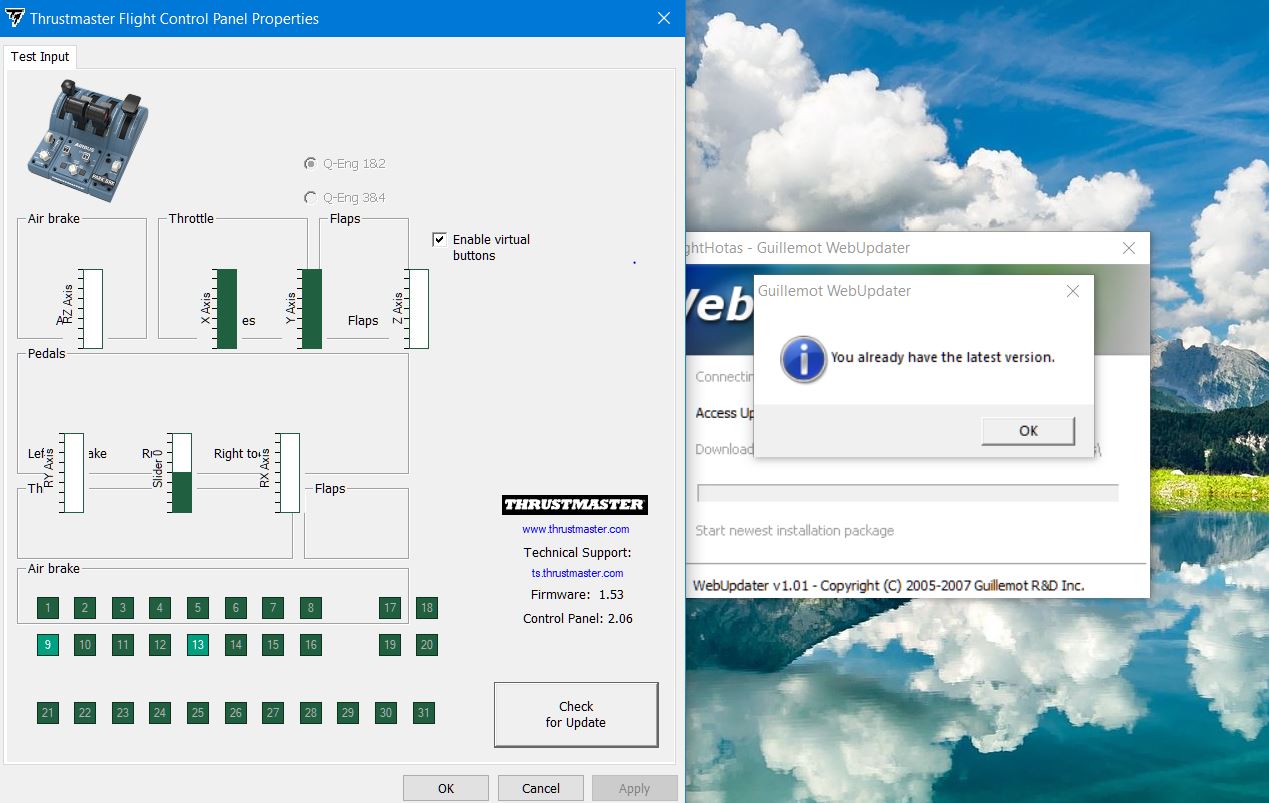
You can download the firmware version 1.61 by downloading the Drivers - Package 2020_TFHT_5 + Firmware from Thrustmaster - Technical support website.
Install the Driver, then use the Firmware Update in your Windows menu to install the firmware update into your hardware
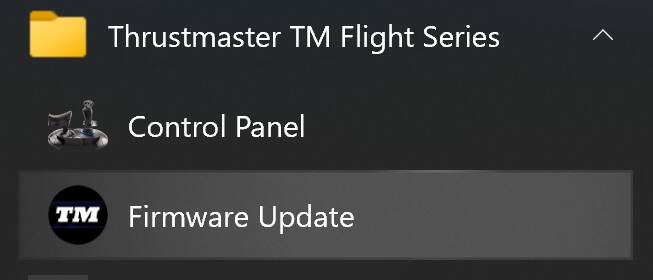
Thank you , didn’t know about this step to update. Really updated to 1.61.
Now when i set to Position number 3 or CLB then Sim displays my position lower then CLB.
I can’t understand what exactly configure the throttle position : 1 . Calibrating from windows thrustmaster or 2. Simpad values.
When i open the game and try to move my throttle to CLB position, even before touching the SimPad, then i already got wrong position on CLB.
That’s why you’re touching the EFB FlyPad, and make the corrections there.
Thanks Neo4316, I’ve passed through all steps and tryed to configure within FlyPad. Somehow, it works now except only one thing that still when i pull back on my physical device TCA from FLX to CLB then i see that Throttle still is below the CLB position and even LVL CLB is flashing. I move a little bit upper and then everything is ok.
FlyPad i agree with you should configure it but it onlt gives the range of values to be covered.
Anyway, thanks for a help. Need to improve it.
Moin,
use the settings in this video:
hi, since the A320nx update from mod to own aircraft, i have tried these setting in the EFB, applied and saved, then my throttles are jumping around right side will go toga whilst left will go reverse, then they will move together, then they will just stick at full reverse and not move, re calibrated TCA, re installed experimental A320nx, any ideas?
Whilst I appreciate the constant hard work from the developers with their updates, yet again my throttle (a Thrustmaster Airbus unit) is now back to not working as it should. I have tried tips from YouTubers and looked through this forum, but I am unable to get this to work. The issue I am having is that the EFB is telling me there are overlaps in the figures, numbers that I have taken from this thread. I’m running the latest update from FBW, I have the latest firmware for my TQ and I am currently using the developer version of the FBW A320. Plus, after running a few test flights, always on finals at around 3,000 feet, with the glide slope captured, the aircraft starts to pitch up and down, up and down, with the throttle increasing and decreasing, even with the auto pilot disengaged and the auto throttle off, it still behaves like a roller-coaster. Has anyone got this to work with the same set-up?
my TCA Quadrant is also no longer working with the A320 FBW … I get the over lapping message but can’t fix it and the save button in the config is disabled anyway..
The A320 is unflyable now for many reasons, FCU doesn’t work … worst shape it’s ever been in .. I’ll give them a week or two to fix it and try again