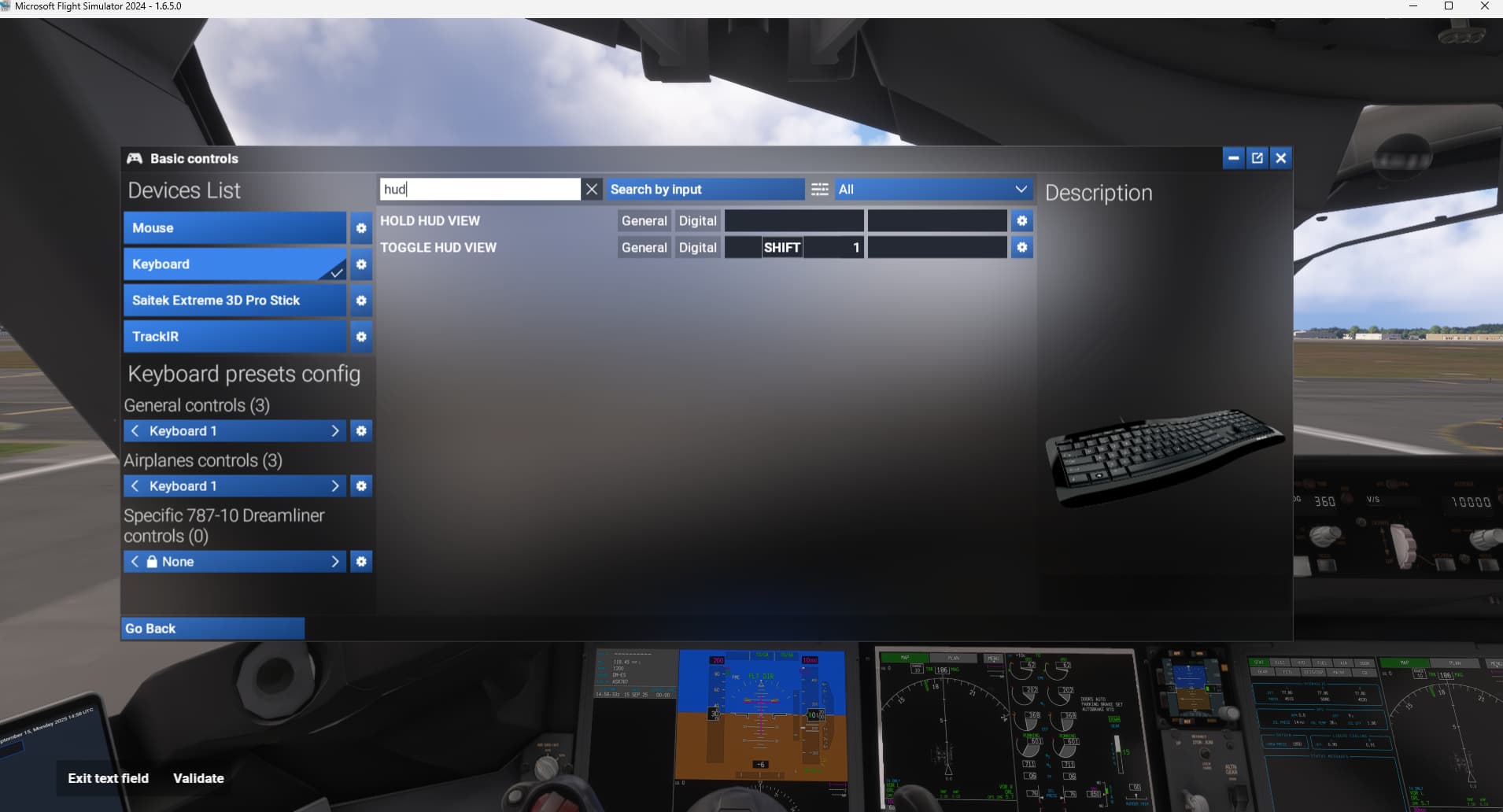
Default keybind for showing/hiding the Hud view both in internal and external view is the Backspace key, but it does not work. I’ve also tried to bind it to a Bravo button but it doesn’t work either.
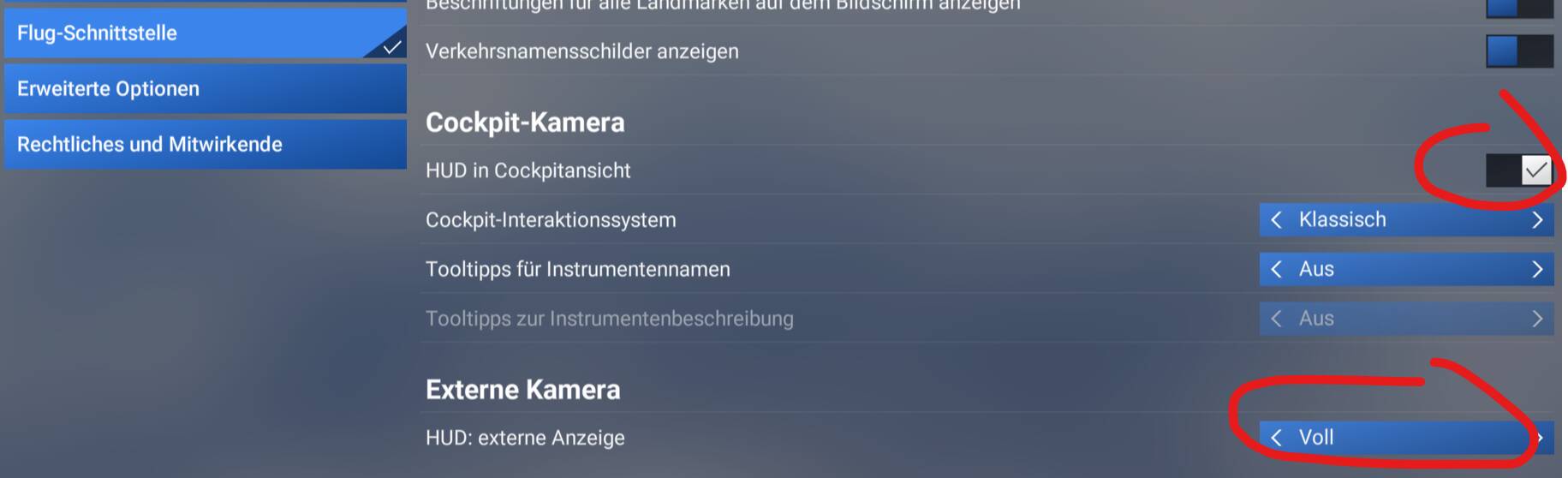
The only way to show/hide the Hud, either full or minimal, is opening the configuration screen.
Oh, I see. Too bad. In MSFS 2020 there was an add-on that did that, does anyone know if it is still usable in 2024 or if is there any other that does the trick?
@VillaJota: You should please delete the unused template text starting from “Frequency Of Issue” for better overview/readability.
And: The backspace key in MSFS 2024 toggels the cockpit view and the external view. So why did You expect to be able to change the HUD with this key?
ALL:
You are all Wrong!
The topic-author wrote
The only way to show/hide the Hud, either full or minimal, is opening the configuration screen.
The three words
full or minimal
and even more
internal and external view
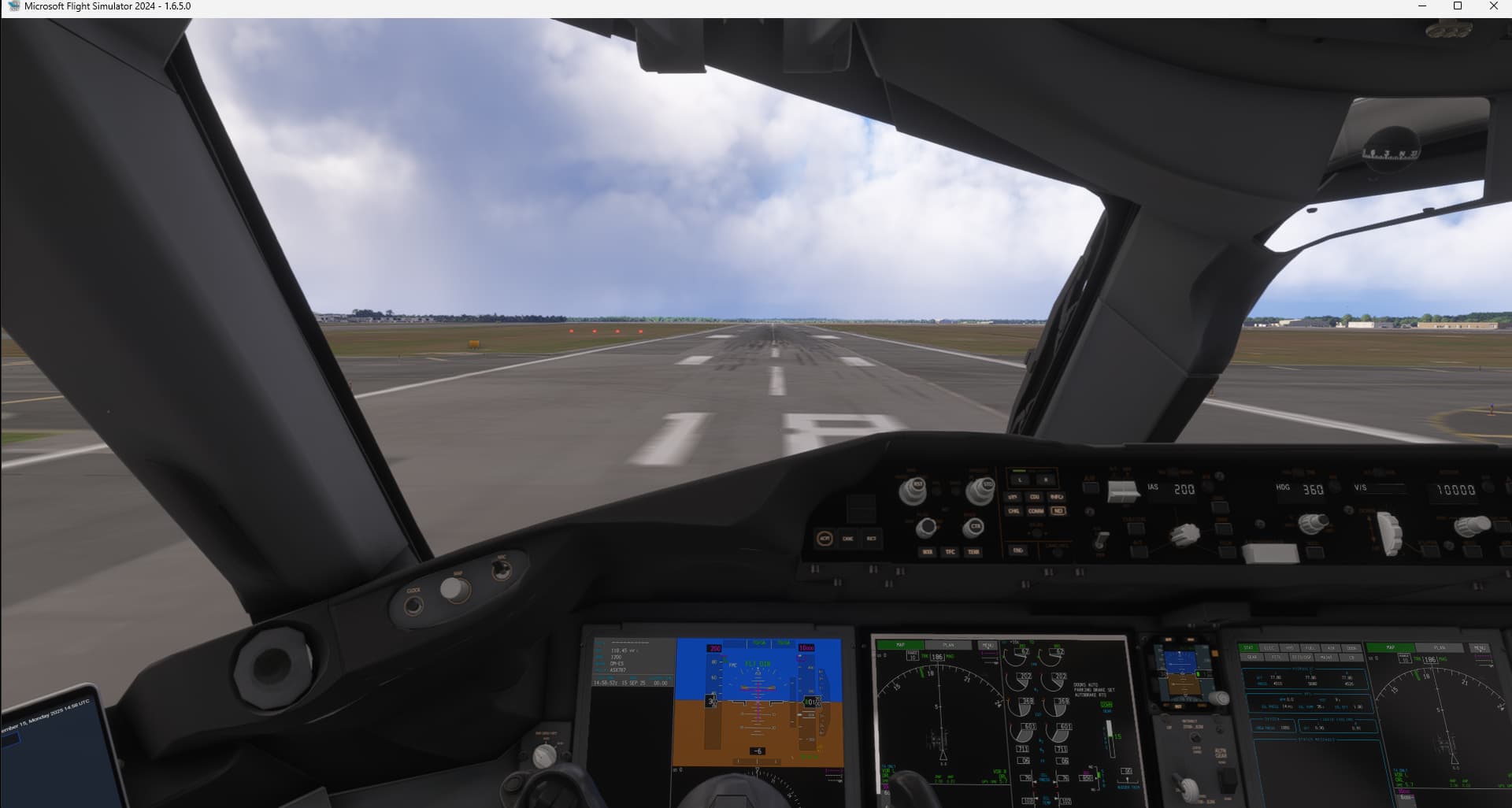
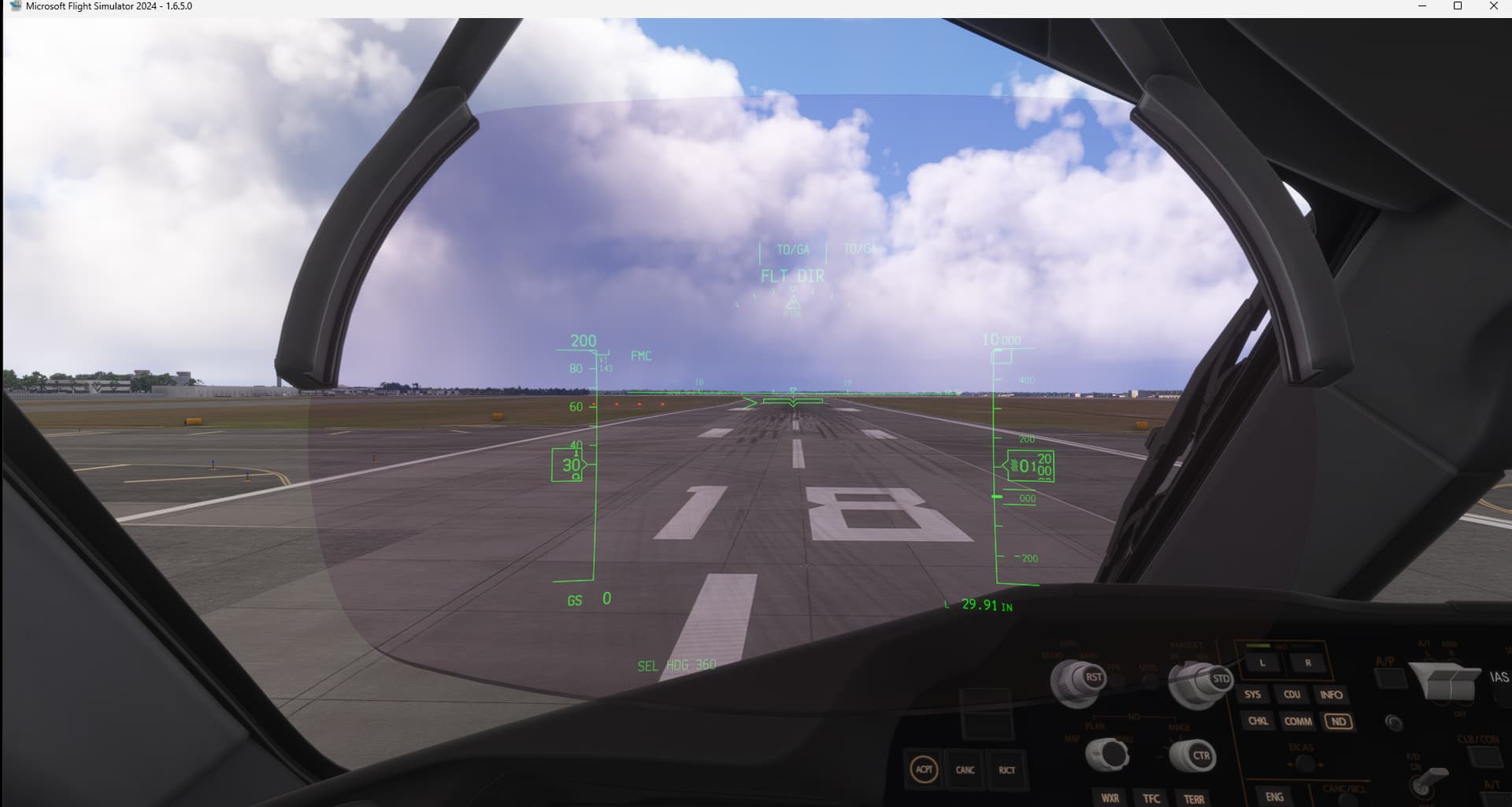
are telling me, he does not talk about any HUD You can make move in Your sight in the 787-cockpit or any other airliner or fighter-jet, because there is no such HUD in external view!
He talks about the in-game gauges-overlay (also called HUD in the game), You can enable/disable and set to minimal or full:
Yes, of course I was talking about the gauges overlay. I thought that the keybind related to “HUD” pointed to THAT “hud”, not to the 787 hud. But it seems that there’s no way to bind a key or button to the floating gauges that can be seen both in external and internal view.