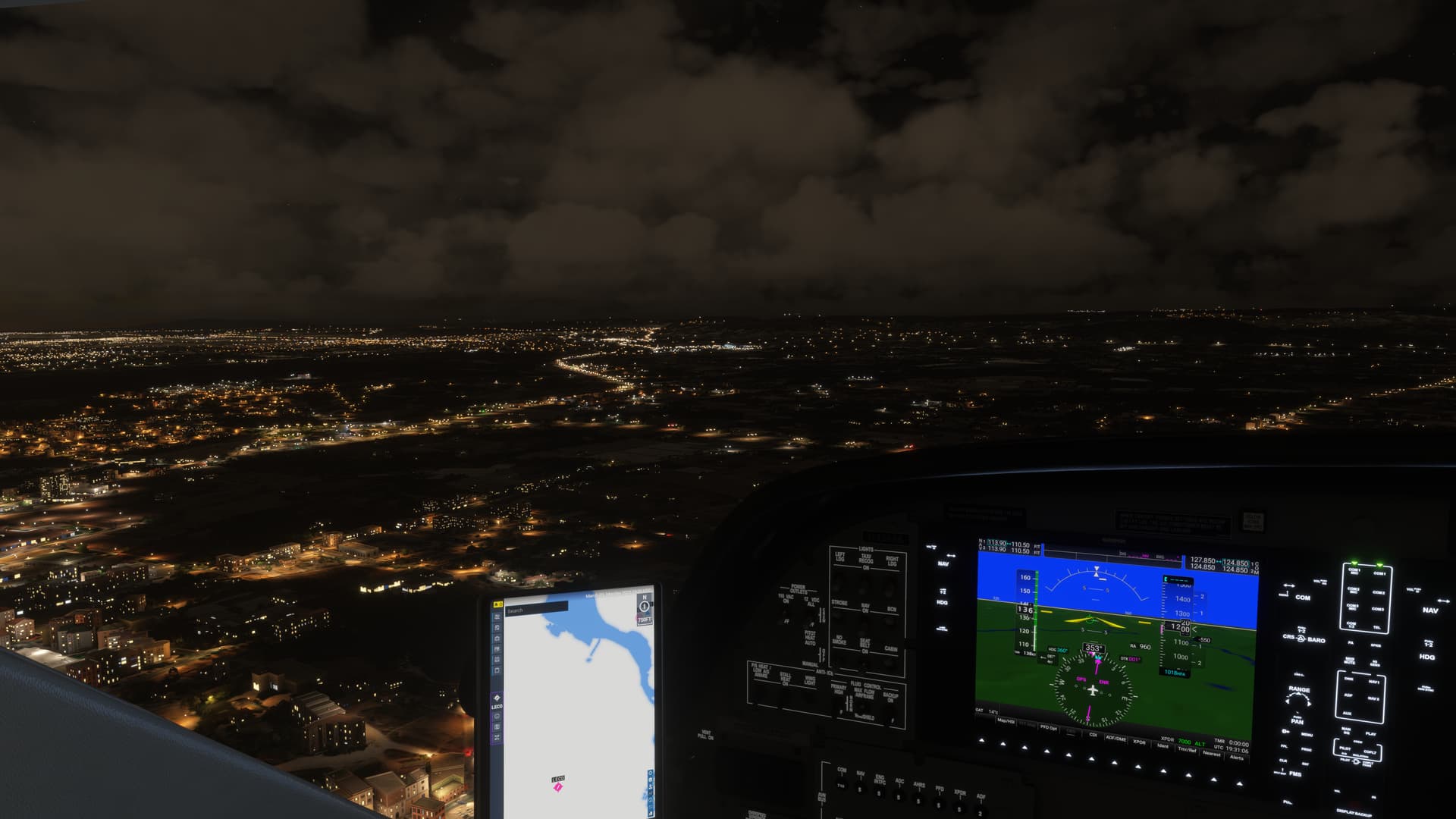
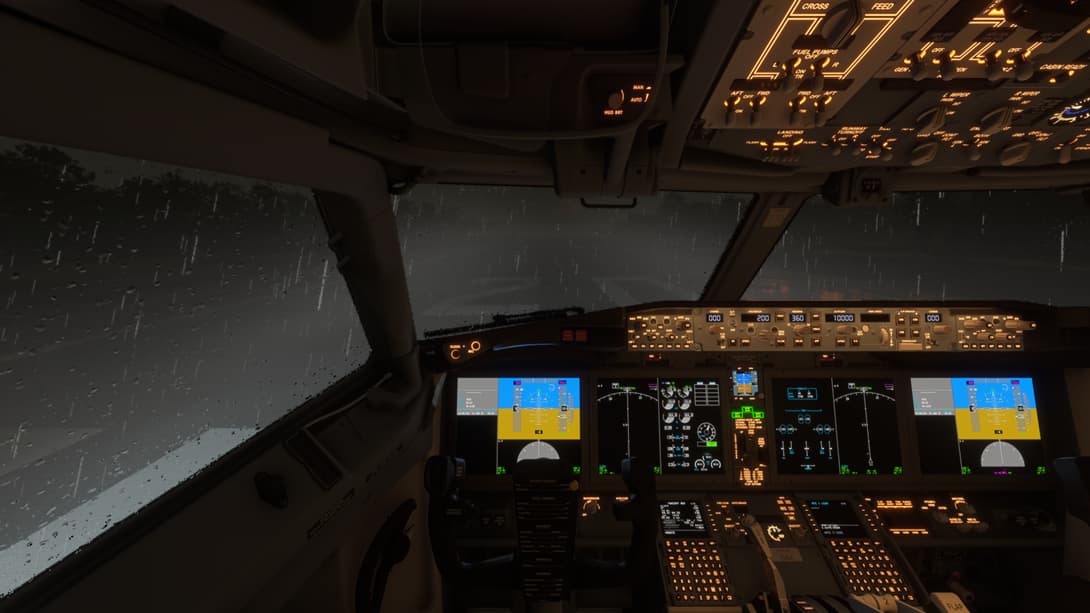
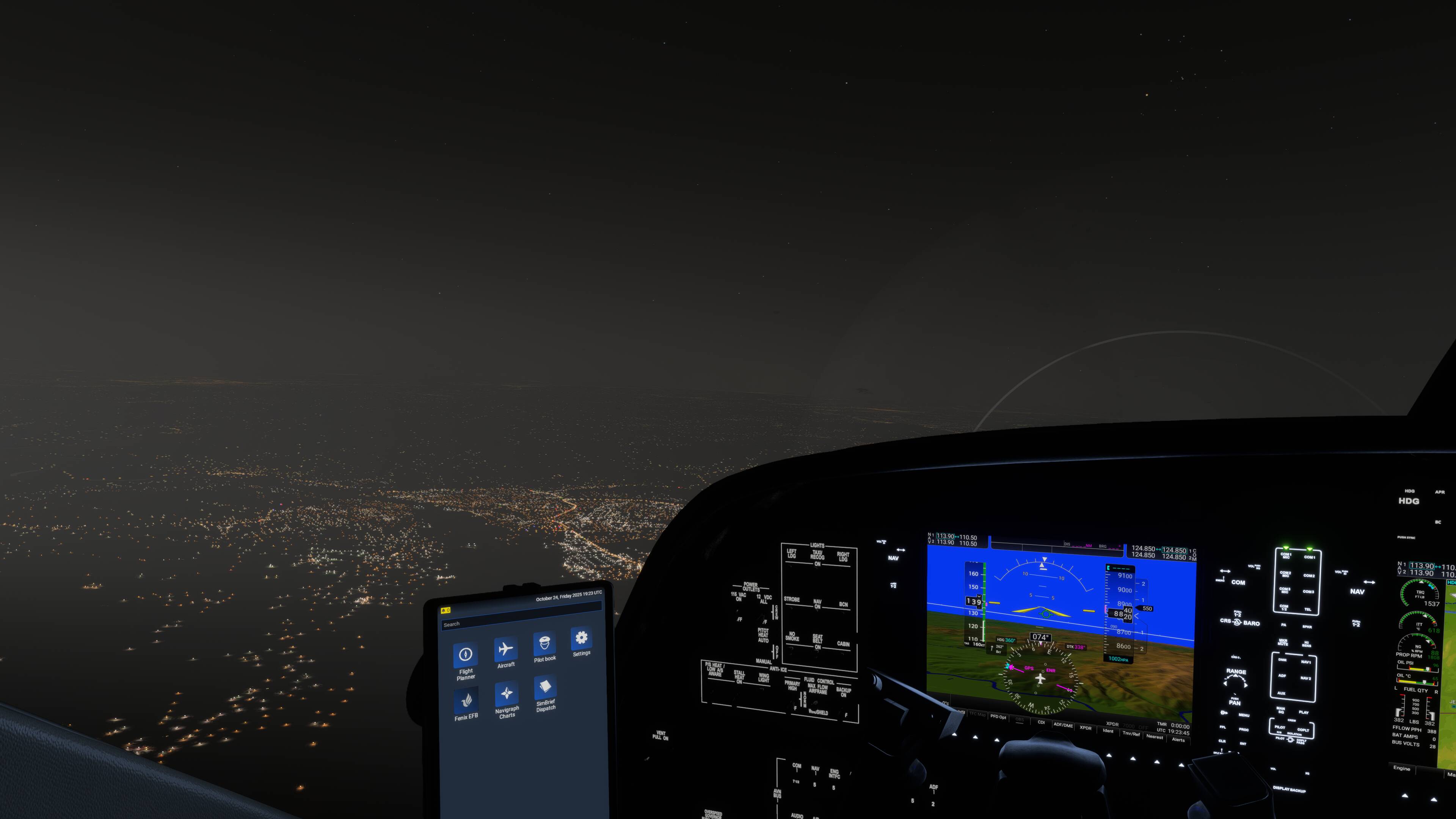
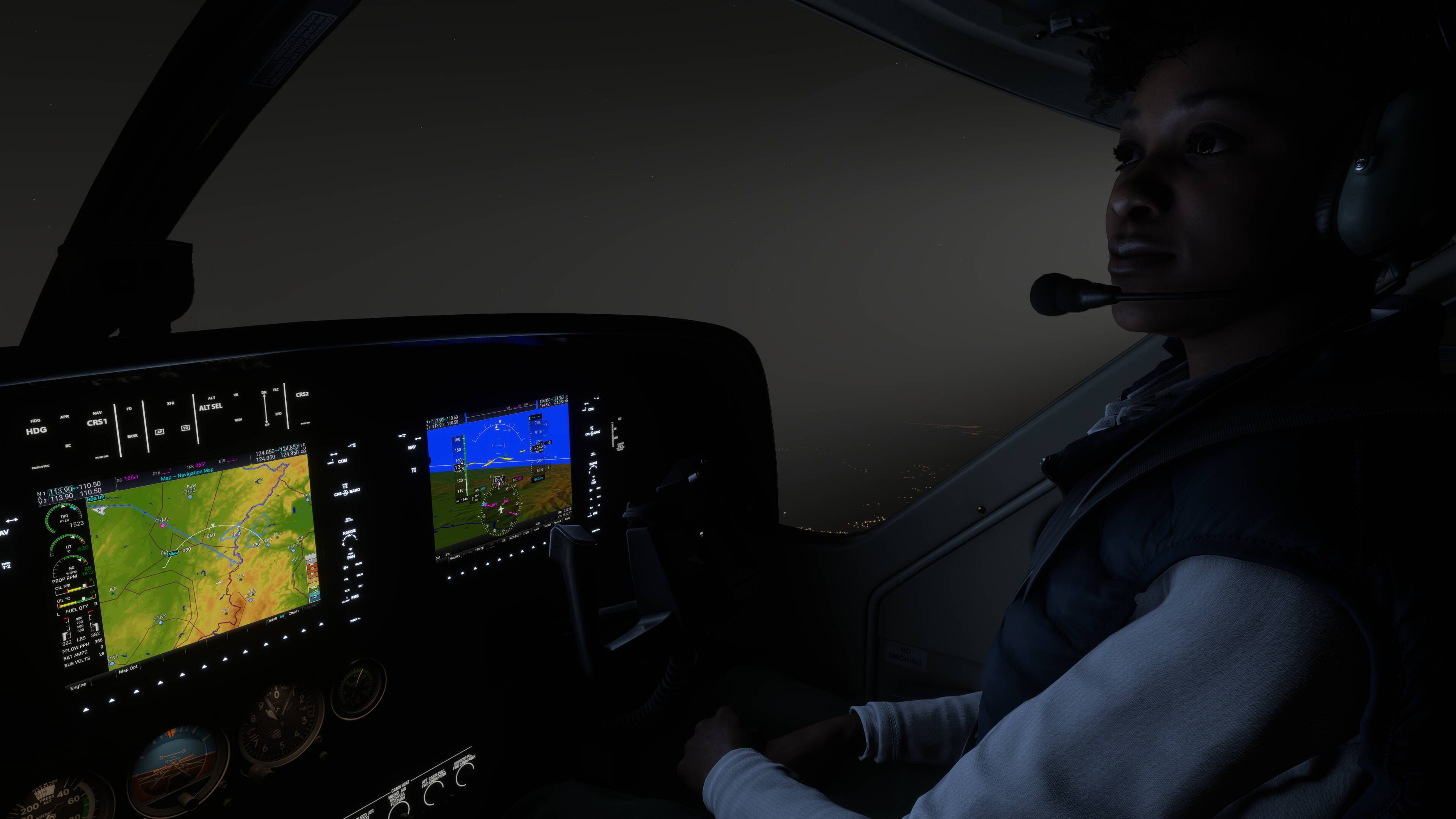
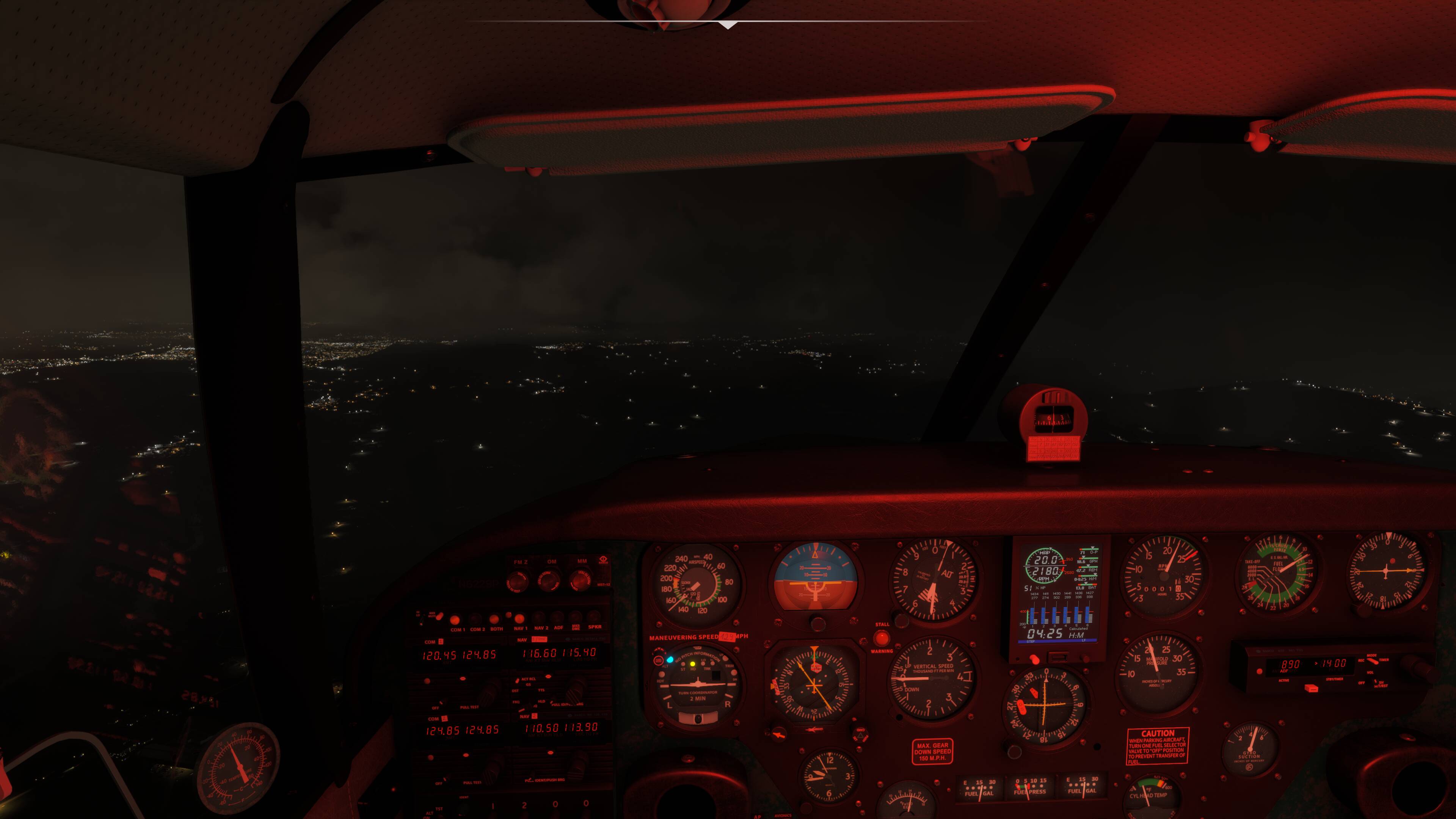
At nighttime, powerful lights such as landing and taxi lights create a blindingly unrealistic light haze in front of the aircraft that makes it difficult to see through. The effect is similar to lighting up fog or flying in clouds but my flights do NOT involve these conditions at all. These flights are CAVOK conditions where humidity is even low and visibility is in the 10’s of kilometres.
The effect has to be achieved in the graphics world as painting a kind of grey light shaft that emanates from the light source but real life is nothing like this, again, except maybe in very foggy conditions.
As a temporary workaround, possibly yes (I actually think I tried this before but it made no difference, however don’t hold me to that).
However the excessive light should be fixed and should realistically only appear in highly humid conditions such as fog or cloud (where it actually does work and is pretty cool and realistic). This has already been reported as a bug (see the post from DementedCorn327 - Landing and taxi lights shafts at night causing an unrealistic foggy haze - #2 by DementedCorn327). I just hope it gets traction.
I would disagree with you. I’m on SU4 and here’s what I see with “Low” Light Shafts (whatever that’s supposed to mean - low auqlity, low amount - it’s not clear).
Preset is “Clear Skies”, hence no humidity, no fog, no clouds.
Here’s a video I took on the ground where already there were light sources from airport lights, vehicles etc. and still these lights just explode and grey everything out.
Ohhh am I glad I found this thread today. Turned light shafts off and such a huge improvement. I was never able to understand why even in completely clear skies it seemed like I was flying through fog!
Voted. I noticed this in my very first night landing attempt in FS24 which happened to be in an X-Cub. In otherwise clear conditions, the landing light “fog” was blinding, so instead I had to cut the lights and land blind on an unlit grass strip. I ended up turned over on a road lol.
In real life with poor visibility you should definitely be able to see light shafts, only not to this degree. This is partially because landing lights are usually way less bright in real life… in most planes I would probably have a better experience holding a bright led flashlight out the window… That said, this issue is still very frustrating for me. I think the main issue is the “haze” in life weather mode seems to never change effect at all. I would love to see realistic visibility depicted in the sim and those light shafts to be made much less pronounced even if everyone insists they make landing lights as bright as the sun…
Glad to say that looks like the issue is fixed (?). I re-enabled them in horrible weather over Switzerland and while in the clouds they were quite prominent but they looked well and probably what you’d see in heavy cloud. When I left the clouds this is how they looked on the A2A Comanche 250… very toned down.
I‘ve got the same problem with this foggy lights. I had to turn the light shafts off because this light fog combined with the partially extrem bloom of the runway lights I got nearly blind for 1 or 2 seconds within the touchdown phase..
Bc I’m new to the forum here I would like to know if Asobo is working on this or how we get some attention on this light issues?