Oh and for the first time i actually got some of the informative stuff during loading


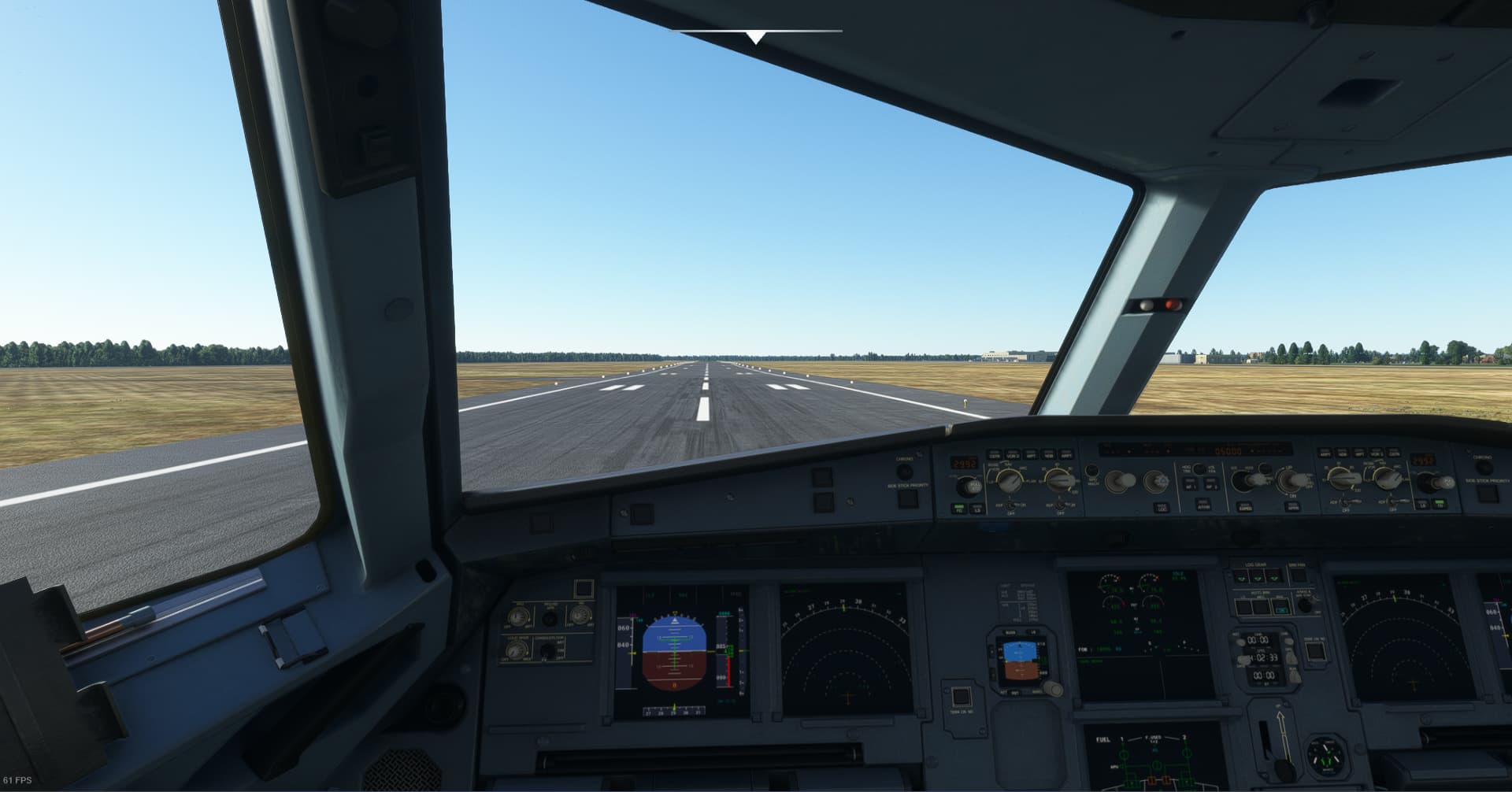
Okay, so that’s progress. I had assumed MS Store rather than Steam, so apologies for that. Can you interact with the main menu now? What did you actually move?
4.91MB is a tiny amount to re-install. Did you see what it put back? If not you can again sort that install folder by date descending, and anything it had re-installed will be at the top now.

Altough the fs-base folder which i have moved is missing.
In that case I would try shutting the sim down, move “fs-base” back, then re-test. Really surprised that the sim started at all with that folder missing. I think it may have all the offline textures in it, perhaps other things as well.
It’s more likely those “ui” folders were the culprit by the looks of it.
Assuming for a moment it’s a corruption thing, I know for a fact that you can alter files, and the sim will not prompt to re-install them as it doesn’t seem to detect things like that. It doesn’t run a CRC or hash check of every file. But it can detect if a folder is missing. For example, try removing the Cessna 152. It should prompt to re-install that as it is required for some packages, like the flying tutorials.
I just wanted to move the fs-base folder back into the official folder, but i got surprised with a “replace files”. I checked in the official folder if the fs-base folder is in it, and it indeed is. Im pretty sure i had deleted it after moving.
Maybe your move didn’t complete in that case? Or did you copy instead of move? If you drag/drop to the same disk it will move, but if it’s from say C to D it will copy, at least by default. That’s why I always right-click drag, so it always gives me the choice of copy or move.
I think its fixed. Just relaunched the game to test if it still works and yes it does, two times in a row i could launch a flight now. Seems like the UI was corrupted. Thank you very much for the help!
Great news! 
I wonder if this is the 4.91MB download you had:
The UI files being required would have just got re-installed without prompting you. The size sounds about right.
Hi I’ve just come across this thread and you have described my issues up a tee the CTD in the loading screen and even the market place being greyed out when it dies finally load and then it crashed straight away.
I’m running the m ms store digital download version.
I have the nvidia drivers and I’ve cleared my community folder.
Still no joy.
So what exactly did fix it for you as you have the same issue as me.
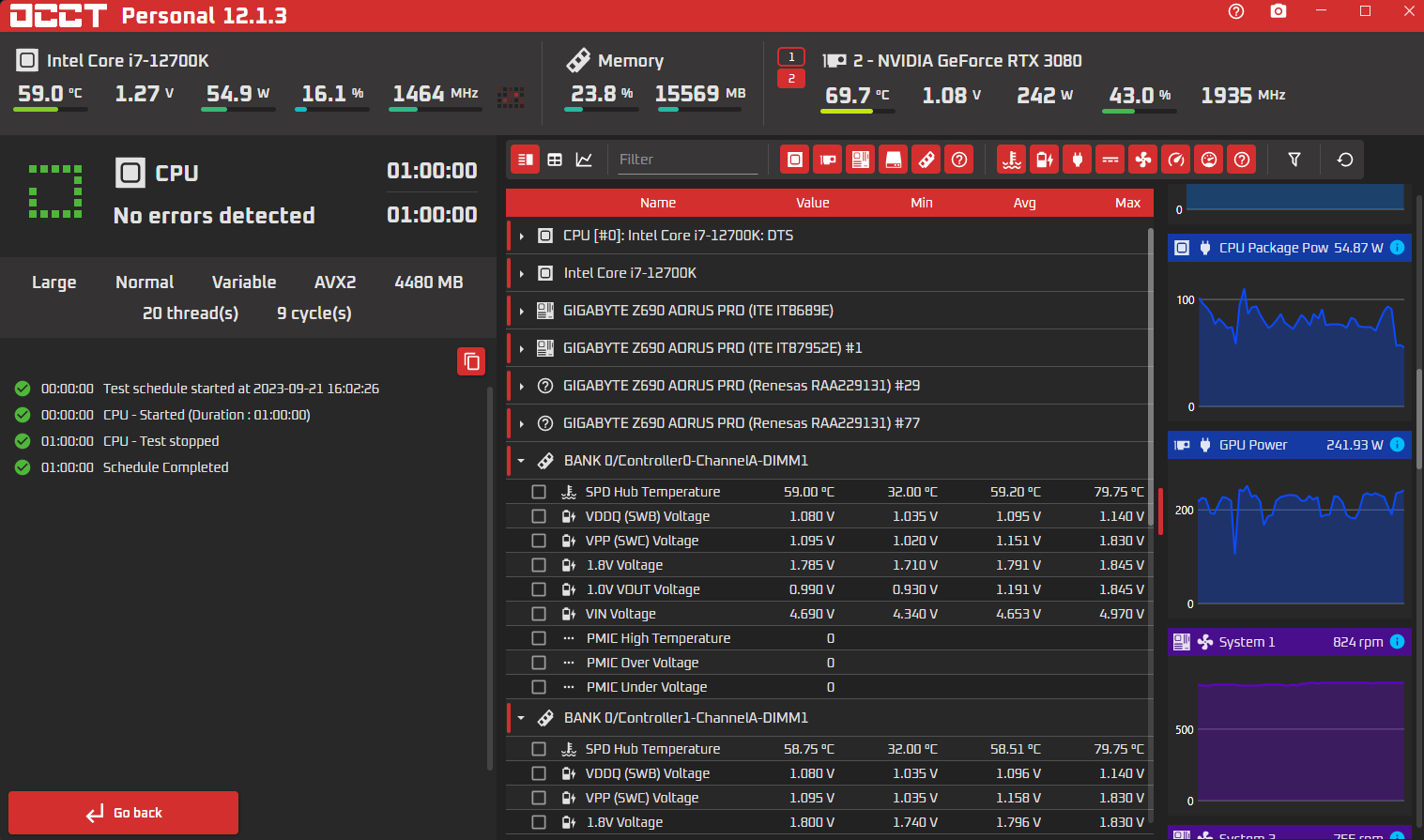
Just noticed it was the cpu test that was run. When you have time. Plz run again, but it has to be the “Memory” test. Still trying to rule out this as a source of your corruption. looks like that is what @hobanagerik was chasing to get your sim started. Corruptions in msfs too. If you have a bad stick, the errors/corruption will happen again. Also, do you have 4 banks loaded for the 64GB? I don’t remember DDR4 coming in 2x32kits. It could very well be if you come up with errors, that your memory is unstable. I have run all 4 banks in the past as well. But I had to slightly bump the voltage to get it stable in my last rig, which was ddr4 and an intel i9. It’s not a rule that all 4 banks can’t be run, at stock voltage. But it does happen like that, that in some cases a voltage increase is required. Nevertheless, run the test first when you have the time please

If you could please read back a few posts. Start with the one that contains the info for running system file checker, and DISM. Run those both. If no love, try the uninstalling, and re-installing of MS Store. What worked is @hobanagerik found corruptions in msfs itself, after corruptions were found in Windows.
@KevinGamer6532 I was following along with this because my sim also started crashing during the loading screen. It had worked fine 3 weeks ago, when I last played it.
I ended up removing several folders in the Official/OneStore directory, including two Carenado updates from Sept 1st and these folders:

I just picked those folders based on the discussion above.
At any rate, after doing this, restarting, having it load 8GB of replacement data, it started up successfully but I was also offline and had a greyed-out Marketplace folder. In my case, the solution was to go to Options->General->Data and turn “ONLINE FUNCTIONALITY” back on.
SIm should start with almost any, or even ALL content in OFFICIAL manually removed.
Assuming you have an Internet connection, it should then detect whats is missing, and download and install those folders. – then continue to run to the normal UI Menu screens.
That’s true. Some things it will silently replace, like the “ui” folders. I don’t think it will detect a single file missing though. I’m sure I tested that once, just to see how thorough it would be. But an entire folder missing for sure.
It also doesn’t check for modified files to replace. There is a mod that makes the taxiway markers smaller. That involved editing an existing file, and it never gets reset, presumably unless that file is updated as part of a sim update.
Correct – so one wonder what real use the sile sizes are in the layout.json.
They do appear in the Console Error Log – so if you are inclined to edit files !!!, if you look in the console error log (with a suitable filter), you can keep a check on what “Official” files, may have been modified by you, and what may have been overwritten by an update.
I just delete the folders occasionally after a number of patches/updates,. start MSFS & go to bed, to wake up with a Fresh “NEW” MSFS in the morning ( I hope).
NOTE: This is what I CHOOSE to do, at my own risk -
I do not believe it is an “OFFICIAL” may to fix any issues you may have