

Hello @ngreenaway ! The medical version is planned for MSFS-2024. Thank you for the livery suggestion for this modification!
Hello everyone! We’re thrilled to unveil a German Police livery design that’s a direct result of your input! What do you think - does it exceed your expectations?!


i cant wait for the msfs 2024 version
Nice, I was going to ask for that livery as well
Hello @ngreenaway ! Glad we could predict your request 
@P1zzarelli , working towards this day! 
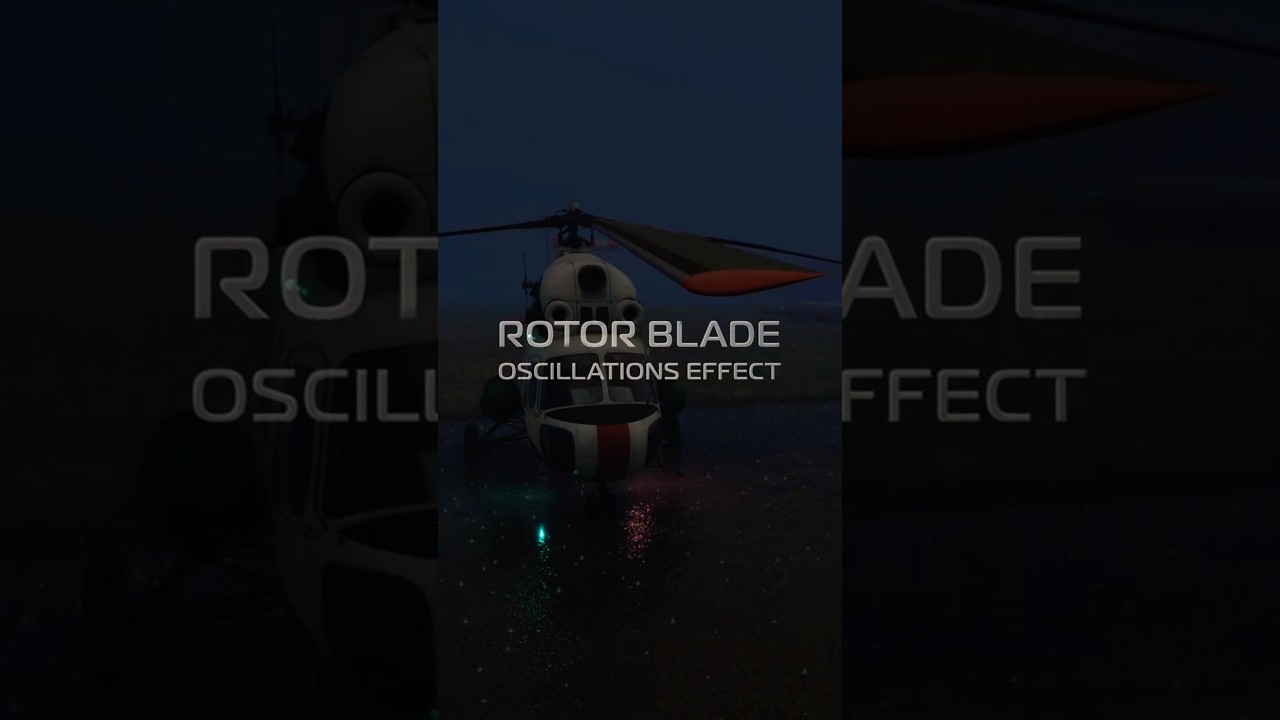
How do you find the oscillation of our Mi-2 rotor blades in extreme windy weather?


The post you have been waiting for since the beginning! The first shots of cockpit are here!!! Thank you for your patience 


Holy ■■■■ Batman - these are incredible! Take my money now.
Superb !  Thanks for the pictures.
Very, very impressive.
We believe that nighttime flying should give maximum immersion, allowing you to fully escape. What do you think about the red lighting and overhead ambiance we’ve created to enhance this experience? 


It looks very good !!
Please ensure we can adjust the intensity of the lights (dim), and that these controls are easy to manipulate (like simply with scrolwheel of the mouse). This is quite important in VR. Night / dawn / dusk flights in VR with a nicely lit cockpit is a pure joy for me 
One small additional request: could you ensure that the labels of the switches, which appear when hovering the mouse over a button, shows the current state of the switch (ON, OFF etc…) ? For example, this is missing from the GKS Mig21, and it makes it difficult to understand which switch position is currently selected (for those of us who can’t read Russian  ).
).
Once again very nice! Really looking forward to this helo - based on these pics alone I’m willing to buy day 1.
Hello @SAPDaube ! Thank you! Yes, you can adjust the intensity of the lights (dim) using mouse scrolwheel. We tried to make the controls as easy as possible to manipulate, however the sensitivity of the mouse can be felt differently in each case. Therefore, based on the gathered feedback we are going to improve the overall experience.
The majority of controls have English tooltips. We have made them in a way that they reflect the name of the control, but not its status. However most of the controls are ON when they are in UP position, and OFF when in DOWN position. Also apart from the standard cockpit there will be an English version, which we expect to present with first updates.