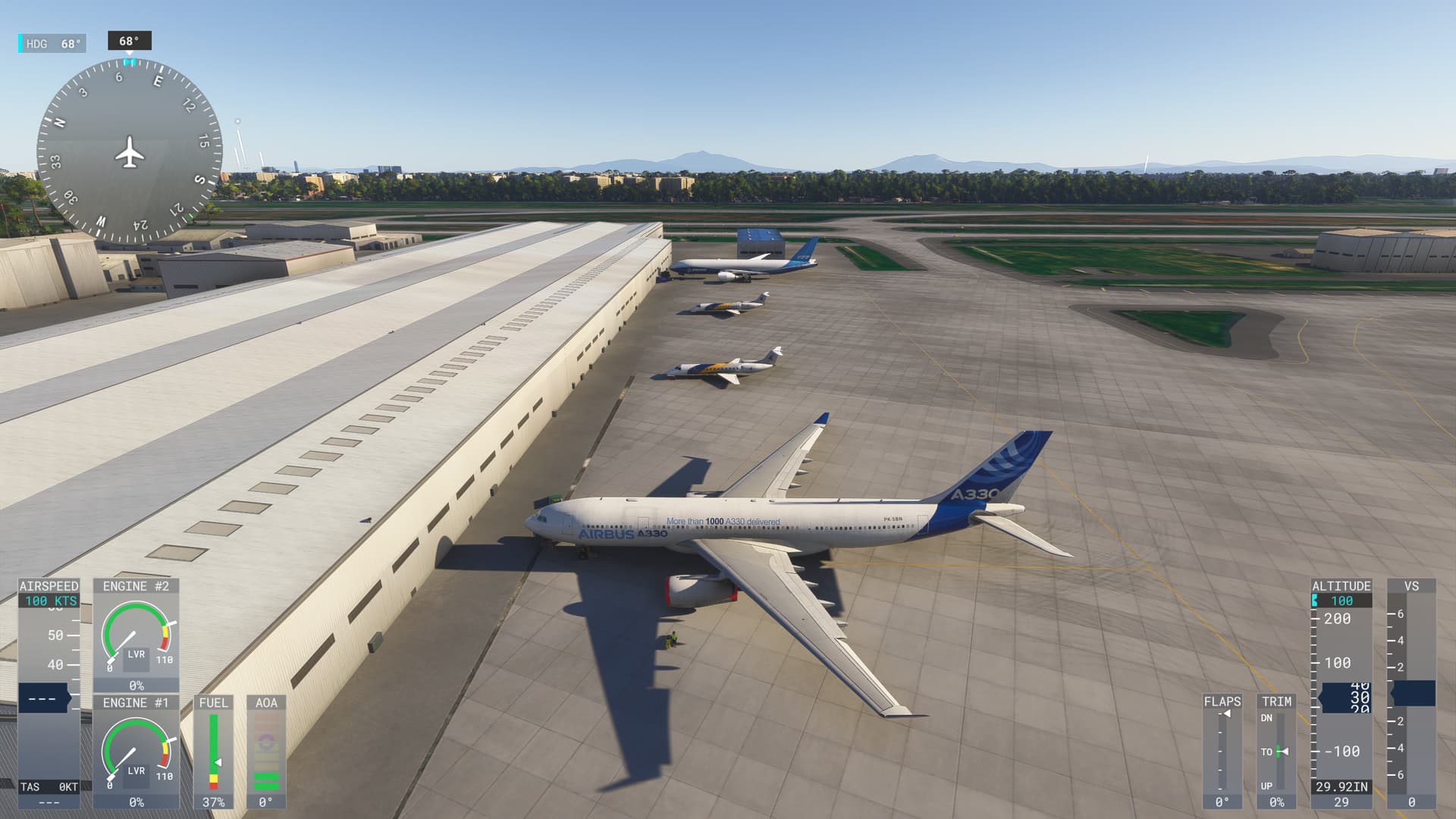
I don’t think all aircraft have been ported over yet. Go to My Library where you can now see what is enabled and what isn’t. They toggled many add ons from 2020 to disabled by default (a good thing) so we can add things back in now (part of the new update and it works quite well).
No. Just like FS2020 there won’t be.
Good question, the rolling cache has no delete and recreate function in FS2024, only an increase the size of it option for some strange reason. You’d have to try to delete it in windows, but I have no idea of the consequences of doing that! Not sure why they changed this. I have my cache currently set at 128GB. I do suspect having out of date sim update wise data can cause issues just like it used to in FS2020. Spent two hours today trying to figure out why the Ini airliners were bugged and which ones, then another sim reboot and they were fine.
You can create a cache on a different location using the menu. You can then manually delete the original. At that point you can do the process again to get the original location to the size you want or leave it as is. It is a pain but it works. Been there done that.
Why not just have an option to delete and recreate like in 2020. Or a clear data cache button. They also don’t let you downsize it. You get a message saying the cache can only be increased or something like that. Maybe it gets recreated if you delete it in windows. I haven’t tried. Will try teh change of location thing if it comes to it.
Overall the go fly works well for me, but it’s obvious some planes/systems aren’t working 100%.
Major flaw is career mode, as we progress more and more bugs and incomplete implementation of aircraft systems get in the way in a game breaking fachion.
Thanks, good tip on the cache. I removed a few things from cp the community folder and it seems to be working. Took out pushback, and my piper arrow and it seems to be ok. Those were unresponsive in 24 anyway. Thanks again for the help!!
The windshield glare is way too much, at least giving us the option to turn it down, the scenery outside the cockpit just looks too blurred out and hazy because of it. It doesn’t look anywhere near as sharp as 2020.
I had returned the simulator after 3 hours, which I only spent in the loading screen. I actually wanted to buy again in January or February, but reading all this, I’ll probably have to wait another 2-3 years.
I just started the game after the patch and for me it seems to be an improvement than what it was before, even in career mode. Playing on Xbox Series S.
The further I progress in the career, the more issues I seem to have:
No more helicopter SAR landing missions available, because the only one showing on the map is not playable due to the target being located within trees on a mountainside.
Spent 2hrs flying a helicopter passenger mission, only to find I can’t progress beyond parking at the destination because I’m not able to apply parking brakes (on the R66). Come on, really?!
Unable to complete a cargo mission in the 172 because the flight path to the destination airport takes me over a mountain range and expects me to climb to impossible altitudes to get over them.
Trying to hit the “Ready to fly” button in free flight in VR means relying on guesswork because the cursor is not visible.
The Quick Reply command will randomly stop working during missions, which means they either can’t be completed or you need to skip to the next step and lose earnings.
The Mission Steps window is still not movable in VR, so it’s always directly in your line of sight.
If a mission fails due to a crash or “landing in the wrong place”, I can’t click on the Next button to proceed. I have to use task manager to exit the sim.
The only positive thing I’ve noticed since the latest patch is that I no longer have to keep changing my sound output device whenever I launch the sim. That’s great, but I’m now finding career mode virtually unplayable.
They did not test a freaking thing before release. This is absolutely ridiculous, what a bug fest. All the new content is locked behind an unrealistic career mode, having to earn credits to do all of the certifications, but half of the missions are bugged. I’m done with this, waste of time…