I am trying to make my own camera views and I cannot find the camera .cfg files this is all I am getting

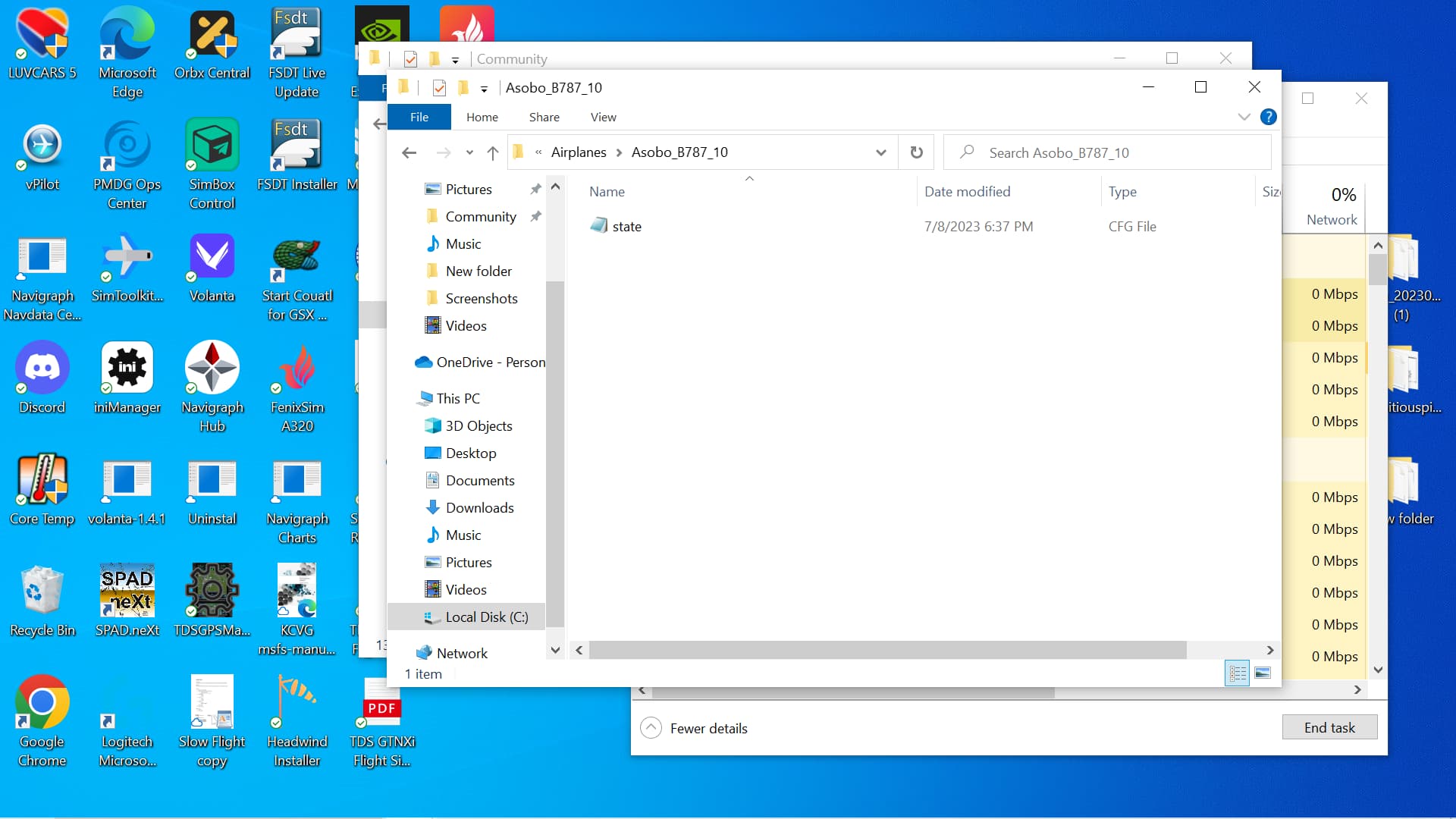
You have to create a custom view and save it first. All you have to do is one. Once that is done the sim will create the file. If you have saved custom views on a backup you can just copy them to that location and they will work.
I have default views already there. Are you saying I have to go through those and add a new binding?
We are talking about two different things. Default views are set by the developer. Custom views you set. What are you trying to achieve. The folder you show is were custom views are stored.
When I see
You mean I have to go in the control setting and change the bindings correct?
Not always. Custom views have a key bind to save them and a key bind to load them. I changed mine to suit my needs. I use the keypad numbers to load custom views and CTRL ALT Number to save them. Just use the binding set for save custom view. Then you will see the files you are looking for.
so when I look at the control settings for custom camera it is prefilled, is that fine or do I have to manually set it meaning do I need to change that?
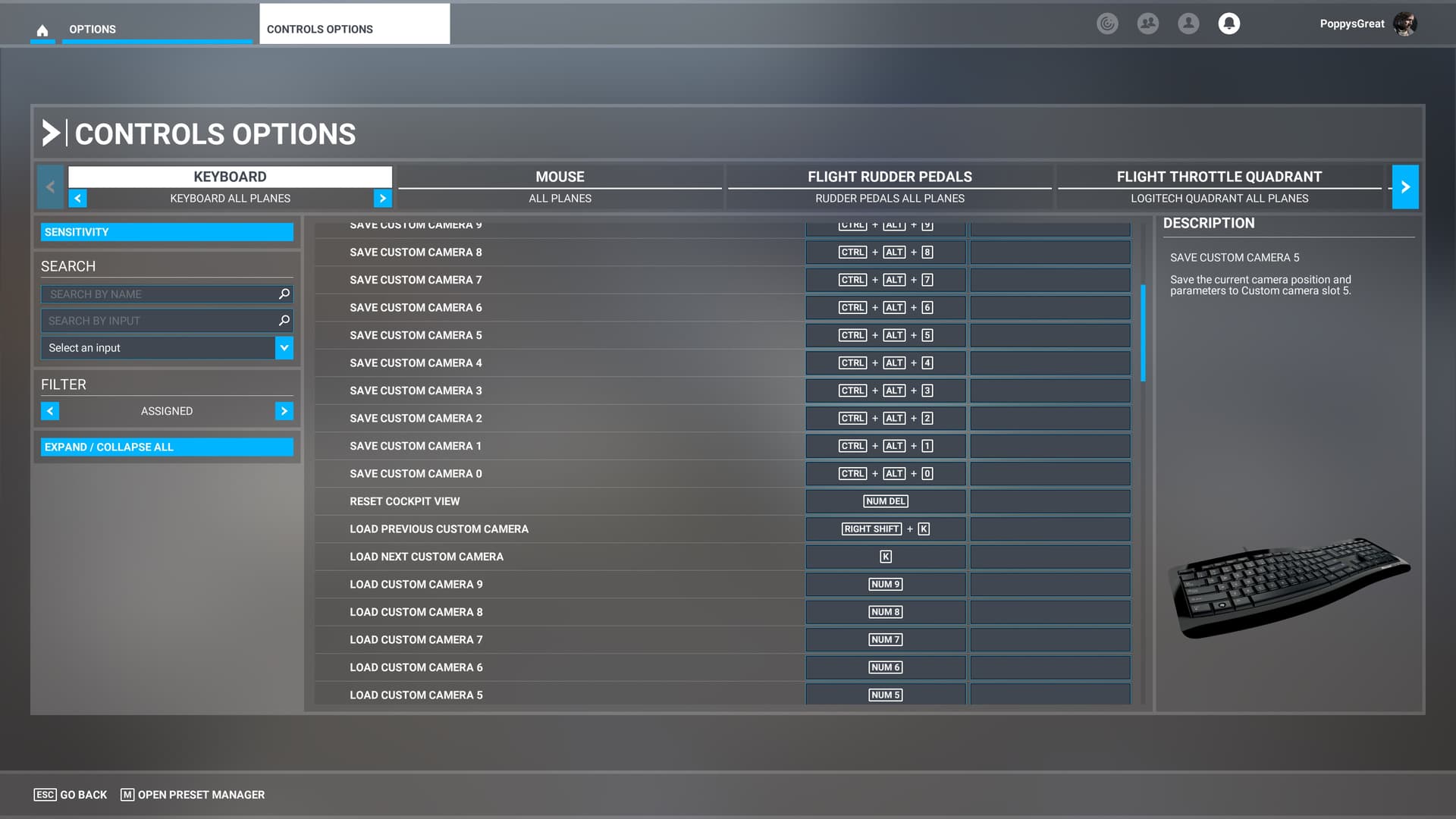
I understand that but when I looked at mine, it was already prefilled in. I am asking do I have to manually edit them
Yes, assign them to any key or device button you like. I recommend you use the same settings for all your planes. Example num1 = pilot view, num 2 = landing pilot view, num 3 your instruments etc. I also assign a few passenger views.