Yet they reject it as a bug, and say it’s by design 
To clarify, as of today, visibility outside of METAR is not part of data Meteoblue is providing/injecting into the sim, that is why it is not a bug. If it was part of the data and visibility was missing then in that case it would have been a bug.
I also would love to have that data injected since IMO it participates a lot to the immersion and would almost eliminate the bubbles that we can see on your screenshots.
Hopefully that integration will take place, that is why it is considered as an enhancement.
2 Likes
I’ve been saying this since time immemorial that data is there, it’s just not being used. Check this out:
1 Like
It can be difficult to accurately forecast low visibility even under the best of circumstances. My local airport (KELM) is subject to dense ground fog in autumn in the early morning hours. The airport is in a valley, and is in the lowest elevation in that valley. The coldest air in the valley tends to pool at the airport. When fog does form, it is often found only at the airport and the immediate vicinity. You can drive 3 miles east or west and find unlimited visibility, but at the airport itself the visibility will be zero. If viewed from above, I’m sure it would look just like a “METAR circle”.
The local NWS office in Binghamton, NY generates the TAF forecast for KELM. They use a high resolution model that is updated every hour, and in spite of that, sometimes the forecast is wrong. Often they can say with almost 100 percent certainty that fog will form beginnning at (say) 0500 local and indeed it will. Other times they will predict fog that does not form - or do not predict fog that does form.
In those cases, the TAF will be updated based on real-time observations. It is also difficult to predict accurately when the fog will lift. I have seen TAF predictions that the airport will become VFR at 0900 local, but the fog actually hangs in until 1100. A one or two degree error in predicted air temperature or a one or two knot error in predicted wind velocity can cause the HRRR model to “miss” the forecast.
In MSFS, when it is foggy at KELM it will also be foggy in the sim, specifically because the sim is using METAR for airport visibility.
The answer lies in your reply itself. Visibility can be implemented based on altitude. Humidity, aerosol etc. can be considered as a factor in the sim.
The situation you mentioned is one which happens to be correct accidently, as the issue behaves in a similar way.
@DementedCorn327 kindly check this post out.
Also, with due respect, I’ve been working on software service & maintenance for a car manufacturing giant since nearly 10 years now.
This situation totally qualifies as a bug.
If something does not do what it should do in real life scenario, it should always be considered a bug. The system is designed this way, but the design itself is flawed.
It works fine in the competetor sim(I realise their injection source would be different). Above post by @Falcon07037670 shows that the data is supplied in MSFS2020. Not sure if this has been checked by the developers for 2024.
I request for this topic be considered again, for the sake of realism.
At least looking forward to seeing this topic to feature on the wish list during dev updates, as it now has good votes.
Thank you for working hard moderating this forum!
2 Likes
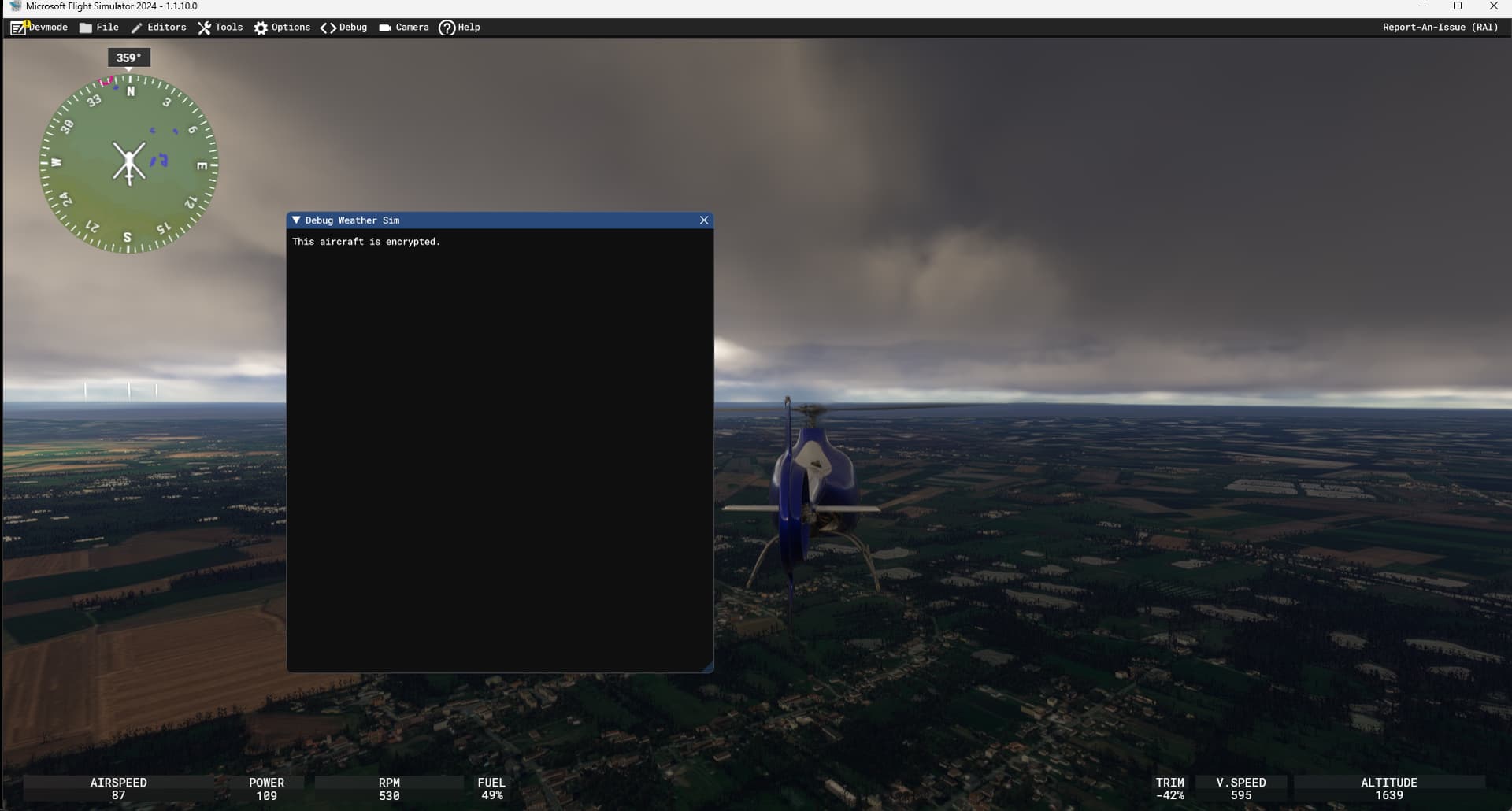
Thanks for pointing to the other post where we can see the reduced visibility in the weather debug window but not reflected into the sim. I tried to get the same info in FS2024 but with the few aircraft I’ve tried and just get an empty window saying that the aircraft is encrypted. Anyone knows a way to get the debug weather info displayed ?
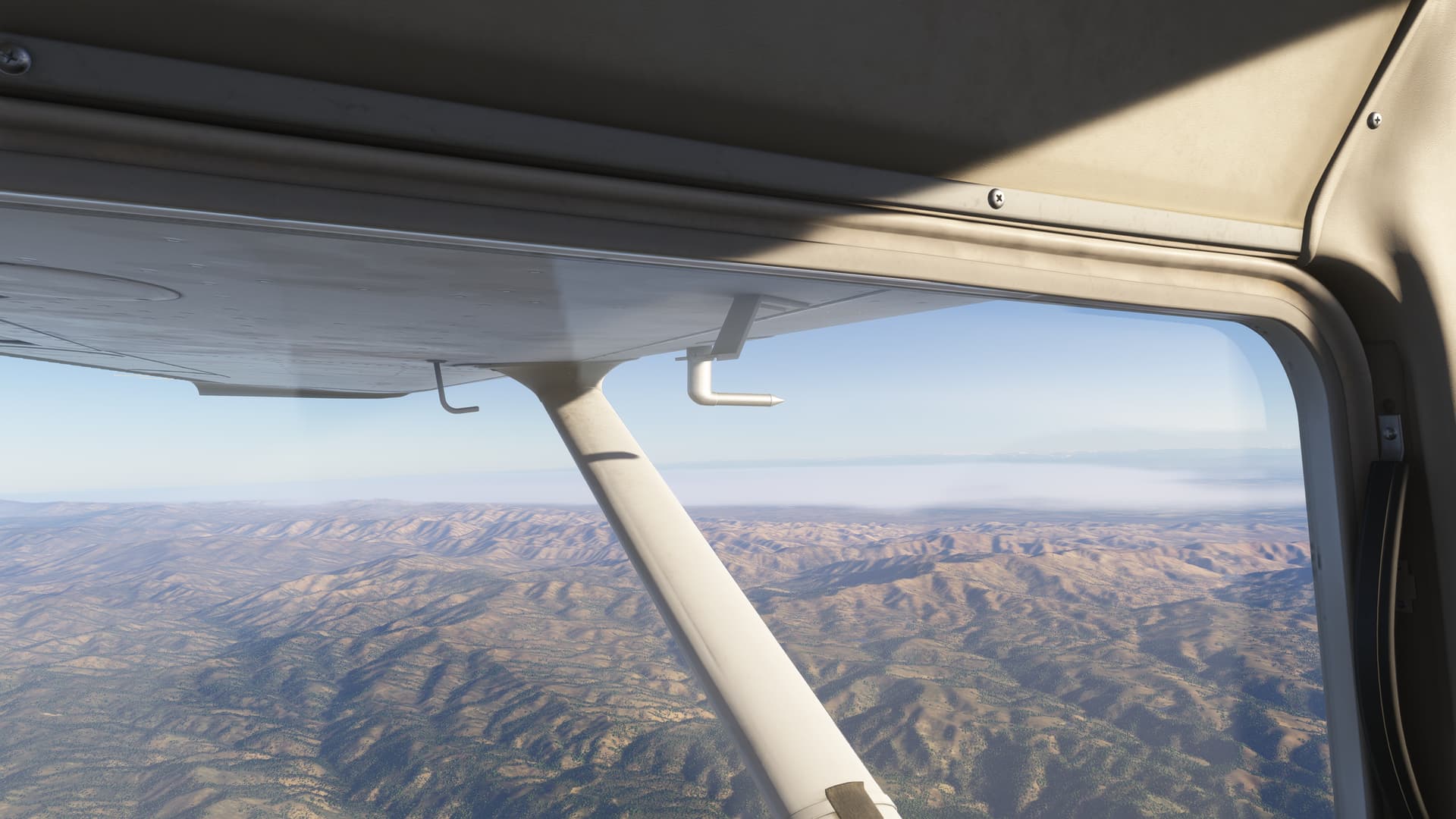
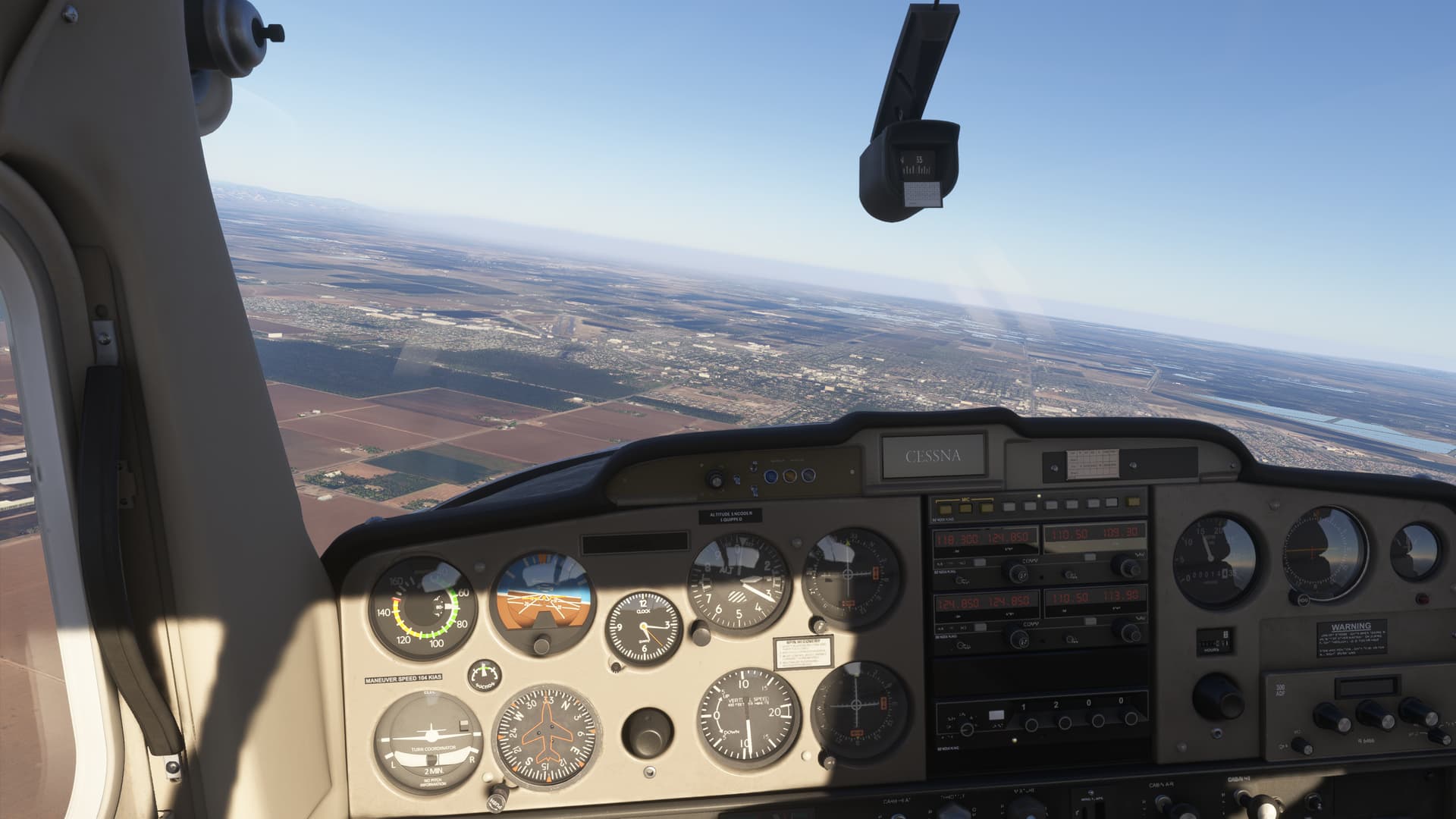
Well they did thicken the haze – sometimes its too thick – but thats the way it is… and what is really awesome is that clouds now can go down to the horizon in the distance which mimics the haze found around increased clouds.
I think the problem from a graphics perspective is that its difficult to make haze that appears fairly thin for 20 to 30 miles but then suddenly exponentially increases in thickness to blur the horizon completely. It doesnt appear they can make fog or haze that only looks thick from a distance. It has to actually be thick.
1 Like
It’s also problem with manual weather. Humidity slider simply does nothing. There is some haze (outside clouds), but not much, tens of miles visibility, for flying purposes it’s unlimited, and outside sunset and sunrise the air is basically invisible.
Clouds layers on the other hand have too small range of density. The lowest density is still too high (basically you can’t see anything), and the highest density is still too high (you can still see your wings). So you can’t use cloud layer to simulate for example ground fog.
3 Likes
Maybe you can try a 3rd party aircraft such as Fenix just to debug. Just the weather needs to be debugged so should not give different results.
1 Like
On rare occasion I have seen low visibility that mimics haze to some extent. This image from 2020 a few weeks ago.
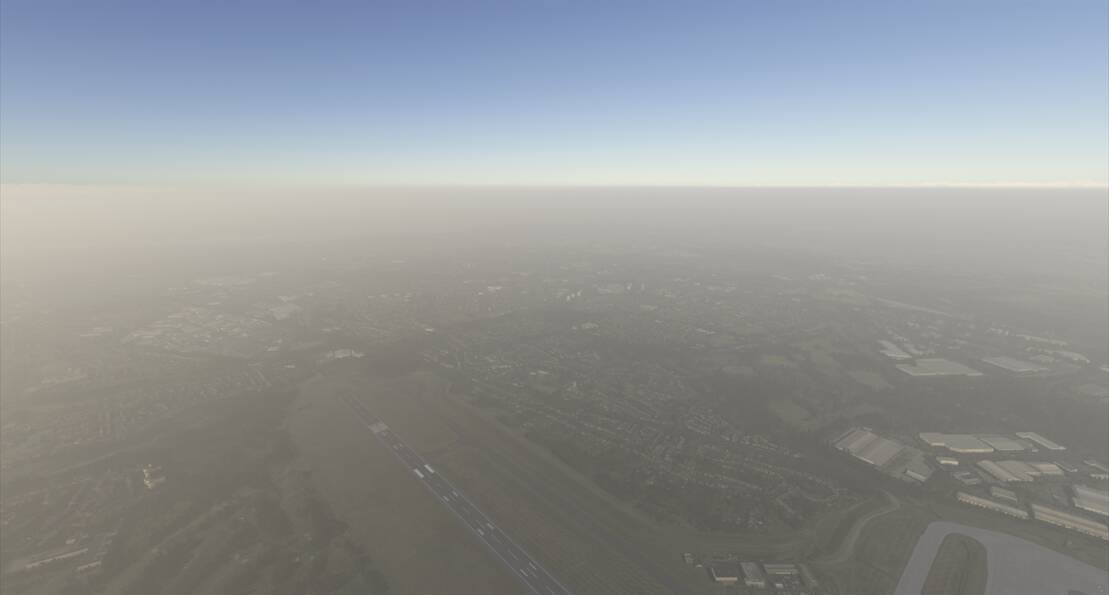
Once lower down, visibility was rather limited, but higher up, you could see over the top into clearer air. It was about as good as I have seen so far and extended beyond any METAR bubble. This was live weather at EGBB.
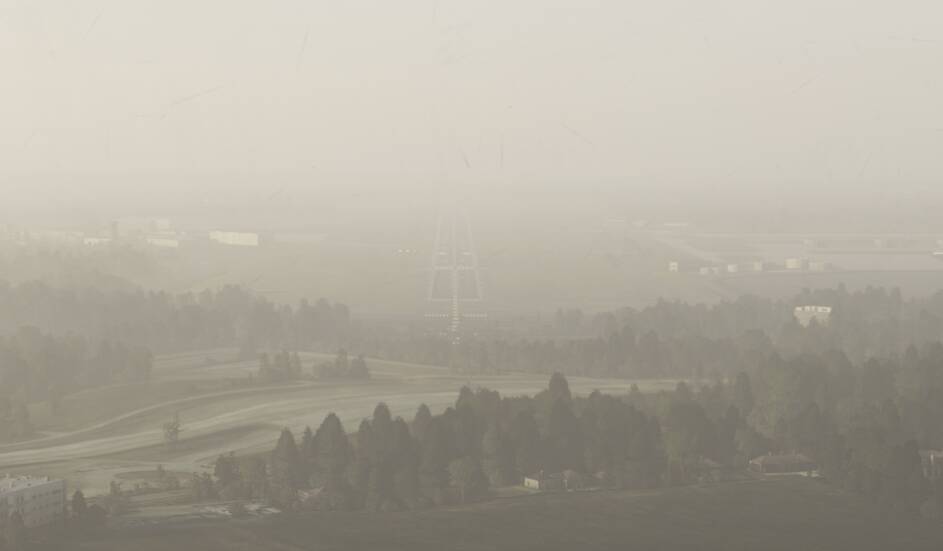
Makes me believe it is possible to achieve a decent result.
2 Likes
This looks very accurate!
As said in one of the posts above, the humidity level in the sim has no impact on visibility.
In the real life, more humidity means scattered light, and causes hazy effect.
However in the sim, humidity seems to have little on no difference than 0 humidity.
@DementedCorn327 did you have any luck with debugging? We eagerly await to see if same results are present in MSFS2024 also. Also, do look into the humidity parameters too.
No luck . The few 3rd party aircraft I have are all from marketplace, so encrypted.
Yes, I tested it and does not seem to work. See existing report: Humidity slider in custom weather not working
1 Like
just a few more FS24 pics. I really think its fixed for the most part. It shouldn’t be low visibility all the time and its only that far distant horizon effect that Ive been looking for when it appears otherwise clear but there is definitely a wide range of visibilities with live weather that are not due to any METAR.
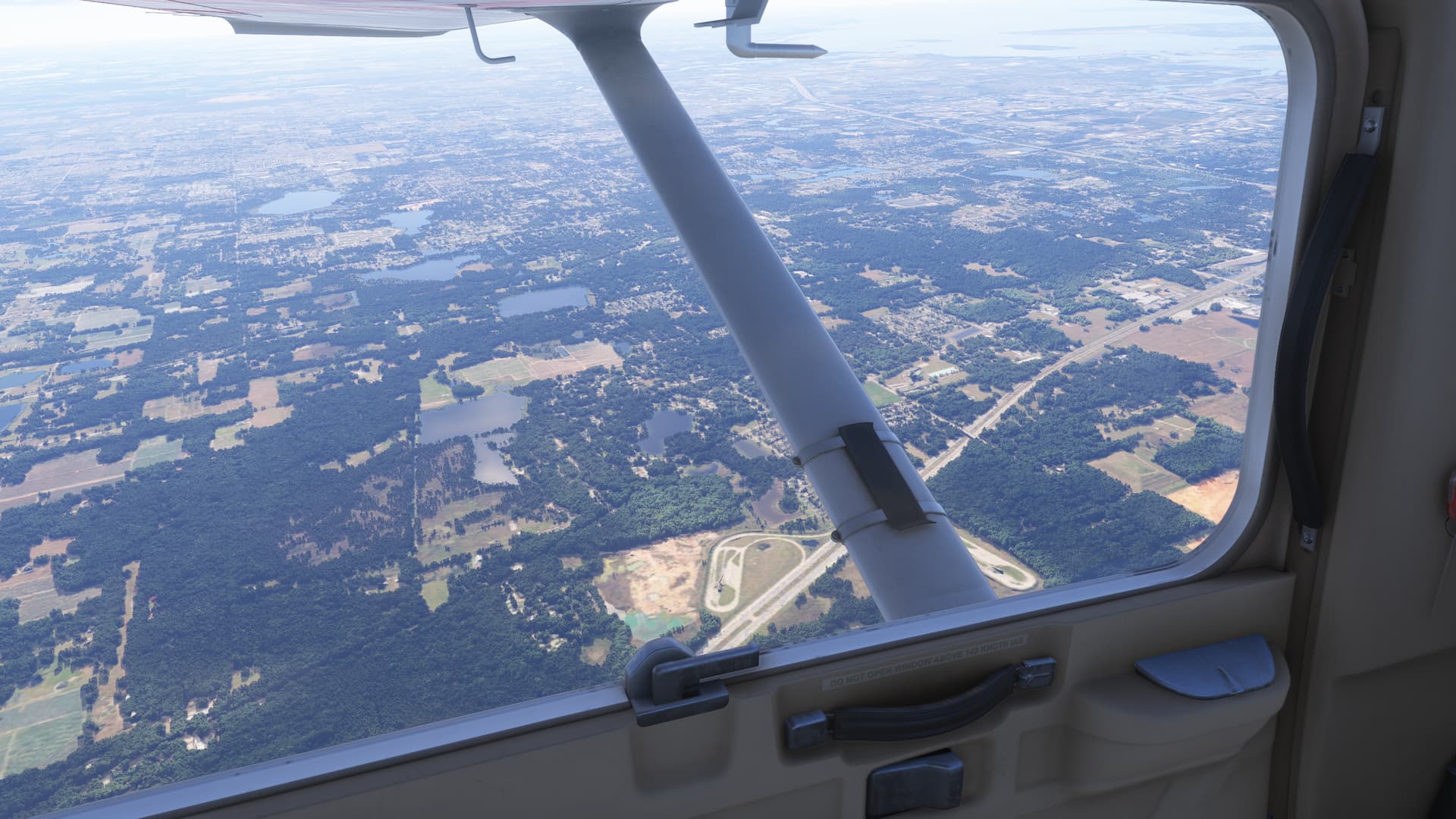
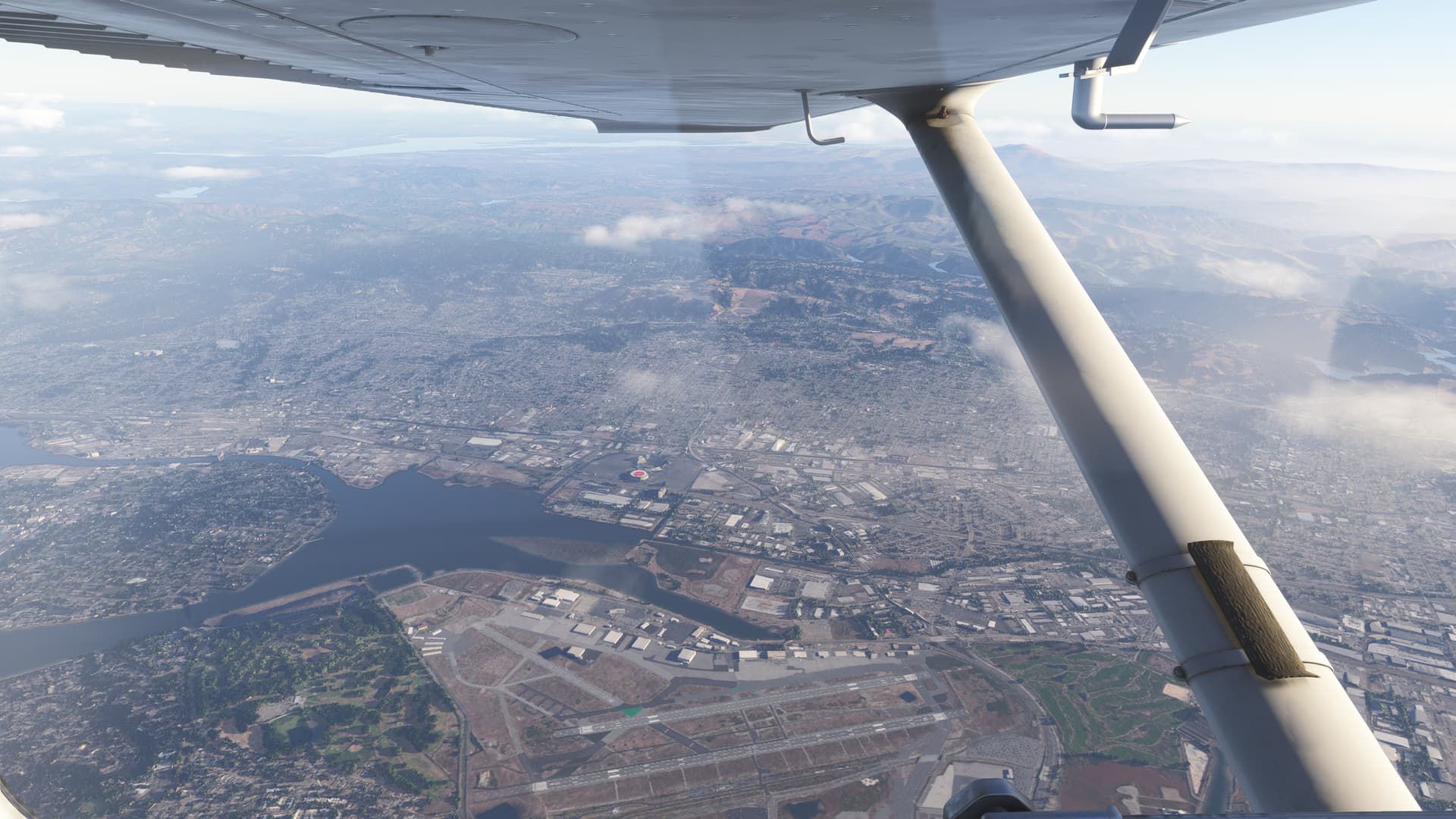
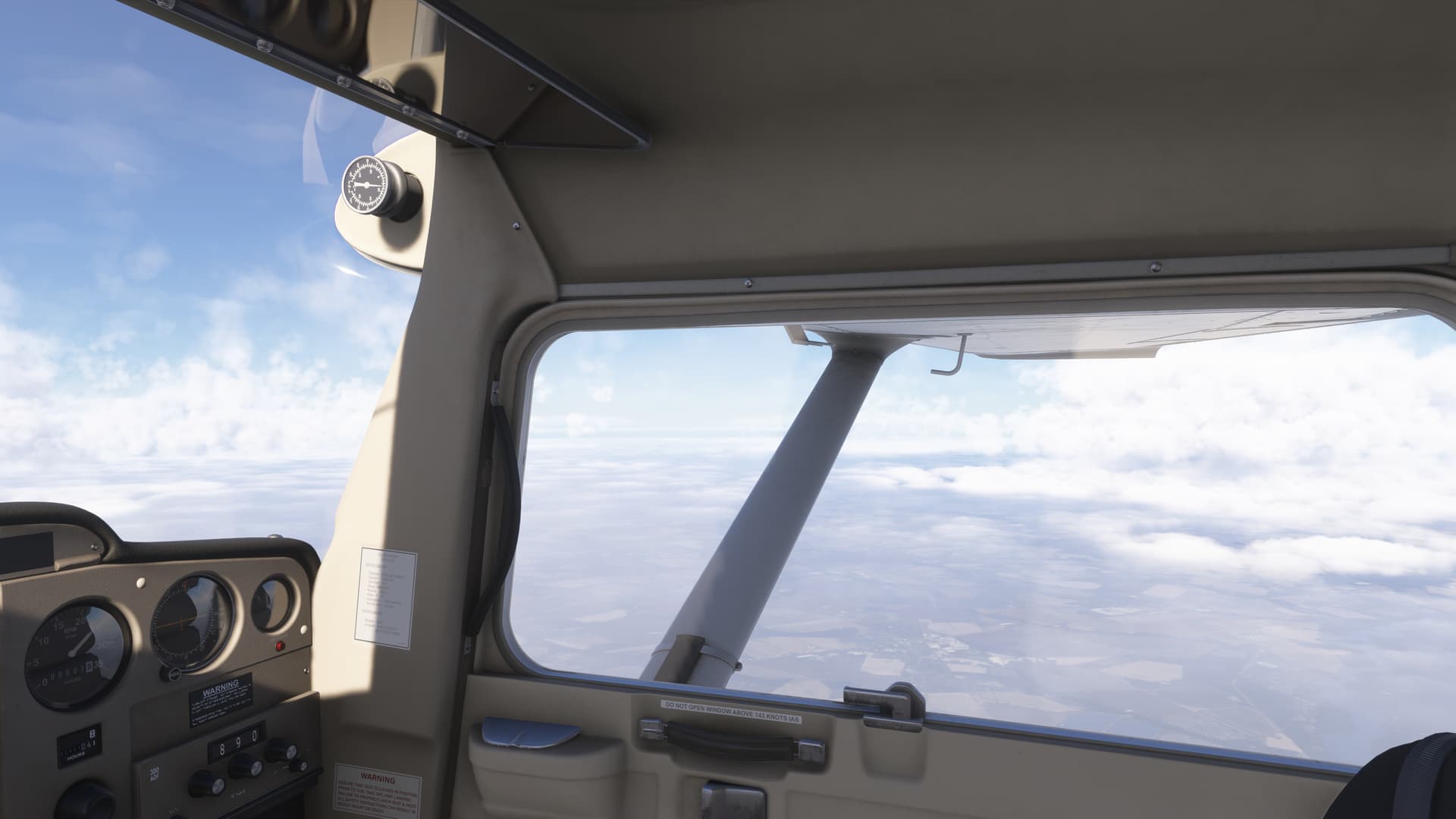
Try flying in California or along the US northeast coast.
From your pictures, it seems to be a cloud layer that is injected. Not the visibility itself.
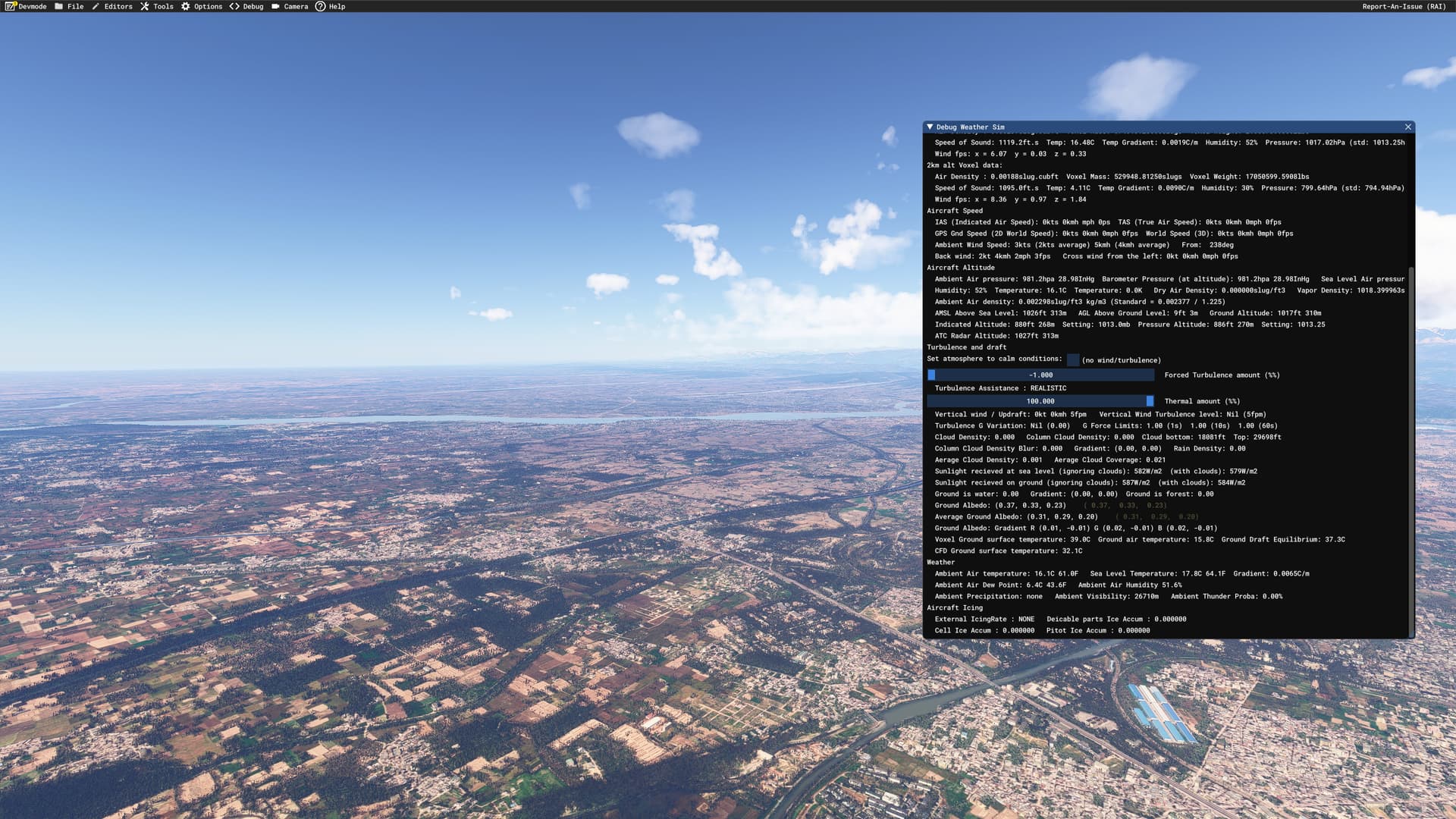
Here’s a debugging screenshot. Ambient visibility is around 26KM, but as evident from the screenshot, places even 150km away are visible.

Here’s one from Dubai. Visibility up to the hills!
Here’s few more.

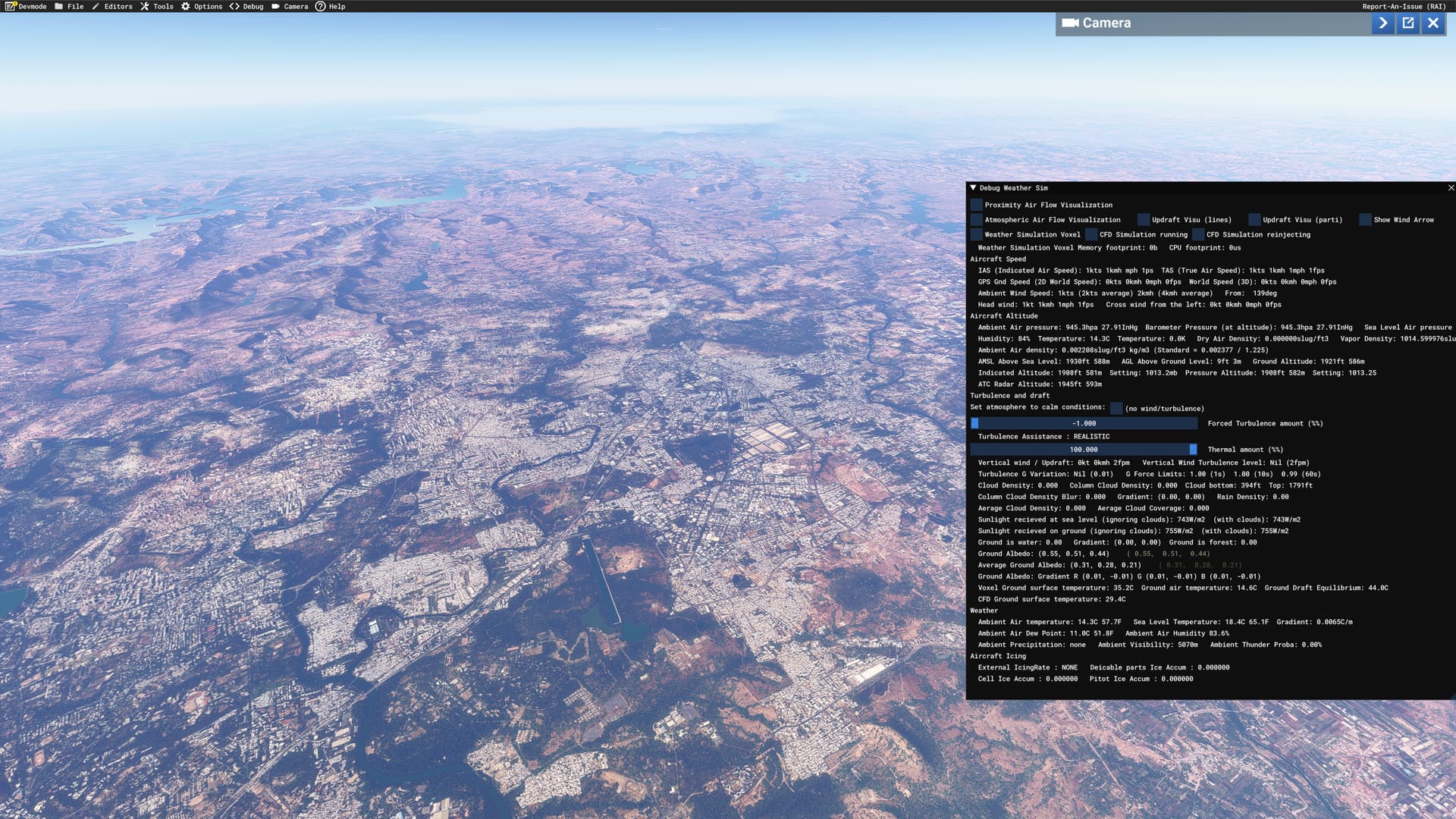
Ambient visibility : 5040m. In-sim visibility is more than 200000m.
4 Likes

Unless people actually bring this up clearly and specifically during Asobo’s livestreams, this will never be addressed with the attention that it deserves. People had to buy REX atmos to somewhat alleviate this issue for the previous sim. I’ve waited for 4 years for them to give a real fix, and they didn’t even talk about it enough during their countless livestreams. So I went in expecting nothing to be done about it in the new sim - I was right.
Those working a day job sometimes find it hard to catch the livestream but here is my recommendation for phrasing this question/wishlist item:
“We need haze and particulate matter simulation that isn’t just a circular “cloud layer” for a few miles around the airport region. That is not how haze and mist work.”
Besides, haze doesn’t cause the kind of strong visibility reduction close to the airplane as you see in the sim now. They need to look at what VisualXP does for XP12/Rex Atmos for MSFS, or heck, even the default weather options in X Plane that enable people to set RVR/Visibility manually.
7 Likes
On rare occasions, questions about visibility rendering have come up in live streams (can’t recall exact instances) but with very inconclusive responses. I agree with your suggestion that it needs to be specifically worded because it doesn’t seem to hold much importance in their priority list. It almost feels like the community itself doesn’t care about realistic visual effects, look at the number of posts/votes on this thread for example. If at all this thread had 1000+ votes, I’m sure it would have hit some deaf ears.
2 Likes