Even on 1.6.13.0 STILL can’t use the mouse. PLEASE fix this; if the mouse is used the VR controllers should be ignored like they have been since release one. This is a very bad regression! One shouldn’t have to turn off the VR controllers to use the sim. And in some implementations like ALVR, it is not easy (I was able to by disabling controllers entirely; just found that).
It will be better if you specify which VR rig you use.
I am using quest 2 and I am fine with VR controllers and mouse. I am just having little annoyance from interference between two. But it’s very playable and acceptable.(getting message ‘device disconnected’ when getting back to mouse occasionally but not always)
Edit: and there was an update on quest VR too. (I don’t know it’s related with the issue.)
I feel like most of this should be posted in the current beta thread. I’m skeptical they are going to monitor this since 1.6.3.0 is long ago history.
@TheBlackWind977
FYI, even though this issue was first reported in the .3 build, note that the topic is bug-logged. This means the issue has been repro’d by the test team and has been entered into the internal MSFS bug-tracking system. The bug will be be assigned, prioritized, and worked on for a future fix, even if no more posts are made in this topic. 
I know, I was just thinking further discussion here didn’t serve a lot of point. If people want to add to it, shouldn’t they be posting in the current beta thread?
This is the topic which has been bug-logged, so this is the best place to aggregate relevant posts. When a developer is assigned to fixing it, I would think this is the first (and perhaps only) place they would look to get information and potential clues to a solution. Having the release number in the title is a good clue in itself, as they can check what changes were made at that point.
So the answer is an emphatic NO.
@TheBlackWind977
Ok, maybe I’m misunderstanding what you mean - which thread are you referring too?
I did have an issue at one point (in this beta cycle) where the Mouse control profile had changed (without me changing it) leading to being completely unable to click on the UI (even in 2D). Maybe worth checking your assignments for the Mouse/profile to see if something has changed? Just a thought.
Mouse works if I disable the vr controllers. Pico4
It should work no matter the state of the vr controllers….
Im using the pimax super + 5090 gpu, and suddenly i dont have a mouse pointer when i enter vr, it reacts as if the mouse is working, but cannot see the pointer, i’ve tried the usual tricks like full screen to window and back, but nothing.
Anyone else ran into this and know another workaround?
The only workaround seems to be to disable the controllers (by taking the batteries out), or hide them away somewhere so you don’t use them and don’t even slightly jog them.
Not good, as I generally need to use both mouse and controllers.
same.. but for me problem of not having mouse is only on aircraft that uses touchscreen weirdly. Like the A350 or the PMS GTN750. For the GTN750 im getting a weird double click when im entering the ICAO ie WMKK it will be WWMMKKKK so usually i just revert to mouse.. so 80% is me using the VR controller which is not working atm..
Any luck with this working in latest beta update?
No, still bad in latest release. The annoying “Device disconnected” (which may be associated with the mouse problem) is also still there.
Thanks for letting us know you are still experiencing the issue @ExtraPilot6480. Can you remind me what VR setup you use?
For anyone else that has this issue, can you also confirm if you are still experiencing it in .15?
Still in .15
7800 X3D, 7900 XTX, 32 GB RAM, Quest 3, VD
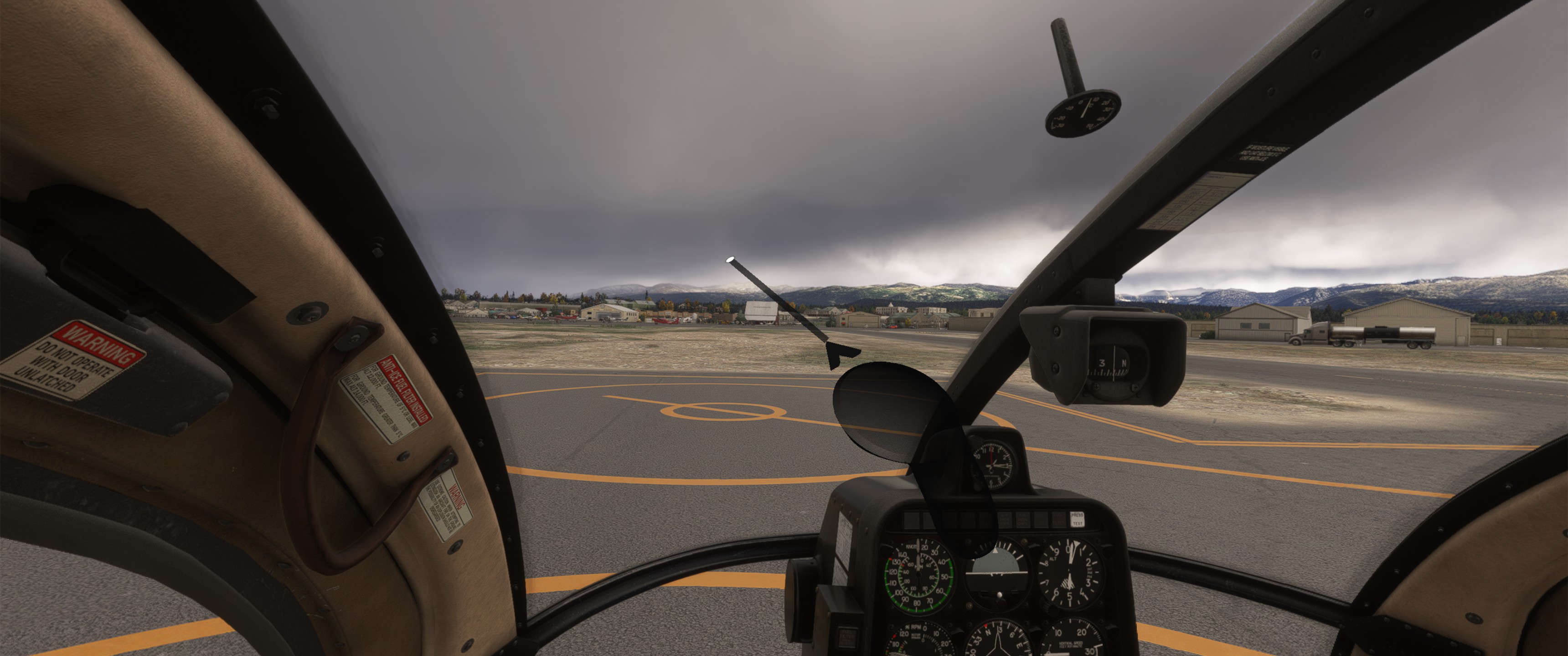
My Specs:
- Quest 2
- GTX1080TI
- i9-12900K 32MHz
- 64Gb RAM
Hi
I confirm still no mouse in vr with the .15 beta.
Pimax crystal Light
AMD 9800x3d / 32Go ram
Radeon 7900xt
Thank you, appreciate the responses!