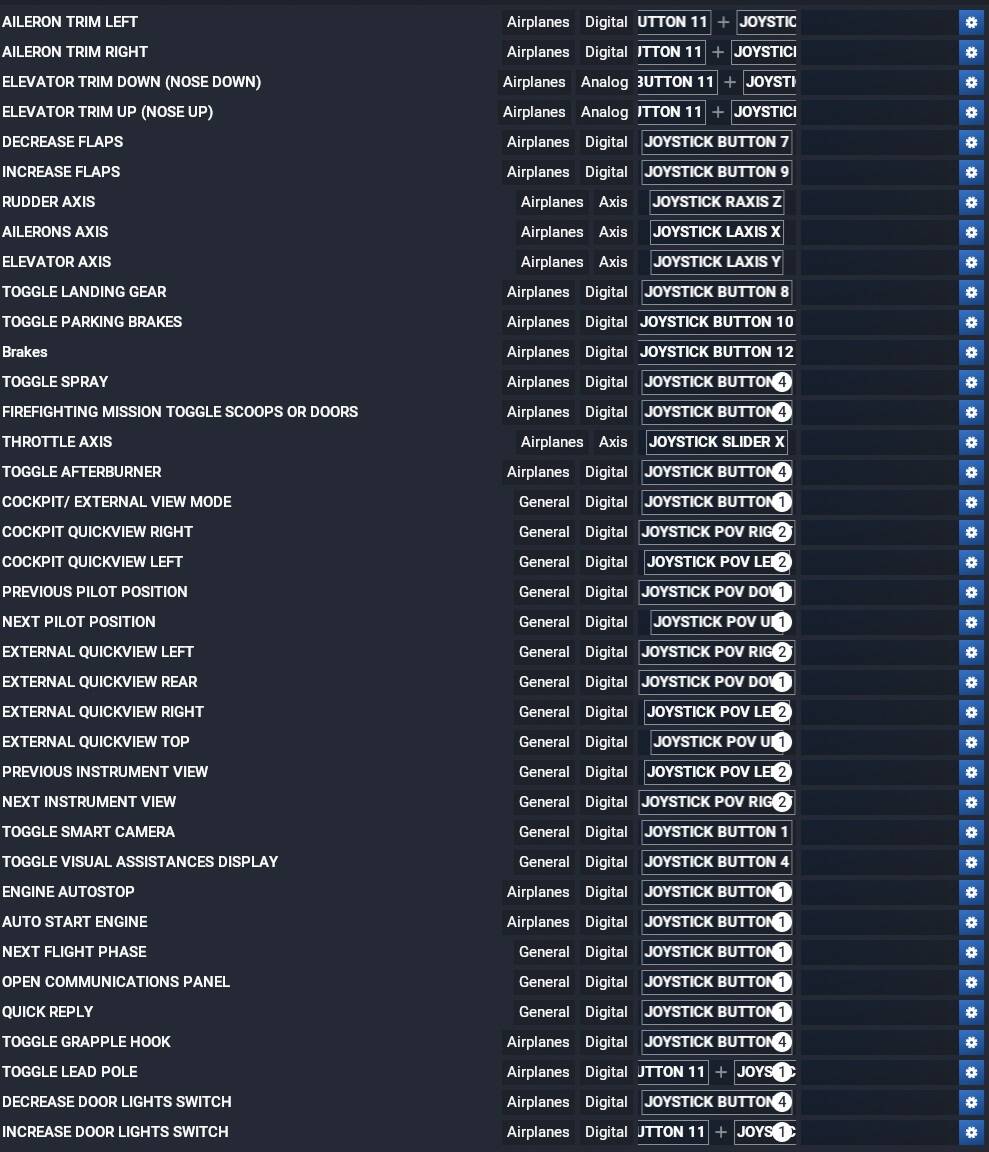
Could you please at the very least publish a simple list of all available commands in the controller settings menus so that the user community could begin documenting them without having to go through each section and copy them down manually?
I’d take this over a free plane for the launch problems.
This NEEDS to be a Wishlist item (if it already isn’t…)
We need the variable names, and what they bind to.
It would be great if there was documentation for the most common peripherals in use, but mouse and keyboard would be a great first step.
I didn’t think about that. I’ll create one, thanks!
While not exactly what you’re asking for, this list of keyboard bindings is at least helpful:
https://flightsim.to/file/85354/default-msfs-2024-all-keyboard-commands
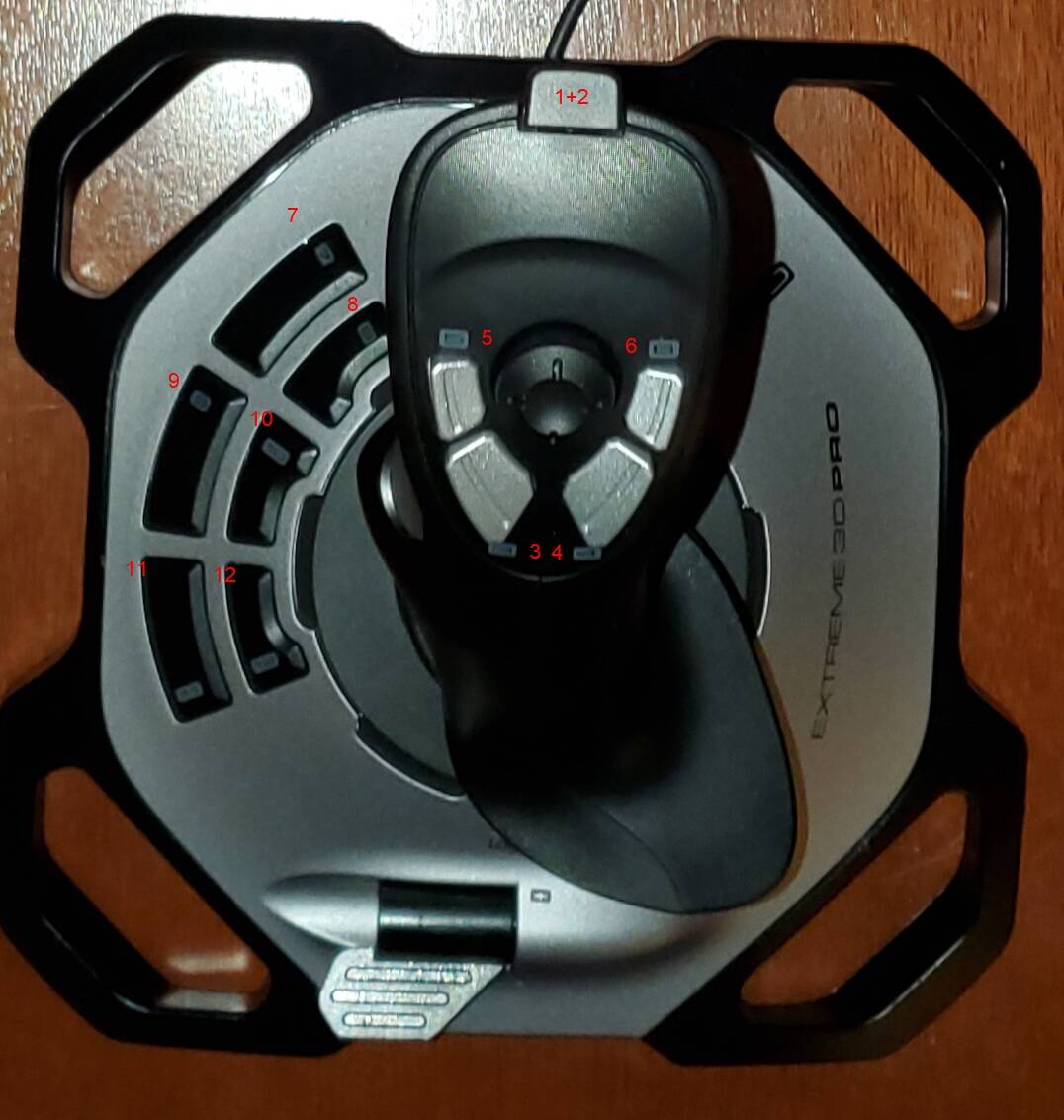
I combined screenshots (about 25) of the default control bindings using MS Paint no less to get all controls on the same list so it can be viewed while flying and to compare to other planes. I apologize for the shrunk box towards the end. I must of hit something. Anyway this should help anyone trying to test controls and reassign them.
Just go to www.fstavleu.nl (https://www.fstavleu.nl/msfs2024-controls/) and find the complete list in Excel (assigned and unassigned commands).
It will cost you 1 euro, but then you have the complete list.
In a second sheet, the assigned commands are displayed in a keyboard format.
And when you add your control key to as command in the list, it will also show up under the right key in the keyboard layout sheet.
I guess I did the work for Asobo.
It is incredible that you cant just export all the commands and their key bindings in a readable content.
I hope my list will help a lot of people.
(Apologies for my English)