‘Active Pause’ is misnamed. It is ‘Position Hold’. Bind ‘Pause On’ and ‘Pause Off’
They STILL don’t have a toggle option for this!
‘Active Pause’ is misnamed. It is ‘Position Hold’. Bind ‘Pause On’ and ‘Pause Off’
They STILL don’t have a toggle option for this!
Plus that bloody SDK is a mess being patched by more messes. 
That particular issue seems complicated. In nearly 800 hours I have never seen that issue once. Those who fly larger planes with higher approach speeds, couple with perhaps bandwidth issues, seem to get it quite frequently.
I couldn’t even recreate it by using the drone camera set to high speed, and even shot a video at an airport known to do it. I only fly GA, and have ~560Mbit broadband, so this may explain why I’ve never seen it.
I think there was a bug in the active pause (may have been fixed) where it froze the actual position but not the model. So whilst the position didn’t change, the velocities and accelerations in the three axes did. Coming out of pause these values were instantly applied to the model, which could result in it going out of control.
To which issue are you referring?
Since this wasn’t meant as a “bug report” post, but more of how frustrating flying this sim has become, there are a number of issues described here.
The issue of terrain not being loaded correctly by the time you get to the runway, leading to those big steps or tears. I believe airspeed was cited as being a possible factor, amongst other things, as well as happening in PG only areas, though I’m not certain about that last one.
I have never experienced this, even when I tried to deliberately cause it to happen at a location know to do it. I uploaded footage to the relevant threat at that time showing my attempts.
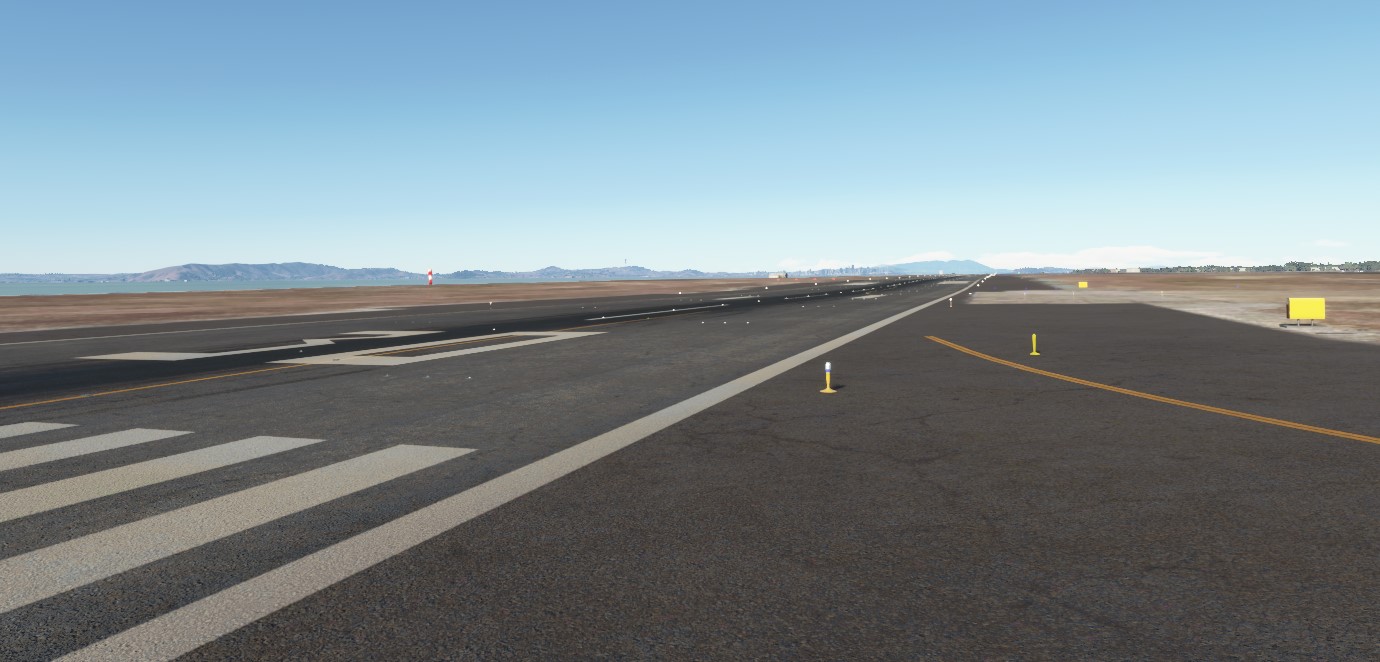
I’ve been able to replicate it with 100% effect at KOAK 30, KBUR 15 & KSEA 16C.
I just load the airfield as the departure, taxi to the runway and accelerate down it with flaps up, stick forward.
The aircraft will crash at the offending spot every time.
Those 3 make up 15% of the total airfields I’ve landed at in the sim.
Interesting. So the same effect, but a different cause. You spawned at the airport in question rather than flying in from elsewhere.
Where the crash is, do you consider it distinct to a terrain defect such as those at LFPG, where the taxiways don’t always line up vertically with other parts of the airport, such as those underpasses. I’ve had a Cessna 172 nose over on to its prop when taxxing there before.
I consider that separate as it doesn’t matter how long you wait they won’t go away as the airport is just built inaccurately rather than an issue of terrain loading in incorrectly.
I’ll take a look at those tonight. 
Important distinction — I originally flew into these destinations from other airfields in CA. My first encounter with the Invisible Objects was landing.
My attempt at replicating the issue is loading for departure and testing.
The first one I’d ever encountered was KOAK 30. I had flown the Junkers JU52 from KSBP and landed with an instant crash. I’d thought I must have had the parking brake on or done something wrong,
It was only when I was learning the Airbus A320neo that I started it on my own and thought why not try a take off. I taxied to 30 and started accelerating and BAM crashed the airplane with damage to landing gear.
I thought, okay, am I meant to lock the nose wheel on an A320? I tired that and crashed in the same spot.
Now, I’m just leery about making long flights and landing on runways I haven’t tested, yet.
I do sometimes see splits in the terrain on the runways as though the ground is made up of tiles (I assume it is) and there are occasionally visible seams, but they don’t seem to snag a wheel or other part of the aircraft. These just suddenly hit.
I recorded a clip of KSEA 16C on my Xbox. I’d need to figure out how to post that in an easy to see place — I’m not really much of a sharing media type of person.
It may conflict with how you want to run your simulator, but I would recommend turning off aircraft damage. You would still know if something catastrophic happened, like the crashes you have seen, but crucially it won’t end your flight, and ruin you enjoyment of the sim.
I’m thinking I’m going to have to take your advice as a stop-gap measure.
I’m a nerd, I want to try to be realistic and I want to be at risk of crash damage, mechanical failures or airframe stress damage. I’m not looking for a video game experience.
Yesterday, I was so disgusted by the crash at KSEA 16C, I put my Hotas and pedals away in the closet.
I’m going to have to find some sort of compromise to peace here if I want to continue flying the sim — which, by the way, I absolutely love and am gutted by the mess it seems to be in, or at least how I’m running into the messes specifically.
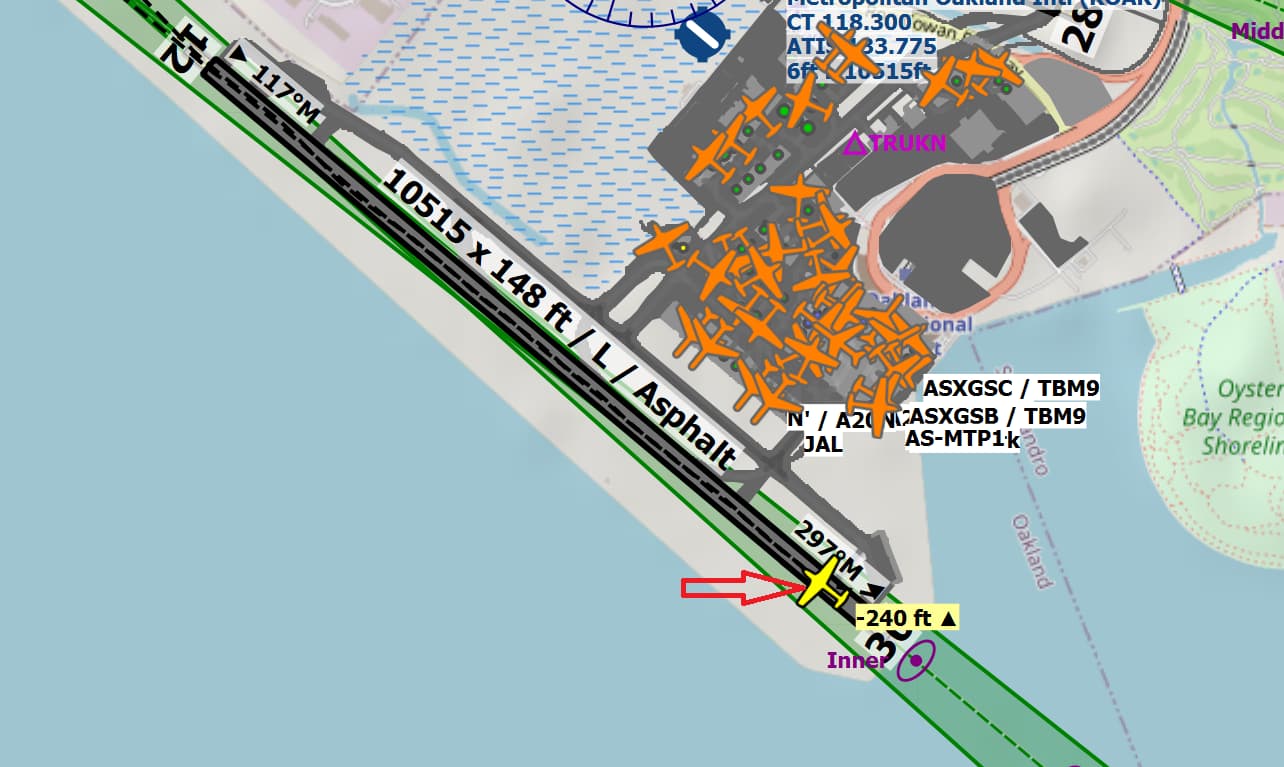
Just tried KOAK RW30 over lunch. Here is the spot from my Little Navmap tracking screen. The silhouette of my plane is pointing northwest because it is currently upside down after flipping at that point while I was taxiing at 40 kts to the southeast trying to find the spot 
I was not able to find anything on KBUR RW15, but on KSEA RW16C there is more than one spot with some ground elevation glitch. At least 2-3 spots where my C172 jumped off the runway. The spots seemed less severe than the one in KOAK RW30, where I flipped over…
I took a short flight to KOAK to have a look at this issue. My first attempt was unsuccessful. After landing, I even taxied its full length to see if I could find anything but it was smooth. The taxiways, and ramp had some undulations but nothing to write home about.
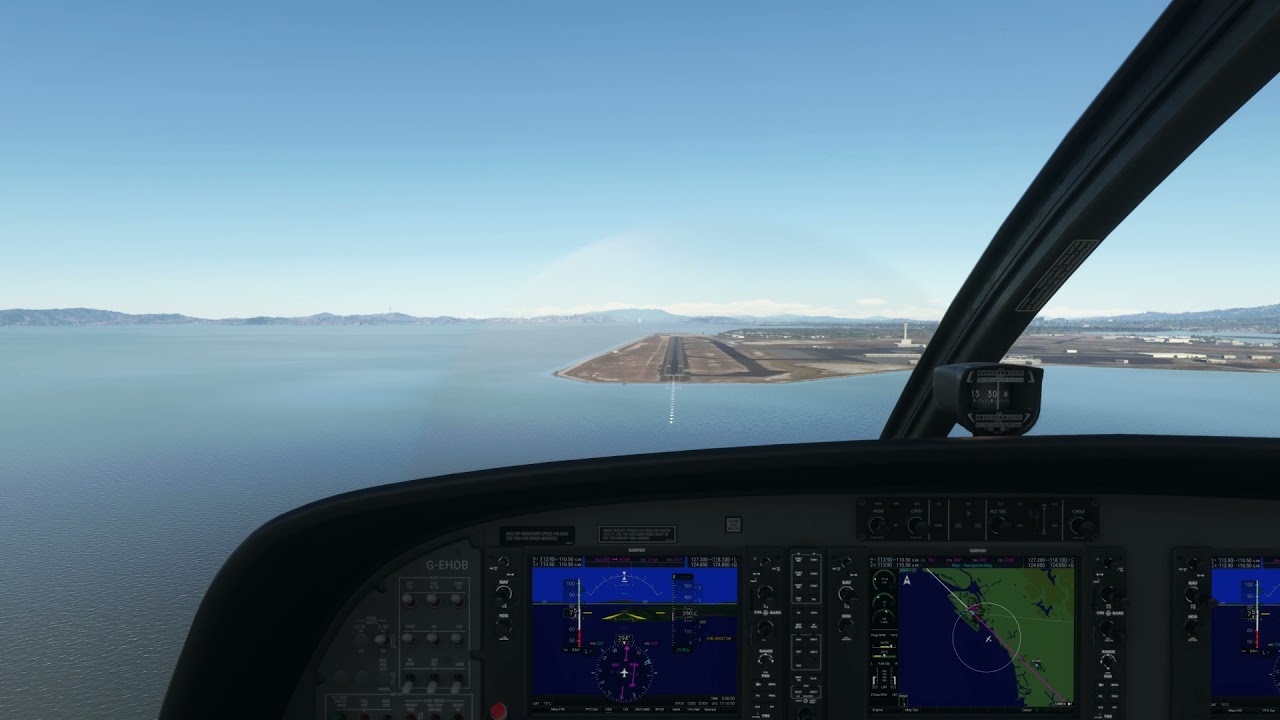
I even took a screenshot of that location in your image, and couldn’t see anything.
But then I thought perhaps that it was before my touchdown point near the 1000ft markers, so I spawned again on the runway, then slowly taxied forwards. The first time I was at speed, and I flipped right over! The second I took a more measured approach.
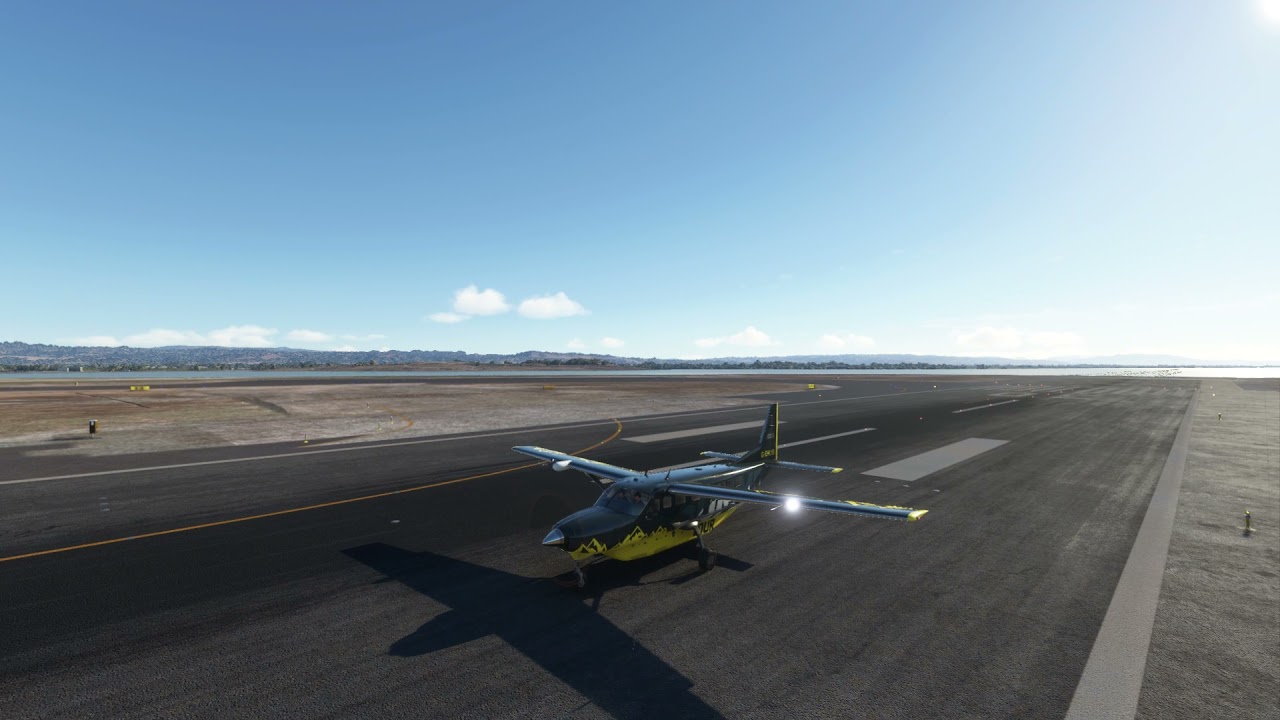
You’ll see, and here, that as I bump up to it, it’s as if the nose wheel is butted up against something. You will hear me give it near full throttle, but the plane isn’t moving forwards.
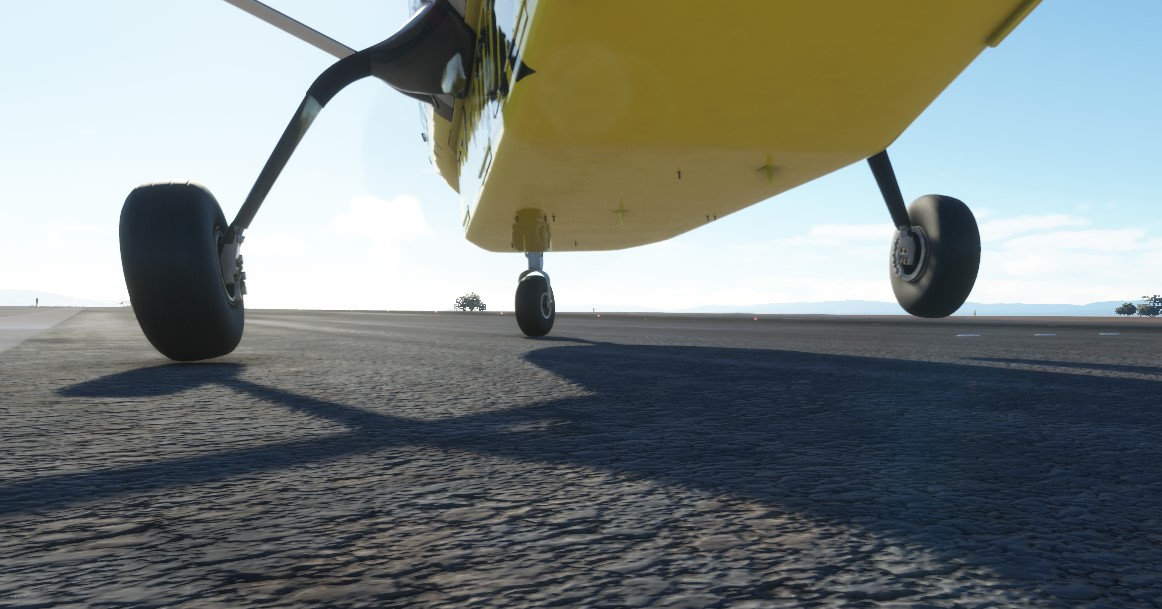
I managed to park with my right wheel on top of one of these invisible objects.
I just redid KSEA 16C and crashed in precisely the same spot as as before — launched straight up into the air and down onto its nose. I used the TBM. It’s possible the more powerful the aircraft the more susceptible it is to these flaws.
Like you, I couldn’t repeat KBUR 15, which is more disconcerting. That means there is absolutely a randomness here and any TO or landing has the potential to be ruined by a random occurring surface flaw. What is weird is that it was repeatable on the same day it occurred.
Color me impressed by your taxiing skills.
@hobanagerik @BigCow74 I really appreciate you taking the time to check these out with me.
A little validation goes a long way.
So, I tried with the C172 on KSEA 16 and it was enough to tip the plane up, lifting the right wheel, while it remained on the nose and left wheels. I thought for sure it was going to roll, but it righted itself. Im pretty sure the prop would have struck the ground IRL.
This confirms that a more powerful plane with the ability to achieve a higher speed on TO will be more vulnerable to these.
I know his thread is a disaster, but I just was flying the Beechcraft King Air from KSBP to KDFW maintaining FL190 on autopilot.
The ATC made an announcement to “Presidental 1”, which caught my attention (Google had no answers).
I pressed the Xbox “Home” button, followed by “X” to capture a video clip (a built-in Xbox function).
This process pauses the game in the same fashion as my original post describes.
When I unpaused the game the aircraft was instantly in a spin from which I couldn’t recover and crashed.
The total time the game was paused was, maybe, 5 seconds.
Okay, this is totally reproducible.
If I just pause the game with the Xbox controller’s Menu button, as normal, I can unpause the game with no issues.
If, however, the game is paused by the Xbox’s OS as is the case when:
• The Xbox OS preference “Show me things when idle” is set to “on” and the Xbox reaches the idle time as set by the user
• When taking a screenshot or capturing a video clip