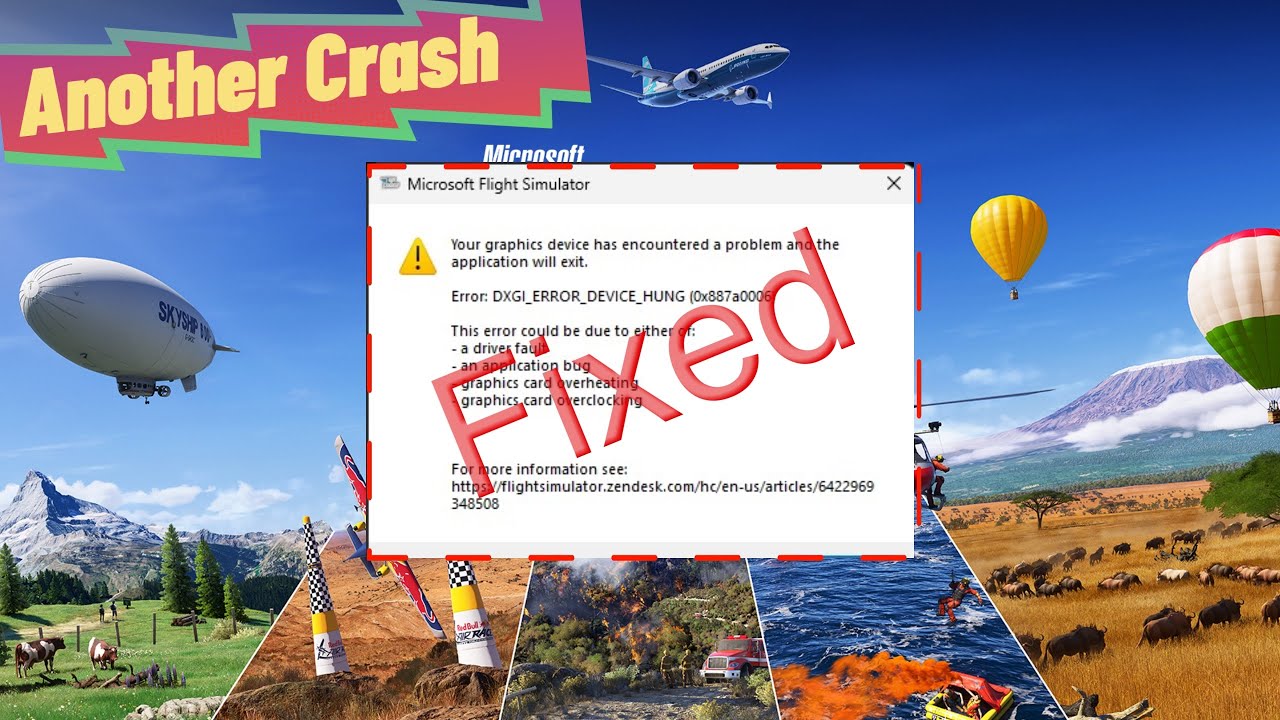
I guess this qualifies as a crash because the sim will not start! This afternoon I decided to start MSFS 2020 after several busy days and it will not start. I’ve tried through XBox and the Start menu. When I try to start through the Start menu, absolutely nothing happens. When I start with XBox, I get a different screen which eventually reports the error. I also did a system restart to no avail.
I have looked through here, but everything I found was several years, nothing new.
Please, can anyone help me with assistance from 2025? Thanks in advance.
Personal Comments and Observations
It’s a general crash code, nothing immediately gets pointed as root cause with that unfortunately.
First things first, try renaming your Community folder and see if it will start clean.
Then - check for Windows (Operating System), Windows Store, XBox Gaming Services updates.
Reboot if you find any, or after renaming the Community folder.
I read yesterday that someone else had this issue. They solved it by opening the MS Store and updating things. Then they went to X-Box and made sure things were updated. Then they rebooted the PC and FS 2020 booted up asking if they wanted to boot up Safe Mode. They did so. Exited FS and then restarted and all was well. Worth a try.
Tried it all, learned a bit, but MSFS still didn’t boot! Thanks for trying!
FYI:
The problem will occur regardless of whether you use the NVIDIA app or not. It comes when you switch from DirectX 12 to 11.
Use the NVIDIA app and hit the ‘Optimize game’ for 2020 and leave it on DX 12.
1 Like
I’ve got a similar issue, but mine crashes upon load with dxgi error. I tried uninstalling and reinstalling the gfx driver, uninstalling and reinstalling the sim with no luck. I noticed my issue after SU16 dropped. I haven’t played it since before it came out.
1 Like
Use ‘Display Driver Uninstaller’ to remove the GPU driers and clean things up. Use it from within safe mode.
1 Like
I have tried that twice, uninstalled the sim, formatted the drive, reinstalled the drivers and game, and still get the same dxgi hung error. Not sure what else to do at this point. 2024 works just fine, at least not crashing cause of gfx issues.
(post deleted by author)
Bonjour à tous,
J’ai désinstallé MSFS 2020 du disque C:, j’ai refait l’installation depuis l’app Xbox sur le disque SSD dans le dossier F:\XboxGames , mais l’observateur d’événement voit toujours l’erreur dans le même chemin du disque C:\
Nom de l’application défaillante : FlightSimulator.exe, version : 1.39.9.0, horodatage : 0x00000000
Nom du module défaillant : FlightSimulator.exe, version : 1.39.9.0, horodatage : 0x00000000
Exception code: 0xc0000005
Fault offset: 0x0000000000d9acf2
Identifiant du processus défaillant : 0x17A8
Heure de début de l’application défaillante : 0x1DC7C34640B5A99
Chemin de l’application défaillante : C:\Program Files\WindowsApps\Microsoft.FlightSimulator_1.39.9.0_x64__8wekyb3d8bbwe\FlightSimulator.exe
Chemin du module défaillant : C:\Program Files\WindowsApps\Microsoft.FlightSimulator_1.39.9.0_x64__8wekyb3d8bbwe\FlightSimulator.exe
ID du rapport : f1011160-67a7-4bc2-bef0-13a80cdc865b
Nom complet du package défaillant : Microsoft.FlightSimulator_1.39.9.0_x64__8wekyb3d8bbwe
Package défaillant – ID d’application relatif : App
Je ne comprends pas que l’erreur ne sois pas sur le disque F:\
Je ne sais plus quoi faire, je pense avoir fait pas mal de choses.
C’est quand même triste que l’on se retrouve avec un logiciel payé et ou il n’y a aucune proposition pour remettre tout cela en ordre.
merci pour vos aides éventuelles
Moderator Edit:
Translated from fr by MicrosoftHi all
I uninstalled MSFS 2020 from the C: drive, I redid the installation from the Xbox app on the SSD drive in the F:\XboxGames folder, but the event viewer still sees the error in the same path of the C:\
Faulty application name: FlightSimulator.exe, version: 1.39.9.0, timestamp: 0x00000000
Failed Module Name: FlightSimulator.exe, Version: 1.39.9.0, Timestamp: 0x00000000
Exception code: 0xc0000005
Fault offset: 0x0000000000d9acf2
Faulty Process ID: 0x17A8
Failed application start time: 0x1DC7C34640B5A99
Failed application path: C:\Program >Files\WindowsApps\Microsoft.FlightSimulator_1.39.9.0_x64__8wekyb3d8bbwe\FlightSimulator.exe
Failed Module Path: C:\Program >Files\WindowsApps\Microsoft.FlightSimulator_1.39.9.0_x64__8wekyb3d8bbwe\FlightSimulator.exe
Report ID: f1011160-67a7-4bc2-bef0-13a80cdc865b
Failed package display name: Microsoft.FlightSimulator_1.39.9.0_x64__8wekyb3d8bbwe
Failed Package – Relative Application ID: AppI don’t understand why the error is not on the F:\ disk
I don’t know what to do anymore, I think I’ve done a lot of things.
It’s still sad that we find ourselves with a paid software and where there is no proposal to put everything back in order.
Thank you for your possible help
Bonjour, je suis nouveau sur ce forum, j’ai lu les commentaires et malgré toutes les solutions proposées, pas une ne fonctionne pour moi.
- J’ai désinstallé l’application Nvidia
- je suis en DXDiag 12 (j’ai essayé aussi avec DXDiag11)
- J’ai consulté le dossier …NGX\Models
- Je n’ai pas l’erreur 190_E658703.dll mais autre choix
- J’ai consulté l’observateur d’événements, voir ci-dessous :
Nom de l’application défaillante : FlightSimulator.exe, version : 1.39.9.0, horodatage : 0x00000000
Nom du module défaillant : FlightSimulator.exe, version : 1.39.9.0, horodatage : 0x00000000
Code d’exception : 0xc0000005
Fault offset : 0x0000000000d9acf2
Identifiant du processus défaillant : 0x96C
Heure de début de l’application défaillante : 0x1DC782FCFD96719
Chemin de l’application défaillante : C:\Program Files\WindowsApps\Microsoft.FlightSimulator_1.39.9.0_x64__8wekyb3d8bbwe\FlightSimulator.exe
Chemin du module défaillant : C:\Program Files\WindowsApps\Microsoft.FlightSimulator_1.39.9.0_x64__8wekyb3d8bbwe\FlightSimulator.exe
ID du rapport : 851a4590-21fa-4e2b-adf7-8784ea1b9067
Nom complet du package défaillant : Microsoft.FlightSimulator_1.39.9.0_x64__8wekyb3d8bbwe
Package défaillant – ID d’application relatif : App
Merci de m’éclairer si cela vous est possible
Moderator Edit:
Translated from fr by MicrosoftHello, I’m new to this forum, I’ve read the comments and despite all the solutions proposed, not one works for me.
- I uninstalled the Nvidia app
- I’m in DXDiag 12 (I also tried with DXDiag11)
- I looked at the file… NGX\Models
- I don’t have the mistake 190_E658703.dll but another choice
- I checked the Event Viewer, see below:
Faulty application name: FlightSimulator.exe, version: 1.39.9.0, timestamp: 0x00000000
Failed Module Name: FlightSimulator.exe, Version: 1.39.9.0, Timestamp: 0x00000000
Exception Code: 0xc0000005
Fault offset: 0x0000000000d9acf2
Faulty Process ID: 0x96C
Faulty application start time: 0x1DC782FCFD96719
Failed application path: C:\Program >Files\WindowsApps\Microsoft.FlightSimulator_1.39.9.0_x64__8wekyb3d8bbwe\FlightSimulator.exe
Failed Module Path: C:\Program >Files\WindowsApps\Microsoft.FlightSimulator_1.39.9.0_x64__8wekyb3d8bbwe\FlightSimulator.exe
Report ID: 851a4590-21fa-4e2b-adf7-8784ea1b9067
Failed package display name: Microsoft.FlightSimulator_1.39.9.0_x64__8wekyb3d8bbwe
Failed Package – Relative Application ID: AppThank you for enlightening me if you can
Hello,
First of all, thank you for your help, but despite trying all the suggested options, my problem persists. The software still crashes regardless of the airport or aircraft selected.
I followed the suggestions line by line and reinstalled MSFS2020, but it still doesn’t work. What else can I do?
This code is not very specific. It means a program tried to access a part of memory and could not get the access. If you haven’t yet, run sfc/scannow, DISM, and a memory check. These are all in Windows and there are many You Tube videos on how to use them. You might also try running OCCT, a free testing program. That’s the one that found the bad ram in my system. Best of luck and keep us posted on you progress.
Hello, thank you for your feedback.
I followed all the recommendations: I ran DISM, sfc /scannow, and a memory test (everything is OK). I also tested the RAM with OCCT, and it came back clear.
Unfortunately, the problem persists; MSFS is completely unresponsive and keeps crashing.
Did you try to use another profile (or default) for your yoke or joystick ? Before you start a flight!!
Scott
MSFS crashes after the plane appears and when I click takeoff, but otherwise, I tried creating a new profile, and the result is the same. Simulator crashes.
I had the same today. Unplugged my alpha and bravo honeycomb and it worked. Changed the USB port and all worked again.
Scott
I tried unplugging the Warthog HOTAS throttle and the joystick, and indeed, it’s my Warthog HOTAS throttle that’s crashing MSF.
Even changing its USB port doesn’t fix the problem.
I reinstalled the drivers, and it still crashes.
I also read on the Thrustmaster website that:
“IMPORTANT:
Flight controllers are not compatible with games in CLOUD GAMING or STREAMING mode (in particular those in GAME PASS, Xbox Remote Play, PlayStation®Plus, GeForce NOW, Luna, etc.). In CLOUD GAMING or STREAMING mode, only standard gamepads are compatible.
To be able to play these games with a flight controller, it is therefore imperative that you first download the entire game onto the hard drive/SSD of your console or PC before launching it.”
My throttle works perfectly with DCS, it only crashes MSFS.
I don’t understand the problem.