Getting this error also but only since sim update 9. HAGS is and has always been turned off. Tried changing the audio output in the sim to the headphones I use. Originally thought this had helped but still getting random CTD after doing so. Happens in VR and non-VR.
2 Likes
Did you check the audit output in Windows? That does not solve the random CTD but is generally the fix for the “memory read” errors.
1 Like
I applied this a couple of days ago and initially was very hopeful. It appeared to stop in flight ‘Memory read error’ and subsequent CTDs and I was able to complete around 4 hours flying and multiple bush legs.
What’s very interesting to me is that a previous spate of CTDs/ memory read errors were down to a faulty flight stick and USB connects/disconnects, and this ‘fix’ moves the Audio away from the Realtek USB drivers, so it appears to again point to FS2020’s faulty handling of the USB subsystem in some way.
It also tallies with a couple of other observed behaviours
-
The Sim has always been far more stable for me in VR mode, and this automatically switches audio output to Oculus Audio when I connect my headset.
-
Some AMD Motherboard BIOSes have random USB connect/disconnect errors that will absolutely trigger CTD’s/memory read errors and this could be a big source of issues in the sim for AMD owners. Well worth checking BIOS updates if you’re running an AMD system as stability updates exist and could help greatly.
Sadly the memory read errors have returned, just sat in the menu now:
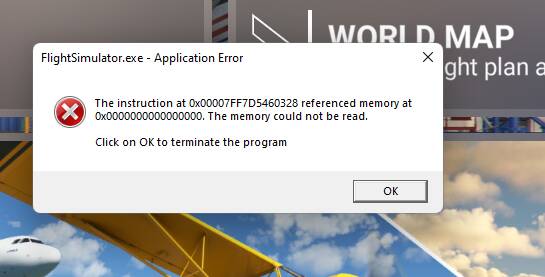
But I will thank you for the few peaceful hours flight time I gained, and it does appear to be a big contributor to the problem!
(Fix is to switch windows and game output to monitor speakers and away from ‘realtek USB audio’)
What airplane were you using?
Tried the newest Nvidia drivers and still got a crash after about 15min. This is so frustrating that this all started after SU9. I got a full flight in one day and next day it won’t go 15mins without getting the memory error.  Still believe this is a Microsoft issue. I have not tried the USB audio trick yet, will give it a try this week.
1 Like
Do you have the same issue if you follow the OP’s steps to reproduce it?
Got this error message since SU8/7
And sometimes random CTDs with no error messages or freezes
My game seems like completely broken…I tried almost everything…clean install and even a clean Windows install…nothing helped…my Hardware is completely fine!
Got my MSFS via MS Store…I also tried to buy it on steam but there are the same problems!
Provide extra information to complete the original description of the issue:
PC Specs: 32GB RAM, i9 9900K, RTX 2080 Super (every other game works fine up to high and ultra settings)
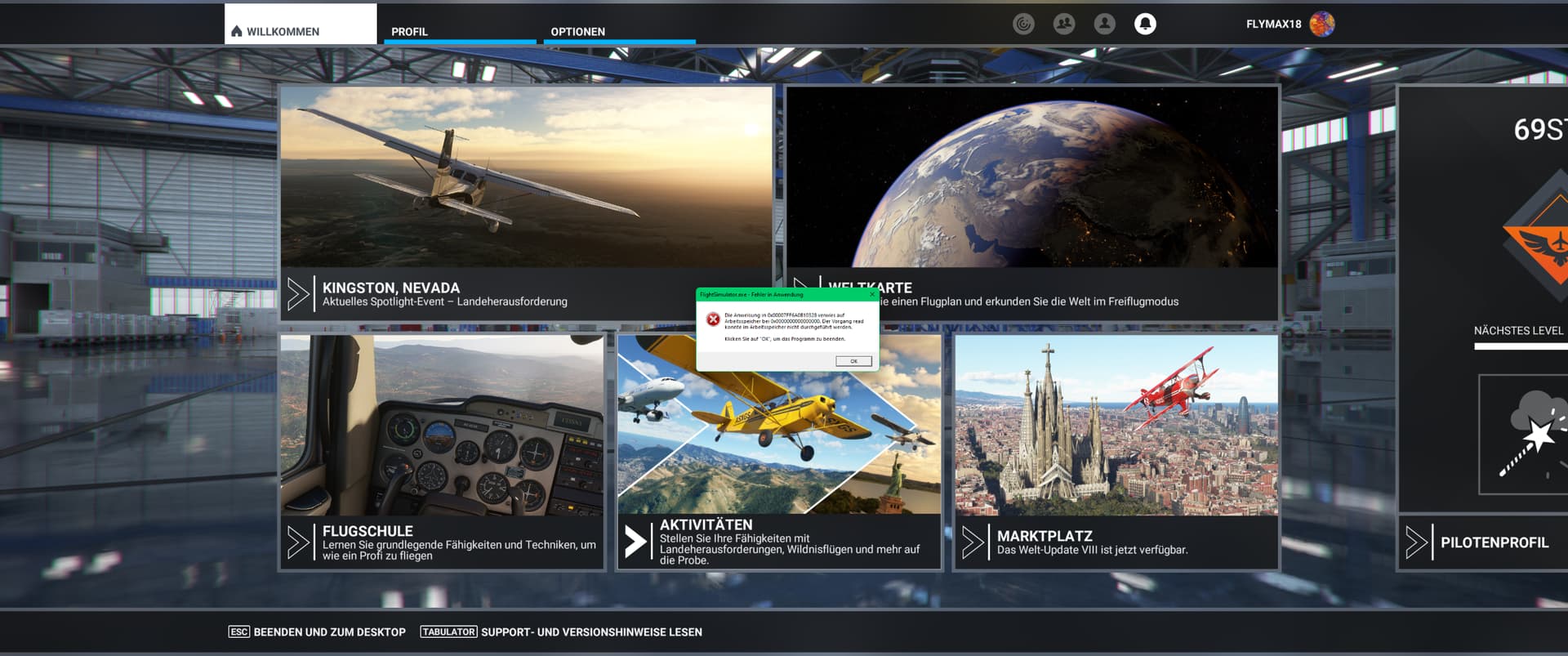
Same Issue after 4,5 H flight right before IAF Point..
Has anyone tried playing with page file sizes and had success wit this issue? I’ve heard that increasing the page file of windows seems to be fixing this problem.
I’ll join the club on this error
Was flying long haul from KIAD - EGLL, As you can see from my tracking software I had just passed the 6 hour mark and the pc completely froze and presented this error.
No more long haul for me until I can see this has been fixed.
FYI - Was flying the default B787-10 with heavy division mod installed

Well, I thought I had gotten past this yesterday, did several flights including a multiplayer and everything was perfect. Decided to try Heathrow again to see if was truly fixed. Nope, had the issue on short-final again only this time it CTD’d. I’ve usually just had it freeze with the error message.
Tried again just now with my TLOD back down to 200 from 400.
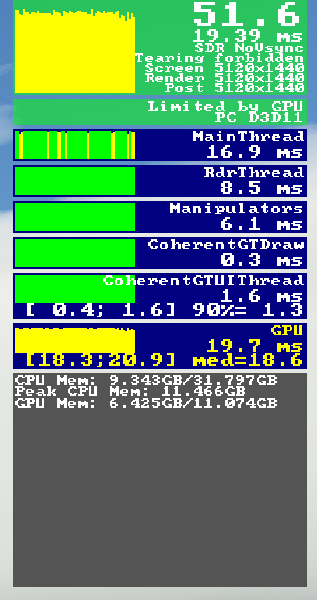
Over London city…all is well.
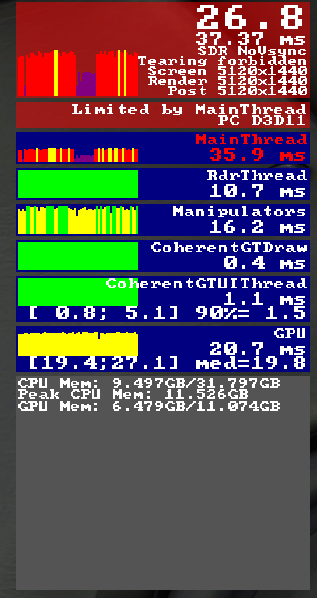
About a mile on final…all is not well!
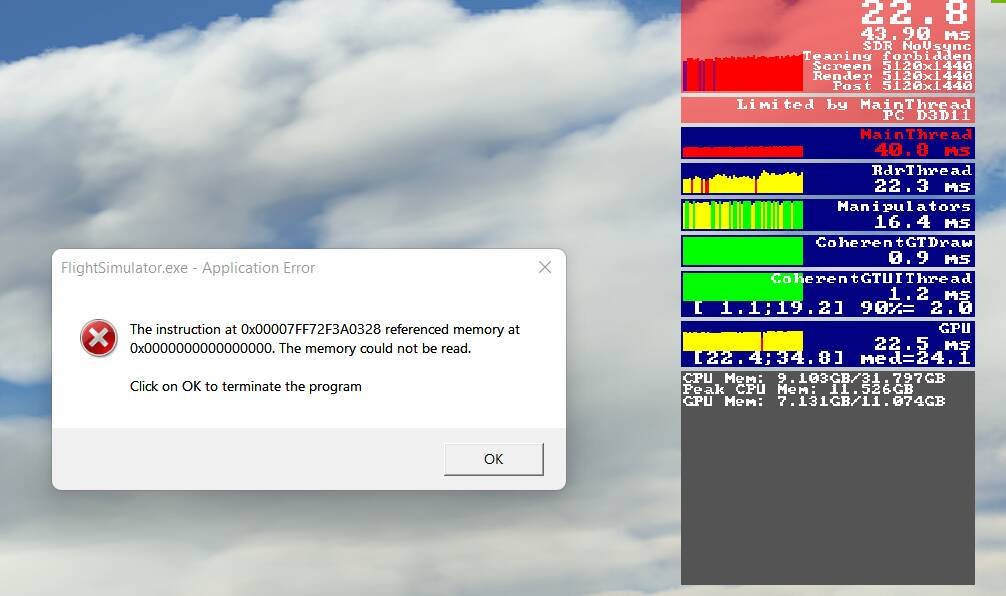
The end while taxiing in!
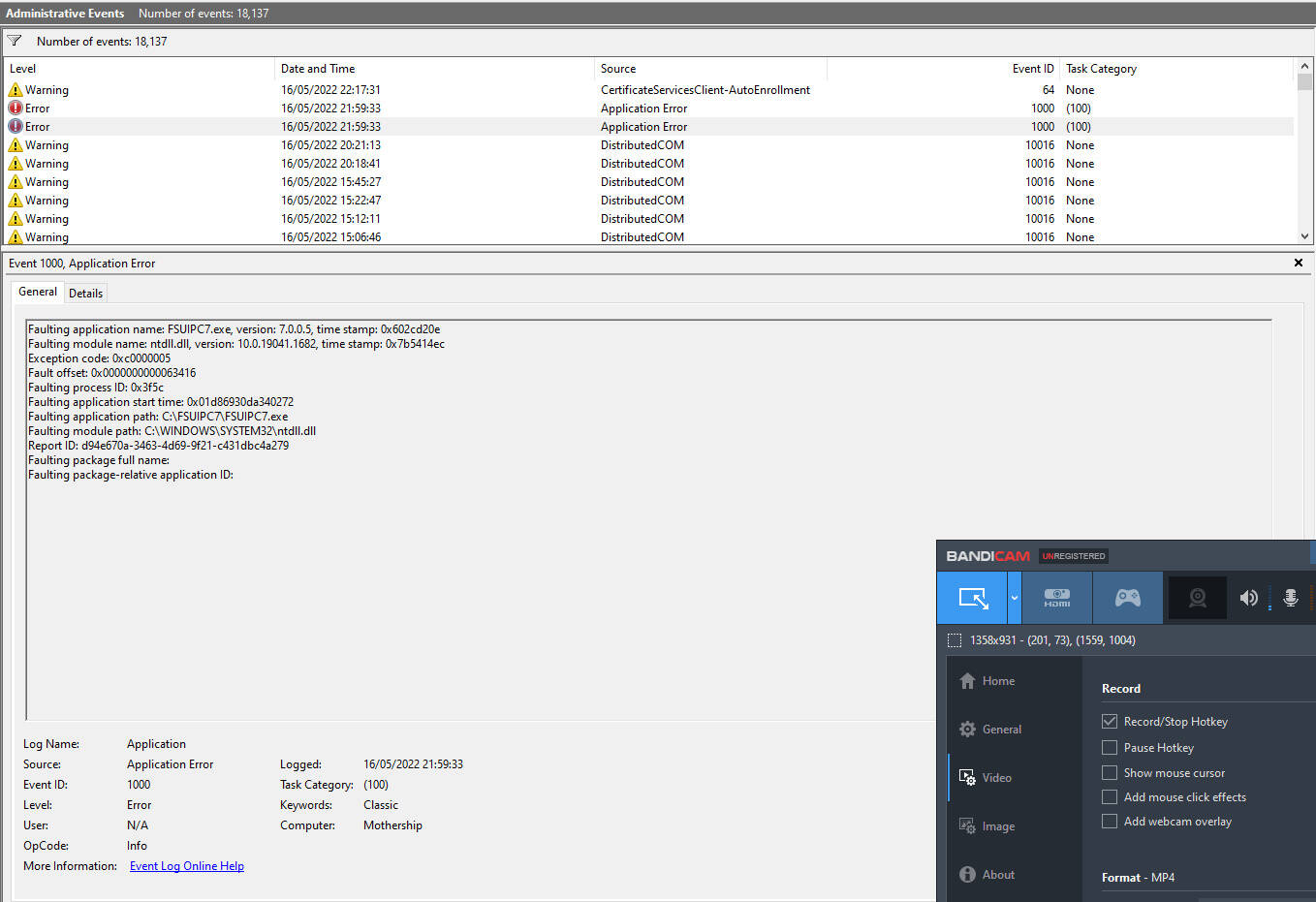
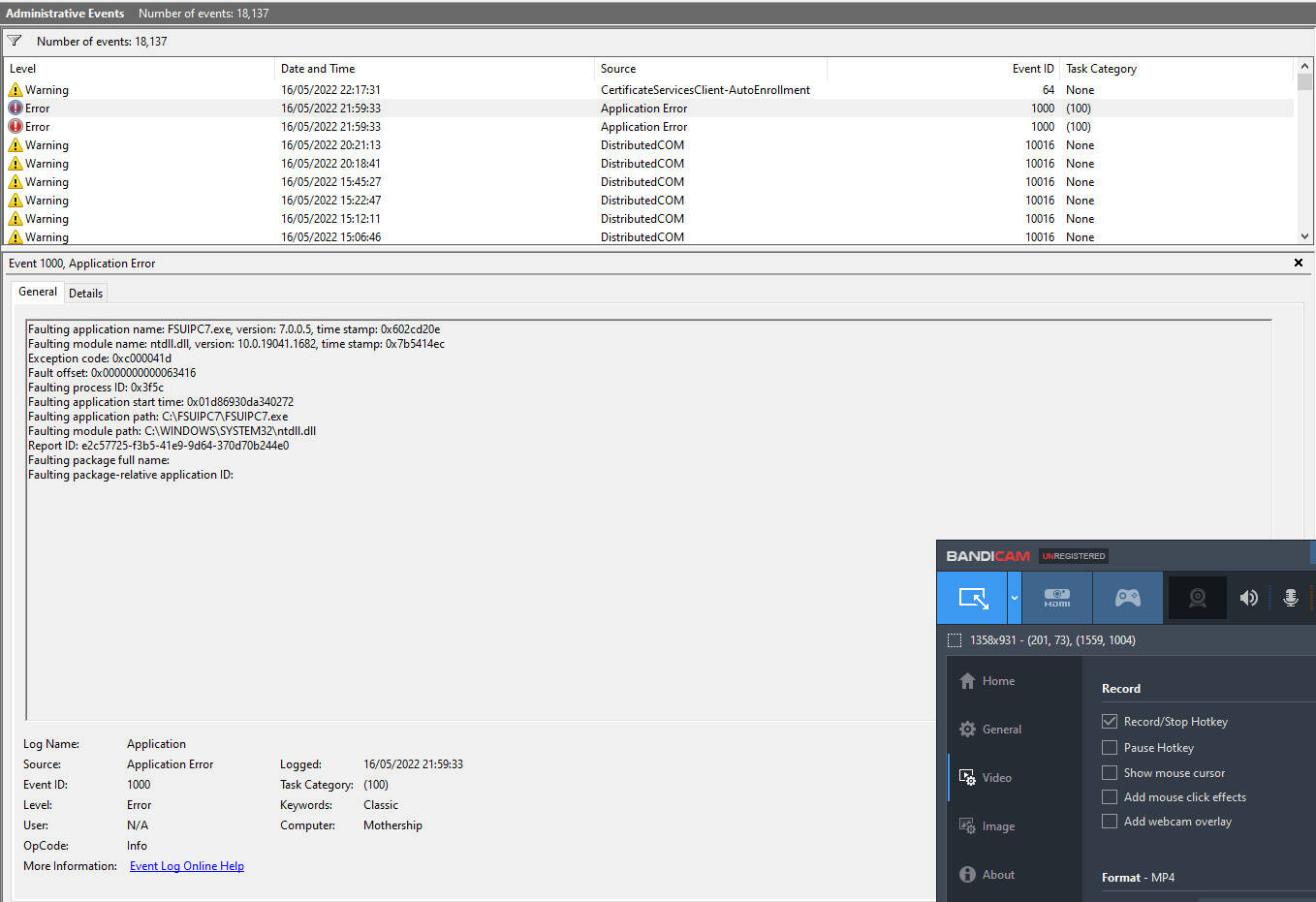
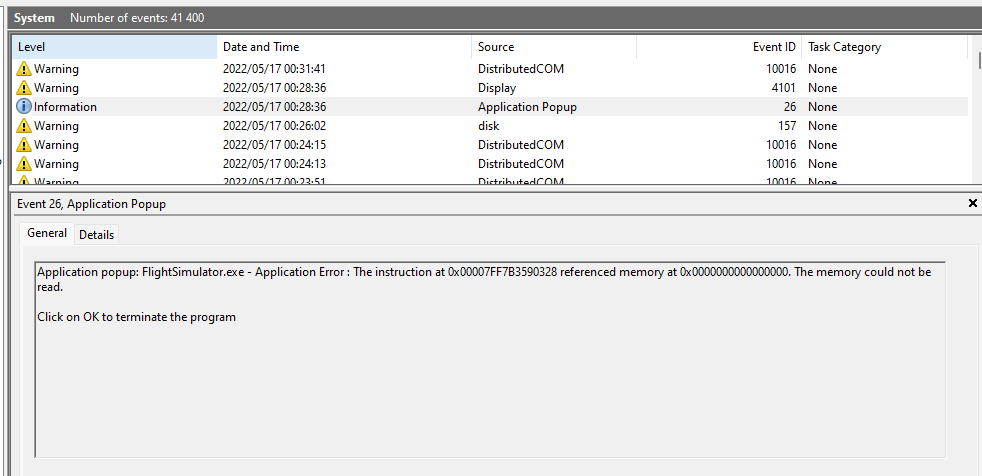
Is anyone checking Windows Event Viewer when getting this error? Might be worth it to take a look, it may not state exactly what is going on though it may show something that points you in a certain direction to help pinpoint the reason.
1 Like
These are the two events from my sim crash, unsure on what to do with the info that’s been showing though.
Tried this, seemed to work and then after having a successful flight and later on starting up the sim again I was met with this error.
Not sure if it helps but it did not seem to help me unfortunately.
I have also noticed that before getting the error the sim stutters for only 1 or 2 secs and then crashes with the error. I was almost convinced this was a content issue from community folder but after hearing people get it with empty folder i do not have any other possible explanations… Looks like it’s a sim issue related to ram usage.
Firstly, I’ll admit I’m way out on a limb here nerd-wise, but I did some research on what happens when the frame buffer (GPU memory) fills up. It seems that under those circumstances, it will start using system memory that is much slower, and of course the data has to be switched back and forth, another slowdown. This can cause stuttering etc. etc..
Since I’ve been monitoring, I’ve noticed that as impending doom approaches, both CPU and GPU memory usage starts to increase to the point that GPU memory is maxed out. If that’s the case it would start using system memory which would explain the rise in system memory use.
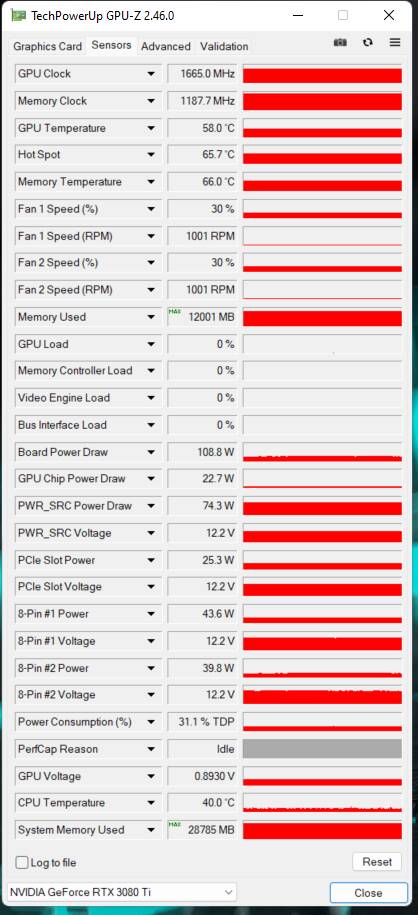
Note the max values in this GPUz capture for GPU and system memory use. Normally the sim when running MSFS uses 7 to 9 GPU mem usage and 14-16 system memory. What the pic shows is that some time during the session that ended in a freeze the GPU mem was maxed out and the system memory was higher than I’ve ever seen it…like almost double.
So, today’s operating theory is that there’s some sort of memory management issue to the GPU that’s causing it to max out and attempt to offload to system memory…and that ain’t working well.
I’m using Heathrow because that is where I seem to be able to duplicate this…but I’ve had some runs into Heathrow that went perfectly. I have had it happen in other locations…so probably not location specific . I’ve had perfect flights where it didn’t happen at all. I’ve had it happen with an empty Community folder. I’ve had it happen with the second-last nVidea driver and with the current one so probably not the culprit. I never had it happen before the SU9 Hotfix…so as of today, I’m lookin’ at you Asobo.
More to follow.
Well, the faulting module is ntdll.dll and application effected is FSUIPC7. Have a read up on it and even look into FSUIPC7 log files. Redirecting
1 Like
Did you rebuild the pagefile completely by assigning no pagefile, then reboot your PC and build a new pagefile or just expand it? What is the disk error you get under the app popup error about?
this suck, same problem here I have reinstalled and reinstalled fresh windows 11 and Sim fresh download. tried the speaker setting.
15 11600k
gtx 1080ti
coasair 32gb ram
2 x 512 samsung 970 SSD
asus z590 MB
HP reverb G2
no error shows in event log just the message to close the app
Did you check your Windows sound settings? They get messed up when Windows updates runs after a clean install too..