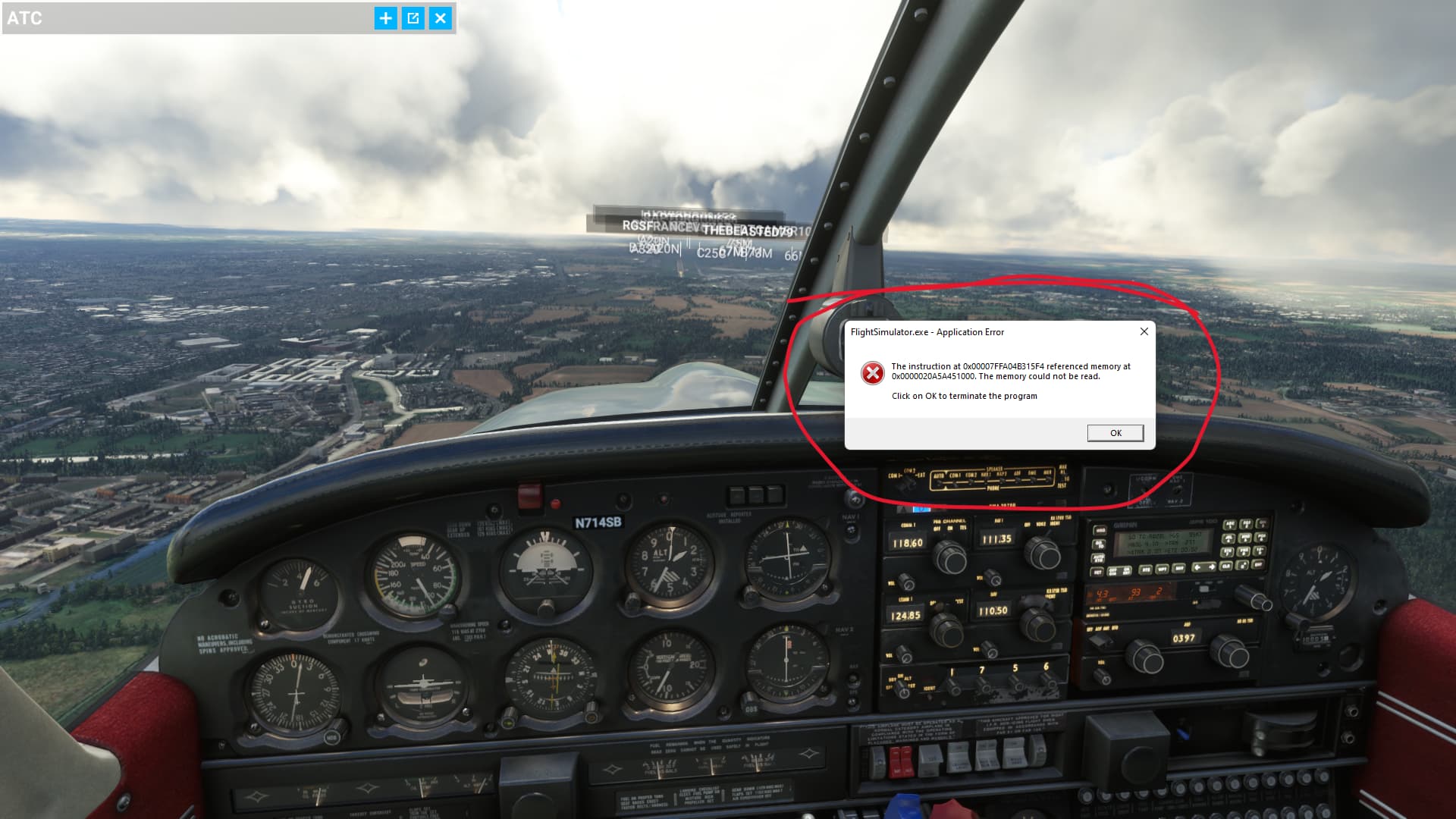
That looked promising until reading it suggests that it only affects certain Intel processors.
I’m on a 5800x, but given the annoyance that the CTDs cause, I’ll probably still be giving it a try. 
That looked promising until reading it suggests that it only affects certain Intel processors.
I’m on a 5800x, but given the annoyance that the CTDs cause, I’ll probably still be giving it a try.
Yes, only for Intel and ¿only W10? , I had to write a bit more, I have to try it too today.
hello so
i have done some tests i usually get the error after long flights from 2.5 hours but not always
I have tried the following player mode and graphics acceleration disabled ram speed set to 2133 Mhz and got no more error message that the memory can not be read.
then set my PC back to maximum OC also set memory back to MXP 2.0 and then did test flights again and again did not get any error message that the memory can not be read.
I am beginning to believe that the error is caused by a corrupted online file that you receive from the server.
This would also explain that a user reported receiving the error at a certain time of day.
I use all live services except ATC which I do not use.
i’m now using PSXT and RealTraffic and things are looking promising, no crashes yet on a LGW-LIS-LGW. Maybe because they are external programs to the sim. These programs really are amazing and highly recommend it if you want proper live traffic
I also use PSXT with AIG but also had with and without crashes PSXT is not the problem
i mean i was getting the error with msfs live traffic on every flight but with PSXT i’m not, two flights in a row now..
I had the error mostly on approach or after landing so it must be something that is loaded at the moment can be that the trigger is the AI traffic, this is also something Asobo has worked on in recent times.
yep same always on approach maybe while msfs is trying to load the airport traffic…so pleased with PSXT though amazing program
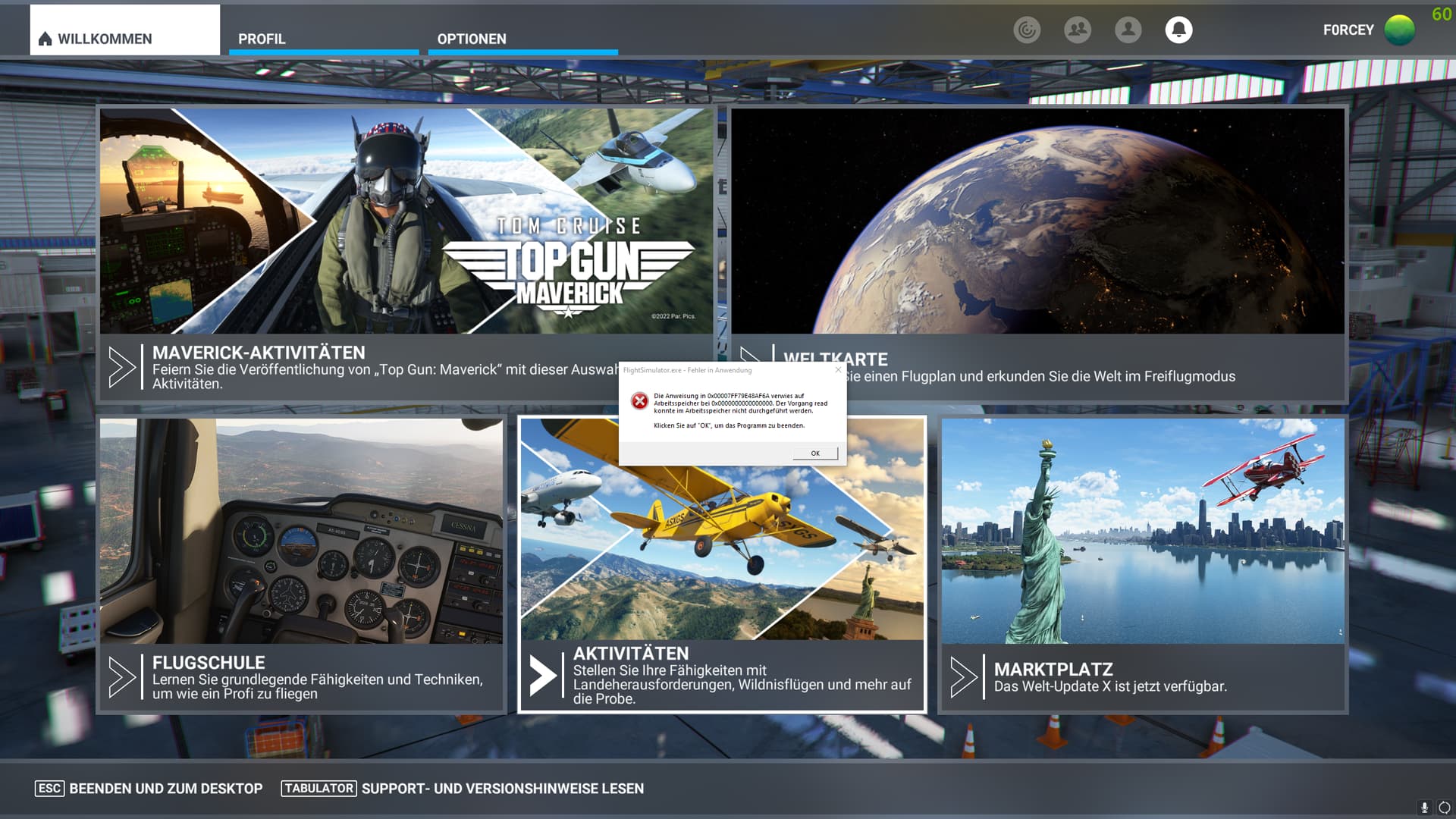
For me, the error occurs completely randomly. Sometimes in mid-flight, sometimes just before landing, and sometimes even on the loading screen.
Often my GPU driver also crashes with this error and sometimes even the whole system crashes and has to be rebooted.
But it also happens that I can make 2 or 3 flights in a row without any problems.
It definitely is related to MSFS and not to any hardware or Windows problem.
I don’t have and never had this kind of problem with any other application.
Flying on an online network like Vatsim while the sim can crash at any time is definitely not fun…
Welcome to the club  Your can read through the last 800+ posts, but to summarize: we have no idea. Likely Asobo’s fault in one of the updates, as it’s not related to your memory, Windows version, flight phase (some folks are experiencing it in the main menu before flight), video card drivers, and so on. And just do yourself a favour, and do NOT reinstall the sim or (heaven forbid), Windows, some people did that, and they are having the same crashes, even with empty an community folder (no third party addons). The only way to help, is to vote on the top of the page (that’s actually quite important, so please-please do that!), and possibly contact Zendesk, who will probably won’t be able to give you any tangible information, and just send you on a wild goose chase. The good news is, Asobo is apparently aware of the issue, but right now they are just ‘looking into it’. The more of us banging on the door (hence the voting), the more prioritise they’d give to solve the issue. To me this is total game breaking bug, they’ve ruined my last weekend, so I’ve playing ETS 2 in my free time, and waiting for them to fix this. Even if you don’t fly online, having to save the flight all the time and worrying when it will crash just ruins the immersion totally. And if you fly Vatsim or Pilotedge, then… you won’t be able to fly those. Sometimes it’s okay for days, sometimes it crashes 4 times in 1 hour. Totally unpredictable. People have tried literally everything. Very-very likely that Asobo messed up the coding somewhere. Hope they’ll find it soon. Did I miss something?
happened to me also in a 7h flight, really disgustin
I am now in an almost 8 hours flight of more than 10, I have been doing this same flight around 1-2 weeks testing and never went more than 3-6 hours without a PC freeze error, what I have today apart sound-pagefile-HAGS/Game mode off-high profile energy plan-Hyperthreading off- tweaks, it is this intel bug/advice with a clean installation with DDU of the last intel graphic drivers, despite I have W11 and a 12th core:
and in Windows Defender be sure and check regularity that in device security and in isolation of the core, it is enabled the option memory integrity, mine was disable despite a few days ago I got a notify from Defender that it could not enable it, and then I enabled it and restarted.
EDIT: Haha finally crashed after more than 9 hours…, someone was watching me and pressed the expulsion button, enough flight for today.
I mainly fly the PMDG 737 and have experienced this error in all phases of flight. I fly almost everyday and sometimes will go a week with no error, sometimes it will occur every day. I have logged over 18,000 flight hours on Microsoft Flight sims over the years and fly a lot of long haul flights. I am super disappointed I cannot fly long haul on MSFS without a memory error. Hopefully someday…someday this will get fixed as I believe MSFS has sooooo much potential.
I’ve tried every snake oil treatment under the sun from page file size, ddu, sound drivers to complete re installs of windows and the game. The bug happens randomly sometimes during load sometimes 30 mis into a flight.
Really hope there is a fix soon.
Pretty much covers it! Newbies please push the vote button!!! Please!!!
Happened 4 hours into a 5 hour flight. Arrgh!
After much digging, I discovered that the RAM config in my build (4x 16GB 3600 MHz) isn’t technically supported (based on the MoBo manual). Two apps started having issues when I changed to that config: MSFS and Bus Sim 21.
So… going back to a 2x 16GB configuration has resolved my stability issues.