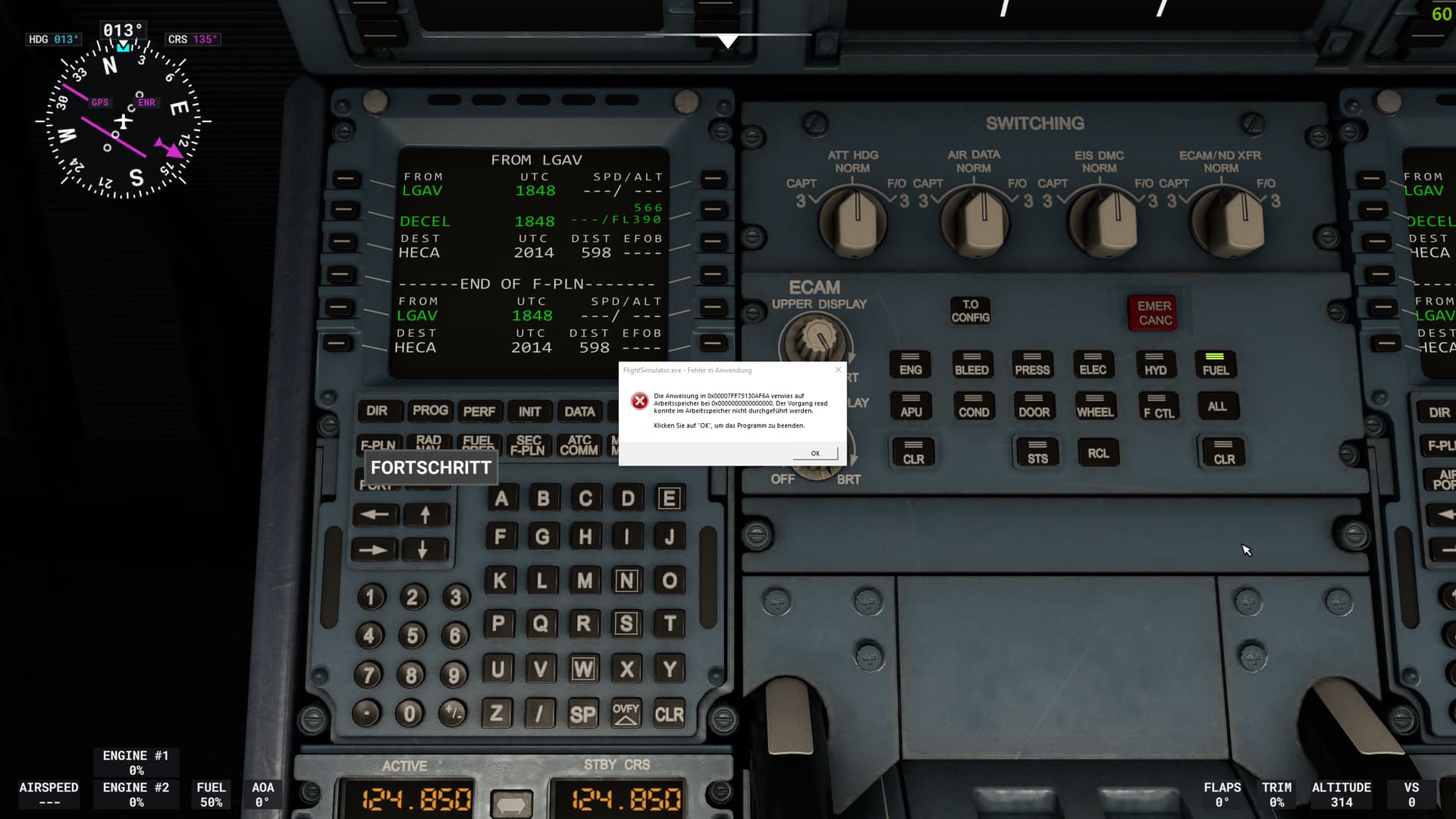
Just happened to me whilst happily gliding in North Wales not too far from the mach loop,I’d only been up for about half an hour.this is only the third time I’ve had this in almost two years but is a real pain when it happens.I guess the unrepeatable characteristic of this bug is what makes it difficult to trace.So I’ll be invited to use safe mode the next time I boot it up (yawn)…
I haven’t read every post so forgive me if it’s been said.
I rarely have problems yet still got hit with this … and in my case it turned out to be my relatively mild gpu memory overclock, setting it back stopped these errors immediately. However that doesn’t put MS/Asobo in the clear as I also suspect factory OC’d gpu’s could also be affected which really should not happen. HAGs must also be suspect so turn it off to test. Sadly none of this can help Xbox users and all I can suggest is keep vents clear and free of dust.
Ok. So after 3 clean installs that all failed. The 4th clean install would launch. But same memory issue. Something I did that seems to be working fine now after 5 hours. I opened command prompt. run as admin. and did sfc /scannow let that run. It did find a corrupt file and fixed it. The worst that can happen is it tells you nothing is wrong and you still have the same problem. Or it may fix it. Seems to be a software issue in the OS connected to ram. Since I have done this. I have loaded into traditionally intense airports for my system. KDAL , Phoenix, LAX, Kennedy. And so far zero issues with that unable to read error. Give it a go. and good luck. Hope it helps some of you.
Microsoft/Asobo has removed this issue from the bug list! And it was there two days ago, I saw it, tracking it’s progress! What are they thinking? This is the second most reported bug in the last 3 months, people literally can’t play the sim, and they act like it doesn’t exists??? This is infuriating!!!
And no, it didn’t move on to the Lifetime Bugs sections, we’ll need another 170 votes for that.
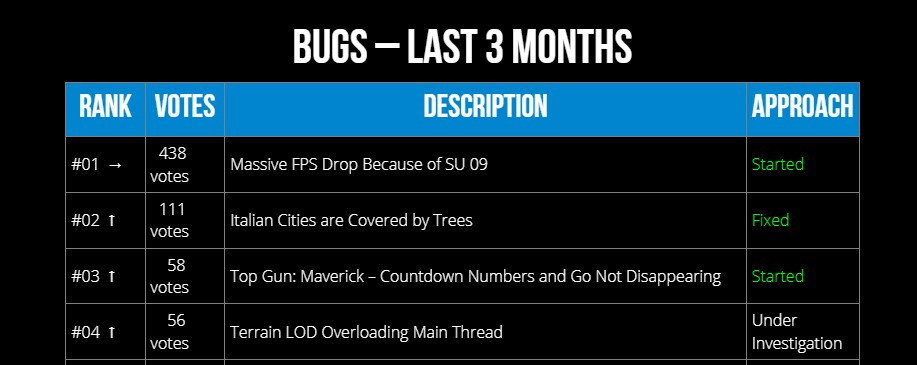
If I’d be them, I’d make this my top priority unless they want to loose players faster than No Man’s Sky. They’ve already lost me for the time being, as I’m not going to waste my precious free time on the nerve-wrecking Russian Roulette (I wonder which moment it will crash???) which completely kills all immersion. And I’m sure I’m not alone.
…and now it’s back? What the heck is happening??? It disappears-reappears as you just refresh the same page
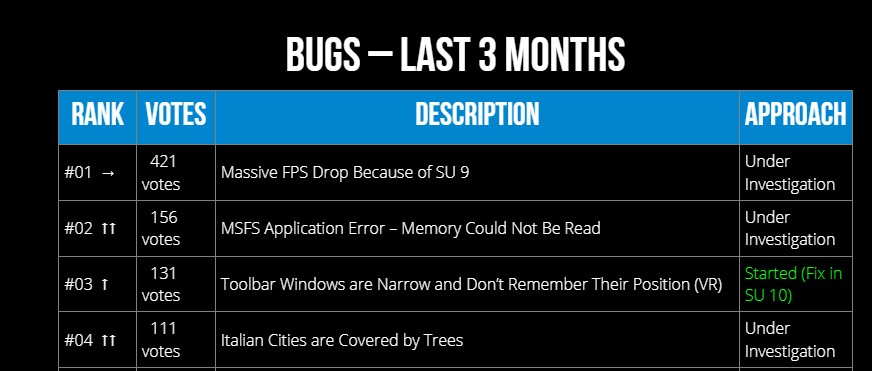
You know what, it’s just as random as the memory issues we’re getting… maybe they’re onto something and we’re witnessing a test of the broken code? 
Unfortunately this second screenshot seems to be the earlier version of the page (based on the numbers), so my previous post still stands.
it is simple a cache of the content system.. relax a bit … stress make the investigation by the developers not faster  ( and there are still more users in the world which never seen these error , what makes me believe its not so easy to find the cause )
EDIT: and forget to write: I assume each of us can reproduce what you see. Open the page and at first you see your first screenshot, press F5 and issue is present.
Newbies please hit the vote button!. It doesn’t matter if you are running AMD or Intel. Doesn’t matter which or how much memory you run or the strength of GPU. This is a code error that can’t be fixed by us. For the life of me why is everyone doing clean installs? That has to be a 6-8 hour process. It won’t fix anything!
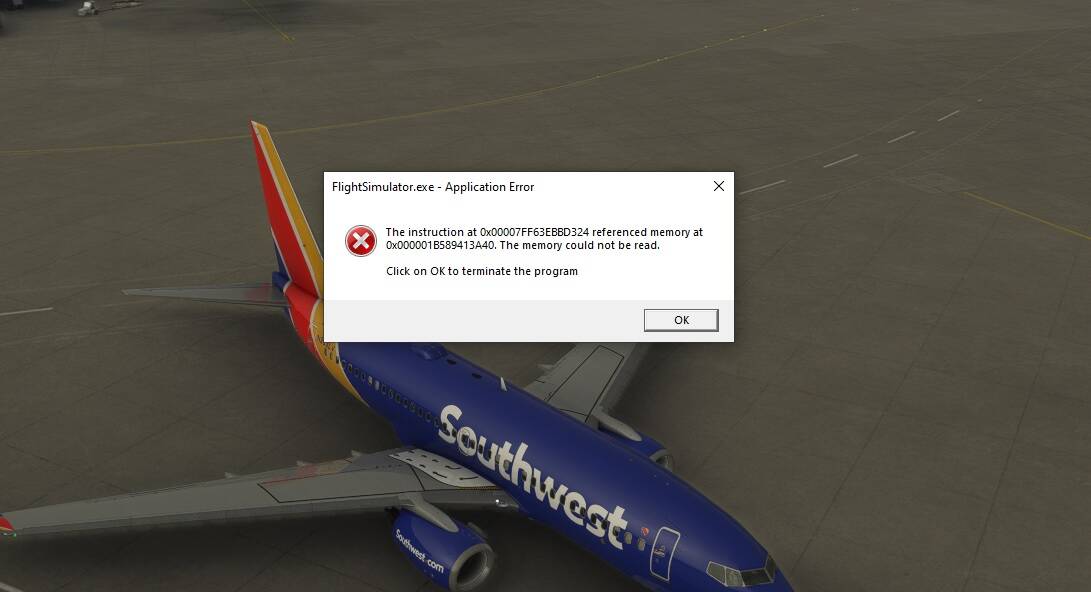
Where do I vote? I put in a ticket for the exact same issue. Every thing I tried wont work.
You can vote on the top of this page, left side.
Okay thank you! I guess I gotta wait on getting more votes lol
Very often the error comes when I load a mission on the world map. Today 3 times successively!
So, since im getting this error none stop, here my specs and what i’ve done;
Ryzen 3700X
RTX 2070 Super
16 GB RAM
I tried with and without overclock, newest vs older bios and gpu drivers, xmp for ram on or off, reinstalled windows and game. Running in safe mode with no online functionalities enabled it still crashes in the main menu for me. Sometimes after 10 seconds, somestimes after 30 minutes.
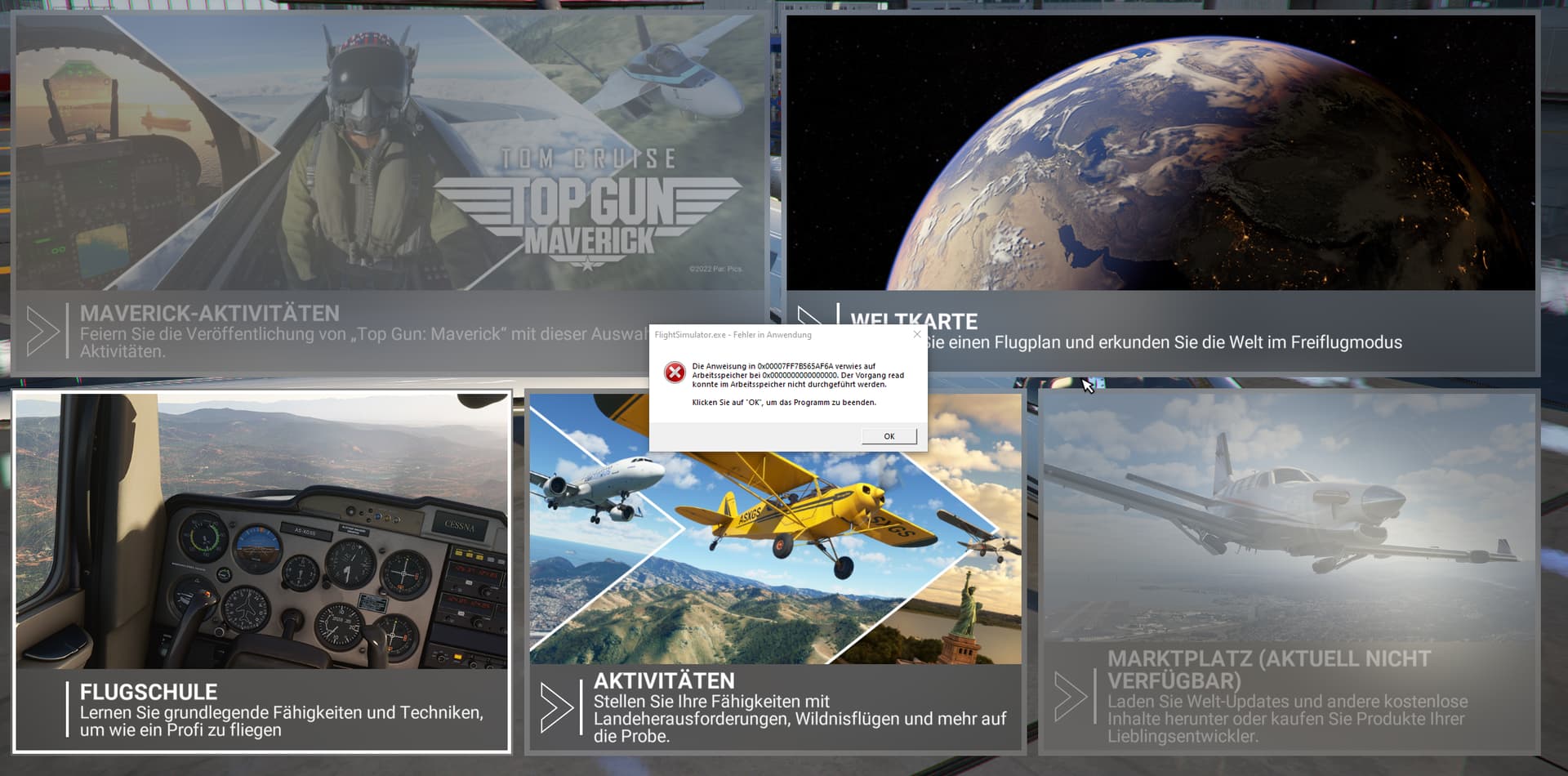
any new ides at all would be much appreciated, disk and ram scans also show nothing.
I did fly a not insignificant amount of longer flights (4+ hours) with no problems before starting to get this error
Nope. The fascinating thing is, it’s completely R.A.N.D.O.M.
Really, belive me 
It can hits you everywhere. Even in the options menue or the marketplace or if you visit the toilet in your fancy PDMG 737…It doesn’t matter what you do in the sim. At the point you fire up the game, Asobo is playing Lottery with you.
I’m really curious how Asobo will try to find the cause of this bug message.
Thank you for all of your votes - the more of them, the more likely Asobo will do something quicker!
As it does not appear to be linked to anything that is going on in the foreground, wouldn’t that suggest that it is more likely to be linked to a background/housekeeping task?
An 0x0000~0000 memory address doesn’t seem right … I suggest you test your ram and vram (although I don’t know the tools for the latter).
I know you said you tried without overclocks but what about HAGs too?
Thanks for the reply!
HAG is off. Game mode for that matter aswell.
MemTest and Windows Memory Test show no errors. For VRAM idk, I tried the other posts solution with the pagefile options, but that also did nothing so I reverted that.
I know RAM or GPU error is likely, but the CTDs only started happening recently after some update
I have previously had CTDs with LED keeper, Mystic Light etc. so I got rid of all OEM software and have had no problems since.