MODERATOR EDIT:
This post merged into this topic.
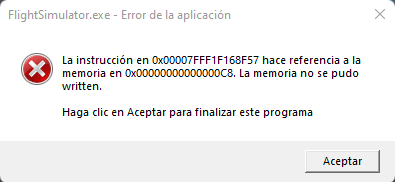
I don’t know if it’s because of my components or because of the game
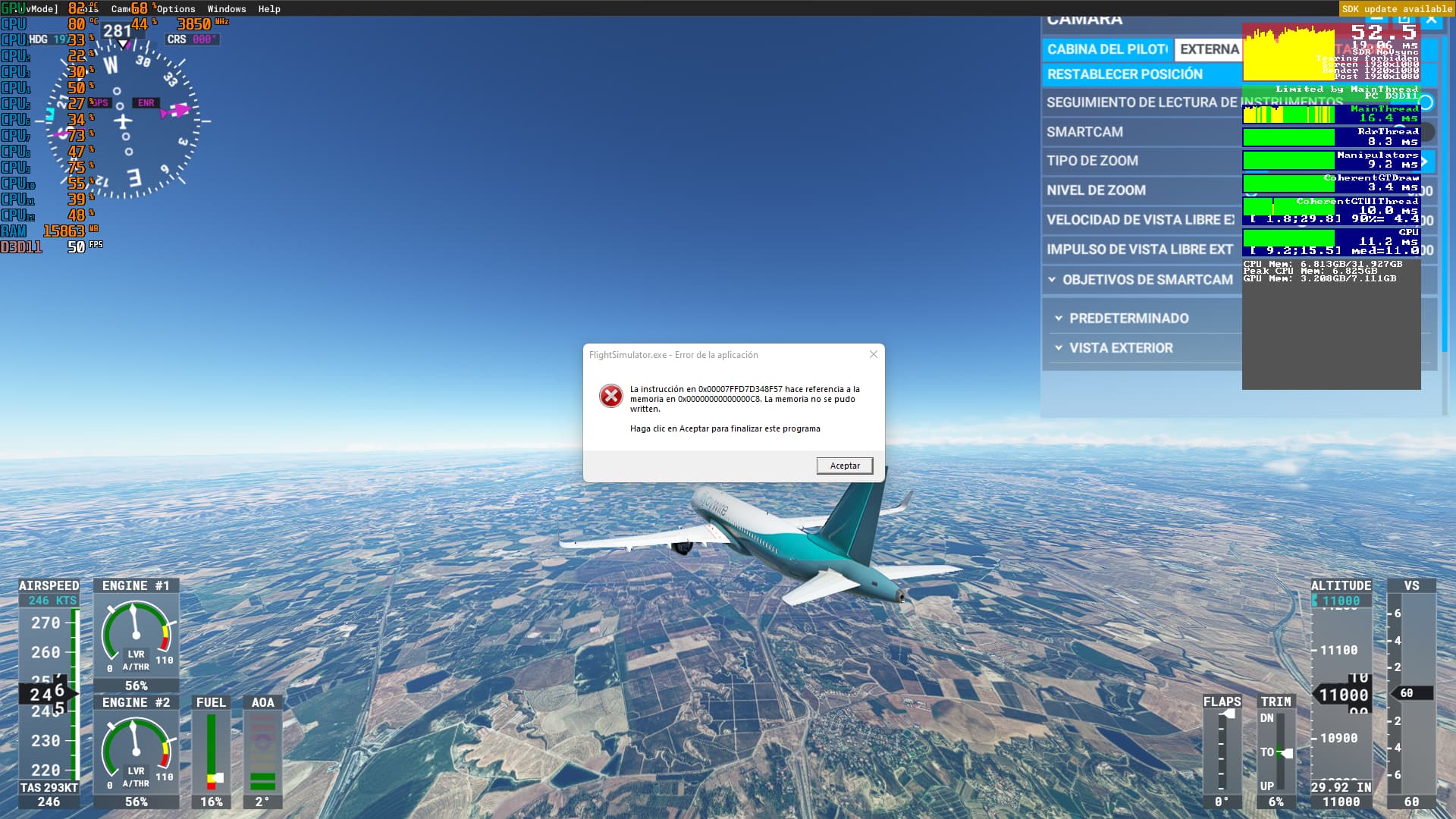
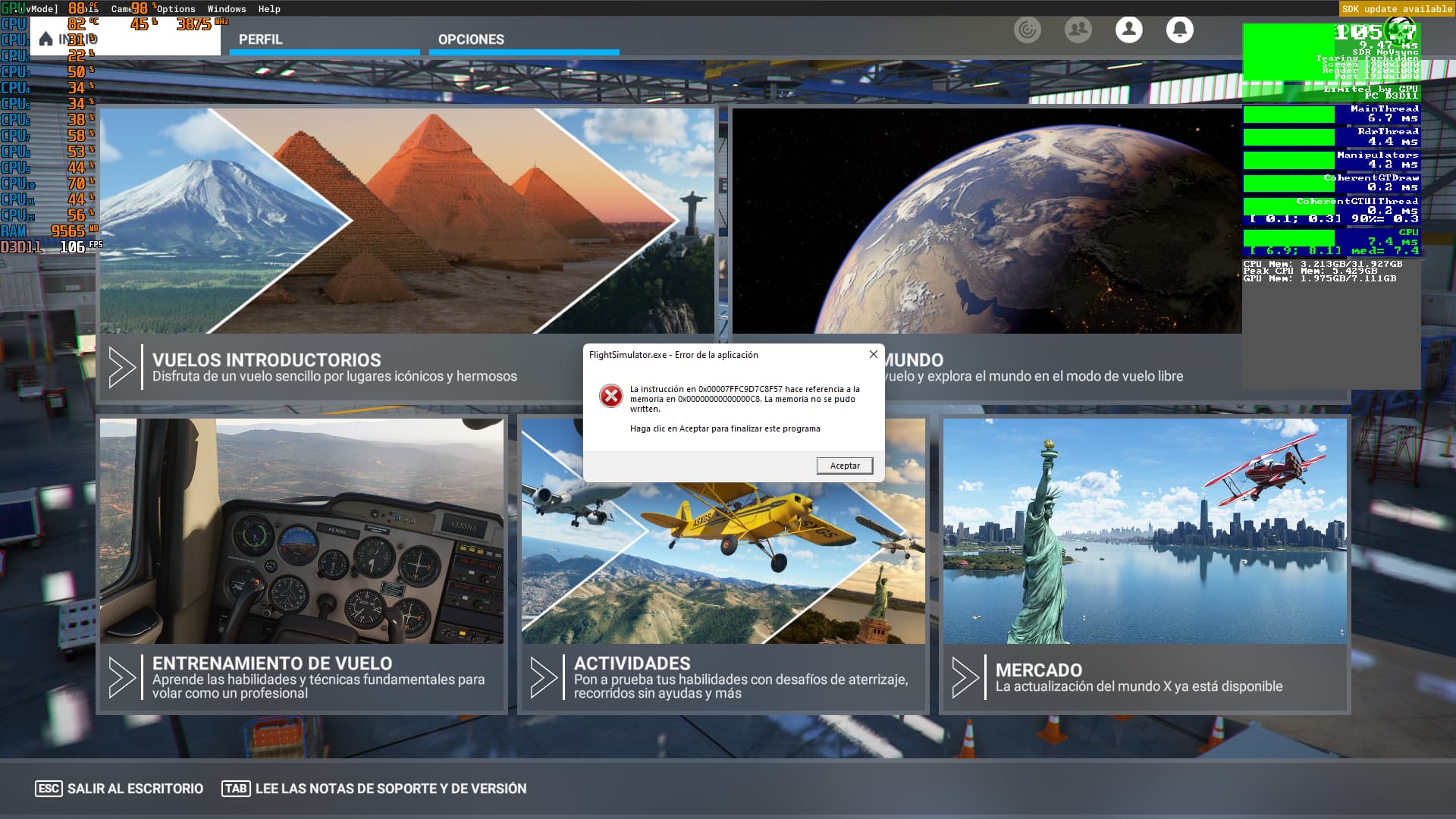
My problem is something strange, it started when I changed ram from 16 to 32. The RAM has no problem but in mfs2020 i have this error
it happens to me 15-25 minutes after starting microsoft flight simulator and it happens to me at any time both as flying and in the menu itself without doing anything.
I think I tried everything I found related to how to solve it with the sfc of the cmd, the virtual memory and deactivating the xmp profile of the bios, and more things that I do not remember. I also have space on the disks more than 50 gb (I have 3 discs)
These are the components of my computer:
motherboard: MSI A320M-A PRO MAX
RAM: Corsair Vengeance LPX PC4-25600
CPU: Ryzen 5 3600 (svm disabled (intel virtualization technology))
GPU: MSI RTX 3060 TI VENTUS 2X OC 8GB
I’m Spanish and that’s why everything comes out in Spanish
Early days, but took off over an hour ago and everything works as it should do! Havent been here for a week or more and it is down to the genius above that suggested a sound issue with the default comms device, which figures, as last week, I reinstalled my Arctis 9 Pro headset and the mic on that was set to default comms device. Turned that off and went flying, so here I am in the clockwork Caravan which was a certain aircraft to suffer. Any updates of note, I will return. That really has made an improvement, so a huge thank you to the poster that highlighted this.
Errr… 1503 and after 93 minutes, it froze and came up with the flag agin. Going to have another look at sound settings.
This has nothing to do with sound settings or any other settings, only Asobo can fix it because im 99,9% sure this is issue in their code which we cant change.
2 Likes
my problem was when i changed ram from 16 to 32 but for some reason a moderator sent me to this thread when it is not quite the same problem (I don’t mean it in the form of hate for the moderator)
Well, let’s hope for SU10 then.
that was ok, because you have exact this issue.
We discussed former in that topic about exact same case " two vs four RAM sticks " and a possible relation to that ( e.g. main board compatibility, etc. ). But finally its still not 100% clarified.. for some users it was caused from the RAM, for others not.. There are also reports that with SU10beta the issue no longer occurs , but there are also reports where it is still also with Su10Beta.
In your case, I would do a test-case and remove again then newly added RAM sticks. If the error never again will happens, we are at least sure that its (again) some what with RAM.
the problem is that I don’t have the RAM that I had before. And I just realized that it seems to be a system thing because another game also gives me problems when it didn’t happen before either it doesn’t tell me the error I’m going to try to get into all the games I have in case it’s already a system problem because everything It started as a result of that, what surprises me is that at the moment it is only happens to me in games
1 Like
i haven’t had this error in weeks after applying vsync in the sim to cap the fps to 33 (i have a 100hz monitor).
Micha what do you think 
I withdraw what I said, surely the game gives me a crash because it is also a sensitive game and it will be for another reason
that match also with the symphoms which other users described and which we can find in “big google”: not only msfs crashed with that error, also other applications. My assumption why seemingly only in games etc. is, the usage of RAM. Or it is realy a completely different reason and the RAM trick us here 
If you own completely new RAM and you also no longer own the old one, the situation for testing can me more tricky. As mentioned, if you own now four RAM sticks do test-case with only two. And also no xmp mode, but I read you disabled that already.
@JetMocha6156
hmmm.. thats so strange  … Theory: limiting to 33fps also limits the load on the system and that may be also the load on memory ( if we still assume the bad boy is the RAM ). If we exclude RAM as bad boy we are may be back by a strange driver thing.
As mentioned we can of course never ensured say the issue comes not from the game. But there must be an explanation why also other applications are affected. The theory with a system lib issue also exist, but then I also expect more affected users.
If this issue is be finally fixed for the users, we need to raise a party
1 Like
no if in the end it only happens to me in mfs2020, the game that he said before was due to having modified the virtual memory in some way or another, he did not like that change, the rest of the games works perfectly for me and I don’t have 4 ram modules if I don’t have 2 before I had 1 of 16gb and now I have 2 of 16. I could try it with only 1 module of 16 and if it works for me, it will be osobo’s problem.
1 Like
And do not forget: The problem raised up with WU 8 or 9 of the SIM
note: then you switched from Single-Channel to Dual-Channel, which also different for the memory controller. If you have time please try it with one module. As you mentioned the issue started with installing new RAM, so it sounds for me there is a relation to that.
@FSIkarus yes, more reports about started with SU9, but at the same time there was a windows update. Can all be random, but who knows 
@MichaMMA Thanks for the information. Was the Windows-update for WIN 10 or WIN 11? I am operating the SIM with WIN 10.
for both, so far I remember. This update in parallel was the reason for some users ( not for all ). It maked somewhat invalid with the sound drivers or the Asus Mixer.
( may be @mjchernis can quickly report back whether the error since the correction never again occured. )
@MichaMMA My Motherboard is: MSI B550M PRO-VDHWIFI, AMD B550
Do you mean update the bios? if you mean that I’ve been trying to update since yesterday but it just so happens that the usb I had started giving me errors until now that I have a new one and I still have to update it
ähmm.. have an up2data BIOS is of course allways a good idea, it can may be also fix some compatibility issues ( you can see that in changelog, example for an (very) old version from 2019 : AMI BIOS 7C52v21 - Improve memory compatibility ).
But I had more in mind: if you had former only one RAM stick, then the memory works in Single-Channel-Mode, and with new two sticks the memory works in faster Dual-Channel-Mode ( checking mainboad manual for correct slots ). May be that have an effect and you can do a test-case with one RAM stick only.
And, have you the exact material-number of your new RAM and rechecked in QVL list ( https://www.msi.com/Motherboard/A320M-A-PRO-MAX/support#mem ) ?
You can of couse also let run the windows-memory-diagnose, but that takes a while.
So I can recreate the error fairly easily. Even though I have a strong GPU if I use Ultra settings in any of the terrain settings the error appears everytime. Once I use high or below in terrain settings the error appears once every 5-6 flights. The error has to be linked with something with terrain.
1 Like
I updated the bios and at first it worked but then I remembered that the ram frequency was changed and when I put it at 3200hz it already started having problems. I tried memtest64 and the ram was fine, I’ll try diagnostics later. Even if I already had an updated version of the bios, it was from the end of 2021, the version I had and the ram I had before was also 3200mhz, also the ram I have before is another model with which I had before and they are from corsair I bought 2x16 do not buy it separately