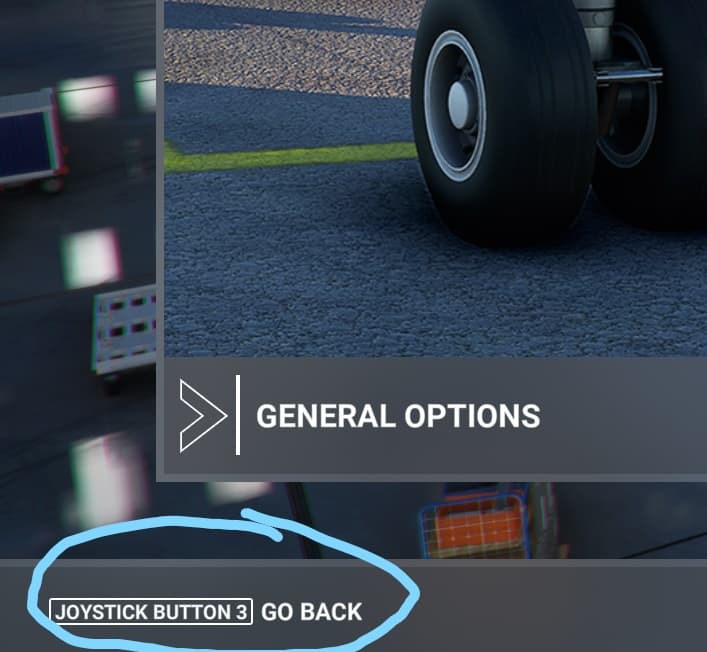
When you’re at the main screens in MSFS (General Options, Assistance Options and Controls Options) I see that the MSFS is asking me to use my joystick buttons to interact with the screens.
For example, ‘Joystick Button 3 - Go Back’.
I cannot see where this is configured as I want to use my keyboard (which I can do as well, by the way). E.g. hitting Esc to go back a screen.
Using the joystick causes problems if I actually want to assign a joystick button to an event/command that is also being for UI navigation/interaction.
Is it possible to have MSFS not use joystick buttons for UI interaction?
Here is an example. It’s no big deal but can interfere with joystick button mapping if you want to map the button that’s used to navigate screens in MSFS.
Way. Interesting. I’ve never seen anything of this kind. On my system, there are only keyboard keys. Did you try, for example, to disconnect your joysticks, delete all the joystick profiles, leave only the keyboard, restart the game, refresh your keyboard profile, quit the game, connect your joy and restart the game and redo your joystick setup? Or something of this kind?