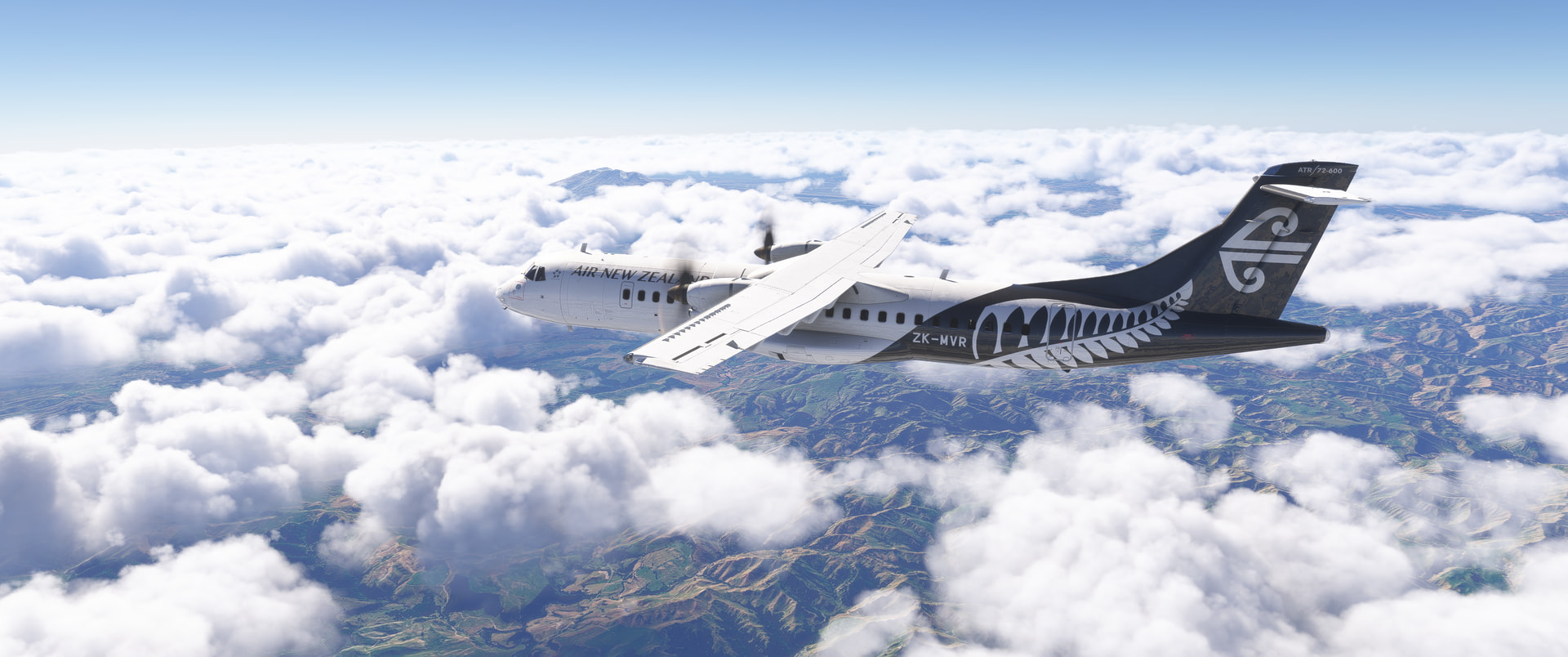
Since switching to the native MSFS 2024 ATR on PS5, I’ve still been getting frequent AP disconnects.
One thing I noticed: NAV/LNAV often causes an immediate AP disconnect, while HDG is much more stable.
Today I accidentally flew an entire ATR 72 flight with no flight plan or destination entered in the MCDU at all, using HDG only. For the first time, the autopilot did not disconnect once.
It made me wonder if the issue might be related not only to NAV itself, but to the interaction between the FMS flight plan and the AFCS.
I’m going to test:
no FMS flight plan + HDG
FMS flight plan loaded + HDG
If anyone else on PS5 has the same AP issue, I’d be curious to know if you can reproduce this.
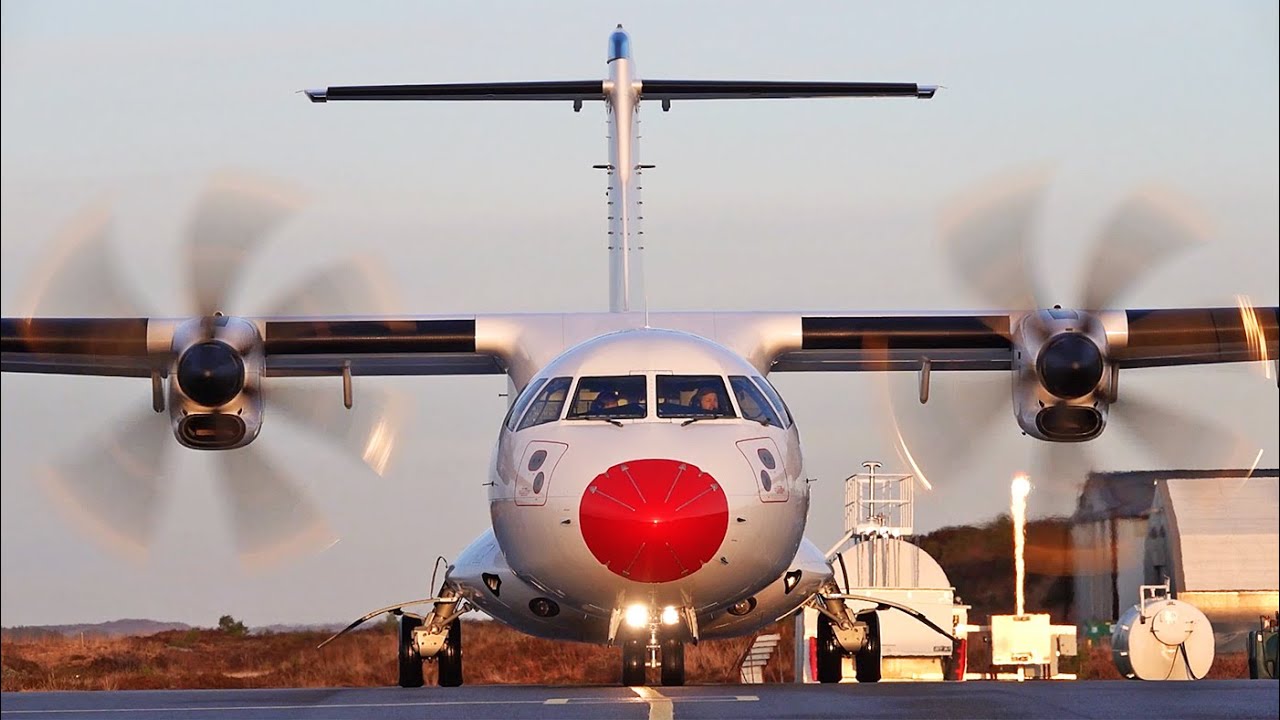
Also you can see on some videos such as the ones from Stort (they do have a 500) that some airlines such as DAT start engine 1 first if they use a GPU.
Yes, if using GPU there is no point starting engine 2 first since the GPU is located on that side. So engine 1 first, disconnect GPU, then start engine 2. There are many configurations in which to start-up, it doesn’t matter in what order.
It’s a shame the dev has left the completely unrealistic windshield reflections in this build (they would be accurate if the plane body was invisible!). I believe this bug needs to be corrected on a plane by plane basis rather than a global fix by Asobo but Carenado have managed to do it. I bought their Do228 a couple of weeks ago and the reflections are not present.
Is there a work around for the internal lights ? I’m new to the ATR - got it in release on 2020 and got burned by it like other’s and am only just reinstalling on Xbox 24…
saw A330drivers video. But as I’m on console carnt install modded cockpits
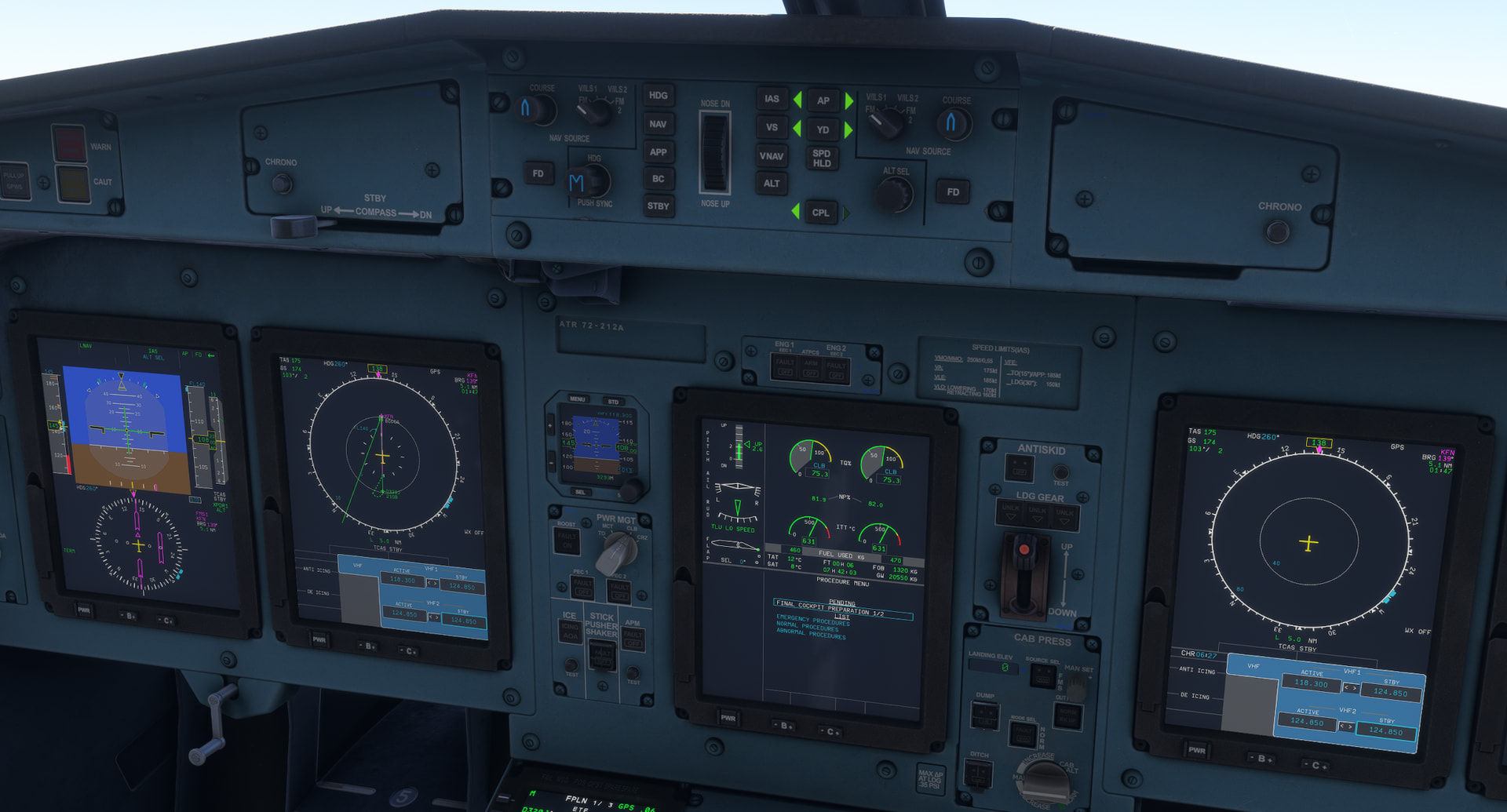
That panel mod makes it look so much more like the real aircraft, weird that MSobo can’t make it look correctly out of the box. I wish they could change the PFD colors as well, and it doesn’t change DU size, placement and overall cockpit geometry being off…
Many thanks to VillaJota for verifying the major improvement Climb and Cruise parameters on the ATR72. I had given up on this a/c.
I think there may be some improvement with the ATR42’s power/lift design also.
With the ATR72 I was able to almost exactly match VillaJota’s Climb strength numbers with both a/c. The only difference was that my ATR72 Cruised at 210ias rather than 198ias at FL170. With that I got a higher FF, around 300kg/h per engine.
My Notch setting might be a little different than his.
Too bad they took so long on this but I am VERY happy to be back in the cockpit!
Yes, I’ve corrected my throttle configuration and now my CRZ numbers match the tables. I also get CRZ at 210 KIAS with a torque of 64.4%. So I think that this problem is solved.