This thing is giant in VR inside. I need to change world scale, on this plane each time I fly it, or can there be an adjustment to the world scale on just this plane.. Have been in this cockpit IRL hundreds of times… Its not this big, but person seems sized ok in co pilot seat, which is odd.
2 Likes
FOV values on the camera may be affecting the scale perception in VR, we are reviewing it. Only one person on the team has access to a VR setup, so as soon as we have a solution I’ll relay it to you. In the meantime, World Scaling will do
2 Likes
Is there any chance we could get a strategic airlift capability livery? 12 nations are part of the program, so it would make for some very interesting cargo flying.
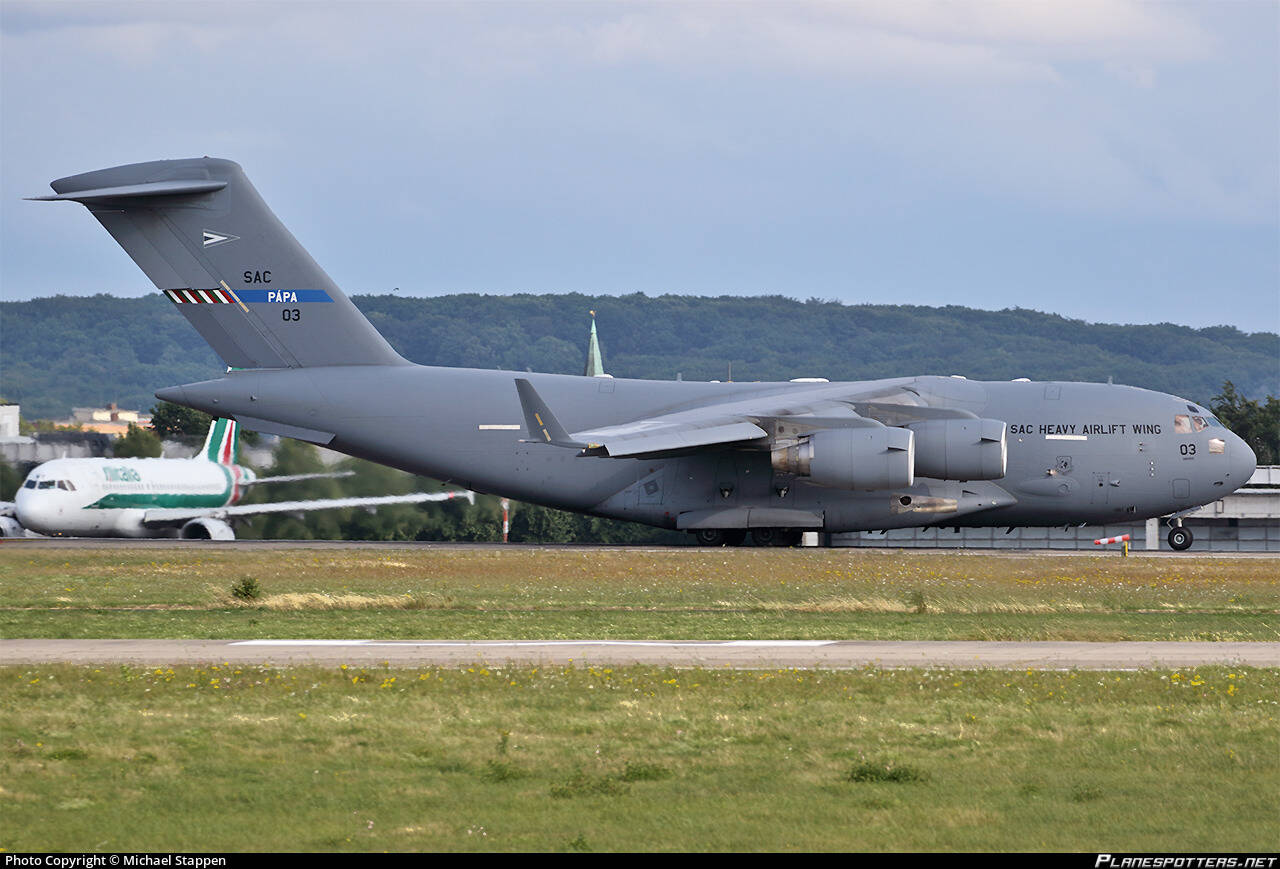
We are preparing a livery pack including SAC among other operators
6 Likes
Awesome, thank you so much!!
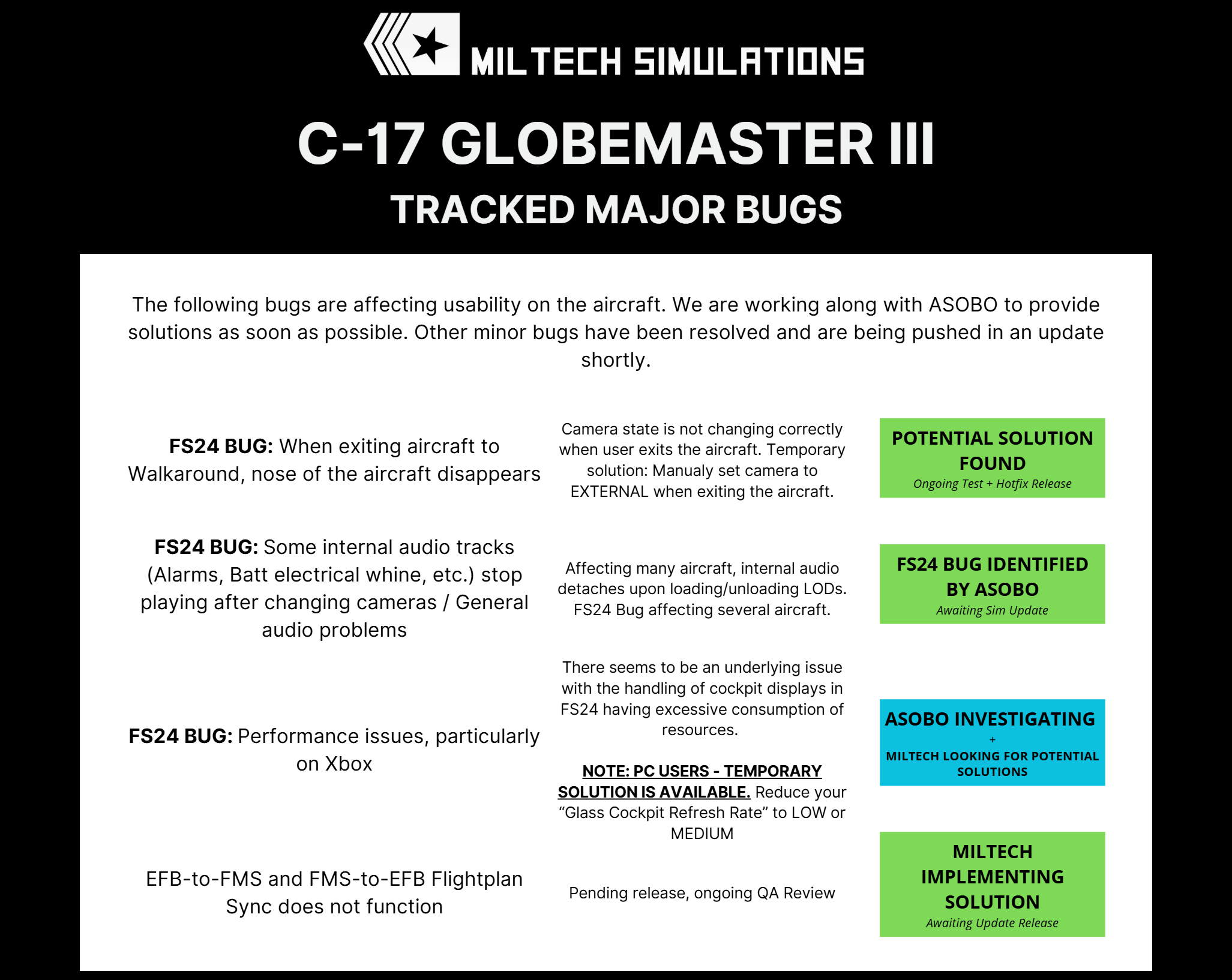
These issues have been frequently discussed on the forums and Discord, so we’ve compiled a list of the major bugs currently affecting aircraft functionality and user experience.
While minor bugs are being addressed and will be resolved in the next update, the more significant issues are tied to underlying FS24 problems that Asobo is actively investigating.
8 Likes
Can you “Send the Flight plan to the Avionics” on this plane?
That’s the “EFB-to-FMS” bug listed above - it does not currently work. All flightplans need to be created directly in the aircraft FMS
2 Likes
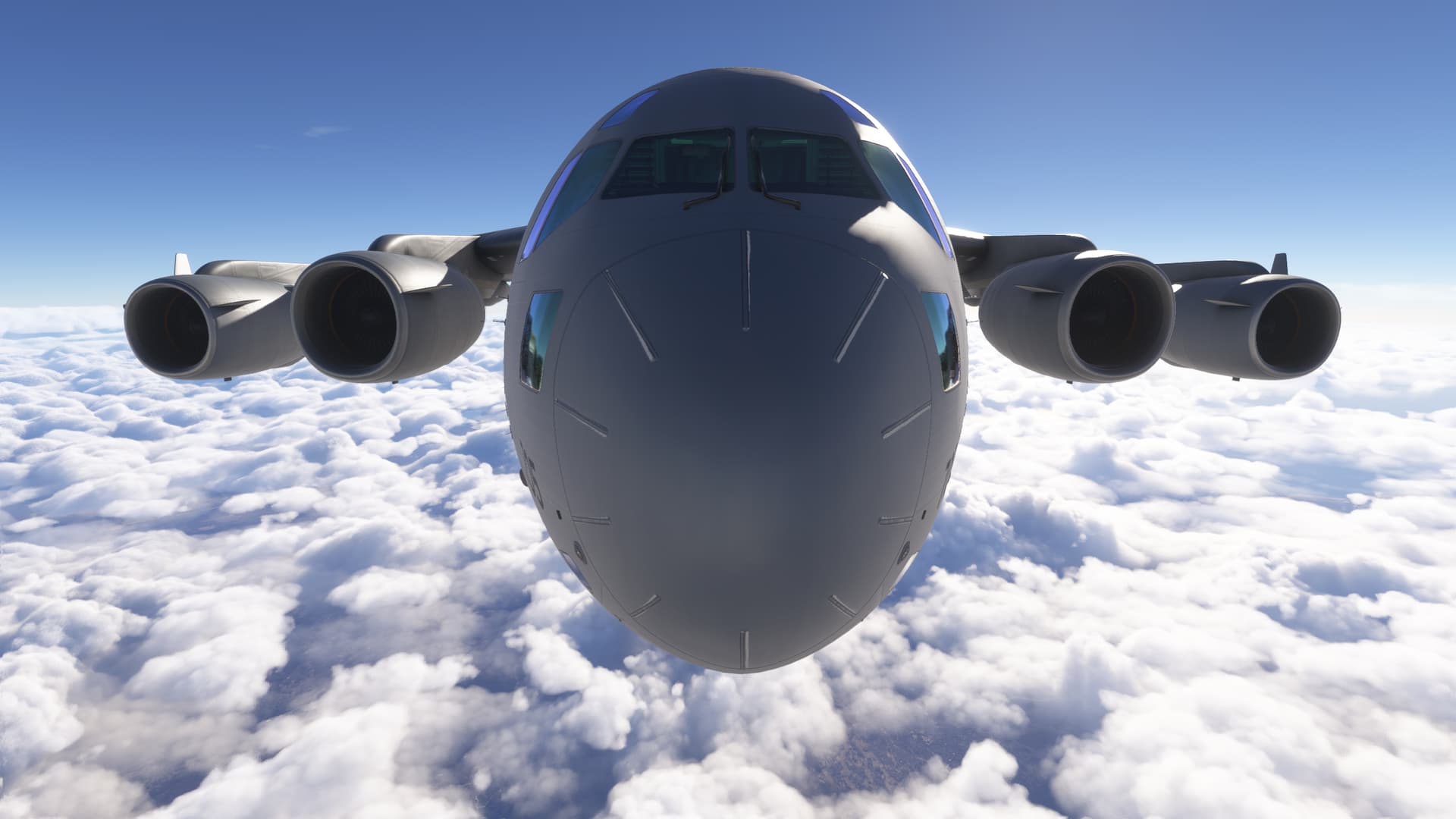
Hah I was trying to do that earlier but gave up and resorted to manually inputting everything. I rarely fly these big machines with FMCs and barely remembered how to do it, then figuring out the autopilot but we got there in the end. Then there was a discontinuity I didn’t notice until about 15 minutes flying the wrong way but I figured out how to get back on track and now I’m happily cruising along. This is defnitely one of the better planes in 2024, Miltech did a good job. Doubt I’ll use it much though, as I said it’s not really my type of flying. I’m more of a low and slow piston kinda guy. Maybe I’ll try it out as a bush plane some day though.
1 Like
It’s a great plane but something is definitely wrong with the FPS. It’s a good 20% less than the 330 and 400M.
Hopefully you all get this worked out because I love flying it.
Marc
Oh yeah my FPS is a bit low. Was quite bad at the airport.
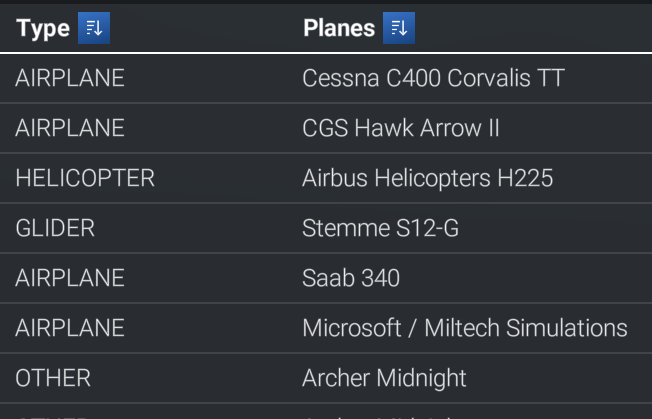
Minor thing but the plane’s labelled incorrectly in the cfg file or whatever.
Instead of ‘Boeing CC-117 Globemaster III - Microsoft/Miltech’ it’s ‘Microsoft/Miltech CC-117 Globemaster III - Miltech’ Twice the miltech 
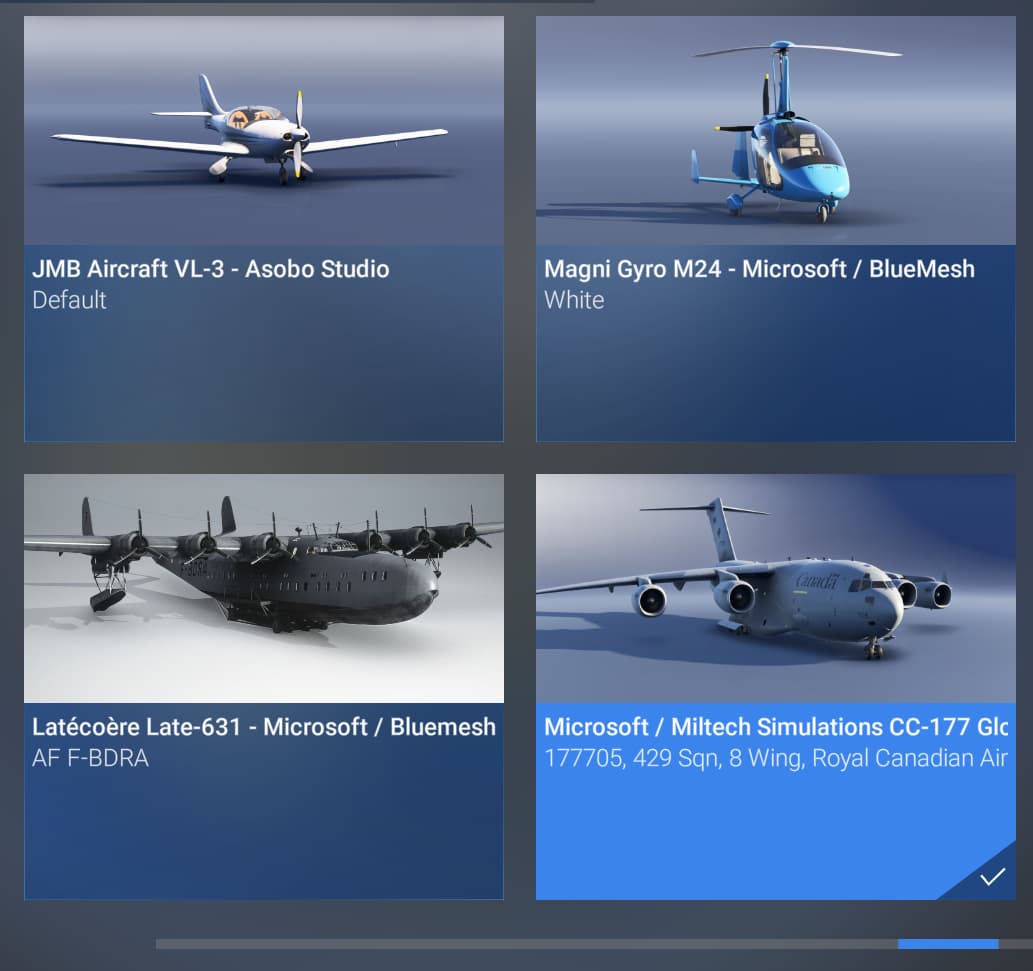
It needs to live down here with the rest of the Boeings.
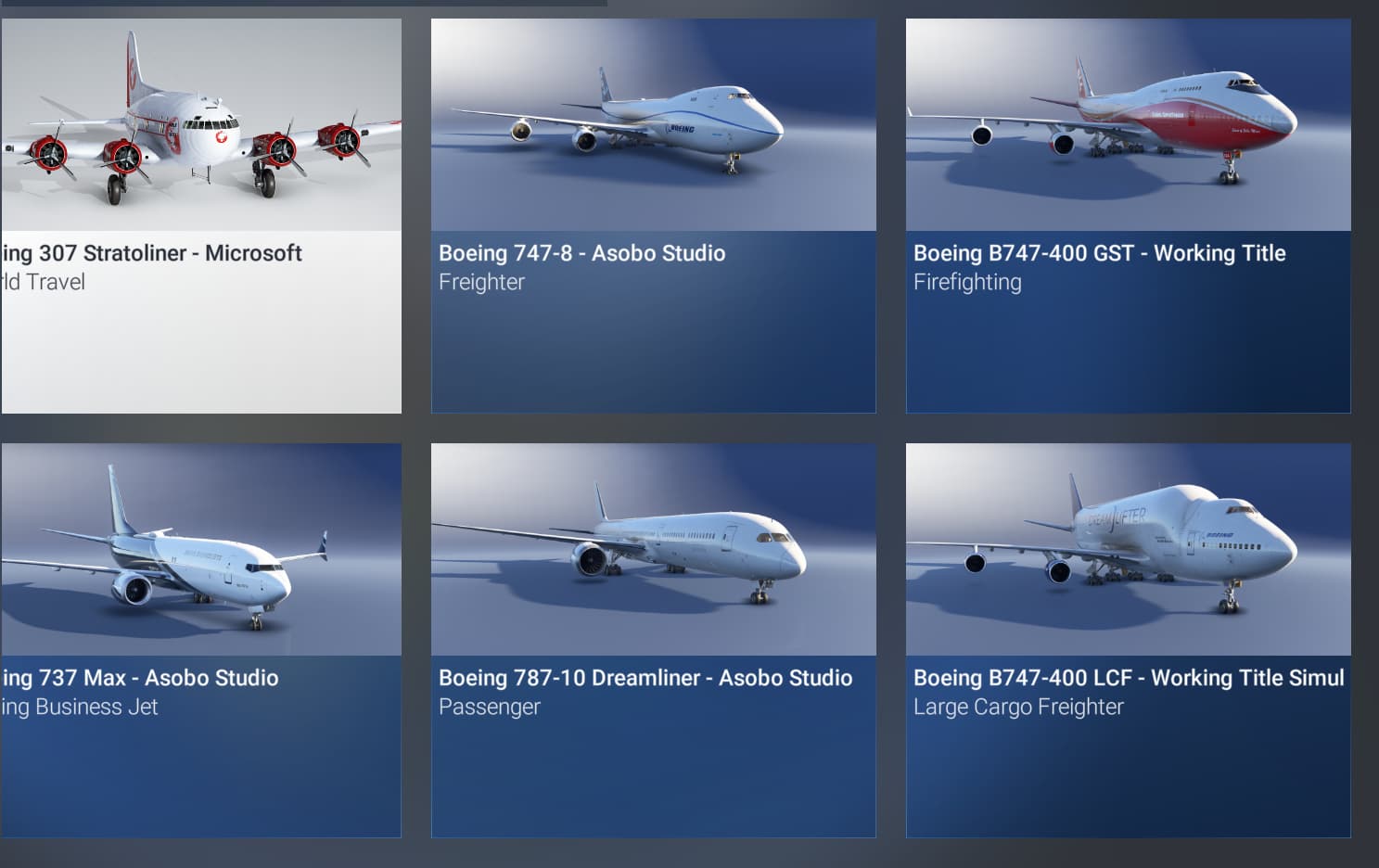
Also because of this is shows up with the publisher/dev name instead of the plane name in the log book which is a bit annoying.
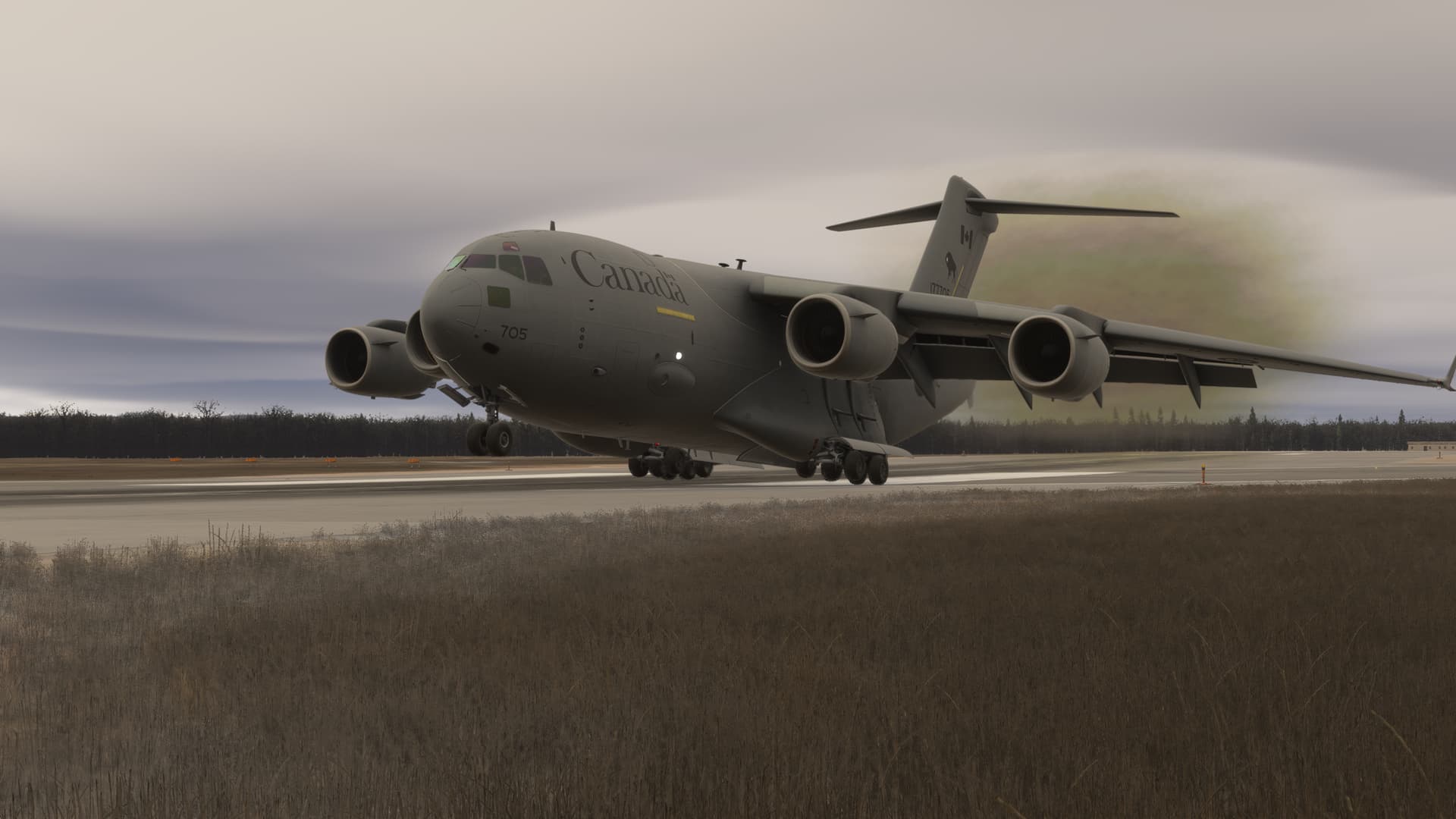
Anyway mission complete. Neat plane!
2 Likes
please do address the VR sizing issue, none of the other planes have this problem. even the mfs2020 freeware c17 looks fine.
2 Likes
Please read the “Major Bugs” image above - we are tracking a FS24 bug that affects FPS, there is a temporary workaround.
Asobo is currently investigating the problem, widespread affecting various addons: Coherent has a MASSIVE performance impact on FS24 - HTML/JS - MSFS DevSupport
Other aircraft use a different technology to render gauges (WASM) and therefore are unaffected by this problem.
1 Like
It is being reviewed by the team.
Haha, absolutely agree, a pity, no other aircraft in the Sim have this bug-problem, the real size is the copilot, that I would like to hide, maybe it is possible.
MS-Asobo should do a laser scan or something so, in one C-17 cockpit and give to Miltech the measures.
Thanks, I edit: “Yes! There is a small clickspot on the copilot seat, near the centre console (there is a small handle in there where the clickspot is located).”
As already suggested, would be ok to use better the FS20 co-pilots, and that will make it persistent.
1 Like
The issue is not the model itself, its accurate to approx 5% tolerance (which is okay given the lack of precise measurements). The issue seems to be FOV on the camera settings.
We are checking but we have limited access to VR. The team is acquiring the hardware to properly take a look.
This is not planned at this time, as copilots in MSFS are only civilian… and from experience, I know that’s a dealbreaker for many. We are looking into other solutions to make it persistent (I’m one of the people who prefer not having any avatars in the cockpit, but in FS24 we are required to add)
2 Likes
I have contrails coming out of the fuselage instead of engines

Also when setting a route to the south pole, the Long Lat waypoint and magenta line are not displayed:
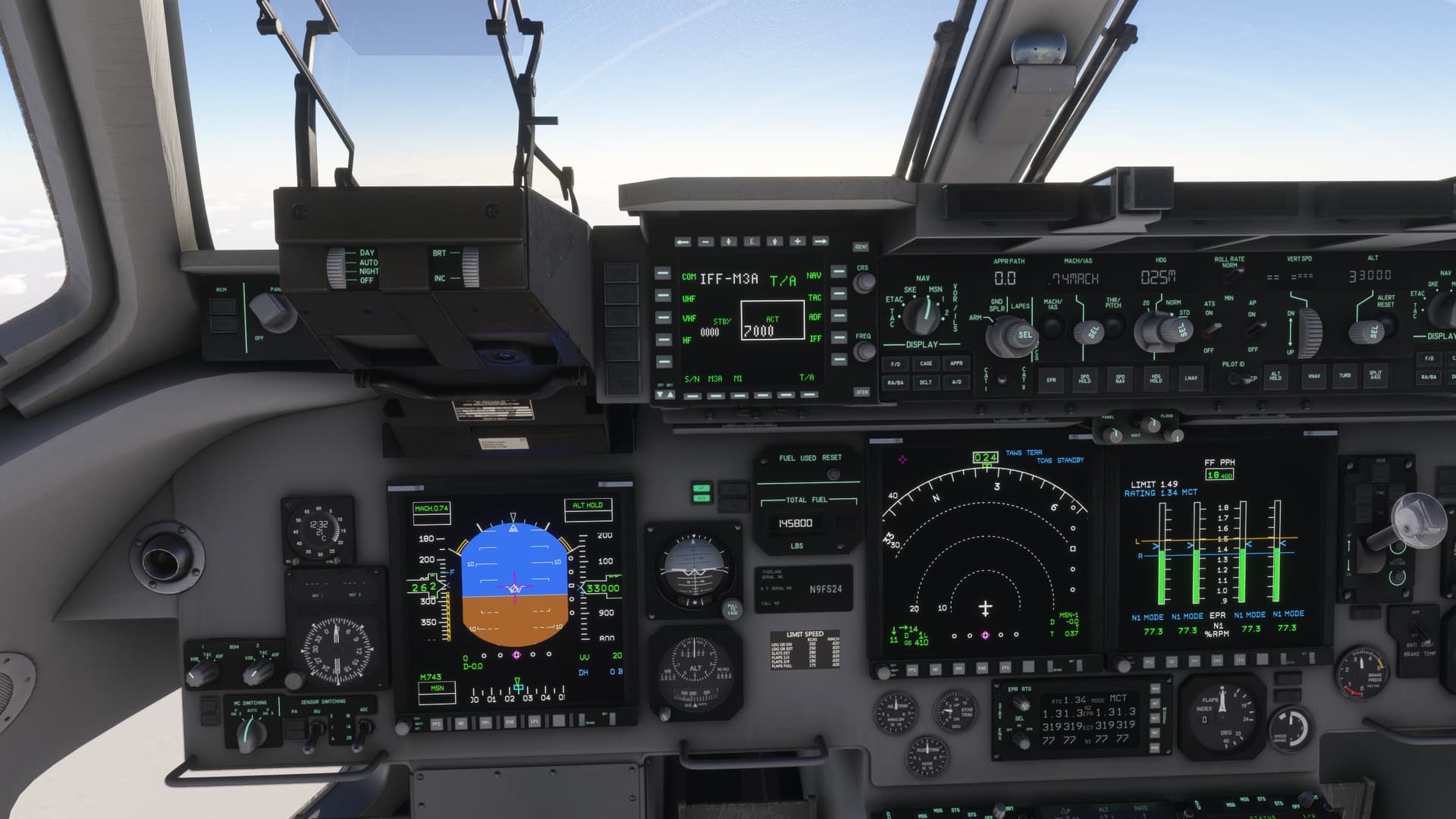
(I had to make this plan through Simbrief as the FMC was not accepting long/lat waypoints, unless I was using the wrong format, I tried a few different formats though).
As others have said, the avatar appears small compared to the cockpit, but it may be an optical illusion.
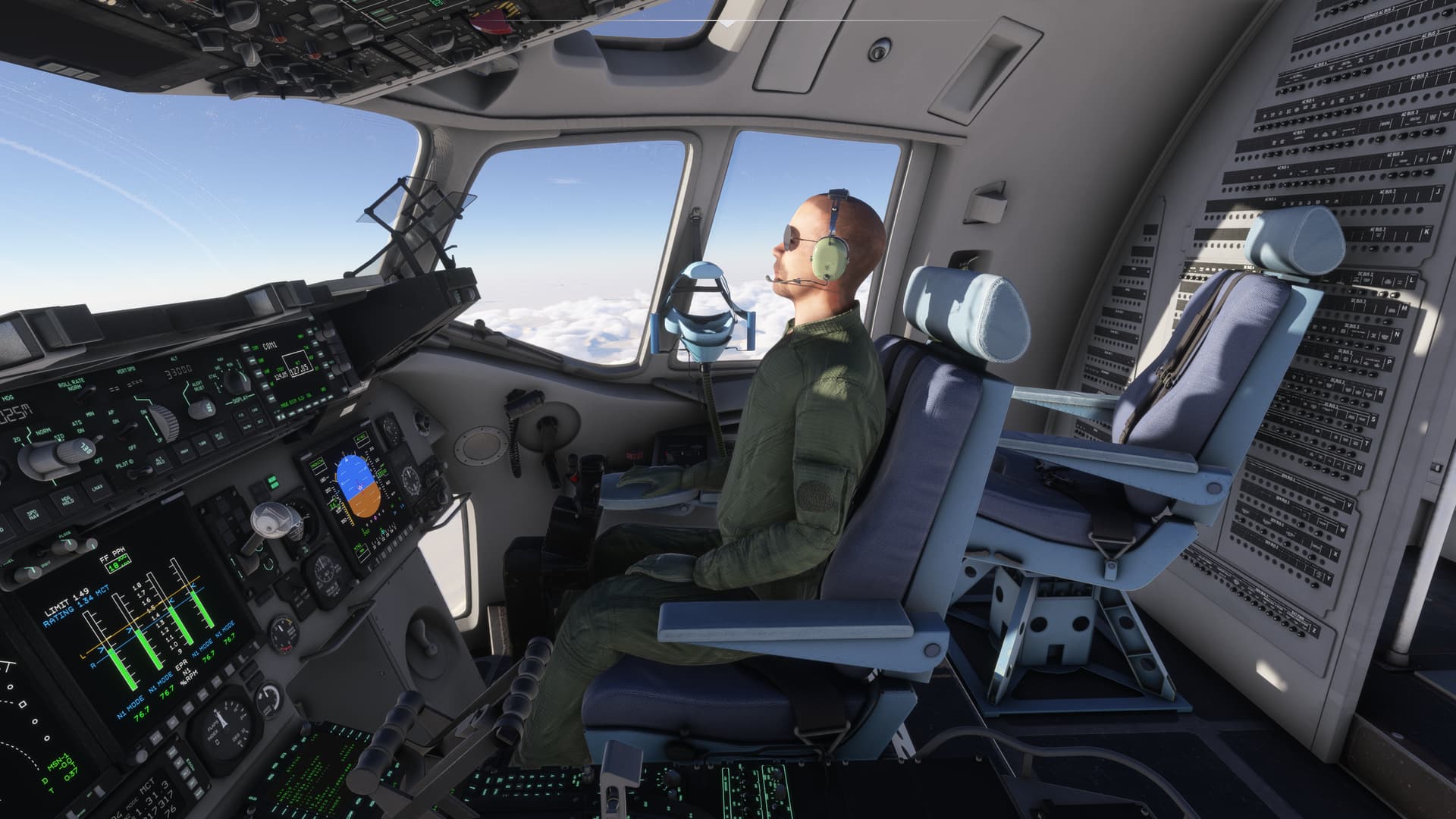
Graphics modelling is top notch.
This is known, being fixed in the next update. Due to LOD switching, the effects sometimes detach from the model.
Good find! Never flown to those latitudes, will review.
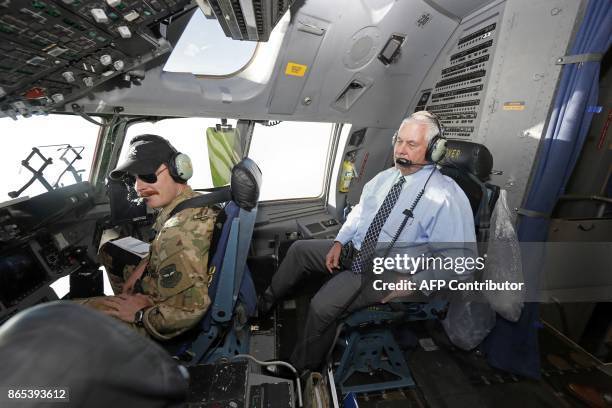
The avatar is actually correctly scaled in proportion to the cockpit (its a massive space - in the photo above the seat is moved forward but compare head and HUD position). The scaling issue described above is rather a problem of proportions in VR and field of view on the camera.
2 Likes
Thanks for the reply.
I used to always fly to the South Pole in a new sim, however in 2020 it is broken since release, causing massive lag spikes of over 1 second, testing now for 2024. Hopefully it works now because I do enjoy doing polar routes.
I also just found my HUD and PFD altimeter disagree. I have pressed B and it says 1013 on the standby instrument. This could be user error as I am not super familiar with the aircraft.
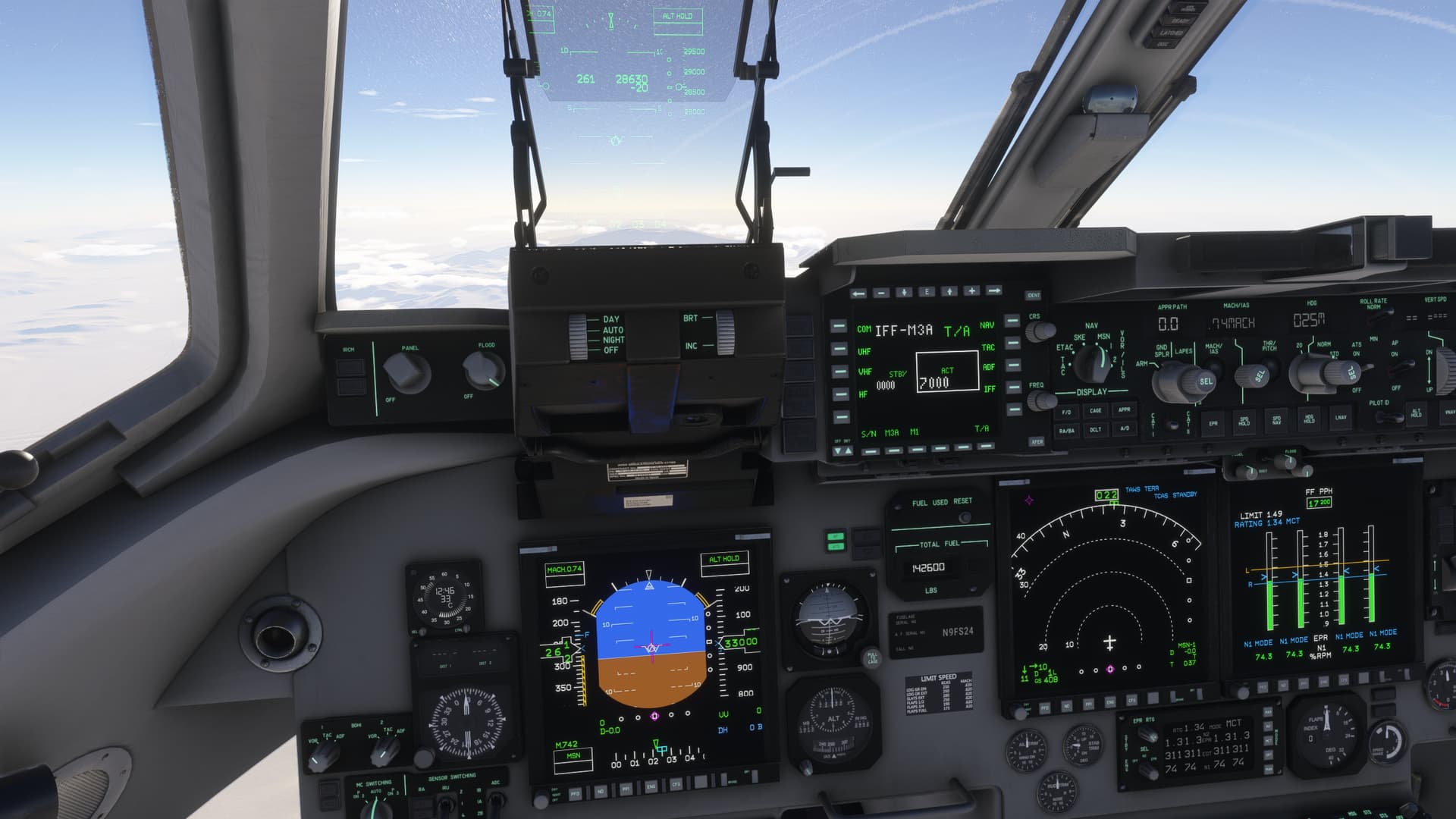
Thanks for the cool plane!
Edit: I forgot to add, is there a compass calibration step I may have missed? Because my headings are like 160 degrees off. I’m heading south in all these screenshots even though the compass says otherwise. I tried disabling “gyro drift” but this made no difference.
I spawned in on the runway but didn’t notice it until after taking off, just doing a casual test flight.