We won’t remove the clickspot - so it would be more of a change of interaction (eg. right click instead or left click, or similar). We will push something on the next update
2 Likes
thanks! Just found that if I “cntrol+E” it will restart the engine so if I click it by accident… that’s the walkaround xD
1 Like
Surely the best MSFS2024 Premium Deluxe aircraft even with the CoherenGUI performance bug and the other things, great work 
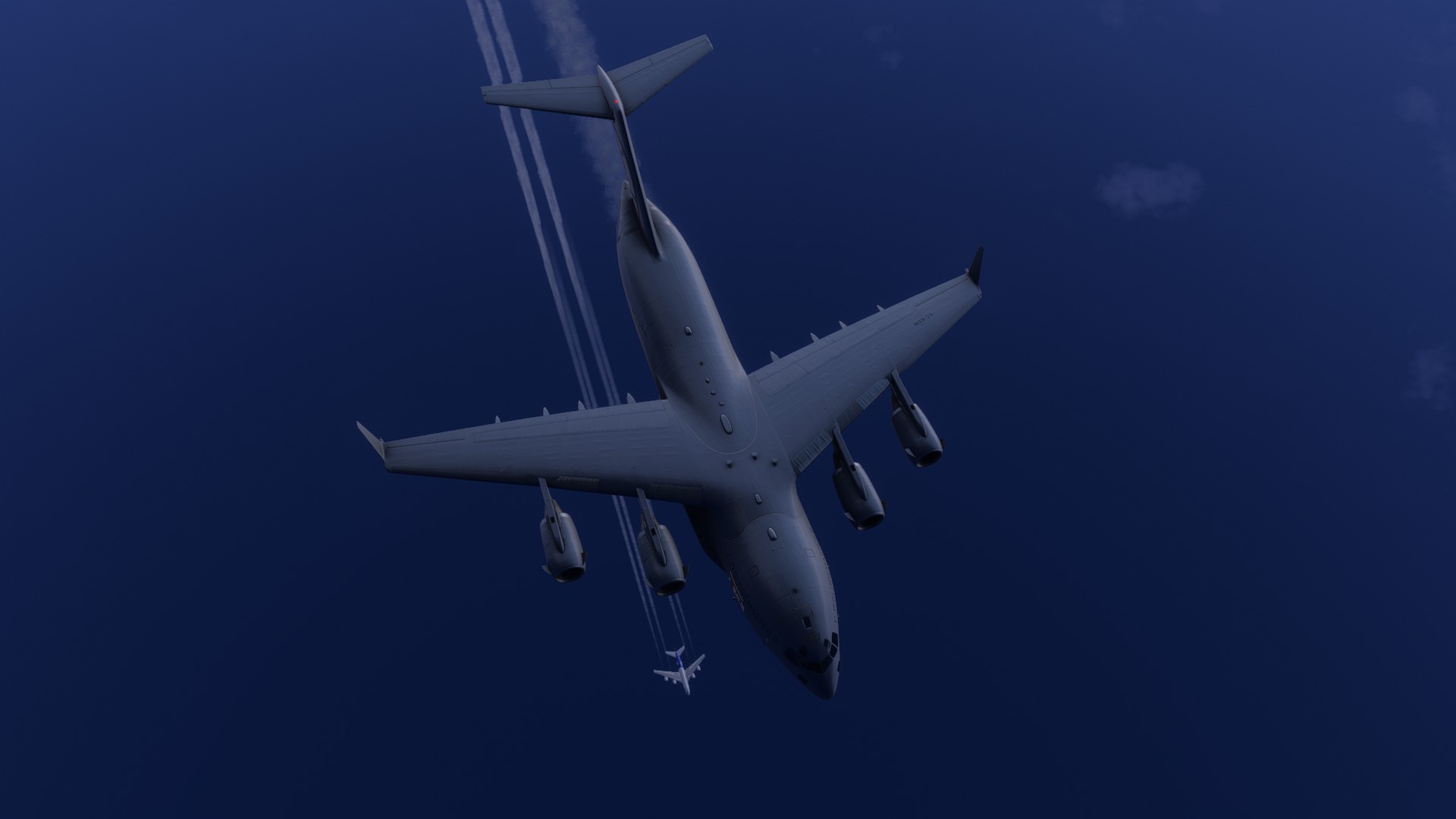
I am one of those who want the U-2 ASAP, but this plane deserves love and time, deserves to be perfected and then, and only when you (devs) and us feel that it’s really ok with everything, let’s talk about the U-2
3 Likes
Nothing to see here
1 Like
I cannot tune TACANs on the 60 to 69 band. The lower one number gets is 70, and the hihger the other goes is 59
Bug maybe? I don’t know the real aircraft but I expect that I should be able to tune any TACAN on any of the values 
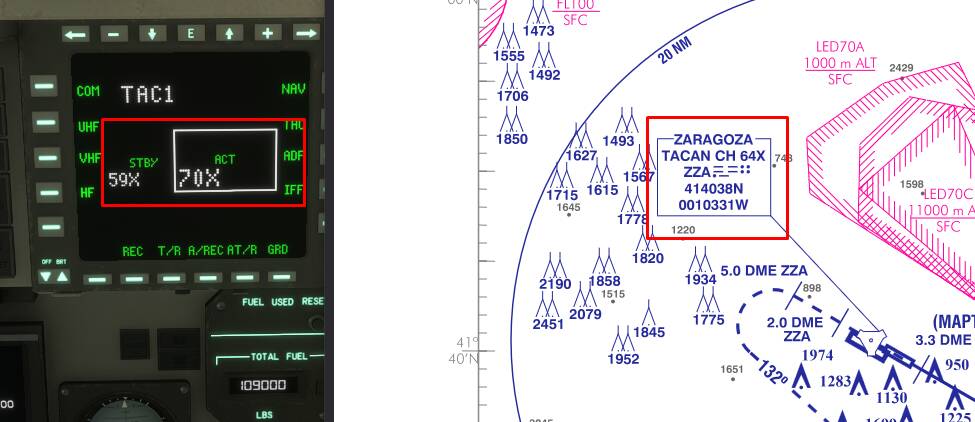
EDIT: Maybe is related with the fact that the TAC mode is inop so I can’t tune the course? It will be supported?
(by the way, yes I know I can tune the equivalent VOR freq if it lies in range of the VOR frequencies and the RMI points at the station, but the course selection to properly flight TACAN approaches would be nice. I think the Asobo F-18 Super Hornet have TACAN suppored)
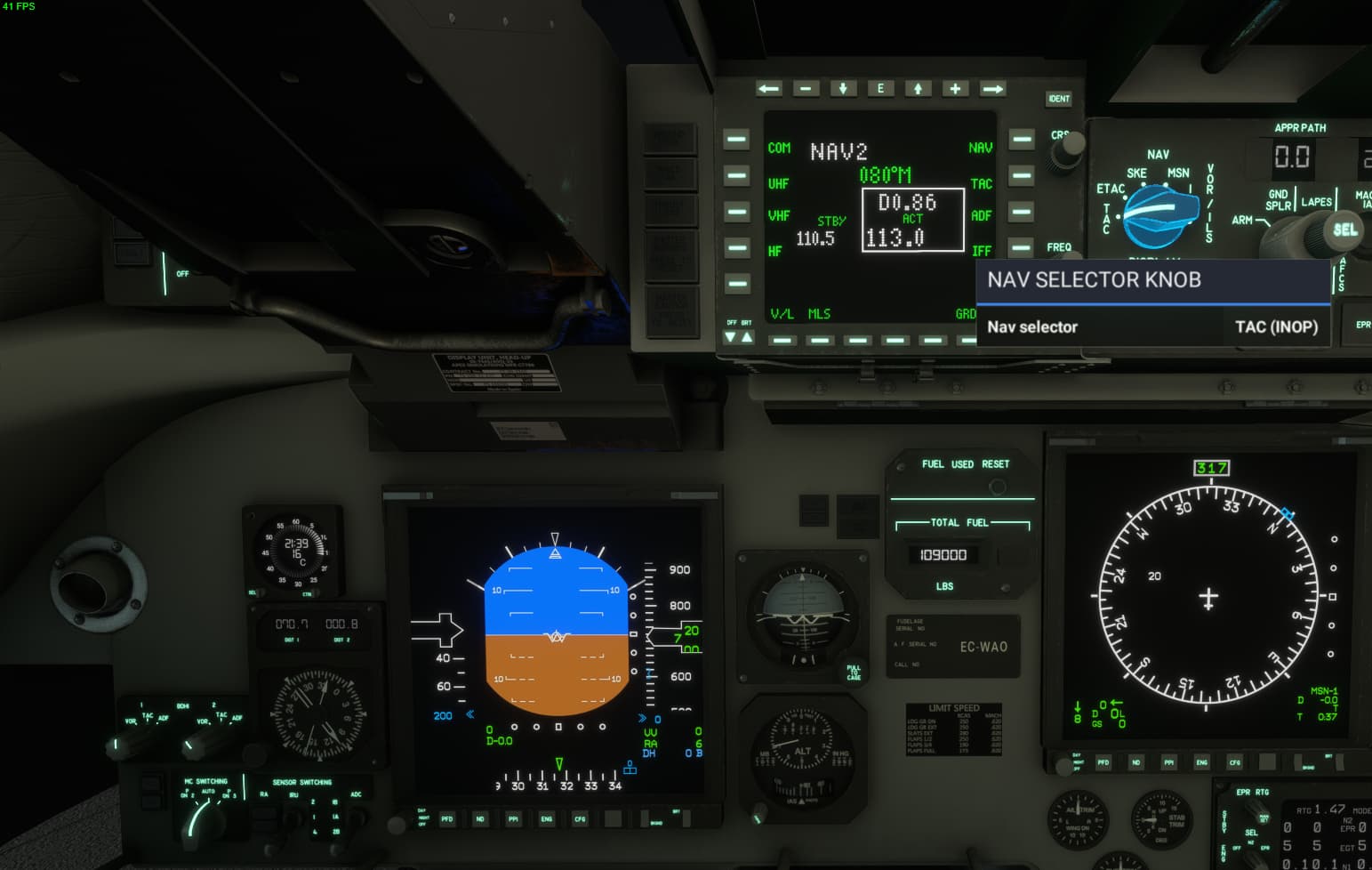
EDIT2: Just checked that on MSFS2020 F-18 Super Hornet (Asobo) the course selector works with TACAN on the HSI, but in MSFS2024 don’t.
YAAAAYYY!! I just found another regresion on the sim~~! 
1 Like
You mean chemtrail!
1 Like
Did this make it in the patch released today?
Waking up to great news!
The underlying MSFS Bug that resulted in very low FPS for Xbox users/Low FPS on Ultra Settings has been resolved (“Changed the CoherentGT frame distribution system and views refresh rate to better match MSFS (2020) behavior”)
From our testing, this has resulted in massive FPS improvements across any system configuration, and a smooth experience on Xbox.
Additionally, issues with effects (contrails) and sounds (warnings, alarms) detaching from their nodes as a result of a change of cameras have also been fixed.
Unfortunately, UPDATE 1 continues on the MS Testing Pipeline, and we have not been provided an ETA for its release. Due to the streaming infrastructure, aircraft updates won’t necessarily be tied to Sim Updates, so it should be made available as soon as it has cleared QA.
9 Likes
TAC is supported on the BDHI, not currently supported on ND. So TACAN navigation (as well as ADF) would require you to use the analog gauge.
Now, I found a bug here - for some reason the NAVCOM is limiting frequency ranges incorrectly, will push a fix on Update 2.
3 Likes
I am surprised there is a testing pipeline, seeing how many bugs there are in certain default aircraft (this one being the positive exception!)
Or are they just testing whether the plane loads up or not and call it a day?
2 Likes
Yep, confirming lot of bugs fixed
Model loads ok when seen on walkaround mode after entering-exit the plane
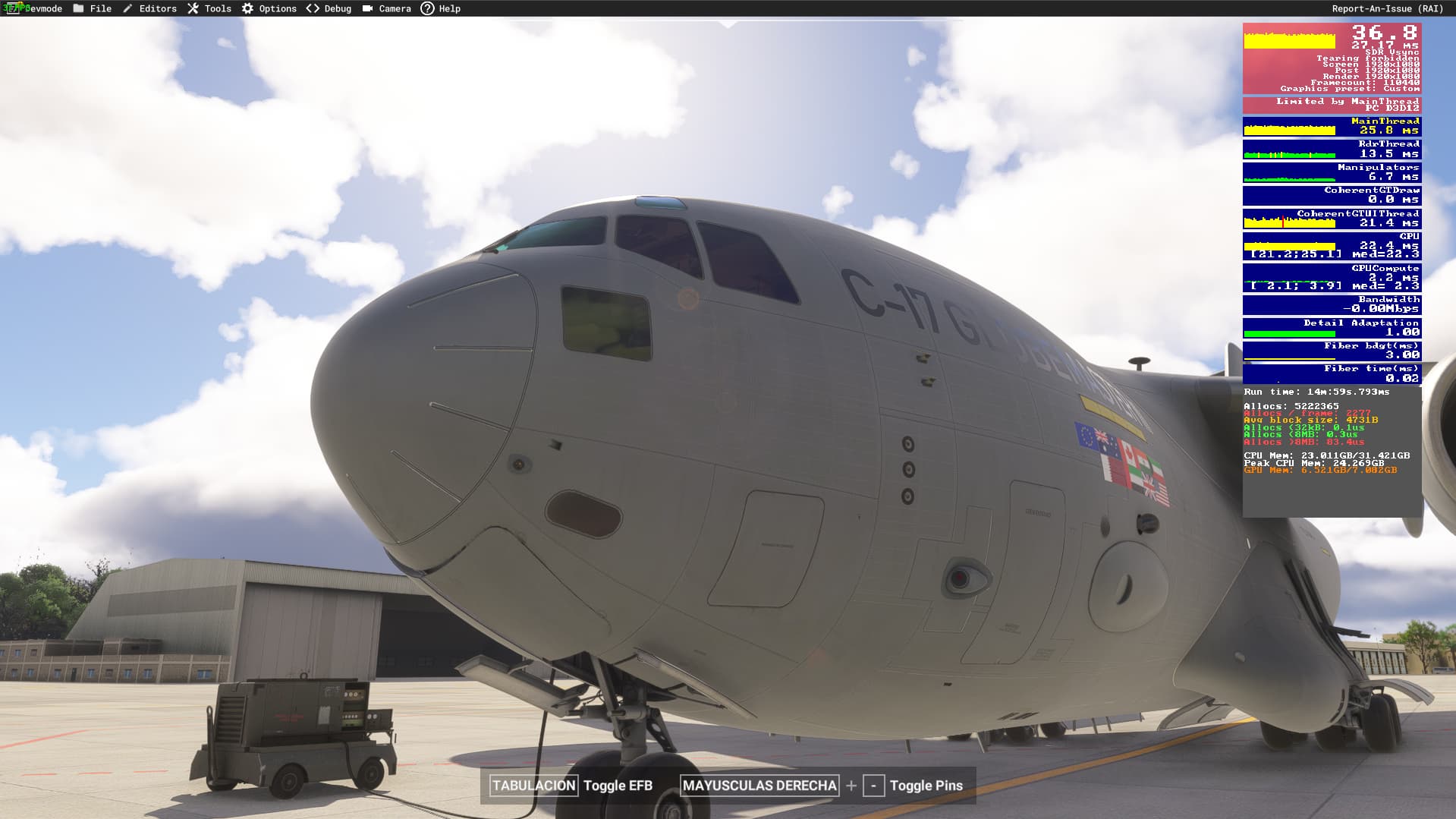
Maybe the front landing gear door should be fully closed? Idk xD
Look at the APU heat blur
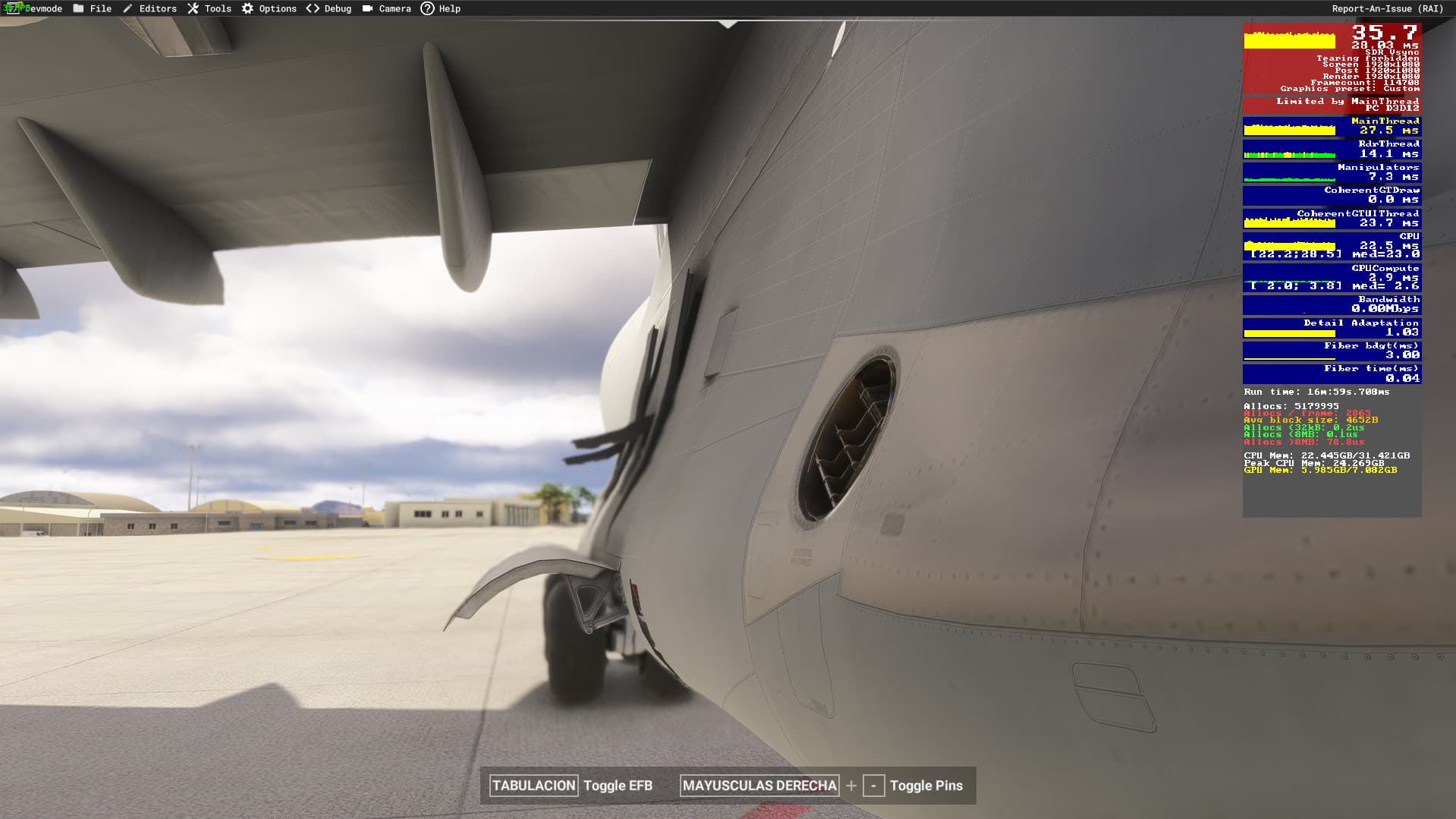
CoherentGTUI Thread is not dying now (glass cockpit refresh rate on medium). Still a little heavy but it’s understandable because this aircraft have a lot of screens
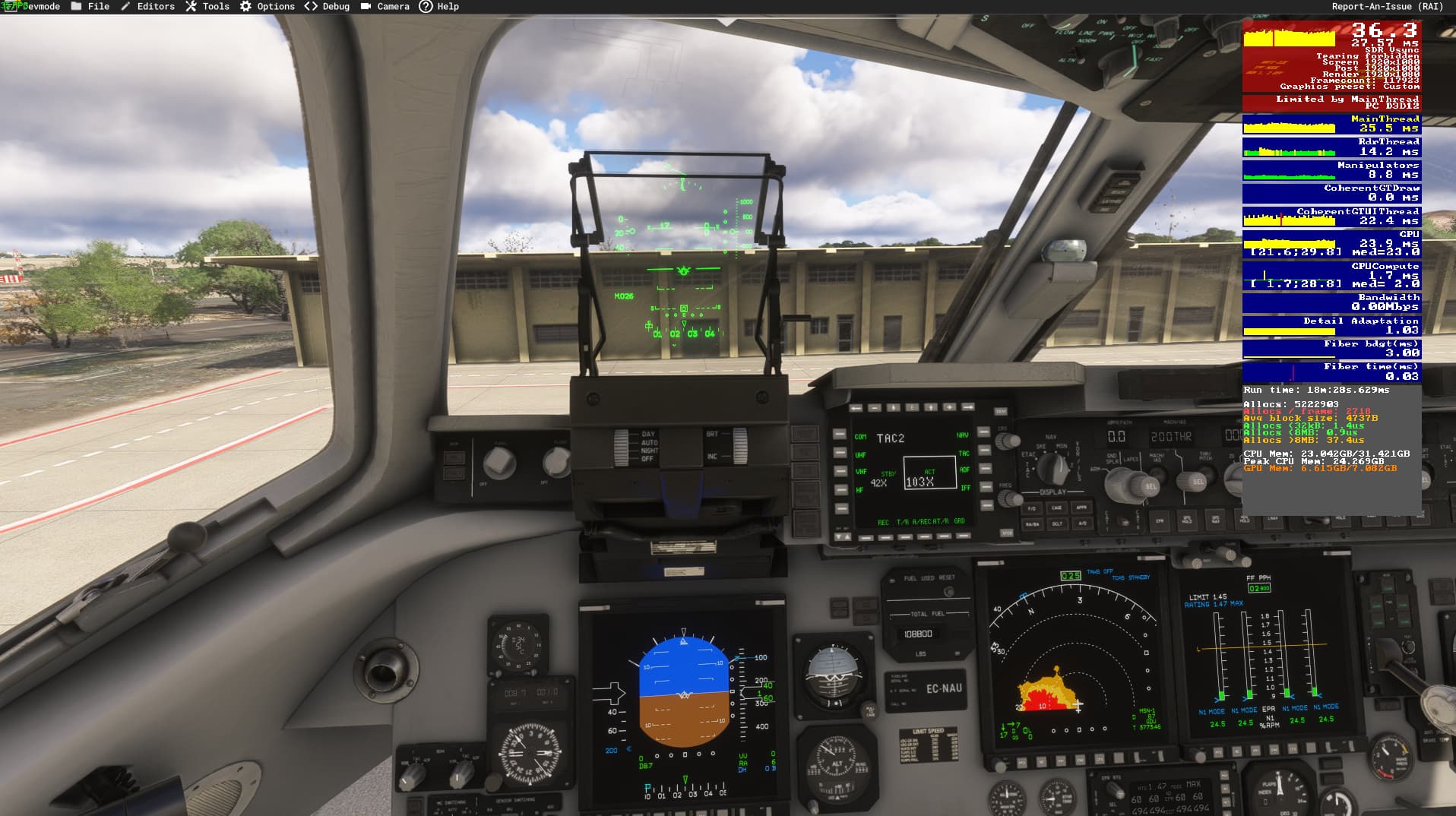
I have a ASUS ROG G513QR laptop with Nvidia 3070M and AMD Ryzen 7 5800H, upgraded with 32GB of RAM
Nice contrails
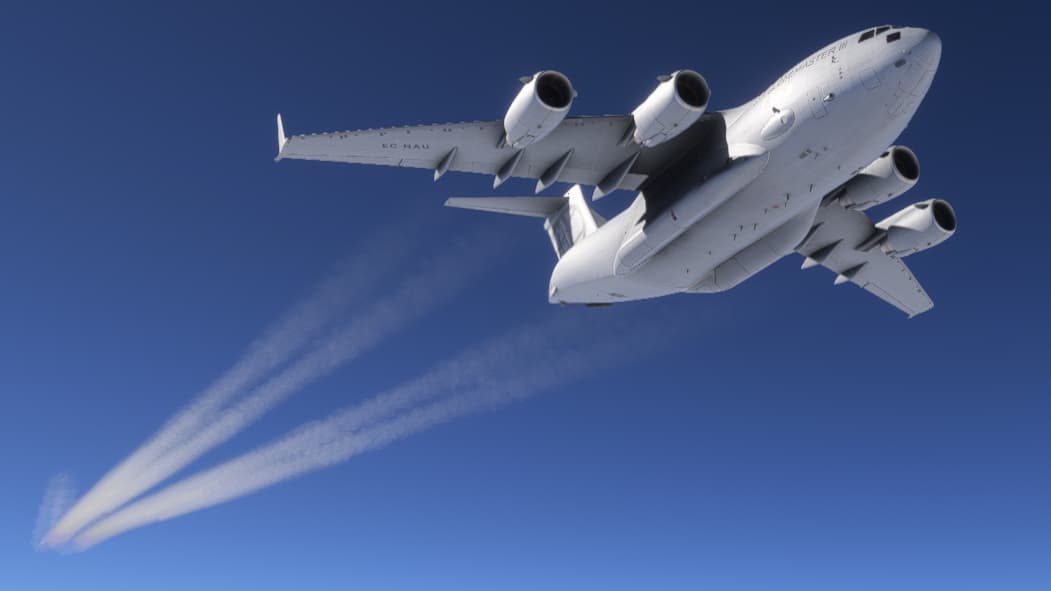
Sounds work fine…
I will do some flights when I have more time and post if I see anything strange with the performance
Thanks!
1 Like
Correct, all these were issues that had their origin in MSFS Bugs, all fixed on the massive SimUpdate we got last night 
4 Likes
I’m also surprised, and I’m surprised how slow this pipeline is given the rushed nature of the some of the default aircraft (like the half-working PC-24) — the update for the C-17 was submitted to MS almost three weeks ago but hasn’t made it through.
2 Likes
I’m getting this too, the aircraft specific EFB isn’t responding at all. I’ve got hydraulics all on, power all on, but can’t change the doors or payloads
Is this on Xbox?
We have received a couple reports of this issue on Series S. We are investigating, seems to be an Xbox interactions issue
1 Like
Sorry, yes, on Xbox Series X
Makes sense. Not a problem on PC, so definitely seems to be Xbox-related. May have to open a ticket to Asobo as we have limited access to Xbox testing.
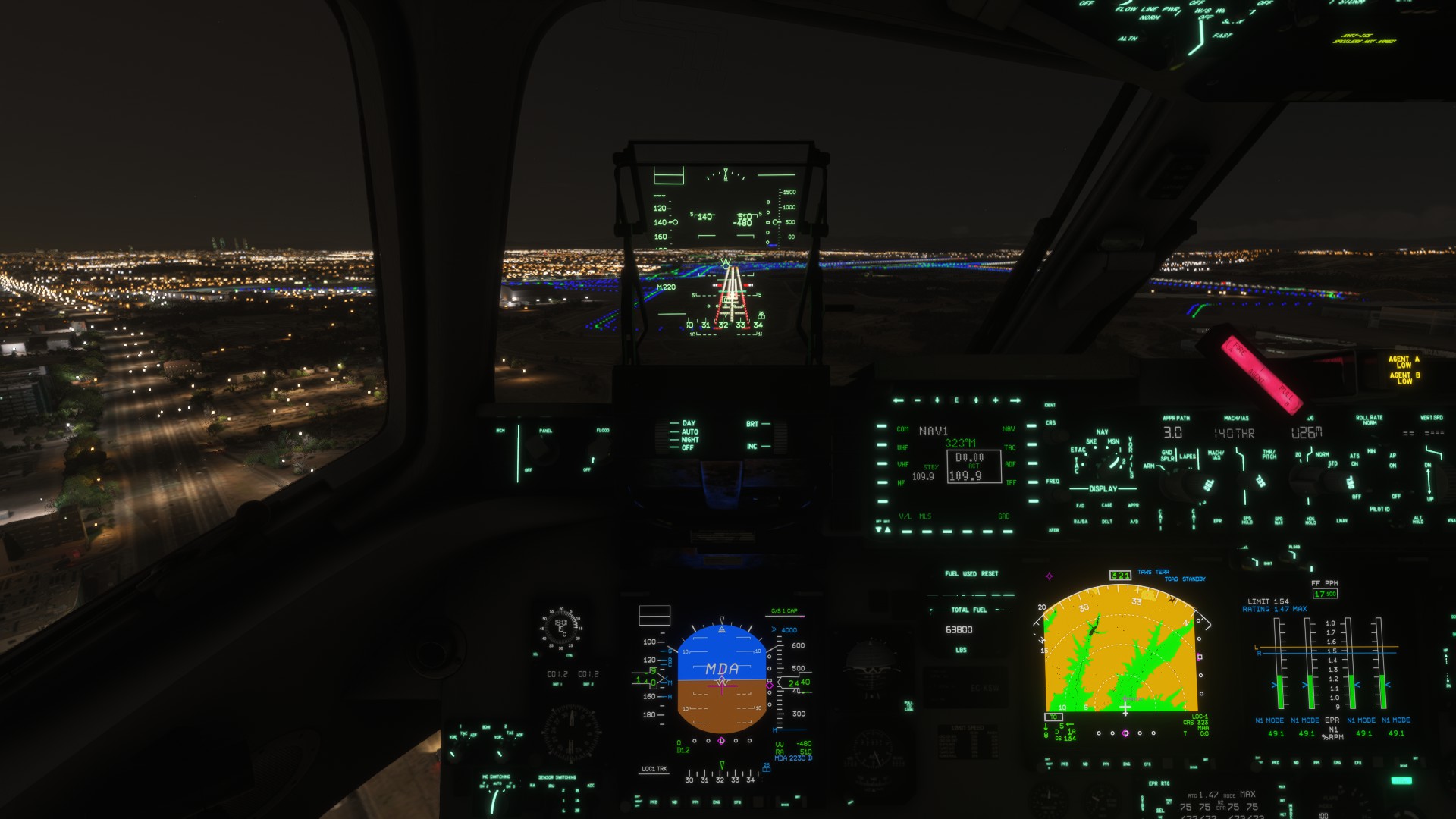
What flight path vector should I thrust? xD
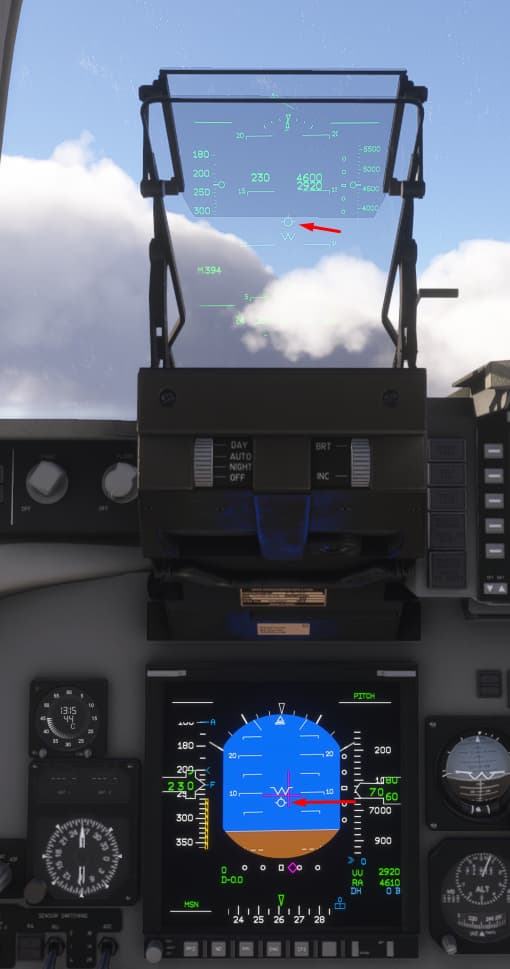
It seems that the representation is inverted on the HUD one
Also I think I found another bugs related with the position of the switches when loading the plane on cold&dark (things like the tooltip says it’s OFF but the animation says it’s ON so i have to reset it OFF and ON)
That’s… interesting. I have to review what’s going on. Both are using the exact same source, so it may be a projection issue.
As for the tooltips, you may disregard this. The switch position is the true position. Tooltips read the state from temporary variables that may not actually represent the state of the system/switch. Some of those initialize as NULL, and display as “.0”
2 Likes
Just opened a ticket now, thanks