So I think it’s a bug regarding the mountain altitude at takeoff and it tells the aircraft it’s at cruising altitude all ready from takeoff in the mountains even though I set the altimeter correctly
I’ve done with everything I can think of including going lower mixture riched
This is too fast. 120 to 140 is much more appropriate for a cruise climb speed.
2 Likes
Telluride is at 9,000 feet right? A 172 will require quite a bit of leaning to perform up there, no wonder it will struggle on climb out. I will have to test this out by flying the 404 and see how it behaves.
1 Like
So, I just flew the 404 (50% payload and fuel) out of KTEX to test out, I had to lean the mixture about 70% at that altitude, but she flew just fine. Climbed out comfortably at 130kts IAS, leveled out at 13,000 feet, returned to the airport and landed.
Whether or not it is accurate that the 404 require this much leaning I do not know, but it definitely works and it flies just fine.
3 Likes
There are earlier posts about this model, probably some time ago, that discuss turbocharging and mixture setting, and leaning issues. May be worthwhile for some to read up a ways?
If only there was a proper manual, does anyone have a poh or something? The checklist is a bit lacking..
I also discovered my connector wire is slightly bent on my saitek pro flight throttle (I have the old one) so my throttle went randomly at full power again (some flights I suffer from random disconnects with it results in low power)
The Cessna 172 was just for entertainment purposes 
1 Like
I knew it would struggle but i needed to test something I knew would fail first before I tried everything else with my throttles bent wire
Not a really good comparison. The Cessna 172 is naturally aspirated and the Cessna 404 is turbocharged. The Cessna 404 should in theory be able to hold it’s manifold pressure up to 16,000 and then it will start to drop off which is above the service ceiling of a Cessna 172 of 14,000 if I recall correctly. Past this and you’re not going to get any meaningful climb rate.
1 Like
I found that the b58 and the default Twin Diamond aircraft operated with no big issues and the 408 handled the take off with the king airs really well, I found the c90 was better than the 360 (I forgot all about to use the 185 sadly while testing and somehow used the c172)
Pardon my ignorance with this plane, but I can’t seem to get my HSI and actual heading to agree. Is there some calibration I need to do? Is gyro drift still a thing, and if so is there a way to reset?
Heading bug set at 129 degrees. HSI shows me heading about 50 degrees. Actual heading is 129 degrees as you can see on the GNS530. I’m in NAV mode heading to my next waypoint at 129 degrees.

Above the annunciator panel flip the switch to the slave position. Also twist the bottom left knob on the HSI to 129 degrees after it’s been slaved. Lastly while not really needed I suggest that you twist the bottom right knob to 129 as well. Do this after for each heading change.
I assume you mean these switches, correct? It is already in slave, and the switches are INOP so I can’t change them anyway.
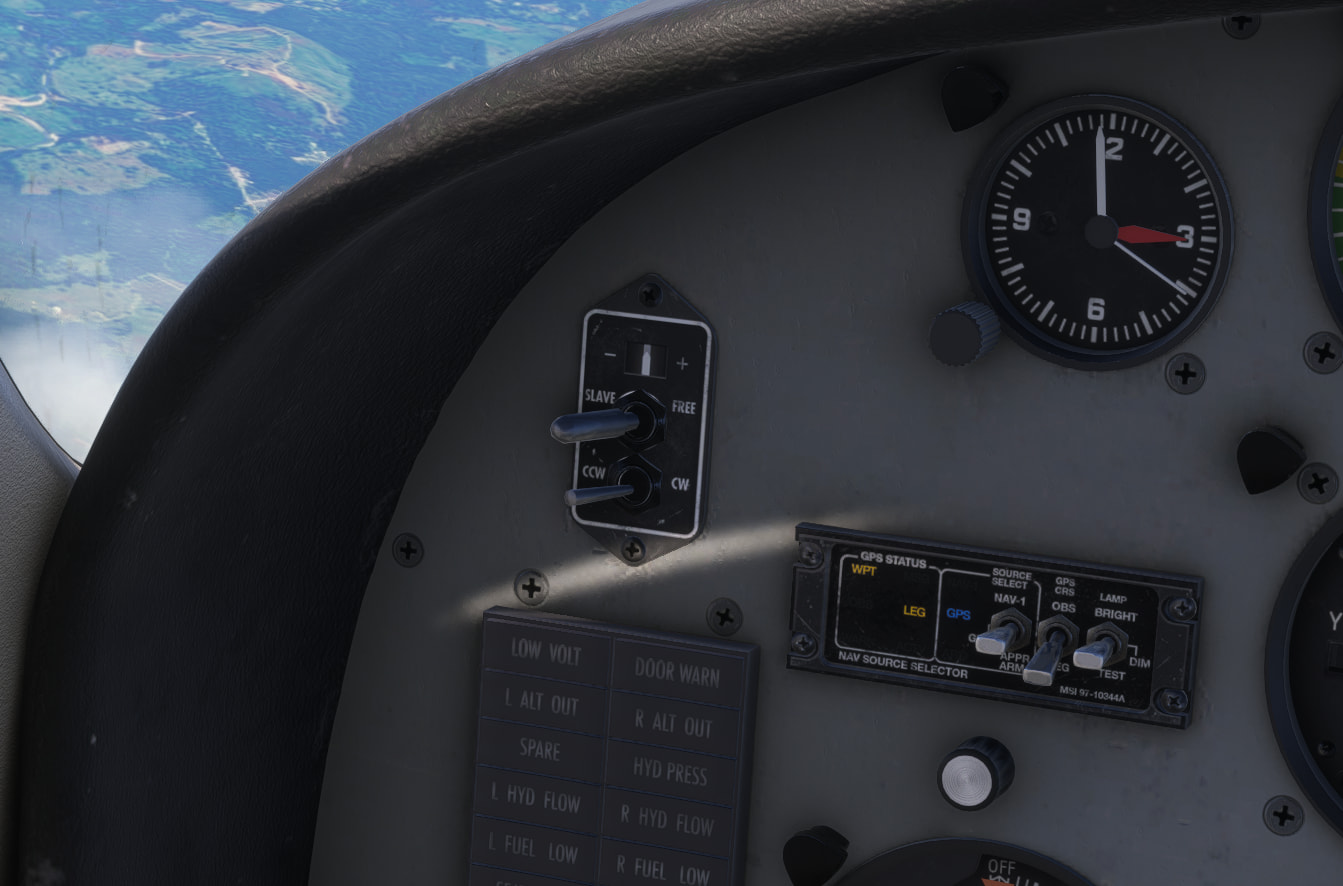
And yes, if you have the gyro drift option turned on in the realism settings, it’s a thing. As a pilot, I have a habit of checking the HSI to the compass every so often when in level, non-accelerating flight, and using the knob to adjust the HSI if necessary. There also used to be a keystroke to reset it (Ctrl-D in the old days I think. Or maybe it was just D). I don’t know what it is these days.
Here are my settings. I have drift compensation turned on, which according to the description, means I should not have to recalibrate, correct?
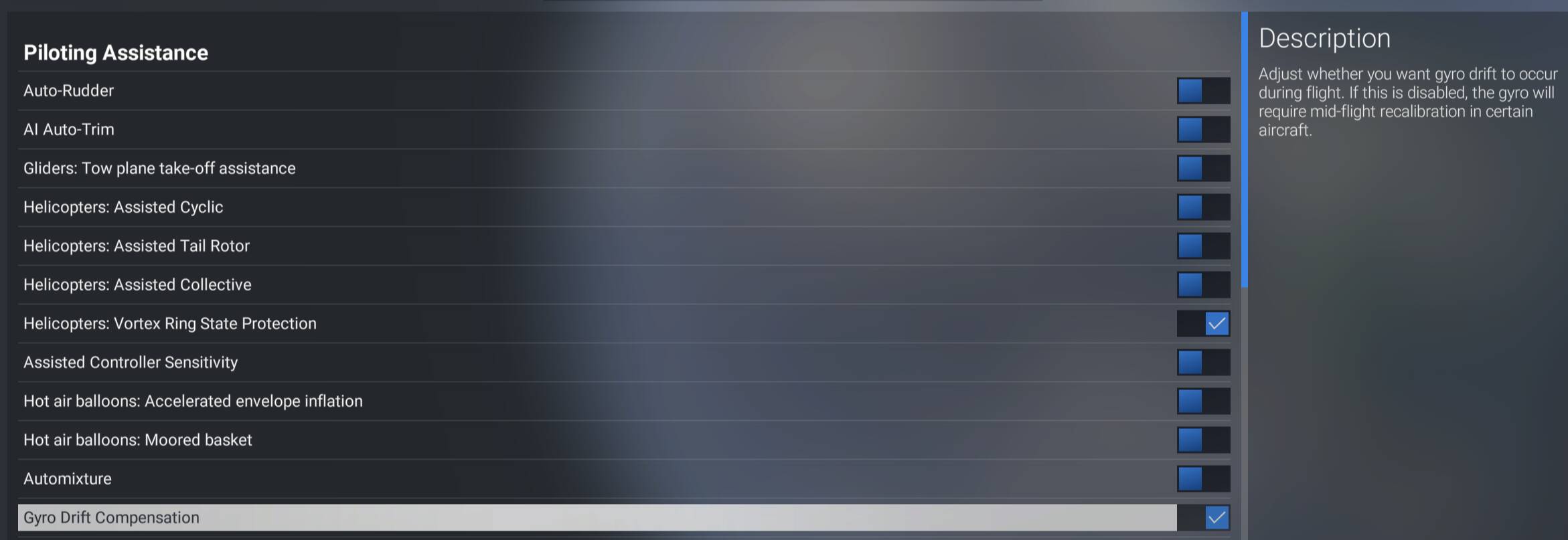
There doesn’t appear to be a knob in the Titan that works to adjust HSI, so that function is missing. However, I don’t think it should be off to begin with.
In 2020, I think it was “G” for gyro drift, but I can’t find anything like that in 2024. No settings in the 2024 transversal keyboard for gyro drift.
I think it might be tied to this bug I found, although I don’t recall using slew…
1 Like
You are correct
Interesting. I’ll have to check it out. It’s possible it’s self-adjusting. But I’ll take a look.
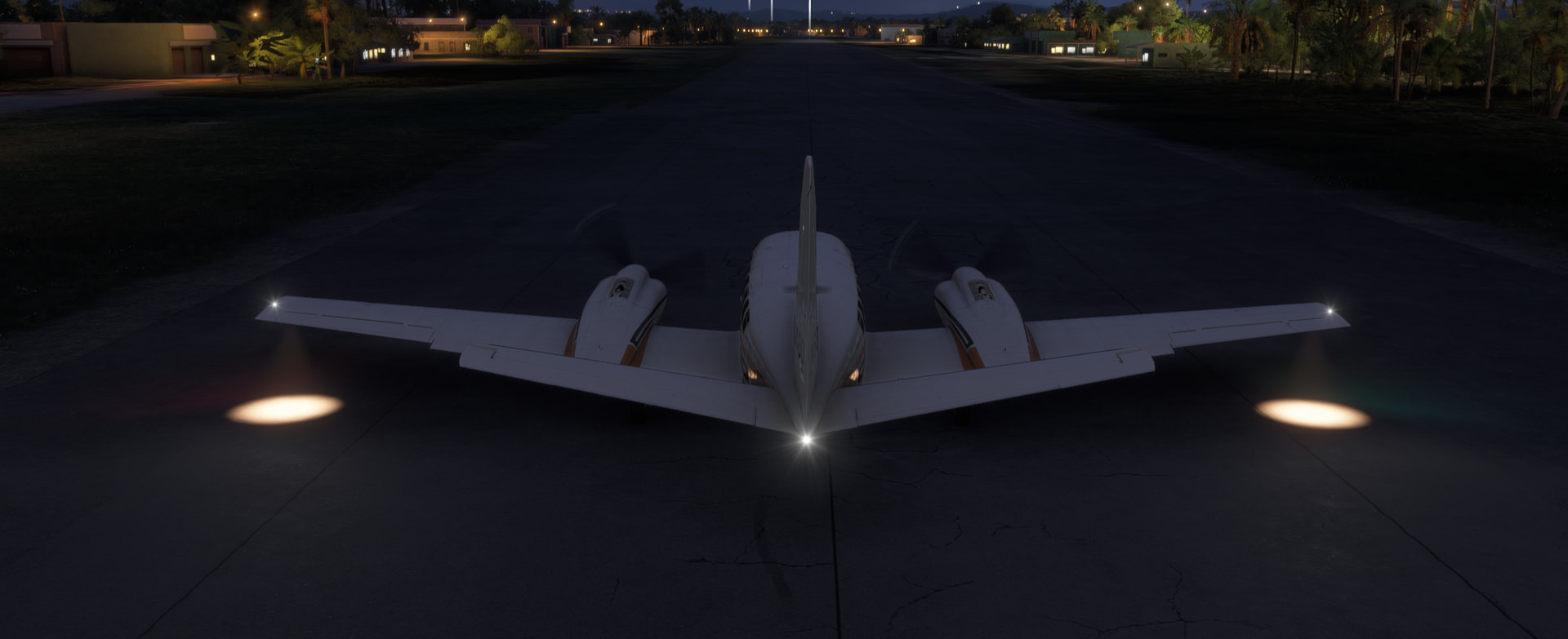
I also opened a bug for this landing light issue. I didn’t find one previously opened, which surprised me. I wonder if very few people fly this plane?
1 Like
The landing lights in the Titan are retractable, and are flush with the wing when retracted. It seems the animation to extend the lights is tied to the physical operation of the switch in the cockpit, rather than any landing lights event, hence the issue when using keybinds.
2 Likes