Please use this thread to provide general feedback and impressions about this aircraft in Microsoft Flight Simulator 2024. For all bug reports, please create a new topic (or upvote an existing topic) in the Bug Reporting Hub > Aircraft & Systems section of the forums. Please use the full bug report template when creating a new bug report.
On a scale of 1-10 (with 10 being best), how do you rate the Flight Model and Aircraft Systems?
1
2
3
4
5
6
7
8
9
10
0voters
On a scale of 1-10 (with 10 being best), how do you rate the Interior and Exterior Graphics?
1
2
3
4
5
6
7
8
9
10
0voters
On a scale of 1-10 (with 10 being best), how do you rate the Audio and Aircraft Sounds?
1
2
3
4
5
6
7
8
9
10
0voters
On a scale of 1-10 (with 10 being best), how do you rate your Overall Enjoyment of this aircraft?
Icon A5 bug list after just a few minutes of flight:
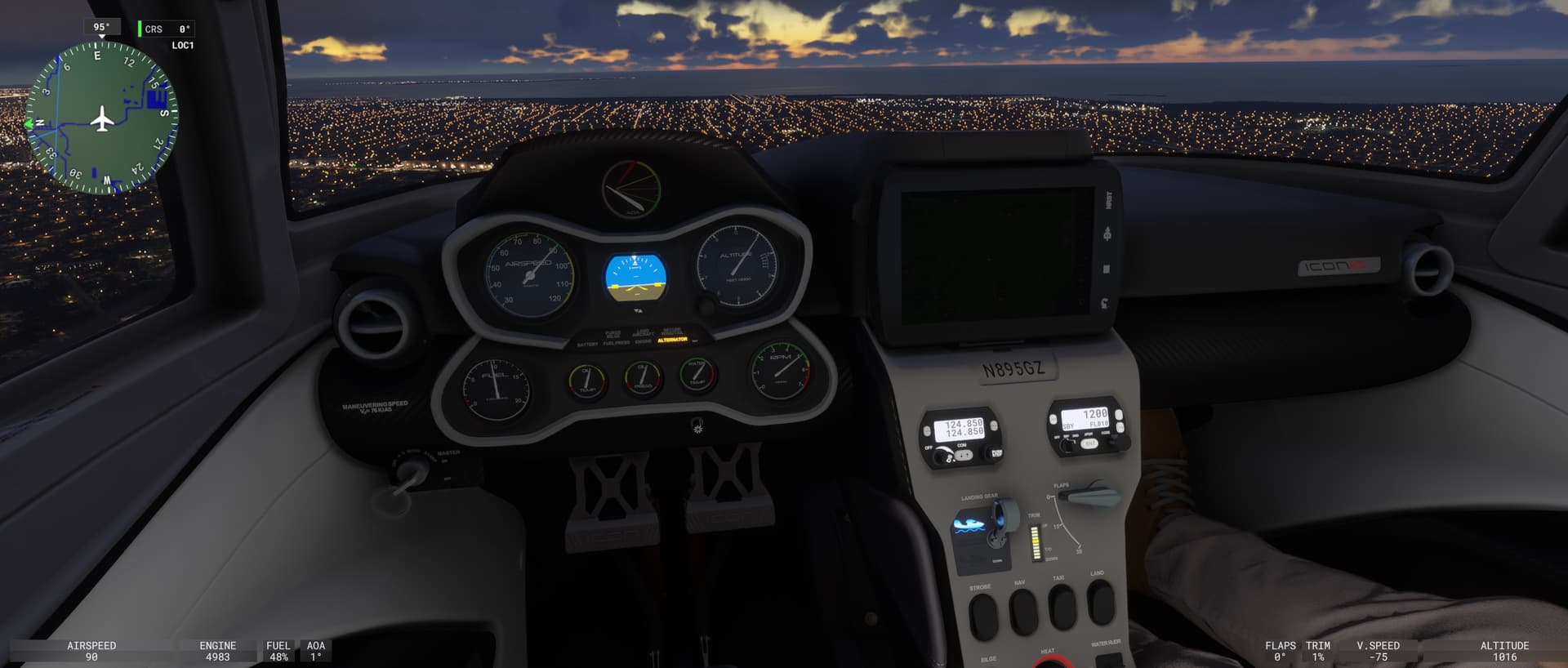
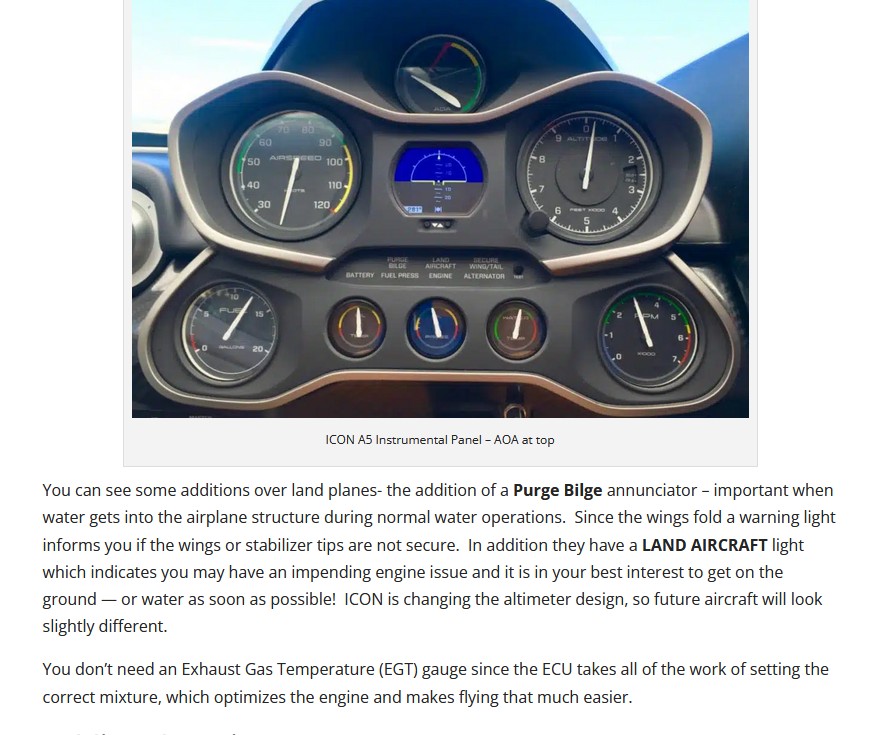
The “Alternator” amber message is constantly illuminated for seemingly no reason. Both cold & dark or spawning in the air.
The “Land aircraft” red warning is illuminated on the ground for no reason.
The “avionics brightness” knob doesn’t have any effect. The avionics screen has an automatic brightness regardless of where you turn the knob. Worse, in dark conditions the avionics screen becomes so faint it’s not readable anymore.
The “menu” button on the avionics doesn’t work.
External lights are not visible on the aircraft, only their projections on the ground. (Nav and strobe lights.)
The interior “cabin lights” are too bright at night when turned on. (This is a general MSFS 2024 issue, interior lights at night are extremely bright, this also makes glass cockpits unreadable at night, where applicable. Too much contrast.)
Lowering the water rudder on water has no effect. The aircraft is extremely hard to steer on water.
Direct-to functionality doesn’t work. When entering a waypoint name or ICAO code, the “duplicates found” message is constantly there but the system never offers duplicates after pressing Enter. Also, direct-to doesn’t work even if you clearly enter a correct airport code. The direct-to screen remains empty and you can’t activate anything.
Also noticed besides the Alternator light bug, that when I touch down even smoothly the “LAND AIRCRAFT” light is illuminated. Is this normal on ICON A5? I thought that this is an engine failure warning
So, With the SU4 update we are still having issues with the Instrument Dials lighting. The needles light, although a bit dim at full max intensity, But the dials are still dark. The other flaw, which could be major, is that the aircraft/engine cover is not visible and the engine can’t be start. I used a 3rd party walk around manager to remove it. (probably same for tie downs and probes/pins). After which the aircraft started just fine. Also, removing the aircraft tug might be good as where the aircraft in real life can’t use it. Other things that might be worth investing time on are as follows.
1). Working Bilge Switch with sound and animation.
2). Cockpit heat control knob.
3). Repaint Windscreen Frame, way to scratched up.
4). Animated Oil Dipstick after the engine cowl door opens
5). Animated fuel cap
6). Removable side windows.
7). Foldable wings
8). Ballistic Chute
Garmin G3X Touch with GMC 307 autopilot control head.