Also in VR depending on the wind direction and while stationary, the heat blur effect is in the cockpit if front of the pfd display
3 Likes
I used it in descent because the Vnav did not work as I intended so I switch to VS and it was off by more or less 2000 ft. So not super reliable I’m afraid.
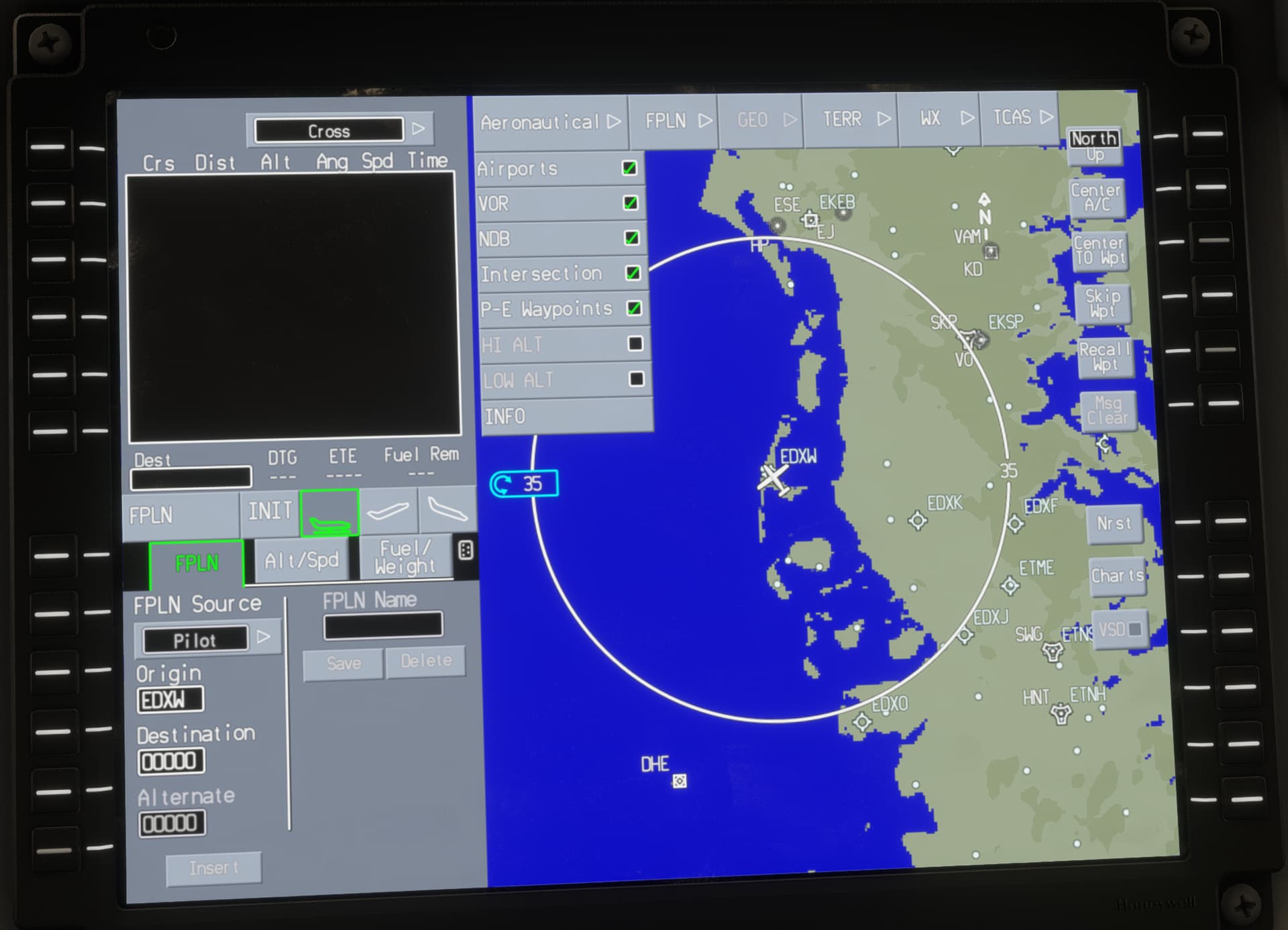
Very nice plane so far, a few bugs where fixed after the patch #3 update.
I got no issue with AP anymore, when extending Gear or Flaps.
Using modes HDG, NAV, VS, ALT, VNAV
AT I don’t care about it, just setting a specific torque for cruise and leave the throttle lever untouched until descend.
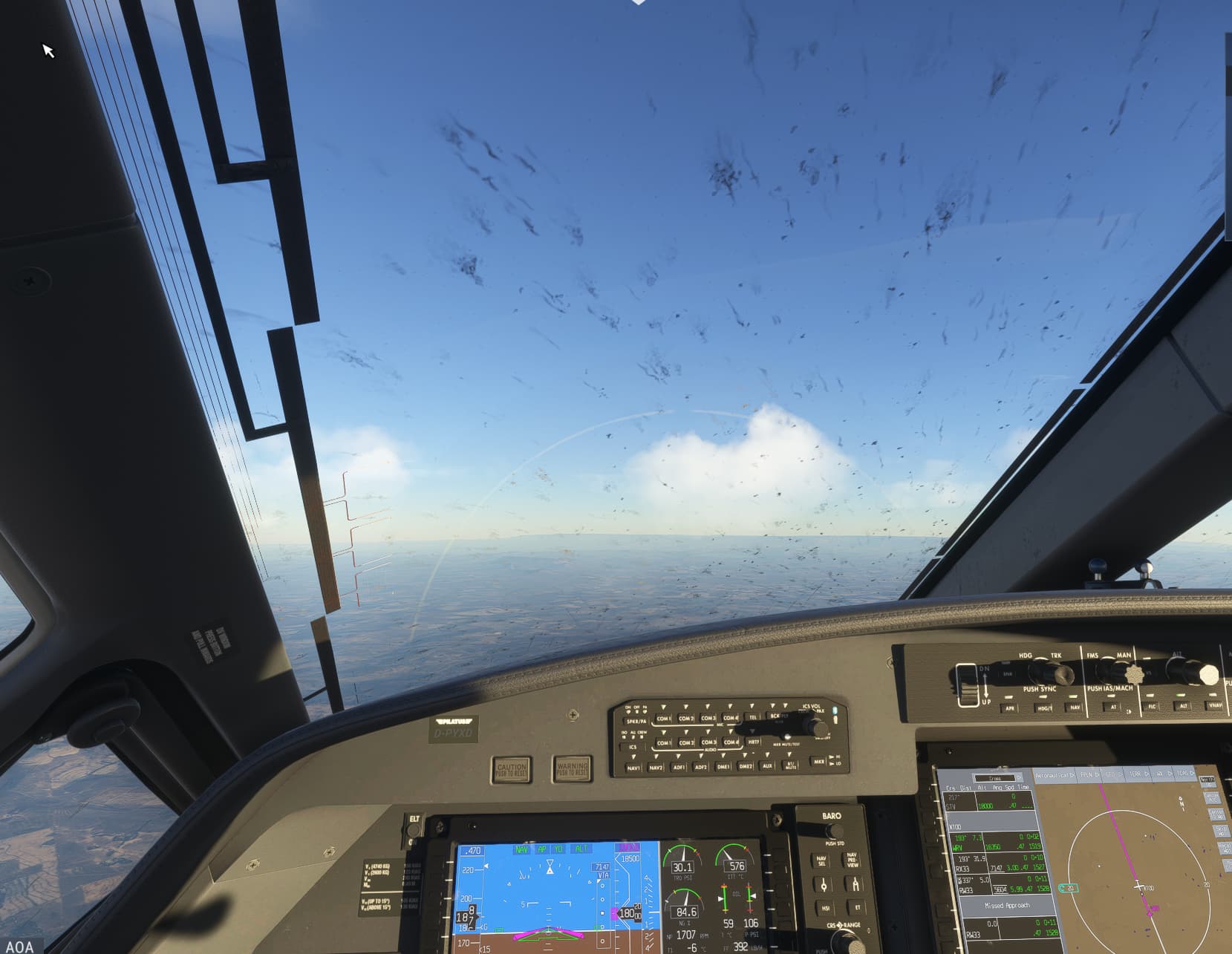
But about the bugs, did anyone notice that there are way to much building up on the windshield ? even if your’re just flying above FL100?
Oh and taxi on ground needs to be improved regarding beta range of prop
Yes, I noticed that too. After just one flight, all your planes look like they haven’t been washed in a year. The dirt buildup is far too fast and excessive, with no consideration for the surfaces you take off from or land on. Additionally, the region should be taken into account—operating in a desert should result in different effects compared to other environments.
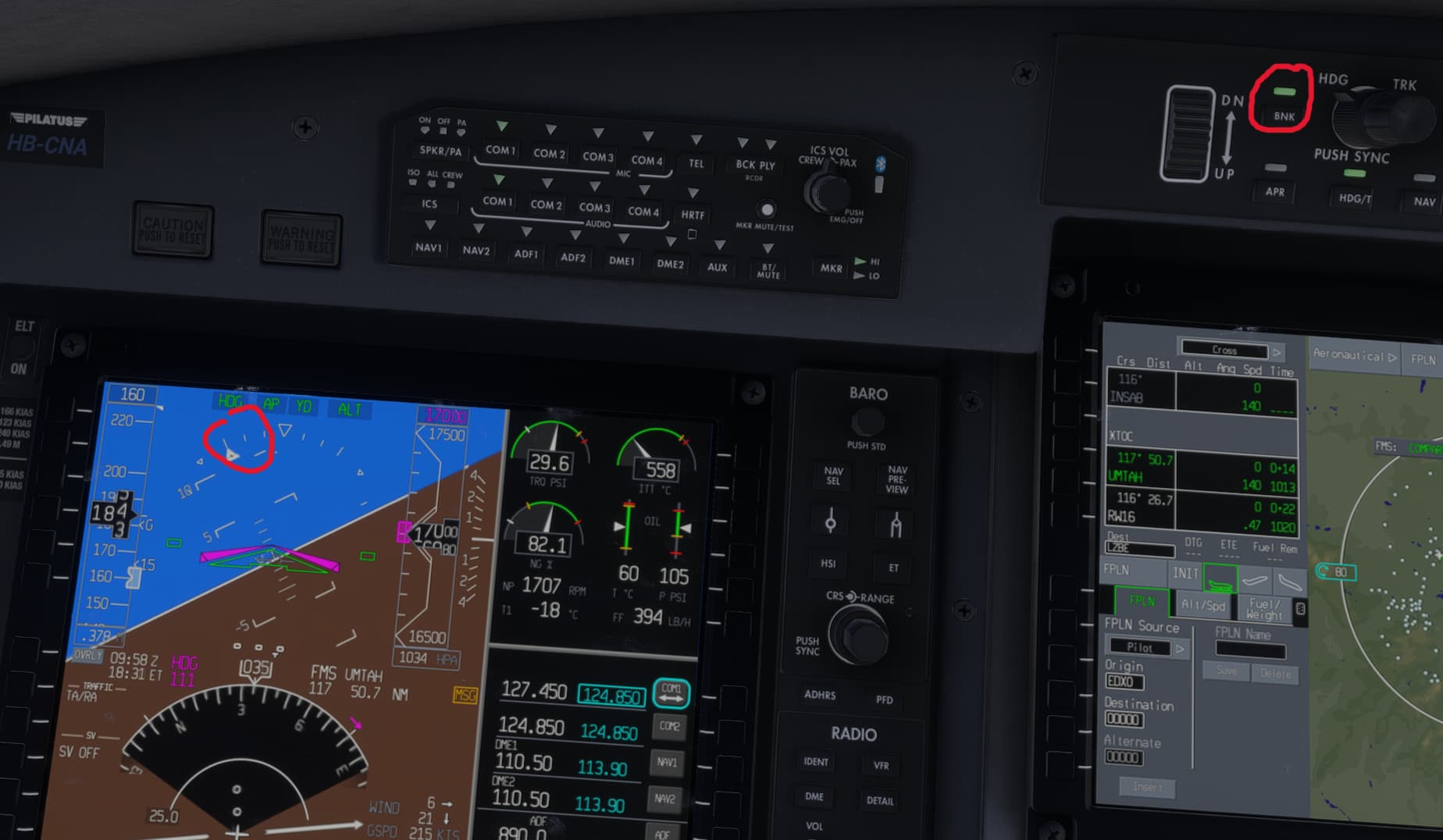
Something else I noted: The low bank mode is not working, a feature you especially need for air ambulance. Fine in the caravan, but not the PC-12.
Switched off, it is ok.
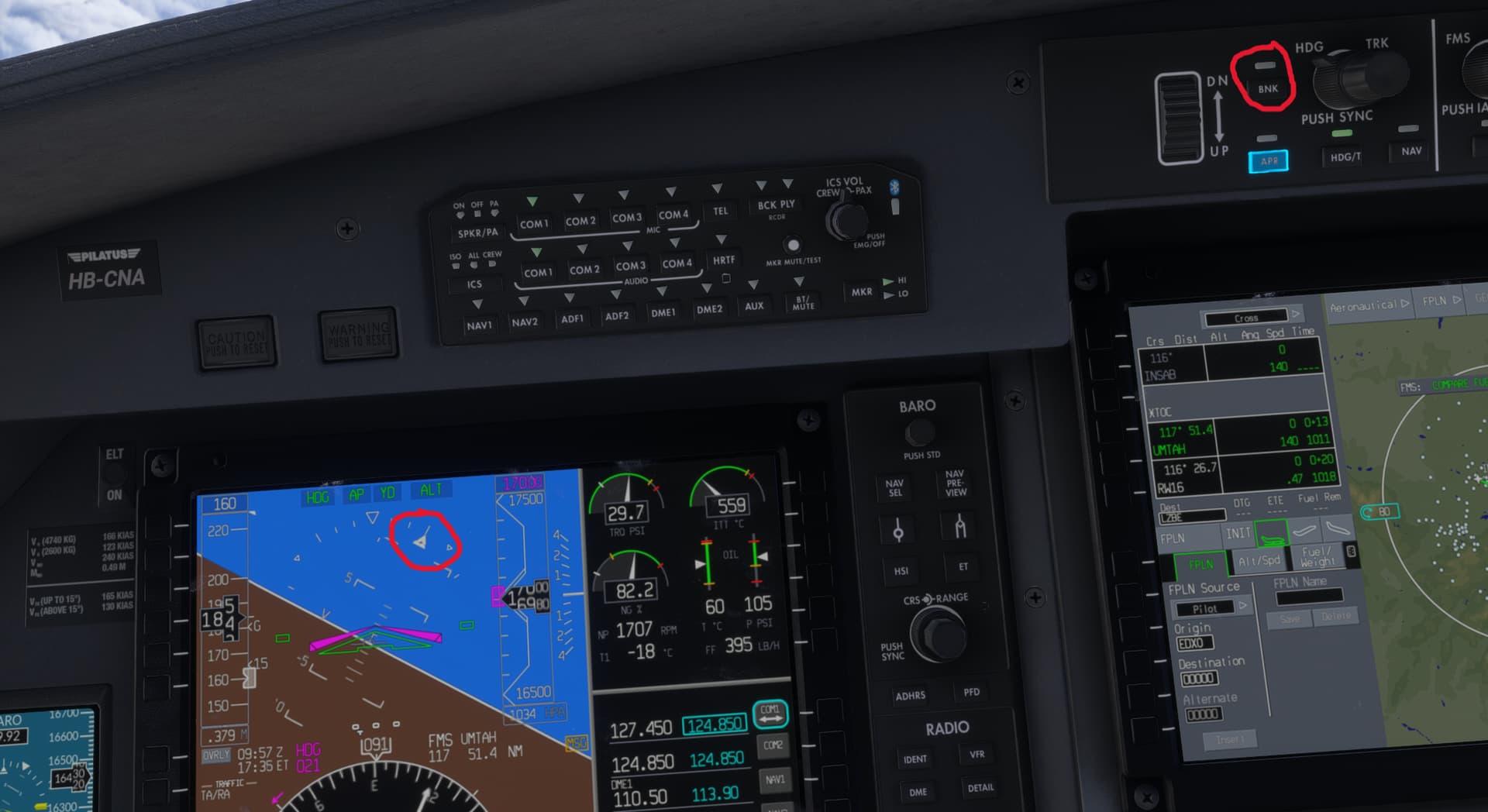
But switching it on, has no effect.
2 Likes
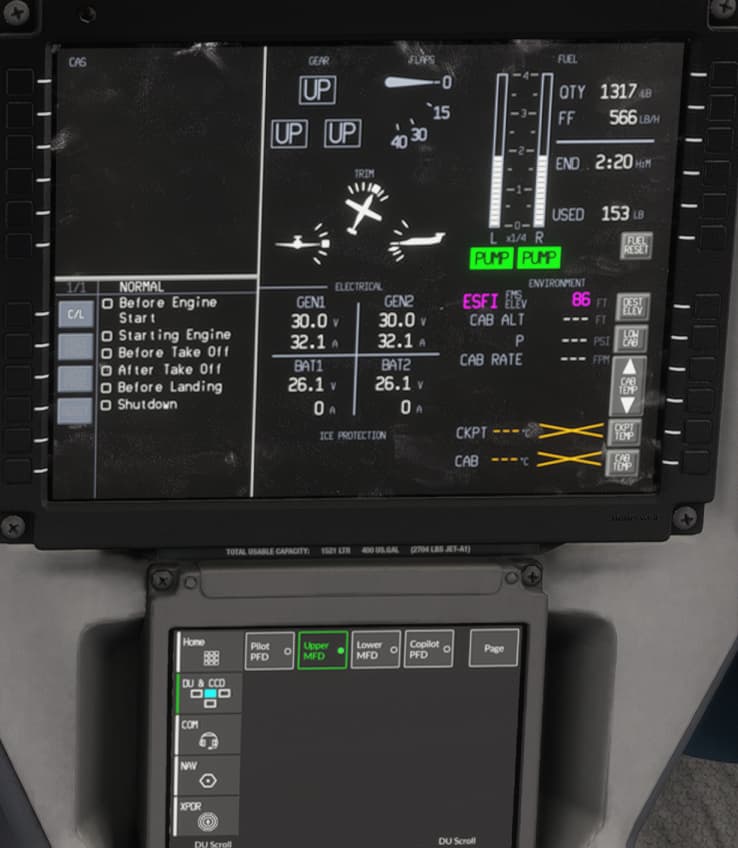
DU & CCD → Upper MFD (should be Lower MFD, but never mind) → Page → CKLST → Normal
now, to be fair, this only started working today for me, so maybe it a stealth fix in the last patch?
Yeah it was a stealth fix apparently. I noticed it last night as well.
Very nice that it’s in there now.
I still find many of the displays very hard to read in VR though. I don’t know why Honeywell made them have such low contrast. White text on grey? Really?
Have you tried to restart the misson within the misson so to speak, works for me when that happens.
Are these fields empty for anyone else even with a flight plan loaded?

They populate later in the flight for me.
I noticed this also on some flights.
I have been moving the plane 180 degrees and parking again, it would then shut down for me.
I think it has to do with the wind keeping the prop moving but I could be wrong on that.
Really enjoying my flights with this plane.
Raking in 1 million a flight in medium cargo also doesn’t hurt.
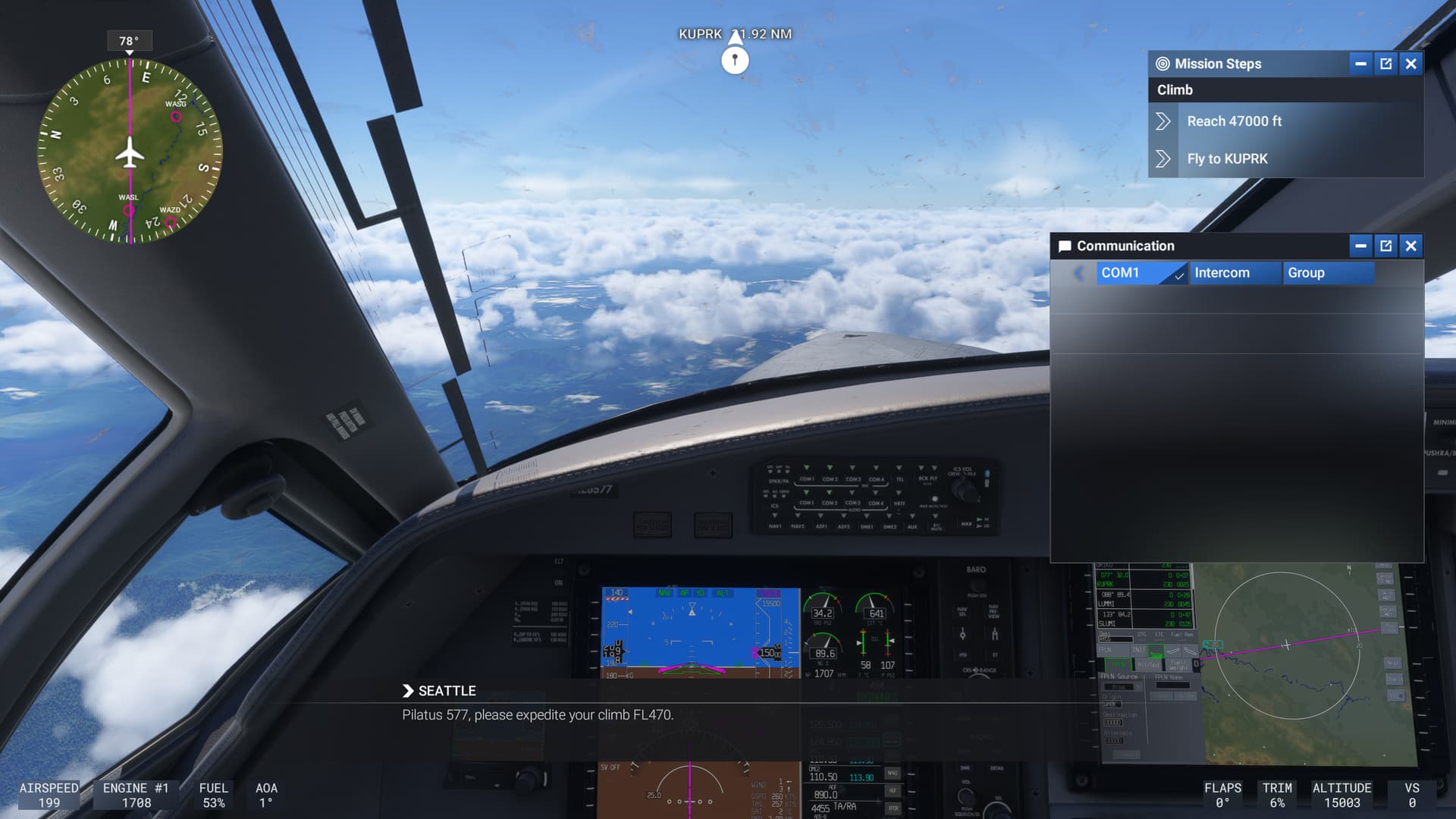
I’ve just got a new problem which I never had before: Communication window is empty. I’d like to request lower altitude but I can’t. Meanwhile everything is working and I can hear the ATC and I was communicating with them on the ground using default “Enter” command. What’s wrong now?
Is there a manual for this thing anywhere?
1 Like
The heat blur is really killing my use of this plane almost more than any of the other problems. It keeps intruding into the cockpit in VR and blocking my ability to see properly.
2 Likes
Have the same issue, as soon as you fly above transition altitude or FL180 and above. Stay below.
Does that also apply in places where the transition altitude is way less than 18,000ft? 
Sorry couldn’t resist. After a flight today, where ATC corrected my altitude over Europe and I had set STD, due to being at 12,000ft, it looks like MSFS ATC still thinks the whole world shares the 18,000ft transition level. Unbelievable really.
1 Like
Was the engine sound changed with the last update? I can now hear, in addition to the previous engine noise in the cockpit, a distinct propeller sound that I didn’t notice before. It sounds like the engine sound from the TBM 930 has been added in addition. Or am I just imagining it?
Can not shut down engine on a carrer mission… 
1 Like
This is happening on several planes, especially turboprops that feather on shutdown. Consensus is that the wind is keeping them spinning, and turning the plane can help.
1 Like
You rock, my friend.
1 Like