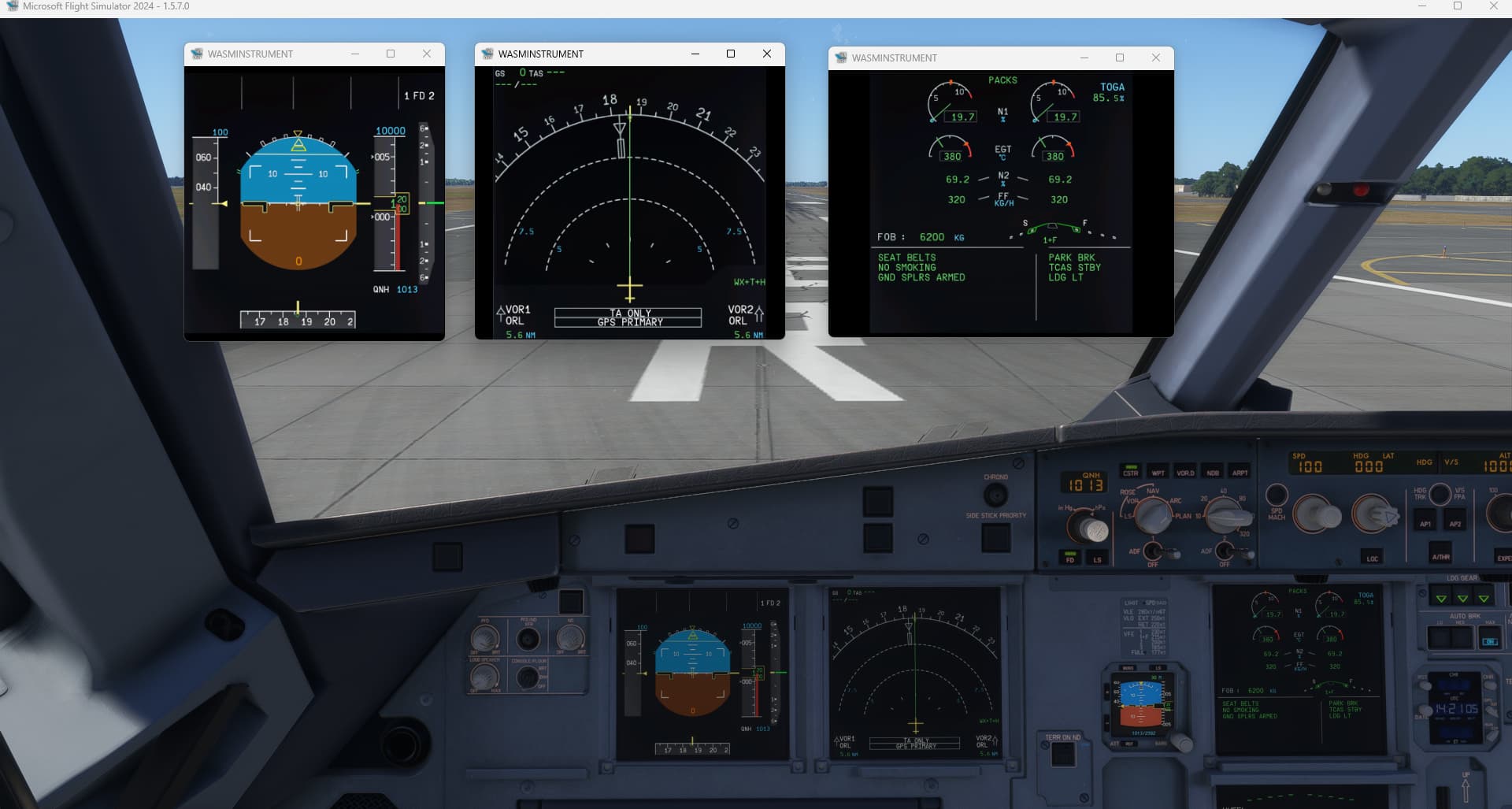
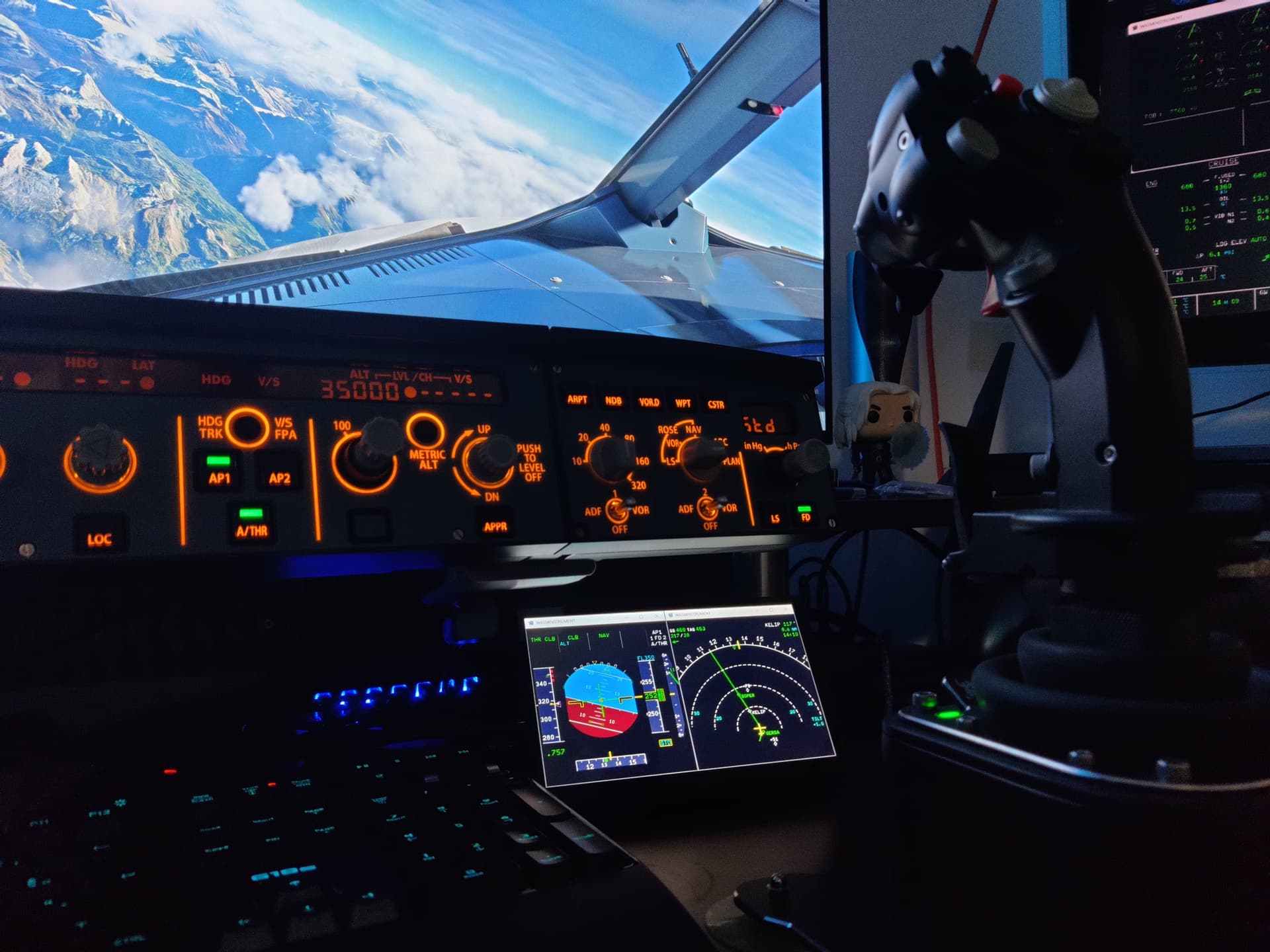
MSFS2024 SU3 1.5.7 Popout windows not working

Using the template below will greatly help the team reproduce the issue and ease the process of fixing it. Before posting, search for an existing report. If you are not sure it’s a bug, please first report in User Support Hub.

2 tags are required - add them in the tag section next to the title above:

Feel free to delete this quote section after adding your appropriate tags.


ISSUE DESCRIPTION

Description of the issue:
Pop Out RH ALT ENTER no longer works in 1.5.7

[PC Only] Did you remove all your community mods/add-ons? If yes, are you still experiencing the issue?
Yes - total clean community

FREQUENCY OF ISSUE

How often does this occur for you (Example: Just once, every time on sim load, intermittently)?
All the time

REPRODUCTION STEPS

Please list clear steps you took in order to help our test team reproduce the same issue:

  1. Start MSFS 2024
  2. Select aircraft, airport and gate
  3. Select Fly now
  4. Select window (MCDU) to pop out onto another screen using the default keyboard shortcut of RH Alt Enter

YOUR SETTINGS

If the issue still occurs with no mods and add-ons, please continue to report your issue. If not, please move this post to the User Support Hub.

What peripherals are you using, if relevant:
Standard Mouse and Keyboard
Other peripherals not relevant but they range from Honeycomb Yoke and or Quadrant, Logitech Radio Panel, Switch Panel,

[PC Only] Are you using Developer Mode or have you made any changes to it?
Same happens in Developer mode (Frame Counter) but no running in normal mode

[PC, MSFS 2020 Only] Are you using DX11 or DX12?

[PC Only] What GPU (Graphics Card) do you use?
RTX4090 and RTX4070 Ti Super

[PC Only] What other relevant PC specs can you share?
High End PC1
9800X3D, 64Gb DDR 5 RAM, Asus X670E motherboard Latest BIOS
Medium End PC2
7800X3Dm 64Gb DDR5 RAM, MSI 650 motherboard latest bios, RTX3060 12Gb cards

MEDIA

Please add a screenshot or video of the issue occurring.
I have an FCR Embedded recording but cannot find the file to upload it.

[END OF FIRST USER REPORT]


:loudspeaker: For anyone who wants to contribute on this issue, Click on the button below to use this template:

Do you have the same issue if you follow the OP’s steps to reproduce it?

Provide extra information to complete the original description of the issue:

If relevant, provide additional screenshots/video:

Which aircraft are you having an issue with ?.

Hello,
I have the same problem. When using the „pop out“ mod from flightsim.to, the PFD and ND of the Fenix Airbus don’t open a separate window which I normally move to a other screen.

I can see this issue here as well.
Hum, just got my 7" screen yesterday by the way, oh well.

What I found out, is if you can find a cockpit element that still work and see the “magnifying glass” mouse cursor (ie PFD or EWD in FBW A32x) and hold RIGHT-ALT until you hover over an element that don’t work anymore you can still got it to popout.
Otherwise yes, most of “popoutable” elements arent showing the magnifying glass anymore.

Best regards.

Do you have the same issue if you follow the OP’s steps to reproduce it?

Provide extra information to complete the original description of the issue:

If relevant, provide additional screenshots/video:
• 172, 320v2, Fenix 320 and probably all ofthers
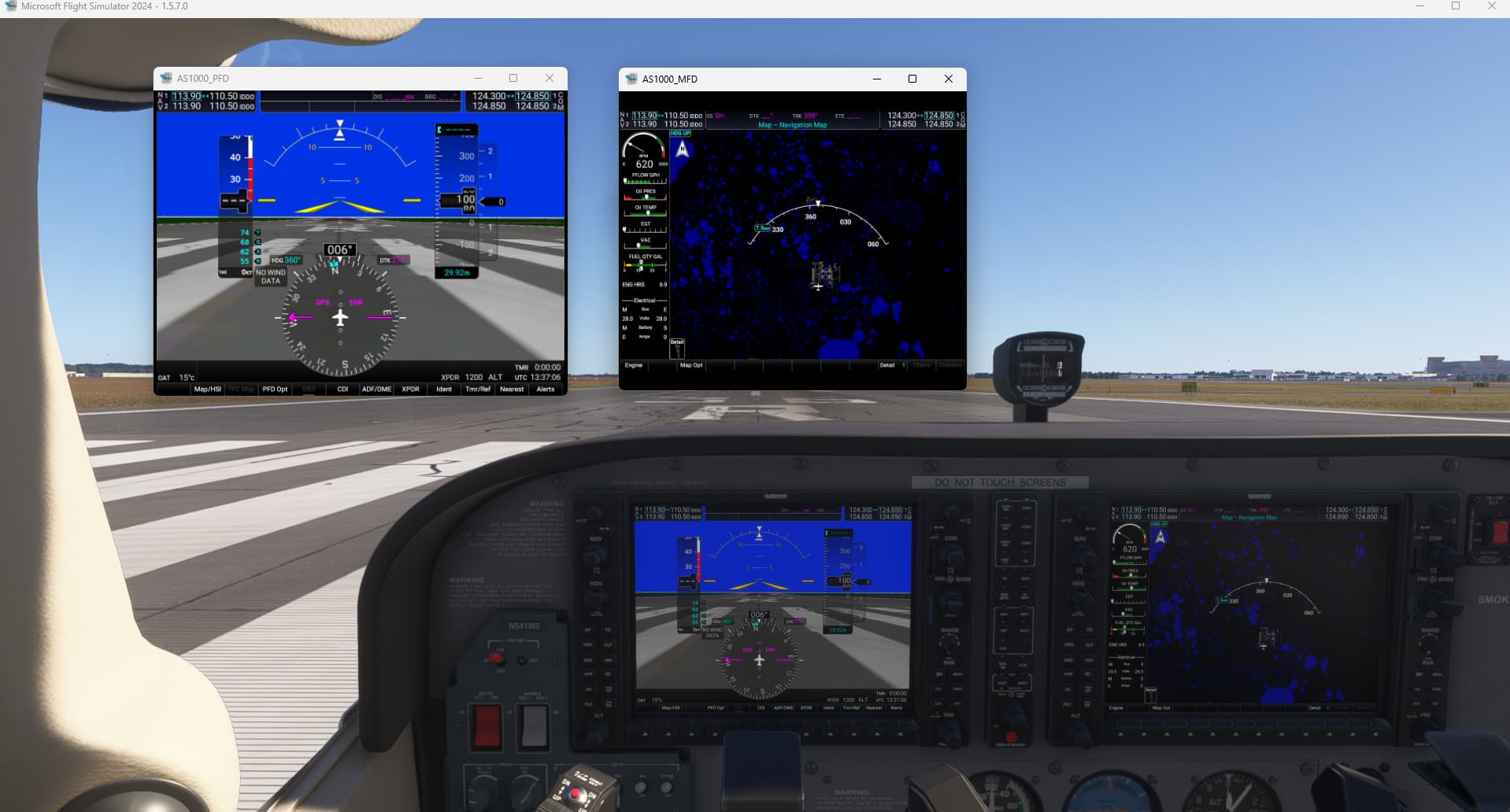
I sometimes get the correct maginifying cursor change when you hover over the window such as MCDU when using the key shortcut but other times not, anyway the popout doesnt occur, it worked fine on the previous beta and also on the release version of 2020

I have not tried the pop out mod or the Pop out manager that I have somewhere on my PC uninstalled. previous beta it worked fine. I need it to drag the MCDU pop out window to my Java Simulator MCDU hardware which has a separate display screen in it which W11 treats as another monitor

Ãlso is it me or poped out windows positions aren’t saved anymore ?
I sweared they did yesterday, now I have to reposition them every time.

It is still working but something has changed: if you move the mouse over the screen and click right Alt then nothing happens as it used to. You need to move the mouse pointer out of the screen you want to pop out, then click right Alt, keep pressing right Alt and move back your mouse pointer over the screen, the “+” will show up.

C172:


A320 v2:
1 Like

Same problem here, popouts totally broken. Also popout panel manager does not work anymore

The problem is with every aircarft

No problems before the BETA update

Have you tried the steps above ?

Yes, but normally you could popout easy by clicking the screen you want to popout

Now it is totally broken, there is no plus showing to popout the screens.
Only after trying really hard and in a really tiny space it sometimes works

Interesting, I could recreate your method of holding the RH ALT key down then moving the cursor over to the instrument you want to popout and yes it turns to the magnifying glass or + but is not consistent, I could get it to work in the Stock 172, 737 Max but not the A320v2 or A330 (no + at all) or A321 so it appears to be either specific to peoples configuration or something or just random.

Since i updated to SU3 Beta, POPOUT Manger don’t work and the ALT GR + Left mouse click do’n’t work too. Any solutions pls. Thanks

not working anymore :S

weird, I just tried again and workaround works for me

this is a known issue since the release, not SU3 related: Inibuilds A330 series screens don't pop out

workaround works for me:

It works for me now (A321 FSlabs) with this method so waiting for a fix.

1 Like

am back to non beta and working fine.

A post was merged into an existing topic: Leaving - This Beta is too Beta

RIGHT-ALT holding workaround is working fine here as well.
But windows definitely wont save display and positions, which is a little pain.

1 Like