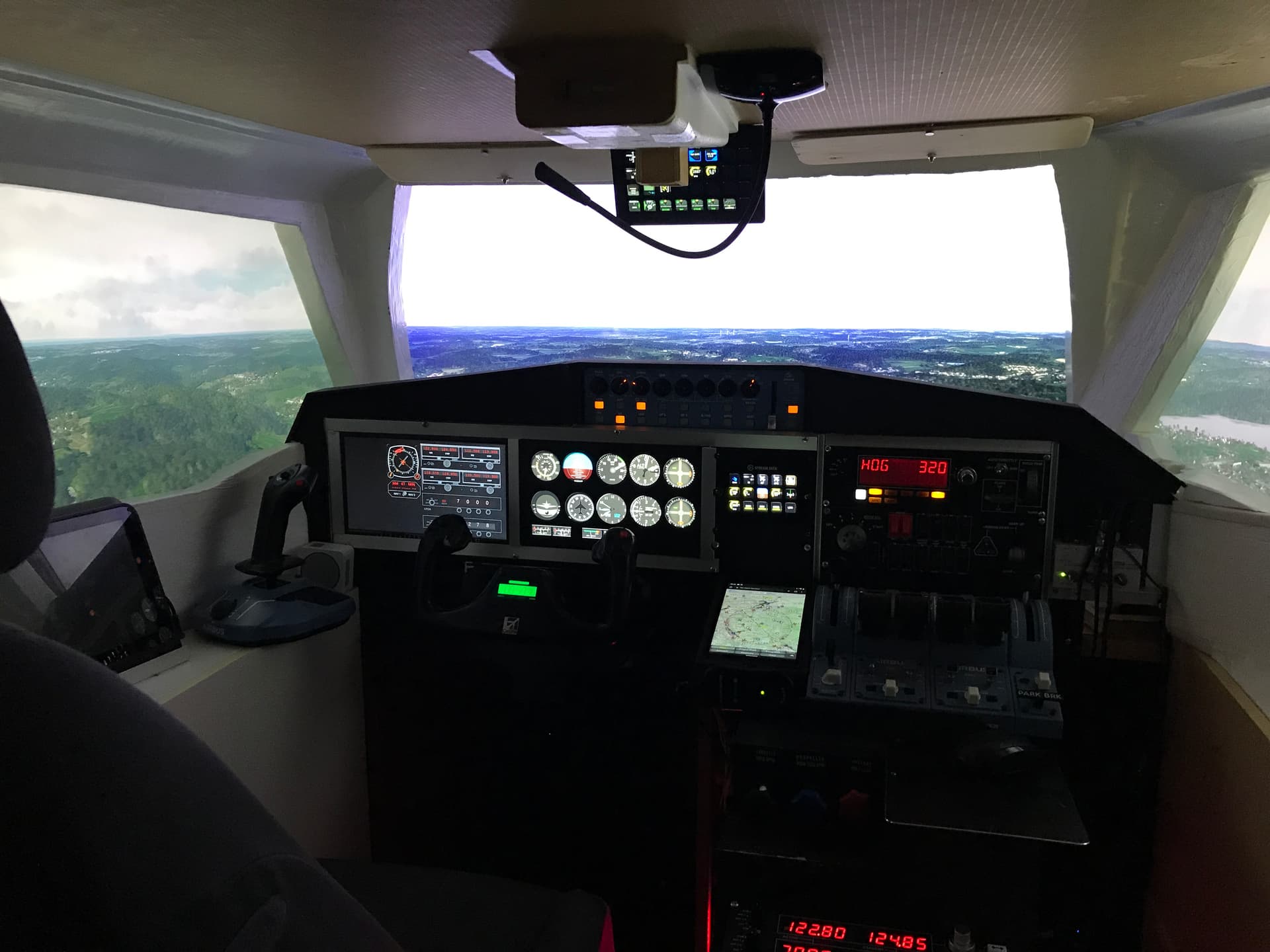
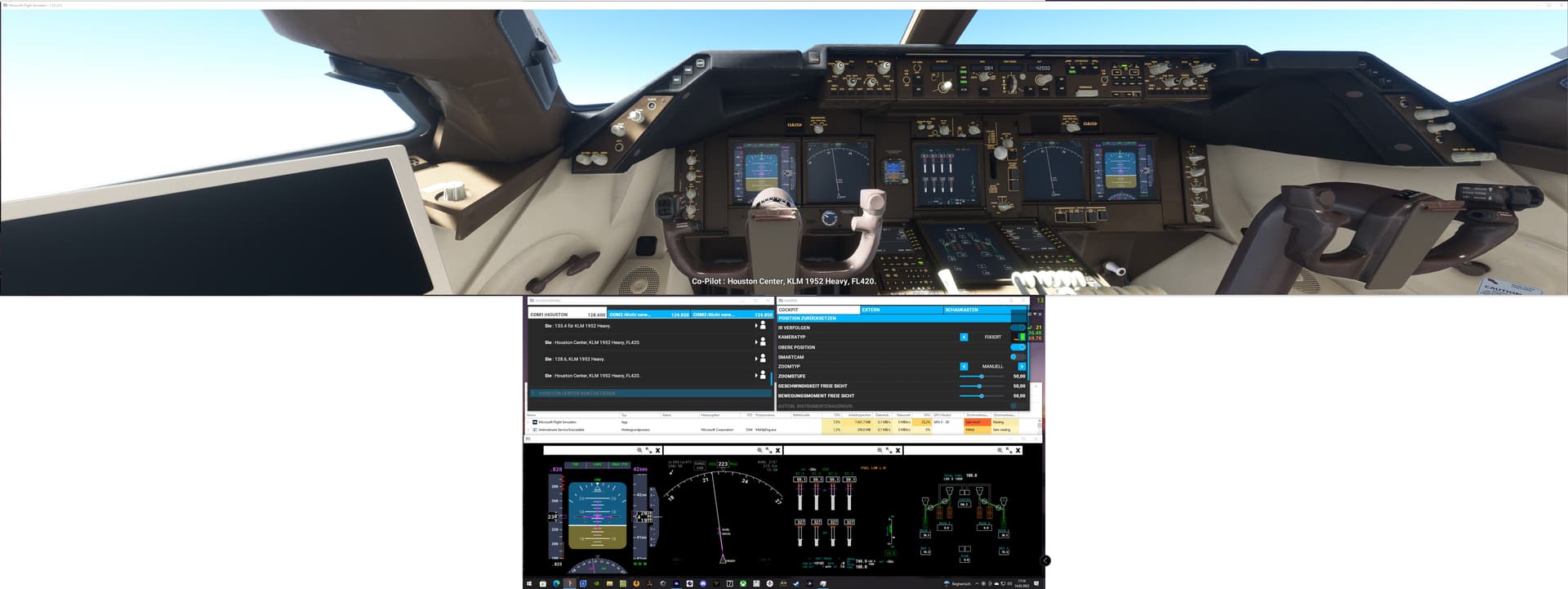
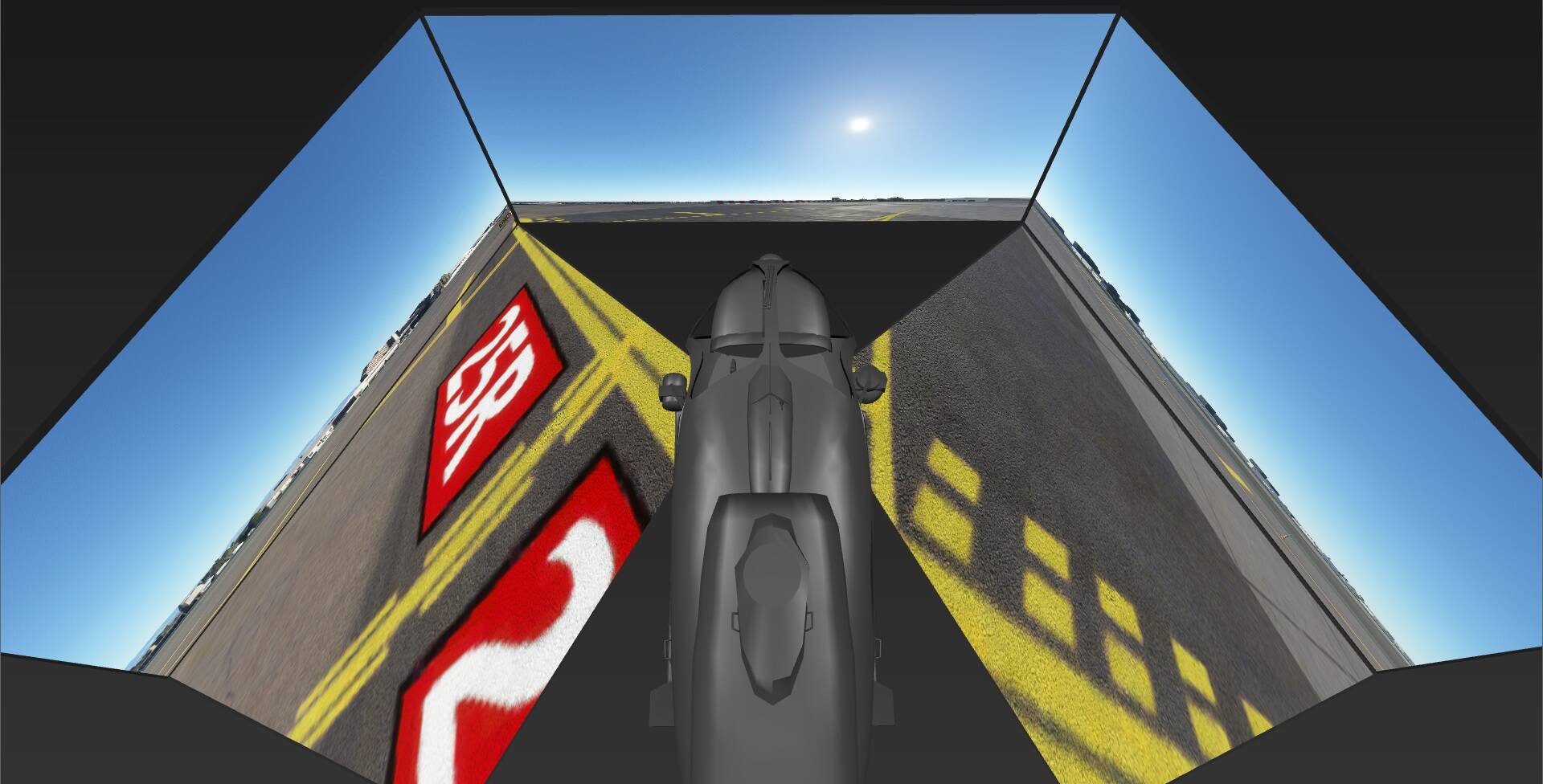
Recently set this up with three matching 50" 4k TV’s, looks great but…
Is it possible to get what i want? - I like/need to be able to see the dashboard, at least the main part of it - in the CJ4 this would be the full PFD/MFD screens, on the 172 it would be the full G1000 screen.
It works well in 1-screen where i had zoom set at about 10 but it appears in 3-screen you need zoom at about 50-60?? this looses all the instruments and i have nowhere and little desire to fit a home-cockpit etc as i change planes a lot.
If the zoom is not up around 50-60 then the views on the side screens cannot be aligned in any sort of sensible fashion.
If your ZOOM is too far out, your sides will never line up right.
I recommend trying to set your proper ZOOM / FOV , and from there, you can use the cockpit camera translate to “move your seat back” to try to get the views you are looking for.
My configuration includes an additional screen and TrackIR. The fittings are stored on the additional screen. Additionally I use the keyboard for Amatur 1-8 on the main screen.
Thanks but i’ve seen them all, they all seem to go for a home cockpit setup.
I was hoping to get the same view i had on a single monitor but with side views - it seems you cannot do this because of the high zoom factor needed to get the wrap-around working.
I love this sim but every time i try to get it that little bit better it bites me back
Seems the only option i have is to use TrackIR then
I did get one a few weeks back but not got used to using or tuning it fully yet.
I’ll get it going on the ew setup and see how it works - i can’t see how yet as the whole idea of a triple monitor setup is to have the side views permanently there - if you turn your head to look at them with a tracker on, the view will change???
Or do you tune TrackIR to only respond to head tilt (up/down) movement???
I have a different head tracker, but yes the view changes somewhat. Doesn’t improve the side view, just gives you a temporary increased view to the side rear. You can set that so it doesn’t move, at least I can. Your tracker should allow that. I just use mine to look down, the helicopter has panels and controls at knee level.
I share your frustration. I bought 2 new 32" 4K monitors for a triple screen layout and have spent hours trying to get them aligned so that I can still see the instruments with no success. Asobo should position this feature for cockpit builders only at this time since you really need to have your instruments displayed on separate monitors because you need to set zoom so high to get alignment (and not much of a view of the instruments or outside). I hope this is a priority for them to get this fixed/enhanced. It’s a great feature but really not usable for people who don’t want to build out a full cockpit
MSFS2020 True Multi-View is finally here. 100% geometrical correction and edge blending for Multi-PC (Single-View Per PC) and Single PC (Multi-Views Per PC) is available with the latest software releases of Immersive Display PRO v4.6.1 , Immersive LCD PRO v4.6.1 and Immersive Calibration PRO 5.1.1
The full MSFS2020 Multi-View Step by Step Guide can be found here:
Check out the 3x2 projector setup and 5 LCD Panels setup for one of the latest professional and certified helicopter simulator setups done with Fly Elise-ng Software.
This software is very confusing. Being trying to use it in trial to setup 2 tvs but the step by step guide is so so wrong! It’s the most unwelcoming software I have even encountered. I was willing to buy but….
I have explored 3 screen setup from an AMD 9800 3XD with RTX 5080 with 2020 and 2024. FPS were only reaching 25 tops with Settings reduced to the lowest to get stability along with a good fps.
Setup of the 3 screens was a bit hit and miss, especially 2024.
In the end I have gone back to 1 screen with 60-75 fps and Settings at High.
With what I’ve seen, read etc, it seems that Flight Sim has gone down a path of more a game console foundation than that of what enthusiasts who want to build on there idea of a cockpit of their choice.
It has been a journey to understand the type of hardware required to get a build that suits personal preferences.
I have 3 monitors, the 2 side monitors are at 2K, the main monitor is 4K, this is the compromise I make to keep settings high enough overall.
It pays to do a basic test with low resolution (try 2K), DLSS Performance and no frame gen or frame cap, and Graphics Preset Low - just for testing. You will of course want higher settings, but you want this test at low to see how it works.
Then change main screen to 4K (if you have 4K) and try that.
Then raise settings gradually to see what works. Take screen shots of the FPS overlay each test so you can compare the various statistics.
I have a 4K as central monitor with 2 HD (1080) as sides.
The other thought, is that I have a 4th from the GPU to show G1000 PFD Display.
Side Note:
After some time, putting back the 2 side HD screens as well as dumbing the 4 K central monitor down to 2560x 1440, I can get on average 30fps. This comes with some more compromising of Settings. Especially the Aspect Ratio, the cockpit is now quite stretched across the central screen.
The Sim to me seems okay with only 1 screen where there is room for overhead by the hardware. Hence the console analogy. It seems then you really need to invest a fortune to get a multiple screen functional.
The Experimental Screen setup, still leaves a lot to be desired.
I concur with @GimbalAxis. It’s worth a try. You have a far superior system than I, but I get a fixed 30 fps wth three monitors and I’m happy with MSFS 2024.