Oh believe me, I’m happy flying around in complex graphical areas at 30 FPS as long as things are generally smooth and don’t look like a slide show but there are people that, if they enable multiple monitors and see a significant drop in frame rates, will be blasting the developers for poor coding. I’ve read too many really nasty comments on here from people that have never had to code a line of code in their lives and seem to live in the world of first person shooters expecting miracles. Modern games have us all spoiled. This is not a modern game. It’s a complex entire world simulation and a ■■■■■■ fine one compared to some of the ones I’ve used in the past. I look forward to improvements each week but everything we ask for comes at a price.
It is practically impossible to download a minor chunk of data on demand whenever the pilots turn their head. There is a several second delay between the download request and getting the downloaded data preprocessed and ready to be rendered on a screen. Therefore MSFS utilizes a local temporary saving location (called a look-ahead cache) of multiple gigabytes to allow doing all this time consuming stuff ahead of time well before the data is even needed. Only moving your aircraft geographically a considerable distance triggers the downloading and preprocessing process, but it happens in the background and normally involves an area well beyond your viewing distance. Therefore merely turning your head or stretching your resolution is not related to MSFS’s client-server architecture in any way.
There is even a feature in MSFS where you can manually designate an area to be entirely downloaded on your harddrive for off-line use so that the sim never needs to go to the scenery servers to download additional data, provided you do not fly outside the area.
The fact that frame rates drop when panning is simply due to rendering inefficiencies, which is something Asobo is actively optimizing and has nothing to do with X-Plane and MSFS being “apples and oranges” to each other. But you are correct implying that until some performance optimizations are done, implementing multi-viewport functionality will end up in a sub-par experience.
Hi there fellowsimmers
I don’t know why you all scream for multiple screens. Why am i say this?
Because i want you all to consider before you scream and wish.
Thing is if you stretch youre view across multiple screens,
1st it stays two dimensional, and second the view is stretched and no more than that. And 3th you need minimal 3 same resolution, refreshrate screens
And all you get is stretched and overstressed computers and remember still 2 dimensional.
Now, i know that if you want a setup for multimonitor these are what you want
Each screen should be cappable to be set in, eg. frontview (stretched over 2 screens or 1 curved screen, plus 1 left frontscreen and 1 leftview screen.
On the other side from the front view, u need 1 frontview rightscreen and 1 right screen, this provide the angle of realistic 3 dimensional view because the effect is around you, then you be in the center of your sim.
But you also want your panels virtual be there, so more screens are needed.
I think minimum 3 up to 4 more ( touch)screans. And the money count continues, don’t be discouraged as you will want to build it up Piece by piece.
This requires multiple monsters of computers for i recommend 2 screens max per computer. If more per computer while drammatically reduce your performance. Keep in mind that you have to view in windowed mode to get them undocked and relocate on different screen if decided to use less computers. You also need multiple copies of Windows 10, and msfs, as well as you must from wideview to connect all together in the network as each computer need one.
Also keep in mind that Windows 10 does not last forever and it heavilly depends on internet updates, but it will probably live with no support.
These are main things that i feel the need to support in youre needs.
However there is and alternatieve but first check these videos after reading next section.
Back in the days i had 5 computes of different hardware settings from upgrading left overs with fs 5, displayed on 9 monitors ( see you tube under, Sepp 796 ) using fsuipc by and wideview which are both marvelous programs and still are today ( Google them while you still can ).
It took me by one and a half hour to start it al up before i could fly.
Over the years it used less computers because they got beter and strenger and i very much liked the engine of fs 5 on a 32bit systeem.
So the specs where low in the end and frames rocket sky high.
Now the benefiet from this is that overframed it is usefull to cap these framerates, so the power of these so called graphics cards can use the resource on other pre render stuff.
Now i have a setup for a few years now with a single beamer 1920 x 1080 with the possibility to set in 4x native dsr. 3840x2160 and 4 screens. On two computers.
The new one i bought did not camera cheap for outside view and msfs instrument like radio and gps
Computer Specs main computer
Msi x299 mtherboard
Intel i9x 10920x 3700Mhz with 48 pcie lanes
64 gb ram corsair 2166 jedec standard
Watercooled corsair systemen
2x adata s11 m2, 1tb each
Msi 3090 suprim grapichs card i just like 384bitbus (yes i do have some stutters ain’ it fun to work around)
500mbit internet
And my older one secondary computer
Msi x79 motherboard
Intel i7 3950 cpu
12 gb, Corsair ddr4 3200Mhz
120 gb and 240 gb Kingston ssd
Msi lightning780 ti graphics card
used for instruments view it has three screens 2 are in mirror as they are for Eadi and ND with fsuipc7 with widefs7 payware version and uses old freefd and p8r soft/freeware these where additionally for use with fs2004 as well as fsx, but it works perfectlly well with msfs2020.
A beamer setup is not wanted by most of you, but it saves up a lot of money and it there to project anywhere or any material you like and with cardboard to make how you want so there is flexibiliteit on how you build ( I like to recycle materialen and never throw old computerparts away for i might get new idea and build prototypes of them. People tend to throw away things while all you have to ask if you can have it to serve youre purpose.
For photo’s of my setup i posted them earlier on this forum

This is my personal opinion about multiscreens i hope this you can use to your queste of building your dreamliner
Happy flying and save landings
Best of regards
Sebastian (no not the Asobo one  lol)
lol)
The simflying Dutchman
Since a lot of people are now using ultrawide screen monitors, with Curves from R1000 to R1800, please allow the pilot specify the monitor curvature.
I have to agree, anyone with multiple screens flying Xplane knows you can setup each monitor independant. One of the biggest issues is getting the sitting position correct, you can do this in Xplane by moving the lateral area of the main front view monitor which then puts you in the correct position in front of the instruments (in my case using the Stay level Avionics Panel and realsim gear G1000 setup) Then you can put side views left and right as looking out over or under the wing as they should be. Without being able to do this, it suck as your off center looking out the front and can’t get it right.
The secondary issue is using the Nvidia surround option which distorts the screens at the left and right sides. This I doubt will never get fixed.
Really enjoyed your setup and flight! I can tell you really enjoy flying!!
Such functionality is very necessary.
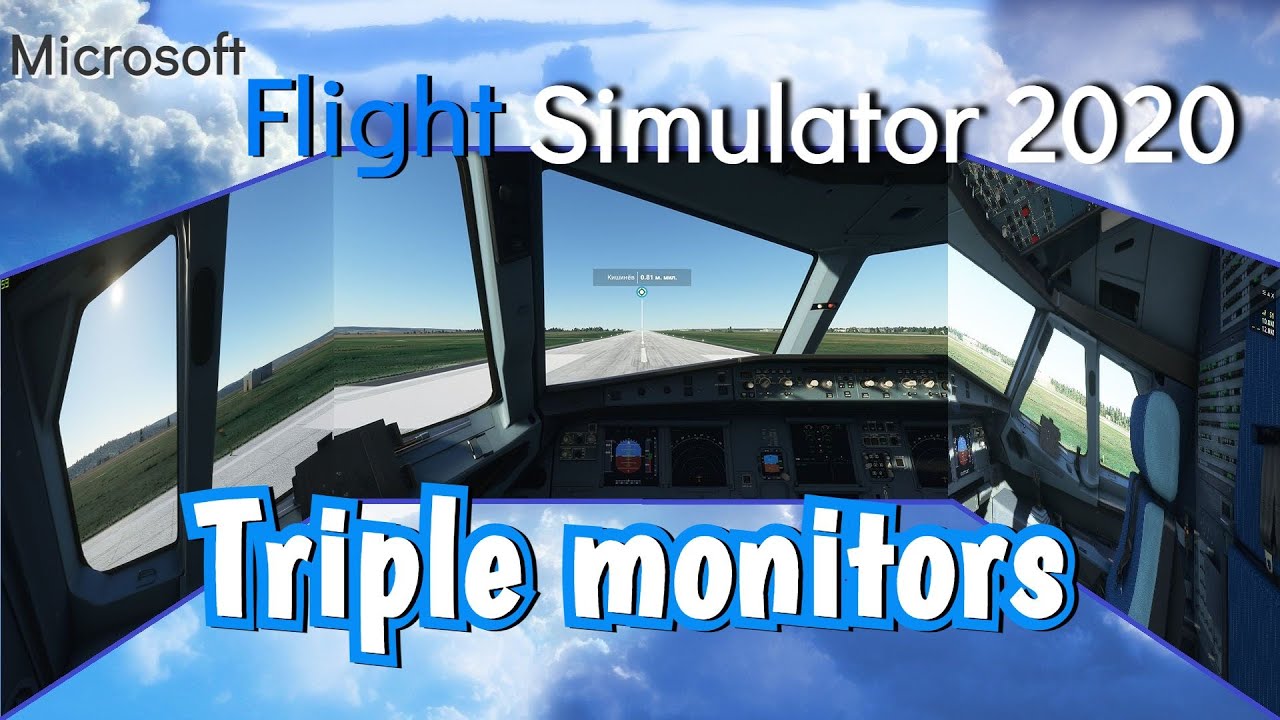
I checked the road map a month ago and it said “started” for multiple monitors so I pulled some spare monitors from storage and set them up recently. Checked the latest roadmap and it shows release of 2021-2022 so that is tough to see since I was hoping it would come within a few months. At least its “started” though.
Using nvidia surround isn’t the best since its known that the L and R monitors get distorted with all games using a single point of view. I’ll try VR again with my oculus cv1 and get mess around more with a head tracker with a single monitor setup for now.
Nah vr 100 times better
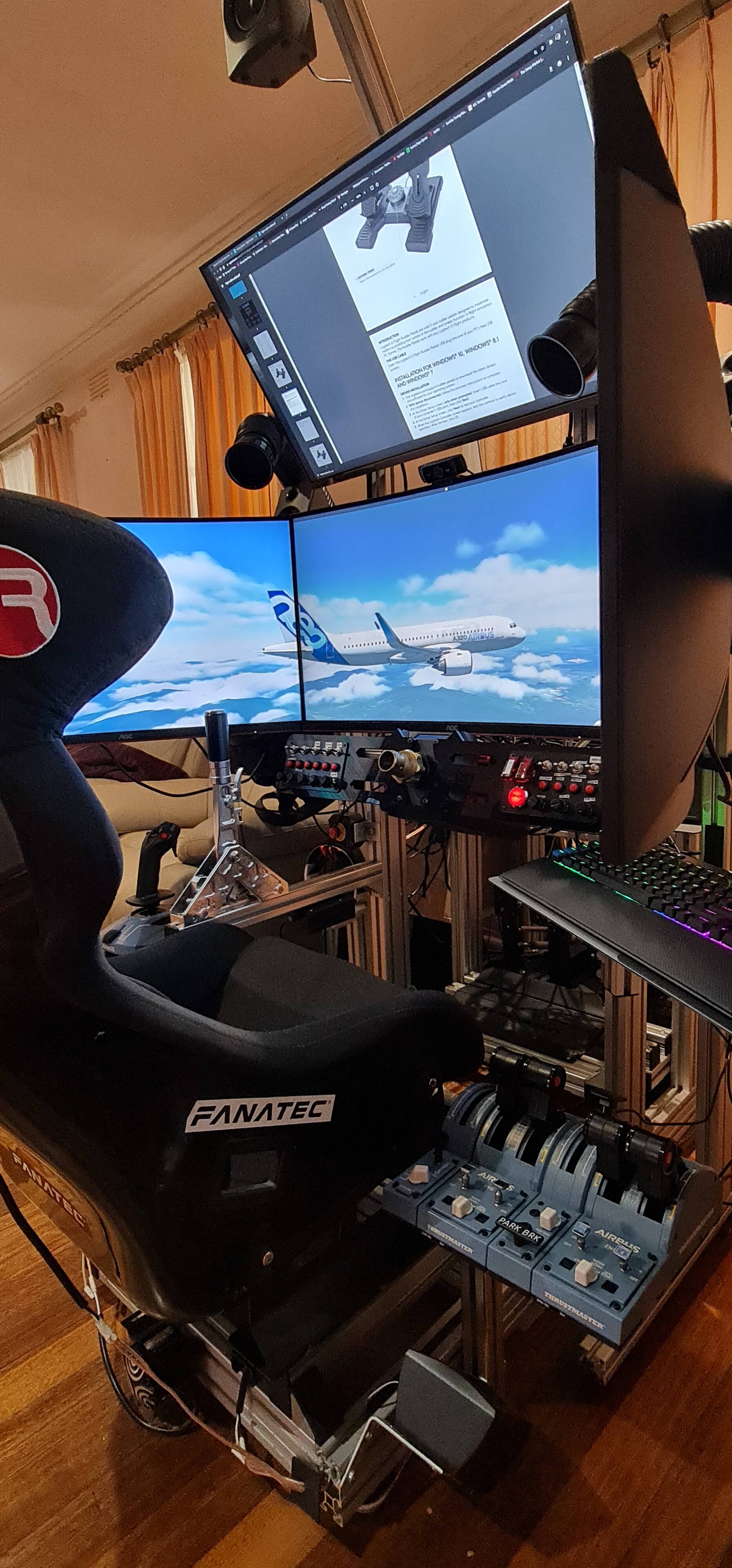
Until we get multi monitor support could you please add memory to the pop out scrrens? So annoying that every time I want the get a better view by popping say the ECAM screen or similar out, I have to scale it down and move it around. Would be so much easier if I only had to do it the first time and not every time I close the popup window.
Thx..
I have not touched my Flight Simulator 2020 since I posted my video explaining the CONS of not having the ability for multi windows support with the ability of choosing different views independent of the main window. It is really disappointing that this is not being spoken of more from Microsoft.
For me using the full capabilities of MSFS the Multi-view-functionality is essentially. Please put it on top of your TDL. MSFS with MVF allows 210° screens with warping-software. I have it since FSX and I don’t won’t to miss it. That’s why MSFS ist not my top favorit at the moment.
My new thre monitor setup. Just got the new one on the right. Notice that I have Navigraph on new monitor with Jeppesen Approach plate superimposed over the map. My plane is the purple triangle and I’m getting ready to take off. On approach, I can fly right over the Approach Plate to the base of the runway and an added feature is that proper elevation and navaids right there too!

Sick setup!! well done
I agree would love to move instrutments to another screen etc.

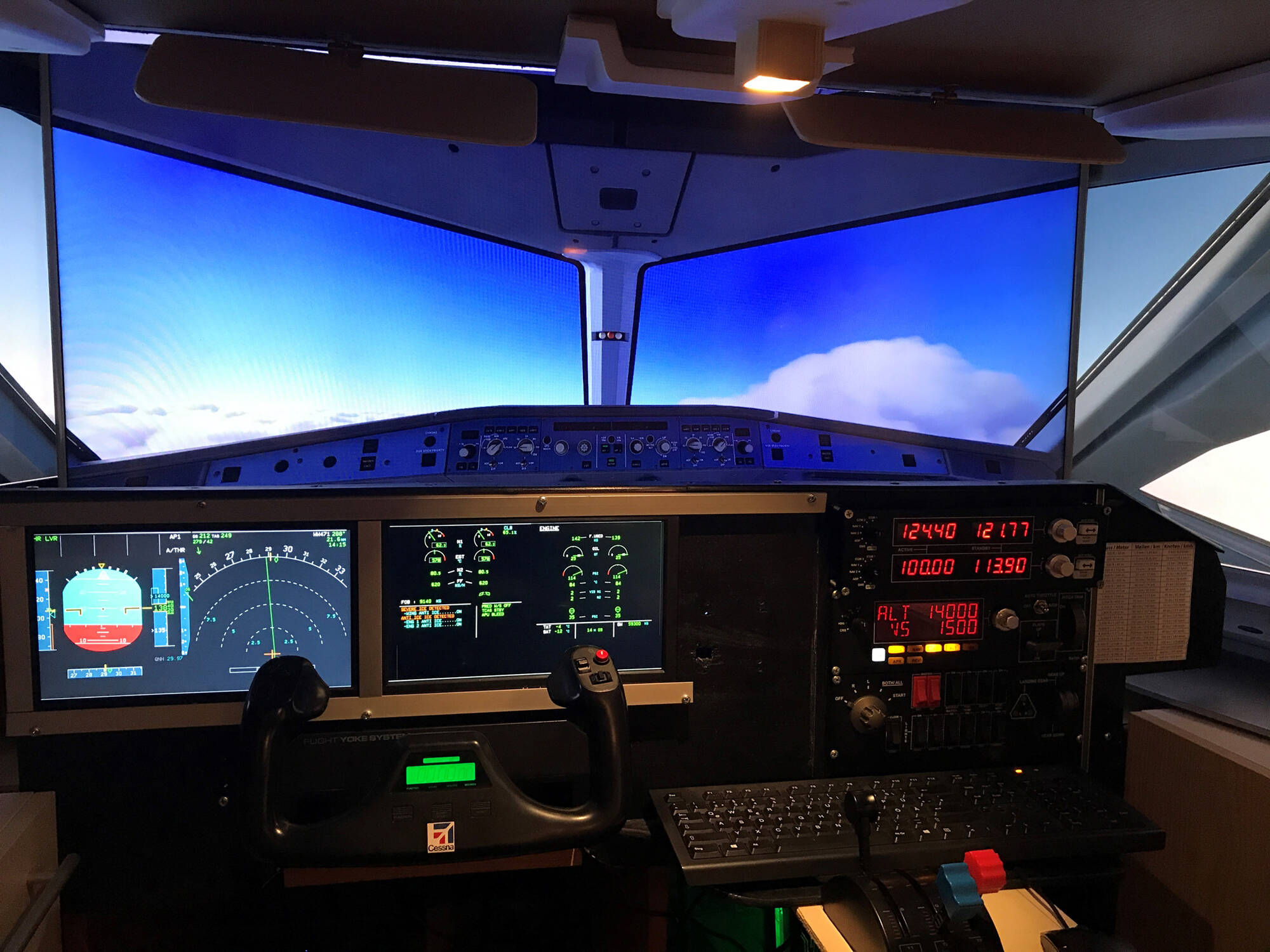
yup eye candy is the main focus. Soon as they switch their thinking from a Game to a Simulator then maybe we will have 3 views.
I have not touched my Flight Simulator 2020 in about 3 months because I feel… like this simulator took out features like the ability to add multiple windows with their own individual camera views from the simulator.
Yeah, I took apart my home cockpit a couple days ago. I’ll set it up again when there’s a good reason – such as FSX-style multi-monitor support. Parking my planes and playing Valheim now.