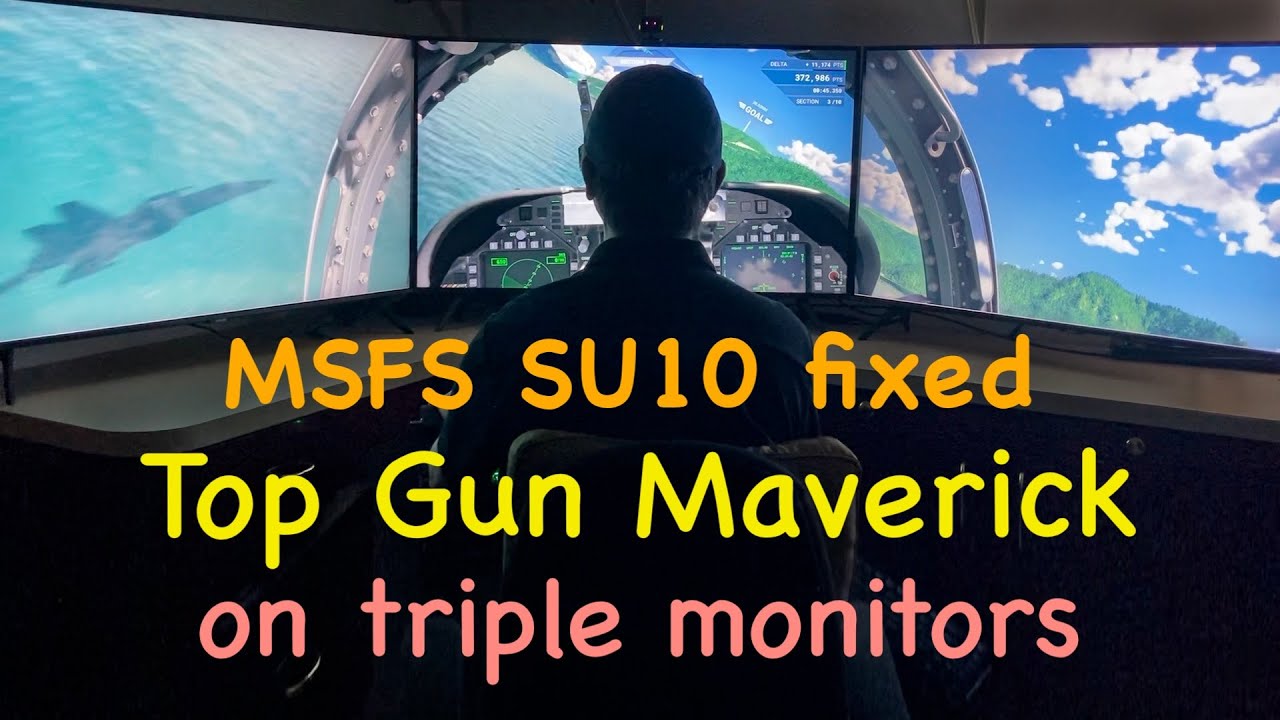
I don’t know how anyone could find the low-altitude challenge from Top Gun Maverick DLC satisfying, without multiple monitors. Once SU10 fixed geometric distortions on my triple monitors, I downloaded all free world and activity updates that I neglected for almost two years. I had so much fun flying the low-altitude challenge, that I immediately taped the third flight. Next time someone says multi-monitor is a moot point in light of VR, show them this.
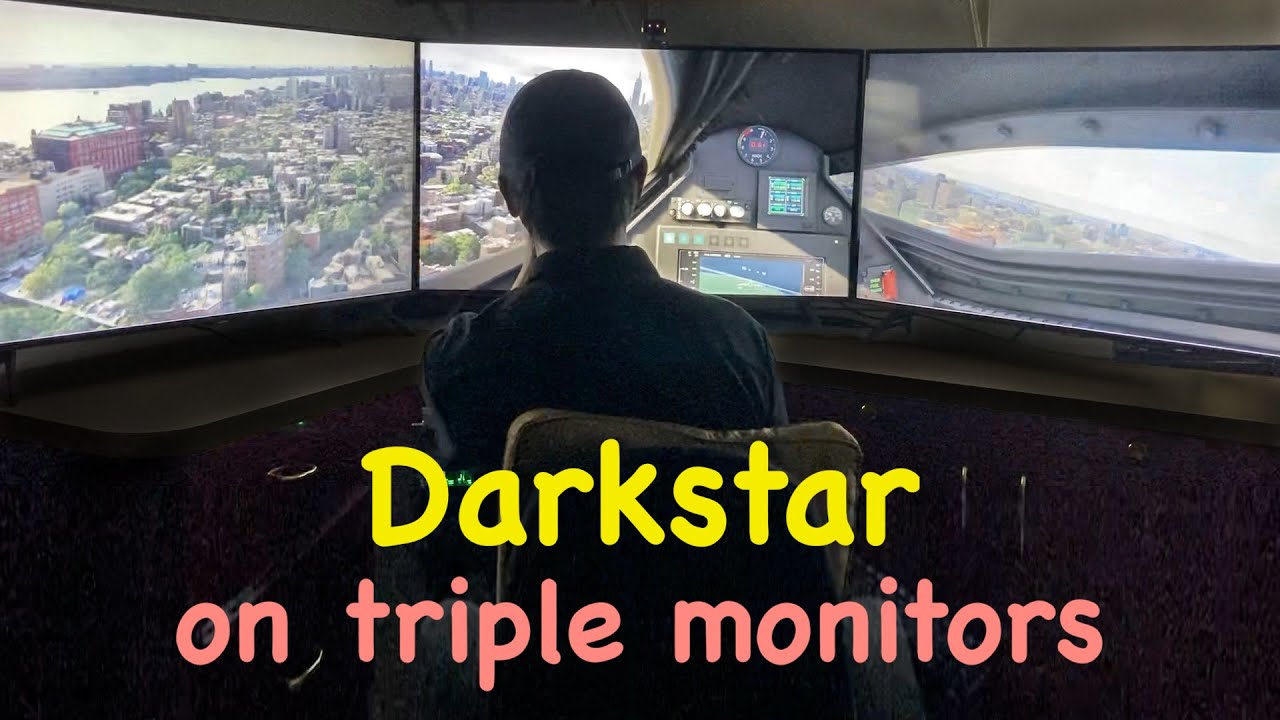
Here is a follow-up video, similar to the low-altitude challenge. Except this time the pilot isn’t looking straight nor relying on peripheral vision for perception of clearance to the ground. In the Darkstar, a pilot has no front view. I guess either one relies on the instrument panel, or one looks out of a side viewport. I supposed VR works just fine with Darkstar. But I still made a recording of a joy flight over NYC, for completeness’ sake.
The distortion you have there is ridiculously bad
What are you referring to? Cockpit view or external view? Did you listen to the verbal description?
Nvidia Surround has external view distortion but Asobo made it even worse.
In Nvidia Surround the external views are horizontal aligned with the center view and that makes the total view much better.
Asobo’s multi monitor support is only usable on hardware cockpits where the view is set straight foreward.
I’am not using the multi monitor support of Asobo until they make it right.
As I mentioned in the video, there are no separate settings for external vs internal view. I set it up for a distortion-free cockpit view. The external view is screwed up. But I don’t use it anyway. If you only fly external view, then set rotation angles to fix the issue for the external view instead.
I‘m using the internal view, but i have shiftet the camera 1ft in front of the windshield outside. I‘m hoping, this will give me a perfect view inside of my hardware cockpit.
I’ve asked before…
Is it possible to have the inside view on one monitor and the outside (chase view) on another??
I can’t seem to get this to work for me.
Thanks.
No. All displays must show the same view. It’s the same rendering pipeline for all so it can only show one scene at a time. This is one of the things some of us are moaning about 
Neil,
Thanks for that!
Appreciate.
The multi screen compatibility released in SU10 is awesome, my home cockpit has never looked so good. I fly airliners with it, and set the side TVs at 45 degrees from the front TV. Having the correct perspective out the side windows with good fps is amazing. The setup is easy also in the options menu. Nice job Asobo.
The one thing missing that would be extremely helpful is the option for you to ‘decouple’ the viewpoint in each new window you add from the main simulator window’s viewpoint. What is mean is you can’t move the position of the camera within the aircraft in each new window separate from the viewpoint of the pilot’s viewpoint on the main screen. They only move ‘in place’ lateral / vertical / roll but you can’t translate the view in the cockpit up / down / left right / forward / back independent of the main sim windows’ camera position.
This would be helpful to setup wing / window views in GA aircraft for side monitors, while still moving the front view outside of the cockpit for people with physical dashboards / instruments that don’t need the virtual cockpit and just need a full outside view out the front of the aircraft. If you move the view now, in my setup, it works because I don’t need to see any part of the aircraft on my screens, just outside. All 3 screens views’ move together forward and outside of the cockpit. But for someone with GA aircraft sim setup, how to they setup good wing / window views and get that clear, aircraft / cockpit-less front view without moving the side views along with it and not being able to see the correct side / wing perspectives? It would also be cool to setup a passenger view from the cabin on one screen and have the cockpit on the other. Just some thoughts to improve the multi screen function and make it even more useful.
I expected more. Like the capabilities that FSX had. To also be able to open different views in different windows.
Such as a front or rear view of your approach. Actually the capability to open a window and rotate it around you plane at any desired angle.
Maybe this is more than what FSX offered, since I haven’t flown it in a while, but at least we should have the same window capabilities that FSX offered.
I do have three screens in the configuration that could be used for what MS/Asobo implemented, but I often have Navigraph, Discord, LittleNavMap opened in other monitors and don’t just want to use them to extend my cockpit.
I would like to be able to open small windows from different point of view on either of my side monitors.
I have not experimented with it yet, but it seems like it wants to use your entire side monitors and doesn’t allow you to minimize and also have other windows.
I know, we always want more. But we want the best FS to continue to be the best FS.
Is there a setting to fix the zoom level for drone camera like in cockpit camera. I have to set it to 60% to get the right view. But at the drone camera the default is 50%. Can I set it to 60% for default?