My experience with MSFS 2024 and GeForce Now

Having been a long time Xbox gamer, I only learned about GeForce Now cloud streaming yesterday. Out of curiosity, I signed up for a month to give it a try.

It was very easy to set up and configure. You can stream through a browser but Nvidia recommends using their standalone Windows app for better performance. So I installed that and was up and running in minutes. MSFS 2024 is one of the games that features RTX 5080 support in GFN. All I had on hand to stream with was a decade old Lenovo Y700 gaming laptop with an i7 6700 and an AMD R9 275M graphics card. This should be plenty to stream with.

My Xbox series X is connected to an LG 4K UHD projector, so I’m accustomed to playing FS in 4K. Unfortunately, my old laptop only has an HDMI 1.4 port and although that should be capable of outputting 4K, it would not do so at a level that GFN would recognize. GFN wants at least 60 FPS for 4K. So I was limited to 1080p.

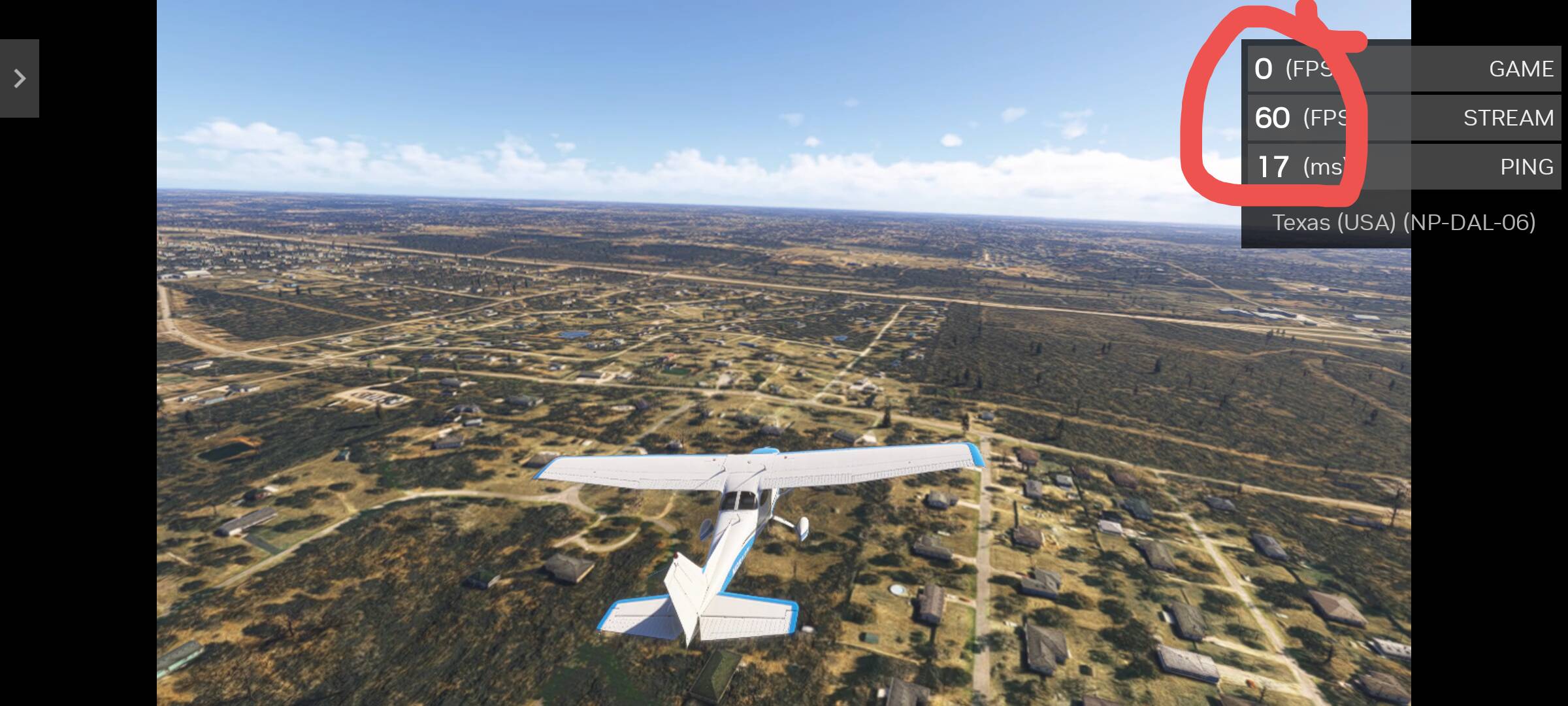
Consequently, inside the cockpit things looked a little softer than I’m accustomed to, but not bad. After a little while fiddling around, I hardly noticed it. But the graphics outside the cockpit were nothing short of phenomenal. I spent a number of hours playing around with the graphics settings that I’ve never had access to on Xbox before, increasing LOD to 400 and everything set to Ultra and it was buttery smooth. GFN gives a statistics overlay on the screen which shows the game’s FPS, the streaming FPS, and the latency. With 600 Mbps fiber to the modem, I was getting game FPS as high as 180, streaming FPS was rock solid at 60, and latency around 11 ms.

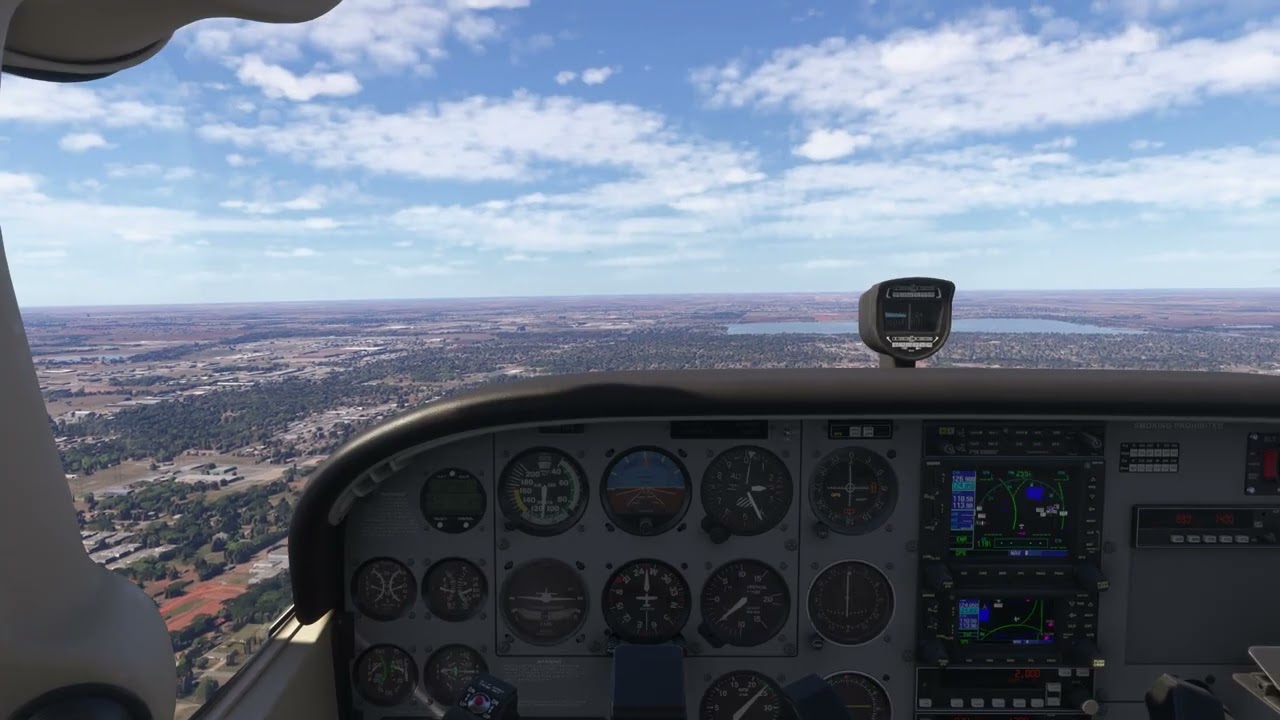
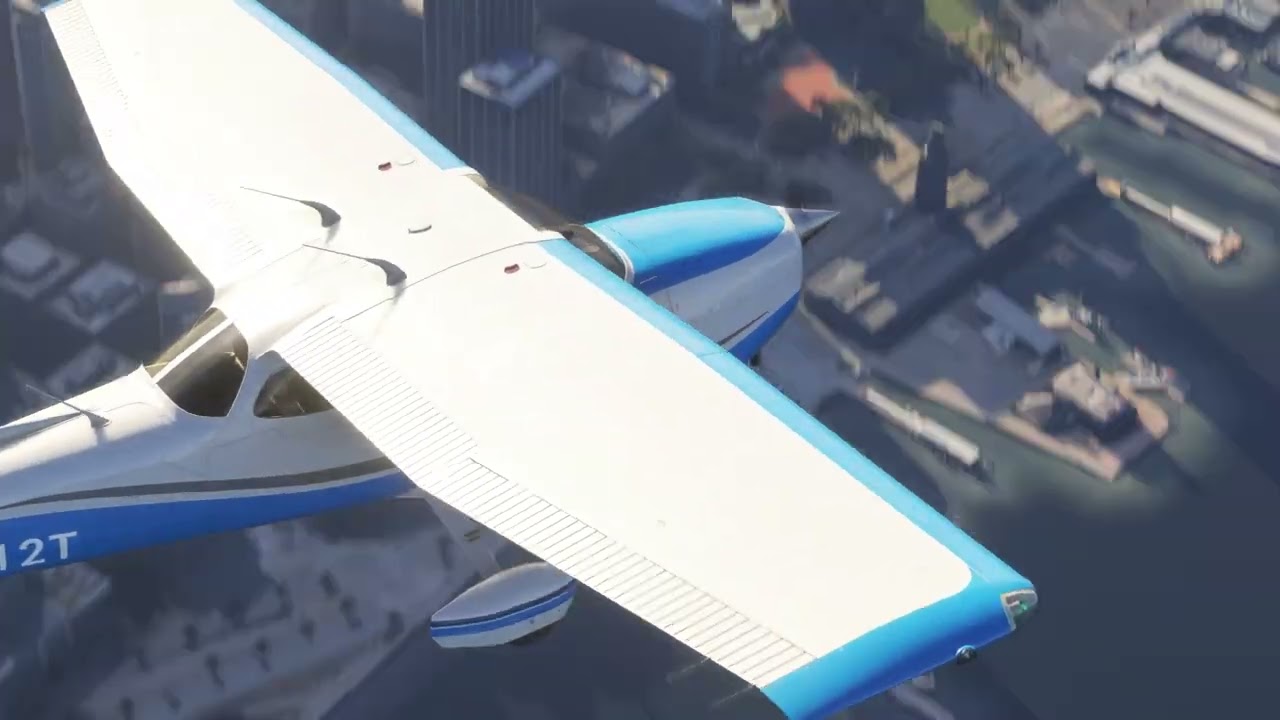
I saw a level of detail on the ground that I’ve never seen before, even at 1080p and the smoothness was better than playing locally on the Xbox. I mostly flew low and slow in the 172 over my local OKC area, but also took a flight out of KTEB over Manhattan and into KJFK, a flight that I’ve flown dozens of times as a performance test. It was better than I’ve ever experienced before. There was almost no noticeable pop in, even at night when the streetlights make it even more noticeable.

I tried various methods of capturing video but it was jerky and pixelated. I think the old laptop just isn’t up to streaming at this level and capturing at the same time. So you’ll just have to take my word for it.

But it’s not all unicorns and rainbows..

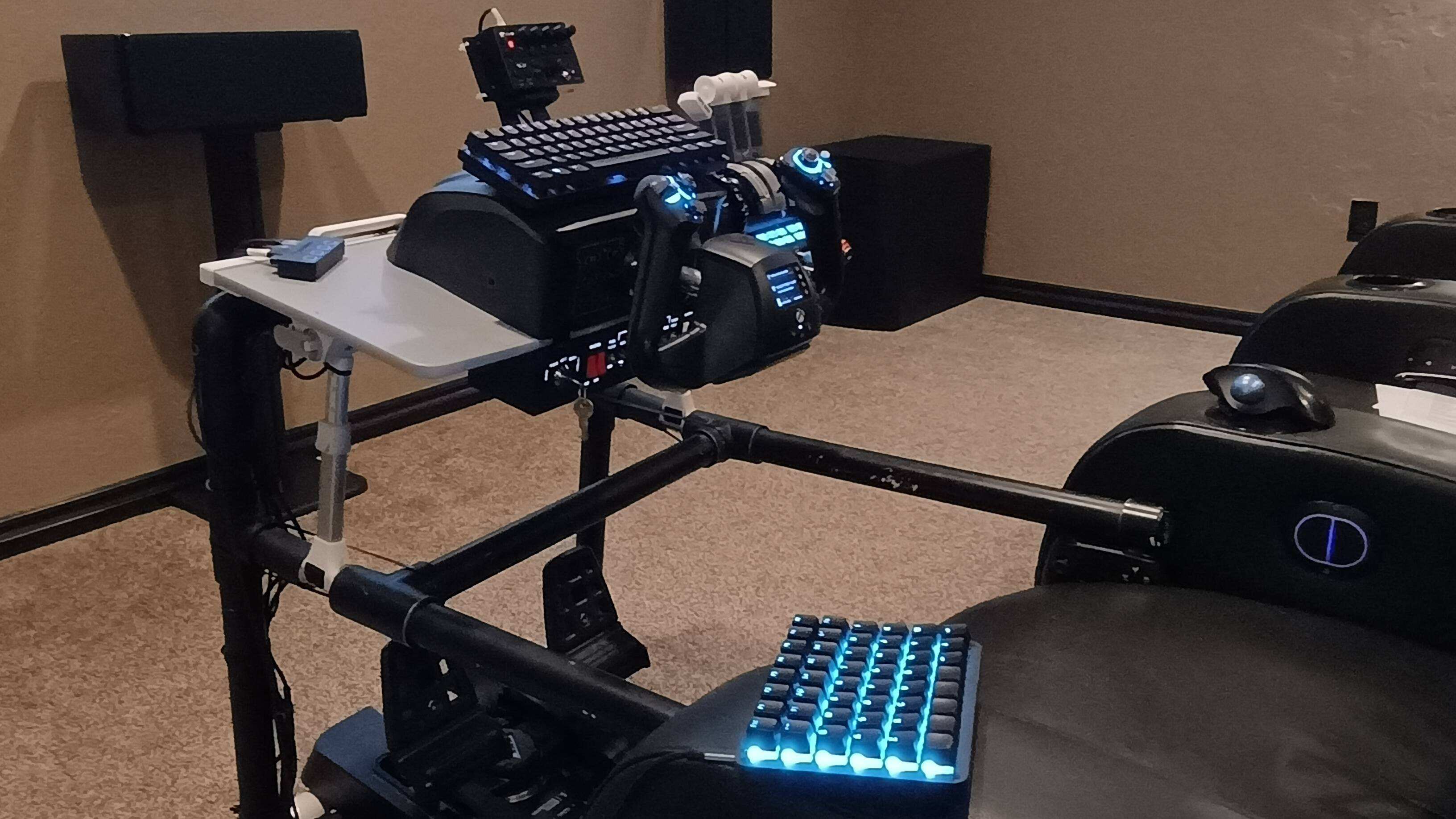
At this time, GFN has limited support for flight peripherals. It’s mostly Logitech stuff. I’ve got a Turtle Beach VelocityOne yoke and pedals, and they were not recognized at all. So I was stuck flying with an Xbox controller, which is something I’ve done maybe once when I first got MSFS 2020. Fortunately my keyboard and mouse did still work, so that helped a lot. My MIAP also works, as it simply emulates a keyboard.

On a whim, I decided to try launching GFN within the Edge browser on the Xbox, hoping that I could get 4K this way and that my peripherals would work. It was both better and worse. The projector was detecting a 4K signal from the Xbox, but GFN and MSFS still listed 4K as unavailable. Even so, the graphics looked better than it did through the laptop and the frame rate and smoothness were as good or better.

The bad news is that not only did my VelocityOne set up still not work but now the Xbox also hijacked the controller for use as a mouse in Edge and all I had to work with was the mouse and keyboard. I still managed to get airborne and if I’m ever able to use my controls this way, this is the path I will take. It’s simpler, looks better and runs just as smoothly.

So after playing around with it for about 8 hours, I’ve decided that if Nvidia ever supports Turtle Beach peripherals, it’s worth $200 per year to me to get this level of performance without having to invest in a gaming PC. If they don’t, I guess the next version of Xbox in my future, provided there actually is one.

One thing I’ve yet to try is to cabbage together a basic gaming PC from all the spare parts my son has laying around after years of upgrading his. He’s got an extra case, motherboard, power supply, GTX 3060 ti, and an Intel i5. All that’s lacking is some memory and a hard drive. I ought to be able to throw something together to use for streaming 4K for just a few hundred bucks.

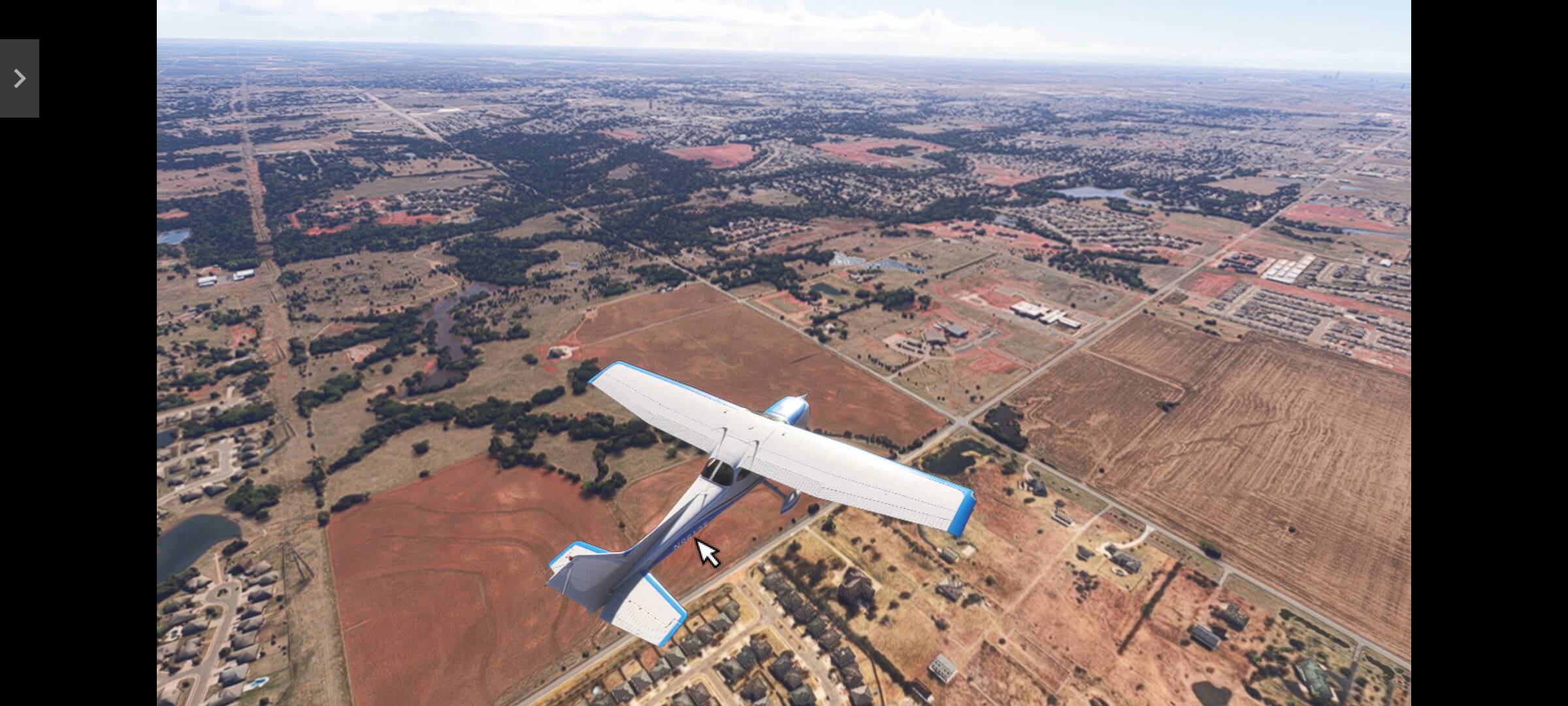
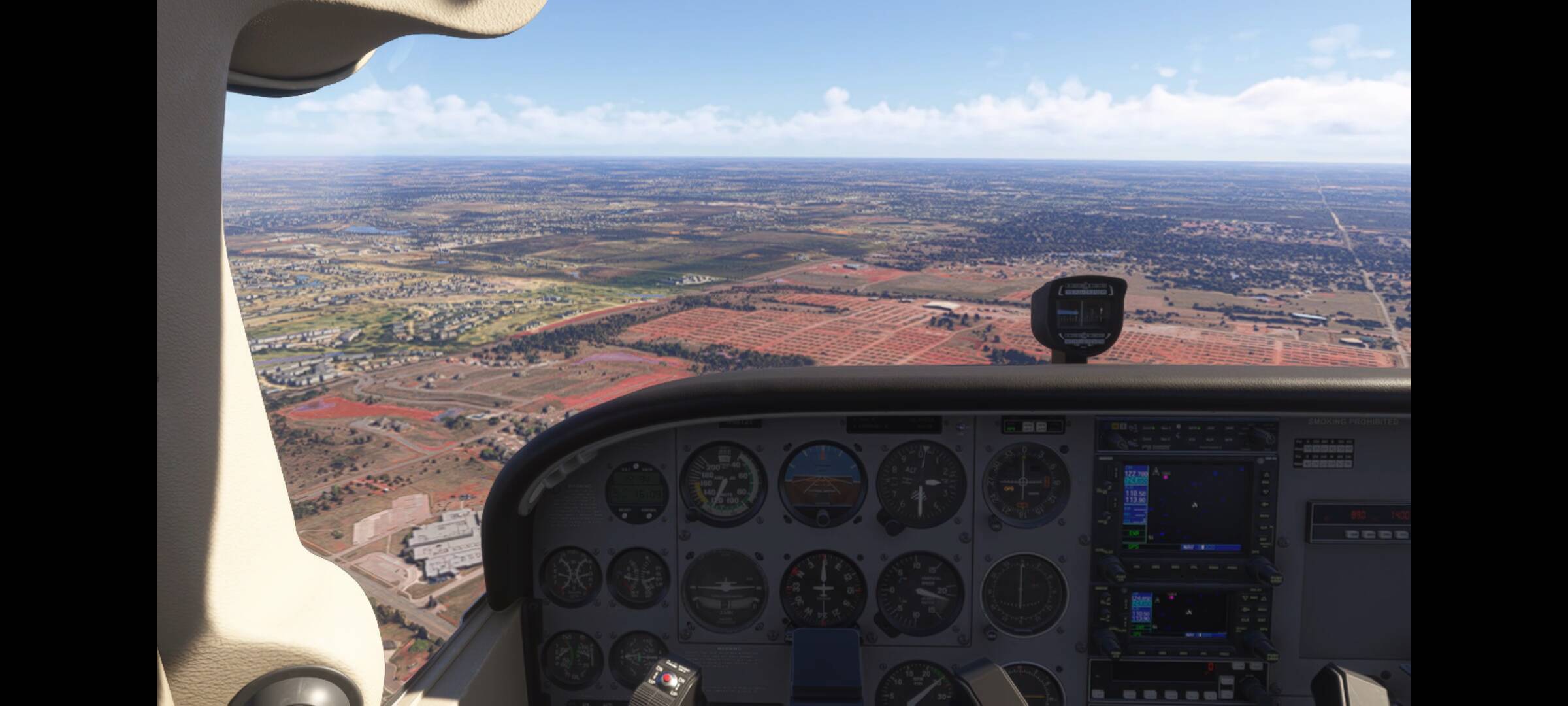
For giggles, I even installed GFN and my Android phone and played around a bit. These screenshots don’t do it justice - it looked much better than this. But again, I couldn’t capture video. The stats didn’t show the Game FPS on the phone, but it was still streaming 60 FPS over wifi.
4 Likes

I’ve been running 24 on GFN property much since it came out. I run it on a fairly basic laptop. I can also connect that to a 4K TV. Looks great to me. I also own an NVIDIA Shield - that has a GFN client built in that supports 4K.

Amazon fire TV has (or will have soon) a GFN client at 4K making for an affordable way (to me) to get into FS24.

If you run it on a PC you can map a Velocity One Flighstick as a controller - not perfect but it does work, add in a bit of code with Autohotkey and you can do a decent job of mapping most of its axes and buttons.

I’m hoping native V1F will arrive in time as other peripherals are starting to be supported for certain games, including FS24.

1 Like

I’m a new believer. Just for fun I set up my unused Mac Mini M1 in the living room, connected an XBox controller, keyboard and mouse, plugged it into my TV and amazing!

Right now not worth the extra money when I have all my gear nearby but man it works well! If my PC blows up I know I can have an instant backup for my flying fix!

1 Like

Can you point me in the right direction? I can’t find any way to do this. Thanks!

There’s a program called XOutput that does the basic mapping for you. It’s fairly straightforward once you’ve installed it.

1 Like

Thanks, I actually found that and got it working and after about 20 hours of fiddling with it, no lie, I finally got it running in 4K on the old laptop too. Still have work to do, no rudders or brakes mapped yet, but I’ll get there.

Then I’ll need to fine tune the controls to be less twitchy. This was just the first flight to see if it would work. There’s a slight amount of input lag with Xoutput, but it’s bearable. I think smoothing out the response curve will hide most of it.

Until Nvidia comes out with native support for Turtle Beach, I can live with this. The only thing I don’t think will work is the SIP (system information panel) on the yoke, but I don’t really pay much attention to it anyway.

I’m like a kid on Christmas day. I can’t wait to get home from work tomorrow and try the PMDG 737.

I just watched this video for the first time and it gets hung up at around 6 minutes and stays frozen for a while. This was just the capture - the sim didn’t do this. I’ll get a better one soon.

I did send a request to NVIDIA to get the Turtle Beach kit on the adoptions list. I took a break from FS for a bit and bought European Truck Sim2 for £4 and play that on GFN too. It seems harder to reverse a truck into a parking space than landing a commercial airliner - respect to any truckers on here!

2 Likes

I will also reach out to Invidia about Turtle Beach support.

Maybe they’ll release native support for Moza first and I can convince my wife I need to upgrade. :wink:

Thanks again for the help!

BTW, got any tips for setting up the V1 in XOutput (other than don’t forget to save the config before you exit!), or just power through it? It’s not hard, just time consuming. Just wondering if you’ve found any pitfalls to avoid.

The only issues I had were:

  1. Getting the rudder/tiller axis assigned, IIRC, you need turn to the right to go from 50-100% and turn to the left to go from 49-0% (this needs reversing in XOutput, and then reversing again in MSFS) - it’s tricky to explain but you’ll be able to see it far more clearly.
  2. I tried to use two virtual controllers (XOutput supports them) so I could use extra axes for the throttle but FS24 just got very confused over which controller was supplying inputs to which axis so I gave up and stuck to the keyboard for the throttle.

I had a lot of things mapped on the V1F as I use the buttons 17, 18 & 19 like SHIFT, CTRL & ALT keys - far more than XOutput had available so I used an AutoHotkey script to grab the output from the stick and map those to the existing keyboard mappings. I’ve never coded in AHK before so that was a steep but enjoyable learning experience…

Thanks! I’ve got the rudder mapped correctly to the triggers on the yoke as a quick solution just to try it out, but I’m going to try to get the pedals working tonight.

I’ve got the throttle and mixture vernier levers working already, need to add the prop pitch and flaps next.

After adding the alternate levers for airliners I can envision setting up no less than 3 controllers and possibly more. I want to get all the buttons on the throttle quadrant working too.

I may end up putting it all into a spreadsheet just to keep it straight.

That’s great. Maybe something has improved since I did the original setup and FS is handling the multiple virtual controllers better.

Not really :joy:.

I spent 5 hours last night trying to get everything working. In the end, the only thing that can’t be mapped is the trim wheel. I just made a switch on the yoke to trim up/down like many planes actually have and it works fine.

I ended up with 4 virtual controllers just for the C172 - two for the yoke, one for the throttle quadrant, and one for the rudder pedals.

No kidding, it’s a nightmare trying to keep them all straight. I kept getting conflicts where the rudder would affect the ailerons or the brakes would work the throttle. It seemed to be saving the mapping to the wrong controller at times.

So I created each of the 4 separate controllers I mentioned and then only activated them one at a time. I’d map that one then deactivate it and start on the next one. In spite of this, I still got some conflicts that should not have been possible. I was beginning to question my sanity. I’m a programmer by trade, so this is right in line with what I do daily, but it was just screwy as all get out.

I wonder if maybe the control mappings aren’t saving when I think they are? I’m using the basic control panel option in the cockpit so I can see it take effect immediately, but perhaps that’s not always saving the changes like I expect. I starting backing out and resuming the flight to force it to save and that seemed to help. Eventually I got everything cleaned up and working except for camera views. Now certain actions change the view unexpectedly. I’m going to work on that next, but at least I got to try flying with a fully functional yoke and pedals.

Another possible problem is that I started with my existing profile from my Xbox. I probably should have started with completely new profiles but I didn’t want to have to remap my entire MIAP, as that takes at least an hour. But now I’m going to have to do it anyway because it’s one of the things that’s making the camera views go whacky.

Sorry for rambling… Just had to vent a little to someone who can relate. My wife doesn’t get it.

No problem.

Sounds similar to what happened to me with just two virtual controllers. I suppose the acid test would be to connect two physical controllers to an XBox or PC and see what FS24 makes of them. I do have an XBox and two controllers but I’m worried about screwing things up as I have put a lot of time into getting things mapped as I want and I’ve had those disappear once….

I’m a casual user of FS (I like to do things properly, but I’m don’t roleplay) with a wide range of different planes so controller, keyboard and mouse is OK for that sort of stuff.

I’ve tended to use the TB stick & pedals for heli’s and older aircraft that aren’t 24 native and fly them on FS20.

Gotcha! I might try the two controllers as well just as a test. From what I can tell, the issue is within the sim, not XOutput. At least that’s how it looks to me.

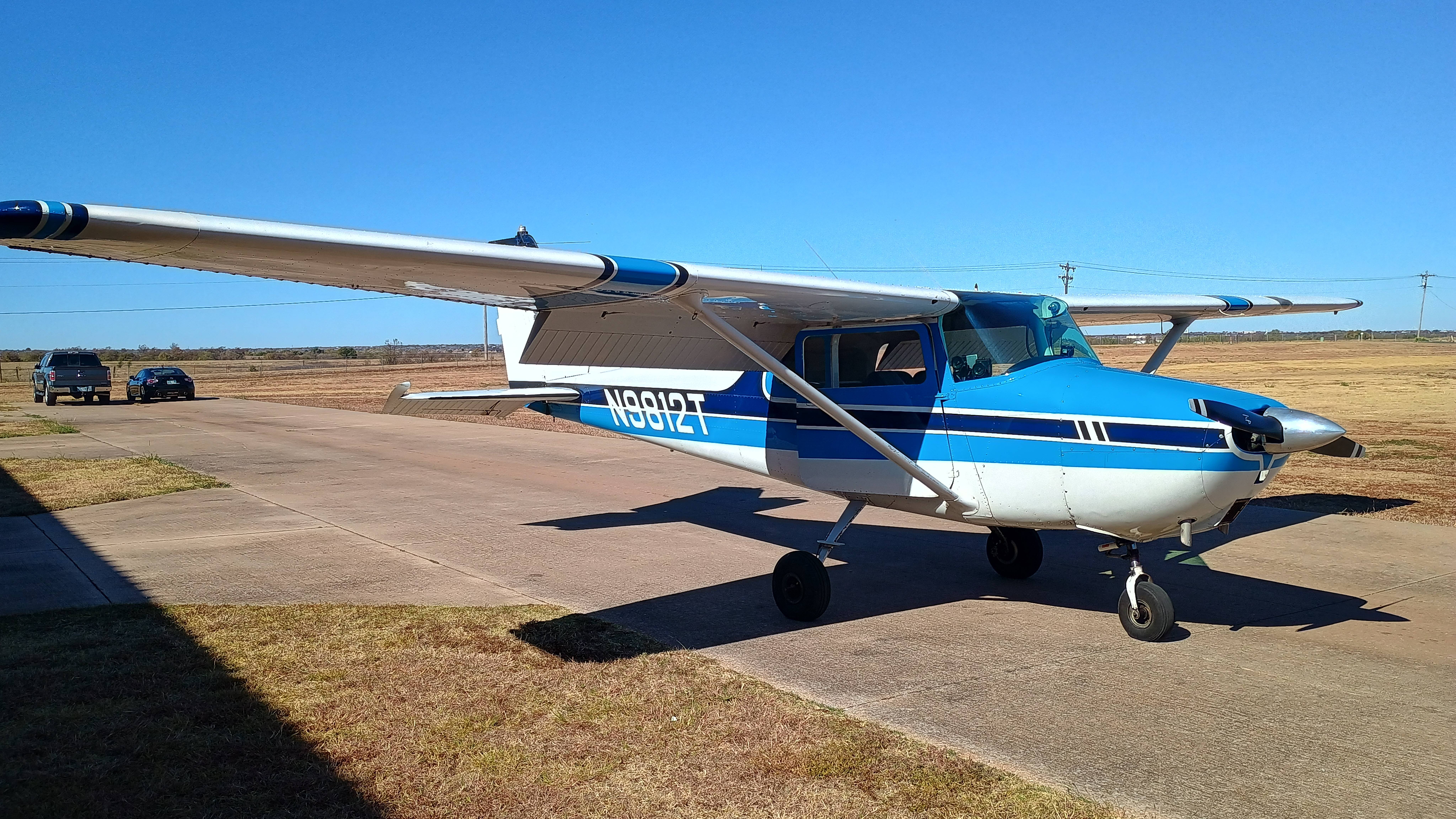
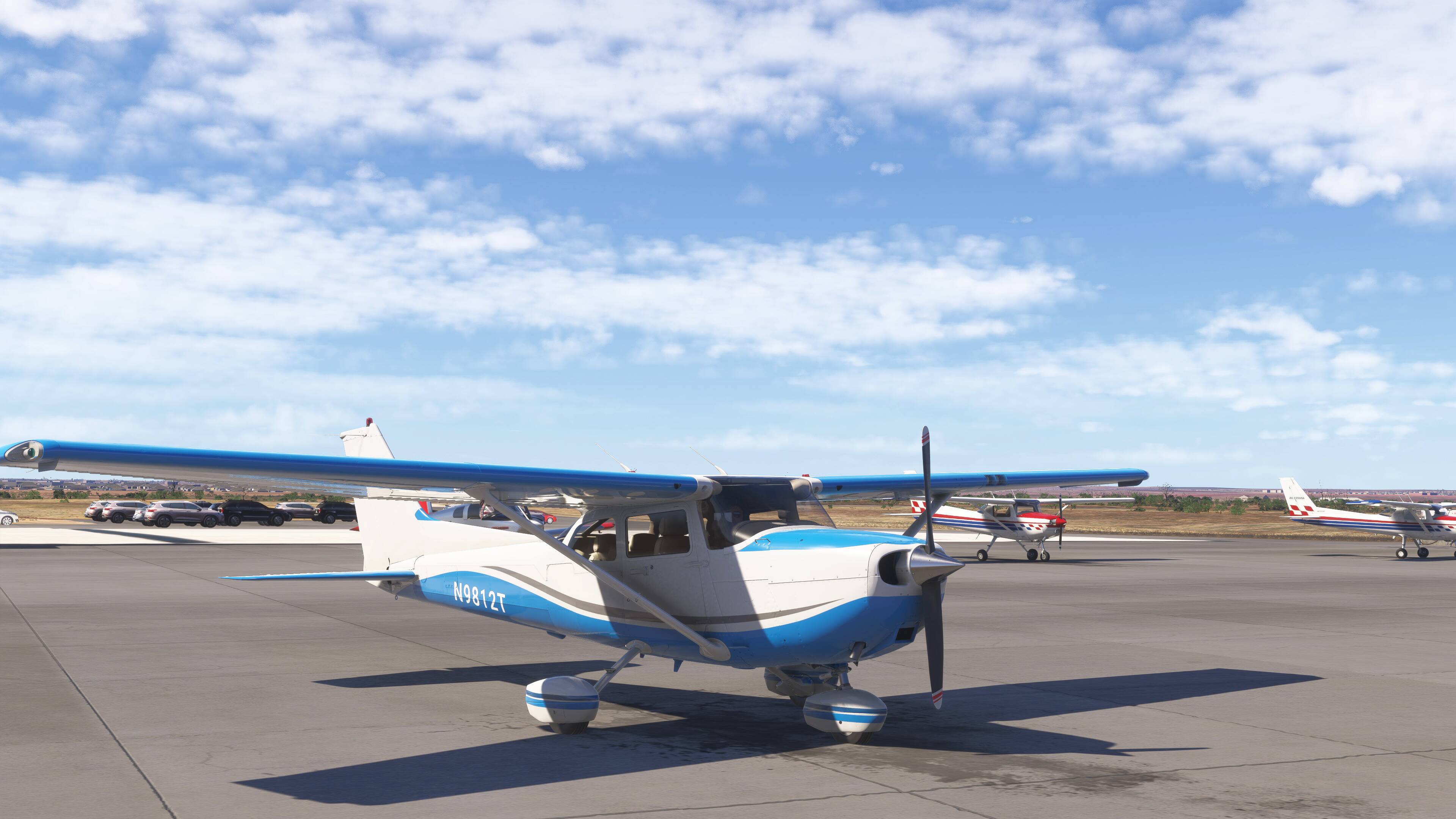
I’m trying to get my rig as close to real life as possible, at least for the C172 because I’m taking flight lessons and that’s what I’m training in. I’ve even tried to match the livery. Now you know who you’re dealing with - Max OCD. :wink:

1 Like

I just made a discovery in XOutput/MSFS that explains some of the issues I was having. If 2 virtual controllers are mapped to the same physical controller, they don’t necessarily come up in the same order every time within the sim. So if you have more than one, they can get swapped around.

The solution is to start XOutput with them stopped. Then start them one at a time and see that they show up properly in game.

For example, my yoke has more buttons and axes than can be mapped to a single virtual controller. So I have 2 defined for it. If they get swapped at startup, the things I have mapped to one like the ailerons might get linked to the wrong control on the other virtual controller and be mapped to the hat switch.

And I thought I was going insane…

I’m sure I had the same issue, however, even knowing that, I still recall FS getting confused when changing aircraft or updating mappings. It all became too much hassle in the end so I just used one virtual and a whole host of keyboard / mouse mappings.

I tend to use the mouse to interact with the plane’s switches and knobs, having a decent set of additional views so I can get to things easily. I play on a TV and sit a reasonable distance from it so having views of close-up instruments, especially with it being 4K helps a lot.

let’s just hope NVIDIA gives the TB stuff the support it deserves.

1 Like

Yes. I saw there was an update to SU 5 today on Xbox, so I logged in to check it out. Big mistake. It reset all the controls I spent hours mapping back to my Xbox settings. I didn’t think to save a copy of the profile first.

Guess what I’m doing now…

Using a combination of XOutput, VJoy, Joystick Gremlin and Hid Hide, I was able to get my VelocityOne yoke and pedals almost fully functioning. Only the trim wheel doesn’t work, but that’s easily replaced by the D-pad. I got it all mapped to just 2 controllers, one through XOutput and the other through VPad.

However, all is not roses. After ending a flight and starting the next one, the controller mappings get crossed up again - many commands show up assigned to both virtual controllers. I’ve gotten pretty adept at knowing which ones are going to do it and how to clean it up in just a few minutes. But to have to do this before every flight is quite burdensome. If it didn’t look so danged good, I wouldn’t bother.

I don’t know if the problem is the result of the sim itself, streaming from GeForce Now, or some combination of both. I think I’ll connect 2 Xbox controllers to my Xbox at the same time and see if it still happens.

Meanwhile, this is a streamed flight over San Fran last night. If Xbox looked anywhere near this good, I’d give up trying to make this work. The occasional jerkiness seen while panning the view is more due to using a controller instead of the mouse as the mouse freelook is super fast. But if I slow it down, then it just creeps in the cockpit. I think this may be the mouse acceleration bug that’s been reported here.

I suspect it’s something to do with how GFN works with the virtual controller ID’s. I didn’t have your patience and I only really needed the three main axes. I used AutoHotkey to map buttons, etc, on the V1F to my existing keyboard map - along with the mouse it gave me plenty of flexibility.

Now we know that GFN can & will support peripherals, including flight gear and steering wheels, I think it’ll just be a matter of time. I suspect the majority of gaming in the future will run in the cloud and only a small number of games (like FS with home cockpits) will run on PCs - could be wrong of course….

1 Like

I finally gave up and just mapped what I could to a single controller with XOutput. I’ve got ailerons, elevator, rudder and throttle all mapped correctly. Brakes work but as a digital input and not an analog axis so they are very grabby (I may eventually fix this with Joystick Gremlin, but keeping it simple for now).

Everything else is controlled by buttons, but by using the LB and RB buttons as modifiers, you can create many input combos to do everything else. I’m left with a hat, d-pad, 2 triggers and about 14 buttons on the yoke that don’t do anything, but it works well enough that I can live with it until we get native support. I also put in a request for TB support with Nvidia.

Thanks again for all the suggestions and for serving as a sounding board. Clear skies to you!

Over and out…