Using a combination of XOutput, VJoy, Joystick Gremlin and Hid Hide, I was able to get my VelocityOne yoke and pedals almost fully functioning. Only the trim wheel doesn’t work, but that’s easily replaced by the D-pad. I got it all mapped to just 2 controllers, one through XOutput and the other through VPad.
However, all is not roses. After ending a flight and starting the next one, the controller mappings get crossed up again - many commands show up assigned to both virtual controllers. I’ve gotten pretty adept at knowing which ones are going to do it and how to clean it up in just a few minutes. But to have to do this before every flight is quite burdensome. If it didn’t look so danged good, I wouldn’t bother.
I don’t know if the problem is the result of the sim itself, streaming from GeForce Now, or some combination of both. I think I’ll connect 2 Xbox controllers to my Xbox at the same time and see if it still happens.
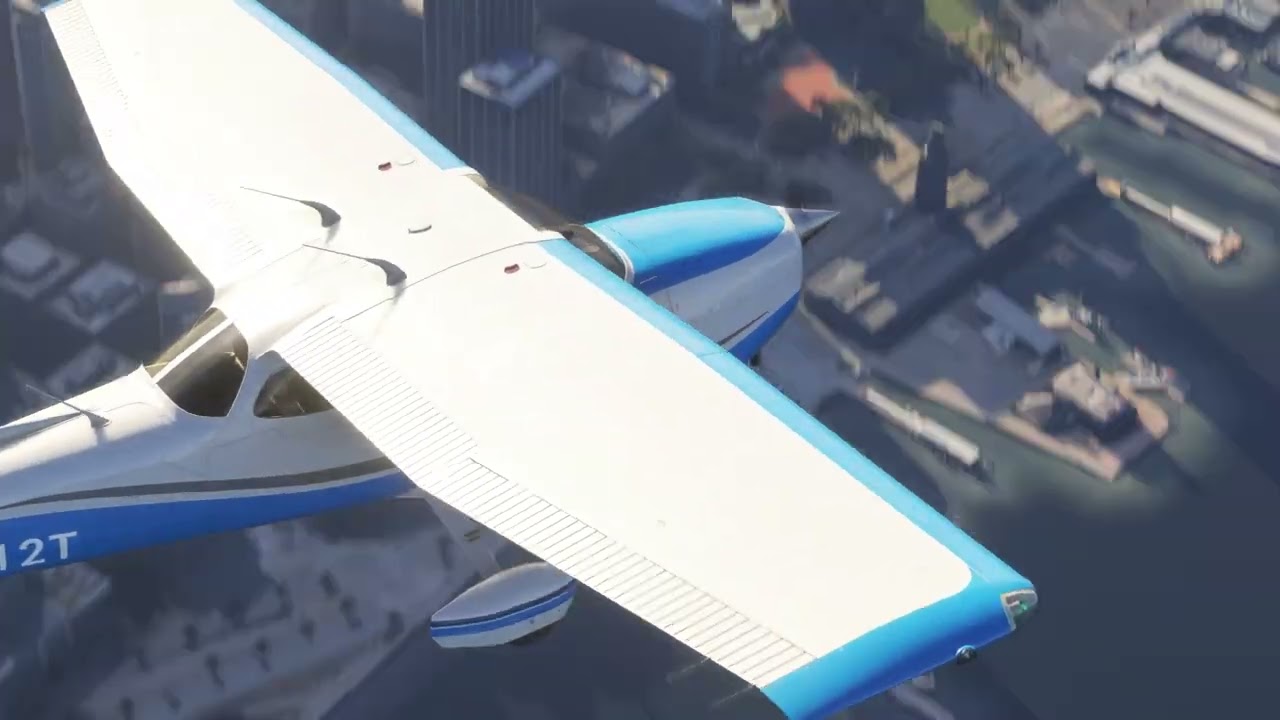
Meanwhile, this is a streamed flight over San Fran last night. If Xbox looked anywhere near this good, I’d give up trying to make this work. The occasional jerkiness seen while panning the view is more due to using a controller instead of the mouse as the mouse freelook is super fast. But if I slow it down, then it just creeps in the cockpit. I think this may be the mouse acceleration bug that’s been reported here.