@TonyCowboysFan I did sign out and then back in to MS Live. Just put a plane at KORD now and ATIS gives me cloud layers, visibility 3, wind 263 @ 17, and 30.02. From the cockpit I see clear and sunny, barometer standard and wind from 247 @ 5 - which I could live with if the rest of it worked even somewhat.
I guess I’ll join Reddit and wait the mandatory 3 days to post. I’d rather do that than re-install, but that may end up as my only solution - with no guarantees…
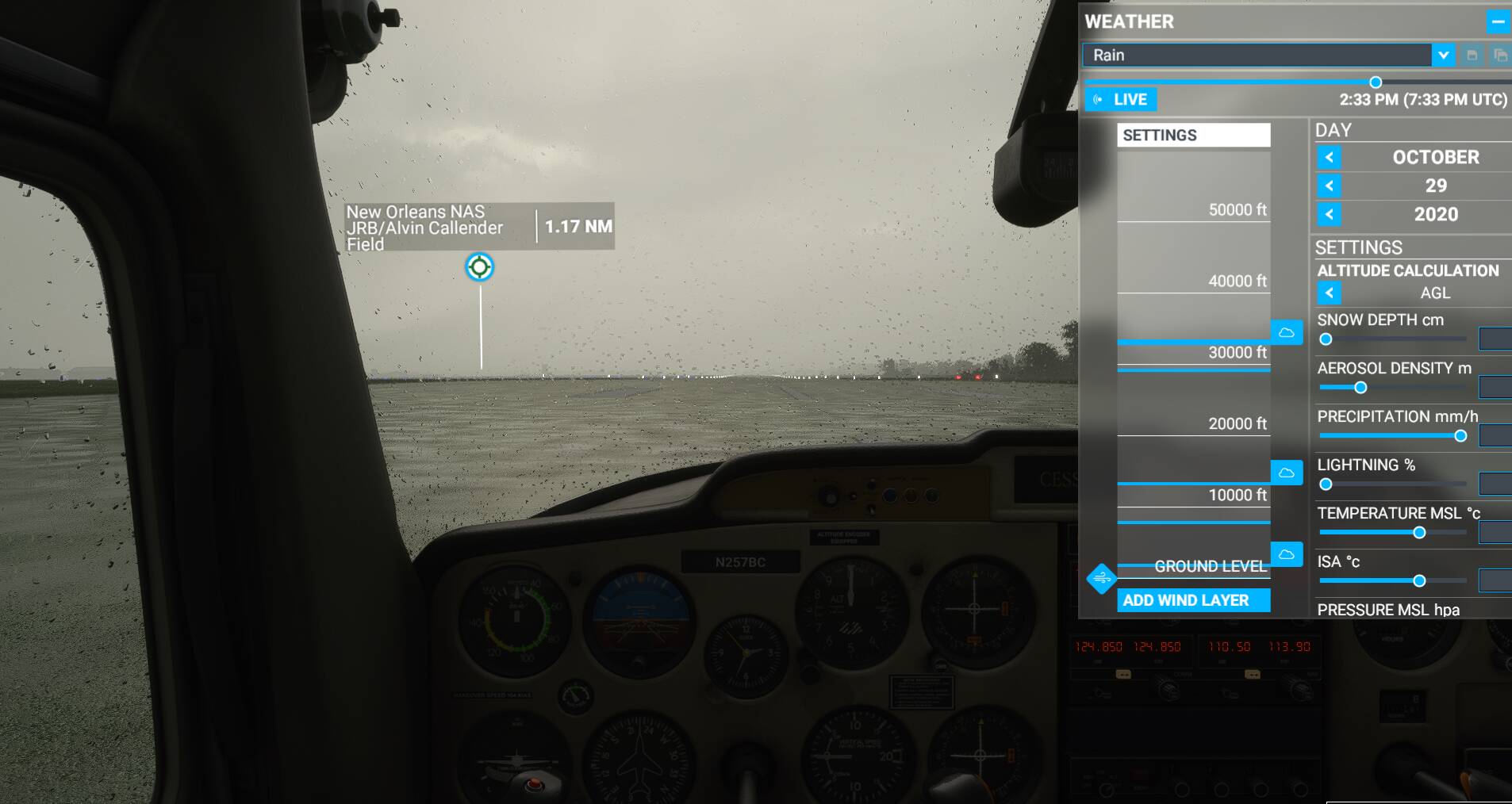
I can set the weather in the drop down to anything. It will show snow on the ground if it want it to, but nothing will change the clouds, selecting rain or snow changes nothing, etc…
@Airecop wow, ok that is weird. I assume you submitted a ticket to Zendesk? I’m afraid, if I were you, I’d reinstall. But I would also post on some other forums like Reddit as well as here and see if someone smarter than me has a better idea. That’s obviously a glitch but I don’t think it’s universal. I get proper rain when I set mine.
At the time I was comparing and noticed that what I was seeing in the sim was old weather data, hurricane Delta was over the land, so it was something prominent to reference.
Here is my reply where you can see how I was comparing using Meteoblue maps:
My live weather has been working flawlessly as well since last patch, the weather is perfectly reflected and it updates regularly, super happy with it.
Okay?! How do you figure? Which parameters did you look at and against which parameters did you compare them? Have you ever tried at a high-elevation airport (like KTEX, for instance)? How “flawless, perfect” is the weather reflected there…? How do you figure that the live weather is getting updated regularly in-game?
I’m also experiencing some pretty bad inconsistencies with Live Weather. I always fly live weather, with live AI traffic, and All Players, but sometimes move the time slider if I want it to be daylight. I have had really good flights since the last patch, so I know that it can work. When I say “really good”, I mean good enough that every waypoint winds aloft were matching my SimBrief printout. Sadly, that hasn’t been the case at all recently.
As one example, I flew back to back fights, round trip from KDEN to KORD and back. I arrived in Chicago under an overcast sky with lightning everywhere. The radar indicated rain, but I saw no precipitation (par for the course for me). After I completed the flight, I went back to the main menu and reloaded into KORD for the return flight. When I reloaded in, it was sunny skies in Chicago where I had just landed in a storm.
Today I flew another round trip, from KDEN to KIAH. I experienced clouds where it should have been clear and vice versa. Winds weren’t even close to reality, forcing me to have to switch runways and completely ignore my SimBrief planning.
I’ll attempt clearing cache tomorrow and running more tests.
Yeah, it still seems to be a hit-and-miss for most of us. Even though I’m one of the loudest–and certainly one of the most annoying one for many here–advocates for reliably working and very accurate (yet not perfect) live weather, I had some good results yesterday, which I shared here.
And on a flight from KPDX to CYLW yesterday, the weather was very nicely reflected in the game (well, except for the excessive lightning and thunder all around me ), including the winds aloft, which was quite impressive since Meteoblue showed a pretty distinct gradient for the wind speed that got very nicely reproduced in-game.
The flight model (at least for the CJ4) is broken, though, since with every change in wind speed (even 1 or 2 kts), the plane started to become unstable and jumped up and down like crazy…
Hopefully they’ll also correct the issue with high-elevation airports (i.e. temperature and pressure) and get the live weather more reliable.
When I checked my weather a few hours ago in-game it seemed to be showing weather that was about 8-12 hours old. Also possible that it was so wrong that it happened to somewhat match weather earlier in the day. Going to do more investigating in the next days to see if I can find any sort of consistency in how old it is.
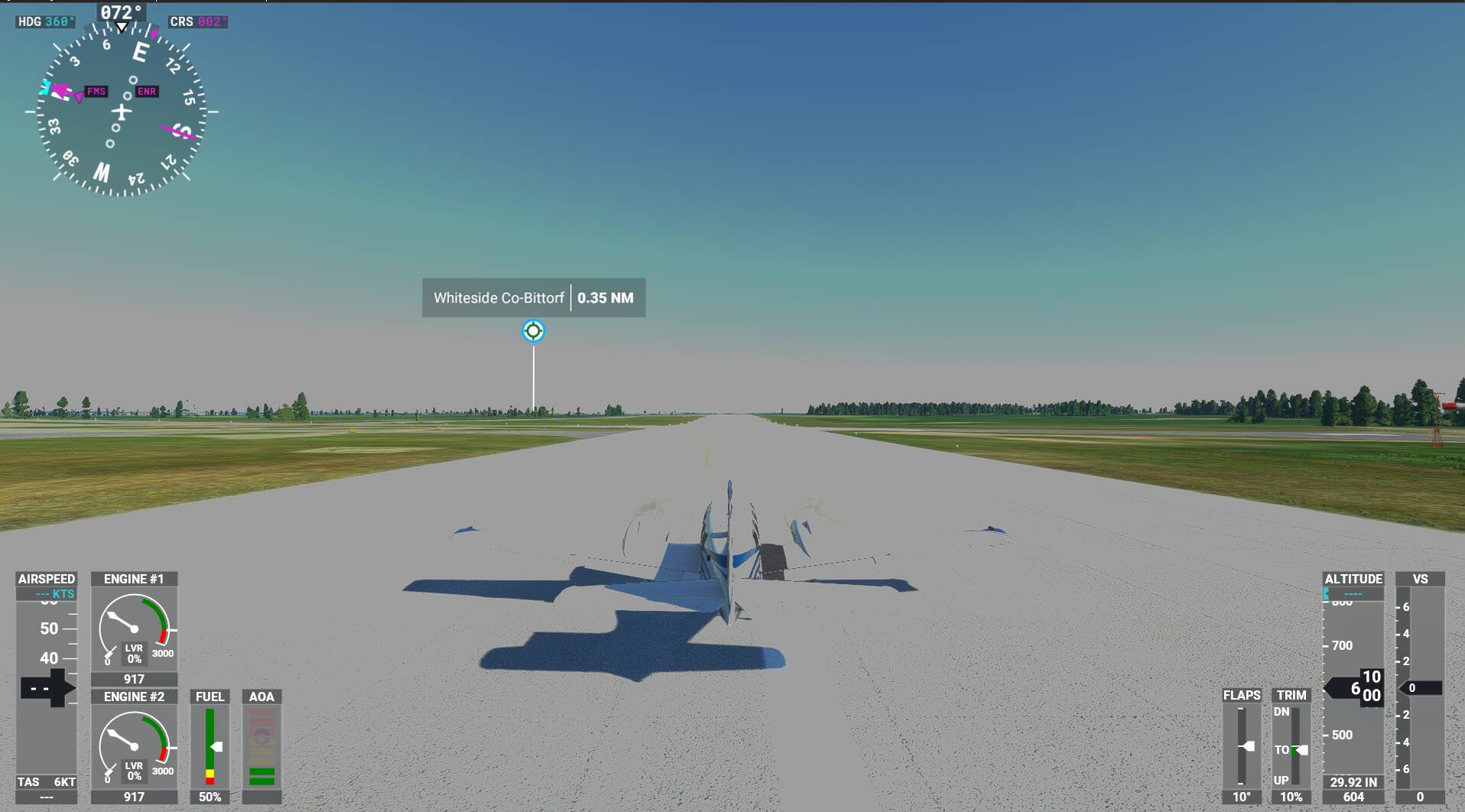
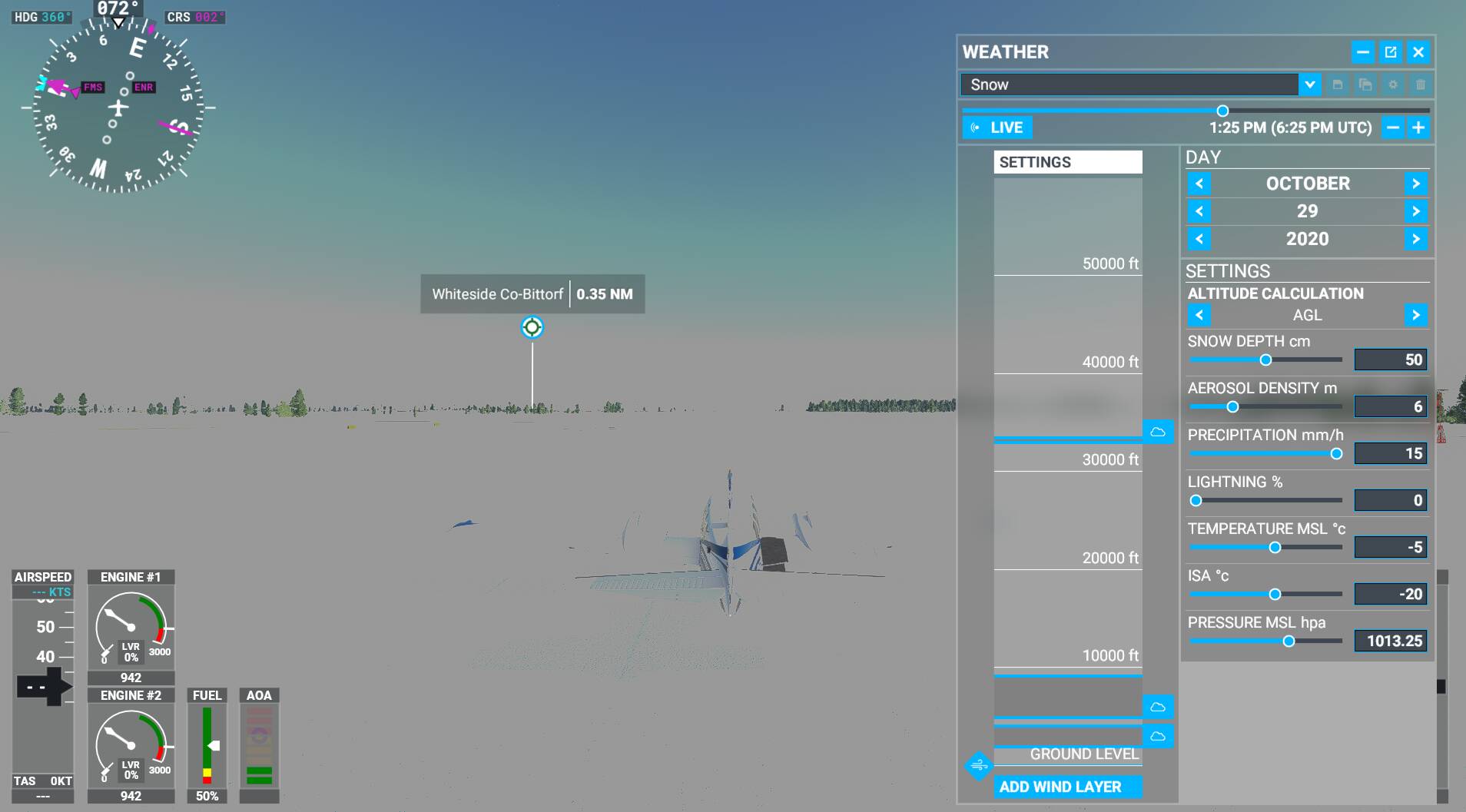
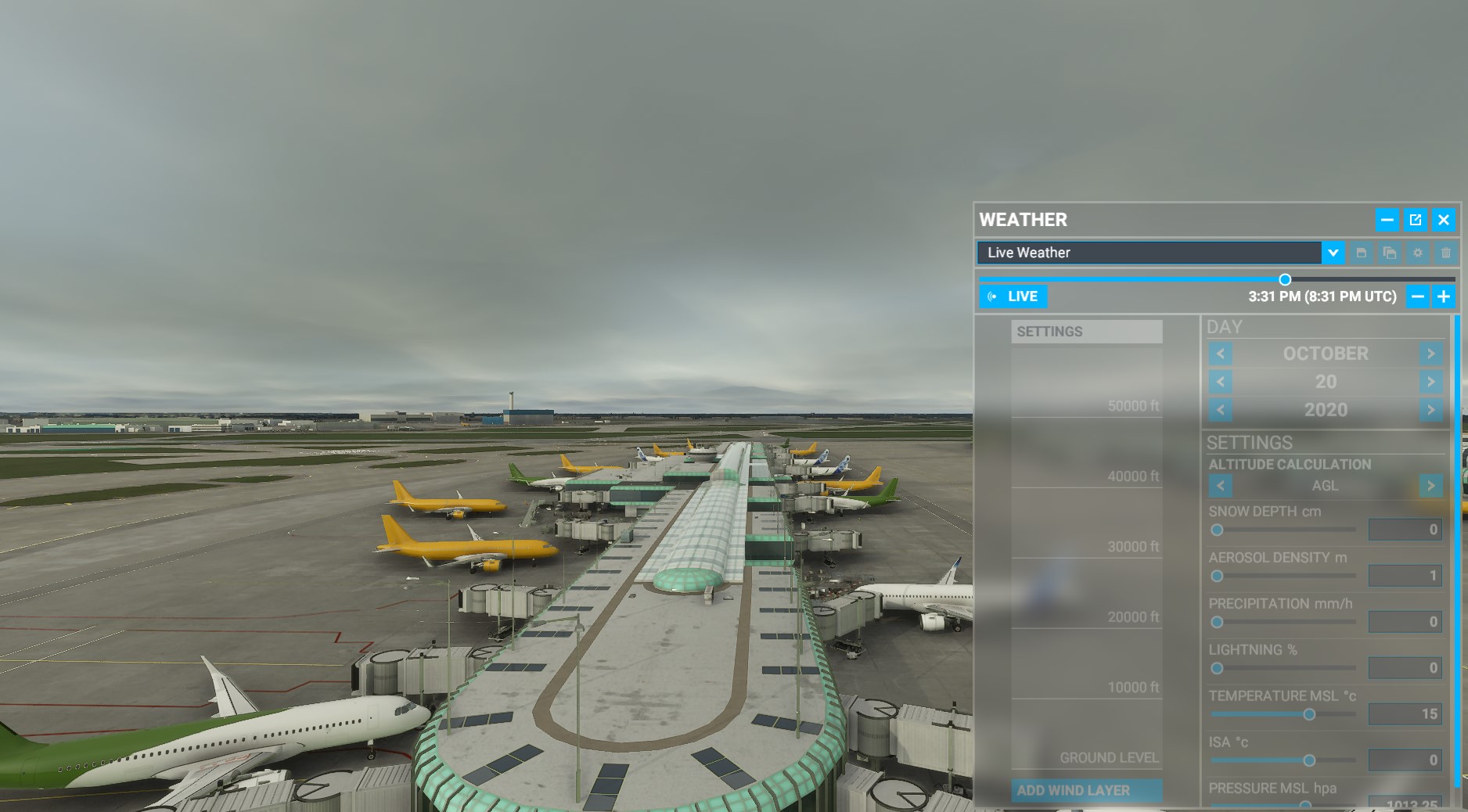
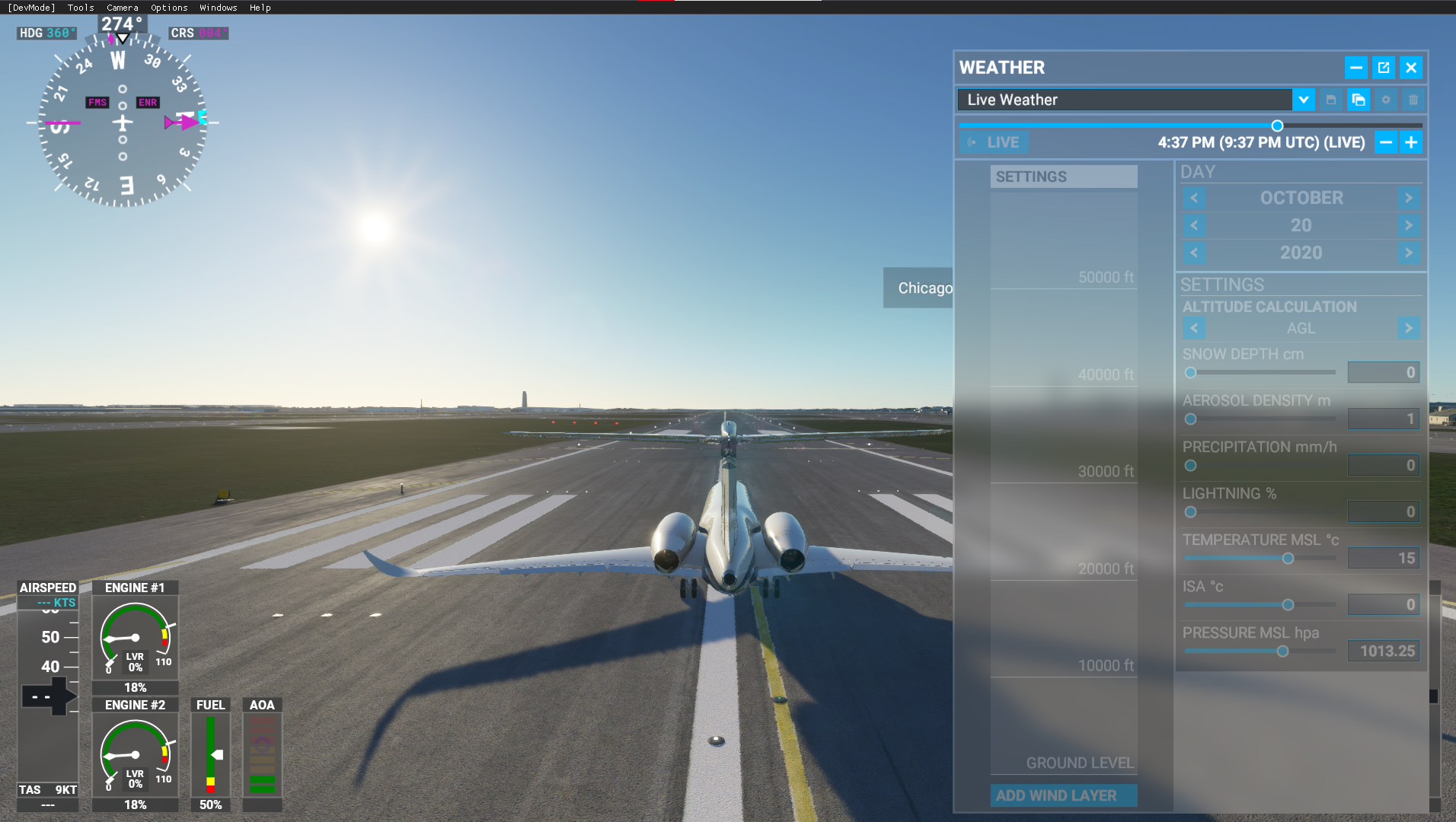
It just got weirder. I just installed the 10/28 update and wanted to see if my weather issues got corrected. They’re now actually much worse. Not only was nothing fixed, now I see (Picture 1) very washed-out images when the time is between about 10 AM and 2 PM on clear days (everything is a clear day for me - can’t force it to be anything else. And if I go to custom weather and select snow, it gets really bad (picture 2). I didn’t want to re-install but I see no other solution.
no comment on the first pic, but as for the second pic…that happened to me once, many months ago. Can’t talk more about it due to NDA but the only way to fix it was to reinstall the whole thing
I would bite the bullet and do a reinstall. If it were me, I’d get up early Saturday, poor myself a stiff Jack Daniels and just do the reinstall. That way at least I could rule out that solution. Of course, that’s just me.
I went halfway - used the Windows 10 method MSFS recommends - first try the Repair option; if it doesn’t solve the problem (it didn’t), try the Reset option - now in progress. Fingers crossed. Golfing Saturday morning, so maybe I’ll get up a little extra early and kickoff the reinstall, if needed, before heading out…
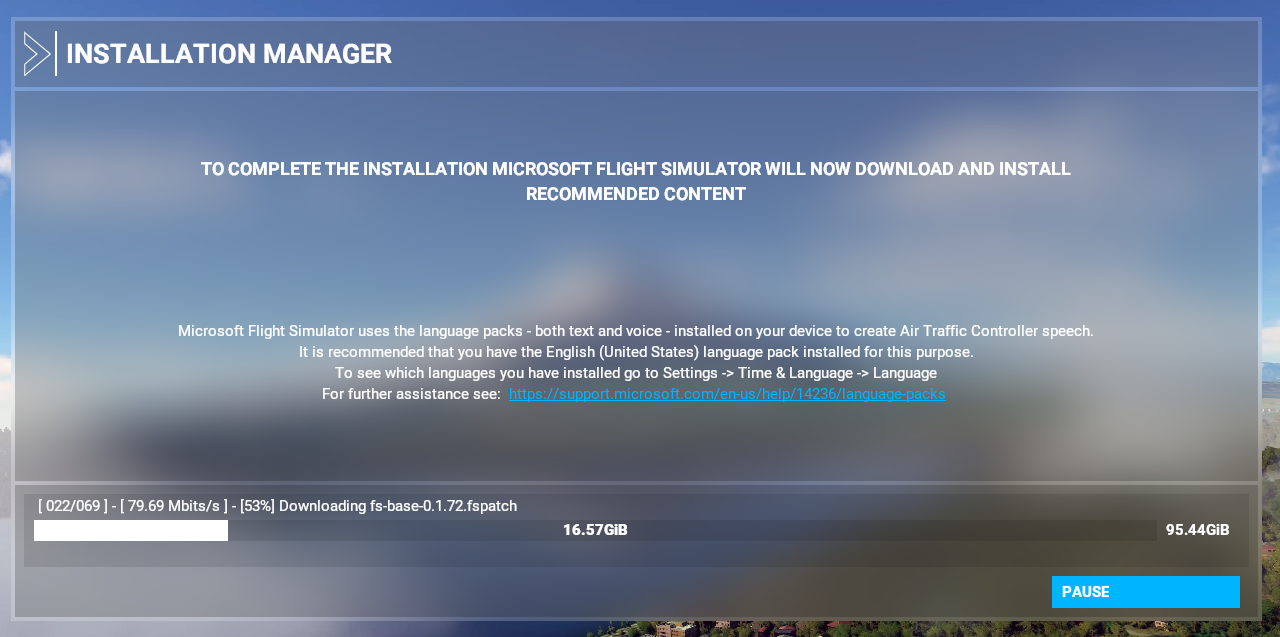
Last month I reinstalled MSFS so many times we got a warning from our ISP. lol And it’s ridiculous for anyone to expect us to reinstall the game everytime a patch is released. Two steps forward and one step back isn’t quite acceptable. If issues on my end are unresolved tomorrow morning, I guess it’ll be my first submission to the zendesk. oO

 ), including the winds aloft, which was quite impressive since Meteoblue showed a pretty distinct gradient for the wind speed that got very nicely reproduced in-game.