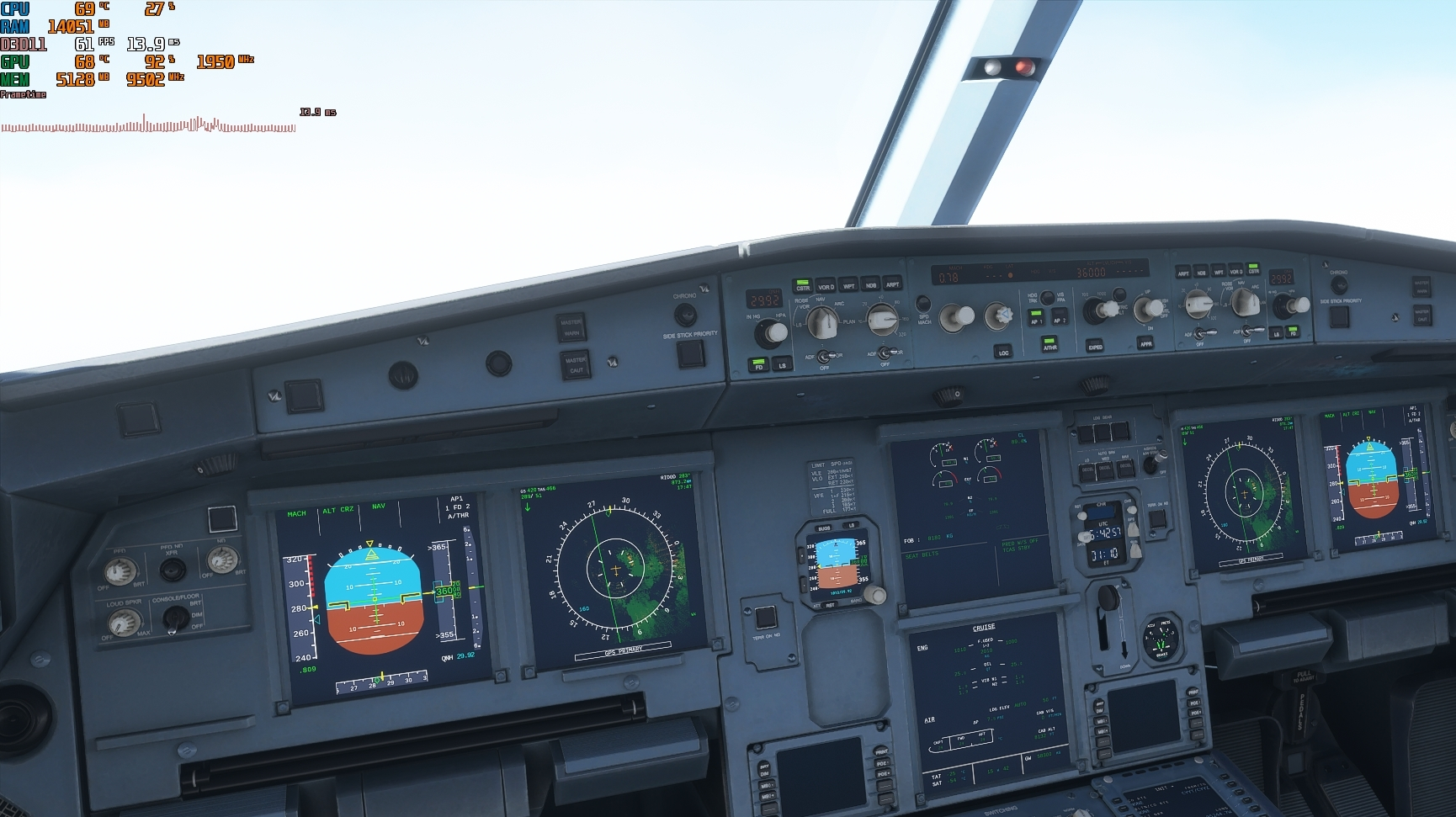
Glass cockpit refresh rate at low seems to work very well! those are the gpu usage readings im used to. I noticed that frametime shows to be really spiky in cockpit, i’d bet my right hand that each of those spikes represent the refresh frequency of the glass cockpit… Outside view is a straight line without any spikes.
1 Like
The first 4 Monitor arrived Viesonic VX3276-4K-MHD.
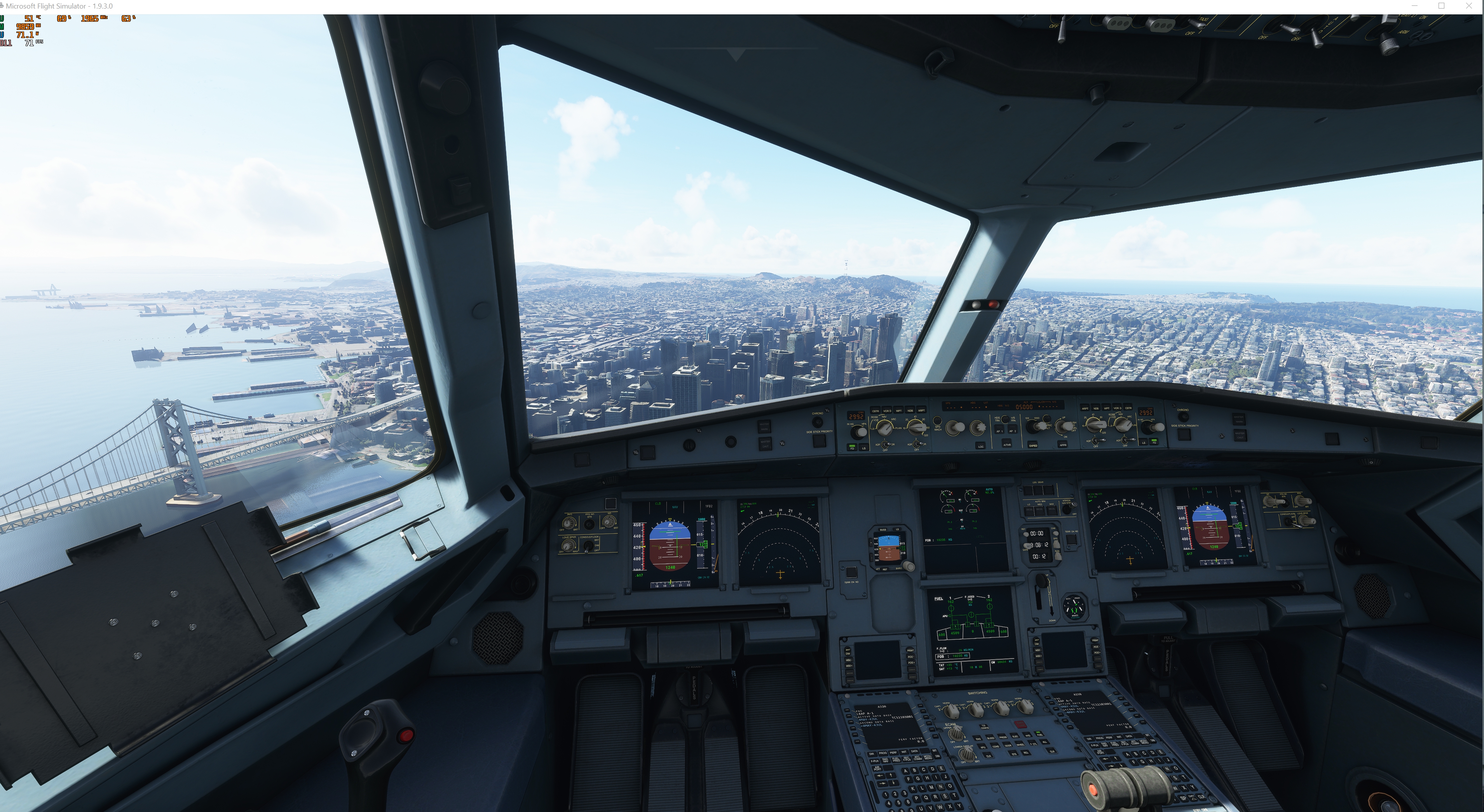
Needed to limit the rendering from 200 to 160 to get better FPS.
Got 71 fps with rendering 200 it goes down to 30-40 fps.
Did you have a different motherboard before this? That might be your issue. I suggest doing a clean install of your windows and reinstalling the game as well.

I suggest connecting to your monitor via an HDMI cable, and setting the refresh rate to 144 hz, if possible.
Did you try “Desk Cleanup?” When doing it, click on “Clean up system files” as well, and then check everything on the list. Do that for all your drives.
If it fails, try searching for the file “IndexedDB”, set it to search for it in “This PC”, and delete everything inside it.
Good luck!
go to GURU3d.com
In the downloads section you will find a video card driver section. Try running that and re-installing the latest drivers.