You can add the ASUS TUF gaming in your list as ASUS only use MLCC capacitors (the 6 of them) on the TUF gaming.
The founder edition uses 2 MLCC and 4 POSCAPs.
ZOTAC uses only POSCAPs.
I didn’t know it when I bought my ASUS, I just get lucky I think.
You 100% correct sir! That’s just insane to think though… 6 MLCC capacitors, must be a dream to overclock!
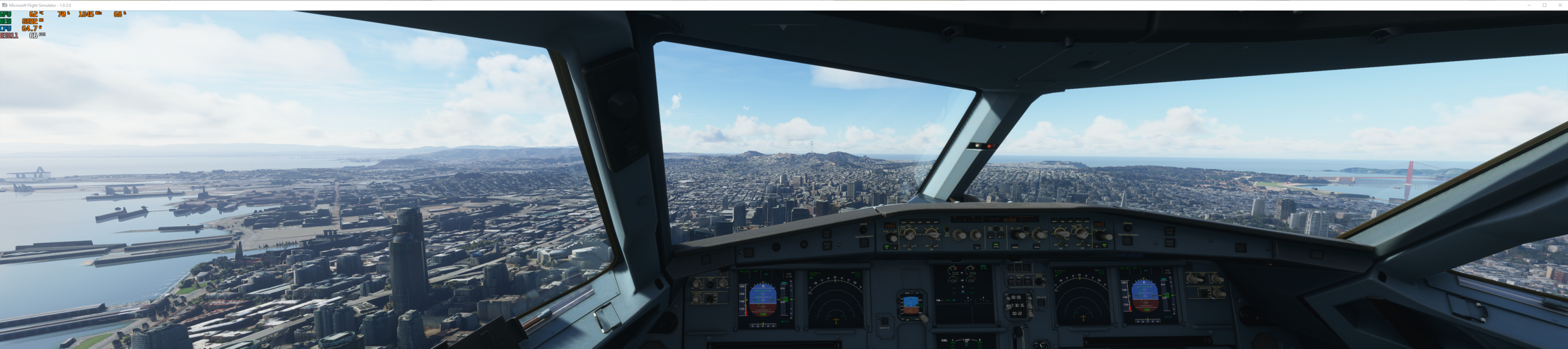
Well you can’t compare outside view over an open ocean to a glass cockpit !
Try flying over a city or a dense scenery and compare.
I am getting average 38 FPS in glass cockpit in SFO airport. (RTX ti , 64 GIB RAM,i7,10k chip).
impressive!!!
I am getting 38 FPS and not maxed out !! 
(RTX ti , 64 GIB RAM,i7,10k chip)
Ops ! RTX2080ti
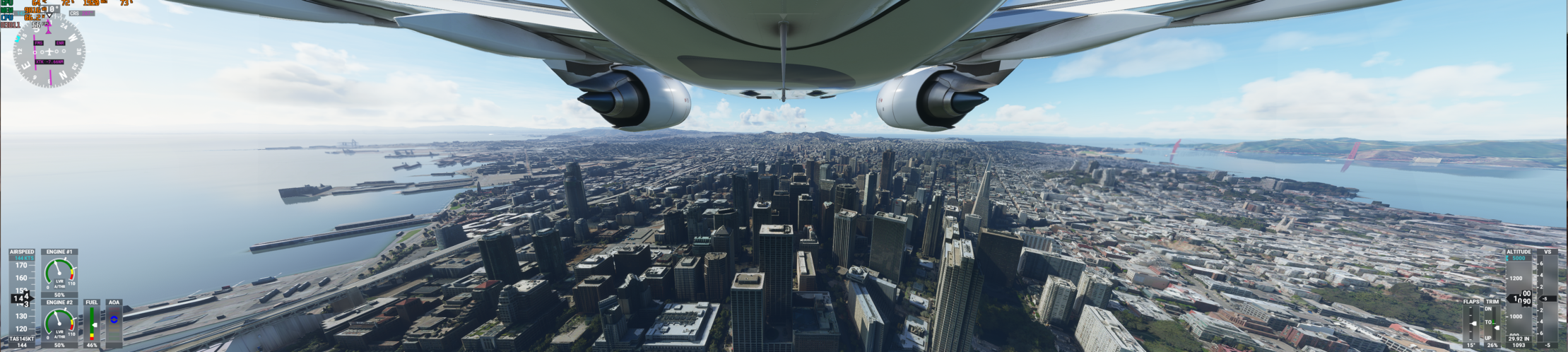
So odd, tried flying over the same area and getting just 20 fps. same CPU as you, 3080, 32gigs ram 3200 and ssd drive.

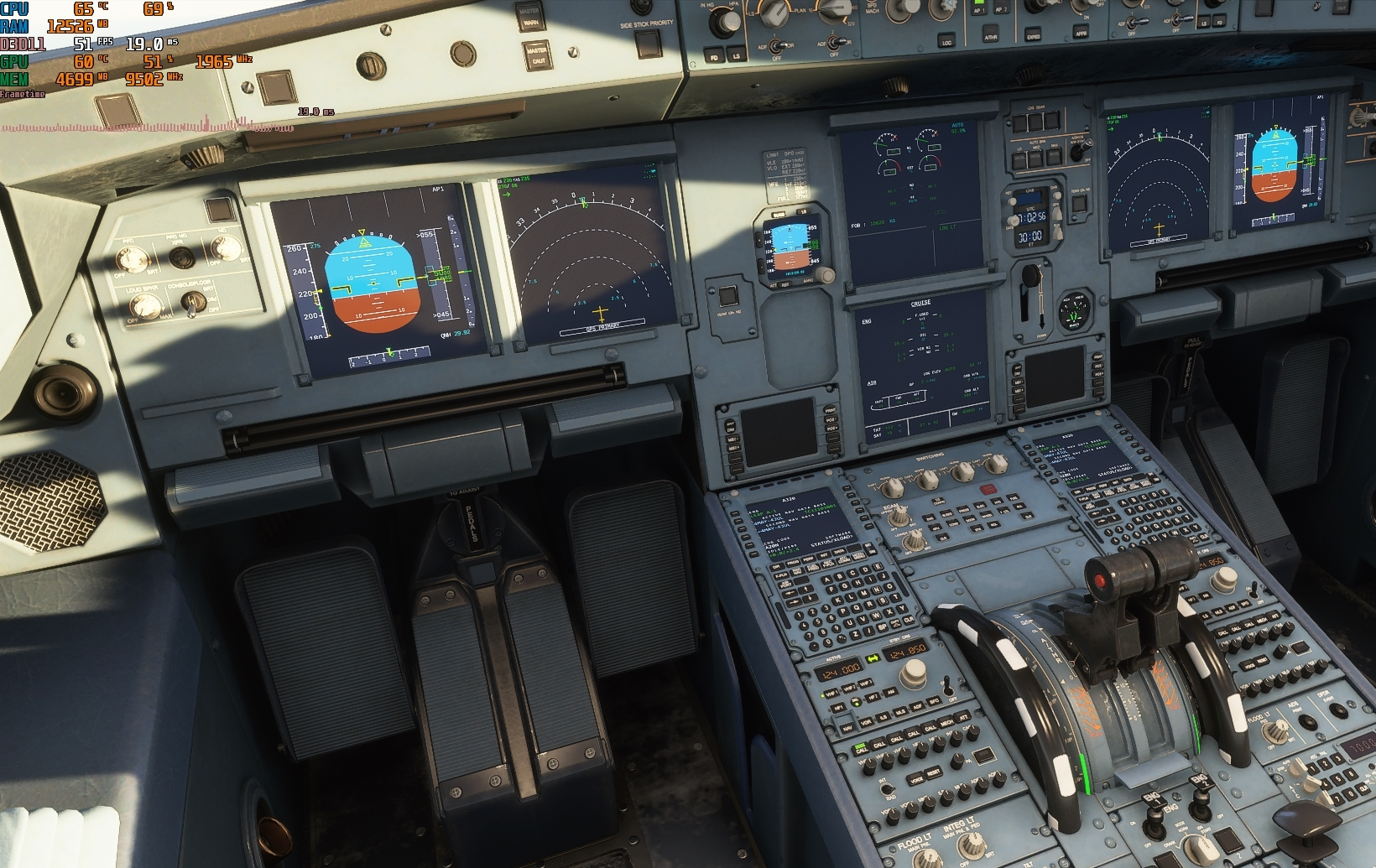
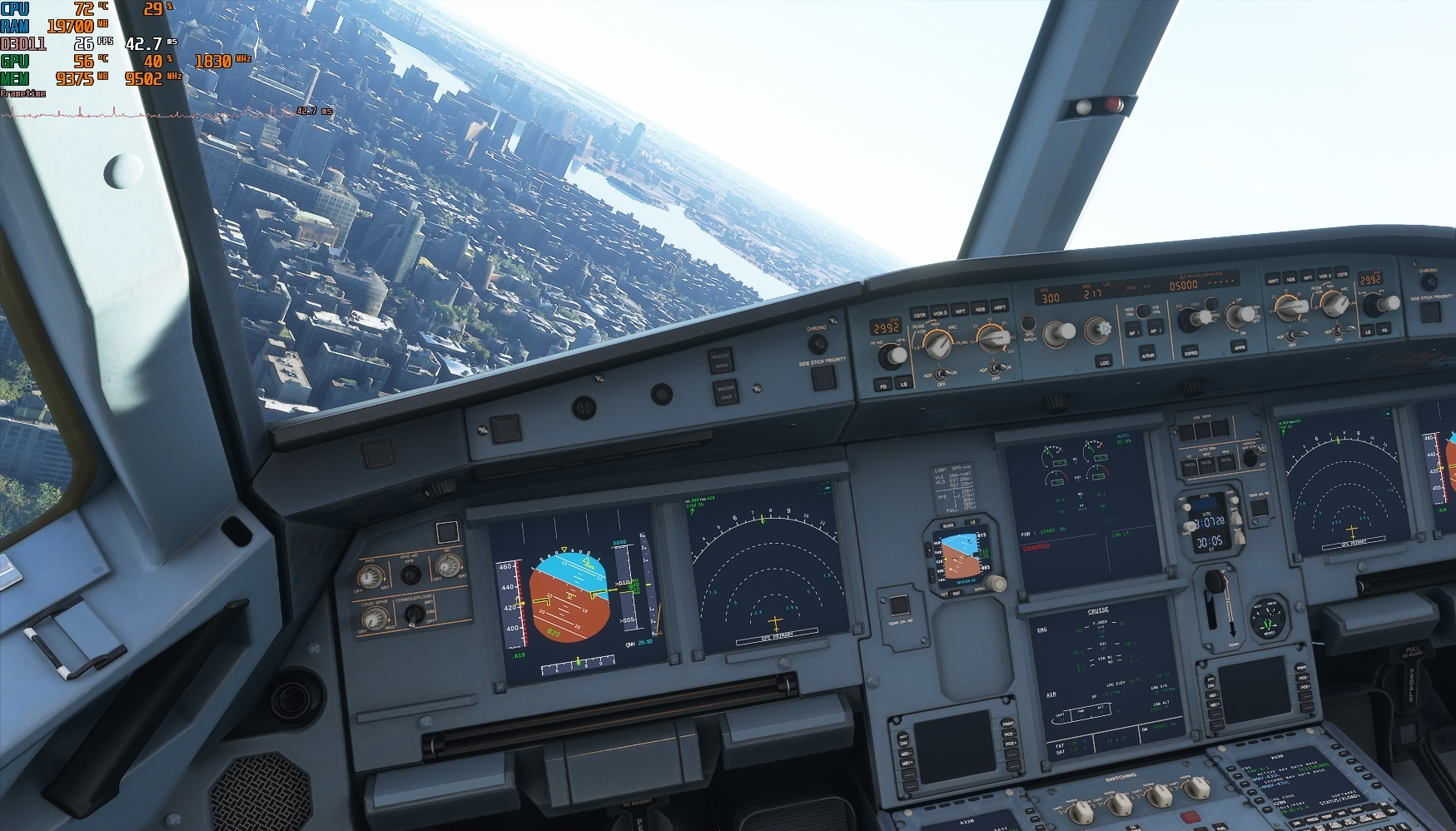
The point was comparing the performance hit that the cockpit makes and how the cpu and gpu seems to be affected. It has nothing to do with whats going on near the plane. But to do it your way, heres some pics to show that exactly the same issue happens in the middle of new york:

Have you set the windows power plan up to performance?
Also have you checked how many Pcie lanes are being used for the GPU?
What do you have your glass cockpit refresh rate set to?
Just so you know a game has to support physx for that feature to work
Thanks for asking, because i tried the different settings, for some reason now i see a HUGE difference in performance between low and high! I tested this previously and saw no impact whatsoever, now while flying over san fransisco, the same spot as before and 2.5x framerate! from 20 to 45-50 inside cockpit. Even the outside view is now over 60. Wow, i guess we found the problem. 
4 Likes
Why is your GPU only 53C mine is 64-70 C and i have am open case right now means hot air can get released easily. My GPU is on 1950 MHz your stuck on 1800 MHz.
What Card are ypu using?
Just saw the last post, yes high power settings does make a difference.
Have you tried playing around with the fan curves. Helped me reduced temps by 10 degrees
As expected the plane does not make any difference its marginal.
At the end it is just a picture the GPU does not know the size. 
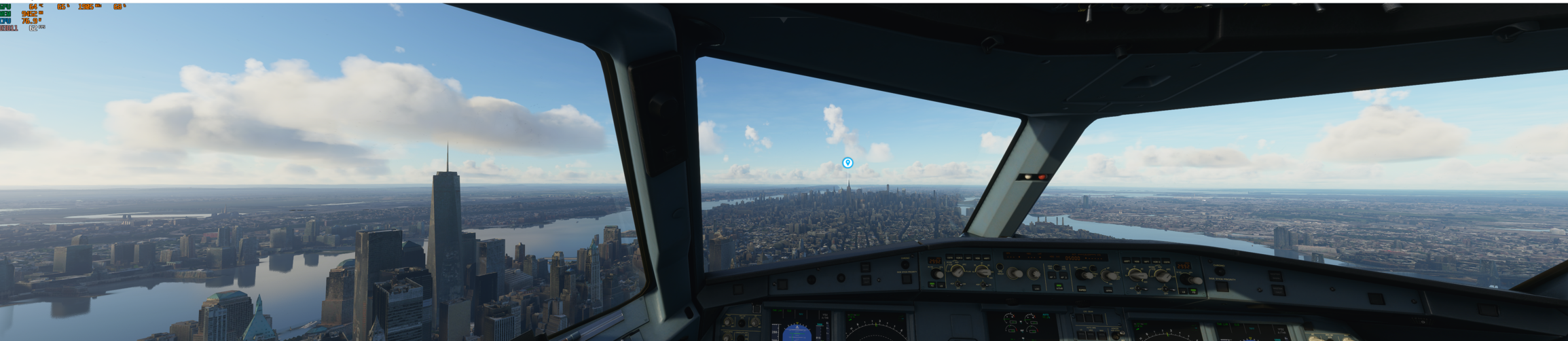
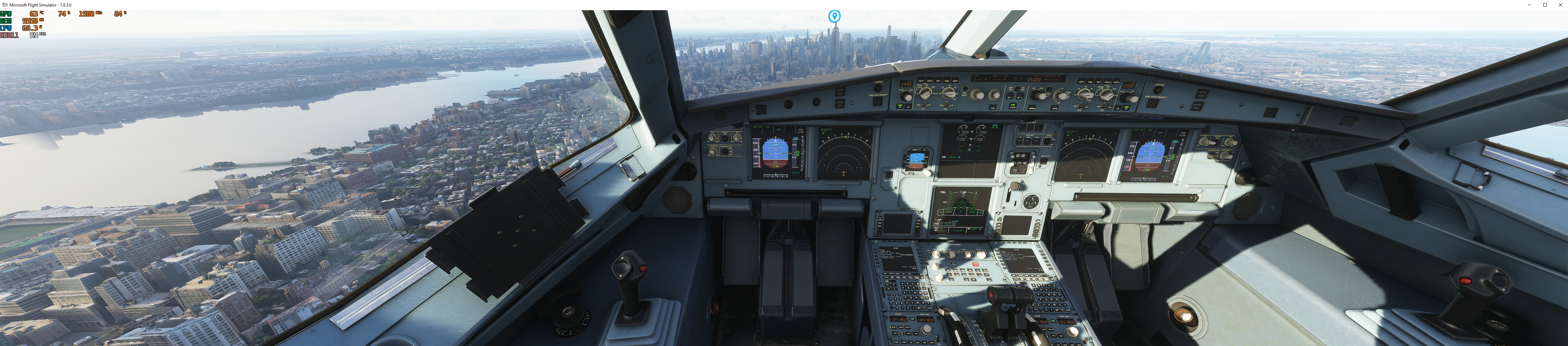
a little bit but still room for improvement
You are referring to the problems im wondering about : D I have a Gigabyte Gaming OC 3080. Its usually not that low temp, mostly around 60-65C, i do say this card keeps cool really well! I have a closed case and not that good ventilation in it but it still runs really cool 
Also its not stuck to 1800Mhz, mine runs usually at over 1925, max i’ve had is 1985 (and its not rare, really easily it climbs to max).
The reason its doing that is because of the sim. In cockpit view framerates drop, gpu usage drops, clockspeeds drop, cpu usage drops. basically everything that is supposed to ramp up as the load on the system goes up, starts slacking proportionally to the load increase. Nothing seems to bottleneck but both cpu and gpu behave like they are both being bottlenecked.
Im doing some tests with the glass cockpit refresh rates today when i have the time to see how cpu and gpu behaves with different settings, i suppose that makes a big difference in those too. At least it increases fps by a LOT as i found yesterday!
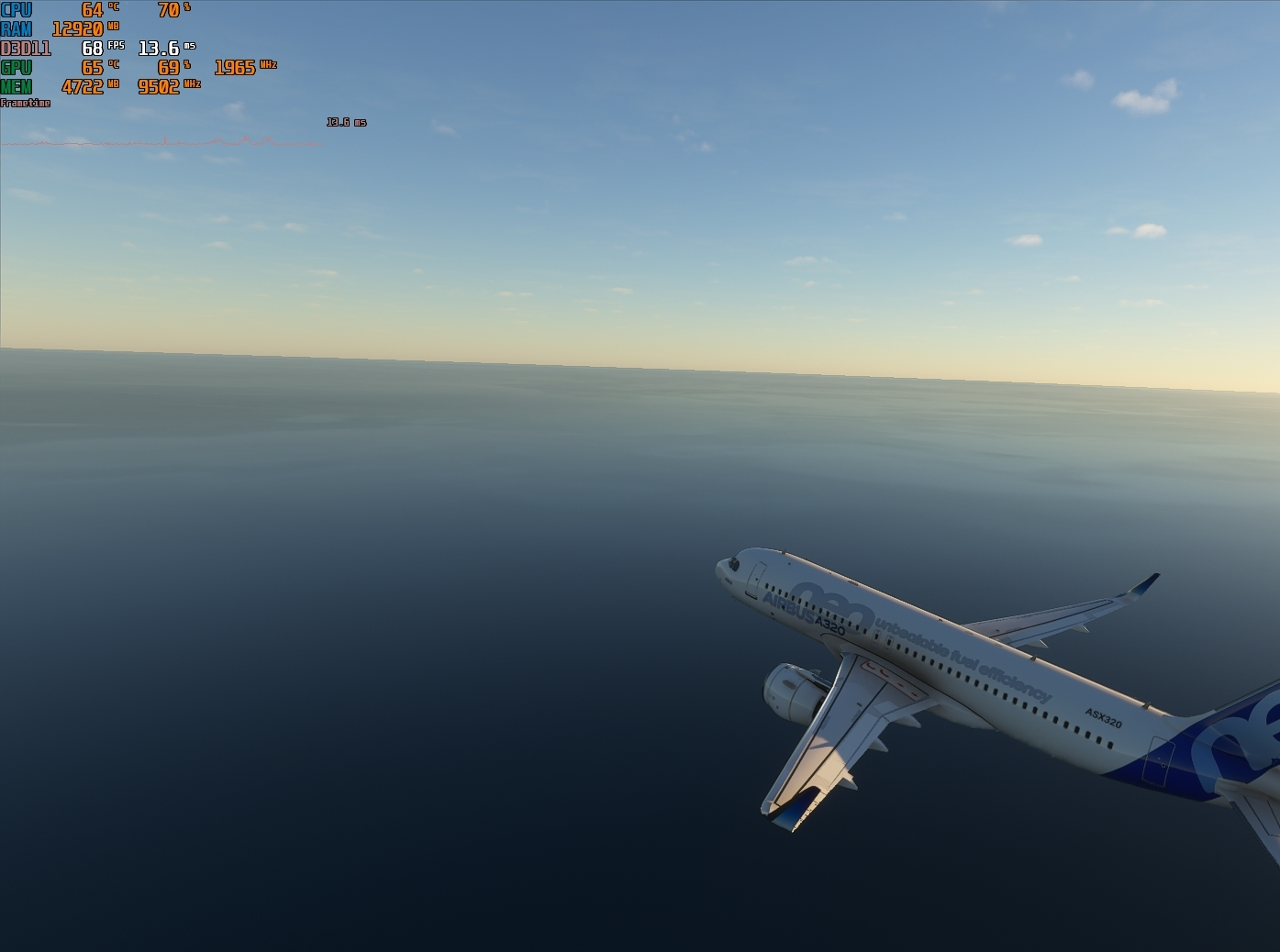
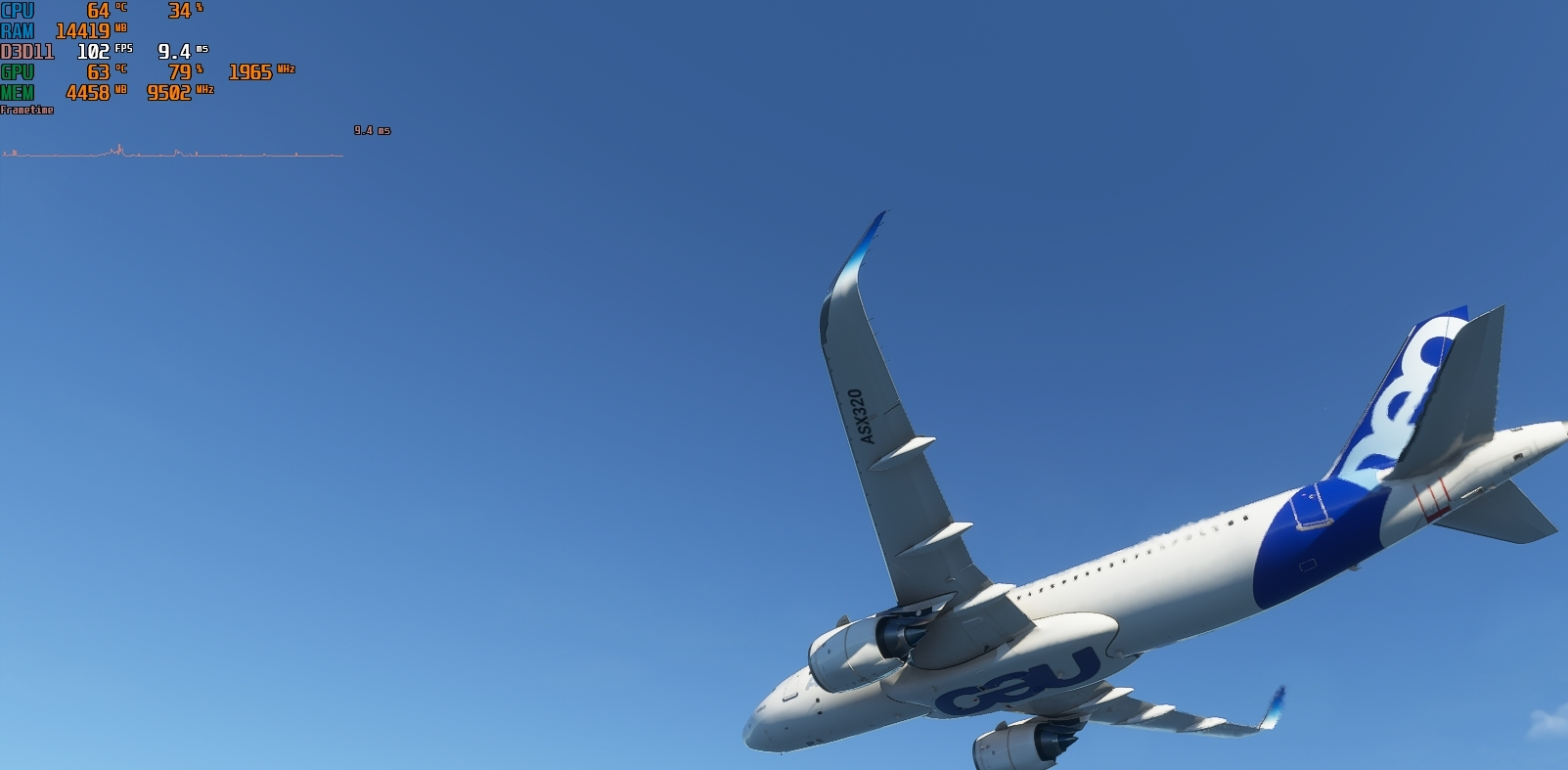
Heres a good example: Middle of the ocean, looking at the sky outside view. Really easy job for the system to render frames, as there isnt really anything complex to calculate other than the plane exterior. 102fps, CPU at 34% (no threads at 100%, all 12 threads at around 50-60), GPU at 79%, 1965Mhz. Still GPU is not at 99%. If nothing is bottlenecking, why doesnt the card go to full capacity? (i have had moments where it goes to 99% at FL400 when looking at the sky, so it cannot be because of the resolution)
turn off hyperthreading and overclock your cpu
Well, interesting results. I turned off hyperthreading and turned glass cockpit refresh rate to low. CPU usage went up, now im seeing some cpu bottlenecking, from 6 available cores the game utilizes 3 properly and the other 3 are around 20% (although still no steady 100% usage in those utilized cores, hovers around 80% and spikes to 100% once in a while)
FPS went from 35-40 in cockpit to 51-58 (has to be the glass cockpit refresh setting). GPU usage stayed the same as before though. CPU usage went from 35 to 70%. (probably just because without hyperthreading, half the threads, exactly double the usage%)
Outside view performance actually dropped when hyperthreading is off, now im getting around 70-75 fps, dropped from 90. GPU usage dropped as well from 90% to 70%, CPU usage about the same inside and outside.