Anyone know if they’re going to offer the g1000 version?
Hopefully no, if you need to fly G1000 fly any other G1000, they are all the same.
However, I wander when they will update it as they said it was planned but still nothing.
3 Likes
I don’t see why they cant offer both?
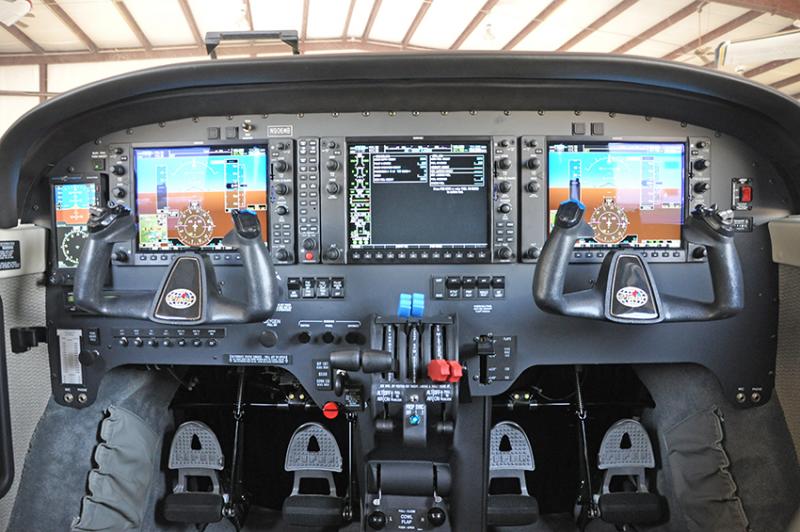
The G1000 has been factory fitted for several years now, initially with the STEC 55X AP and later the GFC700 AP, In top spec they’re a full IFR aeroplane with ADF, DME, TAS, Weather Radar, dual ADCs and AHRS capable of GPS approaches as well as traditional ILS. Sure, you could just go fly a jet but where’s the fun in that? 
2 Likes
Airplanes are fitted with what you ask, read through the forum and you see no one cares about spending money on yet an airplanes that has exactly the same concept as any other 100s airplane available on here, it is a sim.
In real life I do not care when I fly, although I still enjoy steam gauges personally, but in the sim I do as I am not using it to go from A to B.
It would sell nothing as why purchasing something you have already, furthermore look at the steam gauges commercial mod that came out, 1 + 1 = 2… Asobo put the G100 on all as it is easier to model, 2 / 3 holes punched in the mesh and the cockpit is done, the base aircraft are unusable, horrible so that really makes little difference 
Perhaps I would say offer both options.
I’m not getting this thing to follow a VOR in VLOC mode - what am I missing? the OBS never even sees it.
Any idea what was updated on the version in Marketplace? Was the new WT 530/430 overhaul included?
Here are the release notes (also available on the Carenado website – link below):
PA34T Seneca V MSFS version 1.5
———————————————————-
January 20th, 2023
-Switched to MS pilot avatars for broader selection.
-Updated AP to work with WT’s GNS module.
-Fixed autopilot not working with other third party addons.
-Included TDS’s Gtnxi option in tablet menu.
-Added VR commands.
-Redone ice effects.
-Added liveries.
-Other minor bug fixes.
Looks like good update,
but really don’t understand that many times reported bug with Landing lights is still not solved. Also intensity of Taxi and Landing lights is very weak and is simply not possible see outside of plane in the night. Pls Carenado Team do things correctly and better.
1 Like
I am still getting the AP dive issue on the new patch (when engaging AP in climb, aircraft will brutally dive / try to reach 0 pitch before the proper required pitch kicks in a few seconds later).
The Seneca is not a bird I fly these days; many other older Carenado aircraft I still do (Mooney, C170B, Waco, …) because they do have character, but that Seneca seems superseded by the Milviz C310, Flysimware 414 or even Black Square King Air.
1 Like
no problem with me, AP immediately takes over what it should.
Yay!!! No more angry looking pilots!!!
So you’ve checked out the update and seen it’s still not solved?
Maybe that’s part of the
This is likely due to initial conditions not being properly set up. I’m not an Autopilot user because I have a hard time getting them to do what I want, but that’s all about me most of the time as I’ve never found a good resource on how to properly set them up.
I know in the past it had to do with turning on the AP before takeoff and other issues with setting them up.
Anyone know a good resource on how to use the various Autopilots in MSFS?
I am loving the update! I never had any complaints before, but I don’t have a lot of hours in twins. This is definitely one of the best twin flight models now.
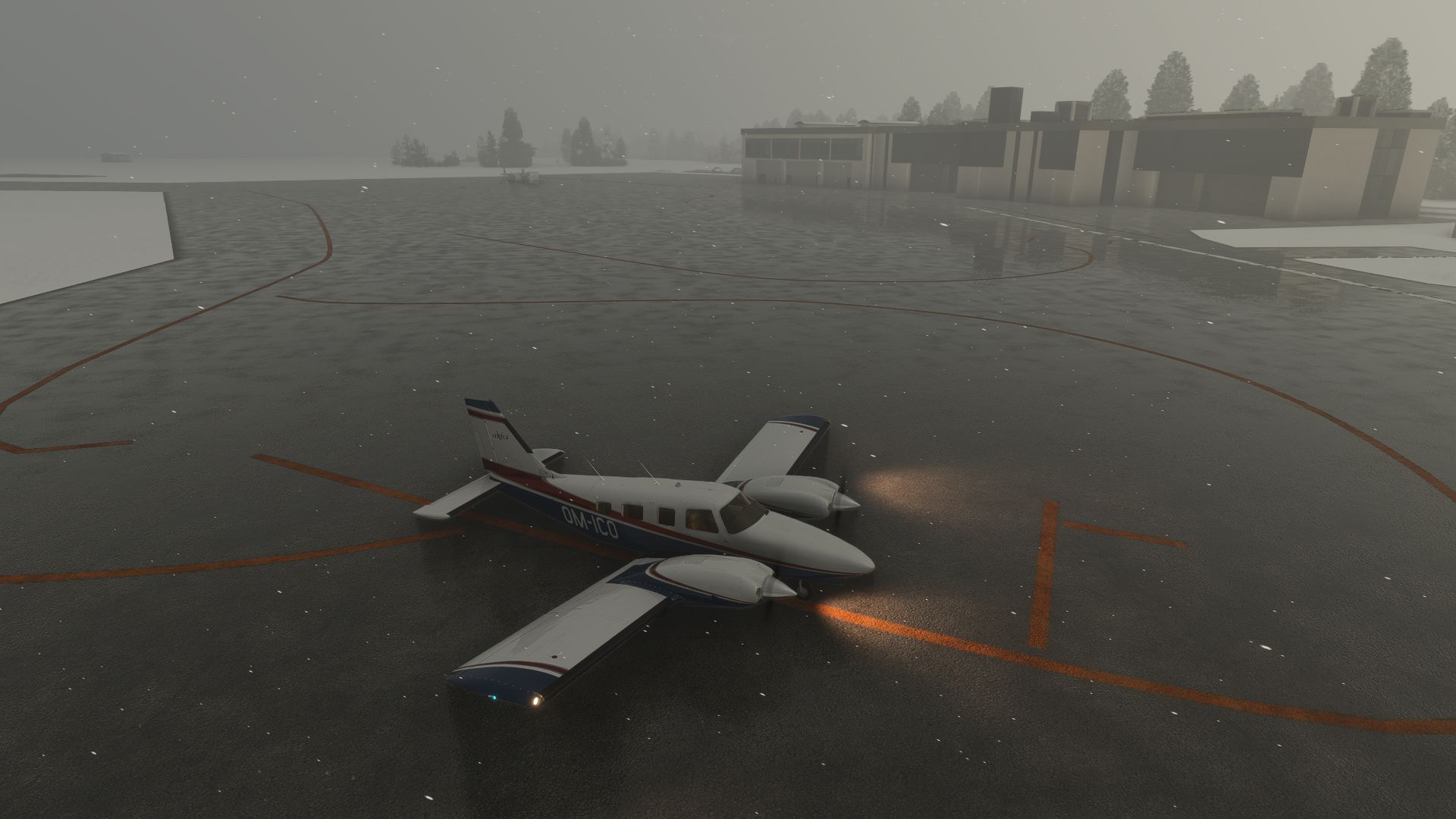
Generally, on GA aircraft, all I set up on AP pre takeoff is the altitude and maybe runway heading. Then I stabilize the aircraft after cleanup via trim. Then enable AP and set climb, pitch, and lateral navigation. There are some YT videos out there for these, but generally, you don’t engage AP until you are stable and cleaned up.
3 Likes
Same to me but my solution is every time after lift off handle plane manually for a while in climb and after reach some safe altitude due outside conditions (enough handle about 15s.), I select AP. This is ok although it sets VS 0 for a while but after little time it starts climbing.
1 Like
Yes that’s the issue, even when preselecting a VS, it will transit through a VS 0 for a brief moment. Only plane I own that does that. I reported it to Carenado years ago of course.
2 Likes
My questions are even regarding HOW to use the AP. A lot of times what happens if I set it to NAV, is it just goes at 0 degree heading. So if I try to set up a heading instead, it goes to 0. I’m doing something wrong. I don’t know what it is. Add to that I don’t know how to determine if it’s a bug or me. And that’s just one example.
Be that as it may, I’m sure there’s something I’m doing wrong. Essentially, I want to know all the details on how to use the unit eventual.
You must switch to “GPS” 
I meant I switched the AP to Nav (as opposed to HDG or the other choices an AP can do). I did do that…