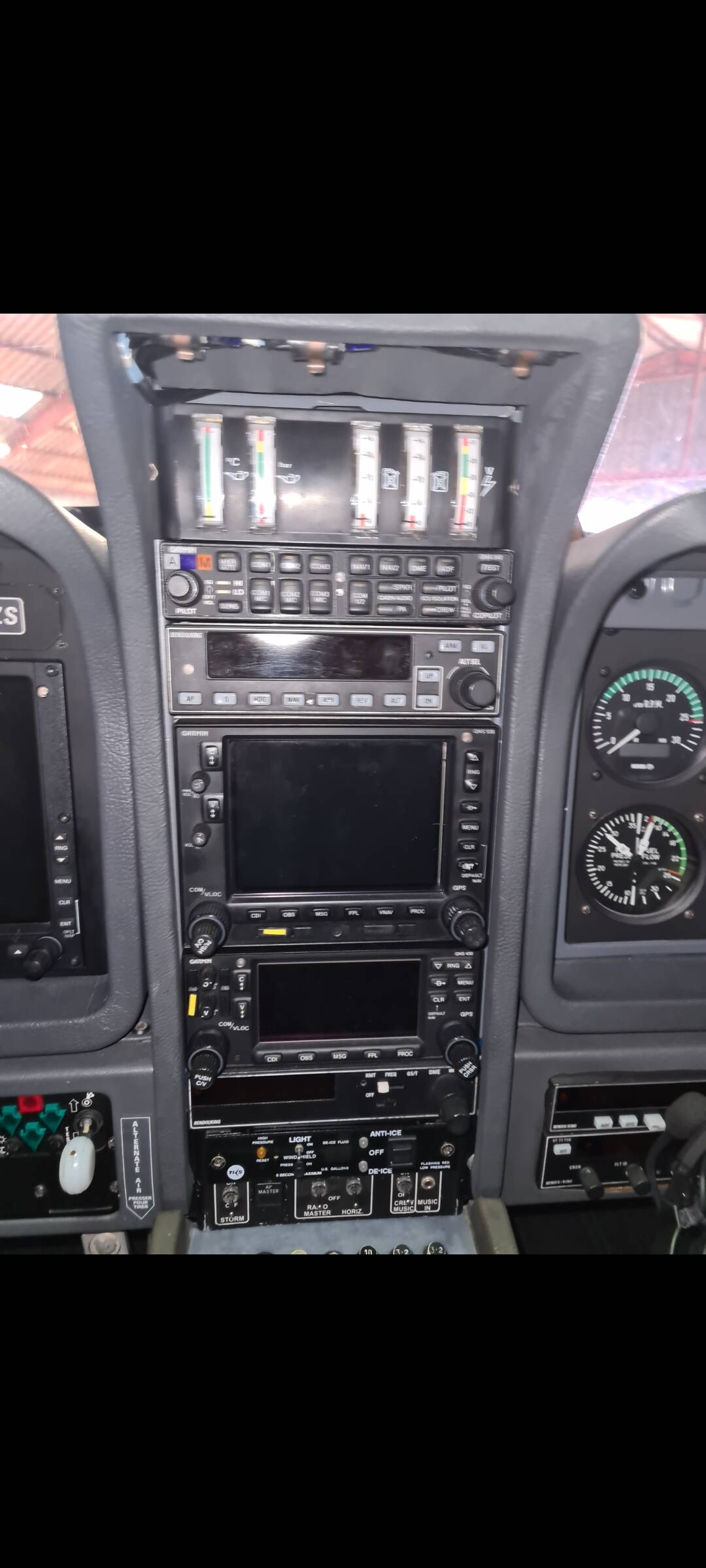
Transponder: Try using mouse wheel, roll the knob all the way up to ALT setting. If battery and avionics are on, it will come on. I wonder if having Mouse Rect controls on classic mode keep it from coming on? Its using the modern version mouse control Asobo coding.
Plexi Tint: Only works on exterior, not interior. I mention it somewhere. But on the interior, there is zero tint as I get lots of complaints for doing that. Interior does have scratches detail layer and rain effects though.
Odd on plane not starting. The cold/dark ramp config was setup for that. Worked fine for me. There are no fuel shutoffs in this bird. The fuel is gravity feed and mechanical pump to the engine from forward header tank. Rear tank is transfer pump only.
Manual: It’s shipped in the outer folder of the installer, so you should find a Manual PDF in the Community folder. Some developers started putting it in with the main plane folder instead of the planes folder structure which I thought was a good idea. If only it would land on the Desktop, or a link to it. But, its available online also which is probably easiest.
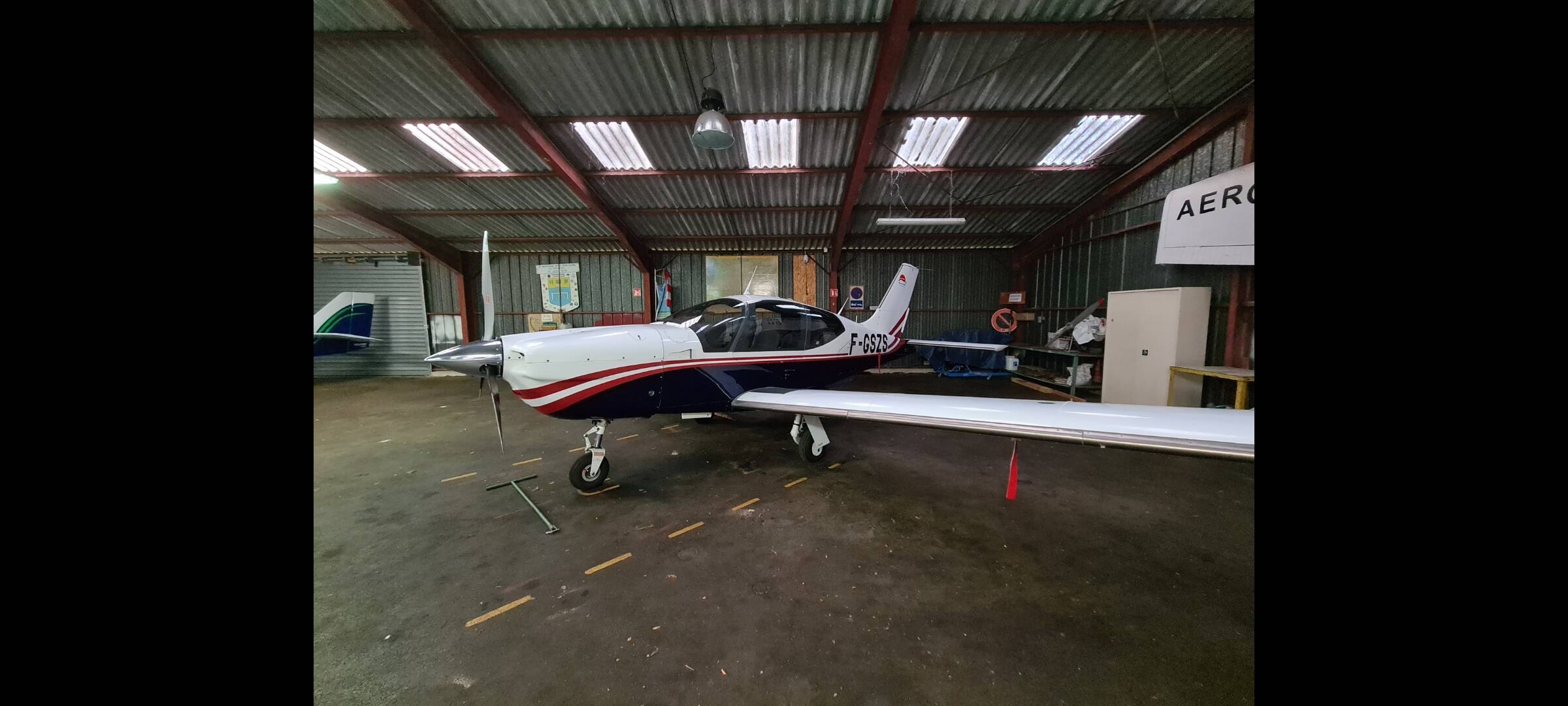
If you havent read the manual, the plane has something called a ‘Flexor’ system which acts like spoilers and angles the nose up. Basically they are flaps and spoilers, but oddly they are attached to the ailerons (rear wing) and move the ailerons upwards instead of down like normal flaps. This is because of the leverage and location on CG. It sounds crazy, looks crazy, but works fine.
On approaches you’ll need at least one click of Flexor active to slow down if you come in hot and steep.
On landings, she will bounce. A good trick is to try to touch with the tail first and this pushes the tires down and she does a nice 3-point.
Are you actually from LHC? If so are you going to improve the TB20. I bought this to help me practise for a type rating on the aircraft in real life. You need to do a lot of work on this aircraft as it flies nothing like the real thing. Happy to help test.
Ive rather enjoyed it. Also, Bill was responsive pretty quickly when i updated but found it was unclear whether it updated or not.
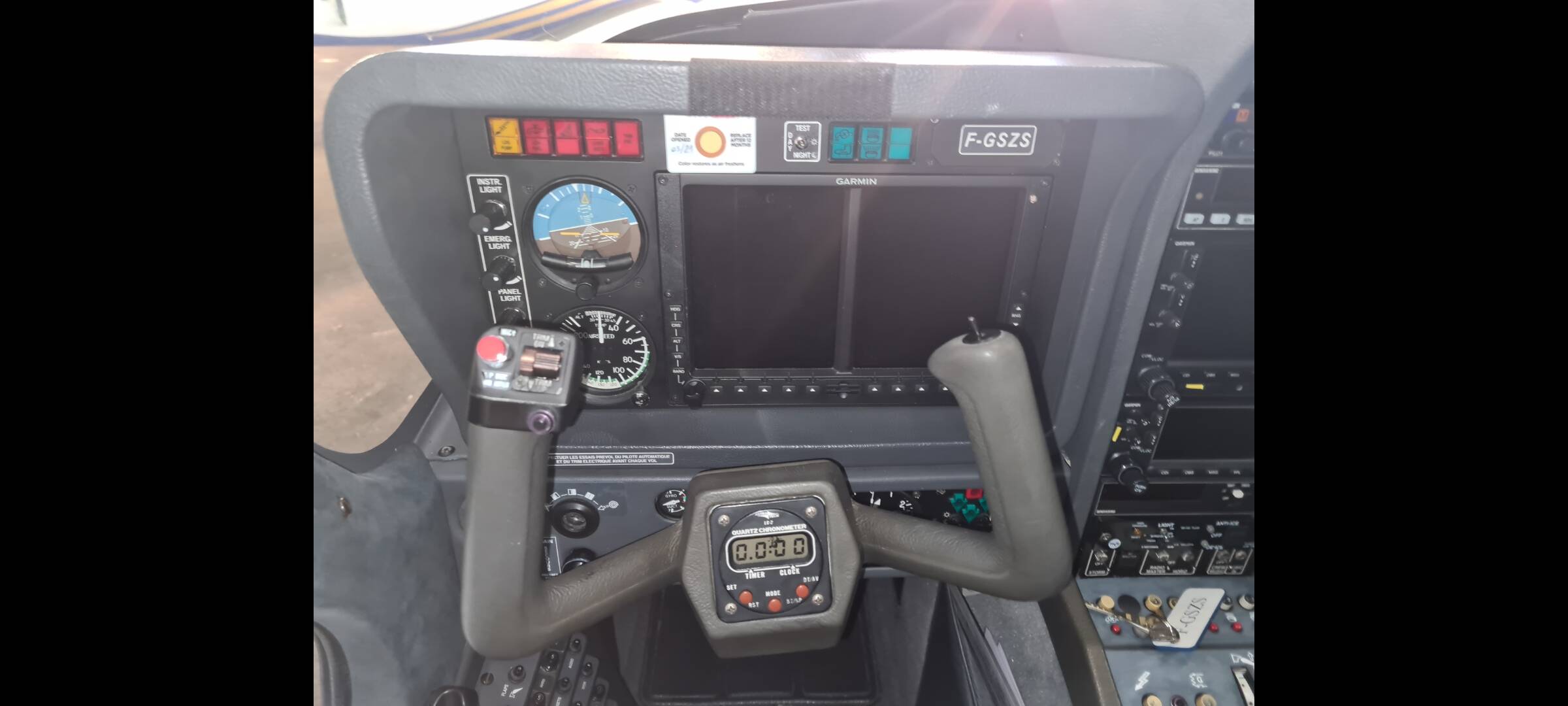
Also, when i compared the color of his gauges to photos of real trinidads (which had much darker, contrasty gauges than were originally in the sim version ), Bill made that change in the following update.
With so many ambivalent or unreachable devs out there , i appreciate the fact he responds to his customers
OK well that’s great news because now we can start working on the flight characteristics. I will contact him via the forum. Keen to get this improved. Tha ks for the feedback, I appreciate it.
I don’t use the Lock interaction system - I use the regular old one, and I did use the mouse wheel to roll the transponder wheel. It doesn’t come alive.
Question on the flaps/flexors: is there a max speed at which to deploy those? Usually GA aircraft would have the white arc on airspeed indicator, but this one doesn’t have it.
Hello LyonHaart. We don’t use Social Media so haven’t come across that Forum.
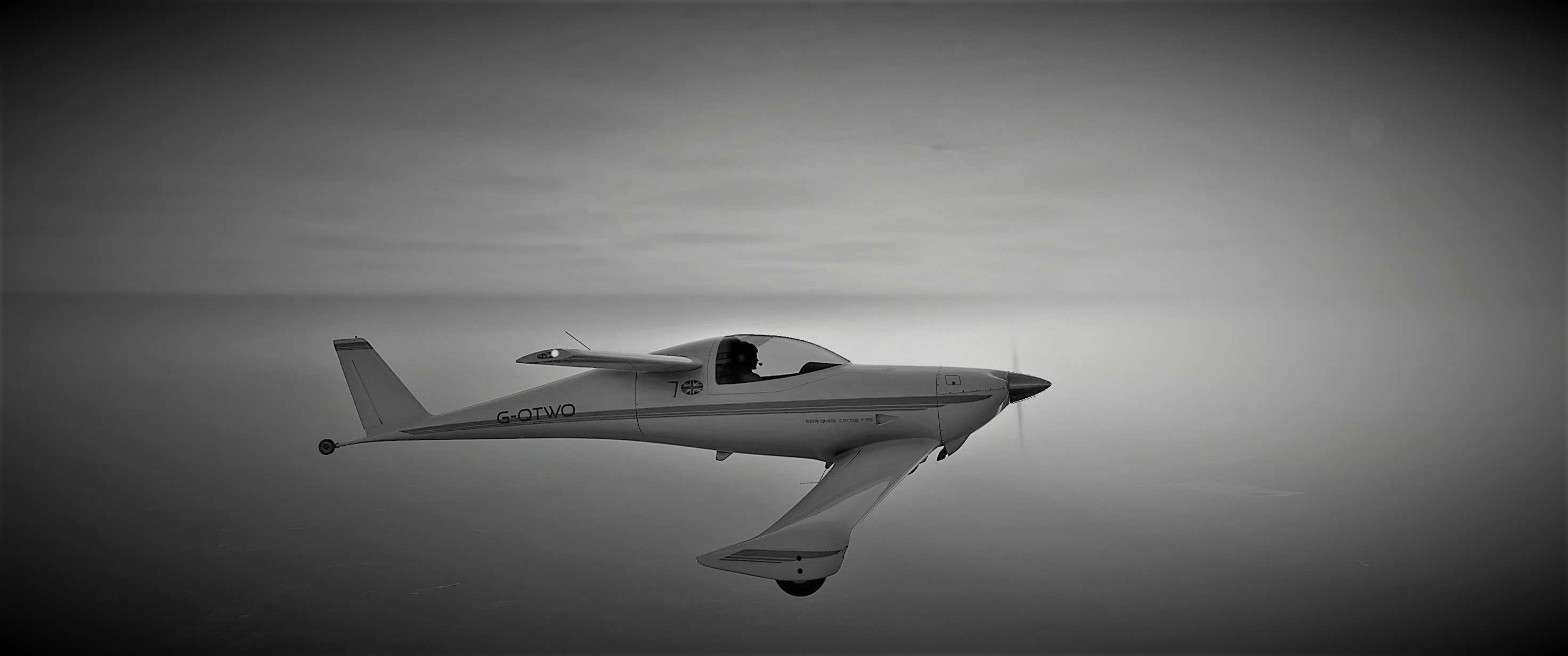
This is such a Photogenic little Aircraft and i can see that BCP is going to have fun making Screens many of which will be in Black and White no doubt.
Minor bug I think I found. With the vertical speed dial, my joystick mappings don’t change the VS in flight. I have to use my mouse over the dial. Using legacy cockpit interaction mode.
I double checked a few other planes and my mappings on my joystick work fine to set the VS. Maybe it’s a different binding due to it being a different AP?
Edit - appears to be the same issue with aileron trim, my joystick doesn’t do anything.
Edit to add that I still don’t see a difference in the exterior canopy when changing tint levels.
Editorial comments on non-simulator related content found in this product’s manuals constitutes a Customer Inquiry/Customer Complaint/Customer Feedback. As such, per the Pinned Posts in all the Third-Party subforums, these posts should go directly to the manufacturer. Do not post them here. Do not criticize or support them here. Talk about them directly with the manufacturer using their own channels. Stick to the general discussion of this third party product.
Jeremy; Flexors: From what I gathered from 3 pilots, I didnt hear them talk about a maximum speed. They act like trim effectors for the ailerons. Sort of like elevator trim tabs, not big flaps that are hanging down in the airflow, so I didnt put in a max speed for them.
The Transponder does indeed have a bug, which only surfaces on cold starts/apron starts. The cause is the link to the proper circuit to the Transponder digital window screen. It is set for Circuit 9 and it should be 20. For some reason, it runs fine on a ‘running’ flight, but will not show on the cold and dark.
I thought I had fixed that by changing the battery shut-off to ‘true’, but no…
Save, exit, reboot the sim and check. Cold start on the apron, remember to use mouse wheel to turn on the Transponder.
If you have Notepad++, its on line 403 of the Q200_Interior.XML.
IF… you have never done something like this before and know nothing about editing config files, then DO NOT TRY THIS. Wait a couple of days for the update.