Please tag your post with either msfs-2020 or msfs-2024 if you would like to discuss a specific sim, as well as which platform you are on.
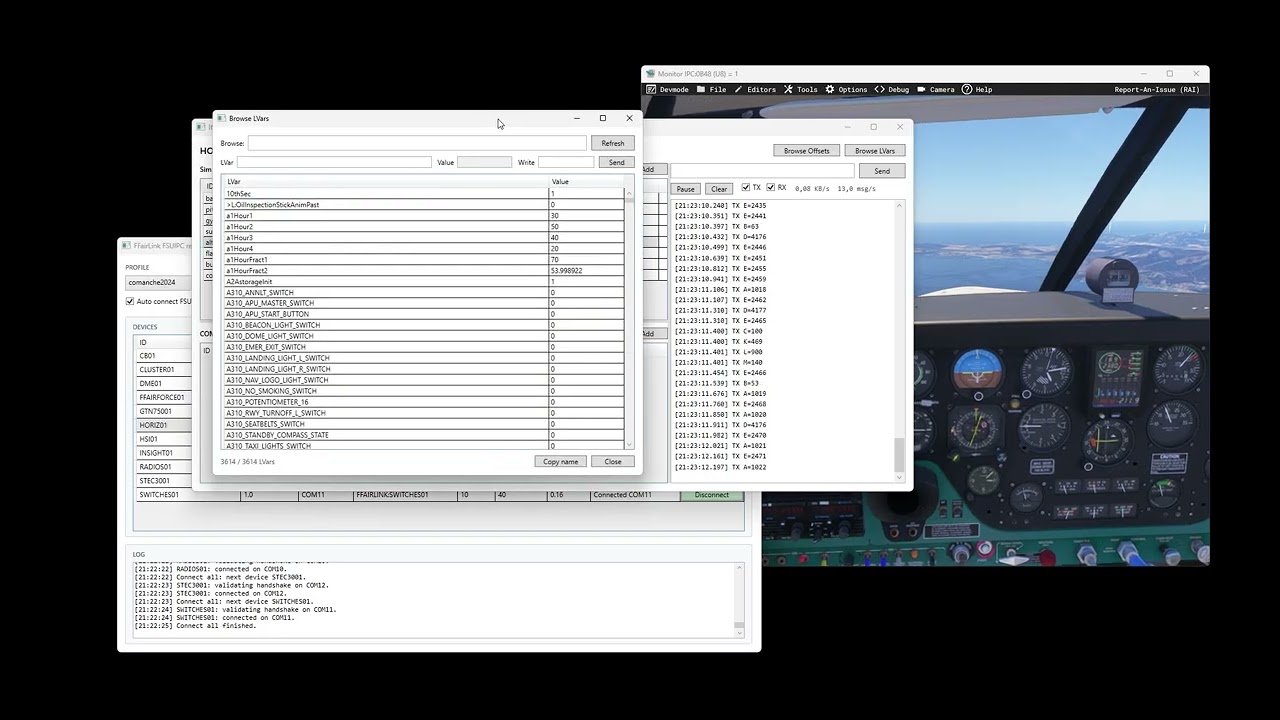
You probably remember Link2FS, the tool many of us used to get started in cockpit building. I’ve decided to create something more advanced for MSFS: FFairLink.
It allows you to list, read, and write offsets and Lvars, perform any custom mathematical operations, and send them via a serial port to any Arduino, Teensy, ESP32, or any hardware of your choice. You can process these variables and send messages back to FFairLink, which then translates them into commands or writes to offsets and Lvars.
With its integrated handshake system, FFairLink automatically detects which port Windows has assigned to each device, saving you from manually configuring serial ports every time.
You can add over 200 Arduinos per aircraft profile. For each device, you can register as many variables as you like, assign them a unique code, and have them sent directly to the hardware.
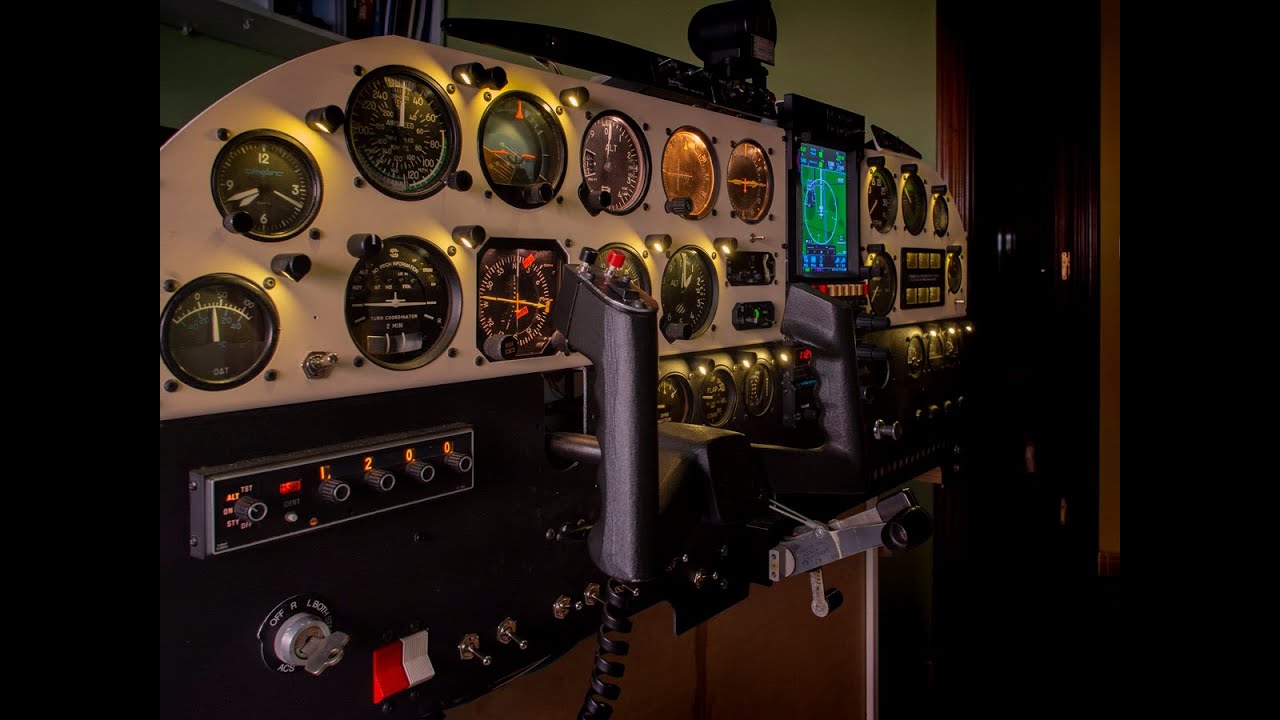
My Piper Comanche cockpit is already fully operational using this system.
I will be publishing Arduino code examples for sending and receiving messages with FFairLink soon.
Total flexibility in cockpit building. If you can imagine it, you can build it.
Thanks! MobiFlight is a great tool, but the main difference with mine is freedom and flexibility.
With MobiFlight, you normally flash a specific firmware to the board, and then most of the logic is configured through menus in the software. That makes it very approachable and powerful, especially if you don’t want to write code.
My approach is different: FFairLink creates the communication layer between the simulator and the microcontroller, but you write the Arduino/Teensy/ESP32 code yourself, including how data is received, processed, and sent back. So it is more technical, but much more open.
The advantage is that you can use almost any board that can communicate over serial, and you are not limited to predefined menu options. You can read devices or interact with integrated circuits that MobiFlight does not support, and probably never will, because you are not limited by what the software menus expose.
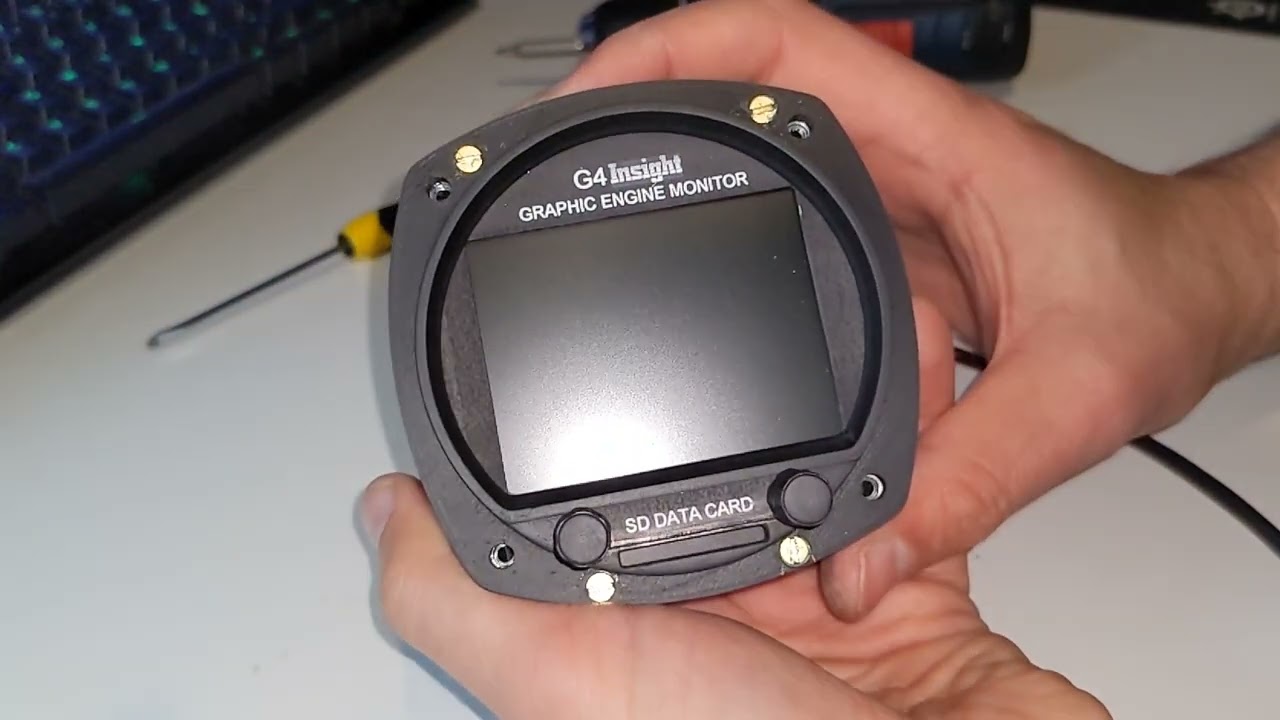
For example, this engine monitor receives data from MSFS through FFairLink, but all the display logic and hardware control is programmed directly inside a Teensy 4.0:
So MobiFlight is easier and more mature for menu-based cockpit building, while FFairLink is aimed at people who want full control over the hardware and code.