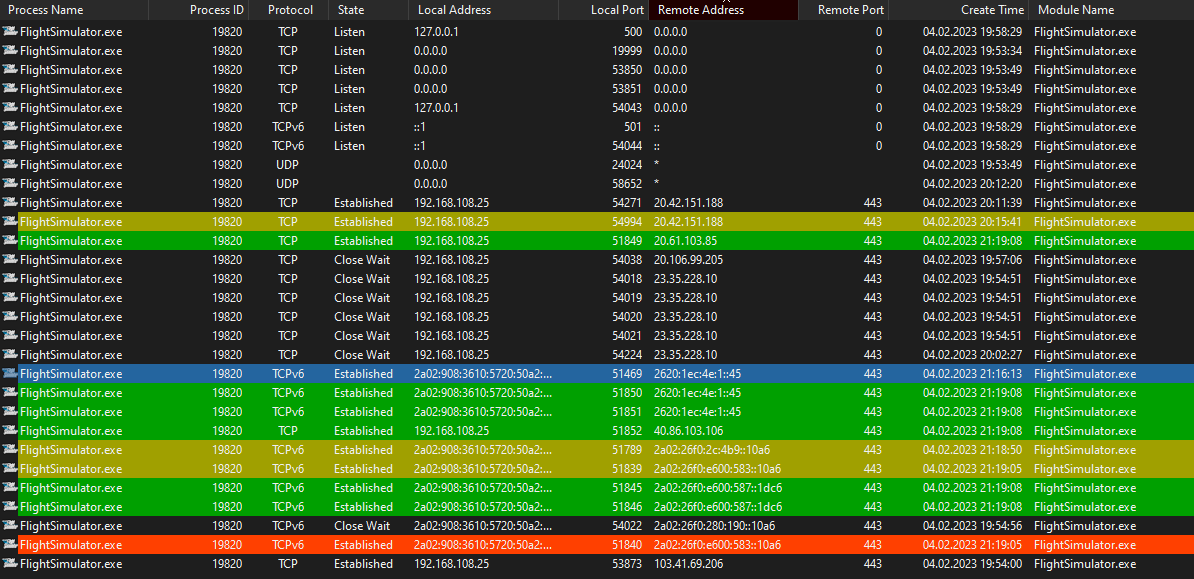
It would be nice to know which of the connections established by MSFS are the ones getting live weather data - If we’d know we could tracert to see the actual ping to the actual endpoint and compare these
20.42.151.188 for example is an “pf-ms-main-westus2-cluster-a-2023-01-10” (Azure).
In my case the TCP packages get routed through…
  1     1 ms     1 ms     1 ms  fritz.box [192.168.108.1]
  2     *        *        *     Timeout.
  3    16 ms     8 ms    10 ms  13noc-mx960-01-ae10-1119.due.unity-media.net [80.69.105.194]
  4    18 ms    20 ms    19 ms  de-krp01a-rd03-ae-0-0.aorta.net [84.116.196.5]
  5    15 ms    21 ms    18 ms  de-fra04d-rc1-ae-49-0.aorta.net [84.116.196.46]
  6    15 ms    13 ms    13 ms  de-fra04c-ri1-ae15-101.aorta.net [84.116.191.6]
  7    20 ms    23 ms    16 ms  ae23-0.fra-96cbe-1b.ntwk.msn.net [207.46.219.190]
  8    22 ms    16 ms    13 ms  ae22-0.icr02.fra21.ntwk.msn.net [104.44.232.129]
  9     *      162 ms   171 ms  be-102-0.ibr01.fra21.ntwk.msn.net [104.44.23.105]
 10   171 ms   165 ms   162 ms  be-14-0.ibr01.ams30.ntwk.msn.net [104.44.28.103]
 11   162 ms   164 ms   165 ms  be-15-0.ibr01.lon22.ntwk.msn.net [104.44.31.0]
 12     *      166 ms   183 ms  be-10-0.ibr01.nyc30.ntwk.msn.net [104.44.18.152]
 13   169 ms   166 ms   165 ms  be-5-0.ibr01.ewr30.ntwk.msn.net [104.44.7.103]
 14   167 ms   163 ms   171 ms  be-8-0.ibr01.cle30.ntwk.msn.net [104.44.17.201]
 15   169 ms   195 ms   163 ms  be-9-0.ibr01.ch4.ntwk.msn.net [104.44.29.47]
 16   241 ms   162 ms     *     be-8-0.ibr03.dsm05.ntwk.msn.net [104.44.28.220]
 17   165 ms   170 ms   166 ms  be-8-0.ibr04.cys04.ntwk.msn.net [104.44.28.255]
 18   176 ms   163 ms   168 ms  be-11-0.ibr04.mwh01.ntwk.msn.net [104.44.30.106]
 19   263 ms   171 ms   164 ms  be-2-0.ibr01.mwh01.ntwk.msn.net [104.44.16.84]
 20   169 ms   166 ms   190 ms  ae150-0.icr06.mwh01.ntwk.msn.net [104.44.32.231]
It would be nice to have an actual update for us on this issue instead of just a dashboard that says - Investigating.
Some kind of regular communication on this issue would go a long way. For me, at least. In my organization, when we have an outage, there is someone responsible for providing updates to the rest of the org on a regular basis - frequency dependent on the criticality of this issue.
We would probably be treating this one as a high-priority (high impact / high number of users affected) issue. And the communications protocol for that kind of an issue are communications every hour to the entire org.
Guess MS/Asobo don’t have the same kind of incident management protocols in place. But still - some actual communication on what the issue is and what (in general) is being done to fix it would be nice.
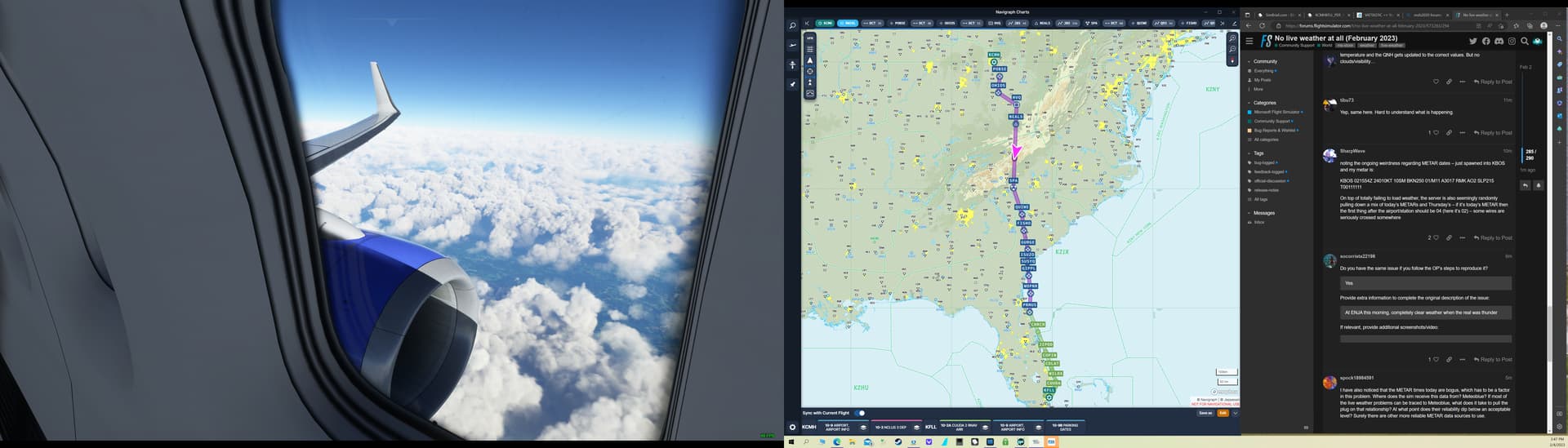
Maybe this was mentioned before but when I start a flight, I have 20°C / QNH1013 / CAVOK conditions. When I then turn off and on live weather, at least the temperature and the QNH gets updated to the correct values. But no clouds/visibility…
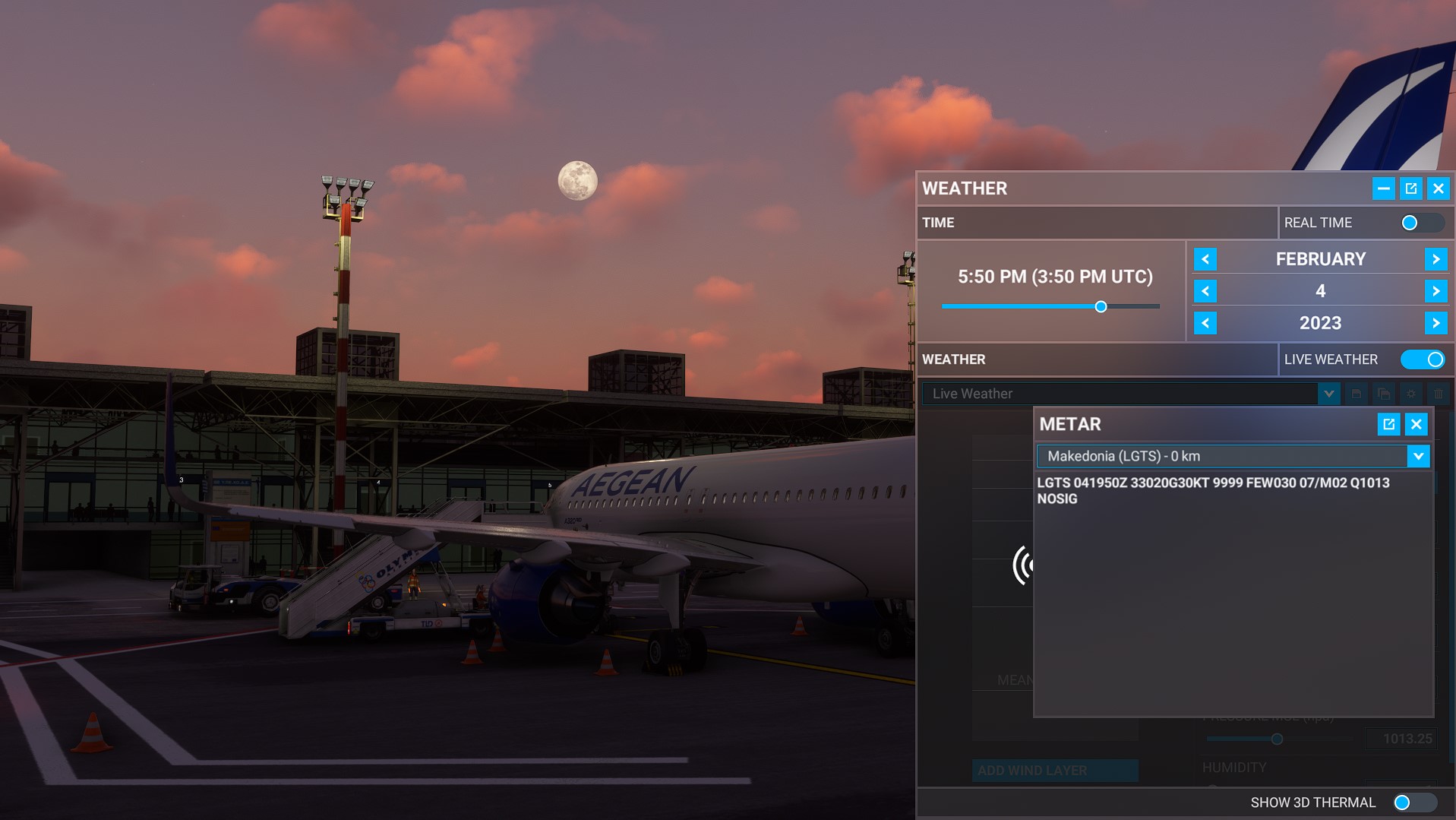
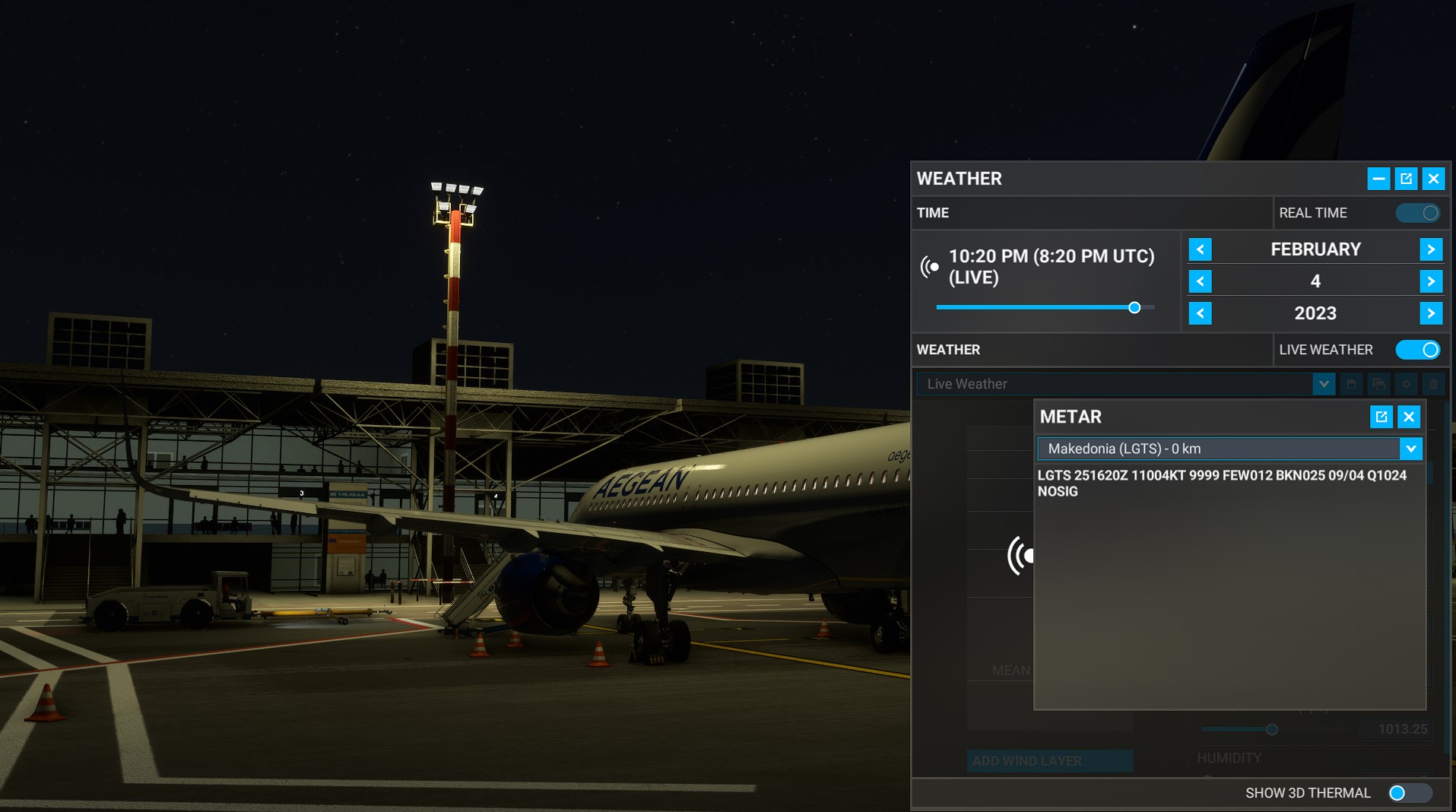
On top of totally failing to load weather, the server is also seemingly randomly pulling down a mix of today’s METARs and Thursday’s – if it’s today’s METAR then the first thing after the airport/station should be 04 (here it’s 02) – some wires are seriously crossed somewhere
I have also noticed that the METAR times today are bogus, which has to be a factor in this problem. Where does the sim receive this data from? Meteoblue? If most of the live weather problems can be traced to Meteoblue, what does it take to pull the plug on that relationship? At what point does their reliability dip below an acceptable level? Surely there are other more reliable METAR data sources to use.
Regarding the metar timestamps … currently im san antonio … metar is 25 1551Z
I dont have api calls from msfs to meteoblue to take a look if the meteoblue sends data …
I dont see any at alll api get call regarding the weather, but i know there are those api calls
Theory a : msfs or one of its services dont initiate the call for weather; meteoblue is fine and msfs is (more) broken ^^
Theroy b: When looking into the status of meteoblue api services … there were “a lot” during the last days and maybe the one which is not listed (the msfs) died ? Pingdom Public Reports Overview (meteoblue.com)
I seriously doubt it’s a matter of throttling or anything like that – the VPN thing is almost certainly a red herring. I have noticed that merely reloading the same flight from the main menu sometimes gets a different METAR to load in, people might be mistaking this for changes they made having an effect.
Fingers crossed that this gets fixed quick this week and doesn’t wind up like a year (or was it 2?) ago where live weather turned off for an hour every day and it wound up being based on the client system clock and still took weeks to fix.
It is only a game, not critical business application. I don’t think anybody looking at this over the weekend, as the issue probably requires cooperation of several teams in different time zones (Microsoft management, Asobo, Meteo Blue, Microsoft Cloud/Azure).
I ran into this today, but been noticing that it would take a bit for the weather to “load in” for a couple of days.
Also important, it would usually take the weather to “load in” a tiny bit usually when you first jump into a flight, like a second or two. That has been a thing forever.
Most importantly, why is Microsoft so slow with coming up with updates on issues like this? Its not exactly a small company and this has been in full swing for at least 24 hours and no update at all. Like nothing. I get that it could take a bit to fix but do they not have any idea 24 hours or more in?
Exactly what I thought - it’s nothing that relevant that anyone would step away from their family to do investigations on a weekend. It’s not a nuclear power plant we talk about
And this is completely the wrong approach i believe when it comes to these issues. This “irrelevant” thing, involving Microsoft mind you, probably makes more money than an energy provider for entire cities.