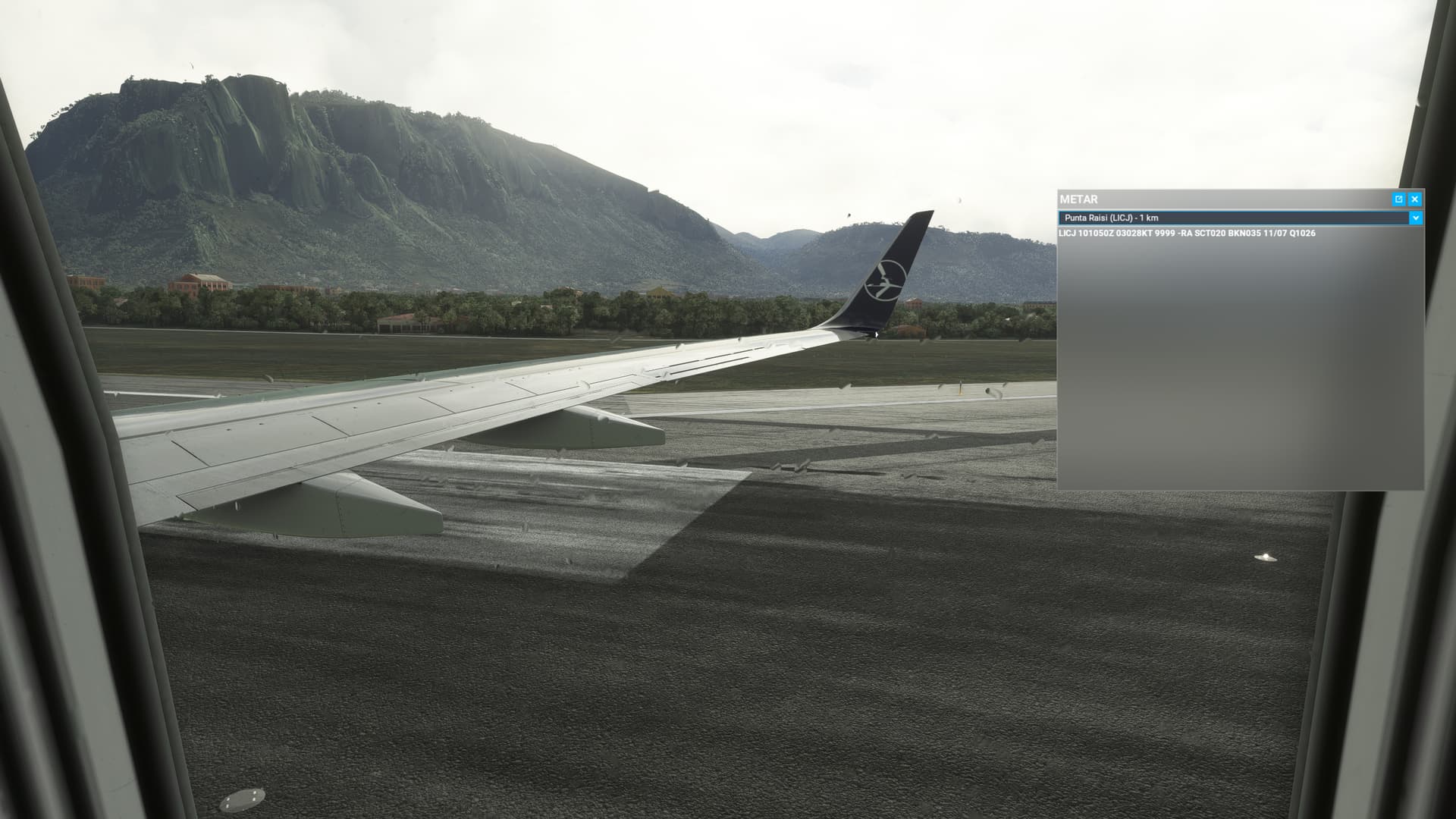
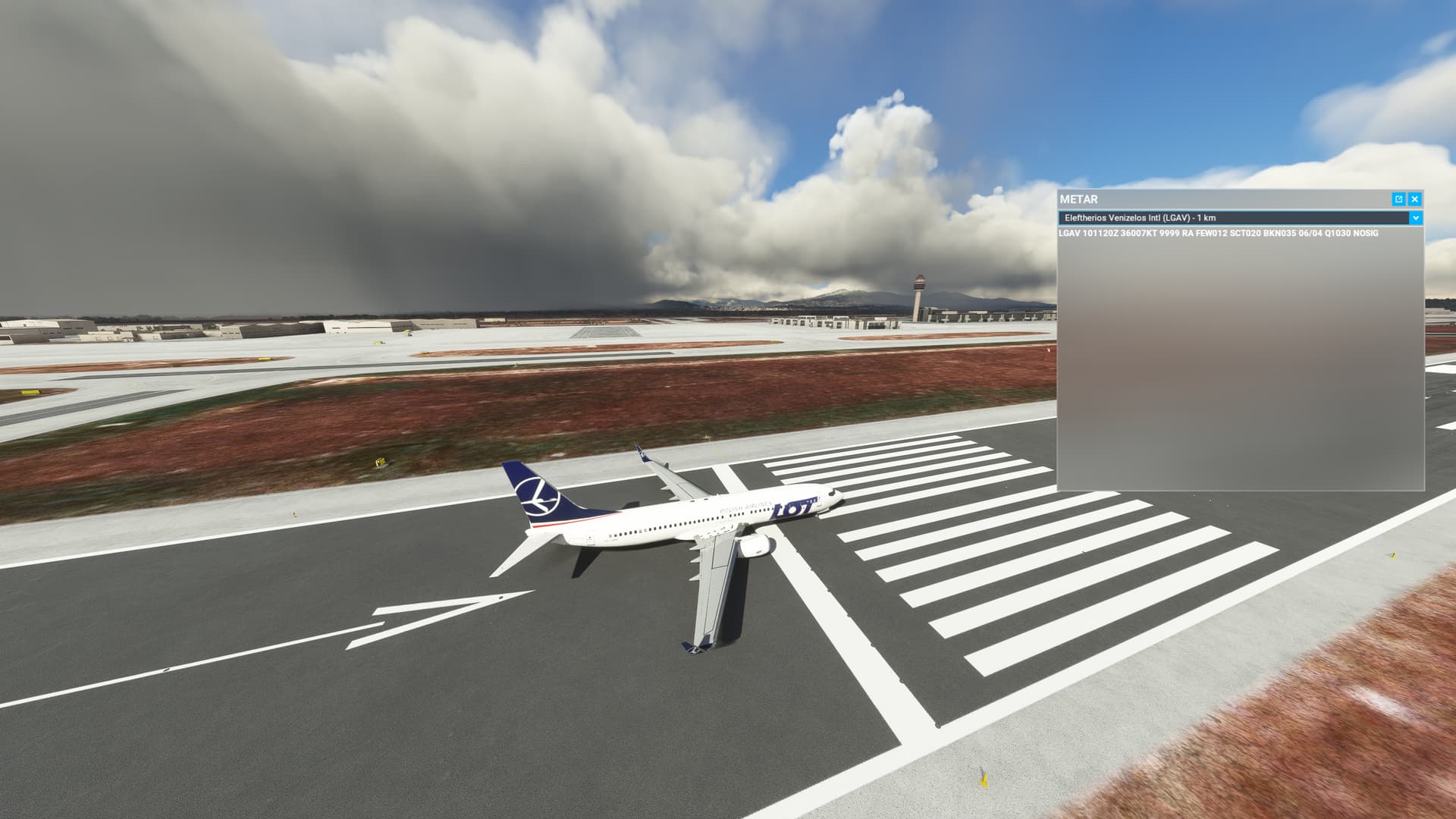
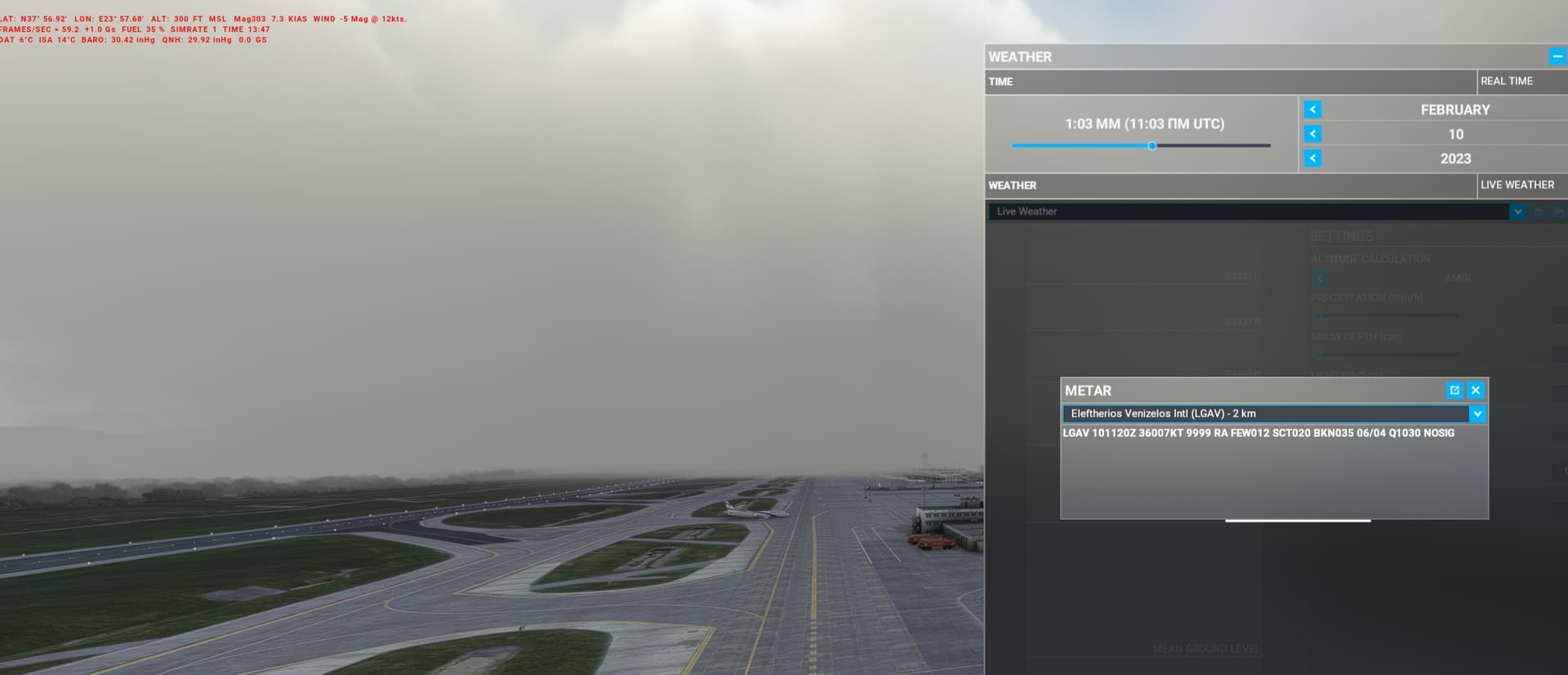
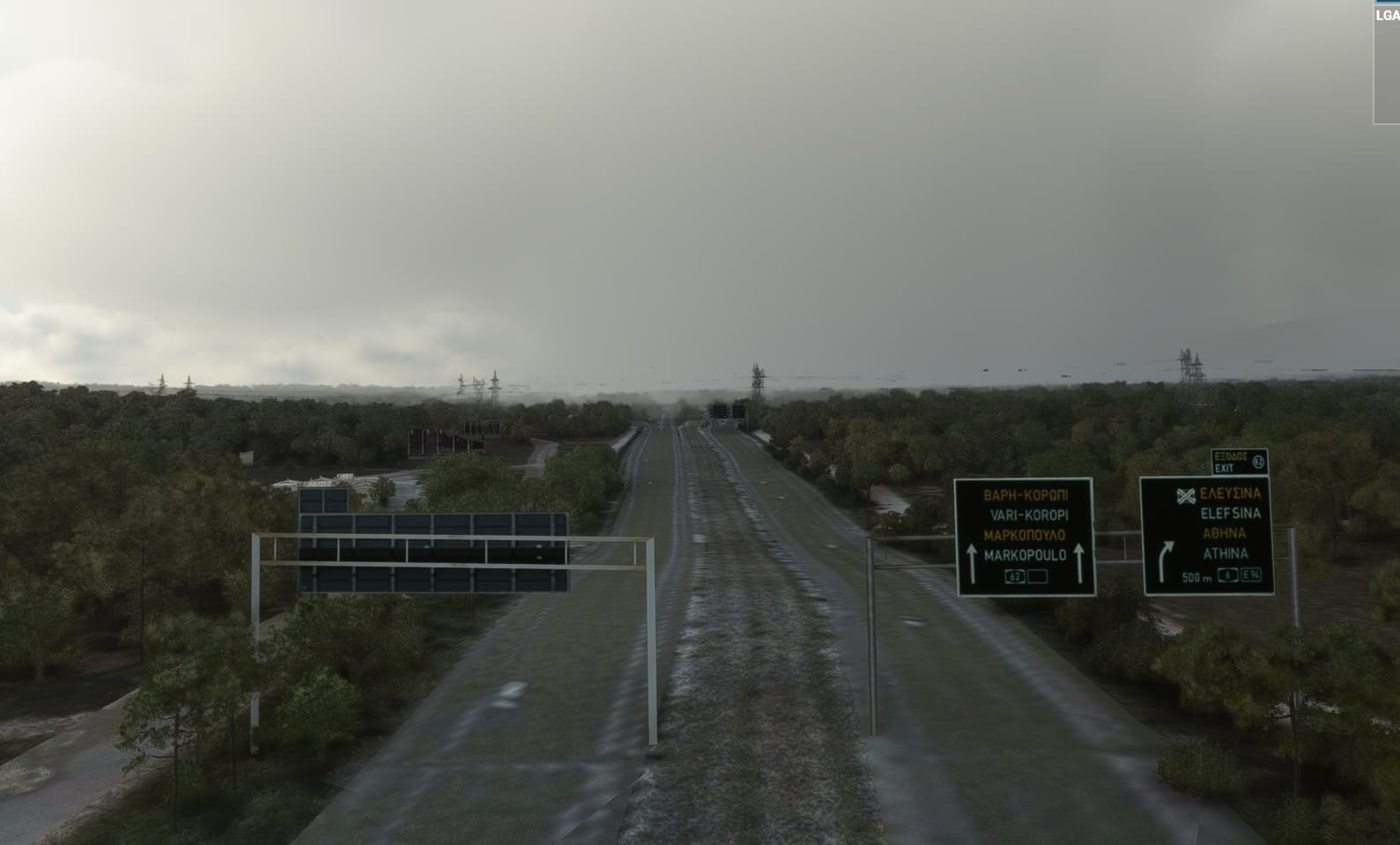
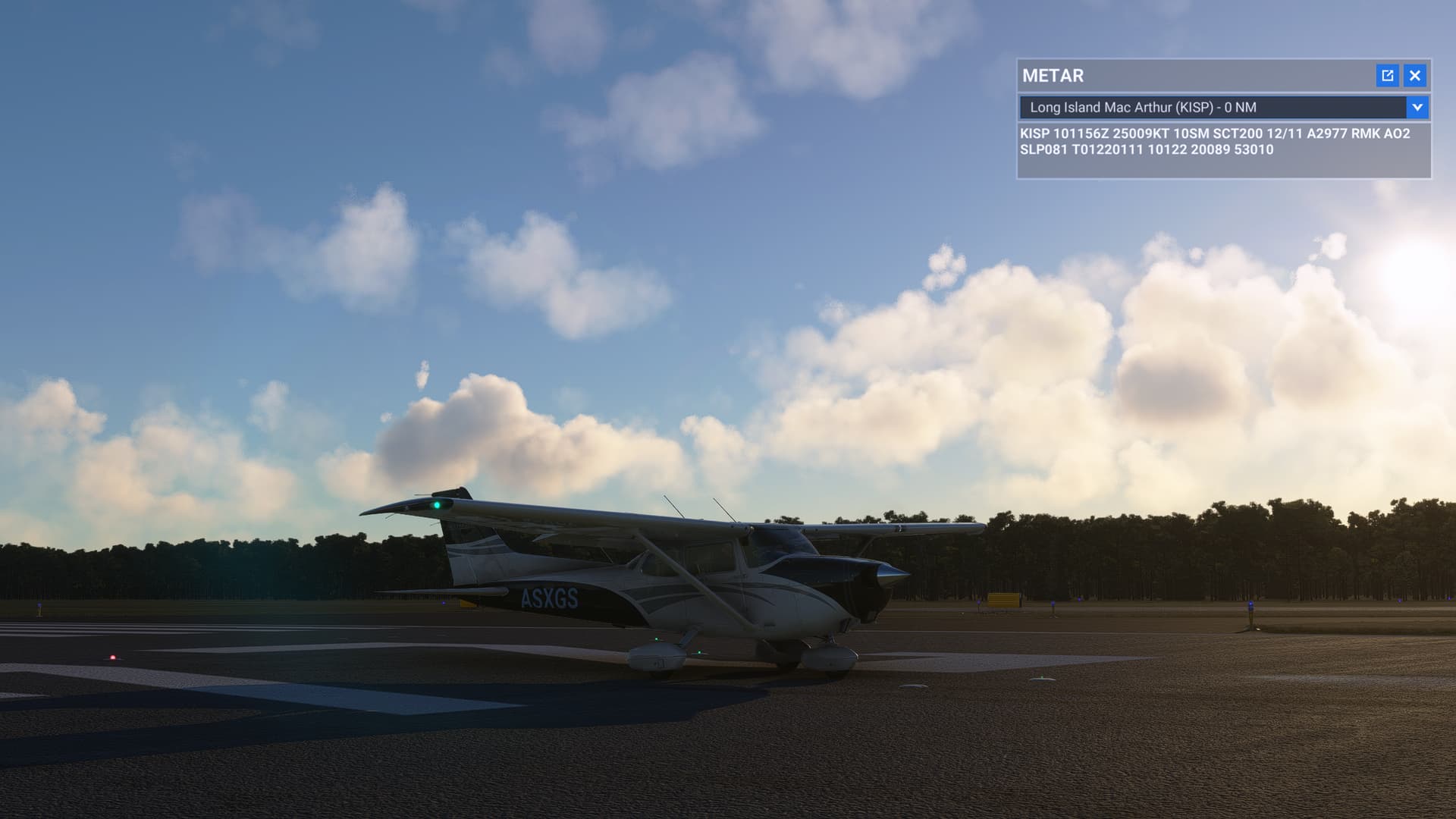
No live weather at all (February 2023)

Just my report for today.

My location is in Greece.

The only way to get correct weather is to use VPN with connection from Japan (I haven’t tried other locations since it works all the time).

Without VPN connection i get the usual non consistent behavior like all other.

1 Like

While thinking to this…

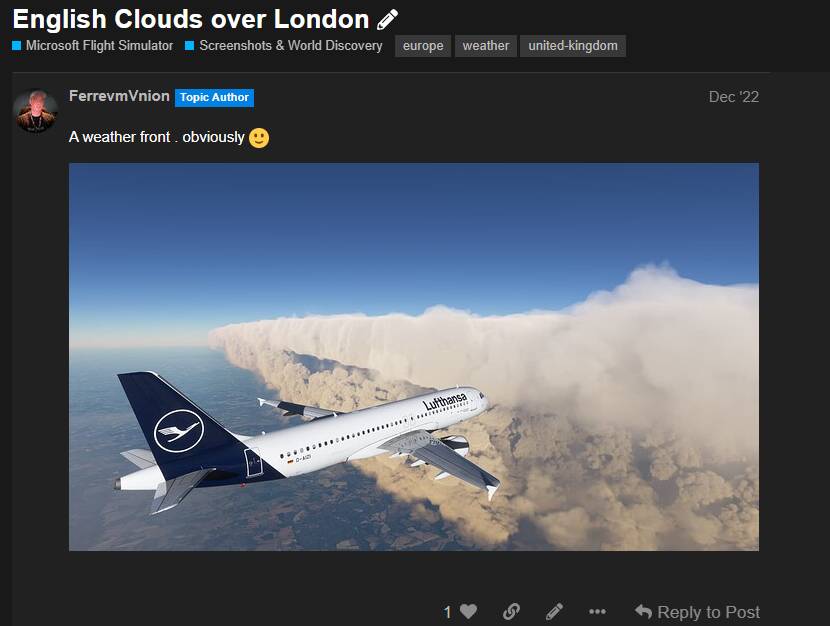
Since some weeks ..I observe rapidly changing CAB Alt… it switches to the PRES Page in the ECAM… quite often and in dezember i got strange Clouds over London

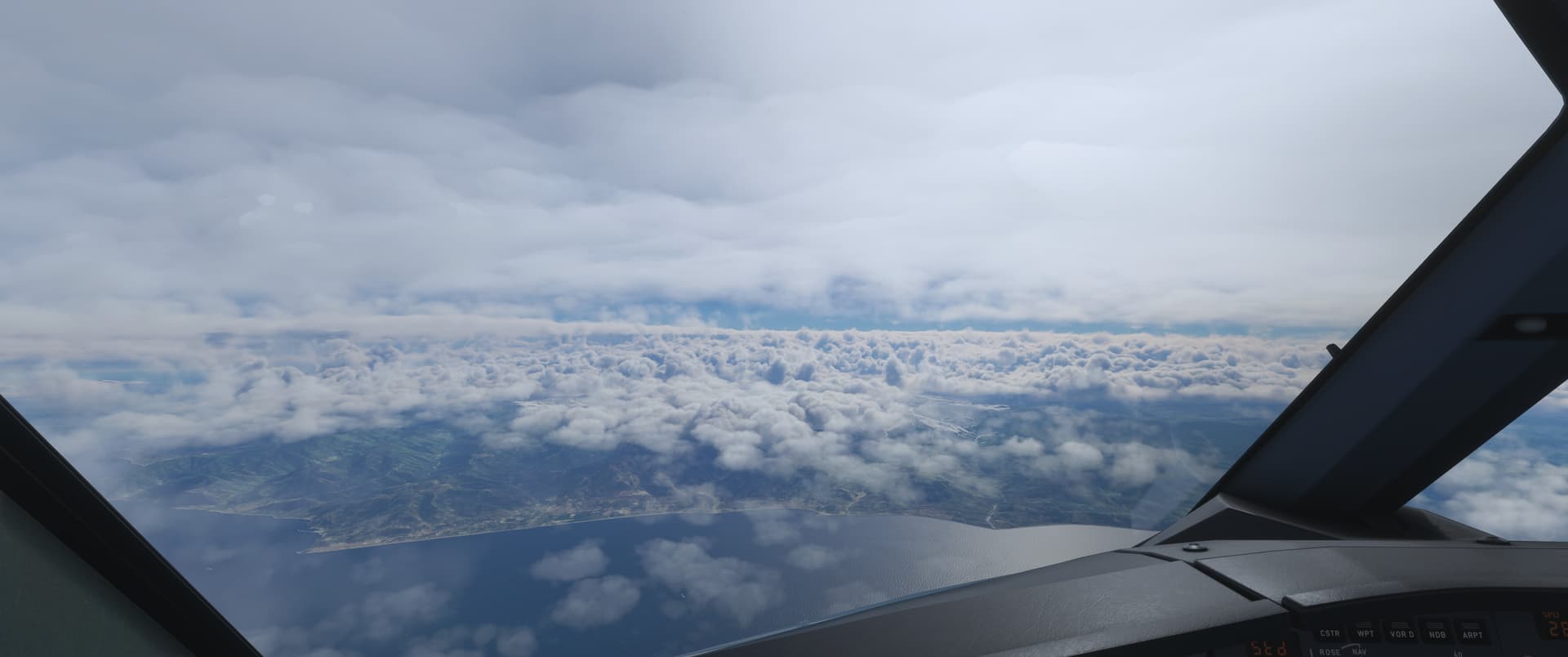
So theese arent english clouds, theese are Azure Clouds^^ and i now i agree its broken since weeks .

Yeap that makes sense, i didnt say VPN is the solution, but it certainly helps, cause the system calculates the path to get the info faster and maybe that region is mostly ok. I am just searching for a way to enjoy MSFS while the problem is being solved. I exclusively fly online with VATSIM whereever it has ATC online, so this is my only hope to enjoy the weekend.

Can confirm

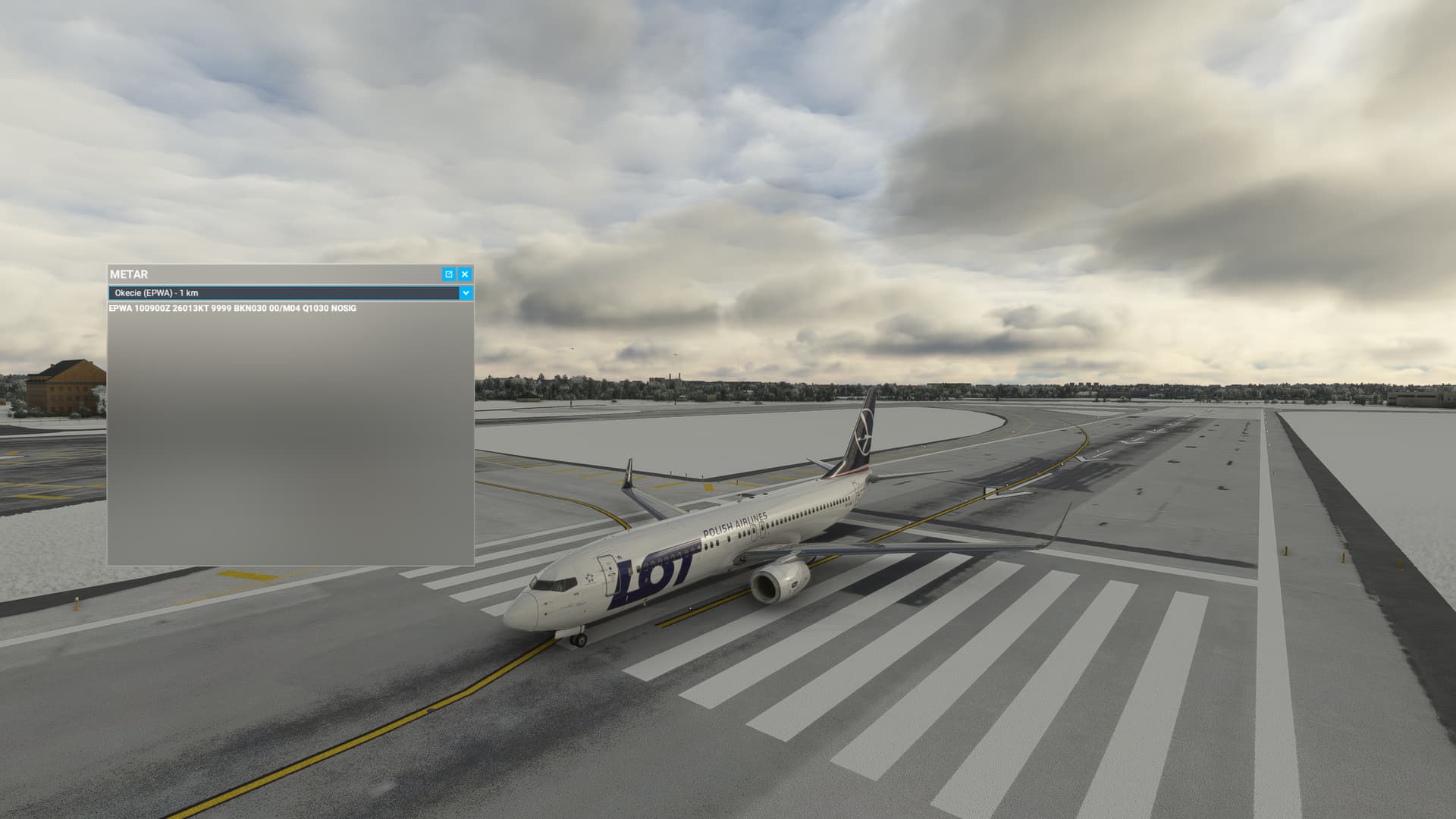
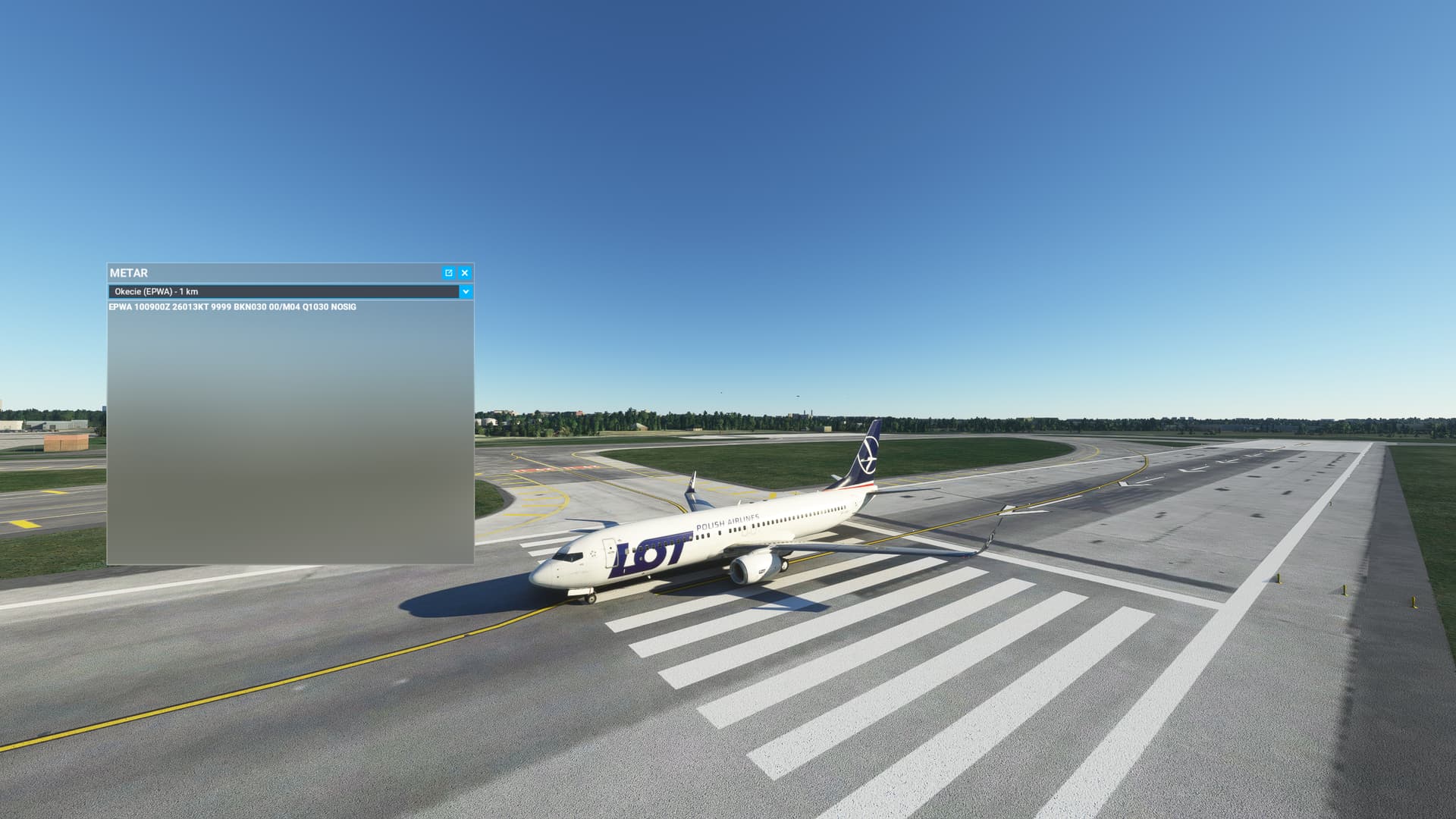
VPN - Netherlands


Without VPN

https://forums.flightsimulator.com/t/how-to-fix-live-weather-workaround/573634

I have just been on MSFS this morning and I think they have shut all the servers down to fix the problem, I cannot access market place and the world map is not showing weather. Its correct its not a connection issue, its a Microsoft/Azure problem. I think it is deffo a problem with getting data to run correctly in the servers

Go to options > general options > data
Turn off online functionality - apply and save - quit to desktop

Launch MSFS
Turn on online functionality - apply and save

1 Like

Good morning, I just started the simulator and tested the weather in different airports around the world and for now it seems to work fine.

Ehm… no?!
‘Normally’ these issues get fixed on the fly, with minimum down time :smiling_face_with_sunglasses:

FYI
Guys restart PC and turn off online functionality.
apply and save
turn on - apply and save

Without VPN

1 Like

Seems to be working now. Did a test flight benson to bristol. all ok. switched off and restarted. on flight to alicante from bristol. half way through France and all ok now even metars are correct. hope this continues.

1 Like

I suspect if you did that often enough, and we are making a huge assumption here that toggling live weather may actually switch you from one server to another, you might land on one that has cached data, rather than live data. It’s a numbers game. :slight_smile:

@hobanagerik for sure not RNG :wink:

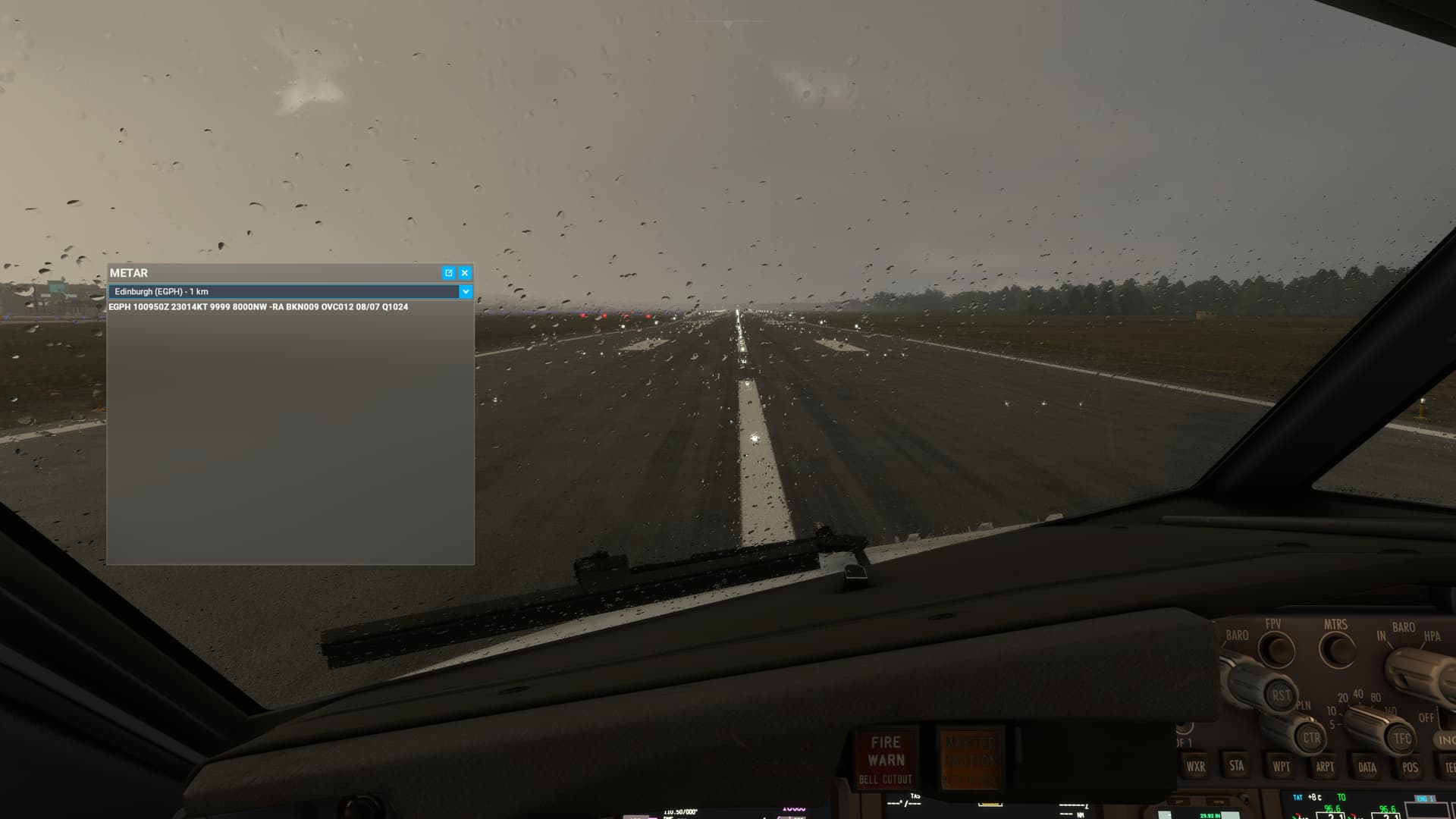
Smth is wrong - raindrops stopped after 3 minutes.

edit

Also 20 minutes delay

1 Like

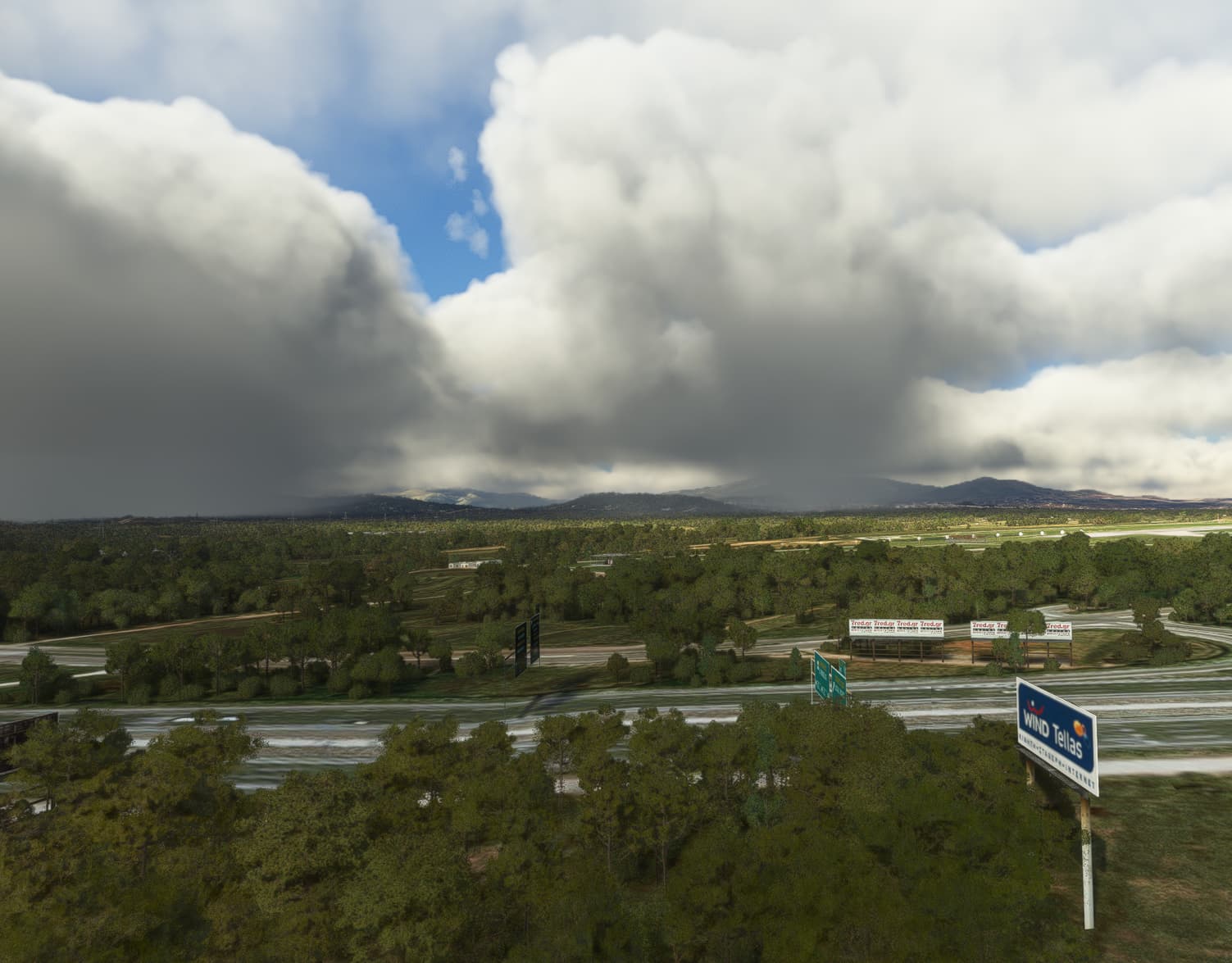
Clouds seem too low (it was a bug before long time ago)
LGAV is near the coast and without looking at charts surely not above 150 feet.

Lowest few should be at 1200 AGML. The METAR is valid.

1 Like

Everything OK today, but the clouds and the snow layer are lasting a bit to inject.

Seems to working now, without VPN.

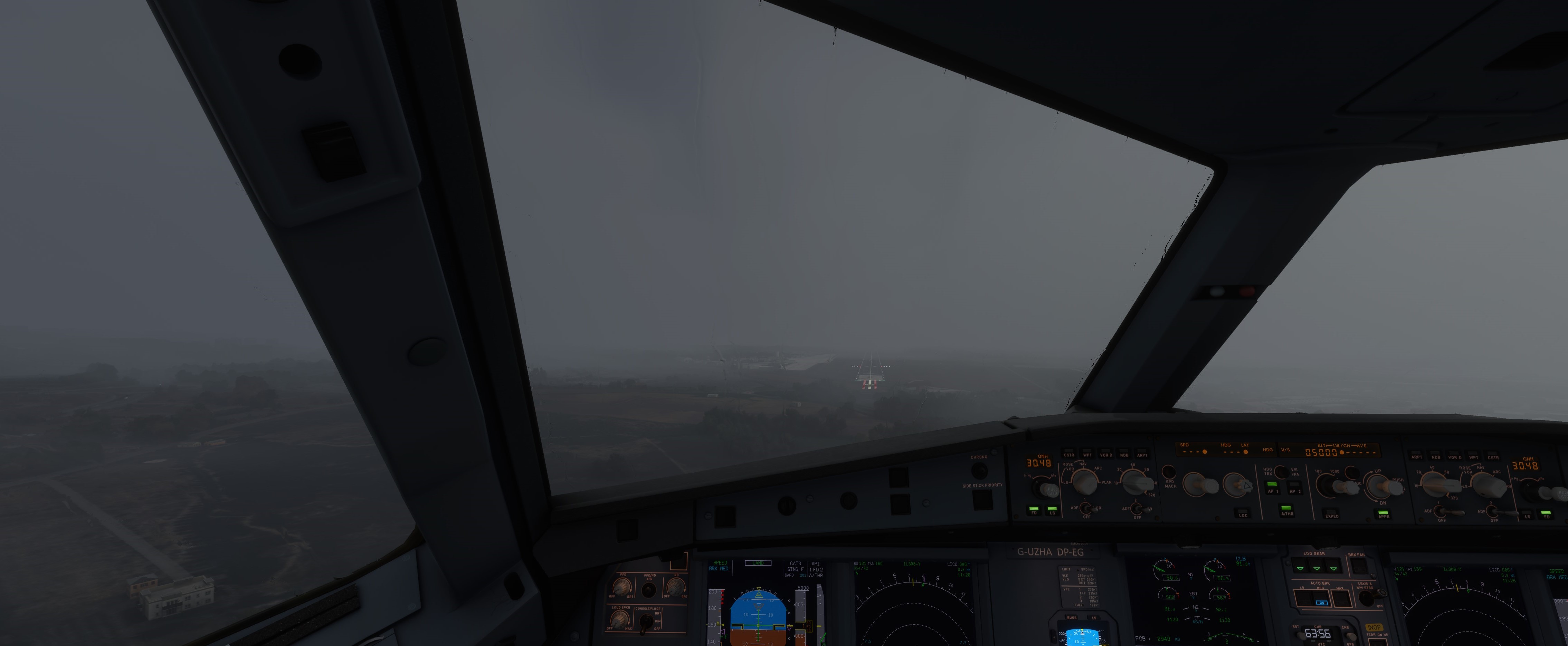
Amazing challenger landing in Catania Sicily LICC today

LICC 101020Z 05036G48KT 2500 RA BR BKN015 OVC025 11/08 Q1022 WS R08


2 Likes

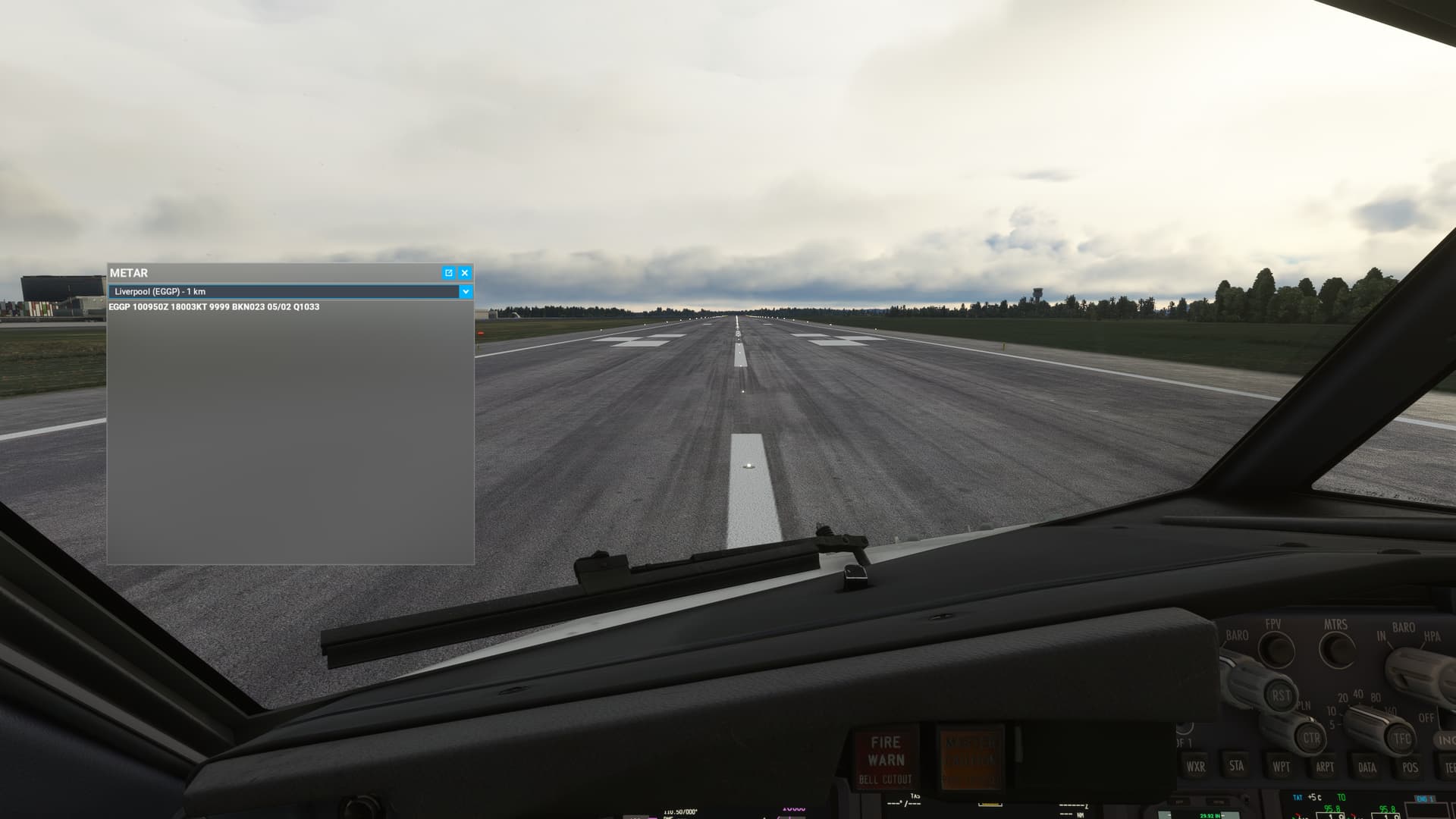
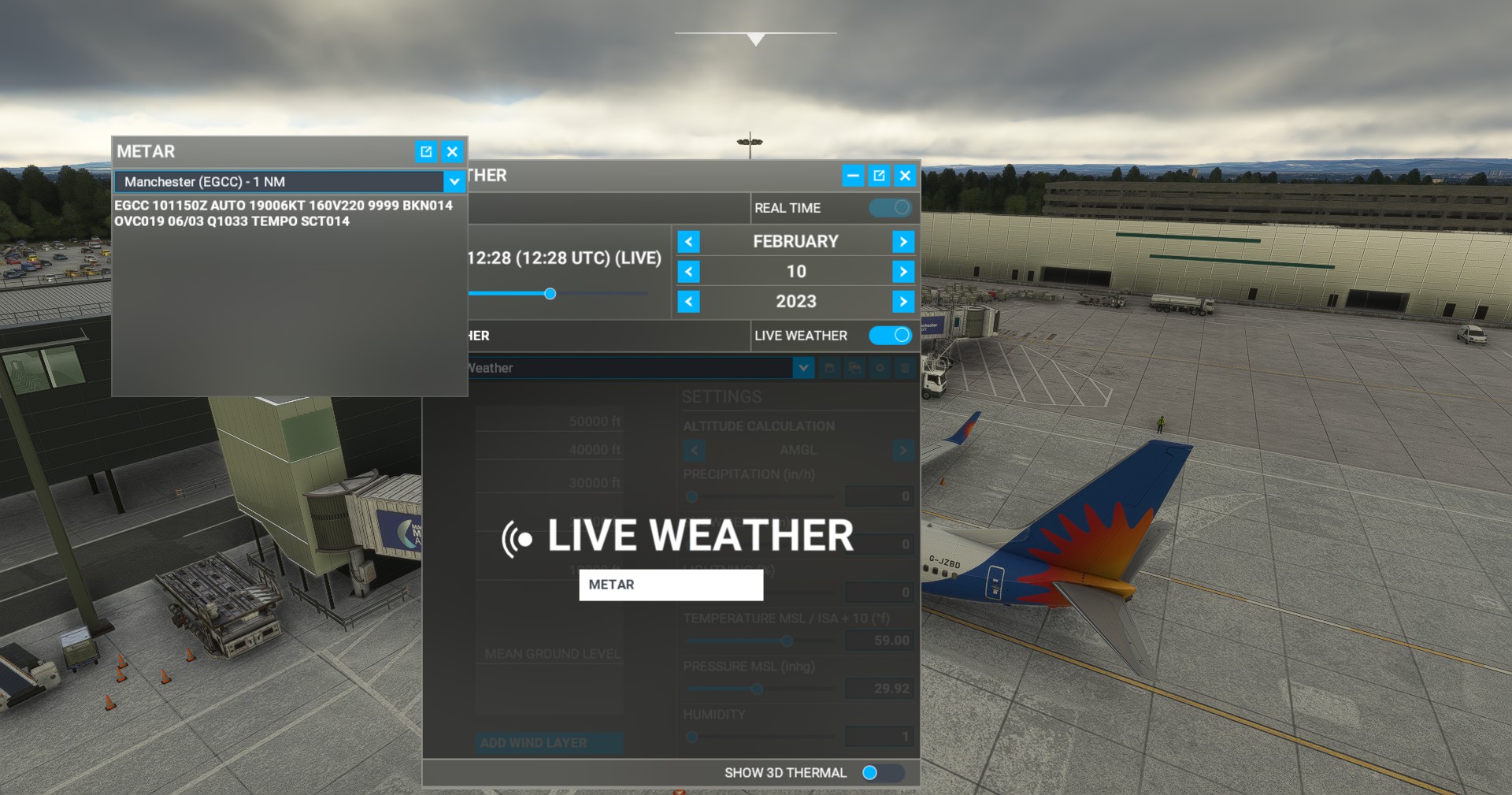
Seems to be working for me, VPN in Japan & Northern Europe servers; METAR corresponds with the current weather injected in game, and is the latest one


image_2023-02-10_123001964

Just spawned in as usual and it’s been functional for me now

1 Like

Earlier, Azure deployed a fix that seems to have mitigated the issue. We will monitor the situation over the weekend to make sure the problem is fixed. Once we are sure full service has resumed, we will close this thread.

In the meantime, if you are still experiencing issues with any online feature, we invite you to restart the sim then restart Online Services.

How to restart Online functionality to fix problems with online services (Live weather, multiplayer etc…)

28 Likes

Having given that suggestion, several people on Xbox have a bug where their Online Functionality and Bing Maps settings grayed out- me included. This is not rectified by clean installs or factory resets, this has been like this for months.
1 Like