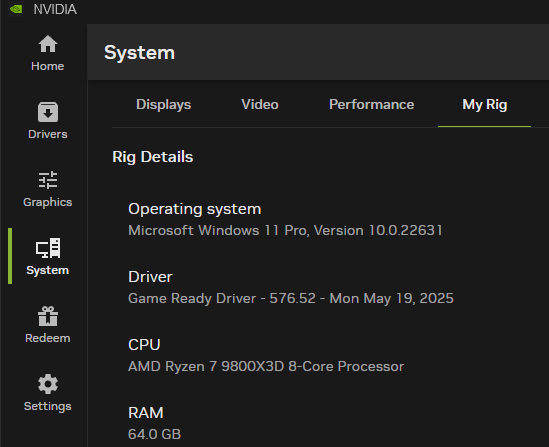
Please use this thread to discuss the NVIDIA GeForce Game Ready Driver version 576.52.
https://www.nvidia.com/en-us/geforce/drivers/results/245815/
Release Highlights
Game Ready for GeForce RTX 5060
This new Game Ready Driver provides the best gaming experience for the latest new games supporting DLSS 4 technology including F1 25 and Dune: Awakening, as well as the Full Ray Tracing update for NARAKA: BLADEPOINT.
Gaming Technology
- Adds support for GeForce RTX 5060 desktop and laptop GPUs
Fixed Gaming Bugs
- [F1 23/F1 24] Game crashes at the end of a race [5240429]
- [Diablo II Resurrected] Game displays black screen corruption when using DLSS [5264112]
- [SCUM] Game may crash after updating to R575 drivers [5257319]
- Shader disk cache will not be created with certain games if OS username contains unicode characters [5274587]
Fixed General Bugs
- Flickering/corruption around light sources in Ghost of Tsushima Directors Cut [5138067]
- Cyberpunk 2077 will crash when using Photo Mode to take a screenshot with path tracing enabled [5076545]
- EA Sports FC 25 may crash during gameplay [5251937]
- [Forza Horizon 5] Game may crash after extended gameplay [5131160]
Open Issues:
- Flickering/corruption around light sources in Ghost of Tsushima Directors Cut [5138067]
- Cyberpunk 2077 will crash when using Photo Mode to take a screenshot with path tracing enabled [5076545]
- EA Sports FC 25 may crash during gameplay [5251937]
- [Forza Horizon 5] Game may crash after extended gameplay [5131160]
- [RTX 50 series] Dragons Dogma 2 displays shadow flicker [5252205]
- [RTX 50 series] Video playback in a web browser may show brief red/green flash corruption [5241341]
- Wuthering Waves may randomly crash during gameplay after updating to R575 drivers [5259963]
- [RTX 50 series] Enshrouded crashes after launching game [5279848]
- [NVIDIA App] Adding an unsupported app to NVIDIA App and enabling Smooth Motion forces it globally to other apps [5243686]
- [RTX 50 series][Battlefeld 2042] Random square artifacts may appear around lights during gameplay [5284105]
- Changing a setting in the “NVIDIA Control Panel” → “Manage 3D Settings” may trigger shader disk cache rebuild [5282396]
- [Gray Zone Warfare] Game may crash on startup [5284518]