[Official] Community Fly-In Friday: Thailand

We will be hosting an Official Fly-in alongside a group of community members (you!) on Twitch. This is an open event, free to all who would like to fly along with us and available to pilots of all skill levels. The goal is to have a great time, explore new locations of the world, and make new friends. This event is open to pilots on both sim versions (MSFS 2020 and MSFS 2024) and both the PC and Xbox platforms.

Hosted by @SeedyL3205 and @AlyKatz
When: Friday, October 24 @ 1800Z for two hours.
2025-10-24T18:00:00Z
Where: The Official Twitch Channel of MSFS

There will also be a Discord event channel open for those who want to voice chat with other members of the community.

Please see below for details on the upcoming Fly-In Event:

FLIGHT DETAILS

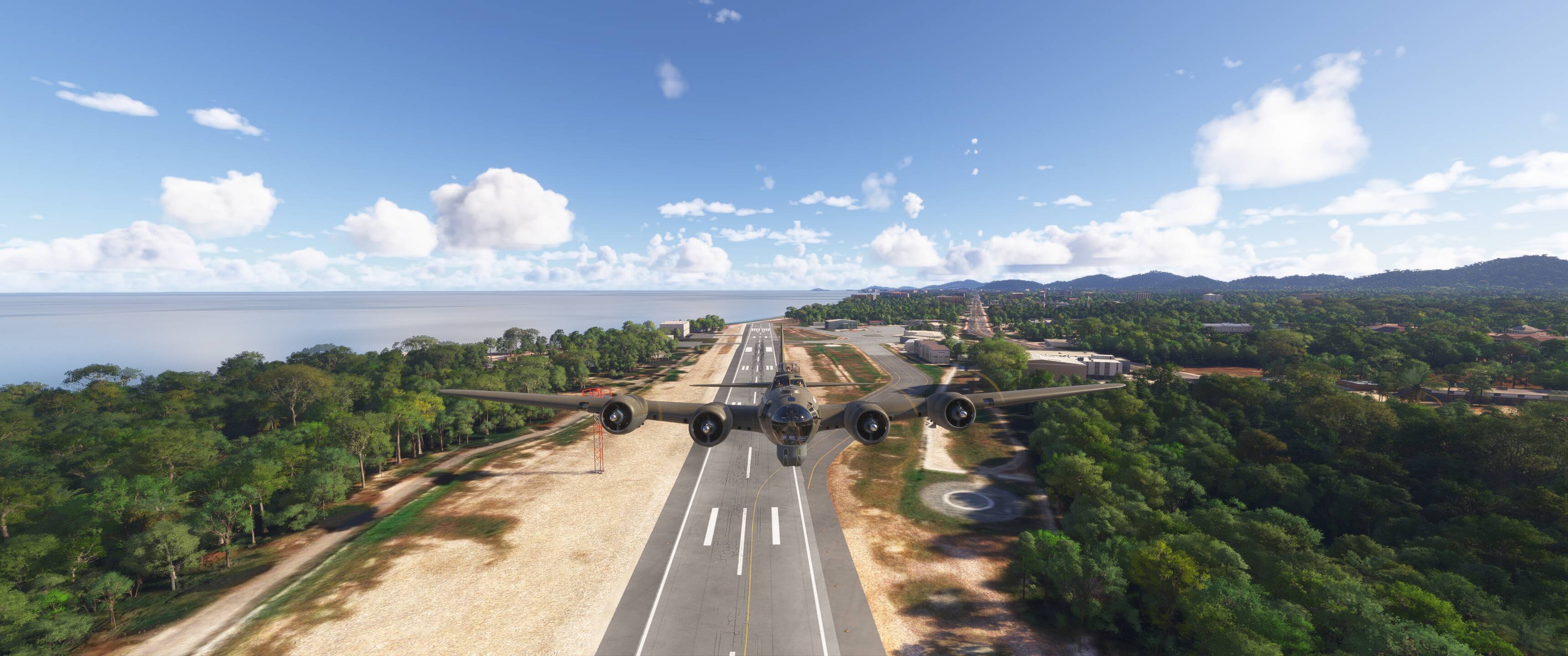
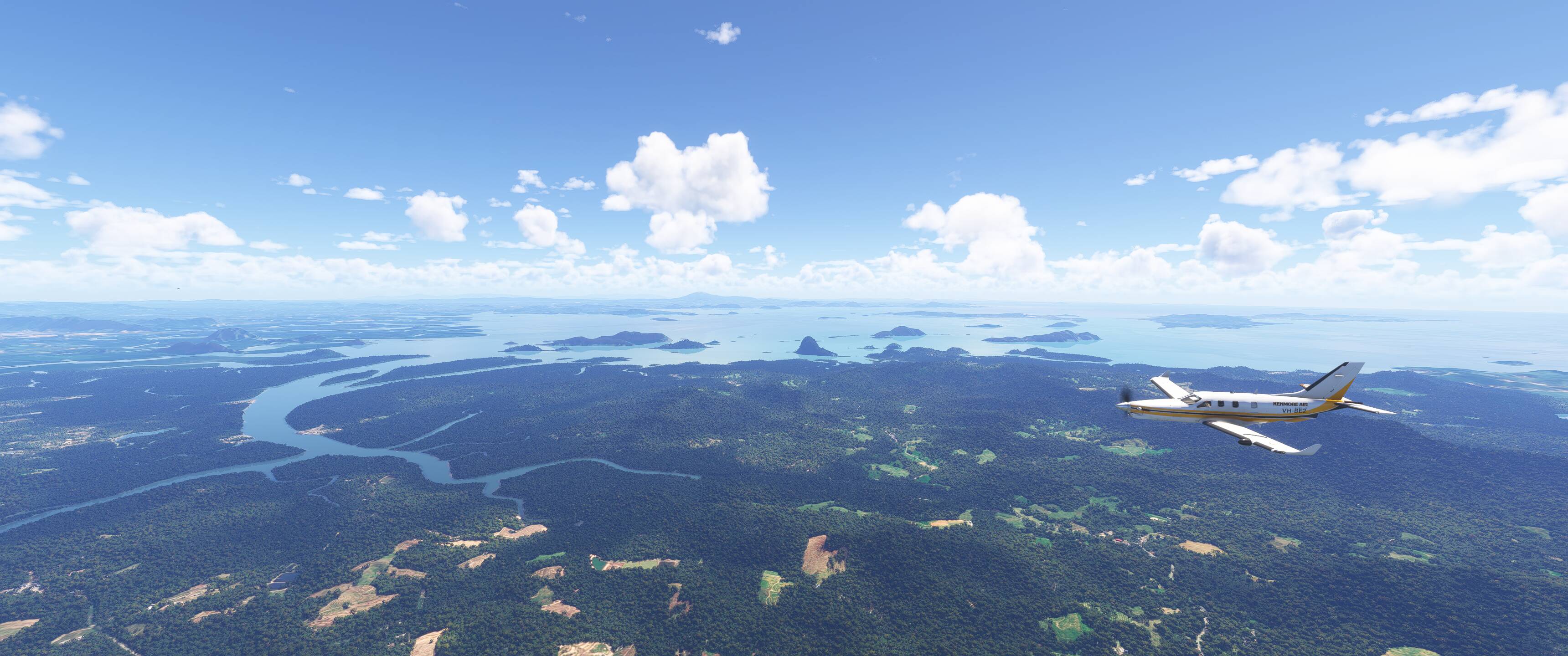
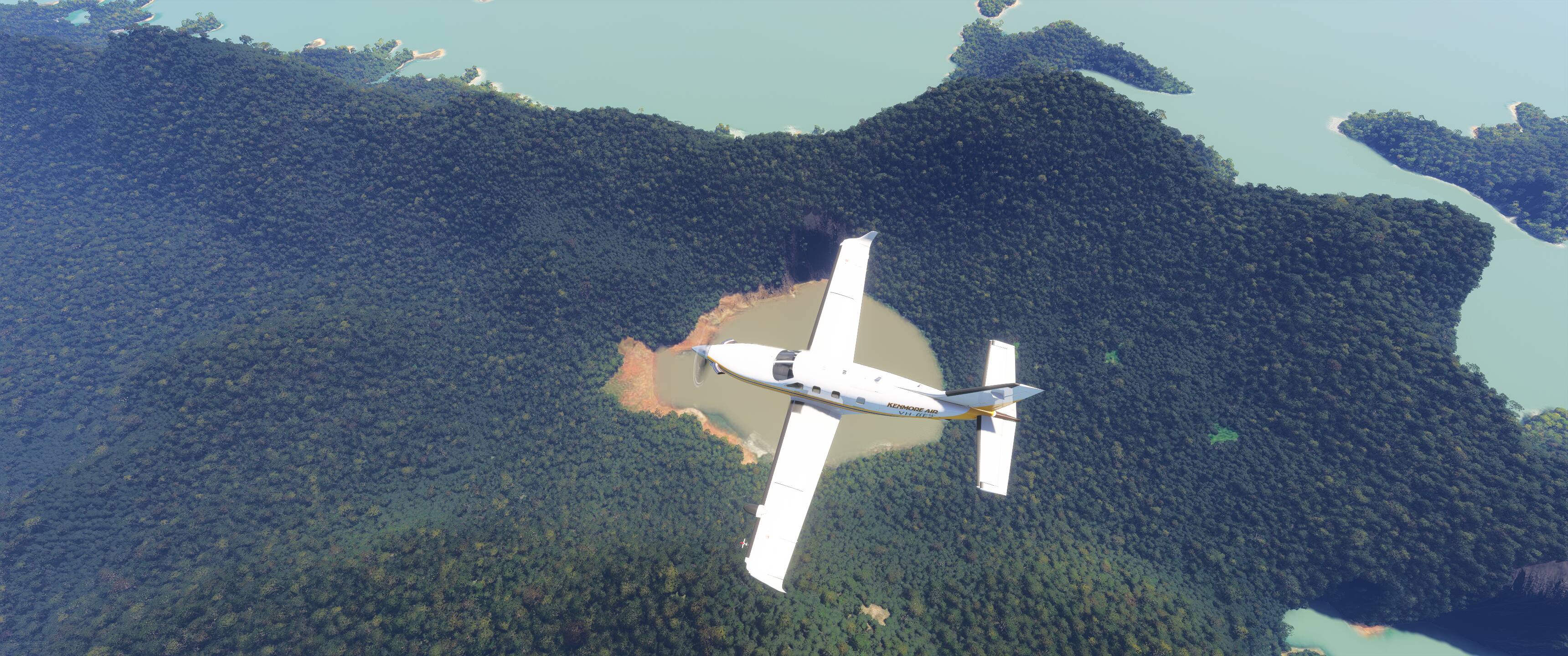
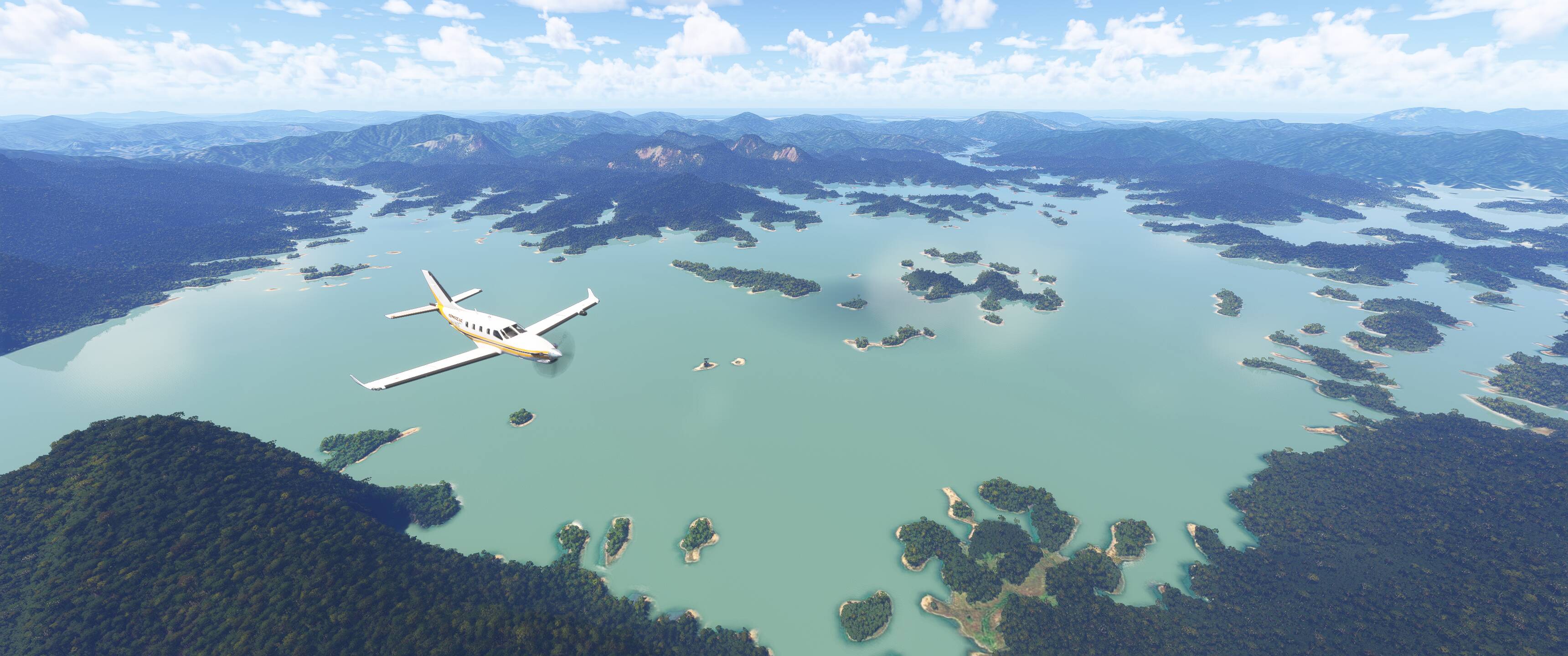
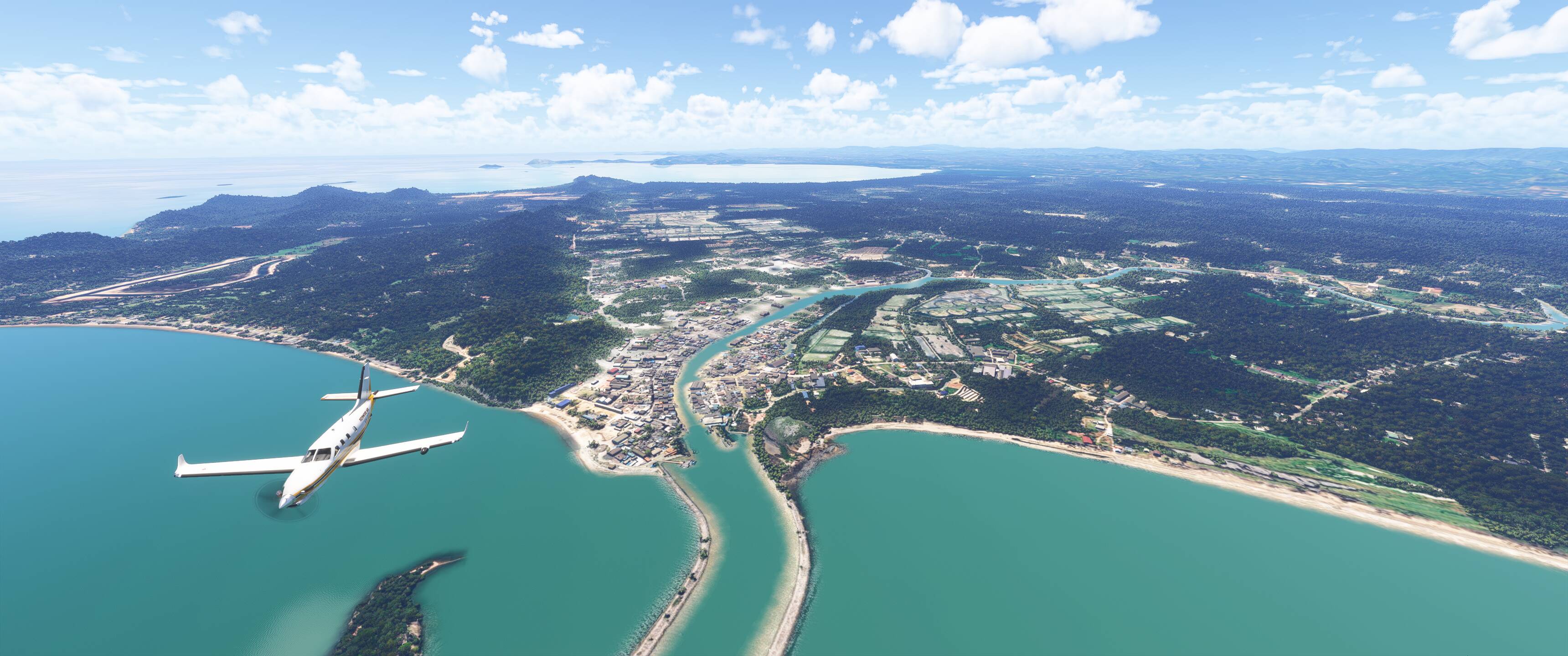
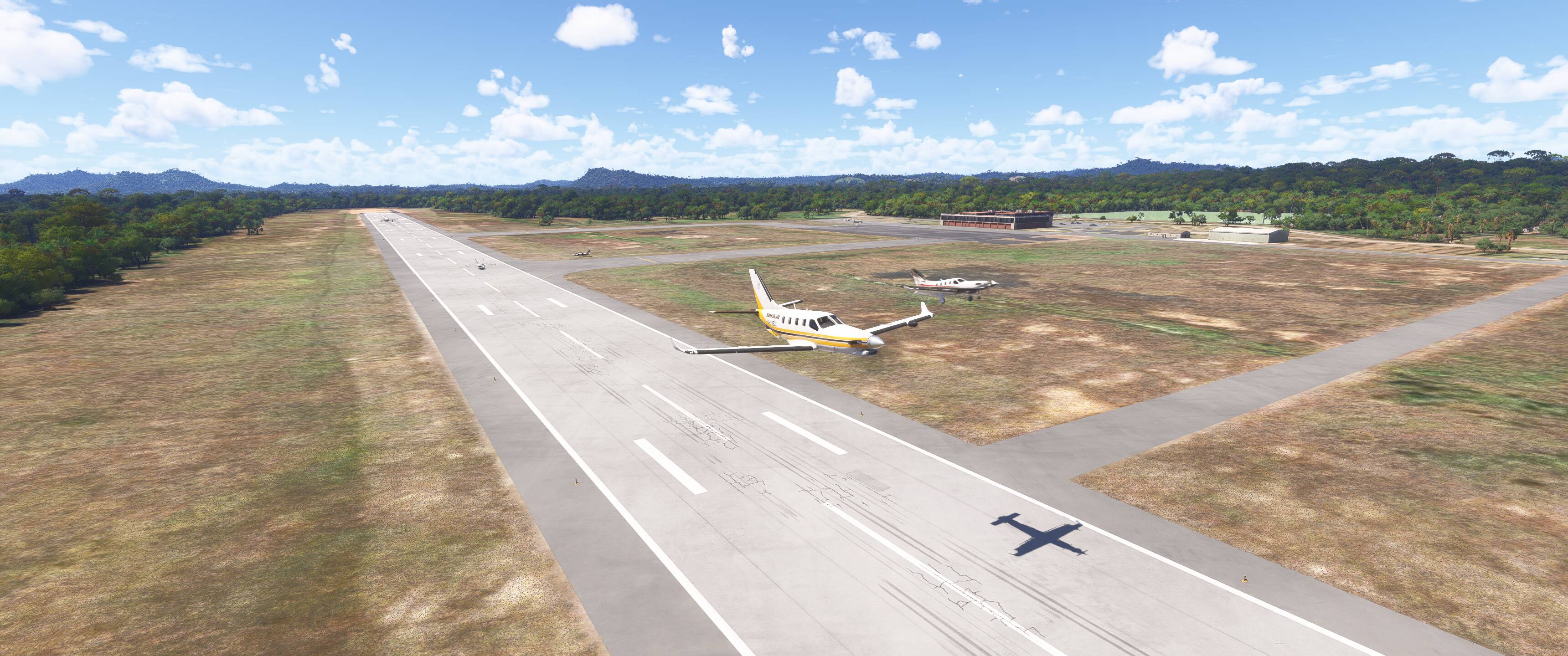
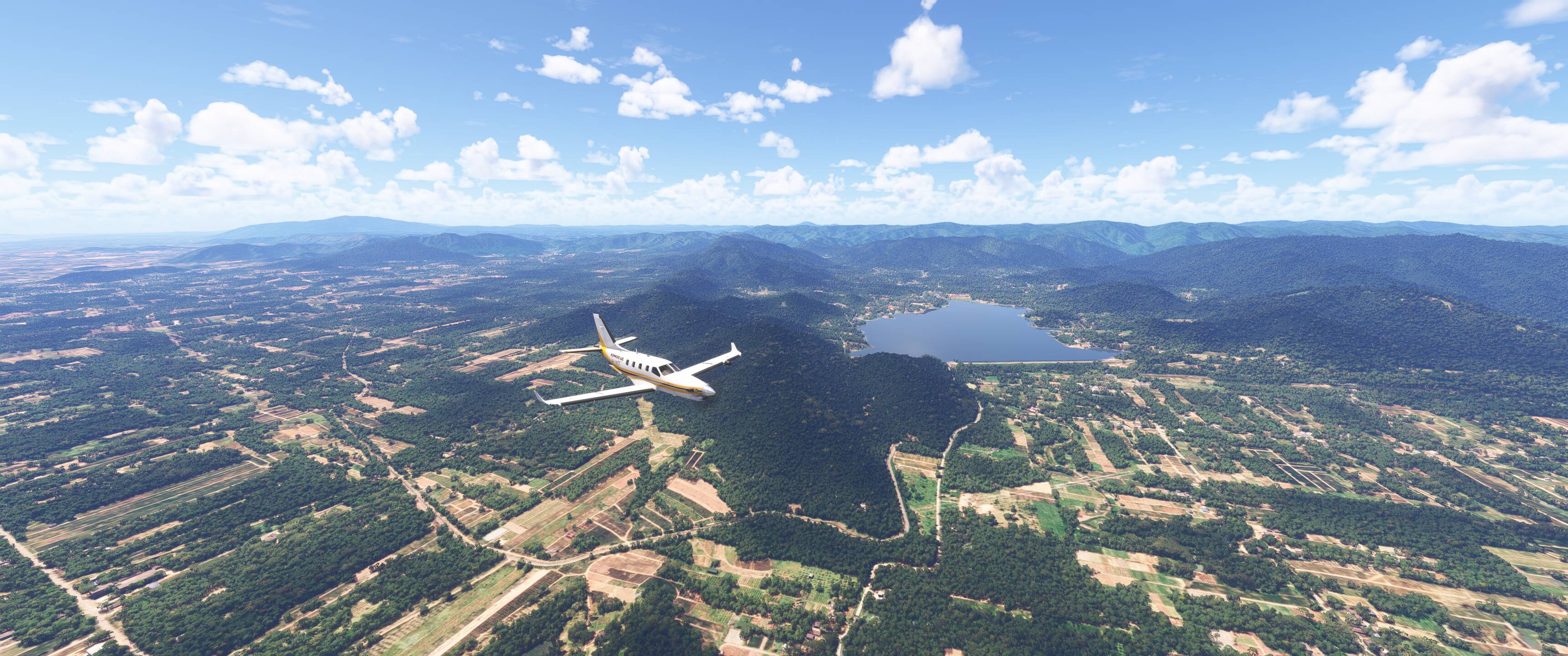
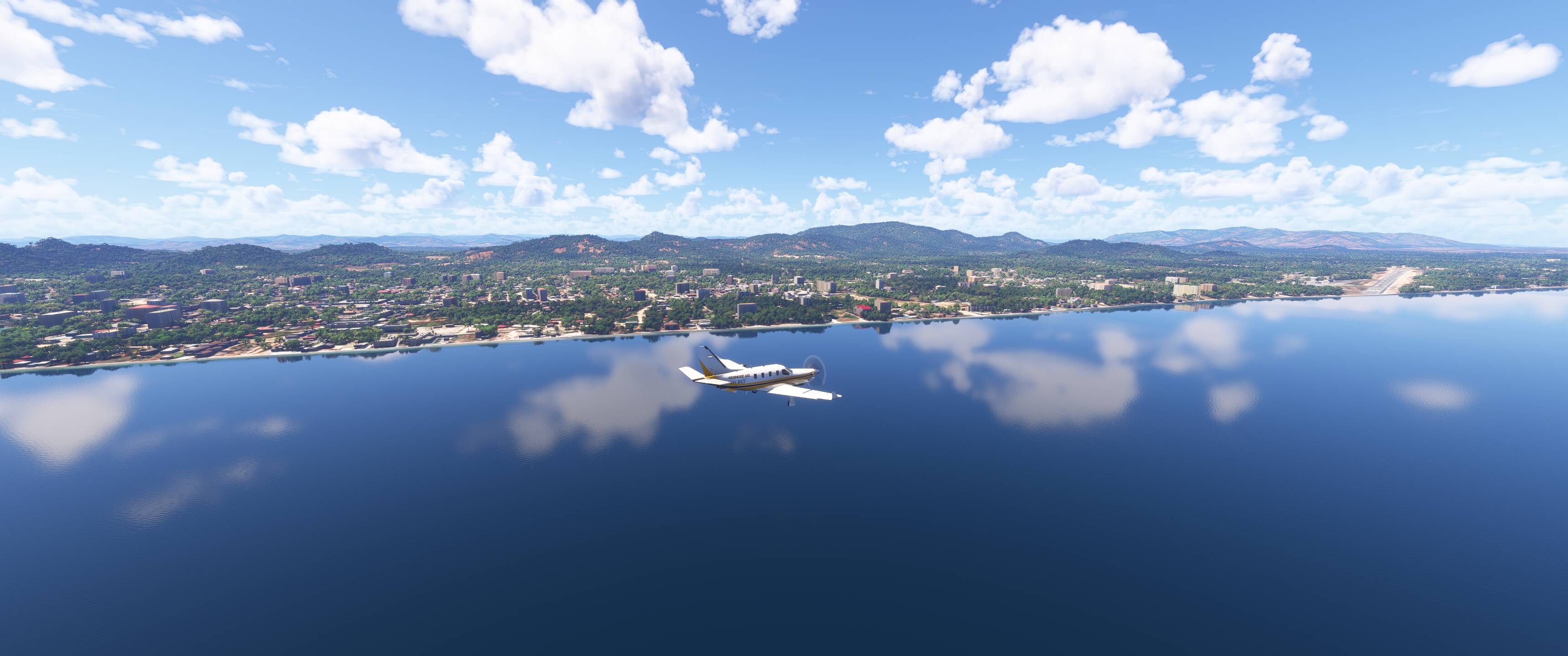
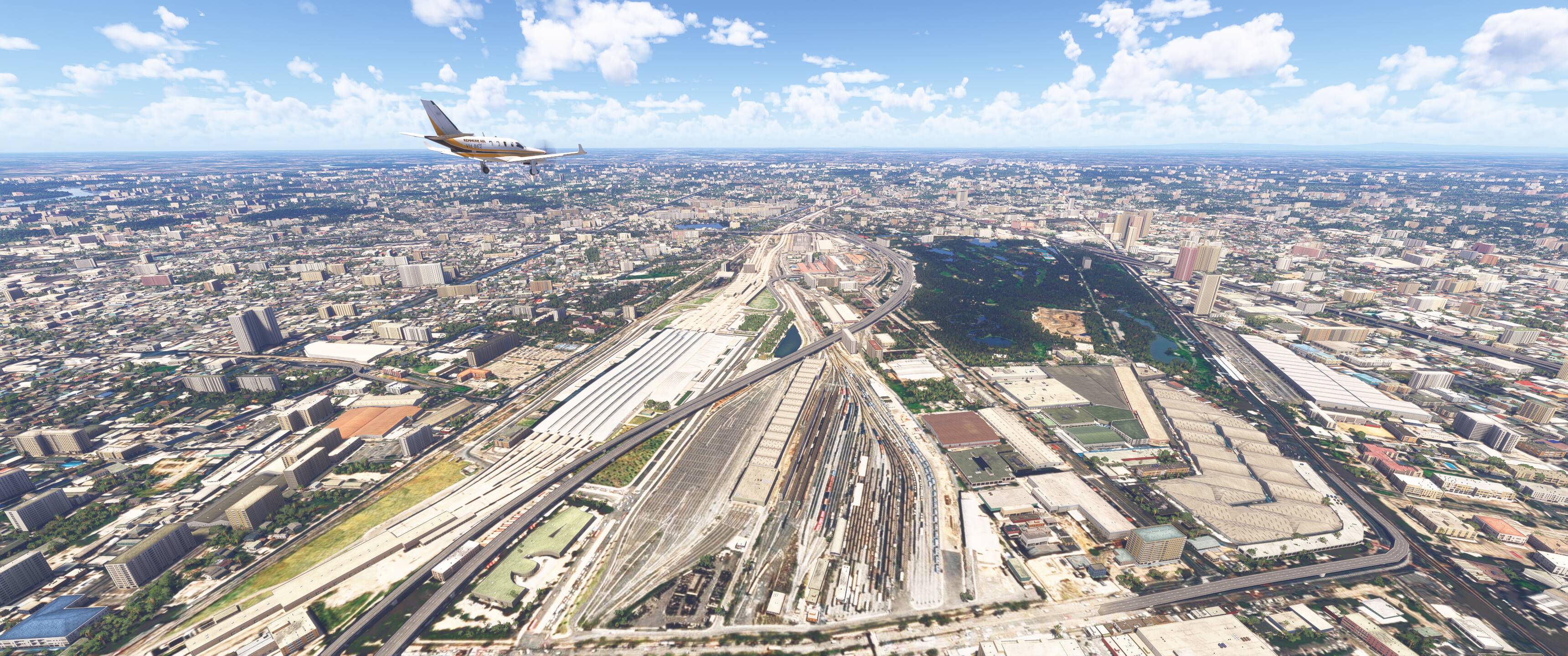
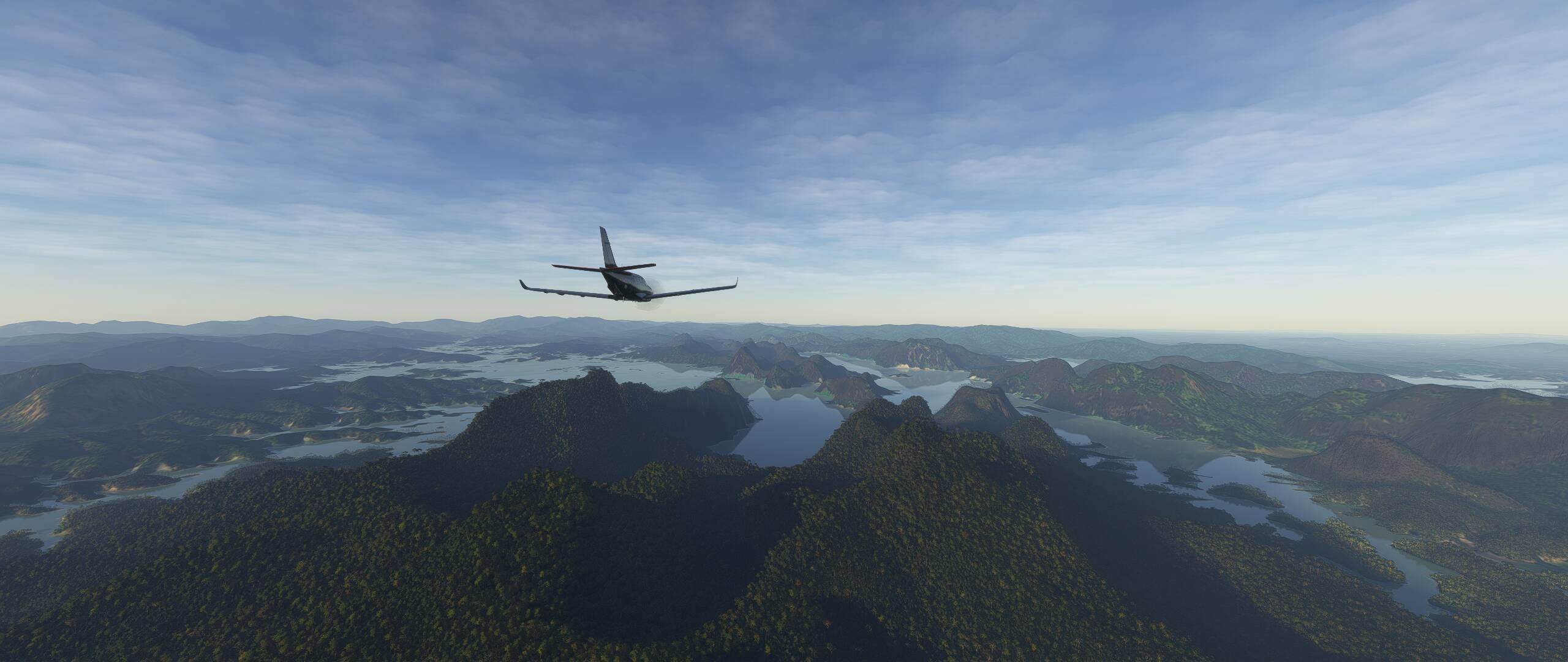
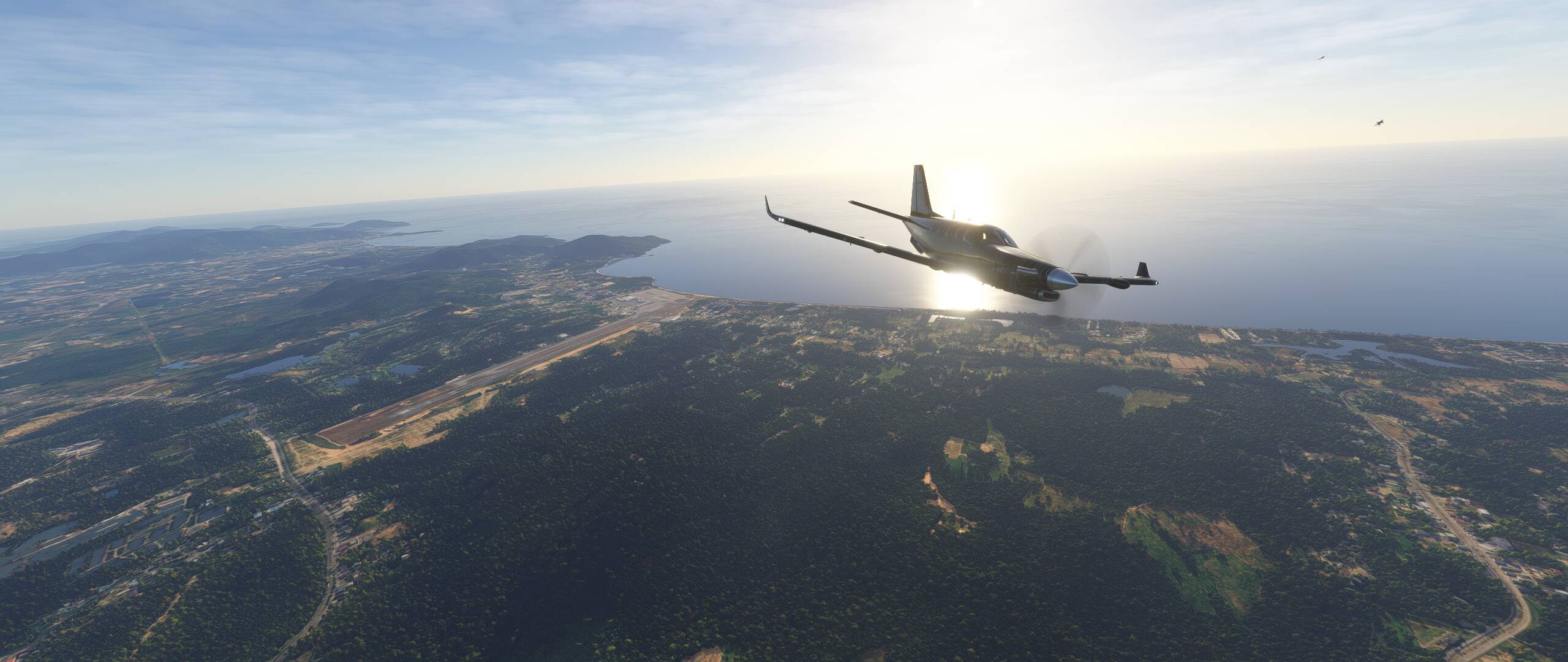
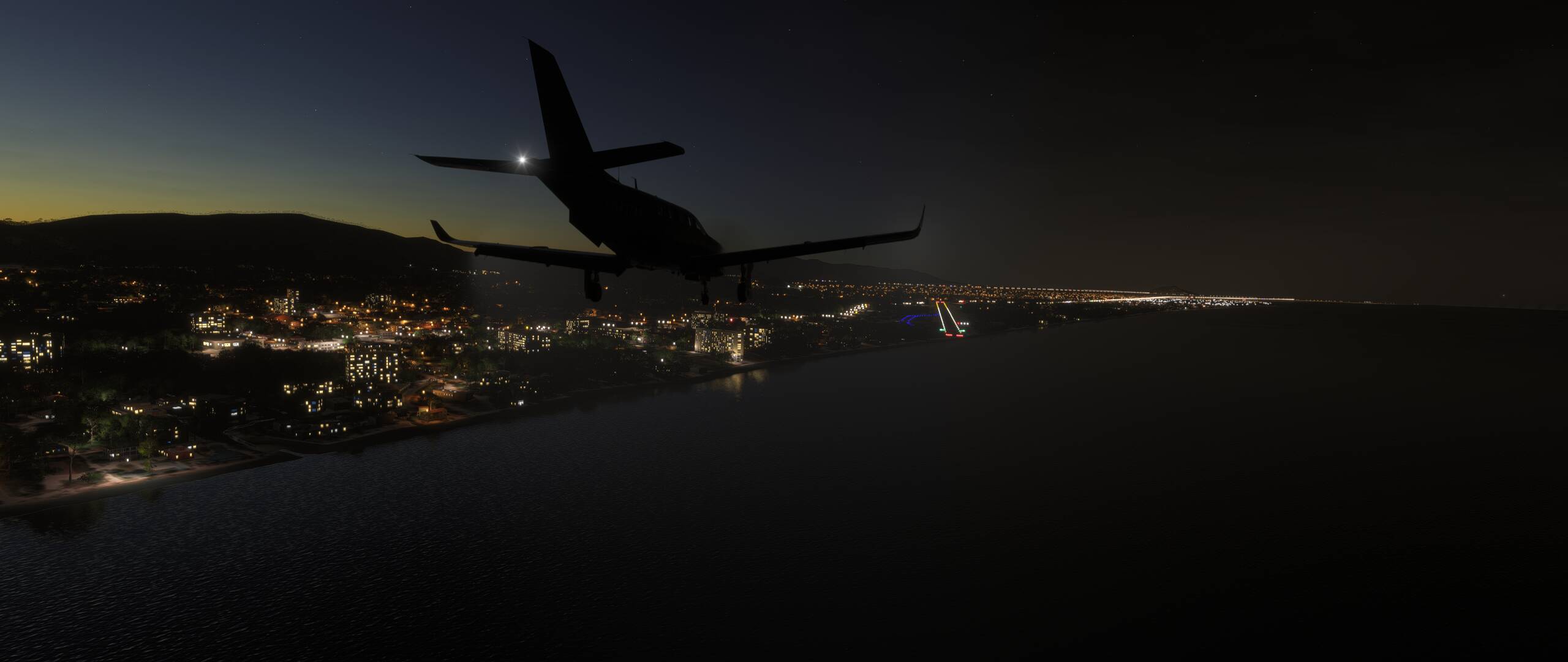
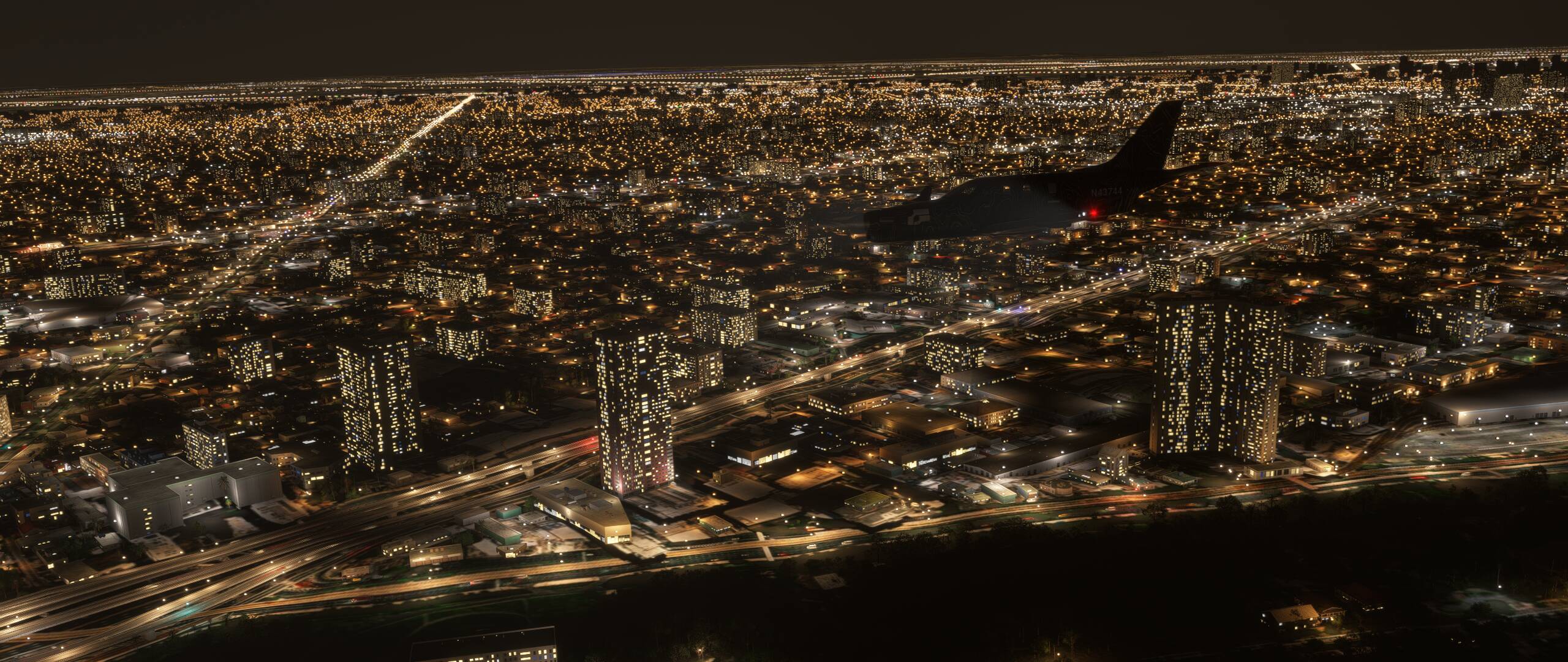
This week, we’re off to Southeast Asia for a beautiful flight over Thailand! :thailand: We’ll start at Phuket, a beach resort area extremely popular with tourists, then make our way on a generally northeast heading for a full stop landing at the capital city of Bangkok. En route, we will have touch & go landings at Chumphon and Hua Hin.
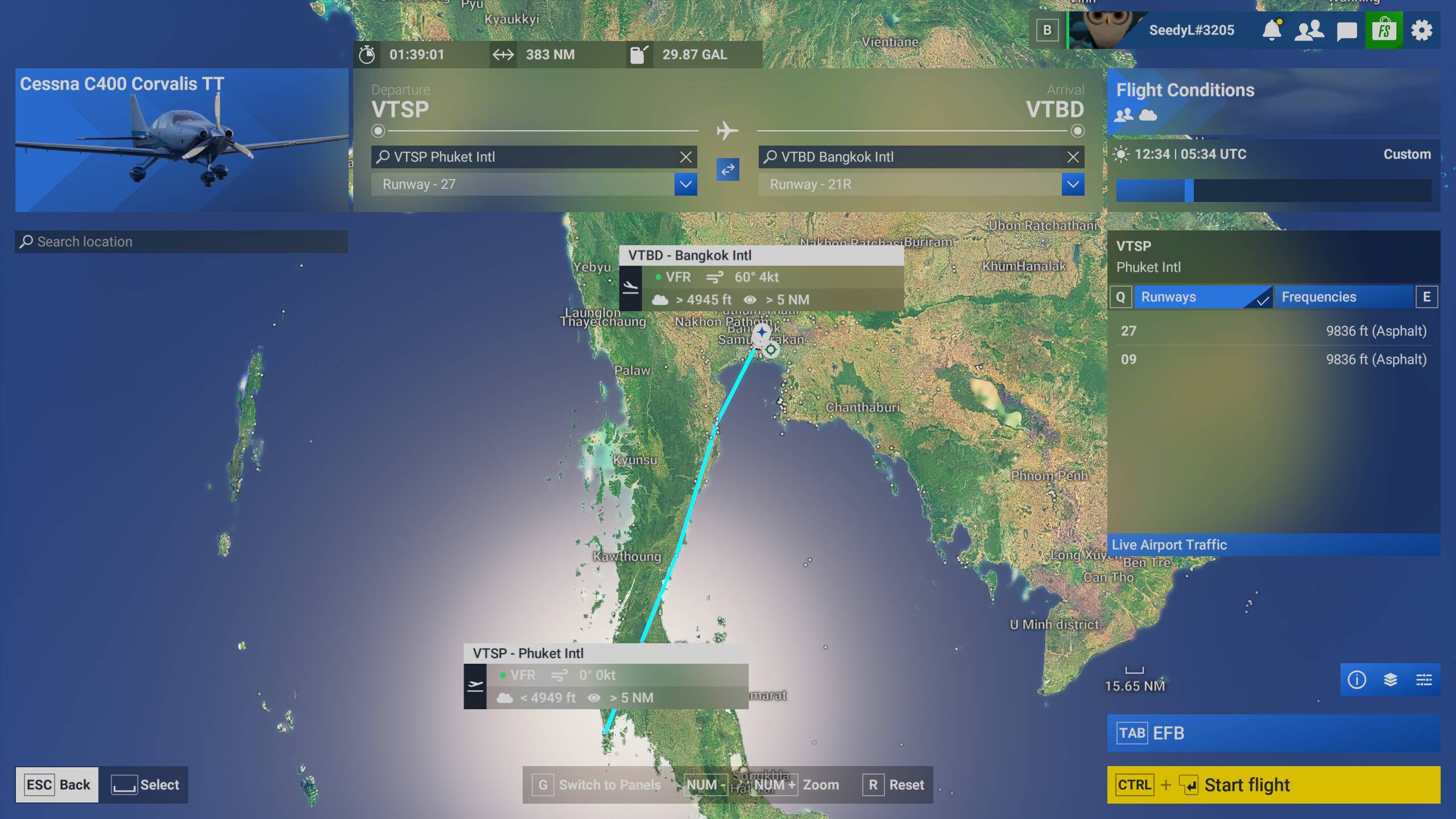
MSFS (2020) and MSFS 2024 Pilots on PC can download the .pln file here:
2025-10-24 Thailand.PLN (2.3 KB)

MSFS 2024 Pilots on both PC and Xbox can import the flight plan from the new Flight Planner tool at this link.

You can find instructions on how to load a flight plan from the Flight Planner website to your in-sim EFB on your PC or Xbox console on our forums here.

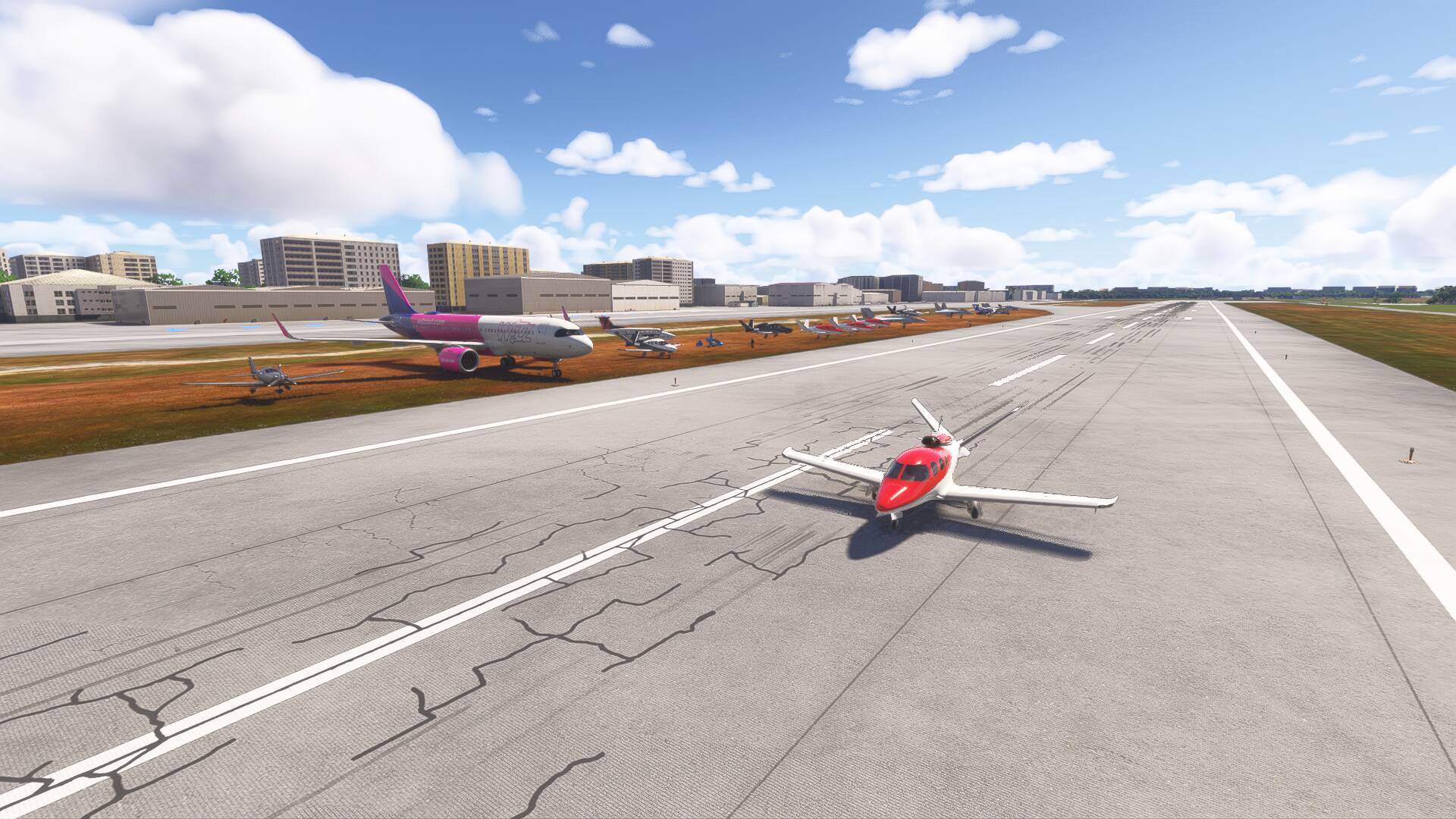
We will be starting at VTSP. Please load your aircraft 10 minutes prior to take off and taxi over to the runway in preparation for departure.

AIRCRAFT

Recommended aircraft: Beechcraft King Air, Cessna C400 Corvalis TT, Cirrus Vision Jet, or any aircraft of your choice with a cruise speed of 200+ knots.

MULTIPLAYER SETTINGS

Please adhere to the following settings so you can see everyone / be seen by everyone.

Variable Setting
Server SE Asia
Multiplayer All Players
Live traffic As preferred
Weather Few Clouds
Time of Day Daytime

COMMUNICATION

To communicate with others, a voice channel on the "Official Microsoft Flight Simulator Discord” at https://discord.gg/msfs will be available to join.

LET’S FLY

This is meant to be a fun and informal flight. Everybody is welcome, no matter your platform, sim version, or level of experience.
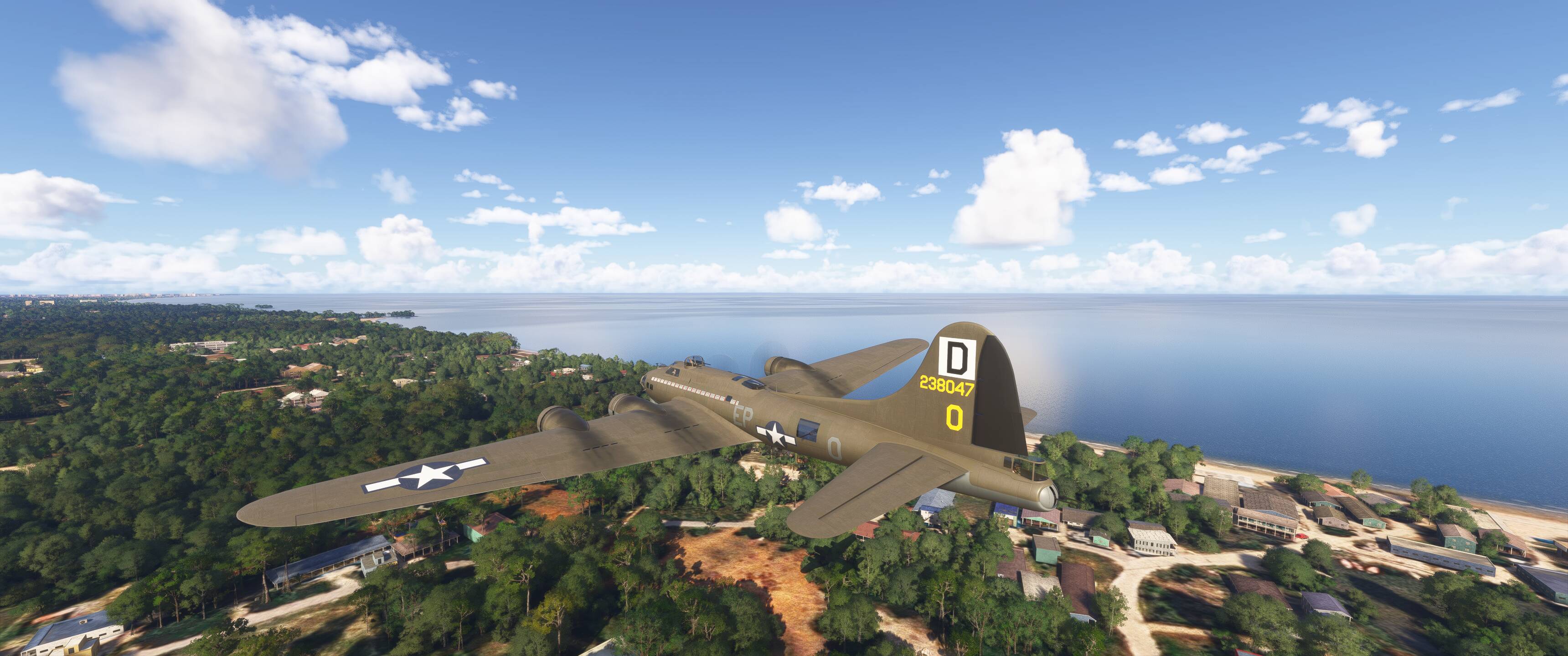
2 Likes

4 Likes

4 Likes


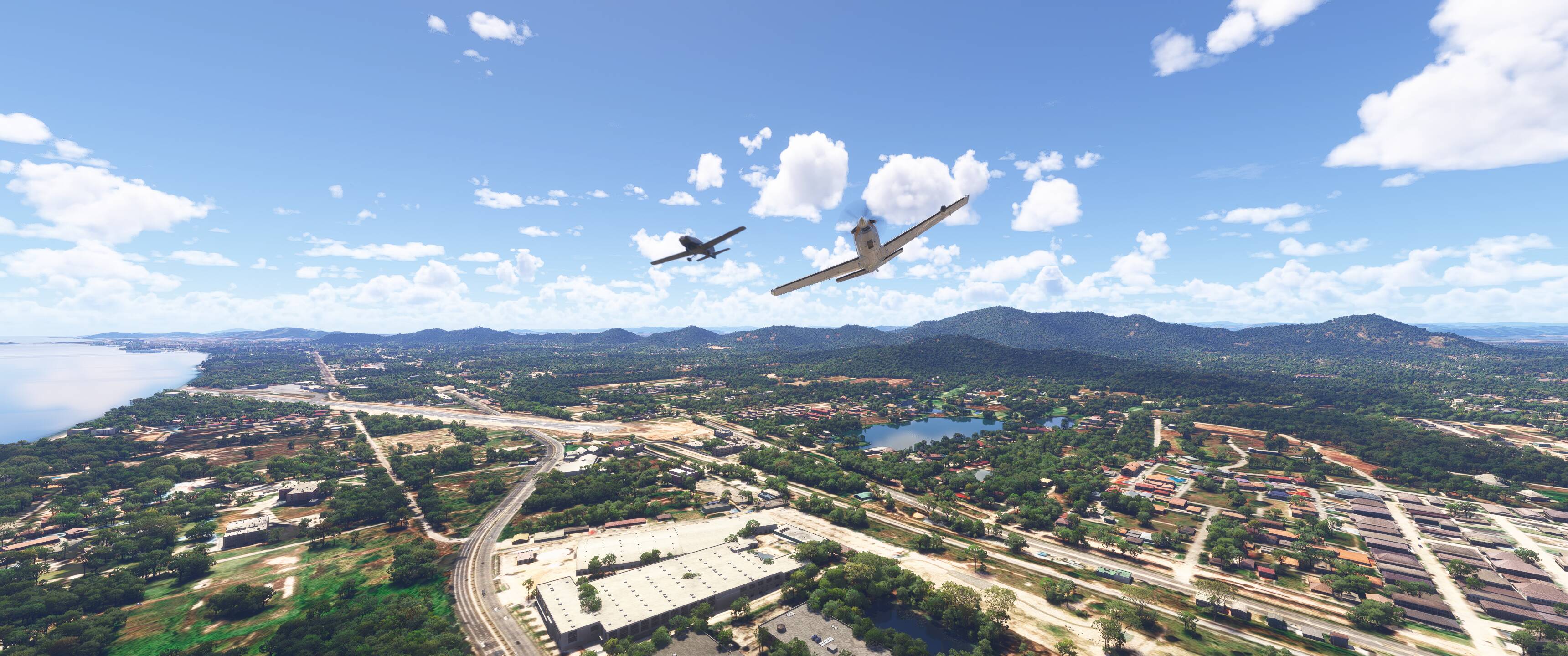
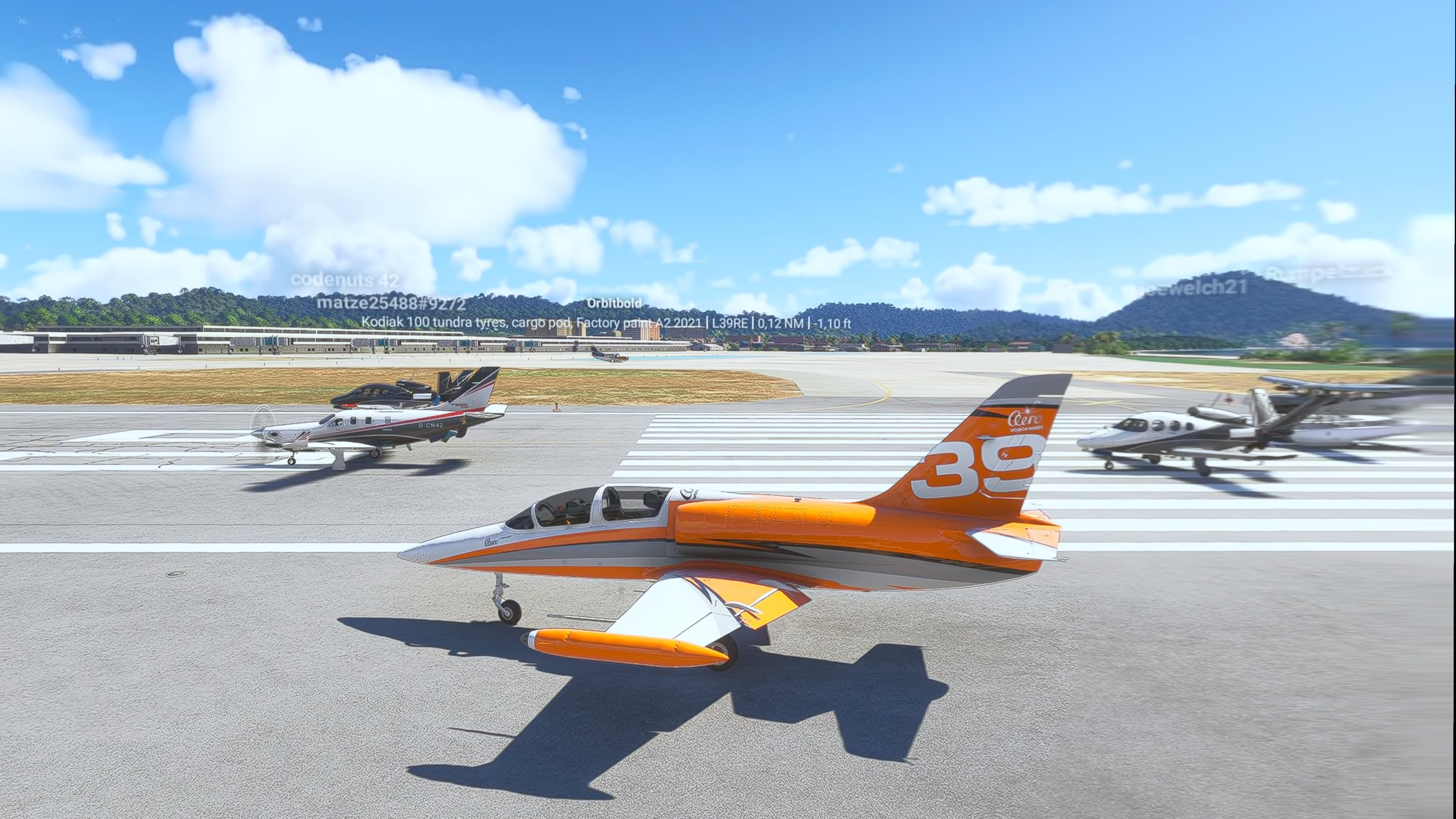
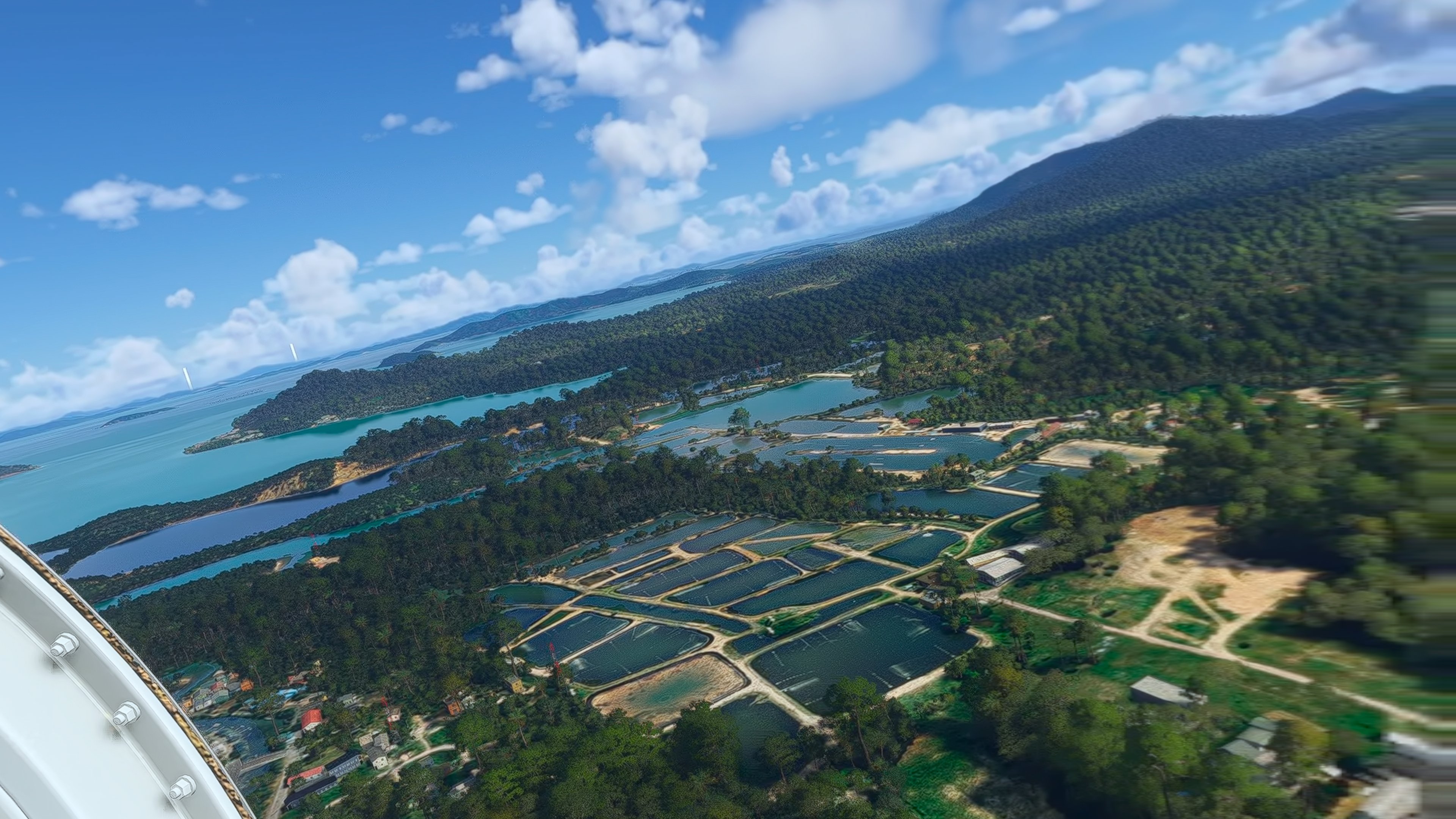
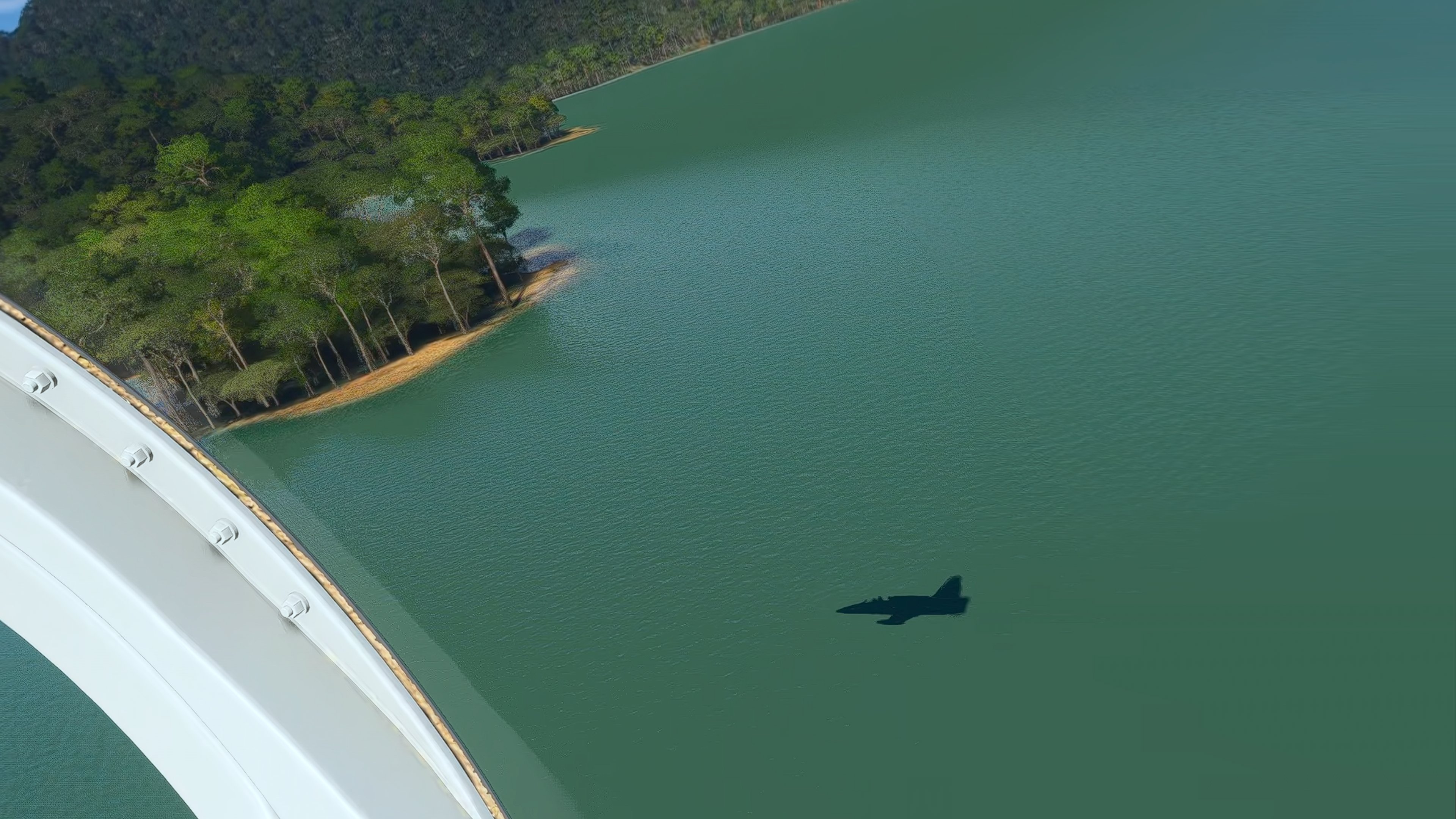
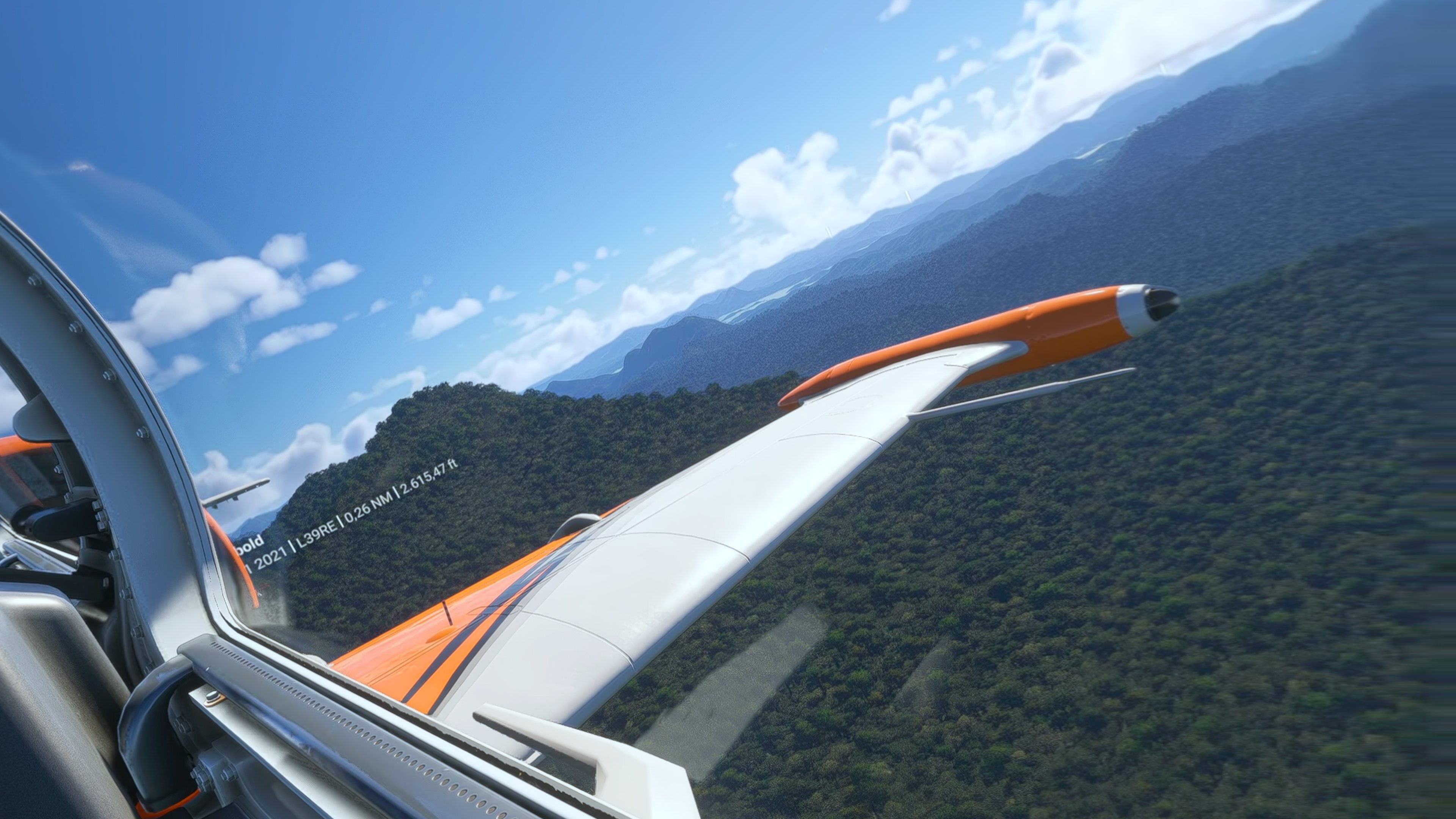
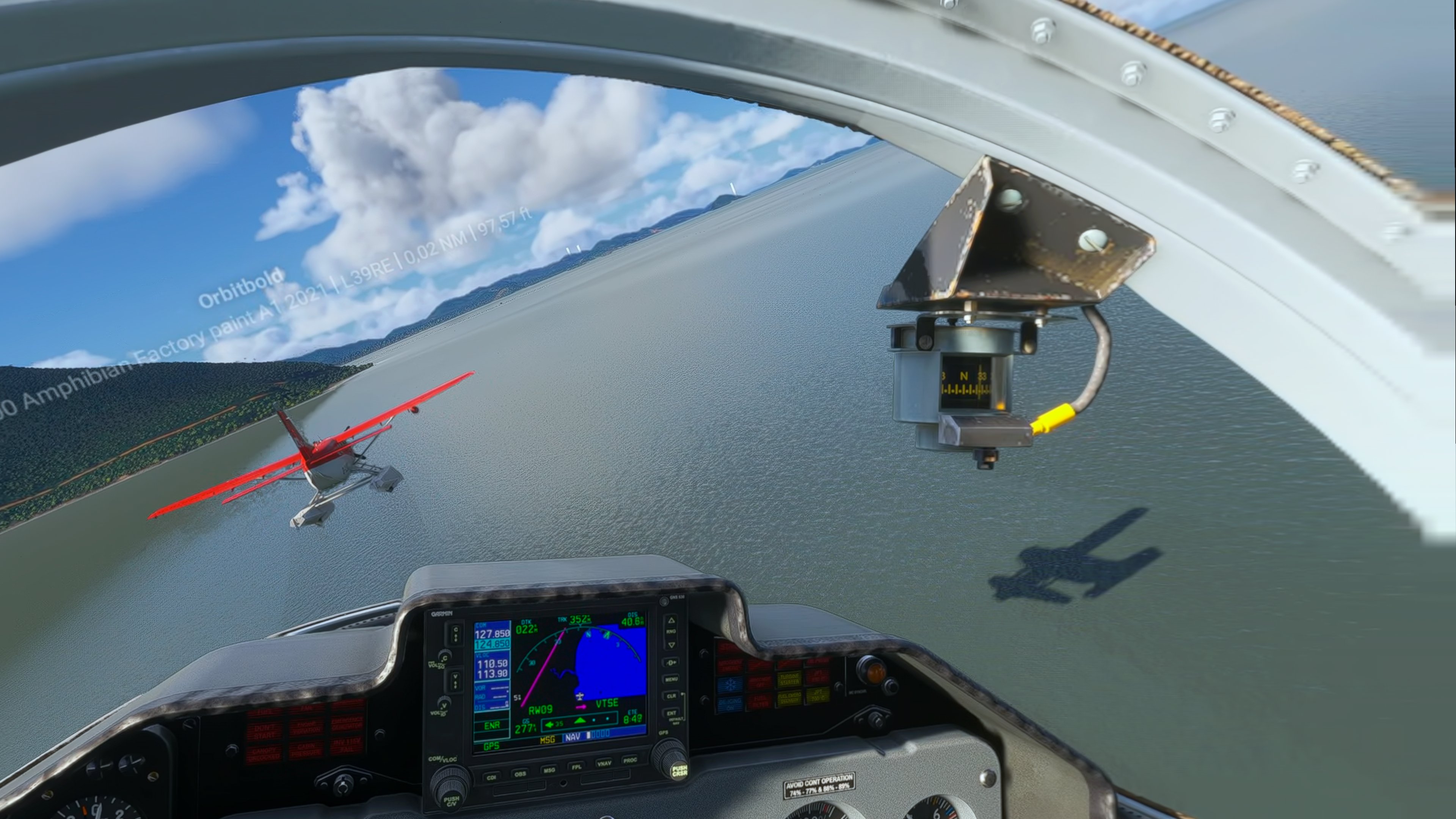
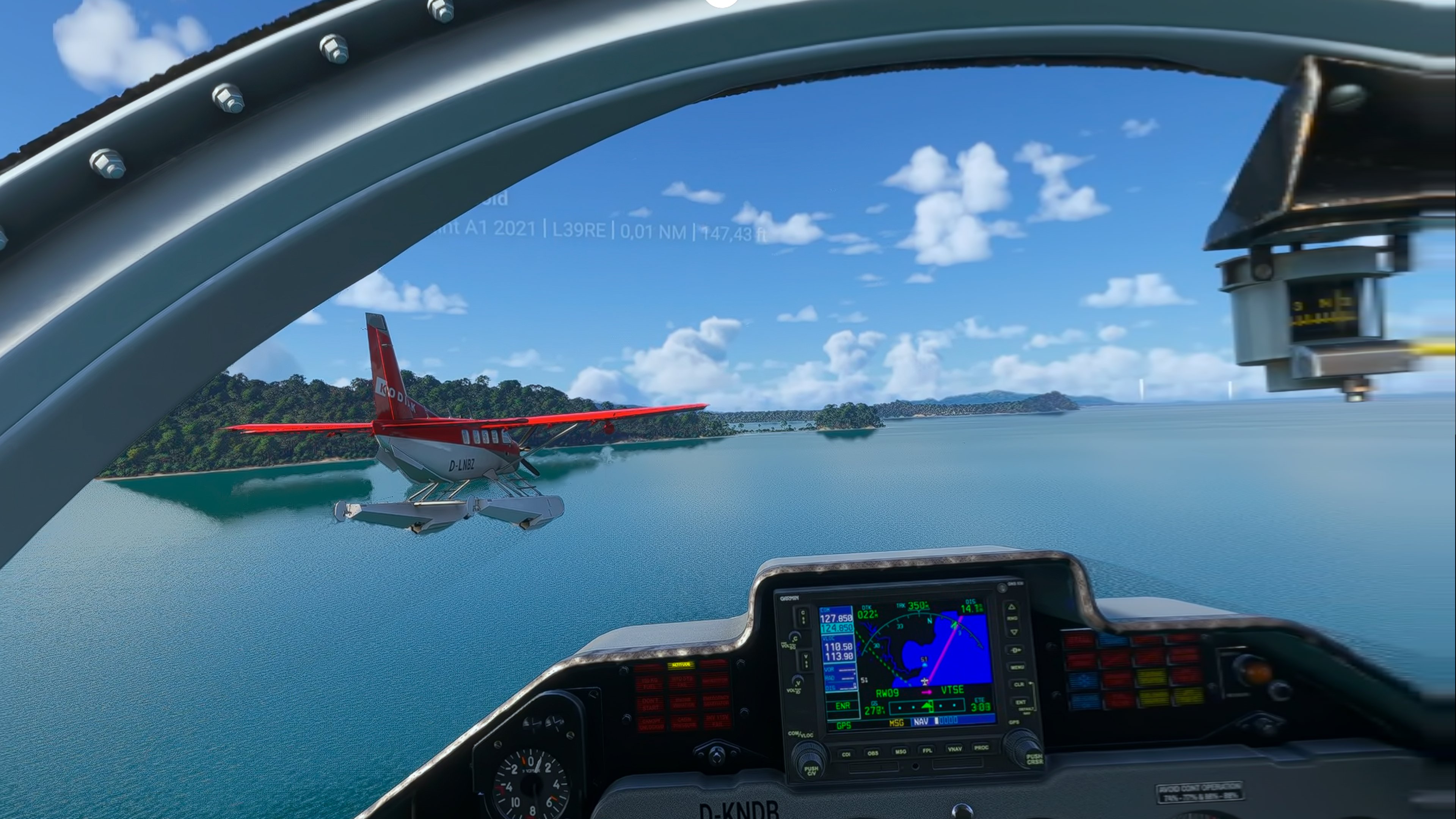
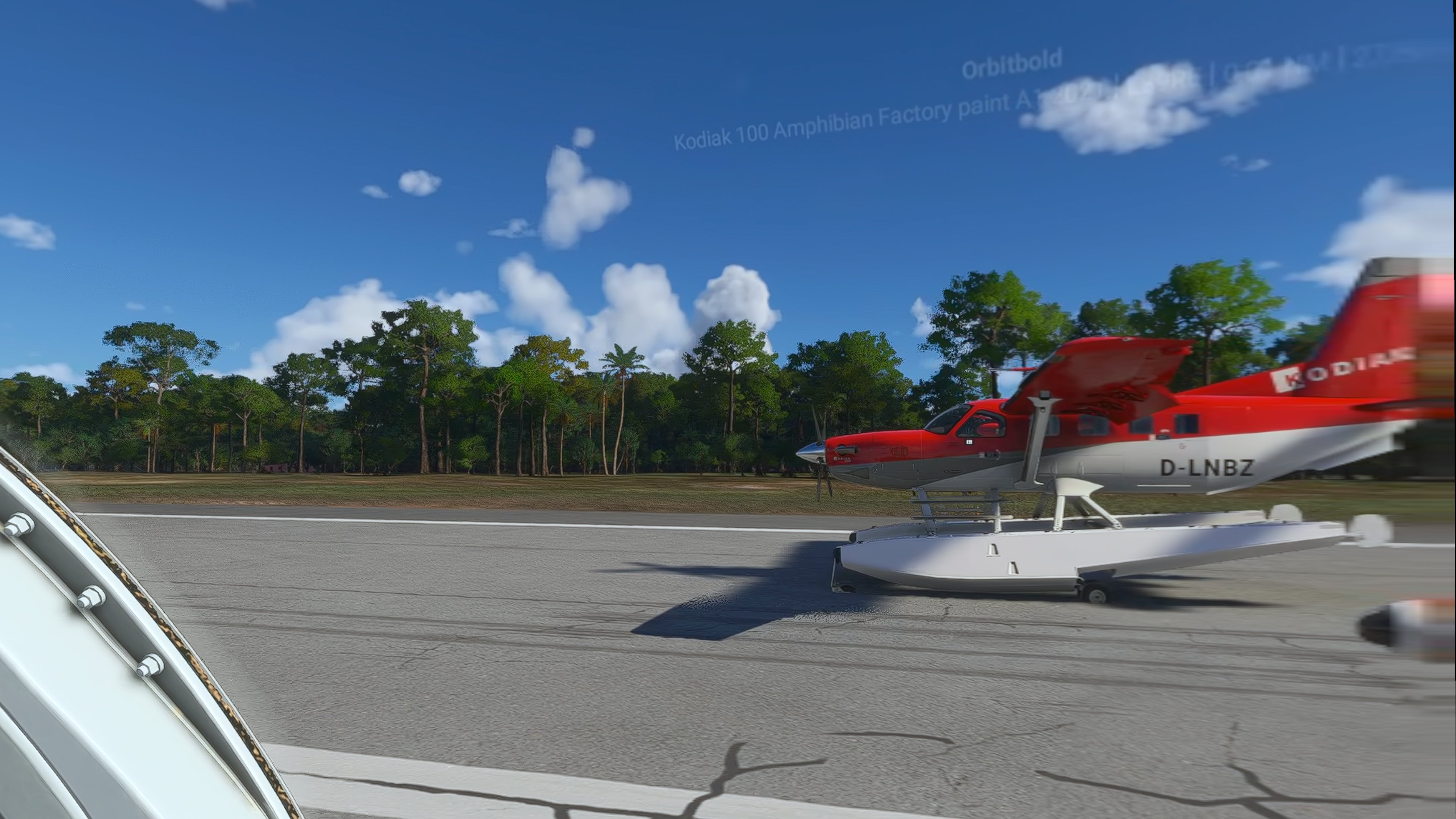
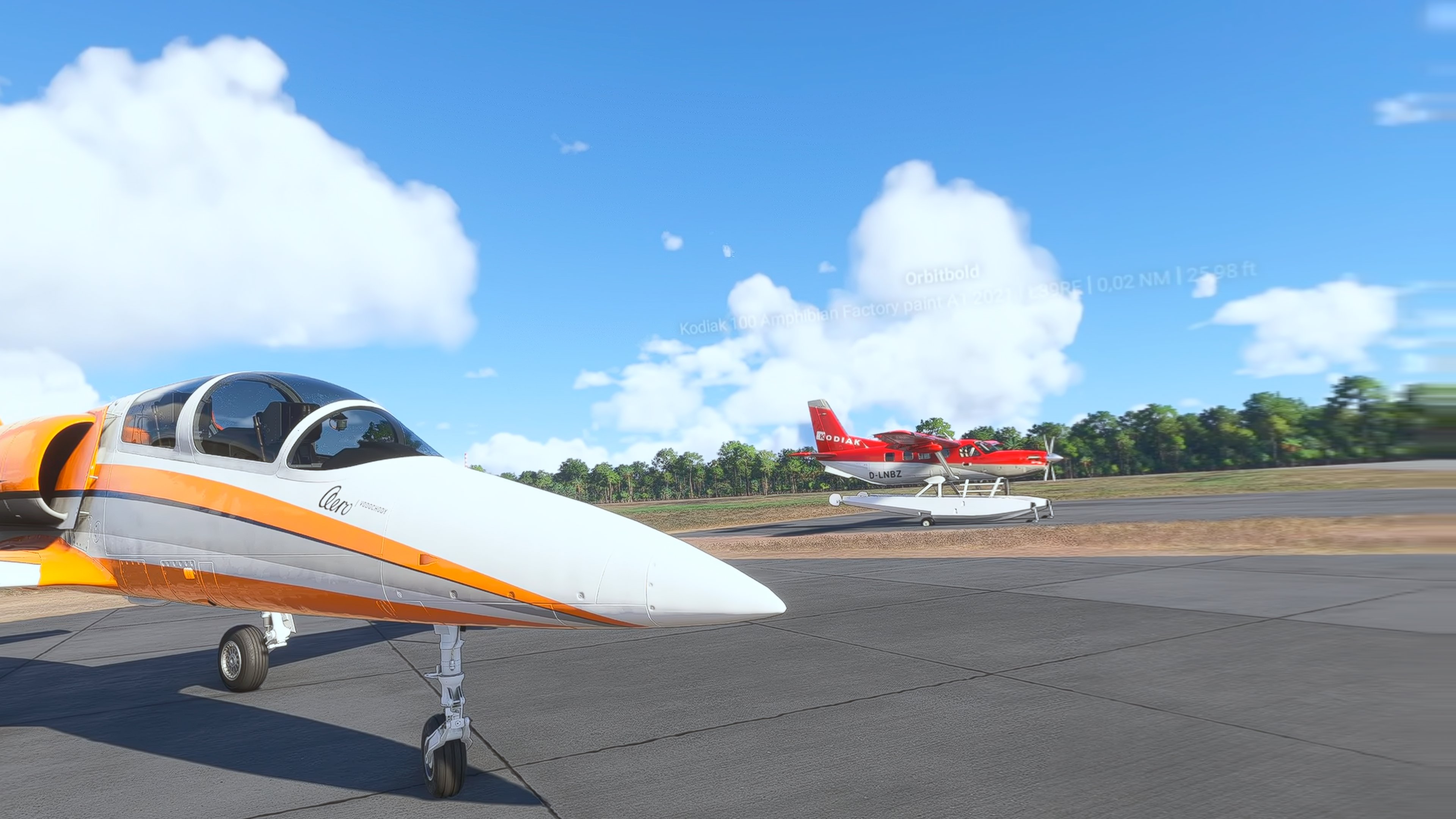
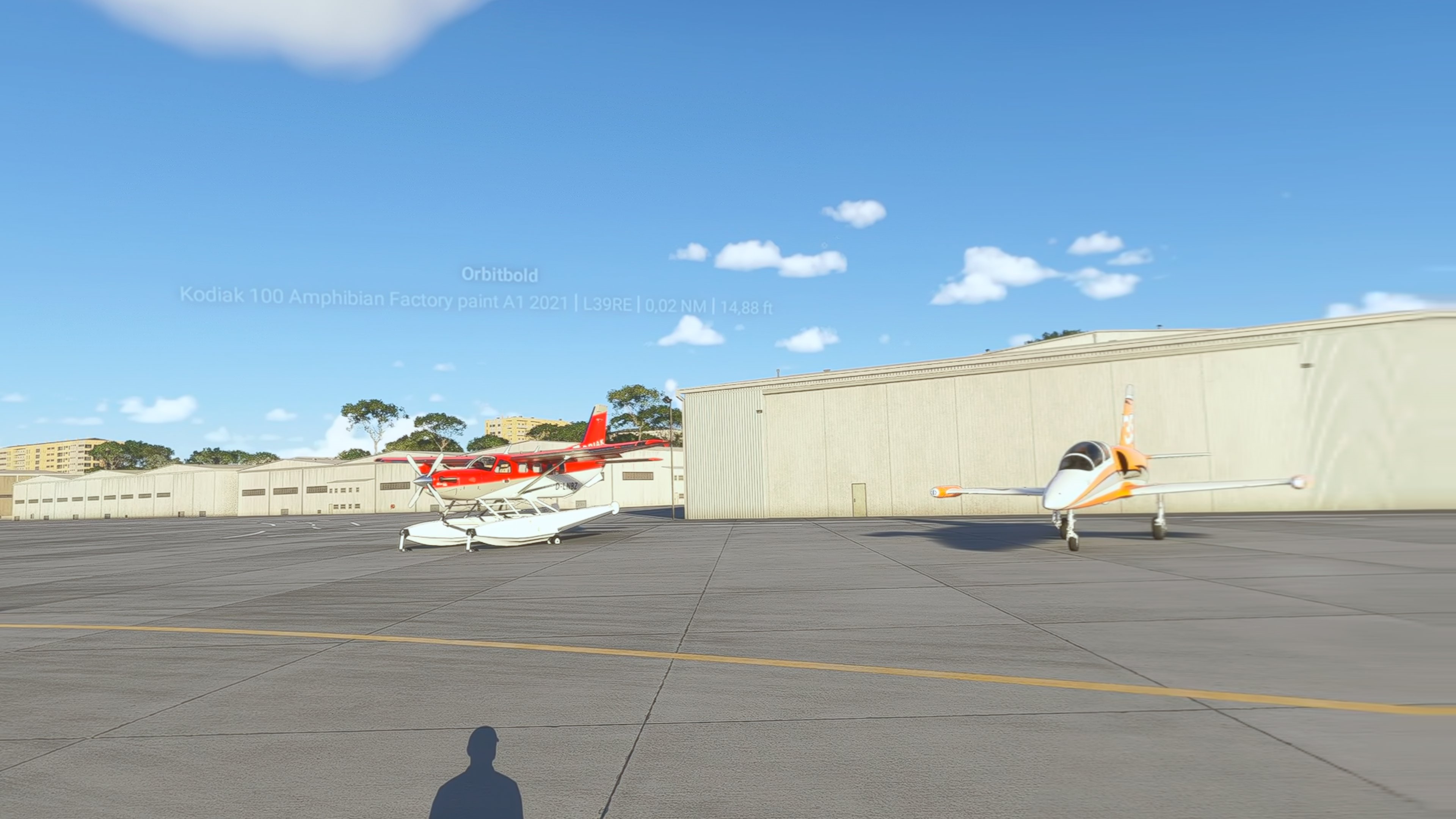
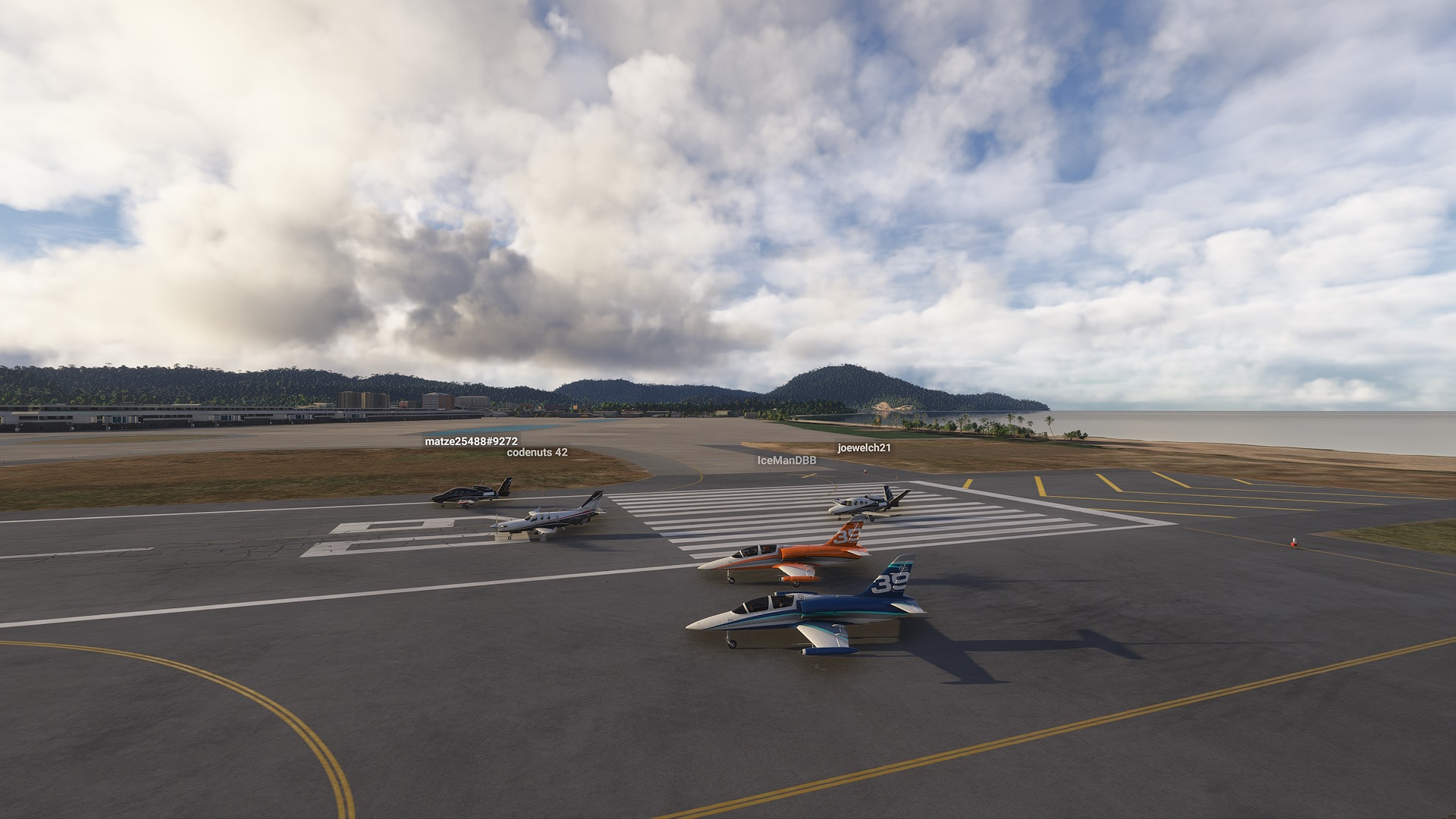
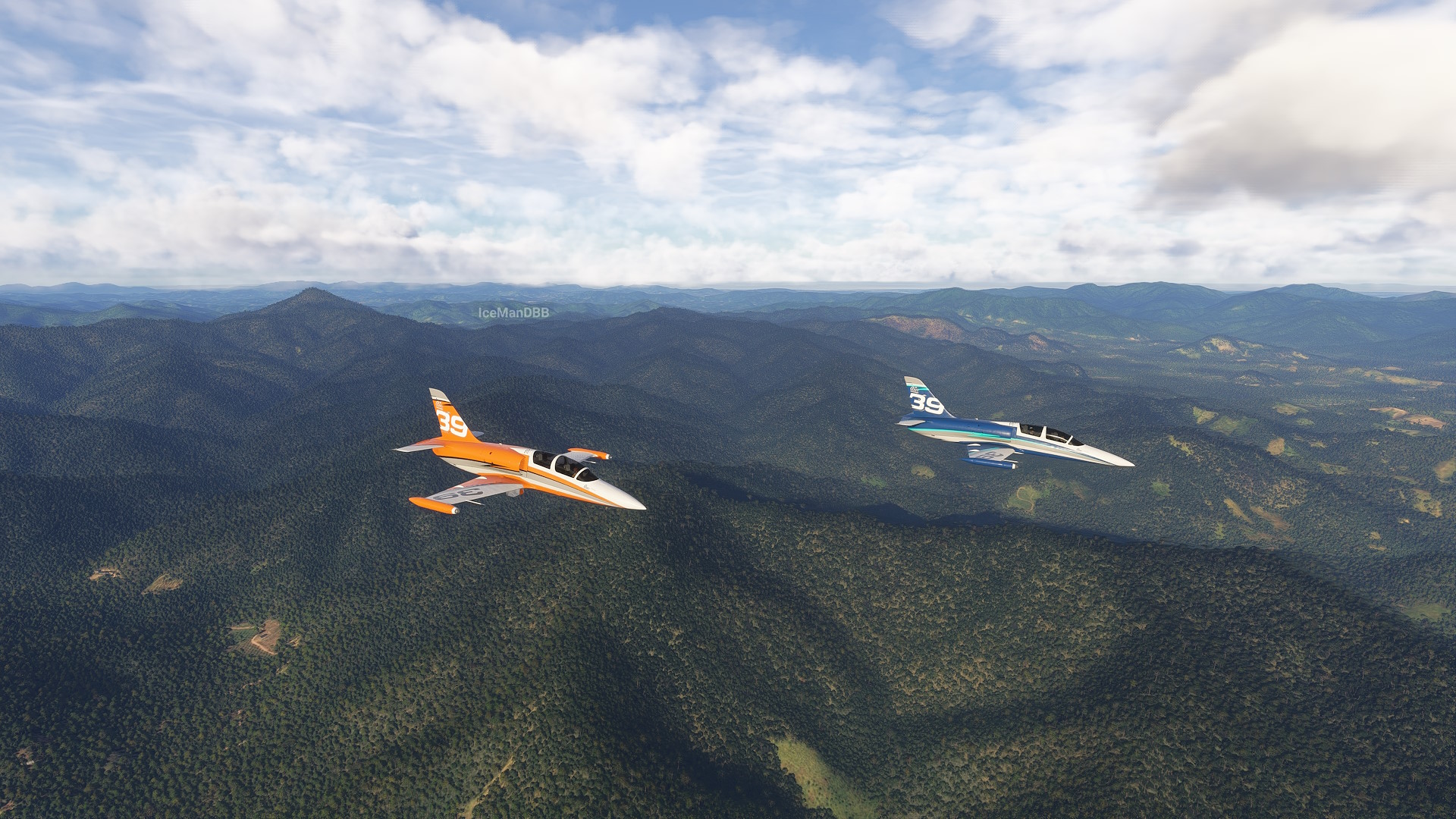
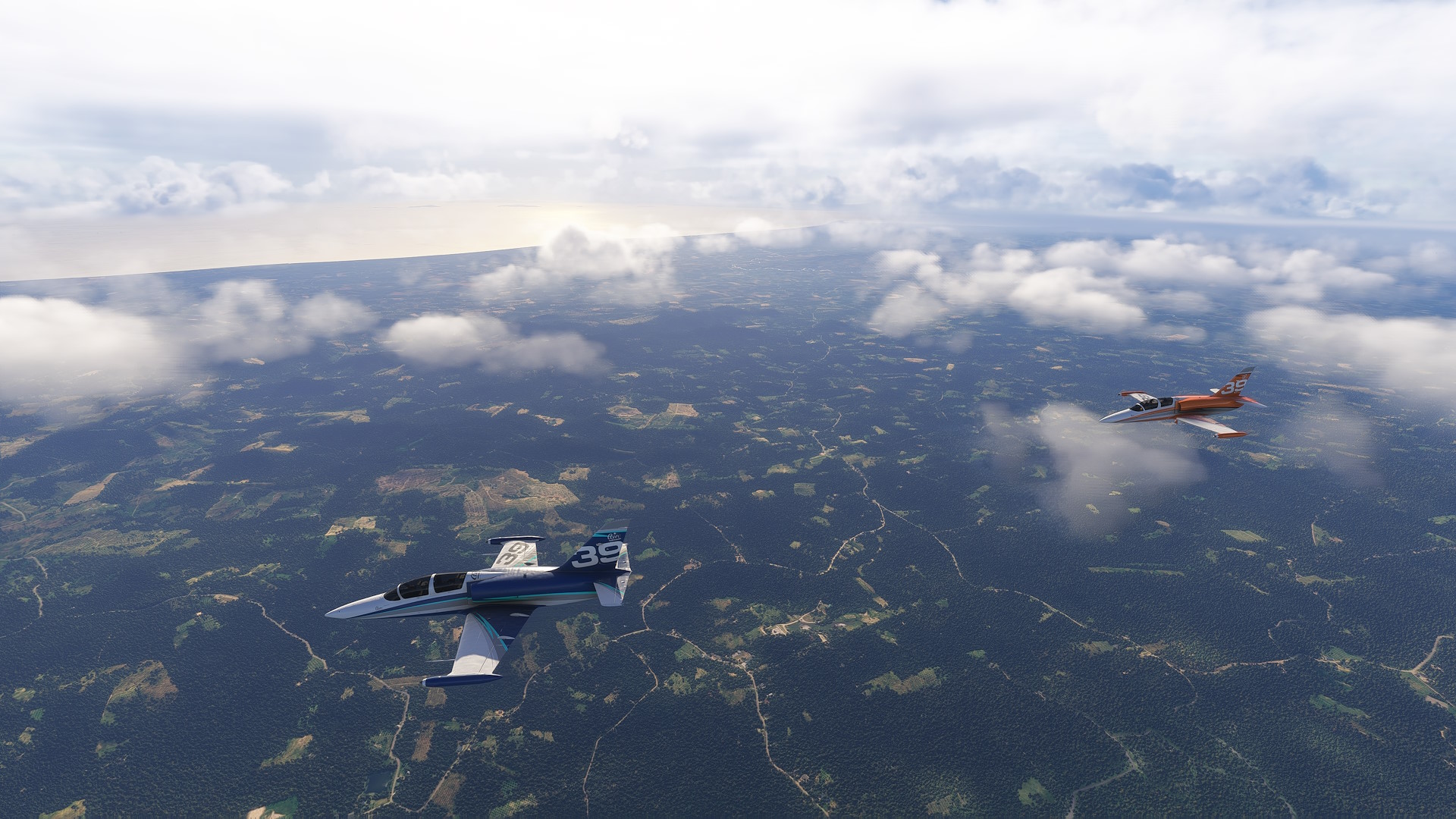
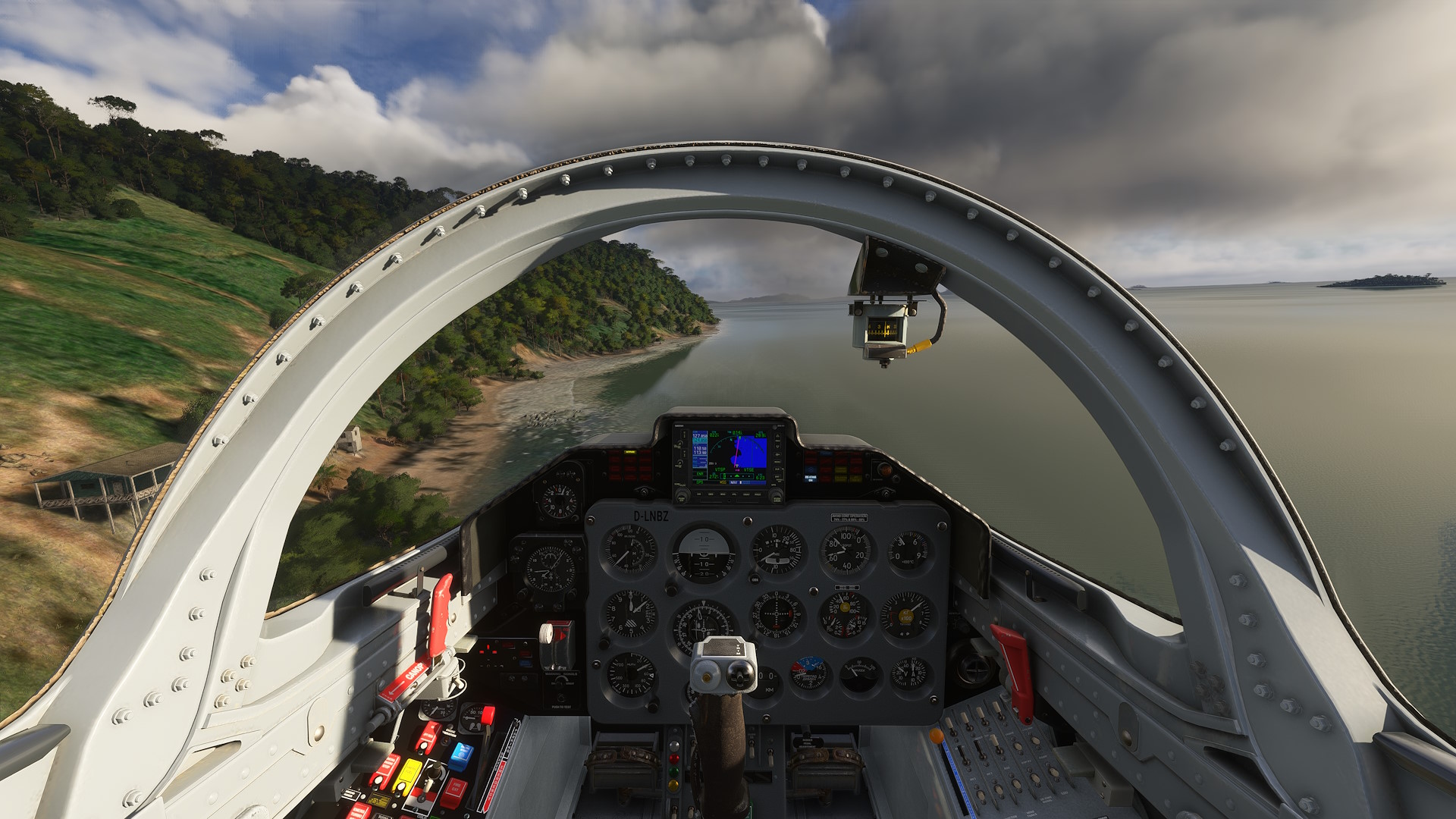
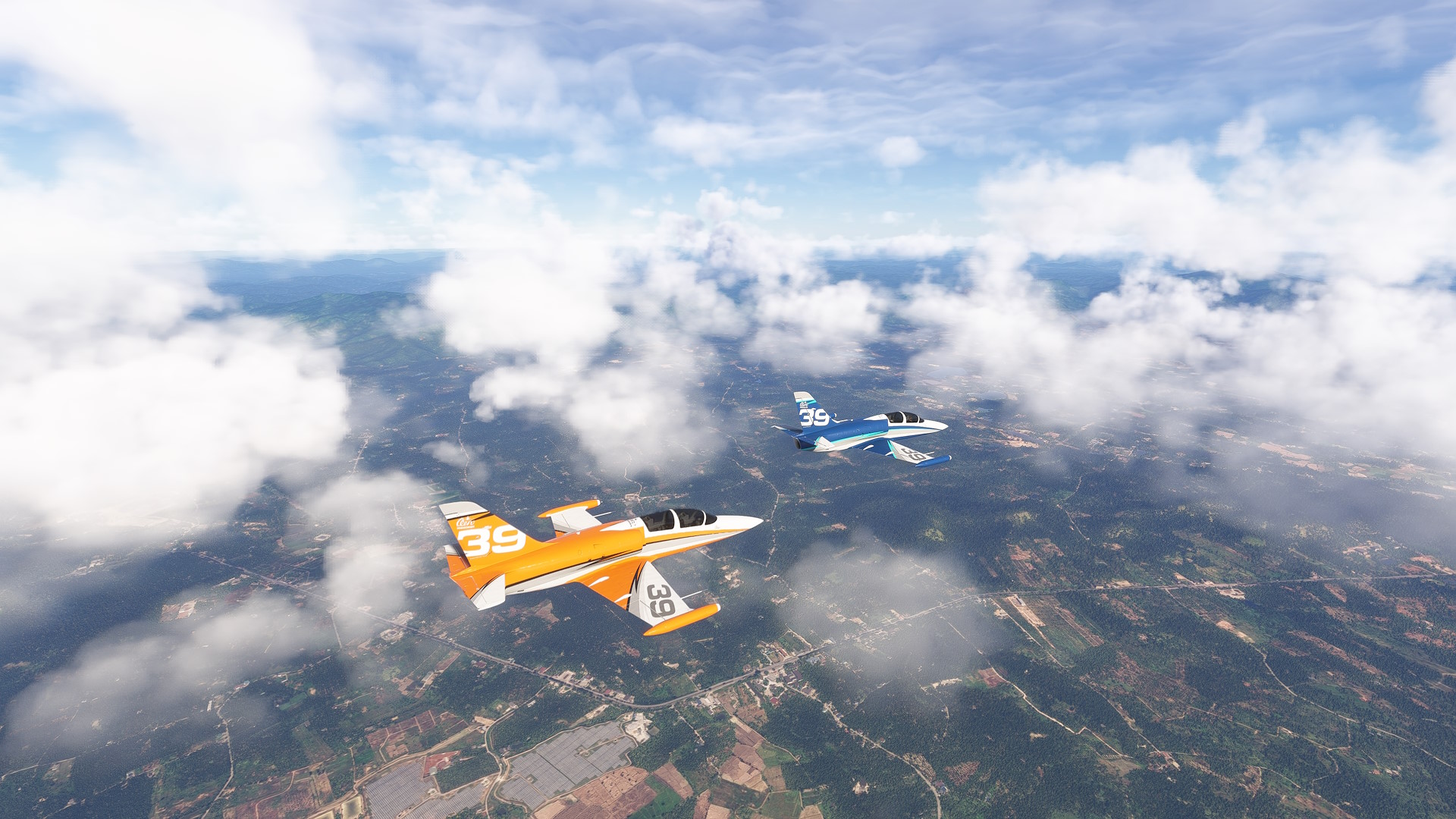
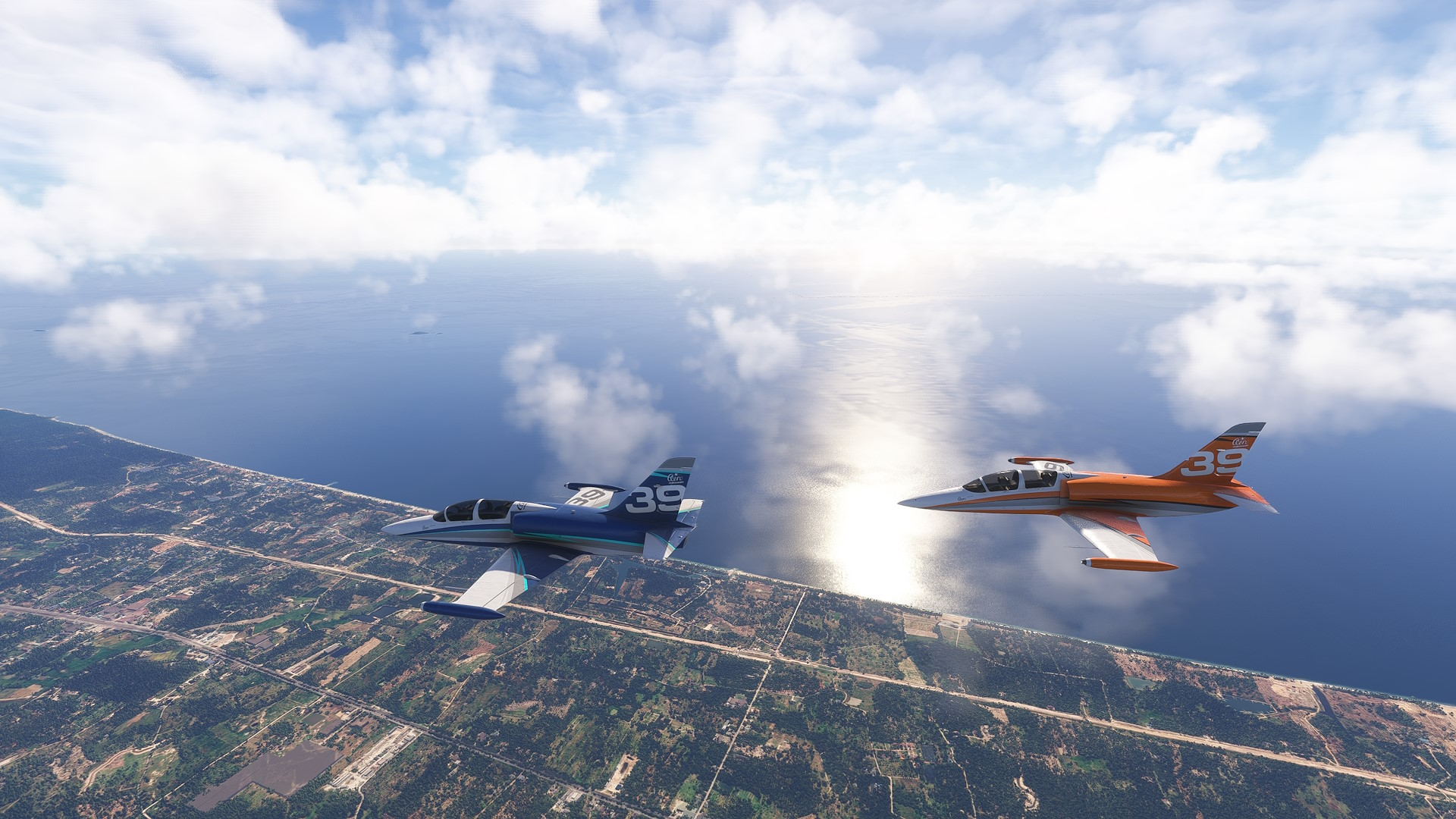
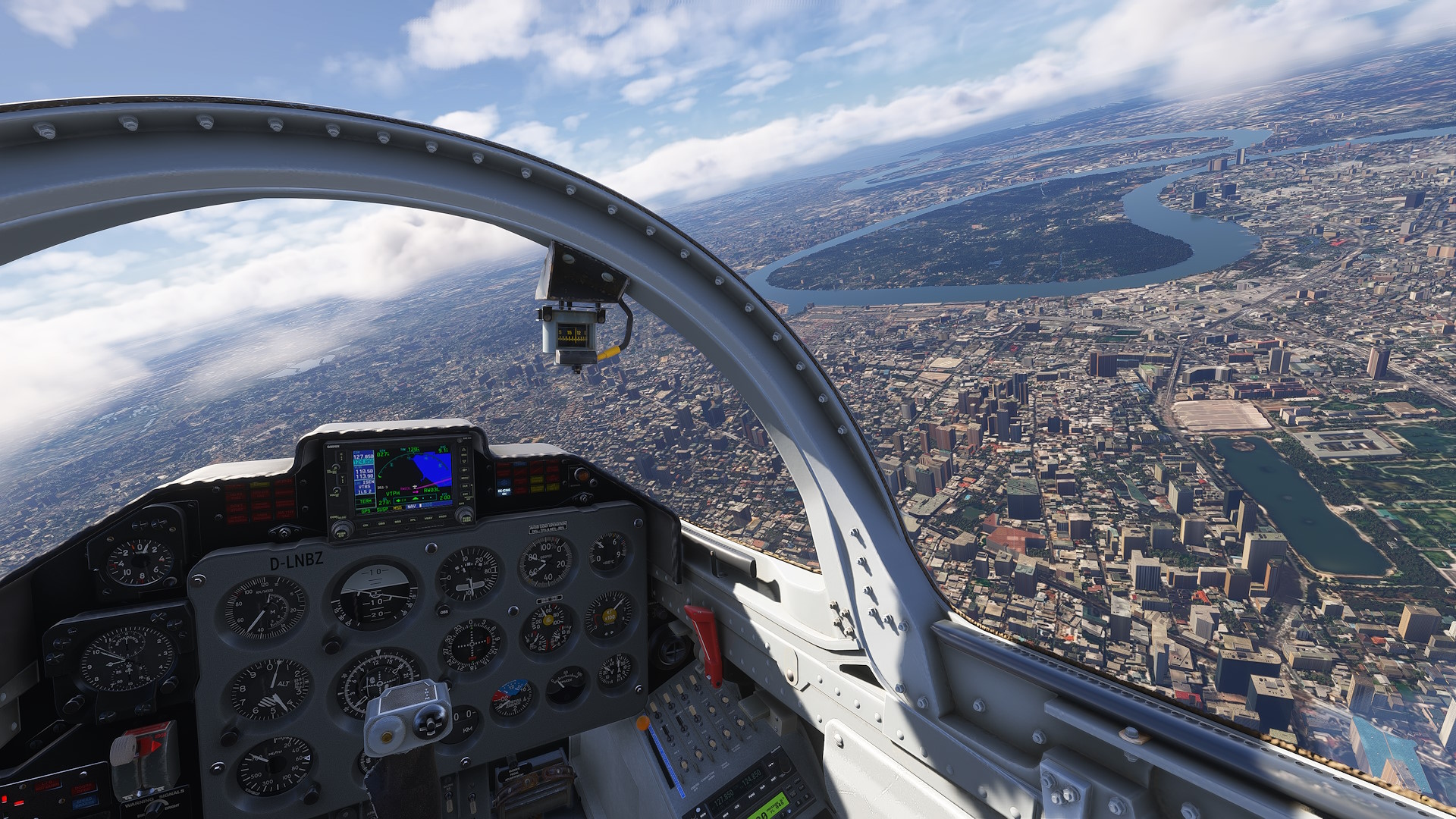
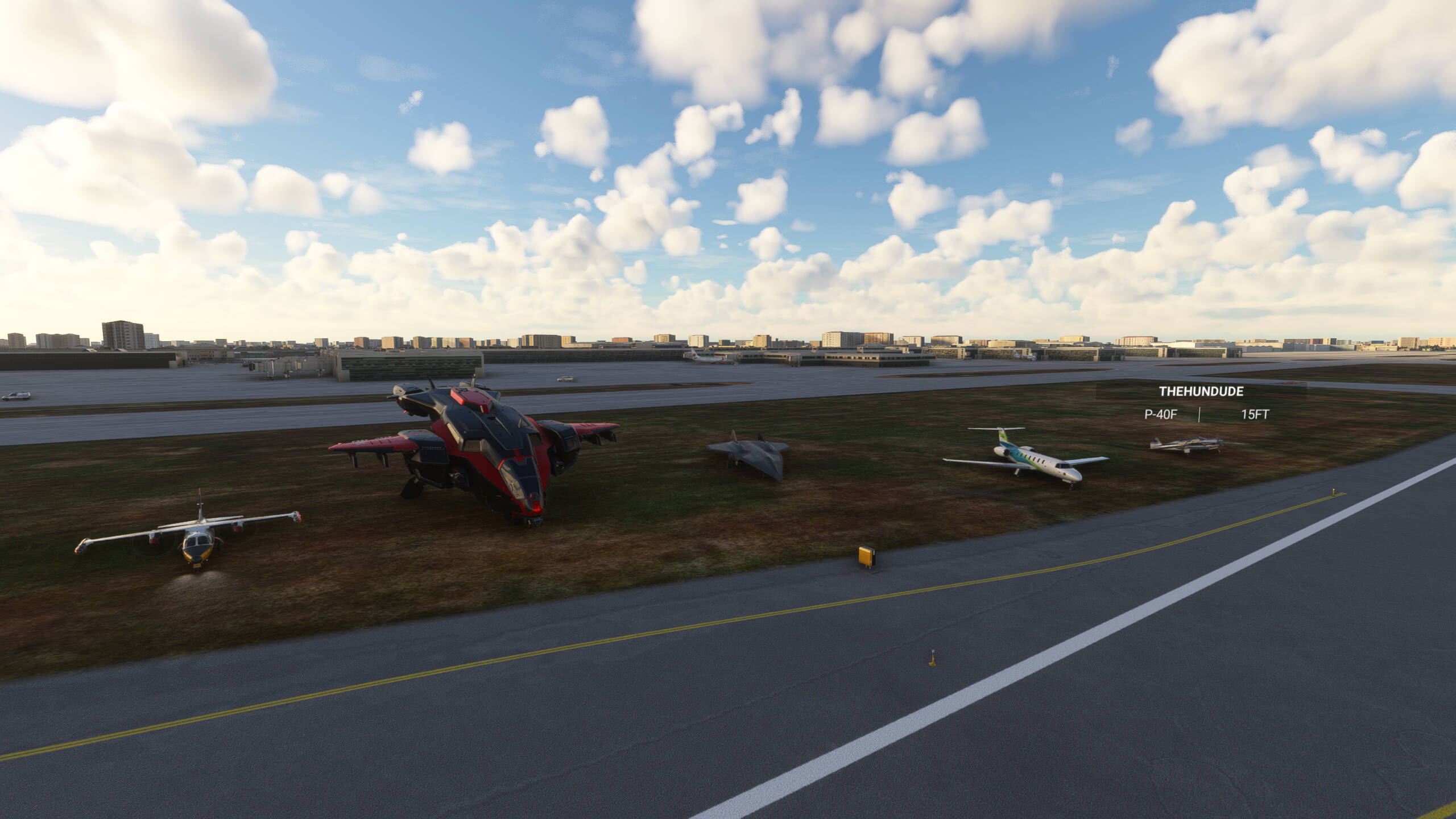
This was some fun low-level with @Orbitbold (although I wished the L39 would actualy show as one and not as a Kodiak):


Also tried some tandem landings, first one was the best though, I think:


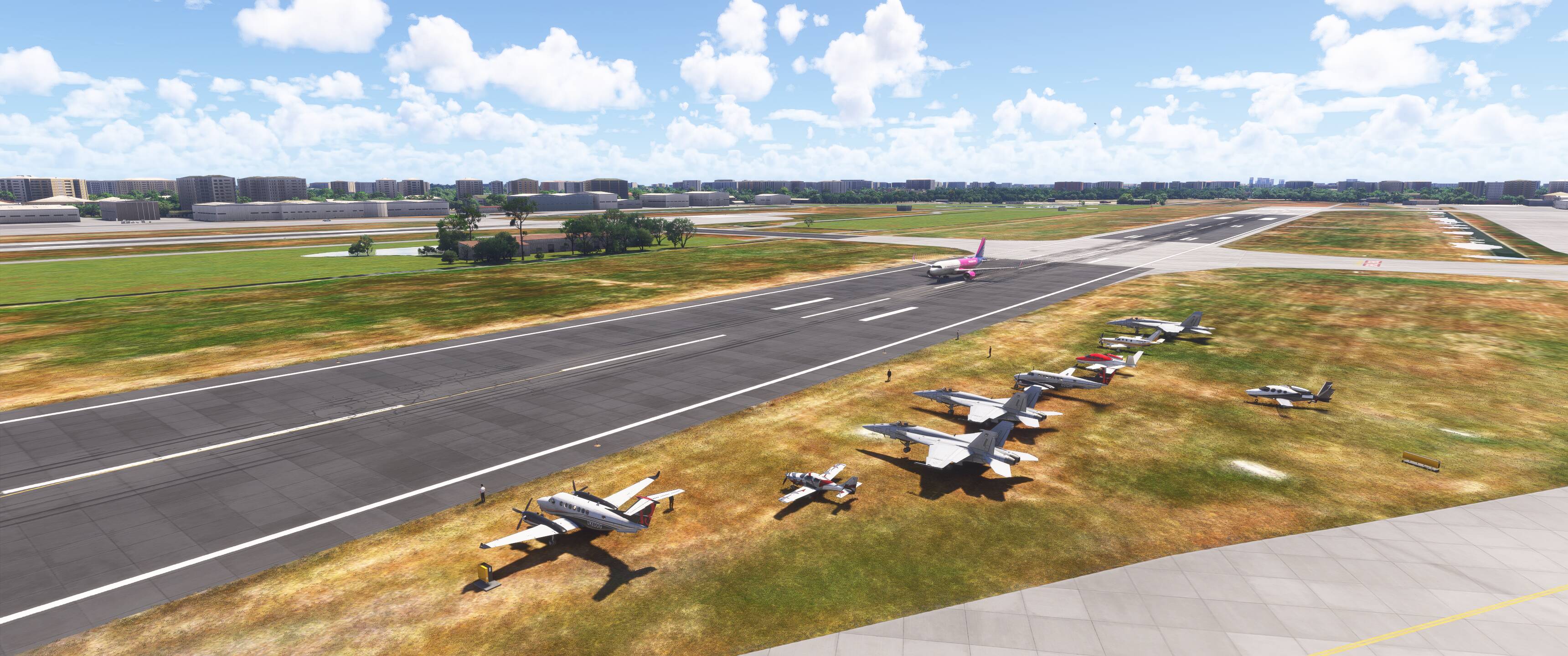
waiting for others at first touch and go:


Some Vids:
(had to use streamable as they were too long, they’ll expire in 2 days)

4 Likes

As usual a fun community flight!

3 Likes

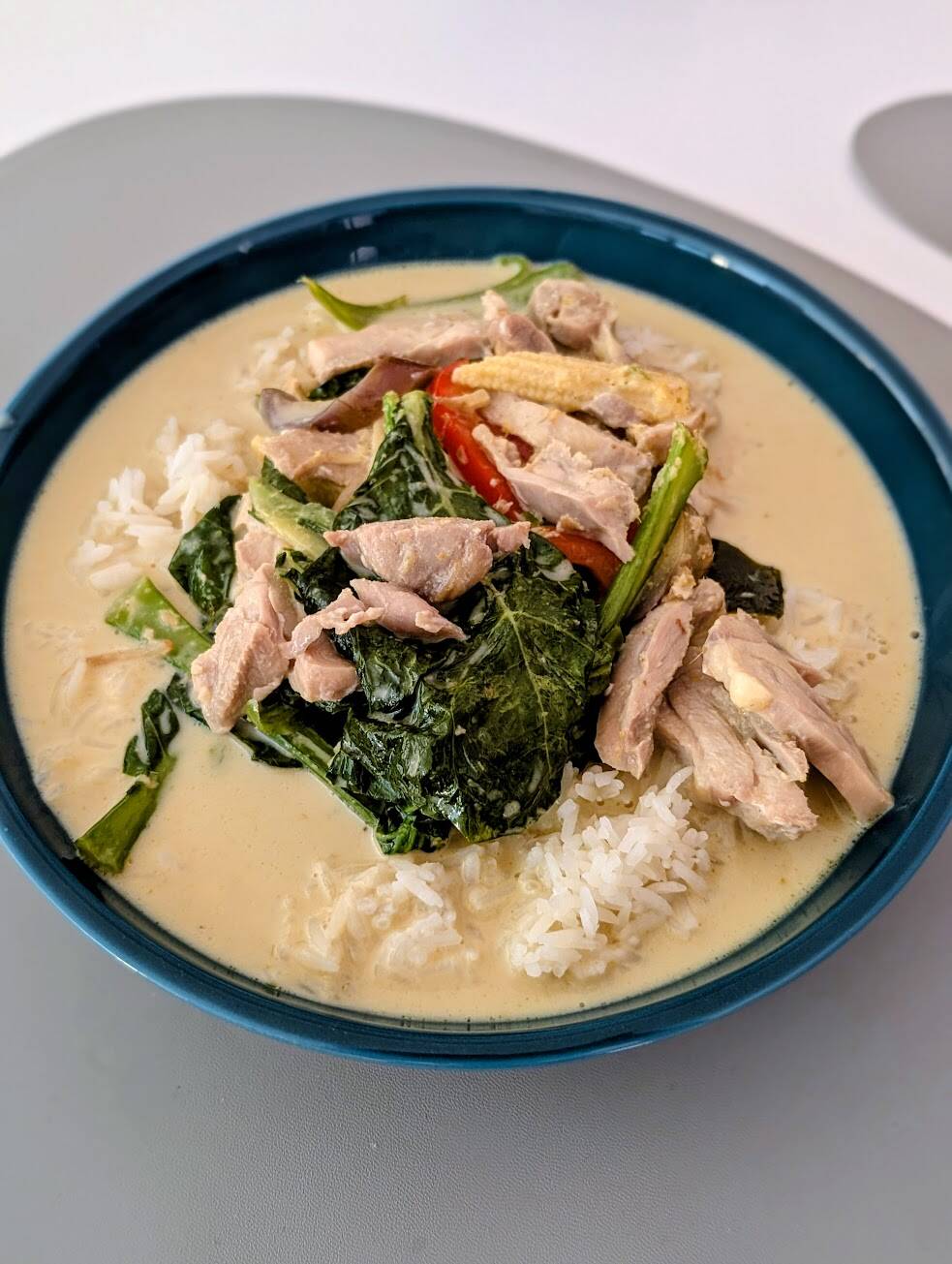
Promised photo of the take-out food I ordered for lunch from the nearby Thai restaurant. The curry of the day was a Thai green curry! :face_savoring_food: :thailand:

5 Likes

Great flight, I had lots of fun.

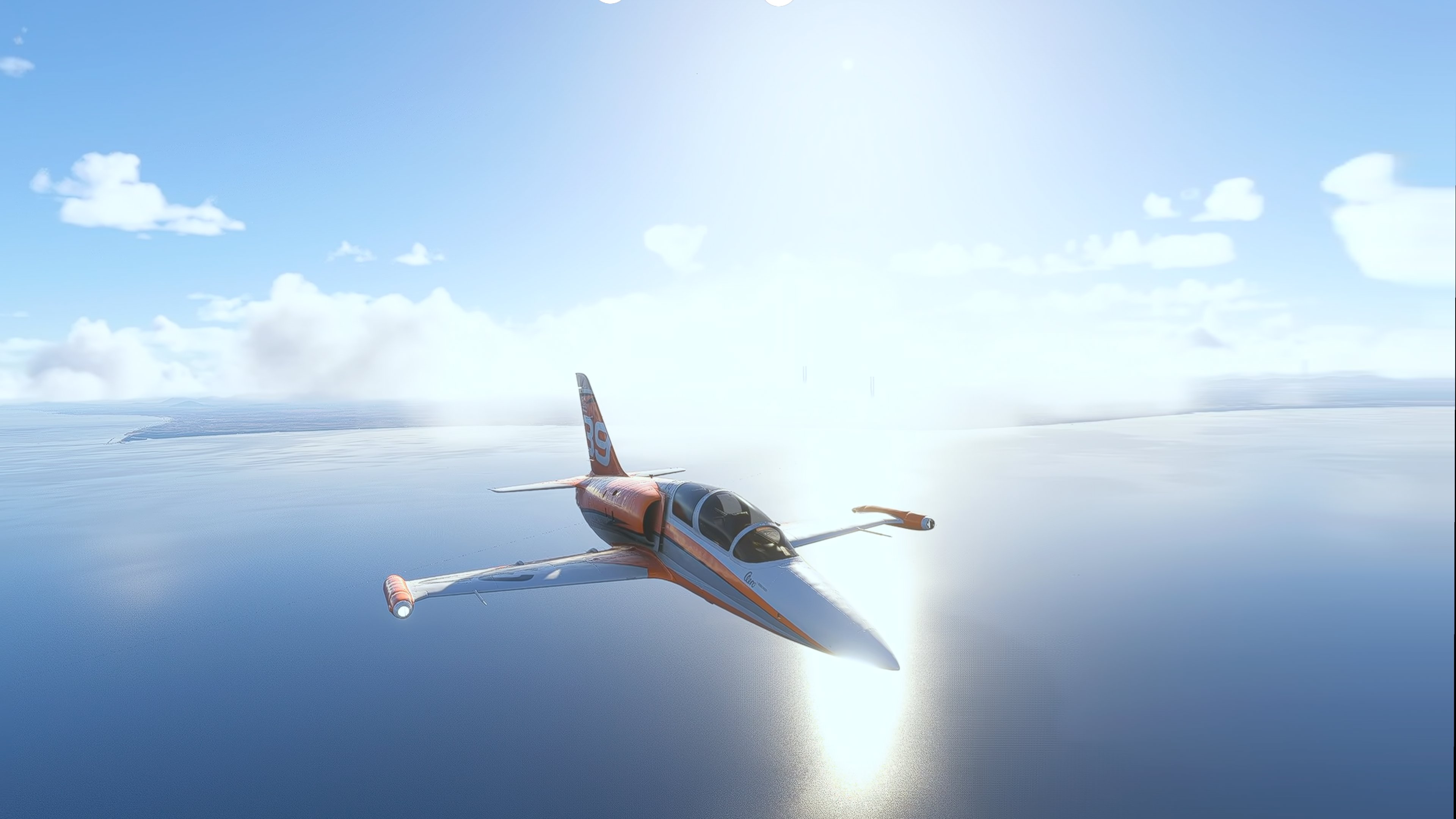
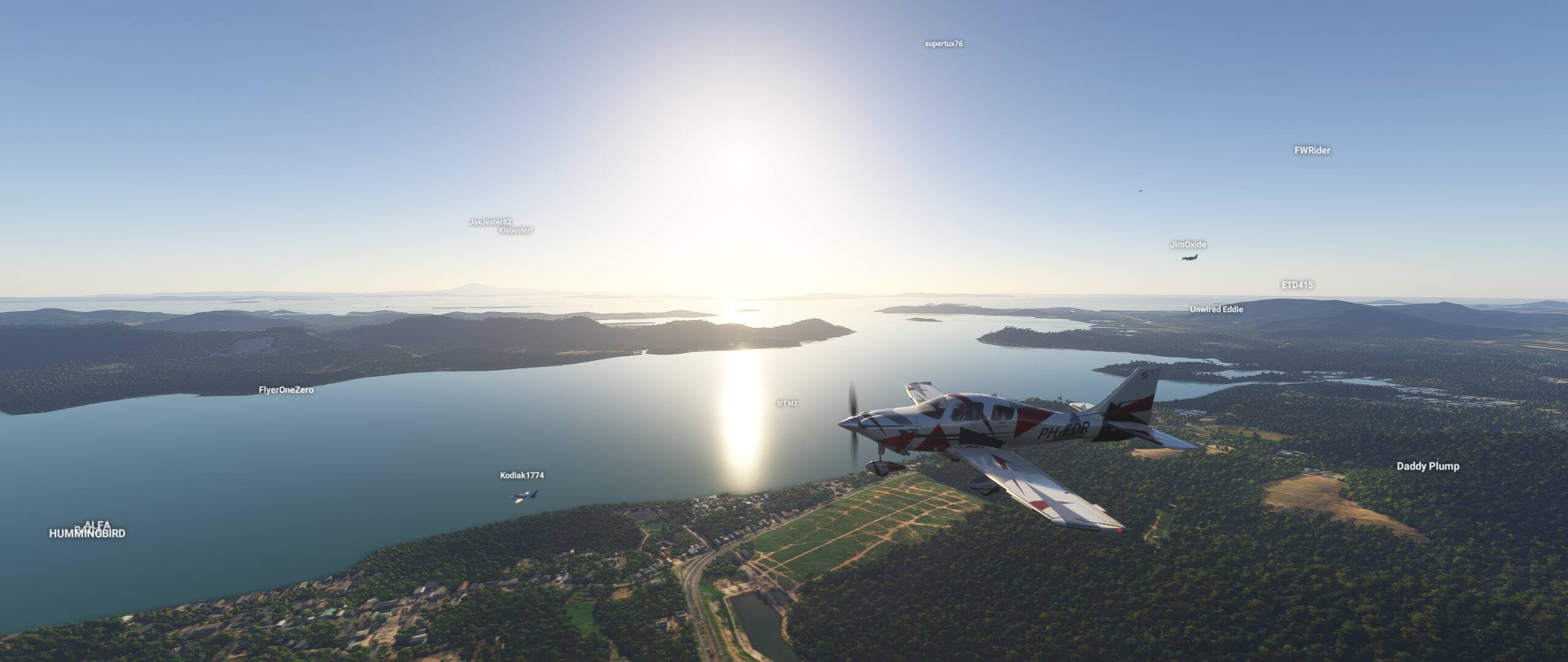
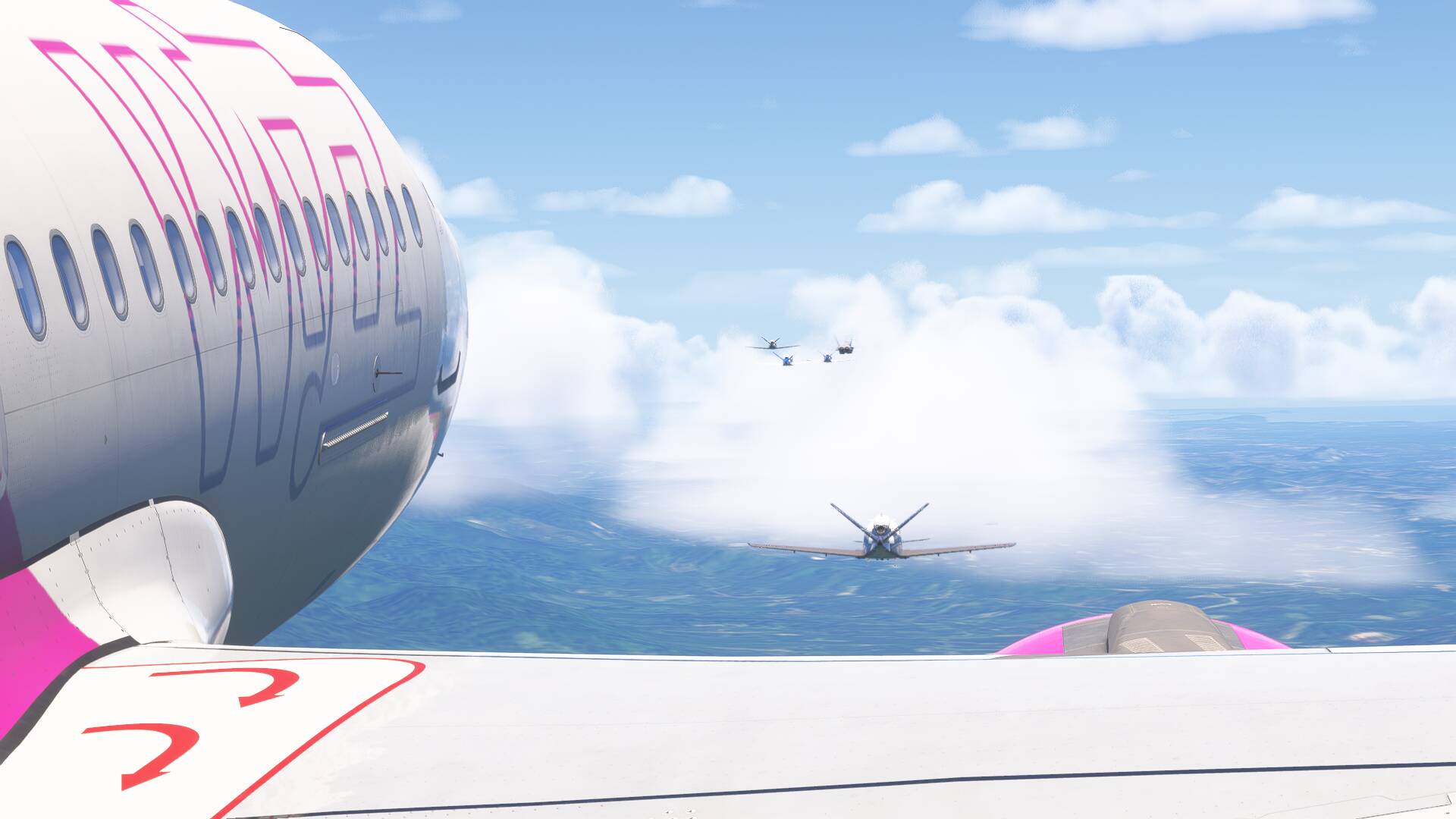
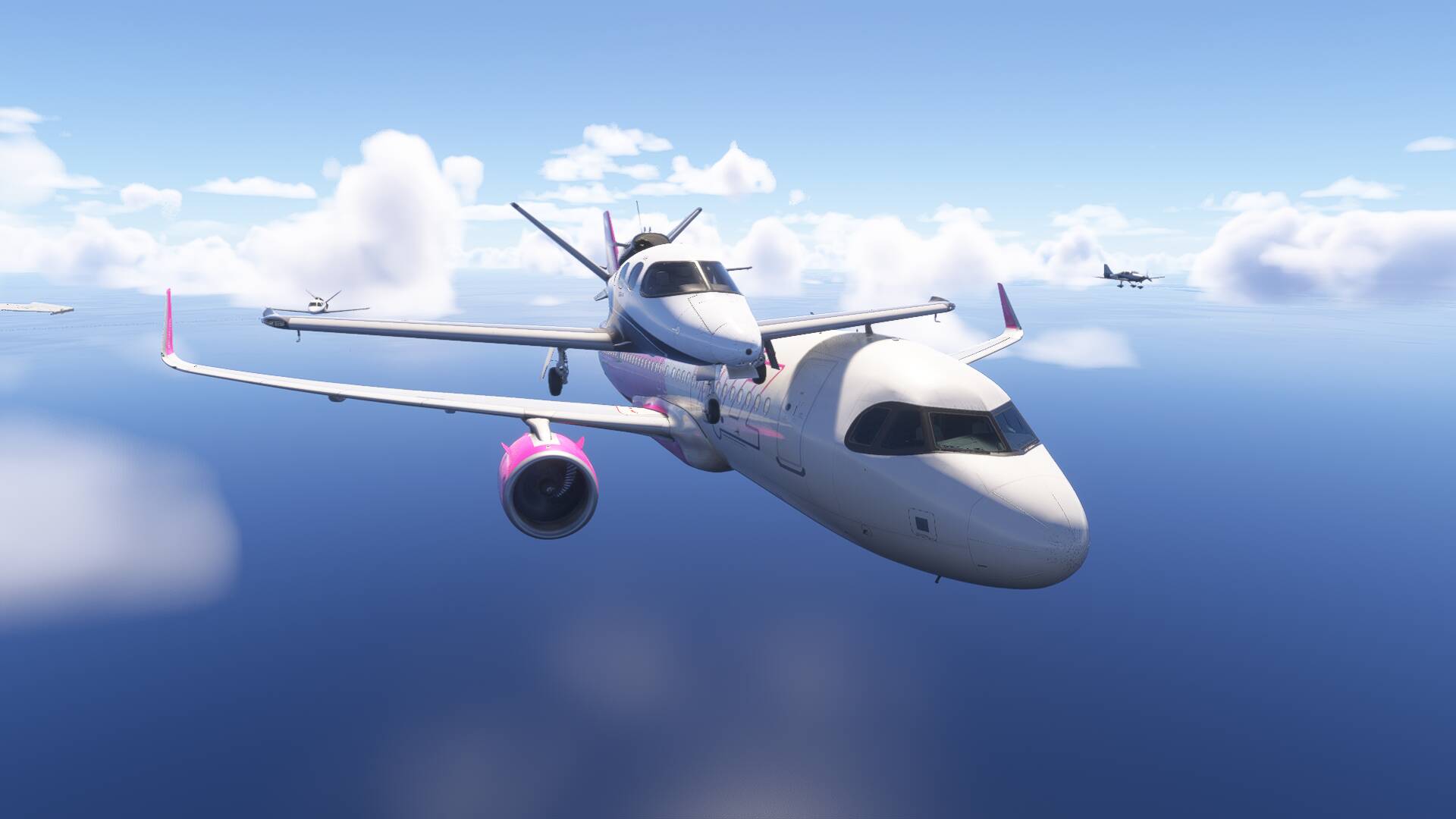
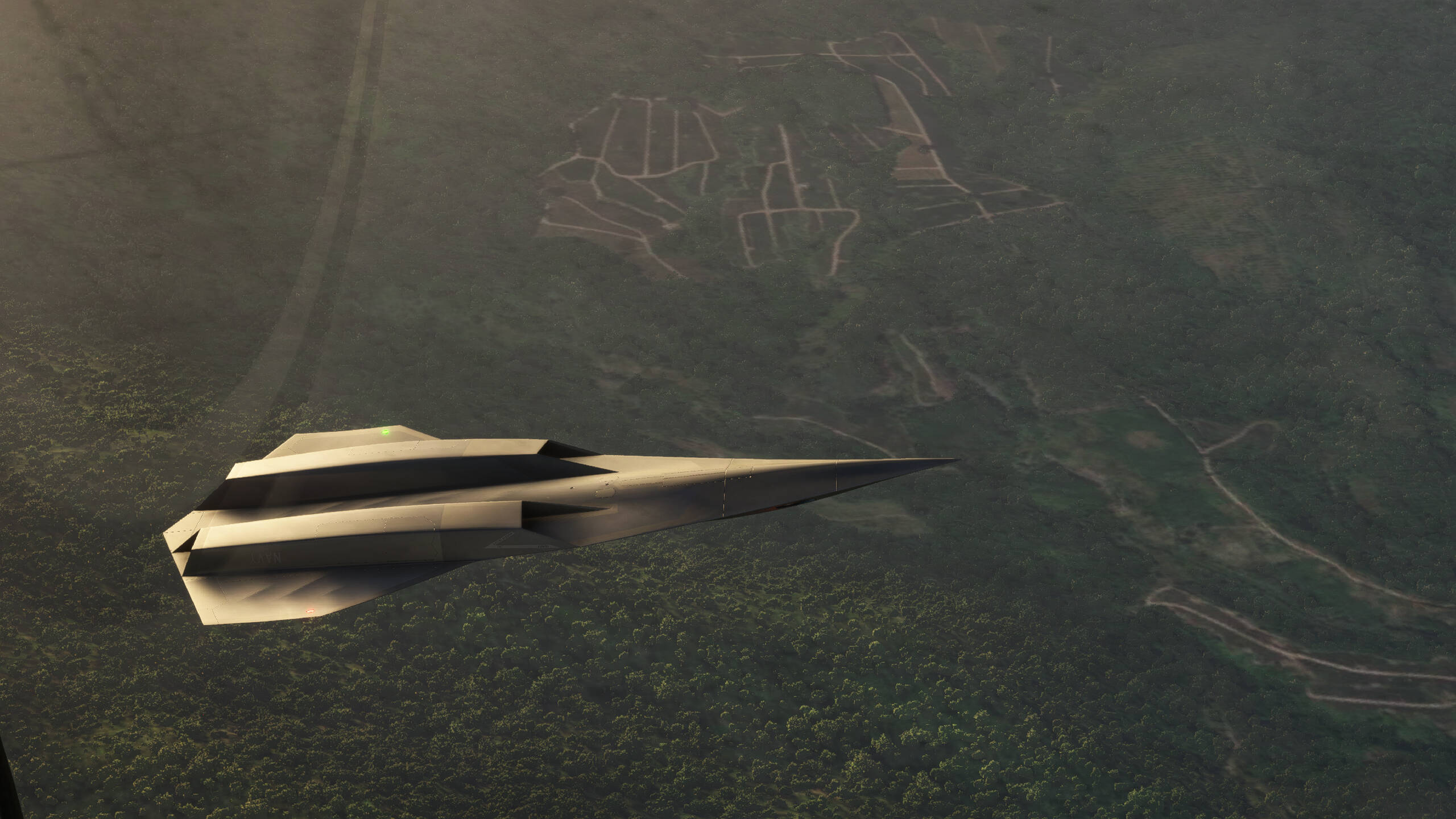
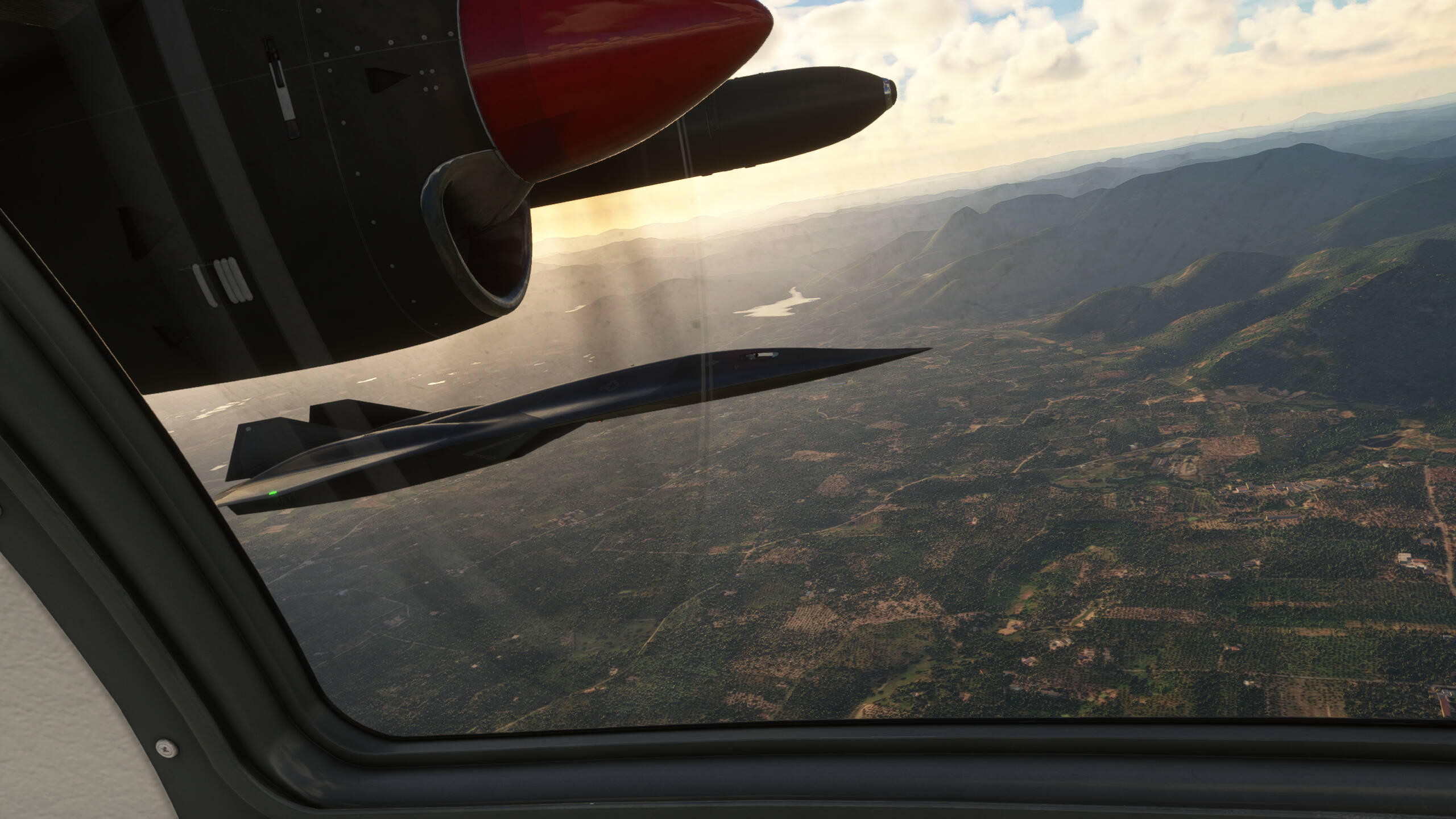
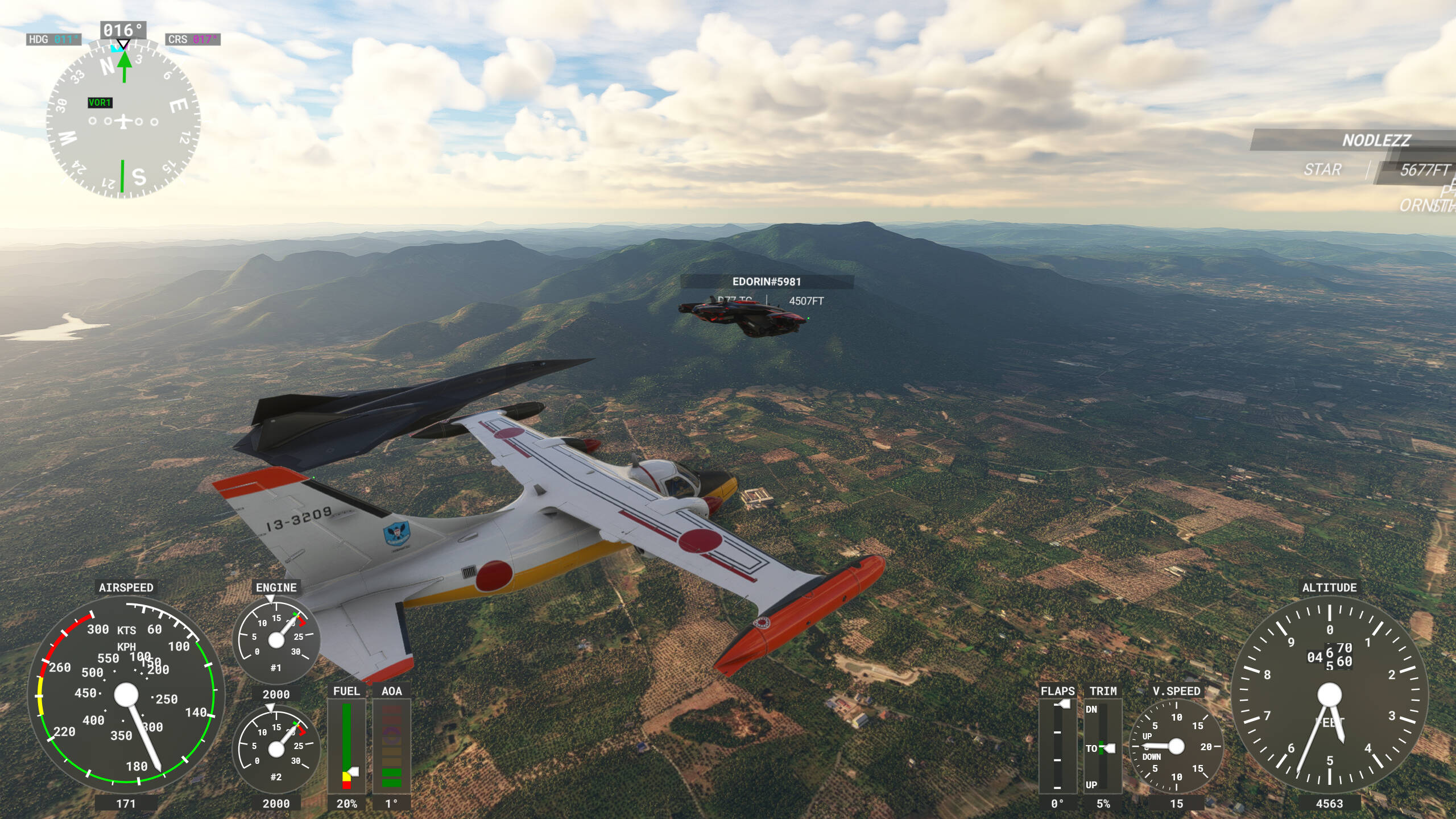
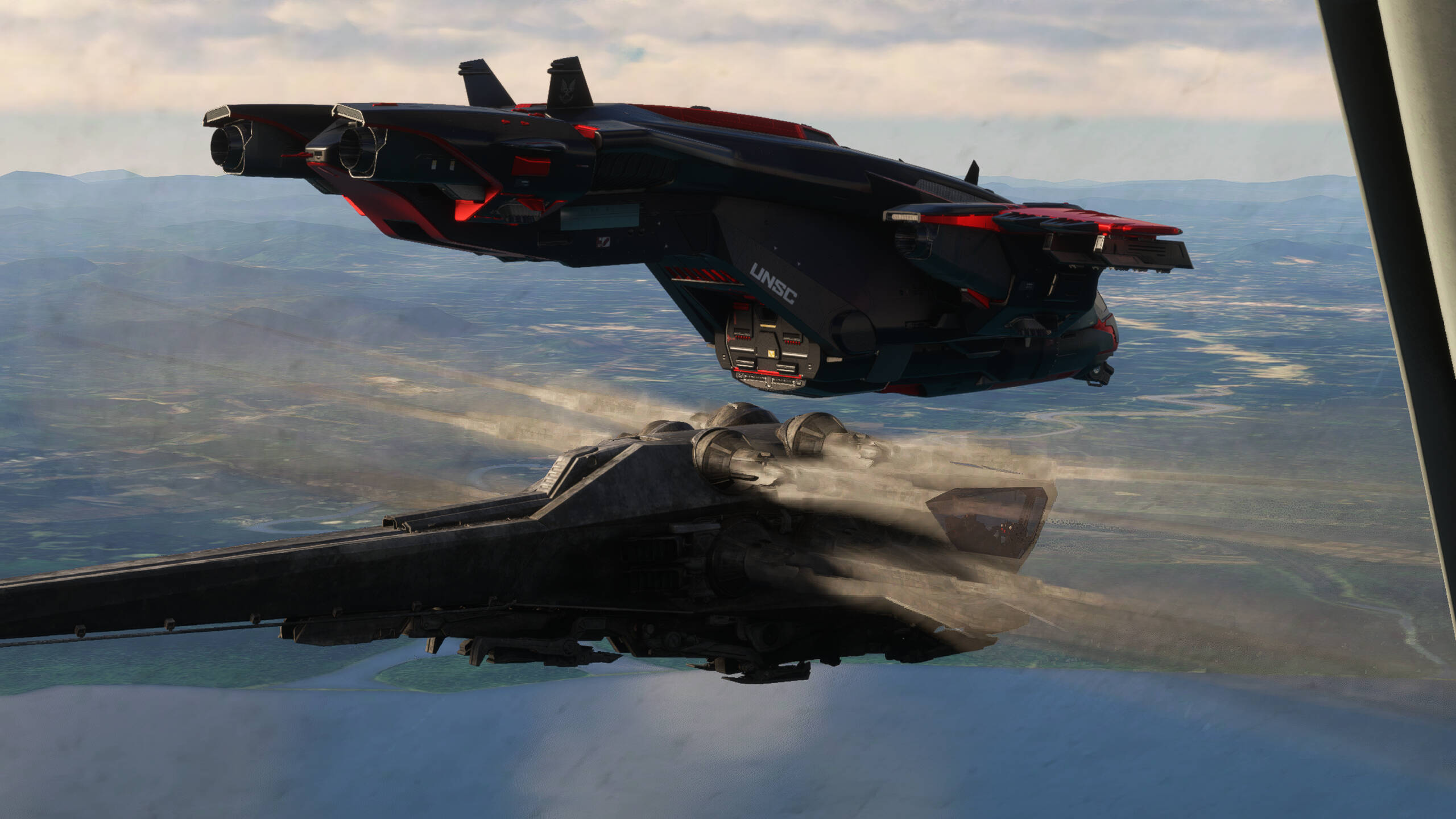
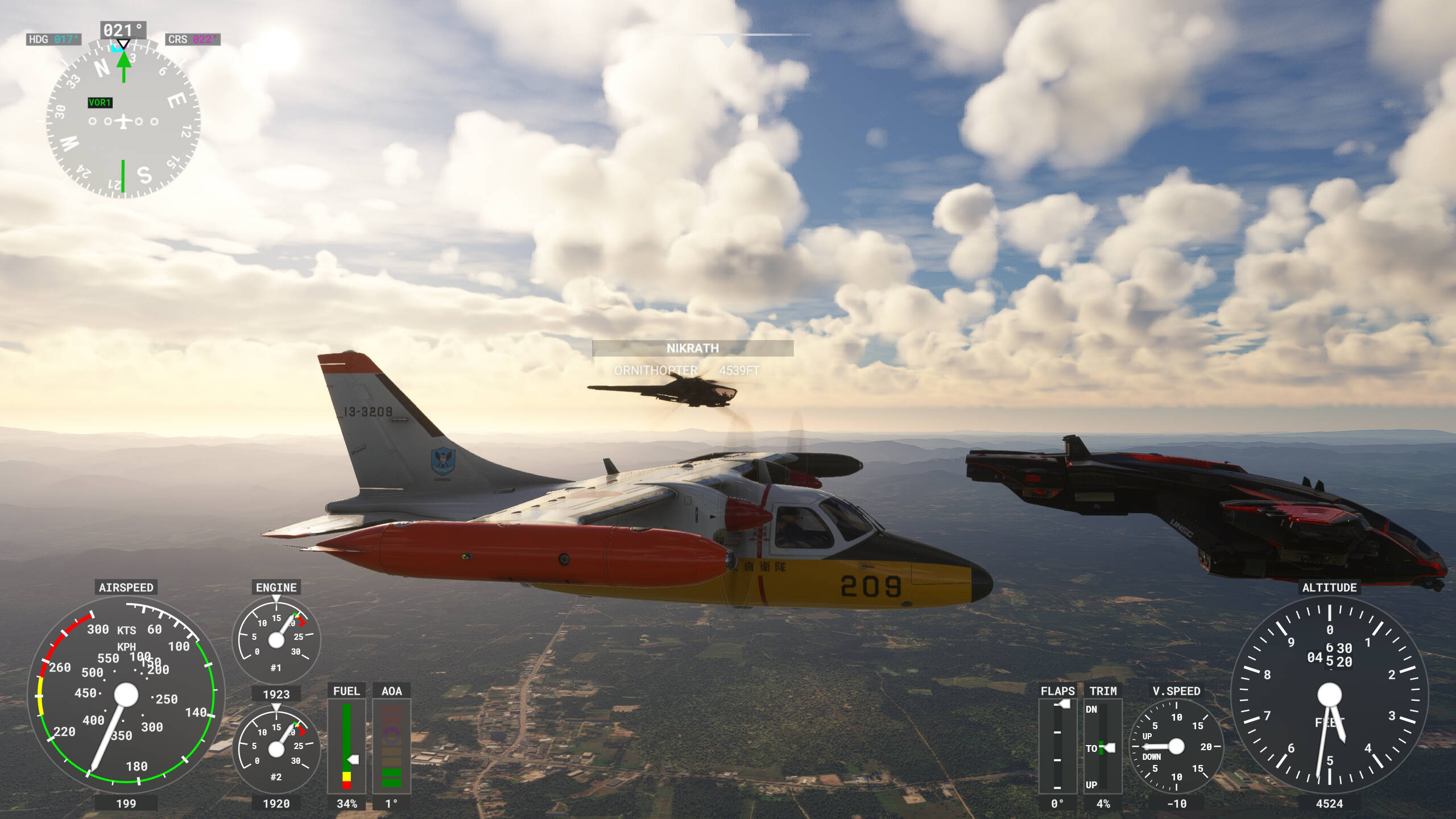
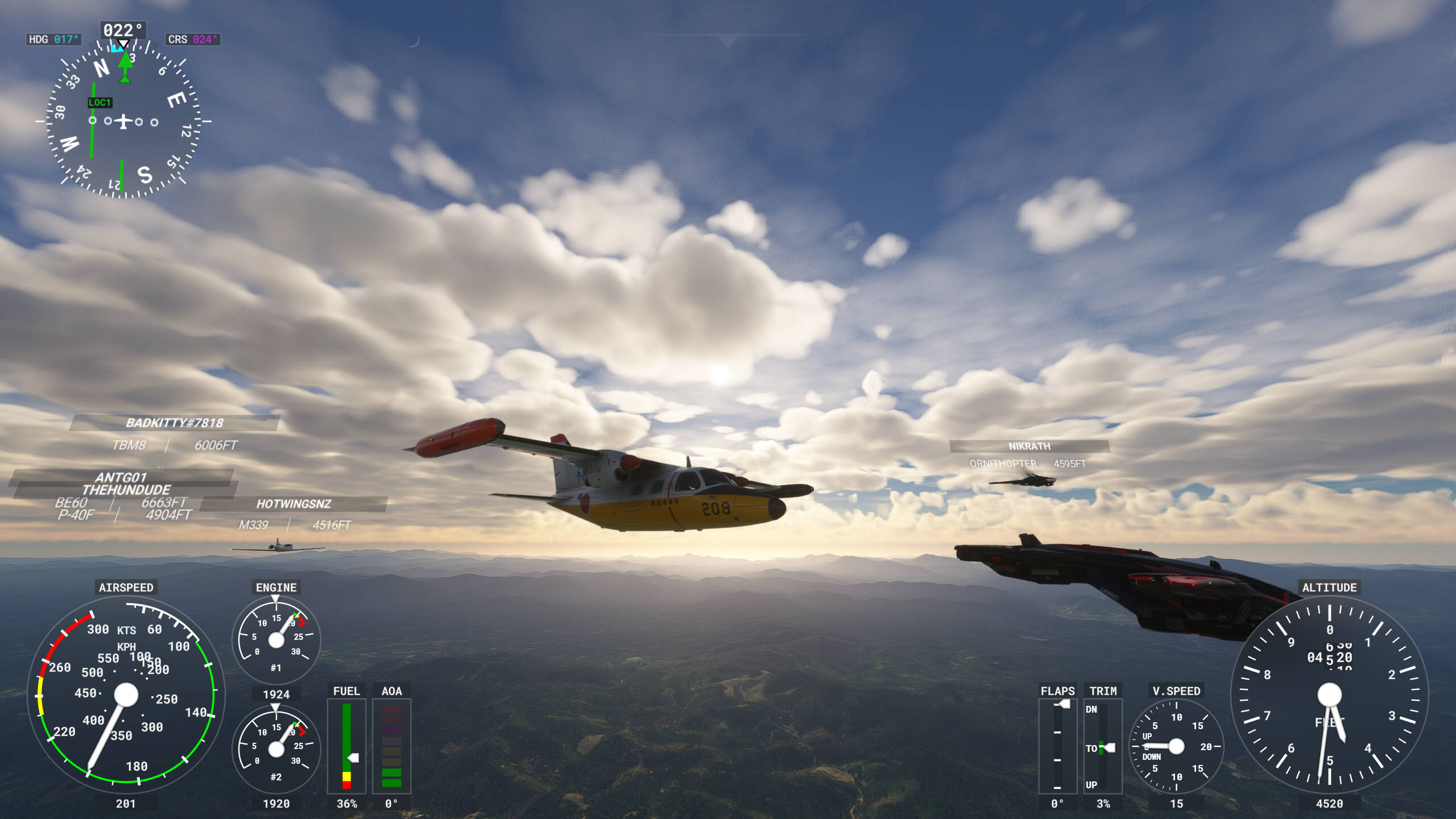
Today, it was almost impossible to make a screenshot without @IceManDBB being somewhere in the frame in the process of being awesome. I was mostly lazily on autopilot, and he gets all of the credit for the formation work. Also, I saw him, and I believe everyone else, in their correct aircraft.
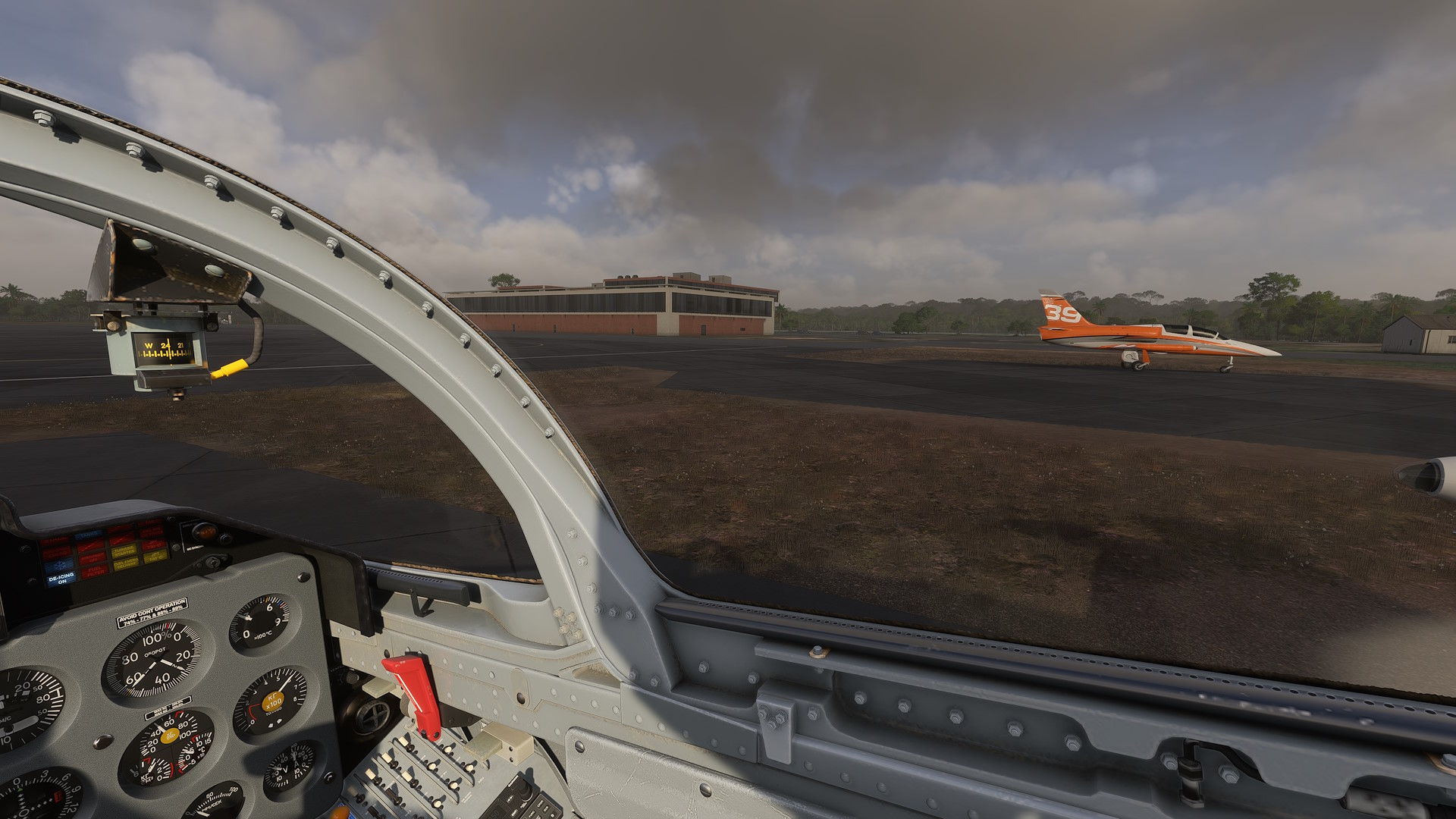
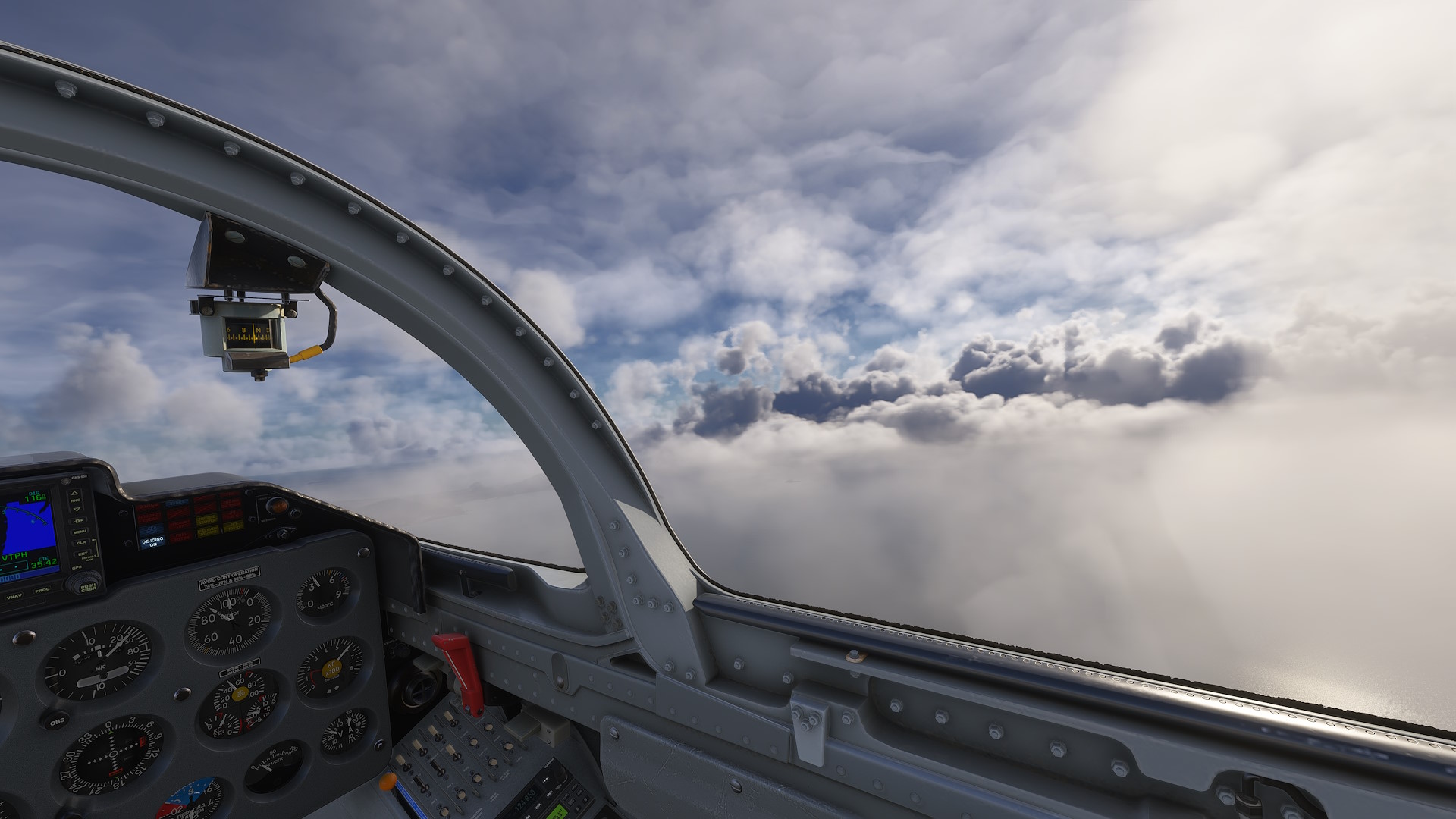
@IceManDBB , just in case this helps: I had both Traffic Quantity and Variety on ULTRA, and more importantly, the new Multiplayer Variety setting (or whatever it’s called) in the Online options on “High Fidelity”.
I had played around with this setting during last Friday’s flight. My conclusion was that the two available options might as well be renamed to “working just fine” and “broken to the point of hilarity”.

That’s to say, the better option works perfectly fine for me as long as the other player is using a stock/default aircraft, or if I happen to own the same add-on/3rd-party aircraft.
The lower option yields the full parade of determined nonsense, such as people flying an XCub being rendered in a Chinook, etc.

I am extremely entertained by the particular detail that the plane that you were seeing me in apparently needed to be the variant with floats, specifically.

Ahoy!

5 Likes

Hello there,
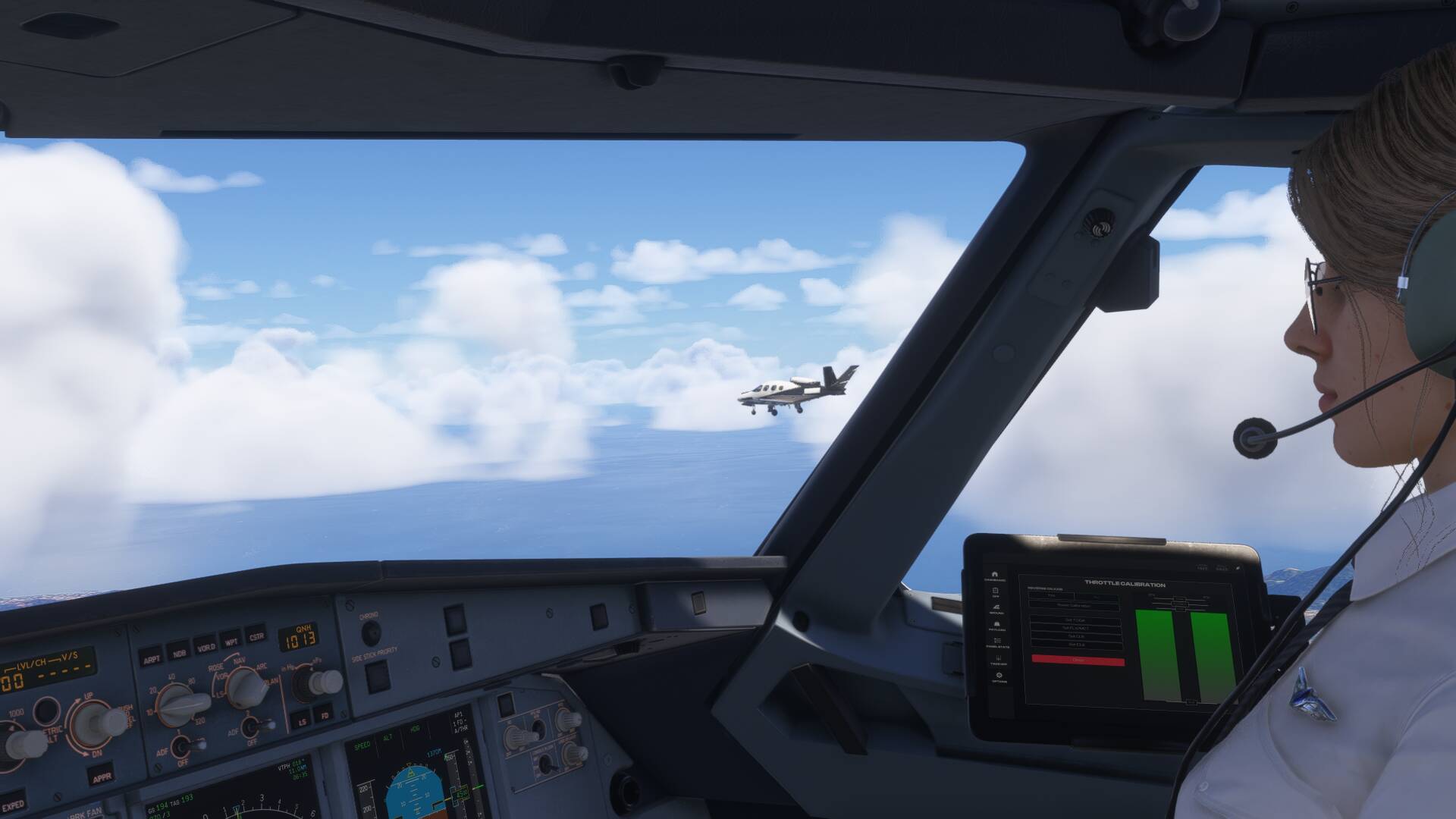
im also adding some nice photos from the community flying. It was really fun to fly an airliner in the group of GA. I did really enjoy the flight only if i didnt plan it for FL090 and different runways :smiley:

5 Likes

Yes , I remember the new low fidelity mp aircraft getting randomly matched, even after being out of sight and back in sight. They seem to have fixed that in the .18 build.
Getting the Kodiak with floats might be due to it having retractable gear, but that’s just a guess.
I had variety and quantity at high in VR, but I have to test in ultra again to see what performance does.

Edit: just checked, and actually had Traffic Aircraft Variaty on Ultra, but Quantity on low.

Ah, I just “discovered” the .18 build. Having the low fidelity option work properly would be great for me.

I had both traffic settings on Ultra only because I didn’t see any traffic for the first few minutes, and was trying to fix that. I was surprised to see my PC being able to cope with that amount of live traffic alone. But I know from experience that this only worked because of the low number of Beta-test pilots who take part in Community FlyDays.

With the crowd size on the release build (see first screenshot from @ElkanDavid above) and all traffic settings maximized, my PC would probably either detonate violently, or die silently.

Was in a meeting and didn’t get to take many screenshots, but it was still a fun Fly-In Friday!

4 Likes

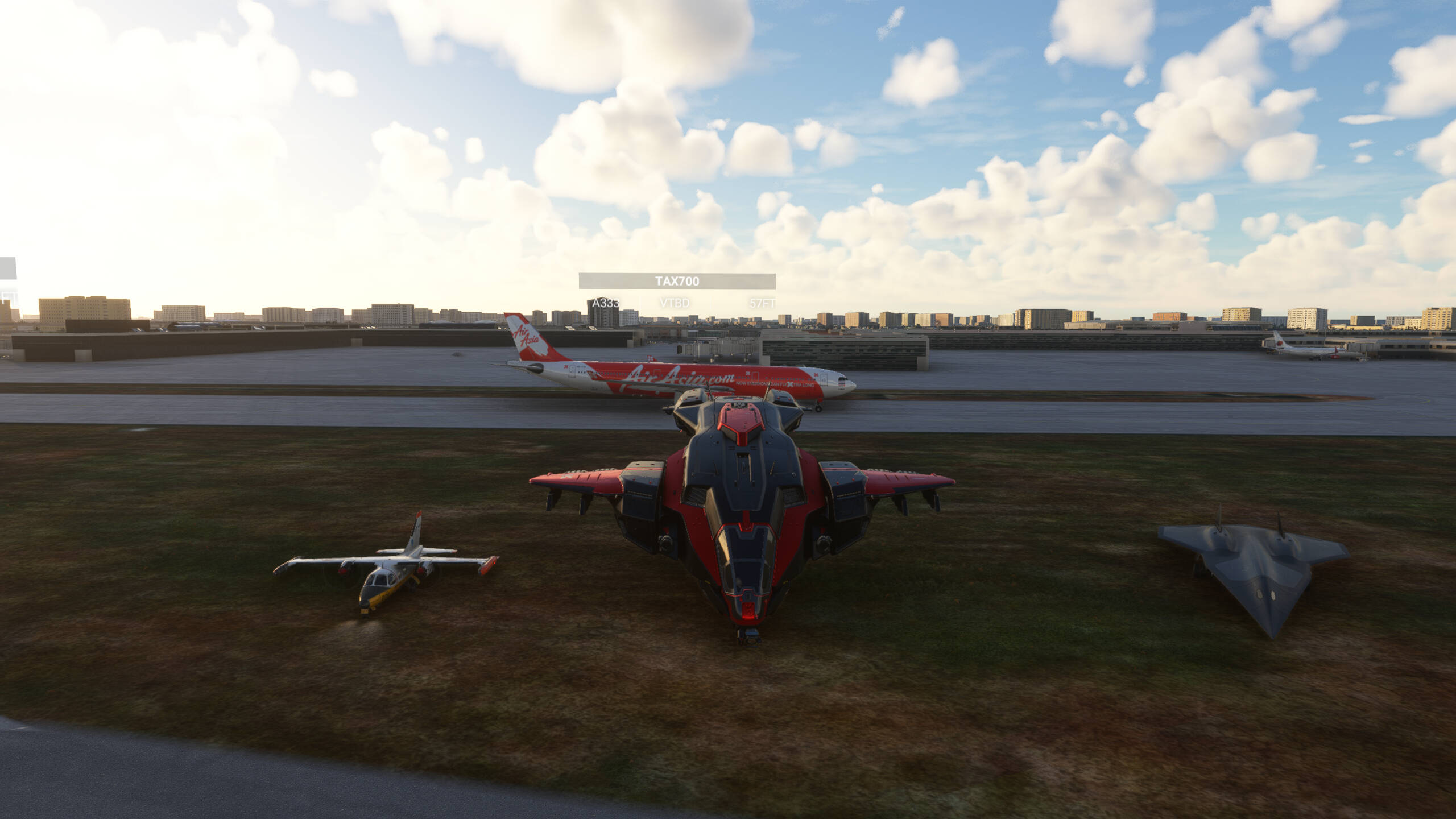
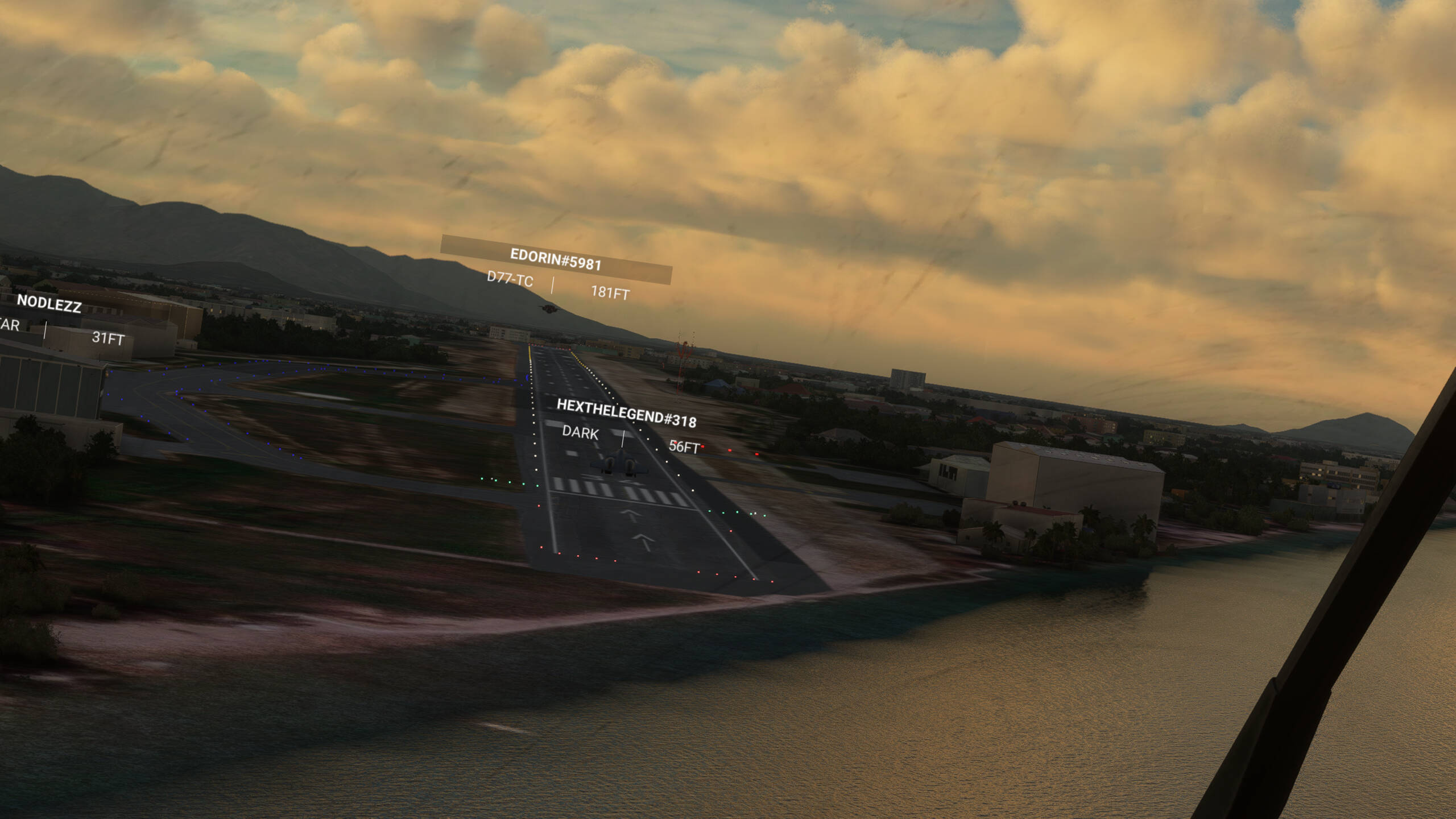
As usual shotout to @Edorin5981 @HeXtHeLeGeNd318 @TheHunDude @Nikrath @ZKDKL and i think @JpFlyingHigh was here too tought cant see on the screenshots and my memory from week ago isnt that good.

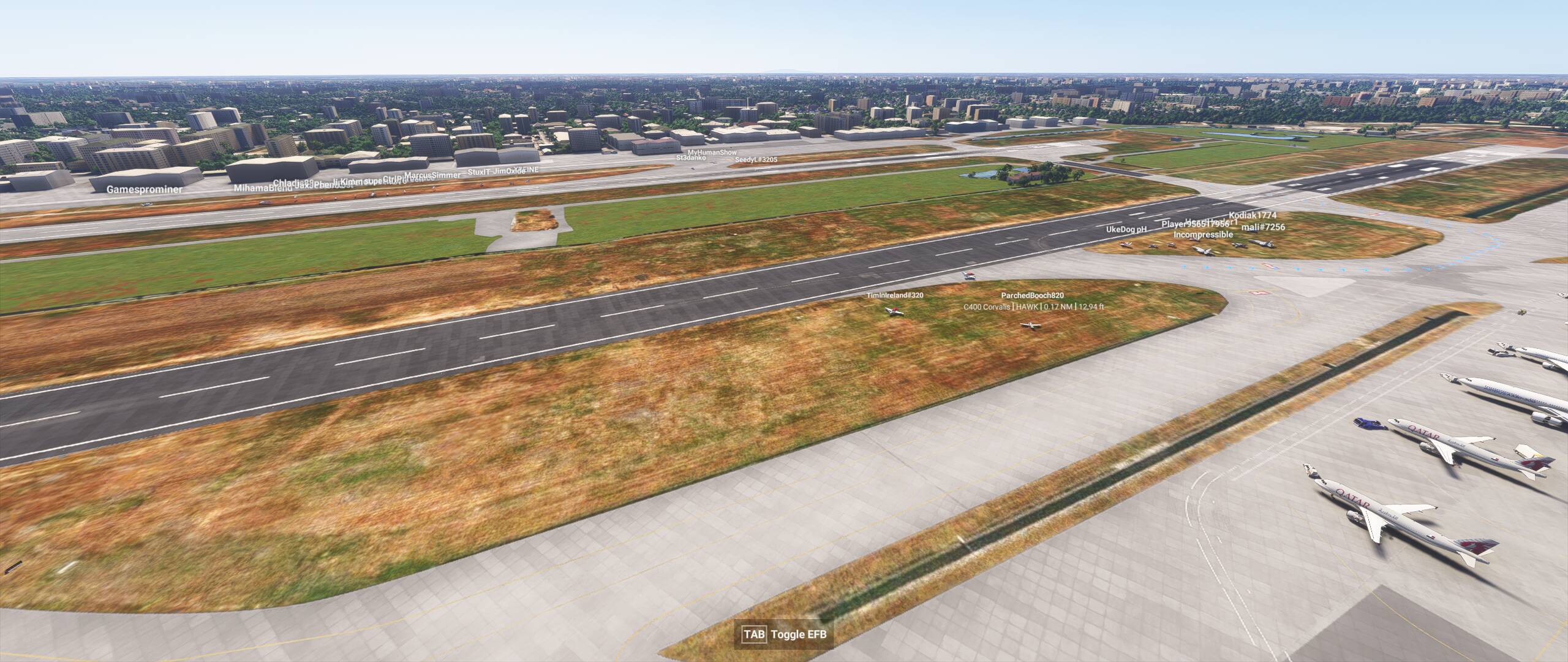
The A330 that fotobombed the screenshot

3 Likes