They did. Check the release notes.
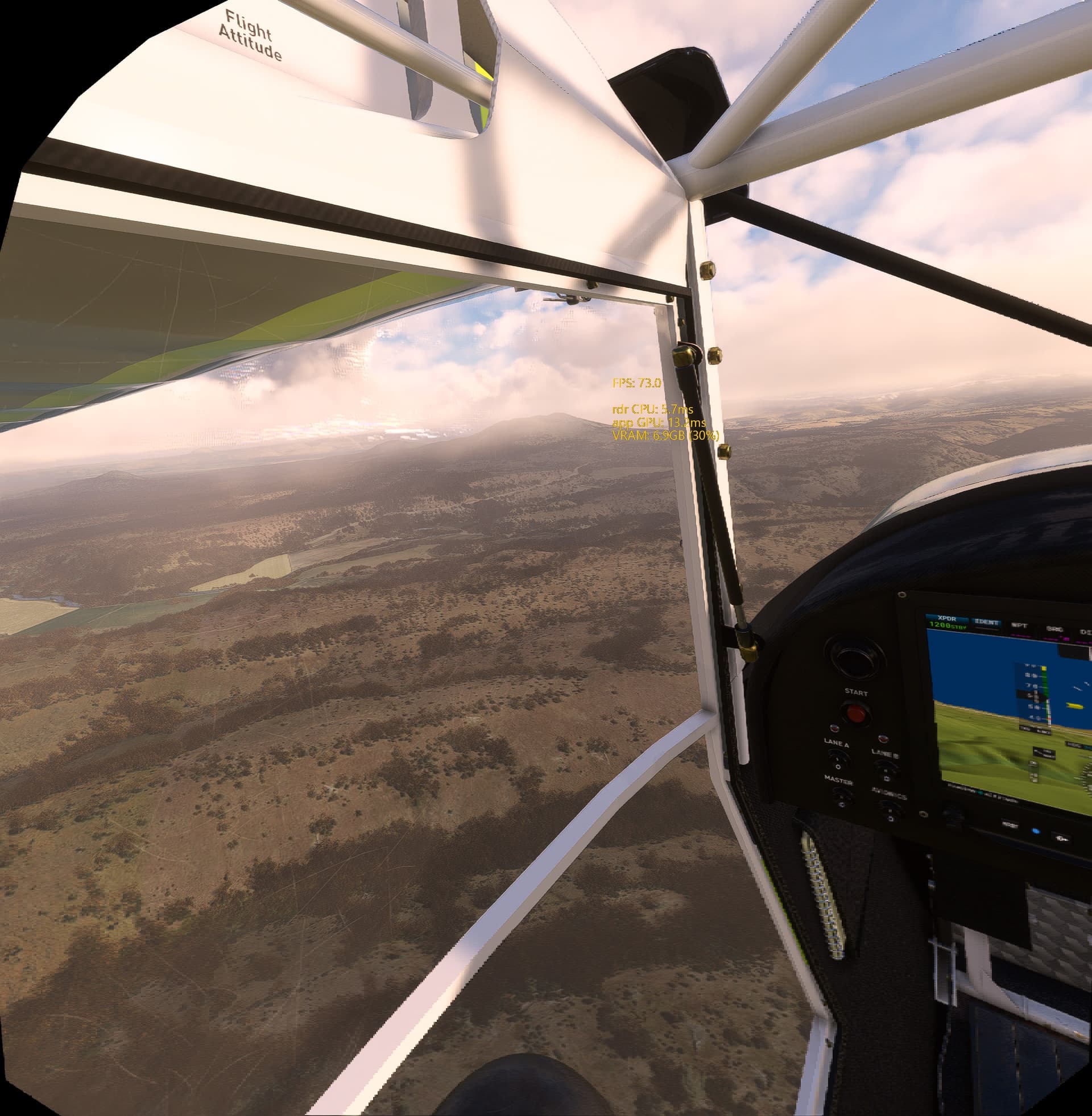
Used more realistic mapping of wave lengths onto RBG values for the ozone layer scattering and the sun color, resulting in more realistic colors of the sky and the lighting in the world.
They did. Check the release notes.
Used more realistic mapping of wave lengths onto RBG values for the ozone layer scattering and the sun color, resulting in more realistic colors of the sky and the lighting in the world.
Has anyone had any issues with the toolkit recently? I have been using it without problem since release, but in my last two flights I couldn’t get into VR without disabling it. I would press my keys to switch to VR, on my PC screen I would see the 2 displays like VR was enabled but in the headset it was stuck on the “Next Up MSFS” steam vr loading image that normally disappears after a few seconds.
The only way I could get into VR was by going into steam VR settings, Open XR, Manage API layers and disabling the Toolkit  I am using Quest 2 via Link cable and Steam VR.
Working fine here. Have you tried a reset of OpenXR TK?
No issues, but I have the MS Store version of the sim
YES! Have this problem as well. As soon as I disable the toolkit things work as they should. There was an update to SteamVR yesterday that broke it. They specifically did some work on their implementation of OpenXR to fix a memory leak, something they changed broke the toolkit.
I have the steam version of MSFS, and have had no issues with OpenXR Toolkit. Maybe there’s some specific setting within the toolkit that’s giving some users problems?
There is no difference between MS Store and Steam versions of MSFS (other than folder structure). These two are just two separate sales/distribution channels.
There is however difference between OpenXR runtimes (named differently for different headsets - for example PimaxXR for Pimax) and SteamVR runtimes.
Usage of SteamVR vs. OpenXR is not at all related to MSFS distribution via MS Store or Steam.
Maybe the update switched the runtime back to the default? Instead of OpenXR.
The difference was how DX12 interacted with the toolkit and SteamVR. They updated the version of OpenXR in SteamVR. Apparently the guys working on SteamVR are aware of the issue, and its fixed in the Beta version, hopefully the update for SteamVR will roll out soon and I can go back to DX12. In the mean time I upgraded my GPU to a 4080, so I am anxious to see how well it will run with DX12 enabled.
Ah, gotcha. I have a 3080ti so I’ve just stayed in DX11 because it still has better performance using that card in VR. And that probably explains why I had no issues with the last sim update!
Guys, Im testing foveated rendering in @mbucchia OpenXR Toolkit (honestly, I’ve never turned FR on with RTX4090, now Im testing DFR on my Quest Pro) but with DLSS=on (quality) I see poor artifacts on clouds only, they appear from time to time. See this screenshot (left part):
This is definitely related to FR because when I turn it off, the problem disappears, the same if I dont use DLSS (on TAA no this issue, but worse performance for sure).
What I noticed its present on the scale 1/2 FR according me (medium). Pity that no 2/3 option here ;).
Any ideas how to solve it?
I use FFR with my Quest 3 and 4090 and never seen this issue. Have you tried playing with the presets to see if you can avoid this e.g. Quality vs Performance etc.?
Do you use DLSS too in the same time? Btw. I have ASW off (72 FPS/Hz mostly).
I observe similar artifacts on clouds with DLSS Quality and Pimax Crystal. They appear not very often I can spot them maybe once in 5h of simming, especially when sim is paused or the plane is stationary.
Yes, this is something related to DLSS, this effect appears for a while and then quickly disappears (with ASW/Motion Rerojection=on less visioble), but it is quite annoying. DLSS leaves behind the objects, what I call it - Phoenix ash, so when FR is turned on it causes an additional drop in quality and I guess OpenXR does not know how to read it, hence such artifacts. It may also be an option in MSFS for graphics settings, I’m still looking for a solution and why it appears in certain places (and not in the entire ring). It’s a pity that mbuccia no longer supports OpenXR Toolkit, it’s a pity  .
.
Another example (I see it only on clouds with the Sun sometimes):

Same problem here, got sorted by adjusting manually the FFR parameters in the Toolkit.
So I finally turned off DFR, yes, it gave +5 frames rates for me, but the artifacts were bothersome, another example (it’s probably less visible with FFR, with DFR on my Quest Pro, eye tracking=on, they were in different places, unfortunately):

This only applies to clouds here.
Where did this go?
https://mbucchia.github.io/OpenXR-Toolkit/hand-tracking
I can’t find hand tracking setup anymore on the wiki.
According to OXRT developer the hand tracking feature never matured enough and he even considered deprecating it completely.
Yes, BUT (!!!) - there’s been an exciting new development with Virtual Desktop software: it now relays Quest 3 hand-tracking data back to PC, emulating VR controllers. I tested it very briefly in MSFS, and it does work! Basically, it’s very similar to what the toolkit was doing, only it works better and more reliably.
The downside, of course, is that it only works as well as the VR controllers work in MSFS, which as we all know are far from perfect. I.E. it’s possible to grab and rotate a course or radio knob, but the precision is poor - but so it is with VR controller. That’s why I built physical dual encoder box for my motion VR cockpit setup. One other issue is that when I tested there were no gestures for A/B/X/Y buttons, so it wasn’t possible to switch between laser and direct modes in MSFS. But they were working on that. Also, any hand-tracking is less precise than physical controllers, so it’s a bit more wonky, but the convenience and immersion may be worth it. It needs more testing, once laser/direct switch is possible.
Update: Matt informed me that in the latest VD beta the gestures are updated: “tap left hand palm is Y, tap right hand palm is B”. So laser/direct mode switch should now be possible. From what I remember when I tested - menu gesture (palm towards your face + pinch) works for the MSFS menu, pinch works for the trigger and grab is a grab. Oculus menu gesture (palm towards your face + pinch) works as usual, and from the recent firmware v62 long pinch does view reset.