Do you have the same issue if you follow the OP’s steps to reproduce it?
• YES
Provide extra information to complete the original description of the issue:
•
If relevant, provide additional screenshots/video:
•
Description of the issue:
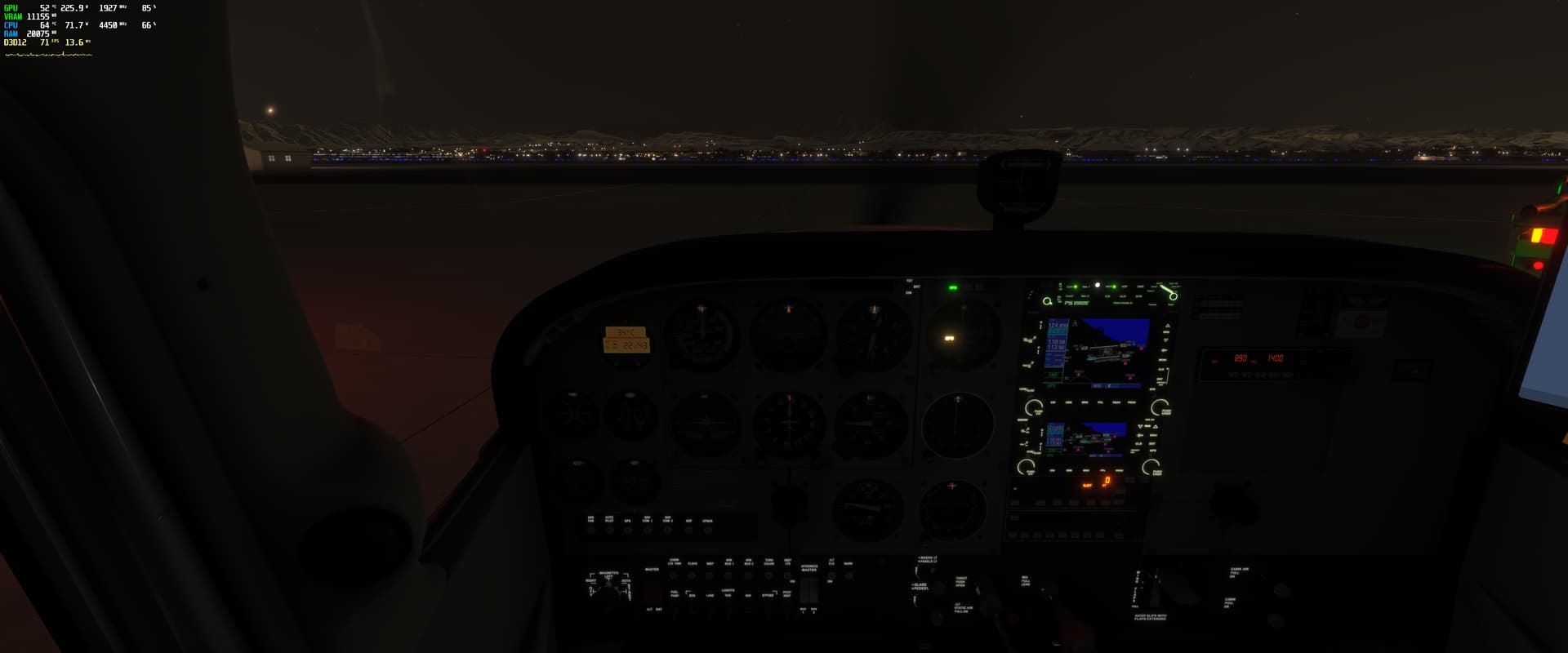
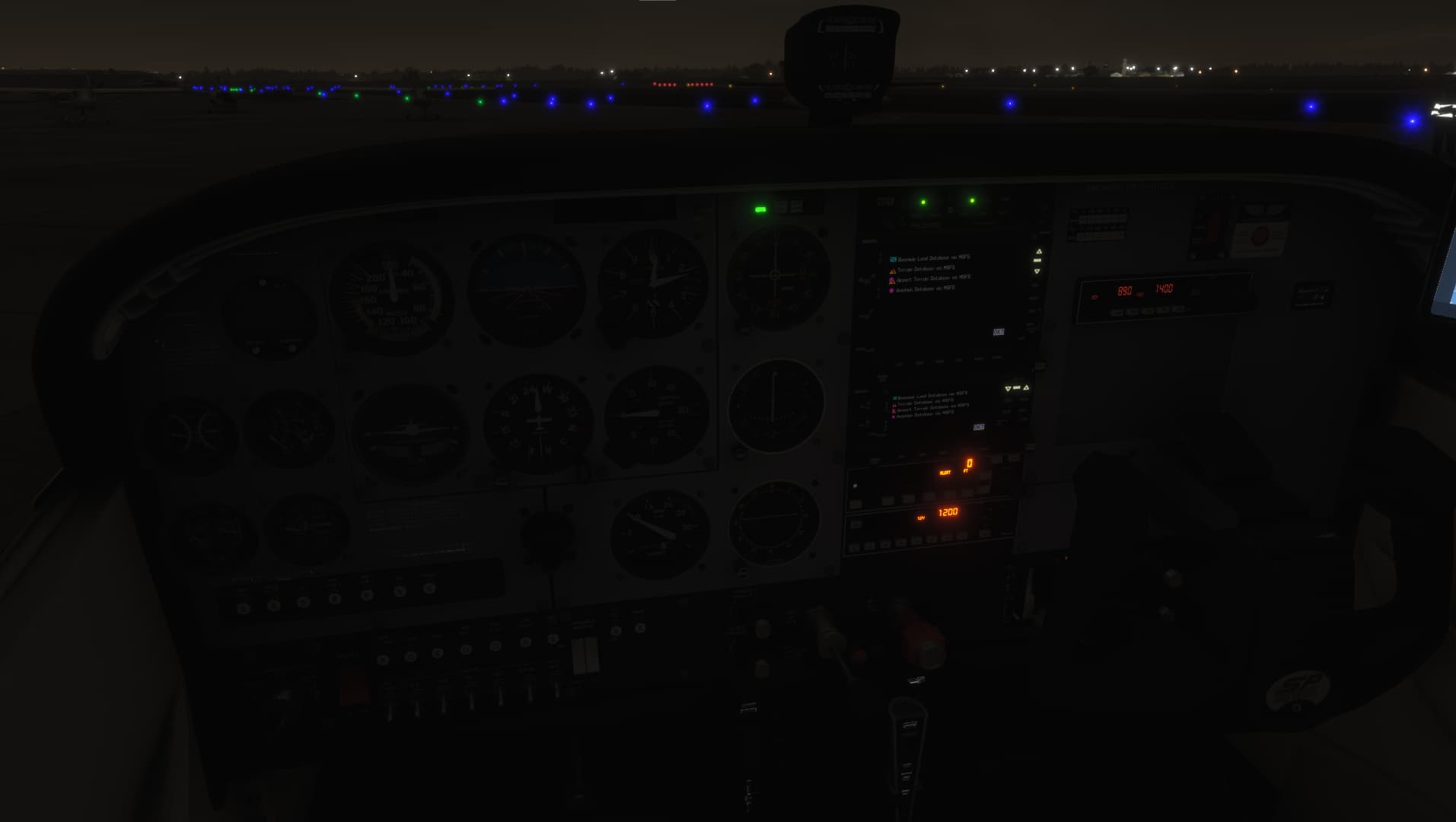
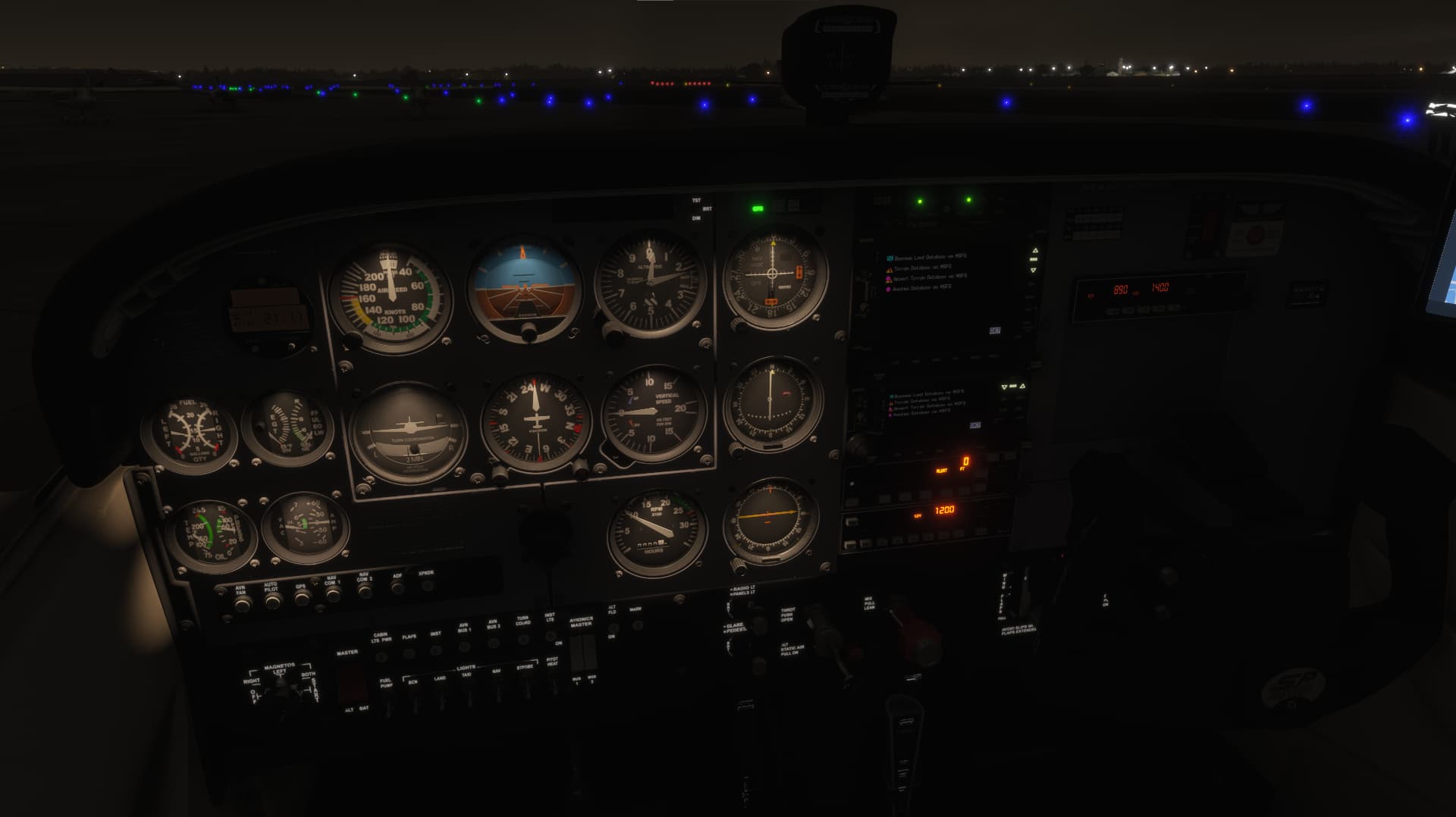
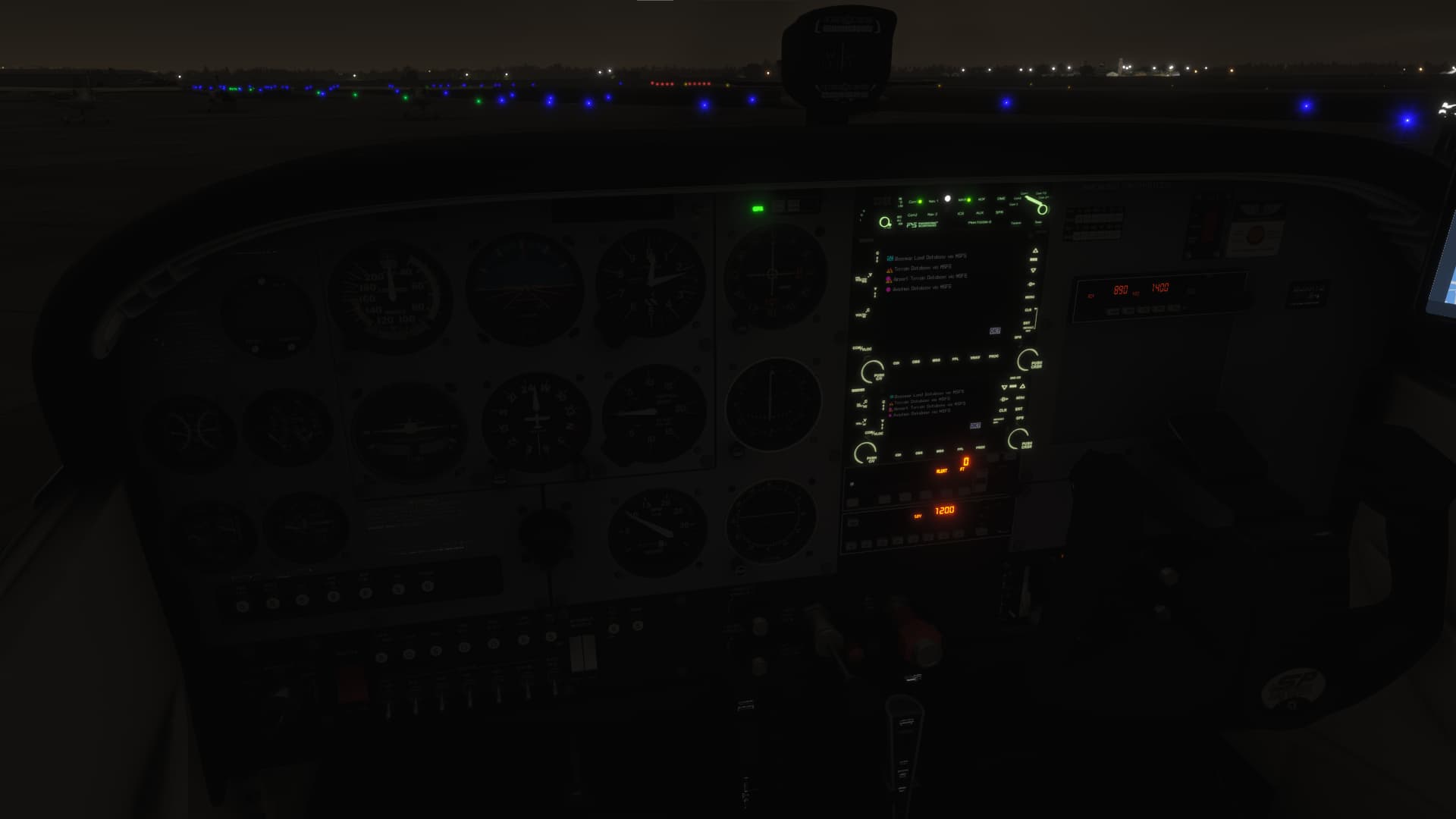
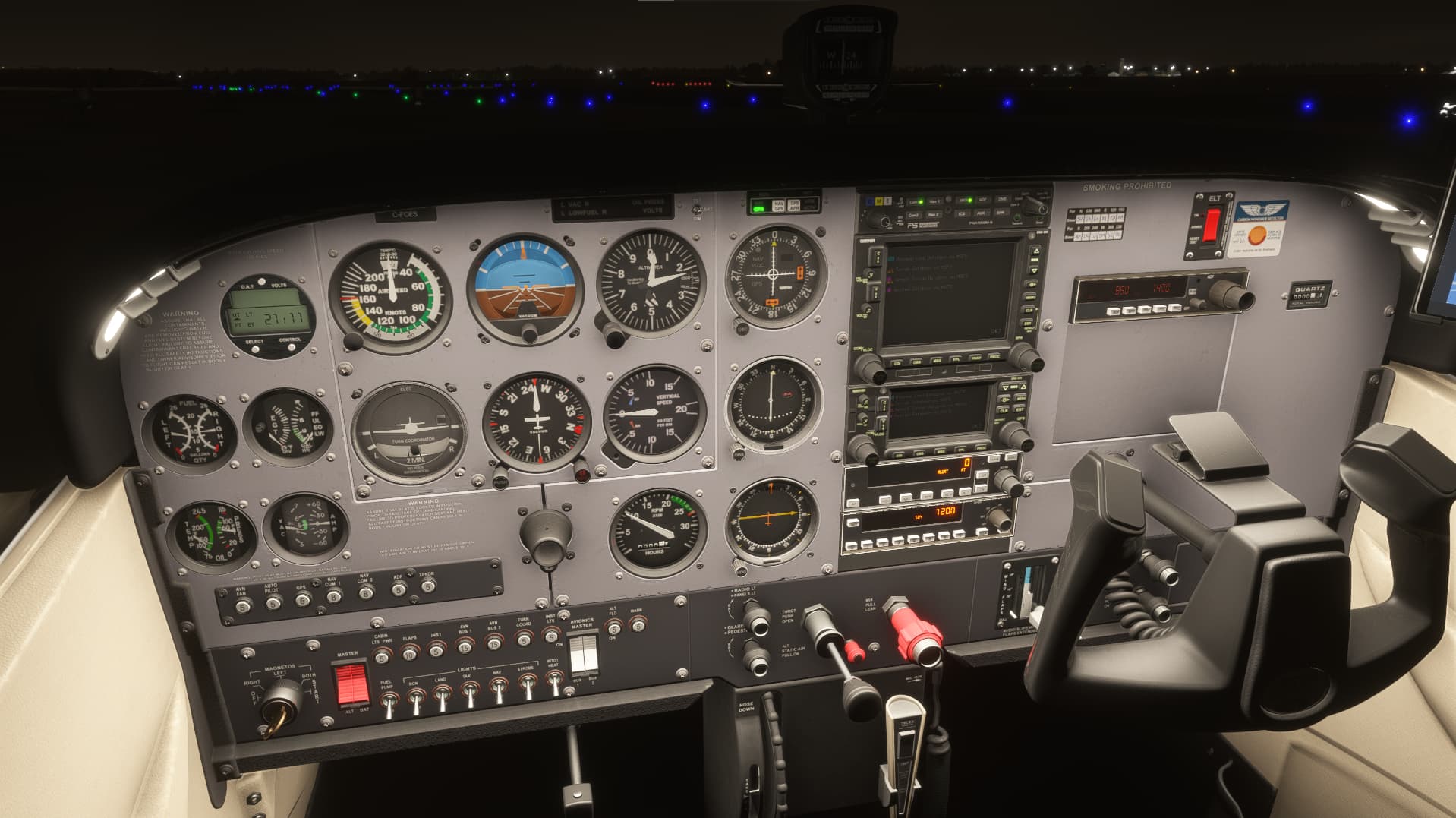
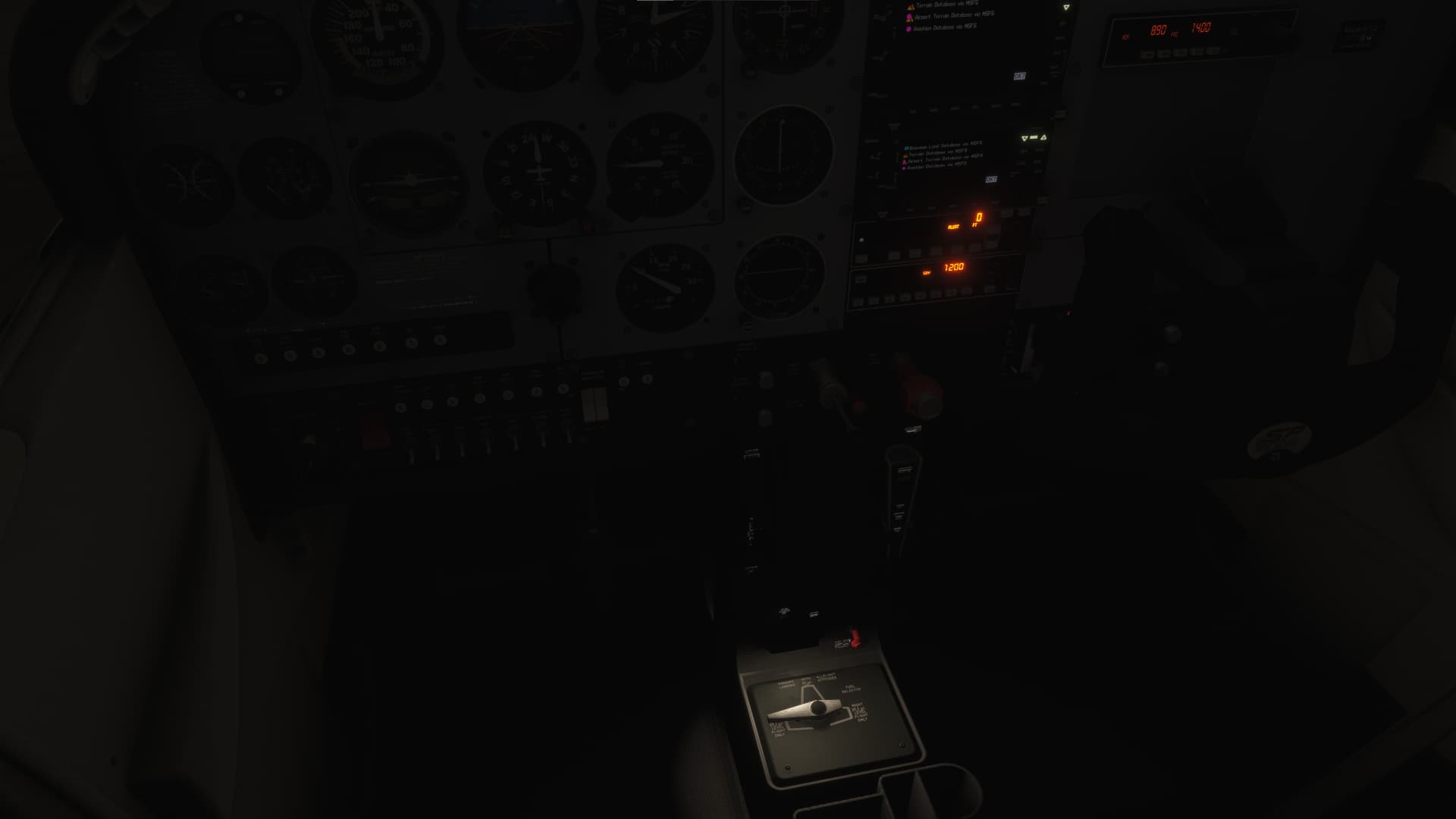
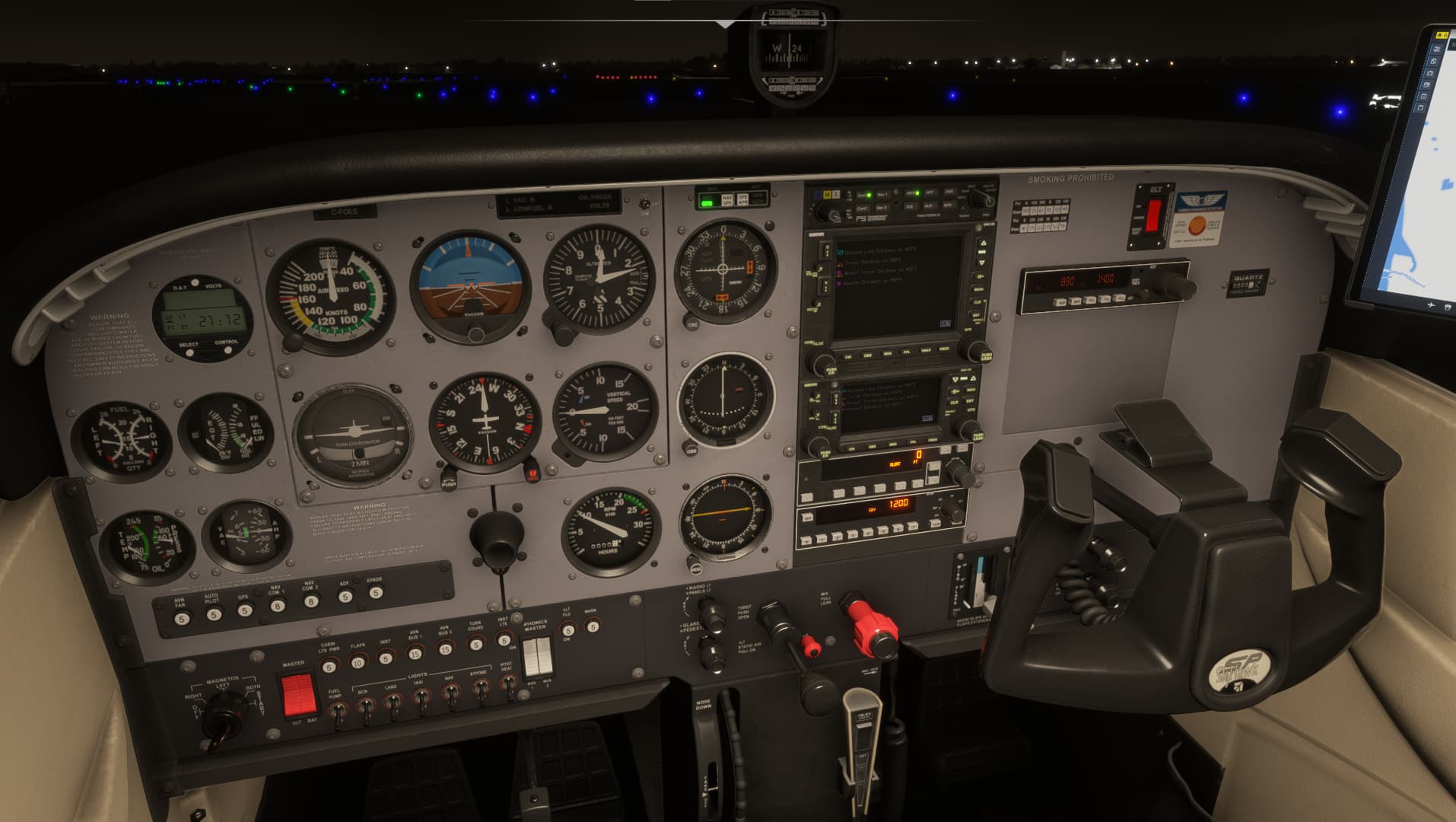
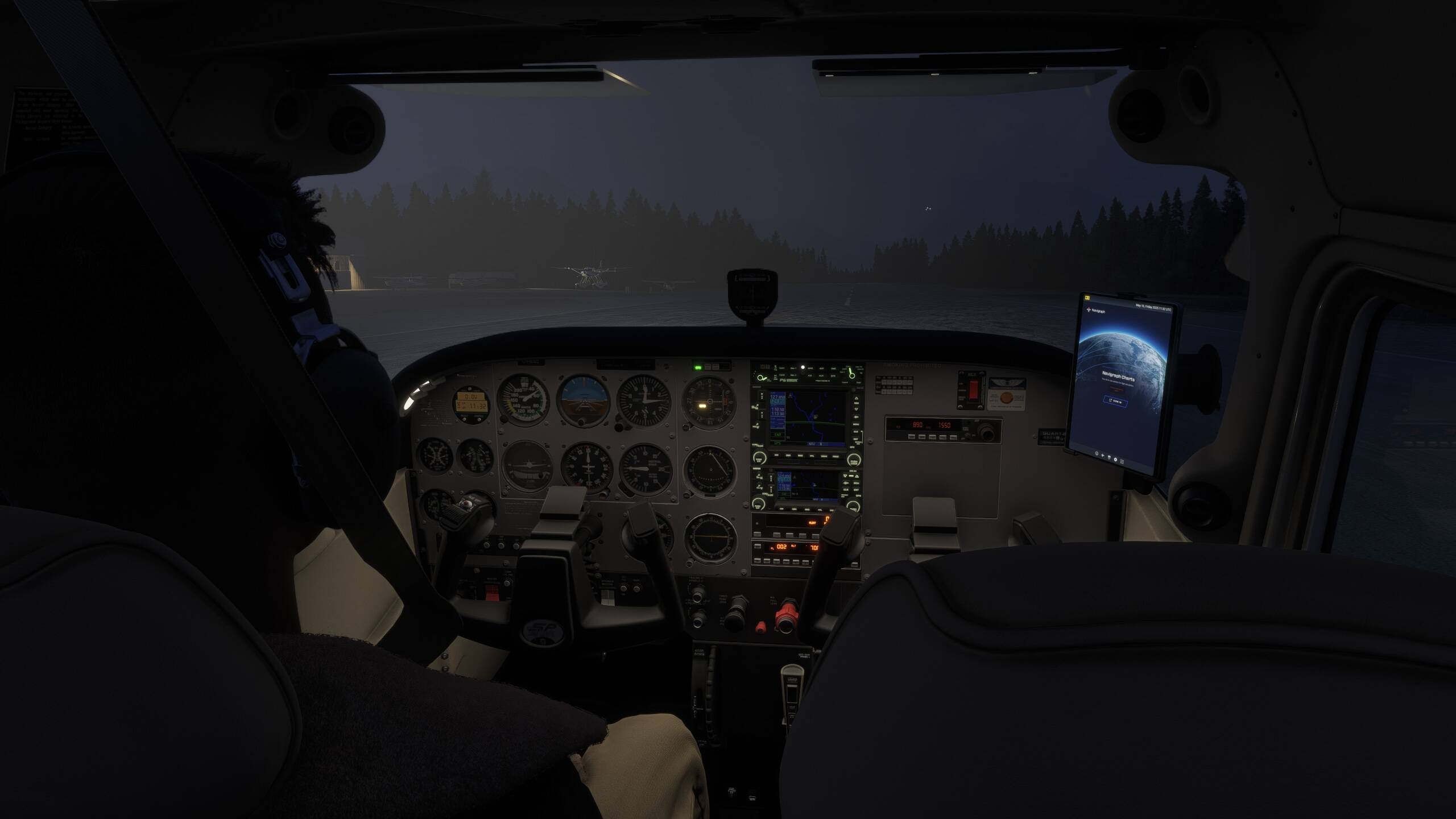
There are no cockpit panel lights on the C172 despite turning the backlighting all the way ip
If applicable, which aircraft is experiencing this issue:
Cessna 172
[PC Only] Did you remove all your community mods/add-ons? If yes, are you still experiencing the issue?
There are no mods installed
How often does this occur for you (Example: Just once, every time on sim load, intermittently)?
So far I have only noticed this once.
1.Load into a C172
2.Turn on aircraft
3.Turn on panel lighting
[PC Only] Are you using Developer Mode or have you made any changes to it?
Negative
[PC Only] What GPU (Graphics Card) do you use?
Radeon 7900 XTX
Can confirm, this is an issue on the C172 steam gauge version of the plane. Makes it unflyable in night time.
Same issue exact same repro 10/10 times tried. 100% reproducible.
Same for me. My first initial flight in the 172 the lighting worked.
All subsequent flights since I have zero lighting.
I think this issue is sim wide. I don’t have any panel lights in any of the stock aircraft
Me too. Cannot read labels on the AP. Hitting the wrong button time and again.
Also present on XBX with G1000 model in career.
Do I assume that your testing was done with 1.1.10.0 which fixed some power issues with this aircraft.
Yup! I assume they made some server-side changes to the 172 which didn’t get captured in the release notes, so I’m just scrubbing through everything I can find.
Just checked this and lights appear to be working with the exception of the cabin floodlights reading as 0% when it’s at 100% initially.
I have no lights in the C172 with G1000 in career mode. Not working. Lighting is messed up.
See that report: Interior Lights Not Working in Career Mode on Any Aircraft
I count this the third thread on this issue with no resolution. There are also problems on the B-787. Maybe they should start systematically on the 172 and get it right here?
Still here, or should i say, Back Again after sim update 2 MSFS2024.
Sad !
https://forums.flightsimulator.com/t/c172-cockpit-lights/670631/17?u=antoniocn70
https://forums.flightsimulator.com/t/c172-cockpit-lights/670631/16?u=antoniocn70
Everything was working fine until SU 2 BETA.
It still doesn’t work on SU 2 or SU 3 BETA.
I tried to open a new topic after the release of SU 2, but they didn’t allow it.
I concur with the Cessna 172 lighting issue. For example, I just did the Night Certification in the Career Mode in a Cessna 172 G1000 and I confirm that for example the Glareshield Switch didn’t illuminate the cockpit panel.
Using the template below will greatly help the team reproduce the issue and ease the process of fixing it. Before posting, search for an existing report. If you are not sure it’s a bug, please first report in User Support Hub.
3 tags are required - add them in the tag section next to the title above:
Feel free to delete this quote section after adding your appropriate tags.
Description of the issue:
c172 Basic (steamguage) Instrument lighting at night no longer illuminates
If applicable, which aircraft is experiencing this issue:
C172 Basic Analog Instruments
[PC Only] Did you remove all your community mods/add-ons? If yes, are you still experiencing the issue?
Yes
How often does this occur for you (Example: Just once, every time on sim load, intermittently)?
Every Time
Please list clear steps you took in order to help our test team reproduce the same issue:
If the issue still occurs with no mods and add-ons, please continue to report your issue. If not, please move this post to the User Support Hub.
What peripherals are you using, if relevant: N/A
[PC Only] Are you using Developer Mode or have you made any changes to it?
No
[PC, MSFS 2020 Only] Are you using DX11 or DX12?
DX12 standard for FS2024
[PC Only] What GPU (Graphics Card) do you use?
GTX 2080ti
[PC Only] What other relevant PC specs can you share?
N/A
Please add a screenshot or video of the issue occurring.
 For anyone who wants to contribute on this issue, Click on the button below to use this template:
Do you have the same issue if you follow the OP’s steps to reproduce it?
•
Provide extra information to complete the original description of the issue:
•
If relevant, provide additional screenshots/video:
•